On this page
A small tutoring team lives or dies by its diary: two tutors double-booked for the same hour is a parent lost, and a free hour nobody can see is money left on the table. The eight tools below cover that job for teams of two to ten, from a free booking page for one tutor to a full team calendar with payments. Calendly leads because it books meetings cleanly for ten dollars per user a month, and the rest are ranked on how well they keep a whole team in sync for the price.
How we researched this
We checked every price on the vendor pricing page on November 29, 2026, and only included tools with a published US dollar list price. The tutoring platforms that bundle scheduling into a larger marketplace plan are covered in our marketplace comparison, so this list focuses on tools a small team uses to run the diary. Prices change, so confirm the current figure on the vendor site before you buy.
Compare the tools
| Name | Best for | Starting price | Free plan | |
|---|---|---|---|---|
 Calendly | Small teams that want a clean shared booking link | $10/user/month | Free plan | Visit |
 Acuity Scheduling | Teams that need intake forms and buffer time between lessons | $16/month | No free plan; 7-day free trial | Visit |
 SimplyBook.me | Small teams that want booking, payments and a website in one | $11.90/month | Free plan | Visit |
 Bookwhen | Teams that run classes and one-to-one lessons together | $16/month | Free plan | Visit |
 Setmore | Teams of up to four tutors who want scheduling for free | $12/user/month | Free plan | Visit |
 TutorBird | Small teams that bill weekly and share one diary | $16.95/month | No free plan; 30-day free trial | Visit |
 Teachworks | Small teams whose diary, billing and records must stay linked | $16.49/month | No free plan; 21-day free trial | Visit |
 TutorCruncher | Small teams that want every tutor and payment on one dashboard | $30/month | No free plan | Visit |
The tutoring scheduling software for small teams, compared
1. Calendly
Best for: Small teams that want a clean shared booking link
Paid tool Starting price: $10/user/month · Ten dollars per user a month billed annually on Standard, or $12 billed monthly; Teams is $16 billed annually or $20 monthly; Enterprise starts at $15,000 a year with a fifty-seat minimum; the free plan covers one event type and one calendar
Free plan: Free plan
A small team that books most lessons by the hour will like the clean flow here, because this Calendly plan costs ten dollars per user a month billed annually and turns a shared link into a booked lesson. Parents pick a time that is actually free, the tutor gets the invite automatically, and round-robin booking spreads new students across the team. It is the simplest team diary in this list for a group that already handles payments elsewhere.

What we like
- Parents book only the hours that are actually free
- Round-robin booking spreads students across the team
- Free plan covers one event type and one calendar
Watch out for
- No payment system of its own, so Stripe or PayPal is needed
- Enterprise starts at fifteen thousand dollars a year
How to try it
- Set each tutor's working hours and availability
- Share the booking link on the website and by email
- Let parents book and sync the invite to the calendar
2. Acuity Scheduling
Best for: Teams that need intake forms and buffer time between lessons
Paid tool Starting price: $16/month · Sixteen dollars a month billed annually on Emerging, or $20 billed monthly, for one calendar; Growing is $27 billed annually or $34 monthly for up to six calendars and Powerhouse is $49 billed annually or $61 monthly for up to thirty-six; no free plan, 7-day free trial; older reads listing Growing at $40 and Powerhouse at $80 are stale
Free plan: No free plan; 7-day free trial
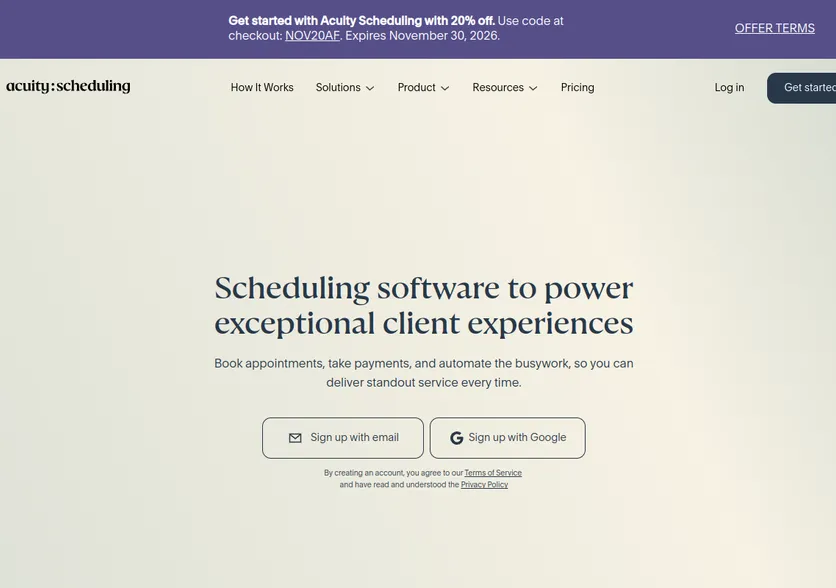
For a team that needs more than a simple link, this Acuity Scheduling plan costs sixteen dollars a month billed annually for one calendar, with intake forms and reminders built in. It handles different lesson lengths, buffer time between lessons and time zones, so a team teaching across states does not double-book. It suits a tutoring team that wants the booking page to do the admin too.
What we like
- Intake forms and reminders are built in
- Handles lesson lengths, buffers and time zones
- Higher tiers add up to thirty-six calendars
Watch out for
- No free plan, only a seven-day trial
- Older reads listing higher tier prices are stale
How to try it
- Create the appointment types and set the lesson lengths
- Add buffer time and connect the team calendars
- Publish the booking page and let parents self-book
3. SimplyBook.me
Best for: Small teams that want booking, payments and a website in one
Paid tool Starting price: $11.90/month · Eleven dollars and ninety cents a month billed annually on Basic, or $13.90 billed monthly, for one hundred bookings; older directory listings show $9.90 a month, which appears stale against the November 2026 vendor reads; a free system covers under fifty bookings
Free plan: Free plan
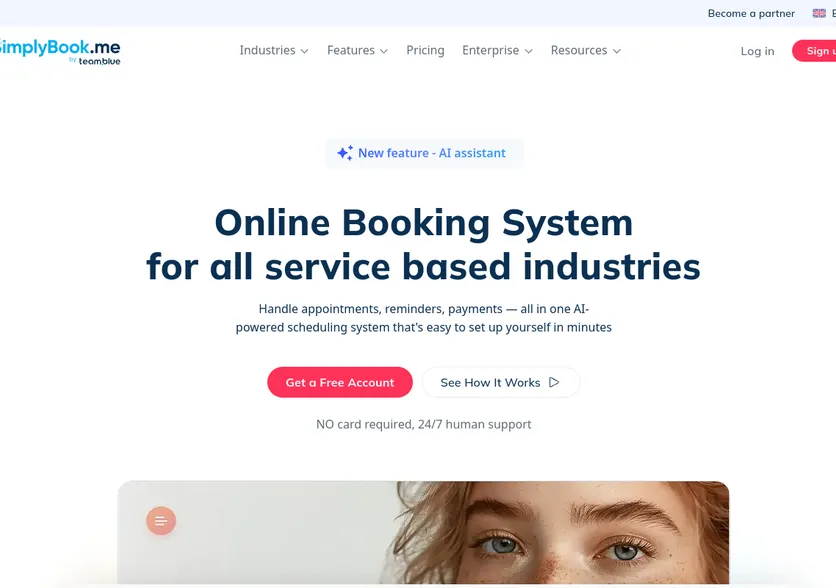
A small team that wants a full booking system without a big bill gets it here, since this SimplyBook.me plan costs eleven dollars and ninety cents a month billed annually for one hundred bookings. It covers the booking page, reminders, payments and a simple website, so a team can run the whole front desk from one app. The free tier suits a team testing the waters with under fifty bookings.
What we like
- Booking page, reminders and payments in one app
- Free tier covers under fifty bookings a month
- Low entry price for a full booking system
Watch out for
- One hundred bookings a month runs out fast for a busy team
- Older listings showing a lower price are stale
How to try it
- Build the booking page and set the team timetable
- Connect payments and set the reminder messages
- Share the link and track bookings from the dashboard
4. Bookwhen
Best for: Teams that run classes and one-to-one lessons together
Paid tool Starting price: $16/month · Sixteen dollars a month billed monthly on Lite, or $13.33 a month billed annually at $160 a year, for three hundred bookings and two team members; Standard is $29 and Plus is $59; a free plan covers fifty bookings for free events; older listings showing $15 a month are stale
Free plan: Free plan
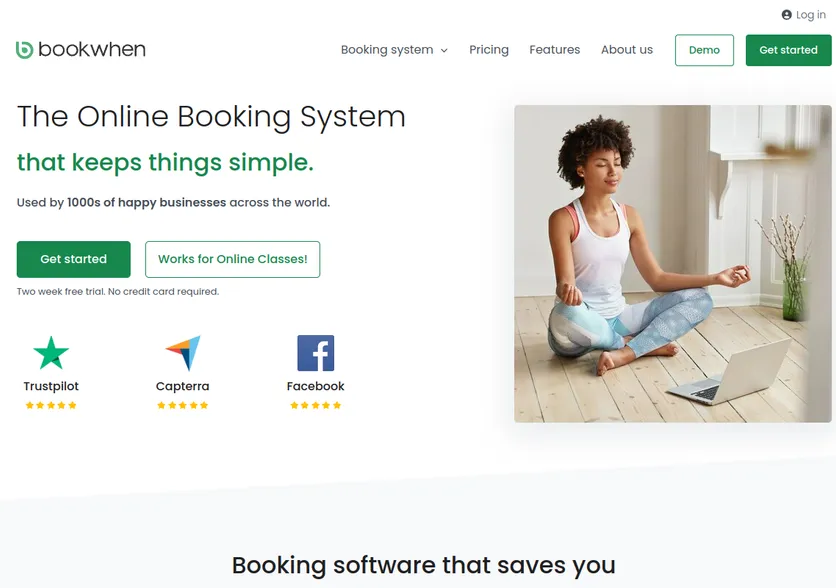
For a team that runs classes as well as one-to-one lessons, this Bookwhen plan costs sixteen dollars a month billed monthly for three hundred bookings and two team members. It handles recurring classes, waiting lists and free events, so a team that teaches groups and individuals keeps one diary for both. The free plan covers fifty bookings, which is enough to test it on a real week.
What we like
- Recurring classes and waiting lists built in
- Free plan covers fifty bookings for free events
- Annual billing drops the monthly price to thirteen dollars
Watch out for
- Only two team members on the entry plan
- Older listings showing fifteen dollars a month are stale
How to try it
- Create the event types for classes and lessons
- Set the team members and their availability
- Publish the booking page and open the waiting lists
5. Setmore
Best for: Teams of up to four tutors who want scheduling for free
Paid tool Starting price: $12/user/month · No monthly fee on the Free plan for up to four users and unlimited appointments; Pro is $12 per user a month billed monthly, or $5 per user a month billed annually at $60 a year; a live receptionist add-on costs $99 a month; the $9 figure in older listings is stale
Free plan: Free plan
A team of up to four tutors gets the best free deal here, since this Setmore plan costs nothing a month for up to four users with unlimited appointments. It covers the booking page, reminders and a simple website, and the Pro plan adds team features for a small per-user price when the team grows. It is the easiest way for a small tutoring team to start scheduling for free.

What we like
- Free plan covers four users and unlimited appointments
- Booking page, reminders and website in one app
- Pro plan is cheap when billed annually
Watch out for
- The nine-dollar figure in older listings is stale
- Live receptionist add-on costs ninety-nine dollars a month
How to try it
- Add the tutors and set each one's working hours
- Publish the booking page and share the link
- Turn on reminders and let parents self-book
6. TutorBird
Best for: Small teams that bill weekly and share one diary
Paid tool Starting price: $16.95/month · Sixteen dollars and ninety-five cents a month for the first tutor plus $4.95 per additional tutor or staff member; unlimited students; 30-day free trial and 90-day money-back promise
Free plan: No free plan; 30-day free trial
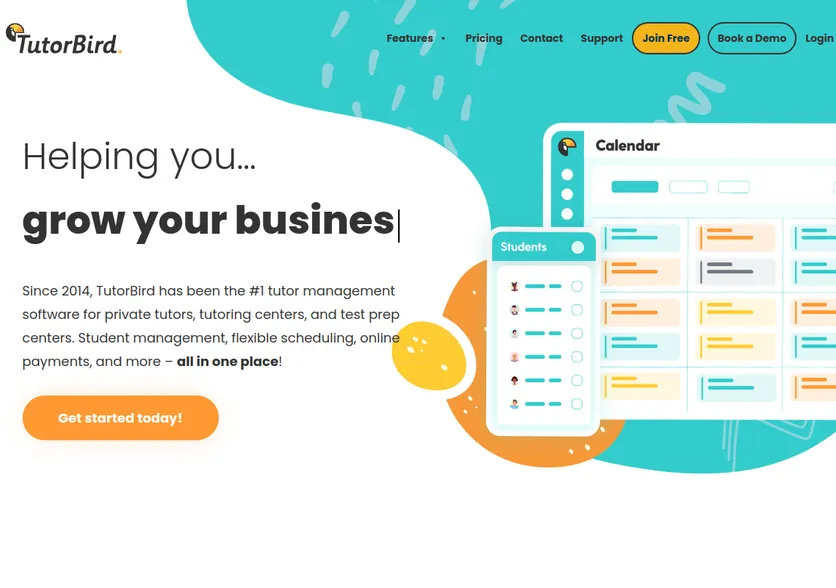
A small team that needs one calendar for every tutor will find it here, since this TutorBird plan costs sixteen dollars and ninety-five cents a month for the first tutor with unlimited students. Every extra tutor costs under five dollars a month, so a team of three pays little more than a solo tutor, and reminders and invoices run from the same diary. It suits a team that bills families every week.
What we like
- Extra tutors cost under five dollars a month each
- Unlimited students on a low flat monthly price
- Reminders and invoices run from the same diary
Watch out for
- No live lesson room, so video calls need a separate app
- Fewer team features than a dedicated booking platform
How to try it
- Add the tutors and set the shared diary
- Share the booking page with families
- Send invoices after lessons and track payments
7. Teachworks
Best for: Small teams whose diary, billing and records must stay linked
Paid tool Starting price: $16.49/month · Sixteen dollars and forty-nine cents a month plus $0.35 per student lesson on Starter; Growth is $47.99 plus $0.21 per lesson and Premium is $187.99 plus $0.08; a second price list on the vendor page shows $15 plus $0.25, $45 plus $0.15 and $175 plus $0.05, so confirm the plan at checkout; 21-day free trial
Free plan: No free plan; 21-day free trial
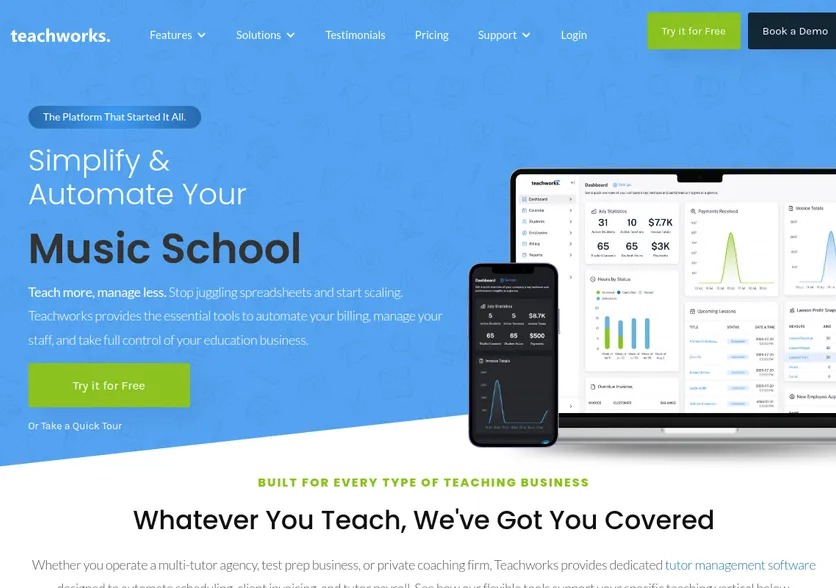
A small team that books most lessons by the hour will like the diary-first design here, because this Teachworks plan costs sixteen dollars and forty-nine cents a month plus a small fee on every student lesson. The diary, the student records and the invoices stay linked, so a lesson that happens is a lesson that gets billed, and parents book and pay from the same page. It suits a team whose diary is the business.
What we like
- Diary, records and invoicing stay linked together
- Parents book and pay from the same page
- Low monthly price with a small per-lesson fee
Watch out for
- A second, lower price list on the vendor page causes confusion
- No built-in marketplace for finding new students
How to try it
- Add the tutors and build the shared weekly diary
- Let parents book and pay from the booking page
- Reconcile lessons and payments at the end of each week
8. TutorCruncher
Best for: Small teams that want every tutor and payment on one dashboard
Paid tool Starting price: $30/month · Thirty dollars a month on Pay as you go plus 3.85% card fees; Startup is $80 a month plus 3.5%; Enterprise starts at $240 a month with bespoke rates; offline payment fees run from 1% to 0.5% depending on tier, and international cards add 1.5%
Free plan: No free plan
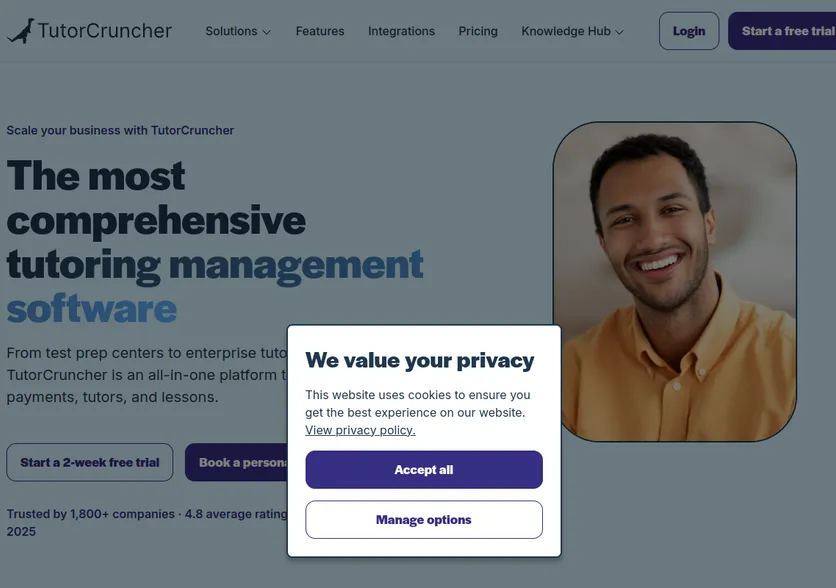
For a small tutoring team juggling several calendars at once, this TutorCruncher plan costs thirty dollars a month and puts every tutor, student and payment on one dashboard. Its per-lesson fees are transparent, so the team knows the cost of every booking, and the parent portal lets families book and pay without calling the office. It is the most complete team option here for a group that wants one system for everything.
What we like
- Every tutor, student and payment on one dashboard
- Parent portal lets families book and pay themselves
- Per-lesson fees are shown clearly before each booking
Watch out for
- Card fees add up on the entry plan, so busy months cost more
- More settings than a simple booking page needs
How to try it
- Add the tutors and set their subjects and rates
- Share the booking link and let families self-book
- Track lessons, invoices and payouts from the dashboard
Prices above were checked on each vendor’s own website on Nov 29, 2026 and can change — the vendor’s page is the final word. Vendor links are editorial: nobody paid to be listed or ranked here. Vendors who want a featured listing can see how it works on our Get listed page.
How to stop double-booking a small tutoring team
Start with one shared calendar, not one per tutor, because a diary split across apps is where double bookings are born. Give every tutor their own availability window, so a parent can only book the hours that tutor actually works. Turn on automatic reminders, since a text a day before the lesson recovers more no-shows than any cancellation policy. Keep the booking link on the website and in the email signature, because a link parents cannot find is a link nobody uses. Finally, review the diary weekly as a team, since a free hour on one tutor and a waiting list on another is a rota problem, not a demand problem.
Before you buy
- Confirm every tutor gets their own availability window on one shared calendar
- Check whether parents can book, cancel and reschedule without emailing
- Ask if reminders go out automatically before each lesson
- Make sure the booking page shows the whole team, not just one tutor
- Test the free plan with two tutors before paying for the team
Official websites
Official websites of the products reviewed above. Features and prices were checked against these sites when this guide was written, and they can change, so confirm on the vendor site before you buy.
Frequently asked questions
What is tutoring scheduling software for small teams?
It is software that lets a team of tutors share one diary, so parents book the tutor they want at a time that tutor is actually free. Good tools show every tutor's availability, send reminders before each lesson, handle cancellations and reschedules without emails, and link the booking to the invoice, so the team spends its time teaching rather than juggling calendars.
How much does Calendly cost for a tutoring team?
Calendly costs ten dollars per user a month billed annually on Standard, or twelve dollars billed monthly. Teams costs sixteen dollars per user a month billed annually, or twenty dollars monthly, and adds round-robin booking across the team. A free plan covers one event type and one calendar, which suits a single tutor testing the tool before the team joins.
Can a small tutoring team schedule for free?
Yes, with Setmore, which offers unlimited appointments for up to four users at no cost, and with Calendly, SimplyBook.me and Bookwhen, which all offer free plans. Setmore is the strongest free option for a team, since the free plan covers four tutors rather than one. A team that outgrows the free tier should compare the paid plans above.
Which tool is best for a team of four tutors?
Setmore is the best pick for a team of four, since its free plan covers up to four users with unlimited appointments. The Pro plan costs twelve dollars per user a month billed monthly, or five dollars billed annually, when the team needs more features. Calendly Teams is the better pick if the team wants round-robin booking across every tutor.
Do these tools handle payments as well as bookings?
Some do, and some need a payment tool beside them. SimplyBook.me, Bookwhen and Setmore take payments on the booking page, while Calendly and Acuity Scheduling link out to Stripe or PayPal for the money. TutorCruncher and Teachworks handle booking and payment together, which suits a team that wants one system. Check the payment flow before choosing, since a booking without payment is only half the job.
Compare the eight tools above, then start with a free plan or a free trial on the tool that matches how the tutoring team already runs its diary before paying for a full month.
Browse Education & Learning tools