On this page
Getting paid on time is the part of tutoring nobody enjoys, and the right tool turns it into a background job: the lesson ends, the invoice goes out, the card is charged and the money lands in the bank. The nine tools below cover that job for independent tutors of every size, from a free payment link for one teacher to a full accounting app. Stripe leads because it costs nothing a month and charges only a small percentage on each card payment, and the rest are ranked on how much of the money chase they remove for the price.
How we researched this
We checked every price on the vendor pricing page on November 29, 2026, and only included tools with a published US dollar list price. The tutoring platforms that bundle payments into a larger marketplace plan are covered in our marketplace comparison, so this list focuses on tools a tutor uses to take money. Prices change, so confirm the current figure on the vendor site before you buy.
Compare the tools
| Name | Best for | Starting price | Free plan | |
|---|---|---|---|---|
 Stripe | Independent tutors who want card payments with no monthly bill | $0/month | Free plan | Visit |
 Square | Tutors who teach in person and take payment on the spot | $0/month | Free plan | Visit |
 PayPal | Tutors whose families already pay with PayPal | $0/month | Free plan | Visit |
 Wave | Tutors who want invoicing and accounting in one free app | $0/month | Free plan | Visit |
 FreshBooks | Tutors who invoice families every week and want reminders | $19/month | No free plan; 30-day free trial | Visit |
 TutorBird | Solo tutors who bill families weekly and hate chasing payments | $16.95/month | No free plan; 30-day free trial | Visit |
 Teachworks | Tutors whose diary and billing need to stay in step | $16.49/month | No free plan; 21-day free trial | Visit |
 TutorCruncher | Tutors who want booking, lessons and payments in one system | $30/month | No free plan | Visit |
 QuickBooks Online | Tutors whose practice has grown past a spreadsheet | $38/month | No free plan; 30-day free trial | Visit |
The tutoring payment software for independent tutors, compared
1. Stripe
Best for: Independent tutors who want card payments with no monthly bill
Paid tool Starting price: $0/month · No monthly fee; online card payments cost 2.9% plus 30 cents, in-person payments cost 2.7% plus 5 cents, manually keyed payments cost 3.4% plus 30 cents, and international cards add 1.5%
Free plan: Free plan
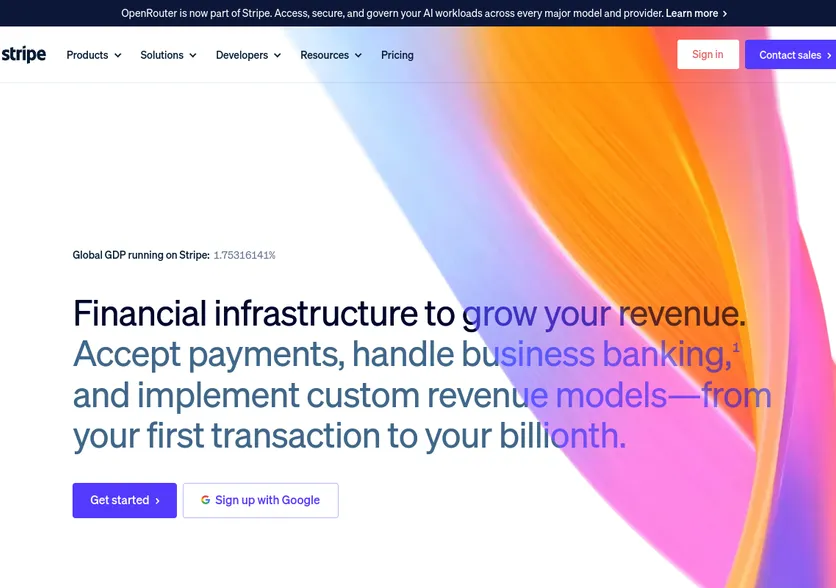
When the lesson is over and the invoice has to go out, this Stripe plan costs nothing a month and takes a small percentage on each card payment, so a tutor pays only when money actually moves. It plugs into almost every tutoring platform, which means the booking tool and the payment tool can stay separate without extra work.
What we like
- No monthly fee, so quiet months cost nothing
- Plugs into almost every tutoring platform
- Online and in-person rates are published clearly
Watch out for
- No invoicing or reminder system of its own
- Manually keyed payments cost more than online ones
How to try it
- Create a Stripe account and connect the bank
- Add the payment link to each invoice
- Take card payments and check payouts in the dashboard
2. Square
Best for: Tutors who teach in person and take payment on the spot
Paid tool Starting price: $0/month · No monthly fee on the Free plan per location; in-person payments cost 2.6% plus 15 cents; online payments via the API cost 2.9% plus 30 cents, while Square Online and invoice card payments cost 3.3% plus 30 cents on the Free plan; Plus is $49 a month per location and Premium is $149
Free plan: Free plan
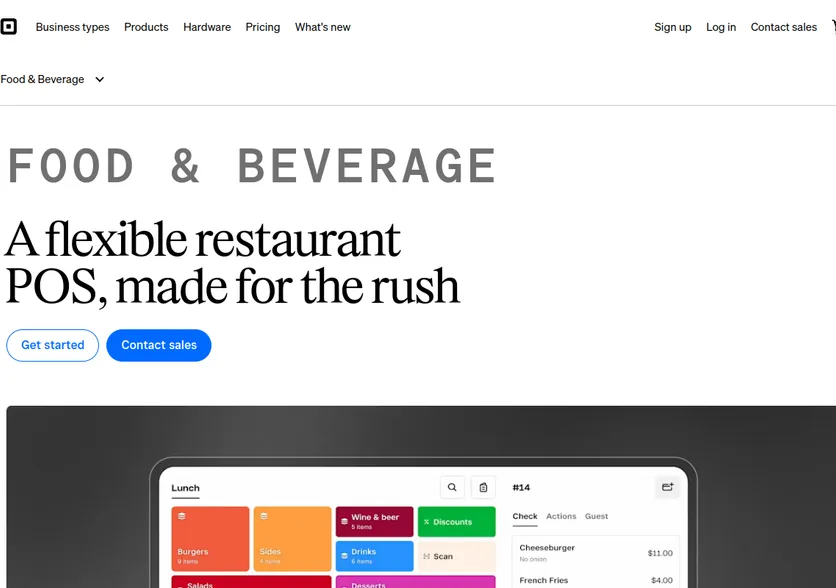
For a tutor who teaches at the kitchen table and wants payment before leaving, this Square plan costs nothing a month and takes two point six percent plus fifteen cents on each in-person card payment. A free card reader pairs with the phone, so the lesson ends and the money is taken in the same visit, and online payments work through the same account. It is the simplest in-person option in this list.
What we like
- No monthly fee with a free card reader
- In-person rate is lower than the online rate
- One account covers in-person and online payments
Watch out for
- Online invoice payments cost more than in-person ones
- The Plus plan is needed for the lowest card rates
How to try it
- Order the free card reader and pair it with the phone
- Send the invoice or take the card at the lesson
- Check the payout in the Square dashboard
3. PayPal
Best for: Tutors whose families already pay with PayPal
Paid tool Starting price: $0/month · No monthly fee; PayPal Checkout costs 2.99% plus 49 cents on card payments, Expanded Checkout costs 2.89% plus 29 cents, PayPal and Venmo payments cost 3.49% plus 49 cents, and in-person payments cost 2.29% plus 9 cents
Free plan: Free plan
A tutor whose families already have accounts will find this PayPal plan costs nothing a month and takes two point nine nine percent plus forty-nine cents on each card payment through checkout. Parents recognise the brand, which means fewer abandoned payments than a link they have never seen, and in-person payments cost even less. It suits a tutor whose families prefer a familiar name on the payment page.

What we like
- No monthly fee and a brand parents already trust
- In-person rate is lower than the online rate
- Venmo payments are accepted in the same account
Watch out for
- Card checkout fees are higher than Stripe or Square
- No invoicing reminders without a paid add-on
How to try it
- Create a PayPal business account and link the bank
- Add the checkout button to the invoice or booking page
- Take payments and withdraw the balance to the bank
4. Wave
Best for: Tutors who want invoicing and accounting in one free app
Paid tool Starting price: $0/month · No monthly fee on Starter with unlimited invoices and double-entry accounting; Pro is $19 a month, or $190 a year; one August 2026 read put Pro at about $16 a month, so confirm the figure at checkout; card payments cost 2.9% plus 60 cents and ACH costs 1% with a $1 minimum
Free plan: Free plan
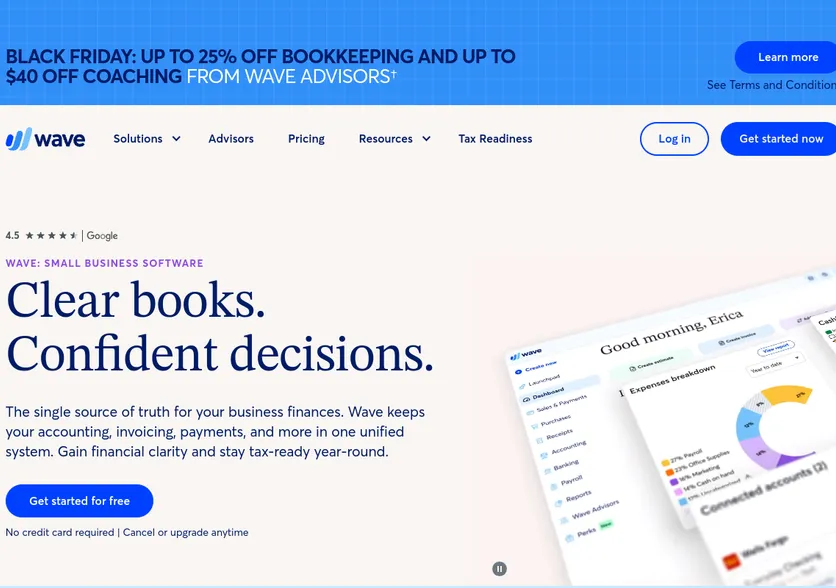
An independent tutor who wants the invoice and the accounts in one place gets it here, since this Wave plan costs nothing a month and includes unlimited invoices with double-entry accounting. Card payments cost a small percentage on each transaction, and the Pro plan adds bank feeds for nineteen dollars a month when the practice grows. It is the best free starting point for a tutor who also needs the books kept.
What we like
- Free plan with unlimited invoices and accounting
- Card payments and ACH both work from the invoice
- Pro plan adds bank feeds for nineteen dollars a month
Watch out for
- One read puts Pro at sixteen dollars, so confirm the price
- No built-in lesson scheduling or booking page
How to try it
- Create the business profile and add the students
- Send the invoice when the lesson ends
- Take the card payment and match it to the books
5. FreshBooks
Best for: Tutors who invoice families every week and want reminders
Paid tool Starting price: $19/month · Nineteen dollars a month on Lite for five billable clients; Plus is $33 and Premium is $60; an extra user costs $11 a month; one read lists Lite at $17 a month on annual billing, so confirm the plan at checkout; 30-day free trial
Free plan: No free plan; 30-day free trial
For a tutor who bills by the lesson and wants the invoice to look professional, this FreshBooks plan costs nineteen dollars a month for five billable clients with reminders built in. It tracks who has paid and who has not, and the client portal lets parents see every invoice in one place, so the chasing mostly stops. The thirty-day trial is long enough to test it on a real month of lessons.

What we like
- Clean invoices with automatic payment reminders
- Client portal shows every invoice in one place
- Thirty-day free trial with no card needed
Watch out for
- Lite covers only five billable clients
- One read lists Lite at seventeen dollars on annual billing
How to try it
- Add clients and set the hourly rate for each one
- Send the invoice after each lesson from the app
- Chase late payers with the automatic reminders
6. TutorBird
Best for: Solo tutors who bill families weekly and hate chasing payments
Paid tool Starting price: $16.95/month · Sixteen dollars and ninety-five cents a month for the first tutor plus $4.95 per additional tutor or staff member; unlimited students; 30-day free trial and 90-day money-back promise
Free plan: No free plan; 30-day free trial
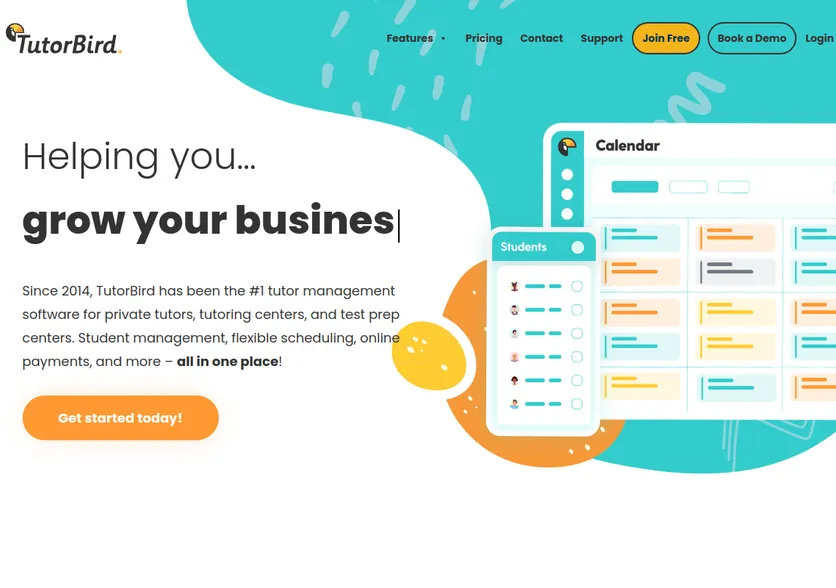
For a tutor whose payment headache is chasing late invoices, this TutorBird plan costs sixteen dollars and ninety-five cents a month for the first tutor with unlimited students. It sends the invoice, reminds the family and takes the payment in the same flow, and the ninety-day money-back promise means a tutor can test it across a whole term. It suits a solo educator who bills families every week.
What we like
- Invoicing, reminders and payments in one flow
- Unlimited students on a low flat monthly price
- Ninety-day money-back promise covers a whole term
Watch out for
- No live lesson room, so video calls need a separate app
- Card processing fees sit on top of the monthly price
How to try it
- Add students and set the lesson rate for each one
- Send invoices after lessons and let reminders run
- Collect card payments and check the balance weekly
7. Teachworks
Best for: Tutors whose diary and billing need to stay in step
Paid tool Starting price: $16.49/month · Sixteen dollars and forty-nine cents a month plus $0.35 per student lesson on Starter; Growth is $47.99 plus $0.21 per lesson and Premium is $187.99 plus $0.08; a second price list on the vendor page shows $15 plus $0.25, $45 plus $0.15 and $175 plus $0.05, so confirm the plan at checkout; 21-day free trial
Free plan: No free plan; 21-day free trial
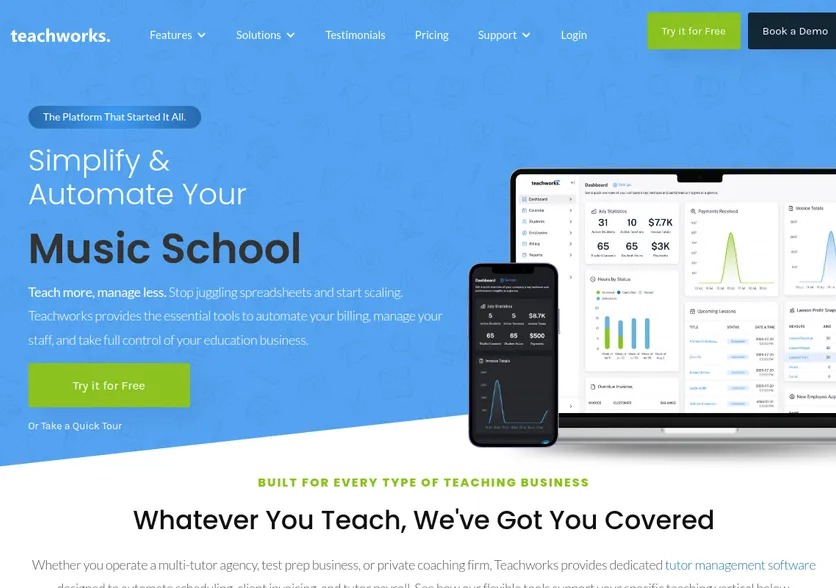
For a tutor who bills by the lesson and wants the payment to follow the schedule, this Teachworks plan costs sixteen dollars and forty-nine cents a month plus a small fee on every student lesson. The diary and the invoice stay linked, so a lesson that happens is a lesson that gets billed, and parents pay from the same page they booked on. It suits a tutor whose diary is the business.
What we like
- Diary and invoicing stay linked, so nothing is missed
- Parents book and pay from the same page
- Low monthly price with a small per-lesson fee
Watch out for
- A second, lower price list on the vendor page causes confusion
- No built-in marketplace for finding new students
How to try it
- Build the weekly diary and add each student
- Let parents book and pay from the booking page
- Reconcile lessons and payments at the end of each week
8. TutorCruncher
Best for: Tutors who want booking, lessons and payments in one system
Paid tool Starting price: $30/month · Thirty dollars a month on Pay as you go plus 3.85% card fees; Startup is $80 a month plus 3.5%; Enterprise starts at $240 a month with bespoke rates; offline payment fees run from 1% to 0.5% depending on tier, and international cards add 1.5%
Free plan: No free plan
When the lesson is over and the invoice has to go out without a second app, this TutorCruncher plan costs thirty dollars a month and covers the booking, the lesson and the payment in one place. Its per-lesson fees are shown clearly, so the tutor knows the cost of every payment before it happens, and the parent portal lets families pay their own invoices. It is the most complete option here for a tutor who wants payments handled end to end.
What we like
- Booking, lessons and payments in one system
- Parent portal lets families pay their own invoices
- Per-lesson fees are shown clearly before each booking
Watch out for
- Card fees add up on the entry plan, so busy months cost more
- More settings than a simple payment link needs
How to try it
- Create the tutor profile and set the lesson rates
- Share the booking link and let families pay online
- Check payouts and send reminders from the dashboard
9. QuickBooks Online
Best for: Tutors whose practice has grown past a spreadsheet
Paid tool Starting price: $38/month · Thirty-eight dollars a month on Simple Start; Essentials is $85, Plus is $140 and Advanced is $340; new customers are offered 50% off for three months or a 30-day free trial, which is a promotion rather than the list price
Free plan: No free plan; 30-day free trial
A tutor whose practice has grown past a spreadsheet will find this QuickBooks Online plan costs thirty-eight dollars a month on Simple Start with invoicing, expenses and tax categories in one app. It sends the invoice, tracks the payment and keeps the books, so the end-of-year tax return stops being a weekend of sorting receipts. It suits a tutor who earns enough that the accounts matter as much as the lessons.
What we like
- Invoicing, expenses and tax categories in one app
- Simple Start is the cheapest QuickBooks tier
- Thirty-day free trial or half price for three months
Watch out for
- Thirty-eight dollars a month is steep for a part-time tutor
- The promo price is not the list price, so watch the renewal
How to try it
- Create the company profile and connect the bank
- Send invoices after lessons and record expenses
- Reconcile payments and run the tax reports monthly
Prices above were checked on each vendor’s own website on Nov 29, 2026 and can change — the vendor’s page is the final word. Vendor links are editorial: nobody paid to be listed or ranked here. Vendors who want a featured listing can see how it works on our Get listed page.
How to stop chasing late lesson payments
Start by invoicing the moment the lesson ends, because a bill sent a week later is a bill paid a month later. Automate the reminders: a polite nudge two days before the due date and another on the day itself recovers more money than any late fee. Keep the payment link on the invoice itself, since every extra step loses a parent who meant to pay. Check the card fee against the lesson price too, because a percentage fee on a short lesson eats more of the margin than it looks like. Finally, match the tool to the tutor: a solo teacher needs a simple link, while a practice with several tutors needs one dashboard for every payment.
Before you buy
- Confirm the tool sends invoices automatically when a lesson ends
- Add the card fee to the monthly price before comparing plans
- Check whether parents can pay from the invoice without an account
- Ask how quickly payouts reach the bank after a card payment
- Test the reminder flow with a real family before committing
Official websites
Official websites of the products reviewed above. Features and prices were checked against these sites when this guide was written, and they can change, so confirm on the vendor site before you buy.
Frequently asked questions
What is tutoring payment software for independent tutors?
It is software that lets a tutor invoice families and take card payments without chasing bank transfers or cash. Good tools send the invoice when the lesson ends, remind parents before the due date, accept cards online or in person, and show which families still owe money, so the tutor spends evenings teaching rather than following up on late payments.
How much does Stripe cost for a tutor?
Stripe costs nothing a month, which is why it leads this list. Online card payments cost two point nine percent plus thirty cents, in-person payments cost two point seven percent plus five cents, and manually keyed payments cost three point four percent plus thirty cents. A tutor who takes thirty dollars a lesson keeps almost all of it, with only the small card fee deducted.
Can I take tutoring payments for free?
Yes, with Stripe, Square, PayPal and Wave, which all cost nothing a month and charge only a small percentage on each payment. That suits a tutor starting out, since there is no bill in a quiet month. Tutors who want invoicing and reminders built in will get more from FreshBooks at nineteen dollars a month, which adds a thirty-day free trial.
Which tool is best for in-person lessons?
Square is the best pick for in-person lessons, since it costs nothing a month and charges two point six percent plus fifteen cents on each card payment in person. A free card reader pairs with the phone, so a tutor can take payment at the kitchen table as soon as the lesson ends. The Plus plan at forty-nine dollars a month adds a lower in-person rate for busy tutors.
Compare the nine tools above, then start with a free plan or a free trial on the tool that matches how the tutoring business takes money before paying for a month.
Browse Education & Learning tools