On this page
Value in video editing is not the lowest price, it is what the price buys over three years of weekly uploads. The nine tools below run from a forty-nine-dollar-a-year beginner editor to a three-hundred-dollar one-time professional suite, with prices checked on the vendor sites on November 29, 2026. DaVinci Resolve Studio leads because it sells professional editing, color and audio for two hundred and ninety-five dollars once, with a free version that covers most creators, and the rest are ranked on features per dollar.
How we researched this
We checked every price on the vendor pricing page on November 29, 2026, and only included tools with a published US dollar list price. The tools in this list are the ones creators actually buy, from free-with-paid-tiers editors to one-time professional licences. Prices change, so confirm the current figure on the vendor site before you buy.
Compare the tools
| Name | Best for | Starting price | Free plan | |
|---|---|---|---|---|
 Adobe Premiere Pro | Creators who collaborate with editors and clients | $22.99/month | 7-day free trial | Visit |
 DaVinci Resolve Studio | Creators who want professional tools without a subscription | $295 one-time | Free plan | Visit |
 Final Cut Pro | Mac creators who want speed and a one-time purchase | $299.99 one-time | 90-day free trial | Visit |
 Wondershare Filmora | Beginners and YouTubers who want a low annual cost | $49.99/year | Free plan (watermarked exports) | Visit |
 Camtasia | Creators who record tutorials and screen videos | $179.88/year | No free plan; free trial | Visit |
 Movavi Video Editor | Marketers and teachers who need finished videos fast | $69.95/year | Free plan (watermarked exports) | Visit |
 CyberLink PowerDirector 365 | Enthusiasts who want AI tools and stock media | $79.99/year | Free plan (PowerDirector Essential) | Visit |
 CapCut Pro | Creators who cut short vertical video for social | $19.99/month | Free plan | Visit |
 Clipchamp Premium | Windows creators who want quick edits in the browser | $11.99/month | Free plan | Visit |
The value video editing software for creators, compared
1. Adobe Premiere Pro
Best for: Creators who collaborate with editors and clients
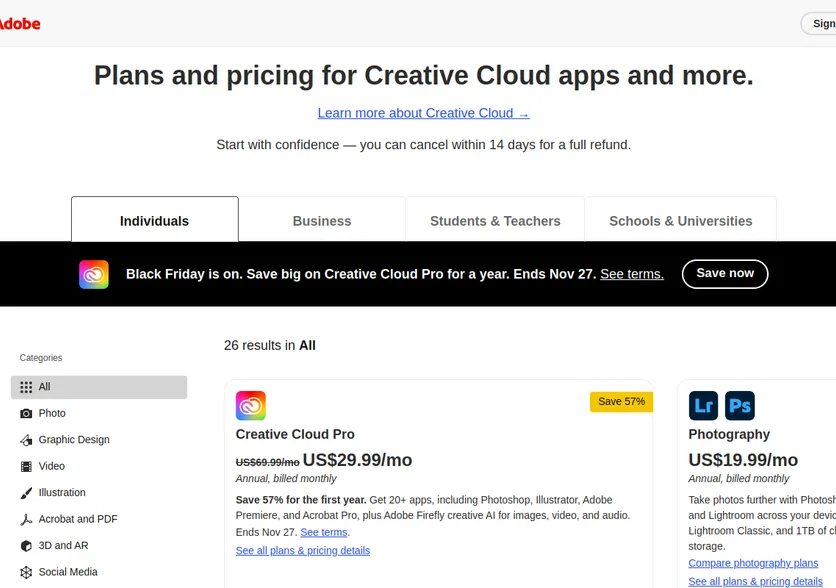
Paid tool Starting price: $22.99/month · Twenty-two dollars and ninety-nine cents a month on the annual plan billed monthly ($275.88 a year); month-to-month billing costs more; one hundred gigabytes of cloud storage and twenty-five generative credits a month included
Free plan: 7-day free trial
A creator who works with editors, clients or an agency will stay in the industry standard here, since this Adobe Premiere Pro plan costs twenty-two dollars and ninety-nine cents a month on the annual plan, and it pairs deep Adobe integration with shared projects through Frame. It handles any format a client sends, and the subscription includes cloud storage and generative credits. It is the safest pick here for collaborative work, and the priciest over three years.
What we like
- Industry standard, so clients and editors share projects easily
- Handles any format with deep Adobe integration
- Cloud storage and generative credits included
Watch out for
- Subscription only, so the bill never ends
- Costs more over three years than any one-time licence here
How to try it
- Create a project and import the footage
- Cut the timeline and add titles and effects
- Export the master and share it through Frame
2. DaVinci Resolve Studio
Best for: Creators who want professional tools without a subscription
Paid tool Starting price: $295 one-time · Two hundred and ninety-five dollars one time for Studio; a limited-time sale cut it to $236 until November 20, 2026, which has expired; the free version exports four-K with no watermark
Free plan: Free plan
A creator who wants professional tools without a monthly bill gets them here, because this DaVinci Resolve Studio plan costs two hundred and ninety-five dollars one time, and it adds the Neural Engine, Magic Mask, advanced noise reduction and eight-K export to the free version. Editing, color, visual effects and audio live in one app, so nothing leaves the timeline. It is the best value in this list for a creator who edits every week.
What we like
- Professional editing, color, effects and audio in one app
- Free version exports four-K with no watermark
- One-time price beats every subscription over three years
Watch out for
- Steep learning curve and heavy GPU demands
- The sale price of $236 expired on November 20, 2026
How to try it
- Import the footage and cut the timeline
- Grade the color on the dedicated color page
- Mix the audio and export the finished video
3. Final Cut Pro
Best for: Mac creators who want speed and a one-time purchase
Paid tool Starting price: $299.99 one-time · Two hundred and ninety-nine dollars and ninety-nine cents one time for the Mac app; also inside Apple Creator Studio at $12.99 a month or $129 a year with Logic Pro and Pixelmator Pro
Free plan: 90-day free trial
A Mac creator who wants the fastest editor on Apple silicon will find it here, since this Final Cut Pro plan costs two hundred and ninety-nine dollars and ninety-nine cents one time, and it pairs a magnetic timeline with background rendering and deep Apple silicon optimization. It handles four-K and eight-K smoothly on hardware that makes other editors stutter, and the one-time purchase includes free updates. It is the best pick here for a Mac-only creator.
What we like
- Fastest editor on Apple silicon
- Magnetic timeline with background rendering
- One-time purchase with free updates included
Watch out for
- Mac only, so Windows collaborators cannot open projects
- Fewer third-party plugins than Premiere Pro
How to try it
- Import the footage into a new library
- Cut on the magnetic timeline and add titles
- Export the master in the delivery format
4. Wondershare Filmora
Best for: Beginners and YouTubers who want a low annual cost
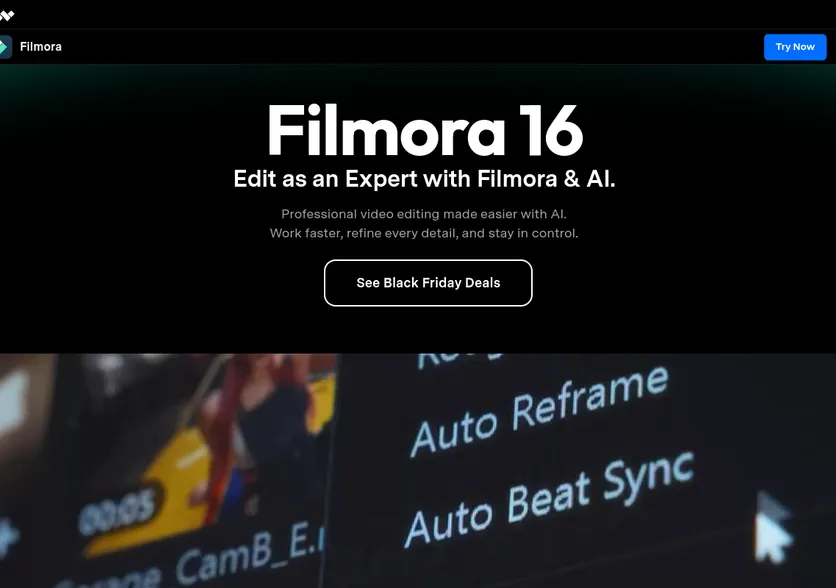
Paid tool Starting price: $49.99/year · Forty-nine dollars and ninety-nine cents a year for Basic billed annually; a perpetual licence is $79.99; the free version exports with a watermark
Free plan: Free plan (watermarked exports)
A beginner or YouTuber who wants templates and AI helpers at the lowest annual cost in this list gets them here, since this Wondershare Filmora plan costs forty-nine dollars and ninety-nine cents a year, and it pairs an intuitive timeline with effects, transitions and auto-captioning. The learning curve is gentle, and the template library covers social formats out of the box. It is the cheapest paid desktop editor here for a creator starting out.
What we like
- Lowest annual cost of any paid desktop editor here
- Templates and AI helpers for fast social videos
- Perpetual licence available for $79.99
Watch out for
- Free exports carry a watermark
- Less color and audio depth than the professional tools
How to try it
- Pick a template and import the clips
- Cut the timeline and add titles and effects
- Export the video for the target platform
5. Camtasia
Best for: Creators who record tutorials and screen videos
Paid tool Starting price: $179.88/year · One hundred and seventy-nine dollars and eighty-eight cents a year per user on the November 2026 vendor read; some listings round it to $179.99; screen capture and editing in one app
Free plan: No free plan; free trial
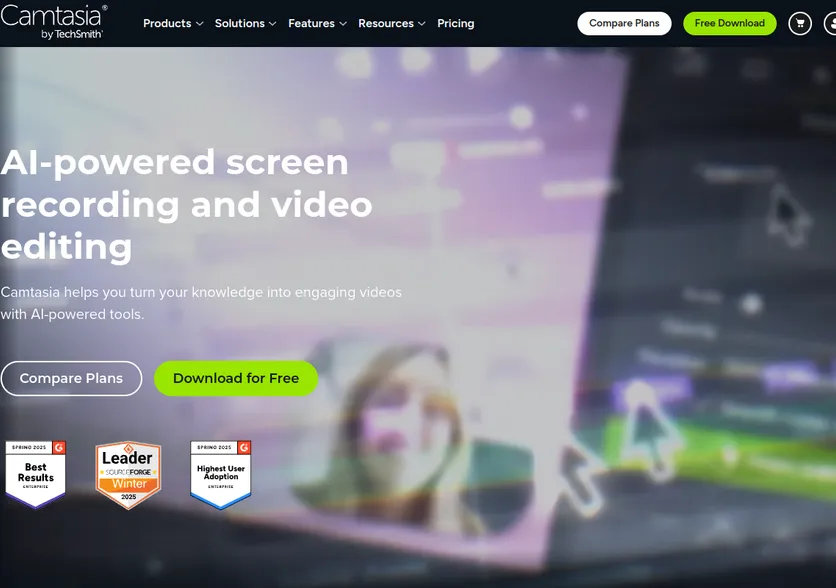
A creator who records tutorials and screen videos will save a step here, because this Camtasia plan costs one hundred and seventy-nine dollars and eighty-eight cents a year, and it combines screen capture with editing in a single workflow. Record the screen, cut the mistakes, add callouts and quizzes, and export without ever leaving the app. It is the best tutorial tool in this list for a creator who teaches on camera.
What we like
- Screen capture and editing in one workflow
- Callouts, quizzes and annotations built in
- Purpose-built for teaching and training videos
Watch out for
- Pricier than the beginner editors for pure cutting
- No free plan, only a trial
How to try it
- Record the screen and camera together
- Cut the mistakes and add callouts
- Export the tutorial for the course platform
6. Movavi Video Editor
Best for: Marketers and teachers who need finished videos fast
Paid tool Starting price: $69.95/year · Sixty-nine dollars and ninety-five cents a year on the annual plan; monthly billing is $19.95 a month; the free version limits exports to sixty seconds with a watermark
Free plan: Free plan (watermarked exports)
A creator who needs a finished video this afternoon will get it here, since this Movavi Video Editor plan costs sixty-nine dollars and ninety-five cents a year, and it pairs a simple timeline with one-click AI tools, templates and auto-captions. The interface stays out of the way, so a marketer or teacher can edit without learning an editor first. It is the fastest tool in this list from raw clips to a finished video.
What we like
- Simple timeline with one-click AI tools
- Templates and auto-captions included
- Fastest route from clips to a finished video here
Watch out for
- Free exports are limited to sixty seconds with a watermark
- Less depth for color grading and audio mixing
How to try it
- Import the clips and pick a template
- Cut the timeline and add auto-captions
- Export the finished video for the channel
7. CyberLink PowerDirector 365
Best for: Enthusiasts who want AI tools and stock media
Paid tool Starting price: $79.99/year · Seventy-nine dollars and ninety-nine cents a year for PowerDirector 365; some listings show $59.99, which reads as a promotion against the $79.99 list price; a perpetual 2027 licence is $139.99
Free plan: Free plan (PowerDirector Essential)
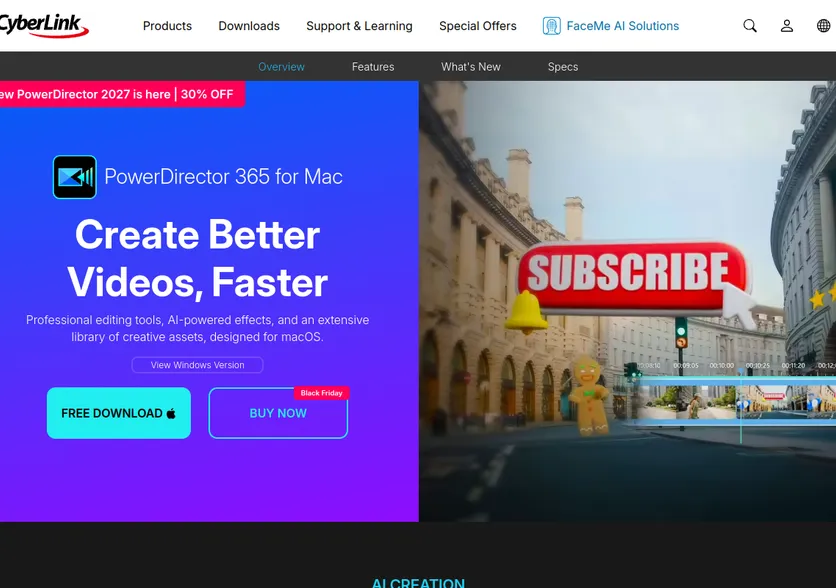
An enthusiast who wants maximum features per dollar will find them here, because this CyberLink PowerDirector 365 plan costs seventy-nine dollars and ninety-nine cents a year, and it packs AI tools, stock media, motion tracking and monthly feature updates into one subscription. The free Essential version has no time limit, so a creator can learn it before paying. It is the most feature-packed enthusiast editor in this list.
What we like
- AI tools, stock media and motion tracking included
- Monthly feature updates on the subscription
- Free Essential version with no time limit
Watch out for
- The interface is busy and steers toward the subscription
- Some listings show a $59.99 promotional price instead
How to try it
- Import the footage and pick an AI tool to try
- Cut the timeline and add effects and titles
- Export the video and check the monthly new features
8. CapCut Pro
Best for: Creators who cut short vertical video for social
Paid tool Starting price: $19.99/month · Nineteen dollars and ninety-nine cents a month billed monthly, or $179.99 a year on yearly billing; the free version covers basic short-form editing with templates
Free plan: Free plan
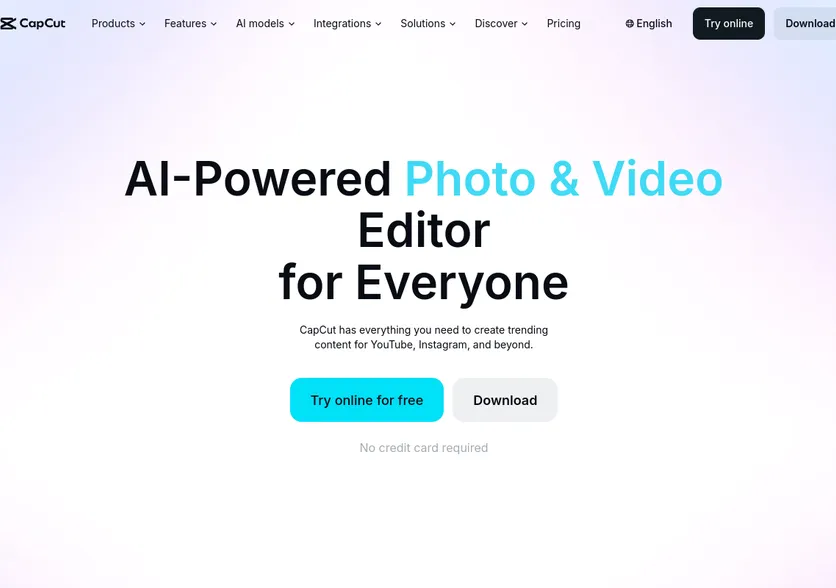
A creator who lives on short vertical video will move fastest here, since this CapCut Pro plan costs nineteen dollars and ninety-nine cents a month, and it pairs auto-captions, motion tracking and background removal with premium templates and stock assets. It runs on phone, desktop and web, so a Short can be cut anywhere. It is the best pick in this list for Shorts, Reels and TikTok.
What we like
- Fastest editor here for Shorts, Reels and TikTok
- Auto-captions, motion tracking and background removal
- Runs on phone, desktop and web
Watch out for
- Basic color and audio tools next to the professional editors
- Billing complaints appear in user reviews
How to try it
- Import the vertical clips to the phone or desktop app
- Add auto-captions and a trending template
- Export the Short and post it to the channel
9. Clipchamp Premium
Best for: Windows creators who want quick edits in the browser
Paid tool Starting price: $11.99/month · Eleven dollars and ninety-nine cents a month for Premium standalone; the same premium features come inside Microsoft 365 Personal at $9.99 a month; free exports are limited to 1080p
Free plan: Free plan
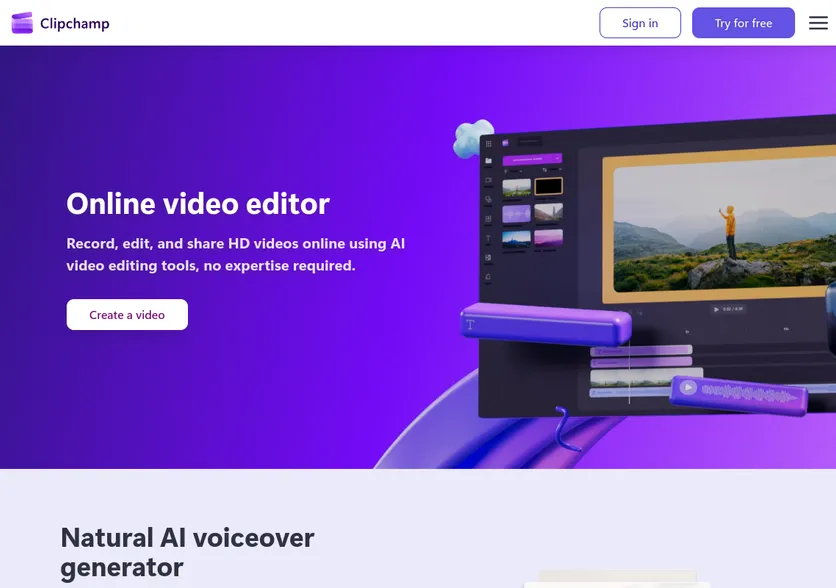
A Windows creator who wants quick browser edits inside the Microsoft workflow will get them here, since this Clipchamp Premium plan costs eleven dollars and ninety-nine cents a month, and it adds premium filters, stock media and four-K export to the free browser editor. It sits inside Microsoft 365, so a subscriber may already own it without knowing. It is the easiest tool in this list for a quick edit on a Windows machine.
What we like
- Browser editing with no install needed
- Premium features included in Microsoft 365 Personal
- Templates for social, business and education videos
Watch out for
- Four-K export needs the paid plan
- Fewer advanced tools than the desktop editors
How to try it
- Open Clipchamp in the browser and import the clips
- Cut the timeline and add a template and titles
- Export the video in the needed resolution
Prices above were checked on each vendor’s own website on Nov 29, 2026 and can change — the vendor’s page is the final word. Vendor links are editorial: nobody paid to be listed or ranked here. Vendors who want a featured listing can see how it works on our Get listed page.
How to compare video editors by three-year cost, not sticker price
Multiply the monthly price by thirty-six before comparing it with a one-time licence, because a nineteen-dollar-a-month subscription costs more than a two-hundred-and-ninety-five-dollar one-time licence by the second year. Check what the free version actually exports, since a watermark or a resolution cap can make a free editor useless for publishing. Test the trial on a real project with the footage you actually shoot, including the phone clips and the screen recordings. Keep the project files, because switching editors later means rebuilding every timeline from scratch. Render a short test export before the full render, because a wrong setting discovered after an hour-long export costs the whole evening.
Before you buy
- Compare the three-year cost, not the monthly sticker price
- Check whether the free version exports without a watermark
- Confirm the editor handles the footage formats you actually shoot
- Ask if the licence is per user, per device or per team
- Test the trial on a real project before paying for a year
Official websites
Official websites of the products reviewed above. Features and prices were checked against these sites when this guide was written, and they can change, so confirm on the vendor site before you buy.
Frequently asked questions
What is the best value video editing software for creators?
DaVinci Resolve Studio is the best value here, at two hundred and ninety-five dollars once, with a free version that exports four-K with no watermark. Filmora is the cheapest paid desktop editor, at forty-nine dollars and ninety-nine cents a year. Premiere Pro is the best pick for teams, at twenty-two dollars and ninety-nine cents a month, despite costing the most over three years.
How much does Adobe Premiere Pro cost in 2026?
Adobe Premiere Pro costs twenty-two dollars and ninety-nine cents a month on the annual plan billed monthly, which comes to two hundred and seventy-five dollars and eighty-eight cents over twelve months. Month-to-month billing costs more. The plan includes one hundred gigabytes of cloud storage and twenty-five generative credits a month, plus a seven-day free trial.
Can I edit videos professionally for free?
Yes, with DaVinci Resolve, whose free version covers professional editing, color, effects and audio with four-K export and no watermark. CapCut and Clipchamp are also free for basic editing, and PowerDirector Essential is free with no time limit. Studio costs two hundred and ninety-five dollars once for the AI tools, noise reduction and eight-K export.
Is a one-time licence cheaper than a subscription?
Yes, over three years. DaVinci Resolve Studio at two hundred and ninety-five dollars once costs less than a year and a half of Premiere Pro at twenty-two dollars and ninety-nine cents a month. Final Cut Pro at two hundred and ninety-nine dollars and ninety-nine cents once is cheaper than two years of any subscription here. Subscriptions win only when the team needs shared projects.
Which editor is best for YouTube Shorts and TikTok?
CapCut Pro is the best pick for Shorts, Reels and TikTok, at nineteen dollars and ninety-nine cents a month, because it pairs auto-captions, motion tracking and background removal with premium templates. Filmora is the better pick for longer YouTube videos, at forty-nine dollars and ninety-nine cents a year, with a gentler learning curve.
Compare the nine tools above, then start with a free trial or the free DaVinci Resolve version on the editor that matches the videos you actually make.
Browse Video Tools tools