
On this page
A small business does not need a Hollywood suite, it needs an editor that turns a phone clip into a client-ready video before lunch. The eight tools below run from about fifty dollars a year to about twenty-three dollars a month, and every price was checked on the vendor site on November 27, 2026. Some are subscriptions, some are one-time purchases, and several cost nothing to start. Filmora is our first pick — the easiest desktop editor at the lowest yearly price.
How we researched this
We started with the video editors small businesses actually buy, then read each price on the vendor pricing page on November 27, 2026 and noted the free plan or trial each one carries. We judged them for a team that produces client videos, social clips and training content without a dedicated editor, and we kept only tools with a published price. We dropped Final Cut Pro because it runs on Mac only, and we dropped LumaFusion because it is a mobile-only editor.
Compare the tools
| Name | Best for | Starting price | Free plan | |
|---|---|---|---|---|
 Filmora | Small businesses that want an easy desktop editor with templates and AI captions at a low yearly price | $49.99/year | Free plan with watermarked exports | Visit |
 CapCut | Small businesses that live on TikTok, Reels and Shorts and need fast vertical edits | $19.99/month | Free plan with watermark-free 1080p exports | Visit |
 DaVinci Resolve Studio | Small businesses that want professional color, audio and effects for one payment | $295 one-time | Free version with full editing, color and audio | Visit |
 Adobe Premiere Pro | Small businesses that produce client videos, tutorials and presentations | $22.99/month | No free tier; 7-day free trial | Visit |
 Camtasia | Small businesses that record training videos, demos and tutorials | $179.88/year | Free trial available; free browser recorder with limits | Visit |
 Descript | Small businesses that edit talking-head video and podcasts by editing the transcript | $24/person/month | Free plan, one media hour a month with watermarked 720p export | Visit |
 Clipchamp | Small businesses on Microsoft 365 that want a browser editor with free 1080p exports | $11.99/month | Free plan with watermark-free 1080p exports | Visit |
 PowerDirector | Small businesses that want AI tools, stock assets and a one-time licence option | $79.99/year | Free Essential version with limits | Visit |
The video editing software for small business, compared
1. Filmora
Best for: Small businesses that want an easy desktop editor with templates and AI captions at a low yearly price
Paid tool Starting price: $49.99/year · Basic plan, forty-nine dollars and ninety-nine cents a year; Advanced costs fifty-nine dollars and ninety-nine cents a year with one thousand AI credits a month; Perpetual costs seventy-nine dollars and ninety-nine cents once for Filmora 16
Free plan: Free plan with watermarked exports
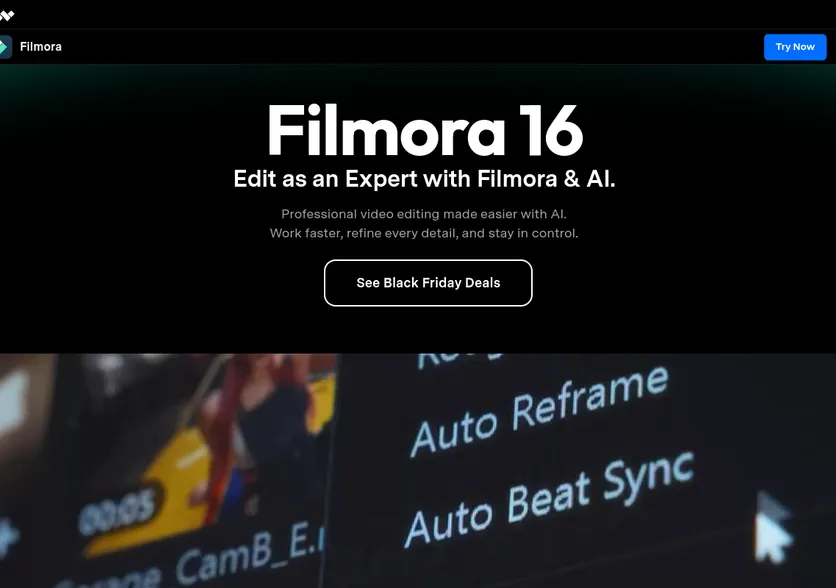
Filmora is the easiest desktop editor here, with templates, AI captions and a price that suits a small business budget. This Filmora Basic plan costs forty-nine dollars and ninety-nine cents a year, with Advanced at fifty-nine dollars and ninety-nine cents for one thousand AI credits a month. The free version exports with a watermark, so the paid plan is the real starting point for client work.
What we like
- Lowest yearly price for a full desktop editor
- Templates and AI captions speed up every edit
- Perpetual licence available for seventy-nine dollars and ninety-nine cents
Watch out for
- AI features run on credits, and Basic includes none
- The perpetual licence covers Filmora 16 only, not future versions
How to try it
- Open the Filmora pricing page and compare Basic with Advanced
- Start from a template and cut your first client video
- Export in 4K and check the watermark is gone
2. CapCut
Best for: Small businesses that live on TikTok, Reels and Shorts and need fast vertical edits
Paid tool Starting price: $19.99/month · Pro plan, nineteen dollars and ninety-nine cents a month or one hundred seventy-nine dollars and ninety-nine cents a year, about fifteen dollars a month; Ultra costs seventy-nine dollars a month
Free plan: Free plan with watermark-free 1080p exports
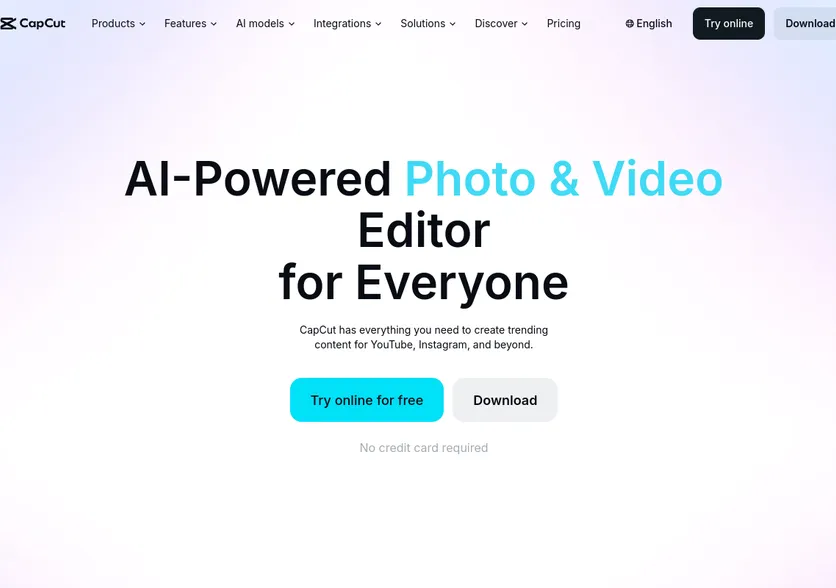
CapCut is the social-first editor, built for vertical video, captions and fast turnaround on TikTok, Reels and Shorts. This CapCut Pro plan costs nineteen dollars and ninety-nine cents a month, or one hundred seventy-nine dollars and ninety-nine cents a year. The free plan is genuinely useful, though AI features burn credits and the Pro plan caps at one thousand two hundred a month.
What we like
- Best free tier in this list for short-form video
- Auto captions and templates built for social platforms
- Desktop and mobile apps share one account
Watch out for
- AI features burn separate credits, Pro is not unlimited AI
- Final price can vary by region, device and app store
How to try it
- Open the CapCut pricing page and compare Pro with Ultra
- Cut a vertical video with auto captions and templates
- Export in 4K and check the AI credit balance
3. DaVinci Resolve Studio
Best for: Small businesses that want professional color, audio and effects for one payment
Paid tool Starting price: $295 one-time · Studio licence, two hundred ninety-five dollars one-time; a twenty percent sale at two hundred thirty-six dollars ended on November 20, 2026
Free plan: Free version with full editing, color and audio
DaVinci Resolve Studio is the one-time purchase in this list, with professional color, audio and effects for a single payment. This DaVinci Resolve Studio licence costs two hundred ninety-five dollars once, after a twenty percent sale at two hundred thirty-six dollars ended on November 20, 2026. The free version is remarkably capable, and Studio adds the Neural Engine, stereoscopic tools and advanced HDR grading.
What we like
- One payment, no subscription and no renewal
- Professional color grading and Fairlight audio included
- Free version covers most small business editing
Watch out for
- The learning curve is steep for a first-time editor
- No mobile app, and the review workflow is thinner than Frameio
How to try it
- Open the DaVinci Resolve Studio page and check the price
- Download the free version and cut a real project
- Buy Studio when you need the Neural Engine or HDR tools
4. Adobe Premiere Pro
Best for: Small businesses that produce client videos, tutorials and presentations
Paid tool Starting price: $22.99/month · Premiere plan, twenty-two dollars and ninety-nine cents a month on an annual plan billed monthly; month-to-month costs about thirty-four dollars and forty-nine cents; the annual rate is marked first-year only for new subscribers
Free plan: No free tier; 7-day free trial
Premiere Pro is the industry standard for client work, with the deepest timeline, the widest format support and the largest plugin library. This Adobe Premiere Pro plan costs twenty-two dollars and ninety-nine cents a month on an annual plan billed monthly, with a seven-day trial and no free tier. The rate is marked first-year only for new subscribers, so confirm the renewal price before you budget for year two.
What we like
- Industry standard that clients and collaborators expect
- Widest format support and largest plugin library
- Frameio review and Adobe Express Premium included
Watch out for
- No free tier, and the annual rate is marked first-year only
- Cancelling after fourteen days can trigger a fee on annual plans
How to try it
- Open the Adobe plans page and compare Premiere with Creative Cloud Pro
- Start the seven-day trial and cut a client video
- Check the renewal price before the trial ends
5. Camtasia
Best for: Small businesses that record training videos, demos and tutorials
Paid tool Starting price: $179.88/year · Essentials plan, one hundred seventy-nine dollars and eighty-eight cents a year billed yearly; Starter costs thirty-nine dollars a year but exports carry a watermark; Create costs two hundred forty-nine dollars a year
Free plan: Free trial available; free browser recorder with limits
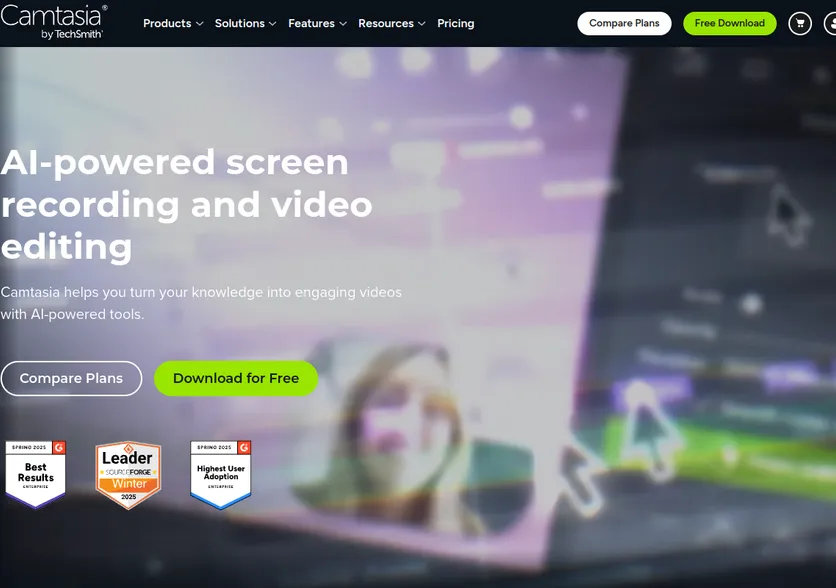
Camtasia is the screen recording and training video tool, with a timeline editor built for tutorials and product demos. This Camtasia Essentials plan costs one hundred seventy-nine dollars and eighty-eight cents a year, and watermark-free editing starts here rather than on the thirty-nine-dollar Starter plan. The Create and Pro plans add AI voiceover, avatars and translation for teams that produce training at scale.
What we like
- Best screen recording and tutorial workflow here
- Audiate text-based editing on Essentials
- Quizzes and SCORM export for training teams
Watch out for
- Watermark-free editing starts at Essentials, not Starter
- AI avatars and translation need the five-hundred-ninety-nine-dollar Pro plan
How to try it
- Open the Camtasia pricing page and compare Essentials with Create
- Record your screen and cut a short tutorial
- Export without a watermark and check the quiz and SCORM export
6. Descript
Best for: Small businesses that edit talking-head video and podcasts by editing the transcript
Paid tool Starting price: $24/person/month · Creator plan, twenty-four dollars a person a month billed yearly, thirty-five dollars on monthly billing; Hobbyist costs sixteen dollars a person a month billed yearly
Free plan: Free plan, one media hour a month with watermarked 720p export
Descript edits video by editing the transcript, so cutting a sentence from the script cuts it from the video. This Descript Creator plan costs twenty-four dollars a person a month billed yearly, with thirty media hours and eight hundred AI credits a month. The free plan covers one media hour a month with a watermark, so the Creator plan is the practical tier for weekly publishing.

What we like
- Transcript editing cuts editing time dramatically
- Studio Sound and Eye Contact polish rough recordings
- Timeline export to Premiere, Final Cut and Resolve
Watch out for
- Media hours are metered, and heavy weeks need top-ups
- Not a full timeline editor for complex multi-track work
How to try it
- Open the Descript pricing page and compare Hobbyist with Creator
- Import a talking-head video and edit it from the transcript
- Export in 4K and test the timeline export to Premiere
7. Clipchamp
Best for: Small businesses on Microsoft 365 that want a browser editor with free 1080p exports
Paid tool Starting price: $11.99/month · Premium plan, eleven dollars and ninety-nine cents a month standalone; included with Microsoft 365 Personal at nine dollars and ninety-nine cents a month or ninety-nine dollars and ninety-nine cents a year; some October 2026 checks report the standalone plan retired
Free plan: Free plan with watermark-free 1080p exports
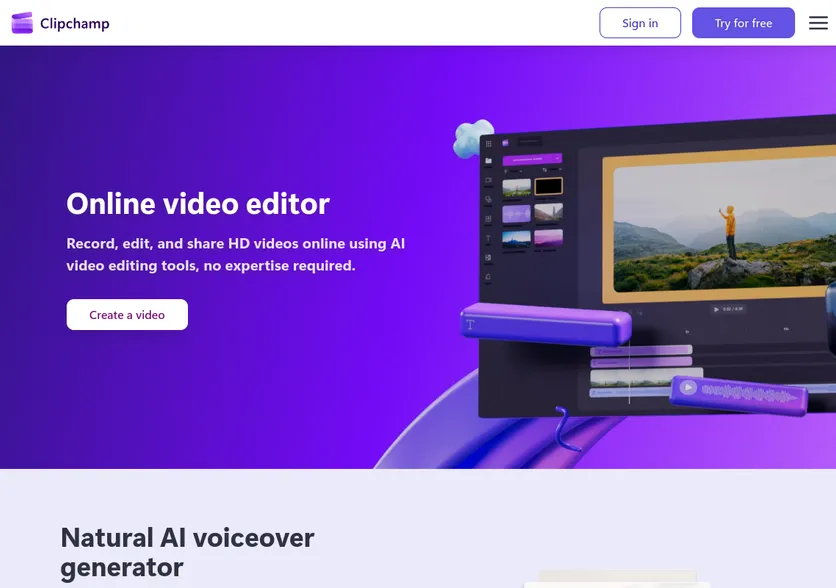
Clipchamp is the browser editor from Microsoft, with watermark-free 1080p exports on the free plan and 4K on Premium. This Clipchamp Premium plan costs eleven dollars and ninety-nine cents a month standalone, and it is included with Microsoft 365 Personal at ninety-nine dollars and ninety-nine cents a year. Check your Microsoft 365 subscription before you pay, because you may already hold Premium.
What we like
- Free plan exports 1080p with no watermark
- Runs in the browser with no install needed
- Premium included with Microsoft 365 Personal
Watch out for
- Standalone availability is unclear in October 2026 checks
- Brand kit and premium stock need the Premium plan
How to try it
- Open the Clipchamp pricing page and check the Premium features
- Check whether your Microsoft 365 plan already includes Premium
- Cut a video in the browser and export it in 4K
8. PowerDirector
Best for: Small businesses that want AI tools, stock assets and a one-time licence option
Paid tool Starting price: $79.99/year · PowerDirector 365 plan, seventy-nine dollars and ninety-nine cents a year at list; promotions from time to time run as low as fifty-nine dollars and ninety-nine cents a year; monthly billing costs twenty-four dollars and ninety-nine cents
Free plan: Free Essential version with limits
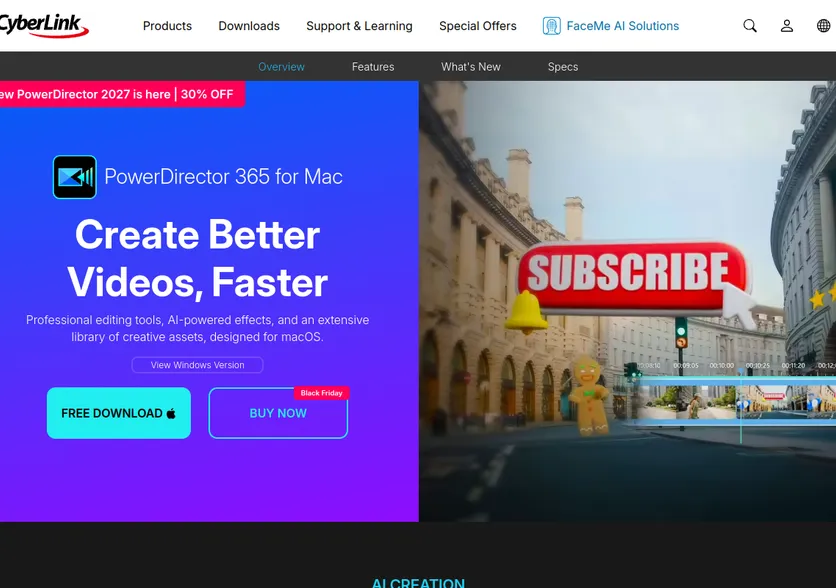
PowerDirector is the consumer editor with pro features, with AI tools, stock assets and a yearly subscription or one-time licence. This PowerDirector 365 plan costs seventy-nine dollars and ninety-nine cents a year at list, with promotions from time to time as low as fifty-nine dollars and ninety-nine cents. The one-time 2027 Ultimate licence costs one hundred thirty-nine dollars and ninety-nine cents for teams that dislike subscriptions.
What we like
- AI tools and Getty stock assets included
- One-time licence available for one hundred thirty-nine dollars and ninety-nine cents
- Runs on Windows and Mac with a mobile app too
Watch out for
- The list price is seventy-nine dollars and ninety-nine cents, promos are temporary
- No team-seat pricing, so each editor needs a separate licence
How to try it
- Open the PowerDirector page and compare 365 with the one-time licence
- Cut a video with the AI tools and stock library
- Export and check the cloud storage and credit limits
Prices above were checked on each vendor’s own website on Nov 27, 2026 and can change — the vendor’s page is the final word. Vendor links are editorial: nobody paid to be listed or ranked here. Vendors who want a featured listing can see how it works on our Get listed page.
What video editing costs a small business in 2026
Video editing pricing splits into subscriptions and one-time licences, and the right choice depends on how long you will edit. Monthly plans here run from eleven dollars and ninety-nine cents on Clipchamp Premium to twenty-four dollars on Descript Creator, while yearly plans run from forty-nine dollars and ninety-nine cents on Filmora Basic to one hundred seventy-nine dollars and eighty-eight cents on Camtasia Essentials. DaVinci Resolve Studio costs two hundred ninety-five dollars once and never renews, which beats a subscription after about a year of Premiere Pro.
Start with the free tier and upgrade when the watermark or the export limit gets in the way. CapCut and Clipchamp export free at 1080p with no watermark, and DaVinci Resolve is free with a remarkably capable editor. Cut one real client video on two tools, compare the export time and the result, and pick the editor your team will actually open every week.
Before you buy
- Count the subscription against the one-time price, because DaVinci Resolve Studio costs two hundred ninety-five dollars once while Premiere Pro costs twenty-two dollars and ninety-nine cents a month.
- Check the free plan limits, because CapCut and Clipchamp export free while Premiere Pro has no free tier at all.
- Confirm the export quality, because Filmora Basic exports in 4K while Descript Hobbyist stops at 1080p.
- Watch for AI credit limits, because CapCut Pro gives one thousand two hundred credits a month and Filmora Basic gives none.
- Test the editor on a real client video, because a tool your team will not learn is money wasted.
Official websites
Official websites of the products reviewed above. Features and prices were checked against these sites when this guide was written, and they can change, so confirm on the vendor site before you buy.
Frequently asked questions
Which video editing software is best for small business in 2026?
Filmora is the best overall pick for most small businesses, with a full desktop editor, templates and AI captions at forty-nine dollars and ninety-nine cents a year. CapCut is the best pick for social video at nineteen dollars and ninety-nine cents a month, with the strongest free tier. DaVinci Resolve Studio is the best one-time buy at two hundred ninety-five dollars, with no subscription at all.
How much does video editing software cost for a small business?
Yearly prices in this list run from forty-nine dollars and ninety-nine cents on Filmora Basic to one hundred seventy-nine dollars and eighty-eight cents on Camtasia Essentials, with PowerDirector at seventy-nine dollars and ninety-nine cents. Monthly plans run from eleven dollars and ninety-nine cents on Clipchamp Premium to twenty-four dollars on Descript Creator, with Premiere Pro at twenty-two dollars and ninety-nine cents.
Is there a free video editor for small business?
Yes, several tools cost nothing to start. CapCut has a free plan with watermark-free 1080p exports, Clipchamp is free with watermark-free 1080p exports, and DaVinci Resolve has a free version that covers most small business editing. Filmora is free with a watermark, and PowerDirector has a free Essential version with limits.
Should a small business buy a one-time licence or a subscription?
It depends on how long you will edit. A one-time licence like DaVinci Resolve Studio at two hundred ninety-five dollars beats a subscription after about a year of Premiere Pro at twenty-two dollars and ninety-nine cents a month. Filmora offers both, with Basic at forty-nine dollars and ninety-nine cents a year or a perpetual licence at seventy-nine dollars and ninety-nine cents for Filmora 16.
Which editor is best for social media video?
CapCut is the best pick for social video, with vertical templates, auto captions and fast export for TikTok, Reels and Shorts at nineteen dollars and ninety-nine cents a month. Descript is the best pick for talking-head and podcast video, with transcript editing at twenty-four dollars a person a month. Filmora covers both, with templates and AI captions at forty-nine dollars and ninety-nine cents a year.
Need everyday video help too? Try Toolsvine's free video tools right in your browser.
Browse Video Tools tools


