On this page
A small business does not need an enterprise contract, but it does need its code backed up, its history intact and its contractors locked out when they leave. The eight hosts below cover Git hosting for teams of two to twenty without a sales call. GitHub Team leads because it costs four dollars per user a month and puts the team where every hire already lives, and the rest are ranked on price, simplicity and fit.
How we researched this
We checked every price on the vendor pricing page on November 29, 2026, and only included tools with a published US dollar list price. AWS CodeCommit is closed to new customers, and the enterprise-only hosts that sell by quote are not in this list. Prices change, so confirm the current figure on the vendor site before you buy.
Compare the tools
| Name | Best for | Starting price | Free plan | |
|---|---|---|---|---|
 GitHub Team | Small teams that want the default host everyone knows | $4/user/month | Free plan | Visit |
 GitLab Premium | Small teams that want source, CI and planning in one place | $29/user/month | Free plan | Visit |
 Bitbucket Standard | Small Atlassian teams that want the cheapest serious hosting | $3.65/user/month | Free plan (up to 5 users) | Visit |
 Azure DevOps | Small Microsoft teams that want boards, repos and pipelines together | $6/user/month | Free plan (first 5 users free) | Visit |
 Assembla | Small teams running Git and Subversion side by side | $12.50/user/month | No free plan; 14-day free trial | Visit |
 Beanstalk | Small agencies that want Git hosting plus deployment | $15/month | Free plan (1 user, 1 repository) | Visit |
 Gitea Enterprise | Small teams that want to own their code forge outright | $9.50/user/month | Free plan (self-hosted) | Visit |
 Perforce P4 Cloud | Small studios with huge binary assets Git cannot handle | $39/user/month | Free plan (up to 5 users) | Visit |
The version control hosting software for small business, compared
1. GitHub Team
Best for: Small teams that want the default host everyone knows
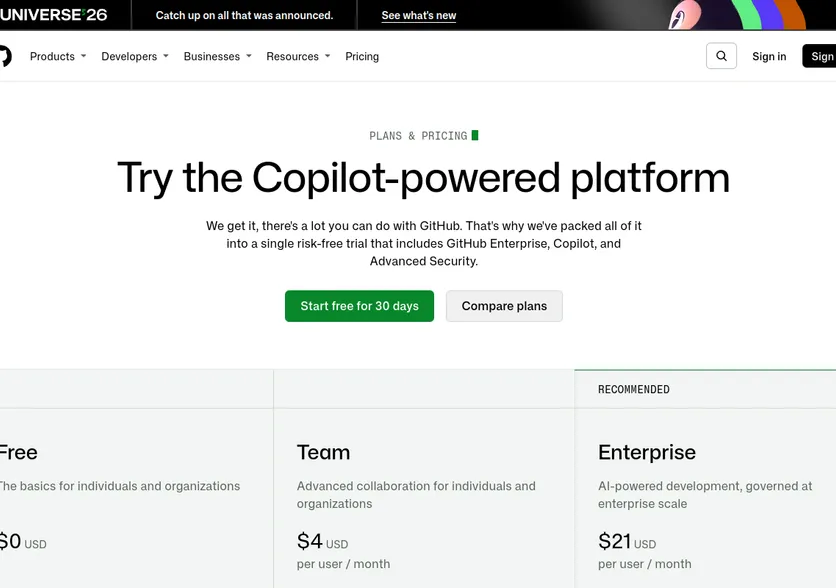
Paid tool Starting price: $4/user/month · Four dollars per user a month on Team; Enterprise is twenty-one dollars per user a month and adds SAML single sign-on and advanced auditing; the free tier covers unlimited public and private repositories
Free plan: Free plan
A small business that wants its code where every future hire already works will start here, because this GitHub Team plan costs four dollars per user a month and adds protected branches, code owners and repository rules to the free tier. Actions, pull requests and the integration marketplace cover the rest of the workflow without extra vendors. It is the cheapest mainstream host for a small team, and the default for a reason.
What we like
- Cheapest mainstream Git hosting for small teams
- Protected branches and code owners on Team
- Huge integration marketplace and hiring pool
Watch out for
- SAML SSO needs Enterprise at twenty-one dollars a user
- Copilot and extra Actions minutes cost more
How to try it
- Create the organisation and invite the team
- Import repositories and set branch protection rules
- Turn on Actions for the first automated build
2. GitLab Premium
Best for: Small teams that want source, CI and planning in one place
Paid tool Starting price: $29/user/month · Twenty-nine dollars per user a month billed annually on Premium; the free tier covers five users per top-level group; Ultimate is now sold by quote
Free plan: Free plan
A small business that wants its whole delivery pipeline in one place will pay more here and buy less elsewhere, since this GitLab Premium plan costs twenty-nine dollars per user a month billed annually and bundles source, CI, security and planning. Merge trains, code owners and ten thousand compute minutes a month come with it, plus a free self-managed Community Edition for teams that prefer their own servers. It suits small teams that would rather run one system than five.

What we like
- One platform for source, CI, security and planning
- Free self-managed Community Edition available
- Merge trains and code owners for growing teams
Watch out for
- The dearest per-seat price in this list by a wide margin
- Configuration takes more care than GitHub Team
How to try it
- Create the group and set the Premium tier
- Import repositories and configure CI pipelines
- Set code owners for the main branches
3. Bitbucket Standard
Best for: Small Atlassian teams that want the cheapest serious hosting
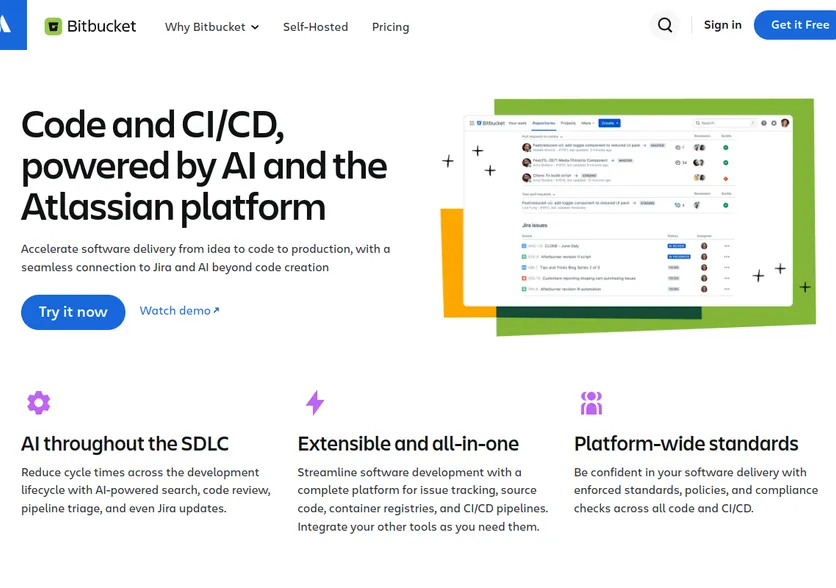
Paid tool Starting price: $3.65/user/month · Three dollars and sixty-five cents per user a month on Standard; Premium is eight dollars per user a month after rising on October 13 2026; the free tier covers up to five users with unlimited private repositories
Free plan: Free plan (up to 5 users)
A small business already paying for Jira will get the lowest per-seat price here, since this Bitbucket Standard plan costs three dollars and sixty-five cents per user a month and keeps unlimited repositories with two thousand five hundred build minutes. Tickets and code stay linked without any integration work, and the free tier covers a five-person team outright. It is the best value host for an Atlassian small business.
What we like
- Lowest per-seat price among the big three hosts
- Free for up to five users with unlimited repositories
- Tickets and code linked through Jira out of the box
Watch out for
- Smaller ecosystem than GitHub or GitLab
- Premium features need the eight dollar tier
How to try it
- Create the workspace and connect it to Jira
- Import repositories and set branch permissions
- Turn on Pipelines for the first automated build
4. Azure DevOps
Best for: Small Microsoft teams that want boards, repos and pipelines together
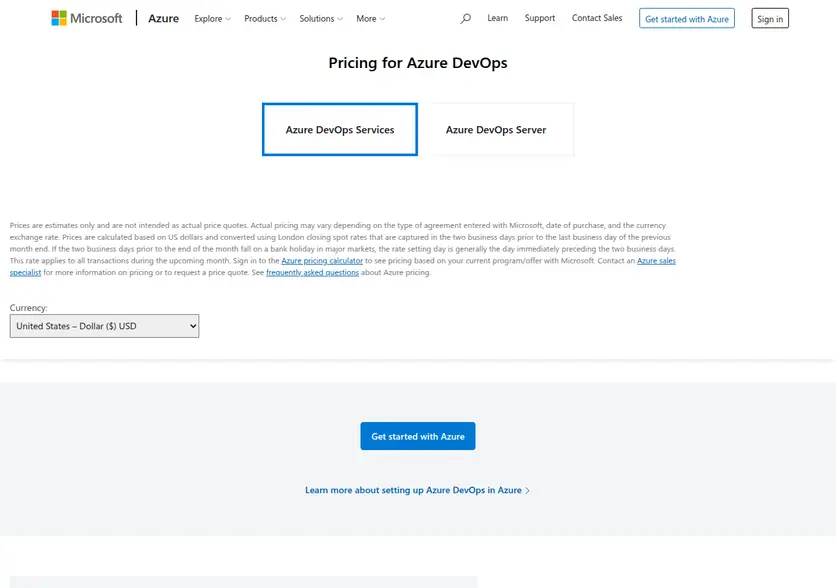
Paid tool Starting price: $6/user/month · Six dollars per user a month on Basic after the first five users, who are free; Basic plus Test Plans costs fifty-two dollars per user a month; a ten-person team pays thirty dollars a month because only five seats are charged
Free plan: Free plan (first 5 users free)
A small Microsoft shop will find its cheapest honest bill here, since this Azure DevOps plan costs six dollars per user a month after the first five free users and bundles Boards, Repos, Pipelines and Artifacts together. A ten-person team pays thirty dollars a month, not sixty, because the free seats are real. It suits small teams that build on Microsoft tools and already pay for Azure.
What we like
- First five Basic users free on every organisation
- Boards, Repos, Pipelines and Artifacts in one service
- A ten-person team pays $30 a month, not $60
Watch out for
- The web interface feels dated next to GitHub
- Advanced security costs extra per committer
How to try it
- Create the organisation and invite the team
- Import repositories into Azure Repos
- Set up a board and a pipeline for the first project
5. Assembla
Best for: Small teams running Git and Subversion side by side
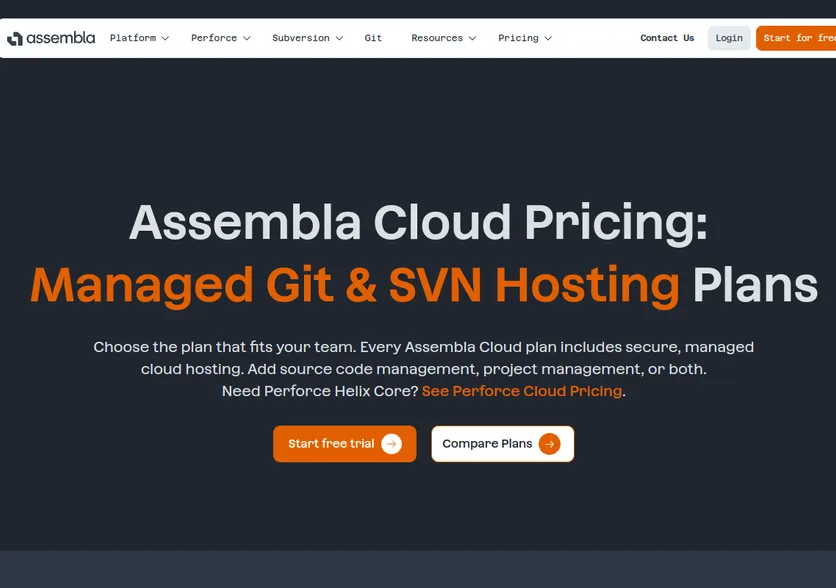
Paid tool Starting price: $12.50/user/month · Twelve dollars and fifty cents per user a month on Starter billed monthly, or eleven dollars and twenty-five cents billed annually; Growth is nineteen dollars per user a month; older listings showing eleven dollars and fifty cents appear stale against the vendor November 2026 figures
Free plan: No free plan; 14-day free trial
A small business still running Subversion beside Git will find a managed home here without hiring a sysadmin, since this Assembla plan costs twelve dollars and fifty cents per user a month and hosts unlimited Git and SVN repositories in one service. Wikis, merge requests and ten gigabytes of storage per user come with Starter, and the 14-day trial needs no card. It suits small teams migrating off old SVN setups gently.
What we like
- Managed Git and SVN hosting with no servers to run
- Unlimited repositories with wikis and merge requests
- 14-day free trial with no credit card required
Watch out for
- Fewer integrations than GitHub or GitLab
- Starter is recommended for up to five users only
How to try it
- Create the account and pick the Starter plan
- Migrate repositories from the old SVN server
- Set up merge requests and access controls
6. Beanstalk
Best for: Small agencies that want Git hosting plus deployment
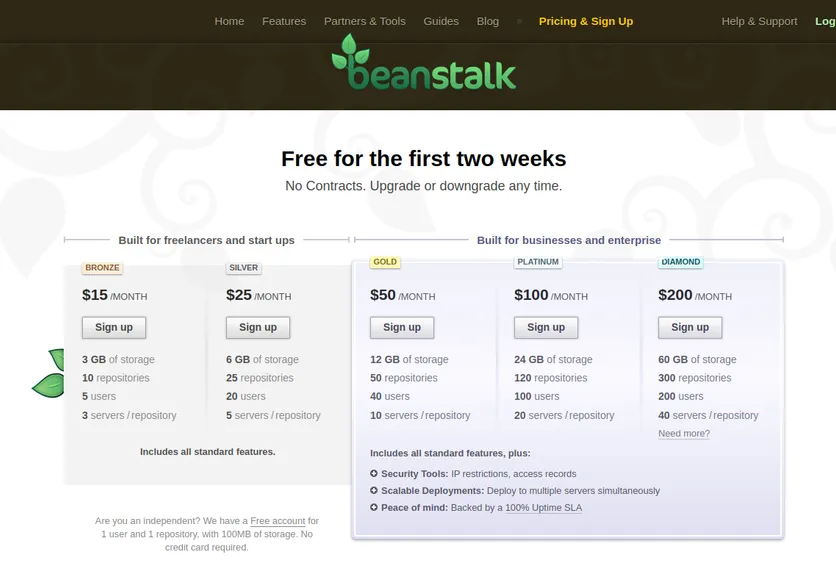
Paid tool Starting price: $15/month · Fifteen dollars a month on Bronze for five users; Silver is twenty-five dollars a month for twenty users and Diamond is two hundred dollars a month for two hundred users; priced per plan, not per seat
Free plan: Free plan (1 user, 1 repository)
A small agency that wants Git hosting plus deployment without a sprawling platform will like the flat price here, since this Beanstalk plan costs fifteen dollars a month for five users and pairs repositories with code review and one-click deployments. The interface stays deliberately small, so a freelance team can adopt it in a day. It is the simplest host in this list for a small business.
What we like
- Flat monthly pricing, not per-seat billing
- Code review and one-click deployments built in
- Simple interface that small teams adopt in a day
Watch out for
- Narrower scope than the big platforms
- No built-in CI at scale for larger projects
How to try it
- Create the account and add the team members
- Import repositories and set up code review
- Connect a deployment target and ship the first release
7. Gitea Enterprise
Best for: Small teams that want to own their code forge outright
Paid tool Starting price: $9.50/user/month · Nine dollars and fifty cents per user a month on Enterprise with a one-year commitment, shown with nineteen dollars struck through; adds SAML single sign-on, audit logs, autoscaling Kubernetes runners and SLA support, with a 30-day trial
Free plan: Free plan (self-hosted)
A small business that wants to own its code forge outright will find the honest route here, since this Gitea Enterprise plan costs nine dollars and fifty cents per user a month on a one-year commitment and adds commercial support to the free open-source core. The software runs on your own servers, so there is no per-seat cloud bill and no vendor lock-in. It suits small teams that value ownership and speed.
What we like
- Open-source core that runs on your own servers
- SAML SSO, audit logs and SLA support on Enterprise
- Fast, lightweight interface with low resource use
Watch out for
- Smaller ecosystem than the big three hosts
- The struck-through price makes the real discount unclear
How to try it
- Deploy Gitea on your own server or take the cloud plan
- Import repositories and invite the team
- Set up audit logs and the CI runners
8. Perforce P4 Cloud
Best for: Small studios with huge binary assets Git cannot handle
Paid tool Starting price: $39/user/month · Thirty-nine dollars per user a month on P4 Cloud; Helix Core itself is sold by quote for large deployments, so confirm the figure for a bigger team before budgeting
Free plan: Free plan (up to 5 users)
A small studio with huge game or media assets will need the centralised model here, since this Perforce P4 Cloud plan costs thirty-nine dollars per user a month and handles binary files Git struggles with. Large assets, fine-grained permissions and a central server work for a small team today and scale as it grows. It is the dearest seat in this list, and the only one built for assets Git cannot handle.
What we like
- Handles huge binary files and game assets
- Fine-grained permissions and centralised control
- Free for up to five users and twenty workspaces
Watch out for
- The most expensive per-seat price in this list
- A different workflow from the Git-centric hosts
How to try it
- Create the P4 Cloud depot and invite the team
- Import the large asset libraries
- Set branch and permission rules for each project
Prices above were checked on each vendor’s own website on Nov 29, 2026 and can change — the vendor’s page is the final word. Vendor links are editorial: nobody paid to be listed or ranked here. Vendors who want a featured listing can see how it works on our Get listed page.
How to pick version control for a small business without paying enterprise prices
Count the team honestly before you compare prices, because per-user billing and flat pricing cross over at different team sizes. A five-person team pays nothing on Bitbucket or Azure DevOps, while a twenty-person team may pay less on a flat plan like Beanstalk. Check the free tier limits, since a five-user cap or a repository limit can force an upgrade sooner than expected. Then test the import on one repository, because moving history cleanly matters more than any feature list. Start on the free tier and move to a paid plan only when the team outgrows it, since most small teams never need the enterprise features.
Before you buy
- Count the team honestly, including contractors, before comparing per-user prices
- Check the free tier limits, since a user cap can force an upgrade early
- Ask whether the price is per user or flat, and work out the crossover point
- Make sure the host handles your largest files, not just small source code
- Test the import on one real repository before moving the whole codebase
Official websites
Official websites of the products reviewed above. Features and prices were checked against these sites when this guide was written, and they can change, so confirm on the vendor site before you buy.
Frequently asked questions
What is version control hosting software for small business?
It is hosted source control sized for small teams: Git repositories with pull requests, branch protection and CI, priced per user or per plan, without a sales call or an enterprise contract. The best tools for a small business have a genuinely free tier, so a team of two to five can start without paying at all.
How much does GitHub Team cost for a small business?
GitHub Team costs four dollars per user a month, adding protected branches, code owners and repository rules to the free tier. A ten-person team pays forty dollars a month. Enterprise is twenty-one dollars per user a month and adds SAML single sign-on, which most small businesses do not need.
What is the cheapest version control host for a small team?
Bitbucket Standard is the cheapest paid seat at three dollars and sixty-five cents per user a month, and its free tier covers up to five users outright. Azure DevOps is cheaper still for a ten-person team at thirty dollars a month, because the first five Basic users are free.
Can a small business host version control for free?
Yes. GitHub, GitLab, Bitbucket, Azure DevOps, Beanstalk and Gitea all have free tiers, and Bitbucket and Azure DevOps both cover a five-person team for free. SourceHut starts at two dollars a month with no free tier, which is why it is not in this list.
Which tool is best for a small business with huge binary files?
Perforce P4 Cloud is the best pick for huge binary assets, at thirty-nine dollars per user a month, because Git hosts struggle with game and media files at scale. For ordinary source code, GitHub Team at four dollars a user is the safer default, with the largest ecosystem and the lowest learning curve.
Compare the eight tools above, then start with a free trial on the host that matches your team size before moving the codebase.
Browse Developer Tools tools