
On this page
Version control is where DevSecOps starts, because the repository holds the code, the pipeline and the security checks in one place. The seven tools below run from about four dollars a user a month to twenty-nine dollars a user a month, and every price was checked on the vendor site on November 27, 2026. Some are hosted platforms, some are self-hosted forges, and one is a visual client, so match the tool to how your team ships. GitHub is our first pick — the biggest ecosystem at the lowest serious price.
How we researched this
We started with the version control tools DevSecOps teams actually buy, then read each price on the vendor pricing page on November 27, 2026 and noted the free tier or trial each one carries. We judged them for a team that hosts code, scans it for secrets and vulnerabilities, and ships through CI, and we kept only tools with a published price. We dropped AWS CodeCommit because new teams cannot sign up for it, and we dropped Perforce Helix Core because it publishes no list price.
Compare the tools
| Name | Best for | Starting price | Free plan | |
|---|---|---|---|---|
 GitHub | Most DevSecOps teams that want the biggest ecosystem and the strongest Actions automation | $4/user/month | Free tier with unlimited private repositories | Visit |
 GitLab | Teams that want issues, CI, security scanning and deployment in one application | $29/user/month | Free tier, five users in a top-level group | Visit |
 Bitbucket | Small teams and Atlassian shops that want cheap Git hosting with Jira built in | $3.65/user/month | Free plan for up to five users | Visit |
 Azure DevOps | Teams on Microsoft stacks that want repos, boards, pipelines and test plans together | $6/user/month | Five Basic users free; Stakeholder tier free | Visit |
 Assembla | Teams still on Subversion, or mixing SVN and Git, that want managed hosting | $11.25/user/month | No free plan; 14-day free trial | Visit |
| GitKraken | Teams that want visual branching, merging and code review without the command line | $10/user/month | Free Community plan for public and local repositories | Visit |
| Gitea Cloud | Small teams that want a lightweight Git forge, self-hosted free or managed in the cloud | $9.50/user/month | Free self-hosted MIT core with unlimited users and repositories | Visit |
The version control software for devsecops teams, compared
1. GitHub
Best for: Most DevSecOps teams that want the biggest ecosystem and the strongest Actions automation
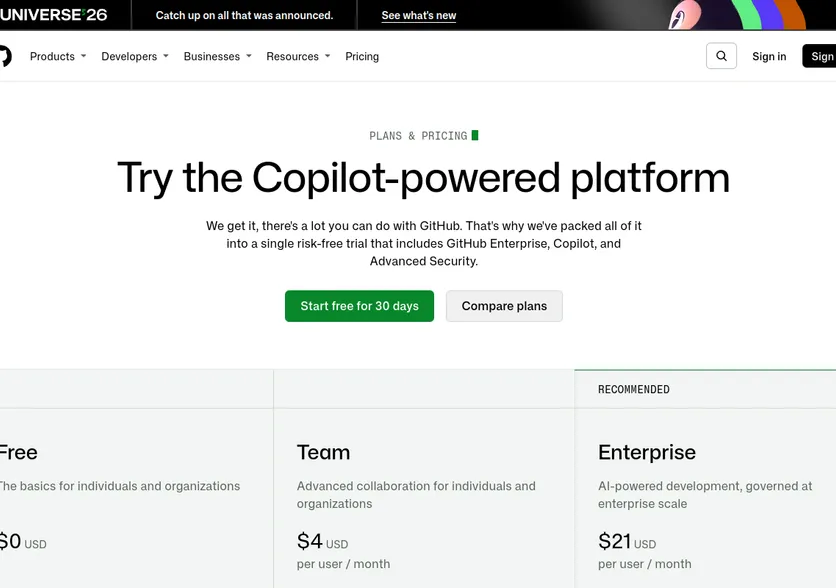
Paid tool Starting price: $4/user/month · Team plan, four dollars a user a month; Enterprise costs twenty-one dollars a user a month; free tier includes two thousand Actions minutes and five hundred megabytes of storage a month
Free plan: Free tier with unlimited private repositories
GitHub is the default host for most DevSecOps teams, with Actions, code scanning and secret scanning in the same place as the code. This GitHub Team plan costs four dollars a user a month, with a free tier that covers unlimited private repositories. The ecosystem is the selling point, since almost every security and CI tool integrates with GitHub first.
What we like
- Largest ecosystem of integrations and Actions workflows
- Code scanning and secret scanning built in
- Free tier covers unlimited private repositories
Watch out for
- Advanced security features need the Enterprise plan
- Actions minutes beyond the free allowance cost extra
How to try it
- Open the GitHub pricing page and compare Team with Enterprise
- Create a private repository and turn on code scanning
- Set up an Actions workflow and a branch protection rule
2. GitLab
Best for: Teams that want issues, CI, security scanning and deployment in one application
Paid tool Starting price: $29/user/month · Premium plan, twenty-nine dollars a user a month billed yearly; Ultimate is custom-quoted; free tier caps at five users in a top-level group
Free plan: Free tier, five users in a top-level group
GitLab is the all-in-one DevSecOps platform, with issues, CI, security scanning and deployment in a single application. This GitLab Premium plan costs twenty-nine dollars a user a month billed yearly, with a free tier capped at five users in a top-level group. The price is the highest in this list, and the value comes from replacing several tools with one platform.

What we like
- One platform for issues, CI, security and deployment
- Ten thousand CI minutes a month on Premium
- Strong compliance and audit features for regulated teams
Watch out for
- Highest price in this list by a wide margin
- The free tier caps at five users in a top-level group
How to try it
- Open the GitLab pricing page and compare Premium with Ultimate
- Create a group and enable the security scanning templates
- Run a pipeline with ten thousand included CI minutes a month
3. Bitbucket
Best for: Small teams and Atlassian shops that want cheap Git hosting with Jira built in
Paid tool Starting price: $3.65/user/month · Standard plan, three dollars and sixty-five cents a user a month; Premium costs eight dollars a user a month after a rise from seven dollars and twenty-five cents in November 2026
Free plan: Free plan for up to five users
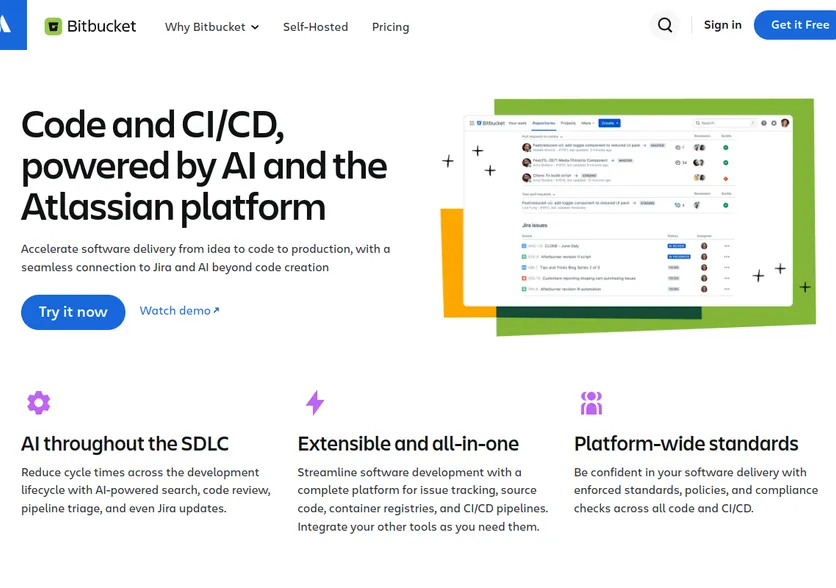
Bitbucket is the cheapest paid host here for a small team, and it fits naturally into an Atlassian shop already on Jira. This Bitbucket Standard plan costs three dollars and sixty-five cents a user a month, with a free tier for up to five users. Standard includes two thousand five hundred build minutes a month, though the Premium plan rose to eight dollars a user a month in late November 2026.
What we like
- Cheapest paid plan in this comparison
- Deep Jira and Confluence integration included
- Free plan covers five users with Pipelines
Watch out for
- Premium rose to eight dollars a user a month in November 2026
- Smaller third-party ecosystem than GitHub or GitLab
How to try it
- Open the Bitbucket pricing page and claim the free plan
- Connect a repository to Jira and enable branch checks
- Set up Pipelines with the included build minutes
4. Azure DevOps
Best for: Teams on Microsoft stacks that want repos, boards, pipelines and test plans together
Paid tool Starting price: $6/user/month · Basic plan, six dollars a user a month after the first five Basic users free; Basic plus Test Plans costs fifty-two dollars a user a month
Free plan: Five Basic users free; Stakeholder tier free
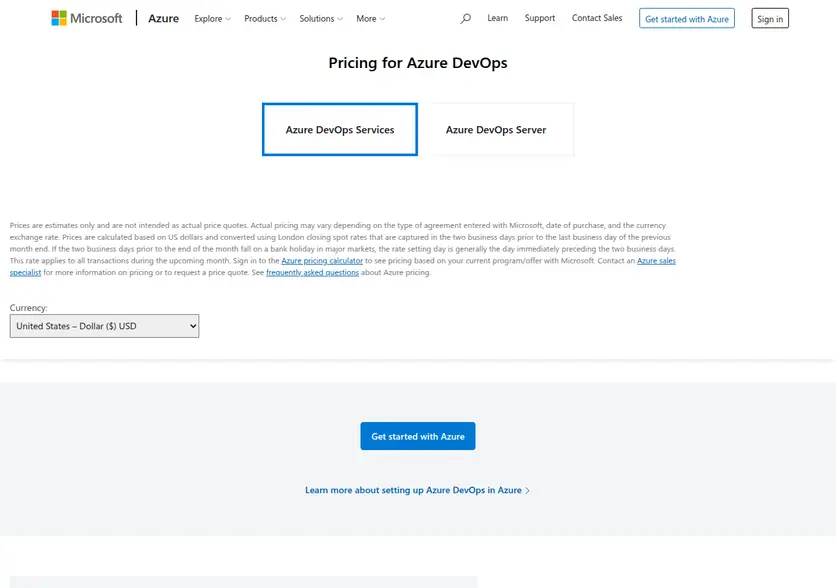
Azure DevOps bundles repos, boards, pipelines and test plans, with five free Basic users to start a small team. This Azure DevOps Basic plan costs six dollars a user a month after the first five free users, with Basic plus Test Plans at fifty-two dollars a user a month. The value is the bundle, since boards, pipelines and artifacts share one billing and one login.
What we like
- Five Basic users free to start a small team
- Repos, boards, pipelines and artifacts in one service
- Deep integration with Azure and Microsoft tooling
Watch out for
- Test Plans costs fifty-two dollars a user a month on top
- The interface feels heavy for a team that only needs Git
How to try it
- Open the Azure DevOps pricing page and claim the five free users
- Create a project with repos, boards and a pipeline
- Add Test Plans only if manual testing needs it
5. Assembla
Best for: Teams still on Subversion, or mixing SVN and Git, that want managed hosting
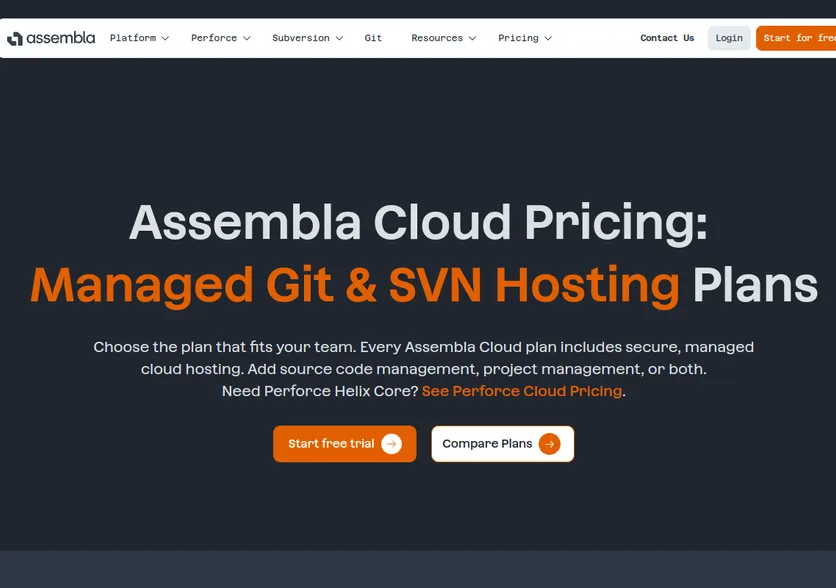
Paid tool Starting price: $11.25/user/month · Starter plan, eleven dollars and twenty-five cents a user a month billed yearly, twelve dollars and fifty cents on monthly billing; some trackers still show the older ten dollars and thirty-five cents annual rate
Free plan: No free plan; 14-day free trial
Assembla is the managed host for teams still on Subversion, or mixing SVN and Git, with compliance and regional hosting. This Assembla Starter plan costs eleven dollars and twenty-five cents a user a month billed yearly, with unlimited Git and SVN repositories and ten gigabytes of storage per user. The old pricing page returns an error, so the vendor now lists prices on its Git hosting pages instead.
What we like
- Managed Git and SVN hosting with no infrastructure to run
- Compliance and regional hosting for regulated teams
- Unlimited repositories with wikis and merge requests
Watch out for
- The old pricing page returns an error, so confirm prices on the Git pages
- Project management needs the Growth plan at nineteen dollars a month
How to try it
- Open the Assembla Git pricing page and start the trial
- Migrate one SVN or Git repository and check the history
- Set up merge requests and confirm the storage per user
6. GitKraken
Best for: Teams that want visual branching, merging and code review without the command line
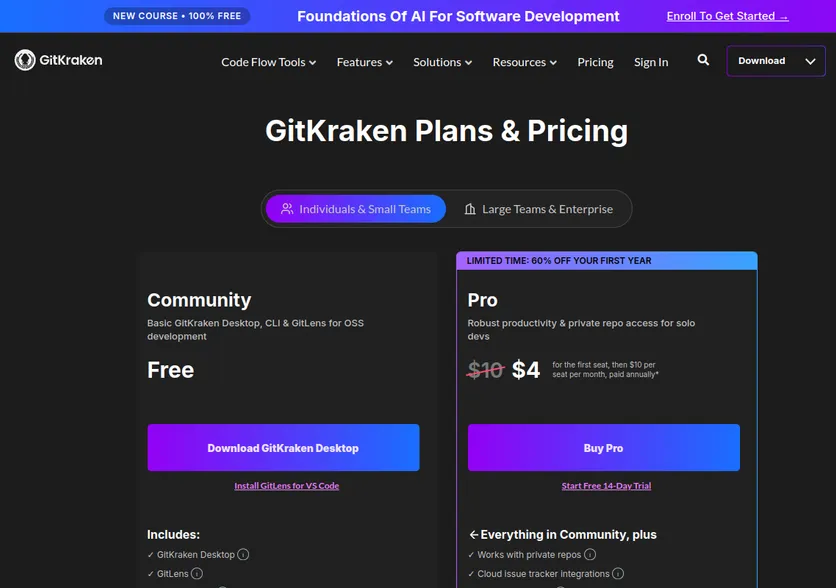
Paid tool Starting price: $10/user/month · Pro plan, ten dollars a user a month billed yearly; the first seat is five dollars in year one as a limited-time offer, not the list price; Advanced costs fourteen dollars a user a month billed yearly
Free plan: Free Community plan for public and local repositories
GitKraken is the visual Git client and host for teams that want branching, merging and code review without the command line. This GitKraken Pro plan costs ten dollars a user a month billed yearly, with the first seat at five dollars in year one as a limited-time offer. The Pro plan caps at two seats, so a team of three or more needs the Advanced plan at fourteen dollars a user a month.
What we like
- Visual Git graph that makes branching easy to follow
- Works with GitHub, GitLab and Bitbucket repositories
- Free Community plan for public and local work
Watch out for
- Pro caps at two seats, so larger teams need Advanced
- The first-seat discount ends after year one
How to try it
- Open the GitKraken pricing page and claim the free plan
- Open a repository in the visual client and review the graph
- Upgrade to Pro when the team needs private repositories
7. Gitea Cloud
Best for: Small teams that want a lightweight Git forge, self-hosted free or managed in the cloud
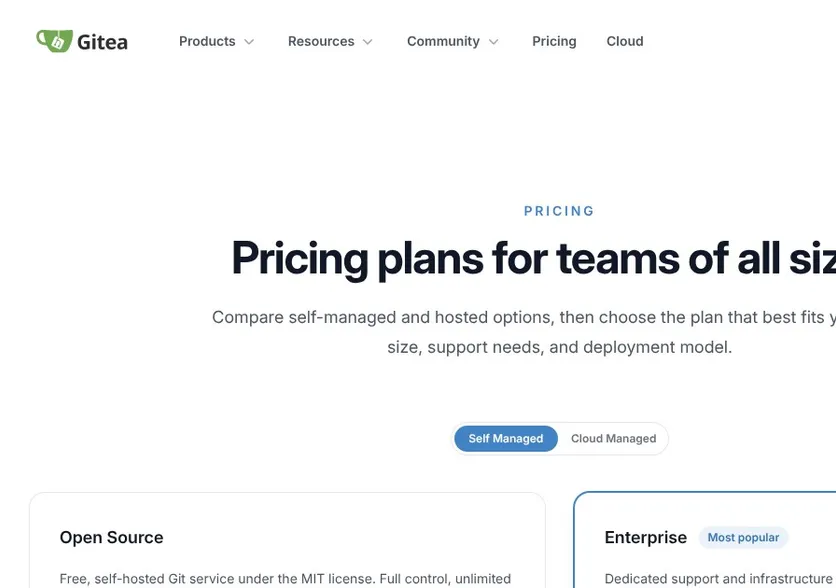
Paid tool Starting price: $9.50/user/month · Cloud plan, nine dollars and fifty cents a user a month shown with nineteen dollars struck through; the vendor gives no end date for the discount, so the price could return to nineteen dollars
Free plan: Free self-hosted MIT core with unlimited users and repositories
Gitea Cloud is the lightweight managed Git forge, with the same service self-hosted free under the MIT licence. This Gitea Cloud plan costs nine dollars and fifty cents a user a month, shown with nineteen dollars struck through and no end date given for the discount. Yearly billing is marked two months free, and add-on storage costs ten dollars per one hundred gigabytes.
What we like
- Free self-hosted core with unlimited users and repositories
- Lightweight single binary that runs almost anywhere
- Managed Cloud with a choice of provider and region
Watch out for
- The nine-dollar-fifty rate is a discount with no stated end date
- Smaller ecosystem than GitHub, GitLab or Bitbucket
How to try it
- Open the Gitea pricing page and compare Cloud with Enterprise
- Start a managed Cloud instance or self-host the free core
- Add SAML sign-on and audit logs when the team needs them
Prices above were checked on each vendor’s own website on Nov 27, 2026 and can change — the vendor’s page is the final word. Vendor links are editorial: nobody paid to be listed or ranked here. Vendors who want a featured listing can see how it works on our Get listed page.
What version control costs a DevSecOps team in 2026
Version control pricing is mostly per user, so the bill is headcount times the seat rate, and the gap between tools is wide. Bitbucket Standard is three dollars and sixty-five cents a user a month and GitHub Team is four dollars, while GitLab Premium is twenty-nine dollars and Azure DevOps Basic is six dollars after five free users. The dearer tools earn their price with security scanning, compliance and CI minutes, not with hosting alone.
Check the free tier before you pay, because every tool here has one. GitHub is free with unlimited private repositories, Bitbucket is free for five users, Azure DevOps gives five Basic users free, and Gitea is free to self-host. Run one real repository through two tools, test the security scanning and the CI pipeline, and pick the host whose checks your team will actually read.
Before you buy
- Count every developer before you compare, because GitHub Team is four dollars a user a month while GitLab Premium is twenty-nine.
- Check the free tier limits, because GitLab caps free at five users in a top-level group and Bitbucket at five users.
- Confirm the CI minutes included, because GitLab Premium gives ten thousand minutes a month and Bitbucket Standard gives two thousand five hundred.
- Watch for sign-up limits, because AWS CodeCommit is closed to new customers and Gitea Cloud shows a discount with no end date.
- Test the security scanning on a real repo, because DevSecOps value comes from the scanning, not the hosting.
Official websites
Official websites of the products reviewed above. Features and prices were checked against these sites when this guide was written, and they can change, so confirm on the vendor site before you buy.
Frequently asked questions
Which version control software is best for DevSecOps teams in 2026?
GitHub is the best overall pick, with the largest ecosystem, Actions automation and code scanning at four dollars a user a month on Team. GitLab is the best all-in-one DevSecOps platform, with issues, CI, security scanning and deployment in one application at twenty-nine dollars a user a month. Bitbucket is the cheapest paid option at three dollars and sixty-five cents a user a month.
How much does version control software cost for DevSecOps teams?
Entry prices in this list run from three dollars and sixty-five cents a user a month on Bitbucket to twenty-nine dollars on GitLab Premium, with GitHub Team at four dollars, Azure DevOps at six dollars and Gitea Cloud at nine dollars and fifty cents. Assembla starts at eleven dollars and twenty-five cents billed yearly, and GitKraken Pro is ten dollars a user a month billed yearly.
Is there a free version control tool for DevSecOps teams?
Yes, every tool here has a free tier or a free core. GitHub is free with unlimited private repositories, Bitbucket is free for up to five users, Azure DevOps gives five Basic users free, and GitLab is free for five users in a top-level group. Gitea is free to self-host with unlimited users, and GitKraken has a free Community plan for public and local repositories.
GitHub or GitLab for a DevSecOps team?
GitHub wins on ecosystem and Actions, with almost every security and CI tool integrating with GitHub first, and Team costs four dollars a user a month. GitLab wins on the all-in-one platform, with issues, CI, security scanning and deployment in one application, but Premium costs twenty-nine dollars a user a month. A team that wants one platform picks GitLab, while a team that wants the biggest ecosystem picks GitHub.
Can I self-host version control for my team?
Gitea is the self-hosted pick, with a free MIT core that covers unlimited users and repositories in one lightweight binary. GitLab also offers a self-managed edition for teams that want the full platform on their own servers. Assembla offers managed single-tenant hosting for regulated teams that cannot share infrastructure. Self-hosting saves the per-user fee but adds server and upgrade work.
Need everyday developer help too? Try Toolsvine's free developer tools right in your browser.
Browse Developer Tools tools


