
On this page
Git itself is free, but hosting it, guarding it and reviewing code on it is real work, and that is where a hosted platform earns its keep. GitHub is the default answer for a reason: four dollars a user a month buys pull requests, actions and a community around almost every open-source project. This guide compares eight Git alternatives for source control with live 2026 prices, free plans and trials, so you can pick the platform that fits your team and your budget.
How we researched this
We checked the pricing page of every platform on this list on November 26, 2026, and kept only platforms that publish a real per-user price. Each platform had to host Git repositories with pull requests and access control, and we compared entry prices, free plans, storage limits and how the bill scales as the team grows.
Compare the tools
| Name | Best for | Starting price | Free plan | |
|---|---|---|---|---|
 GitHub | Teams that want the largest code community and ecosystem | $4/user/month | Free plan | Visit |
 GitLab | Teams that want CI, security and hosting in one platform | $29/user/month | Free plan | Visit |
 Bitbucket | Atlassian teams that want the cheapest paid Git hosting | $3.65/user/month | Free plan up to 5 users | Visit |
 Azure DevOps | Microsoft shops that want repos, boards and pipelines together | $6/user/month | Free for first 5 users | Visit |
 Assembla | Teams that need both Git and SVN hosting in one place | $11.50/user/month | Free trial | Visit |
 Perforce Helix Core | Game and media teams with huge binary files | $39/user/month | Free up to 5 users | Visit |
 RhodeCode | Teams that want self-hosted Git with a low per-user price | $6.25/user/month | Free Community edition | Visit |
 Unity Version Control | Game teams that want version control with no per-seat charge | $0/user/month | Free; $0 per user a month in the cloud | Visit |
The Git alternatives, compared
1. GitHub
Best for: Teams that want the largest code community and ecosystem
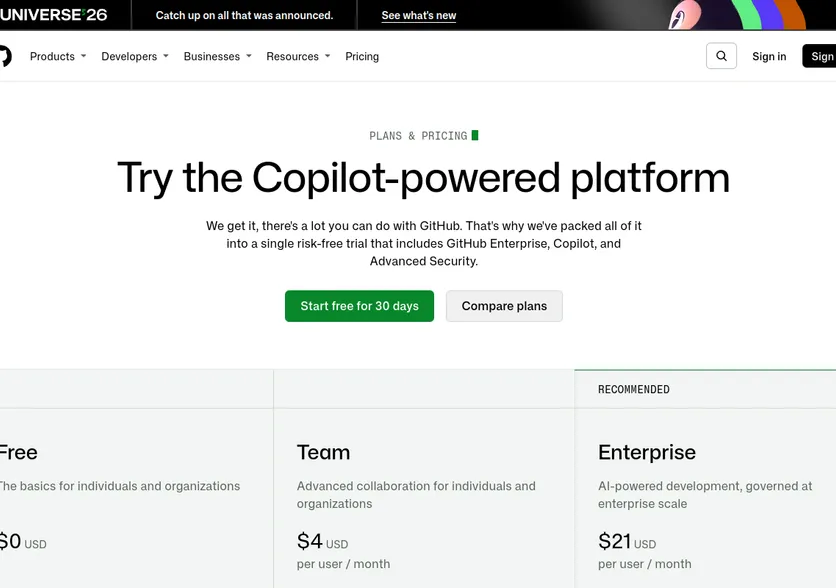
Paid tool Starting price: $4/user/month · Team plan at $4 a user a month; Enterprise is $21 a user a month; a free plan covers unlimited public and private repositories
Free plan: Free plan
GitHub is where most code lives, and that network effect is the product: pull requests, actions and a marketplace of integrations that no rival can match. This GitHub Team plan costs four dollars a user a month and adds branch protection plus more actions minutes, while the free plan covers unlimited repositories. It is the pick when the team wants the platform everyone else already knows.
What we like
- Largest code community on earth
- Huge Actions and marketplace ecosystem
- Free plan for unlimited repositories
Watch out for
- Actions minutes cost extra at scale
- Enterprise plan is a big jump
How to try it
- Open the GitHub pricing page and start the Team plan
- Create an organization and invite the team
- Open the first pull request and set branch rules
2. GitLab
Best for: Teams that want CI, security and hosting in one platform
Paid tool Starting price: $29/user/month · Premium plan at $29 a user a month billed annually; Ultimate is $99 a user a month; a free plan covers light use
Free plan: Free plan
GitLab is the all-in-one platform on this list, bundling repositories, CI pipelines, security scanning and issue tracking so the team buys one tool instead of five. This GitLab Premium plan costs twenty-nine dollars a user a month on annual billing and adds advanced CI plus code review tools, while the free plan covers the basics. It is the pick when the team wants one platform to run the whole software lifecycle.

What we like
- CI, security and issues in one platform
- Self-hosting option for full control
- Free plan for small teams
Watch out for
- Premium price is steep for small teams
- Interface can feel heavy at first
How to try it
- Open the GitLab pricing page and start the Premium plan
- Import repositories from GitHub or another host
- Set up the first CI pipeline and security scan
3. Bitbucket
Best for: Atlassian teams that want the cheapest paid Git hosting
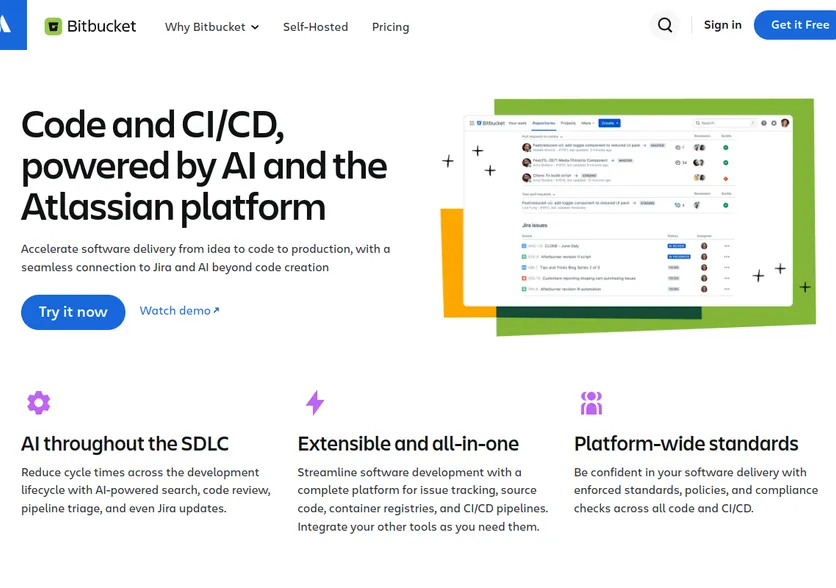
Paid tool Starting price: $3.65/user/month · Standard plan at $3.65 a user a month; Premium is $6.50 a user a month; a free plan covers up to 5 users
Free plan: Free plan up to 5 users
Bitbucket is the Git host for teams that already live in Jira and Confluence, because the integration is built in rather than bolted on. This Bitbucket Standard plan costs under four dollars a user a month and adds deployment permissions plus merge checks, while the free plan covers up to five users. It is the pick when the team is already on Atlassian and wants the cheapest paid plan here.
What we like
- Cheapest paid plan on this list
- Built-in Jira and Confluence links
- Free plan for up to five users
Watch out for
- Pipelines minutes cost extra at scale
- Smaller community than GitHub
How to try it
- Open the Bitbucket pricing page and start the Standard plan
- Connect the workspace to Jira
- Open the first pull request and link the issue
4. Azure DevOps
Best for: Microsoft shops that want repos, boards and pipelines together
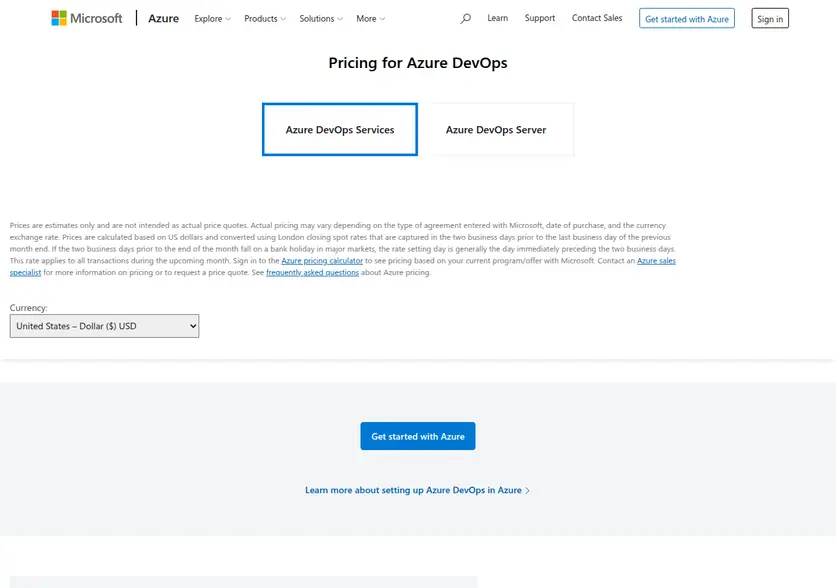
Paid tool Starting price: $6/user/month · Basic plan at $6 a user a month; the first 5 users are free; stakeholders access is free
Free plan: Free for first 5 users
Azure DevOps is the Microsoft answer to Git hosting, pairing repositories with boards, pipelines and test plans in one service that fits naturally into an Azure estate. This Azure DevOps Basic plan costs six dollars a user a month, and the first five users are free. It is the pick when the team already runs on Microsoft and wants one bill for the whole toolchain.
What we like
- Repos, boards and pipelines in one service
- First five users are free
- Fits naturally into Azure
Watch out for
- Interface feels dated next to GitHub
- Best value only inside Microsoft shops
How to try it
- Open the Azure DevOps pricing page and create an organization
- Create a project and import the repositories
- Set up a pipeline and link the work items
5. Assembla
Best for: Teams that need both Git and SVN hosting in one place
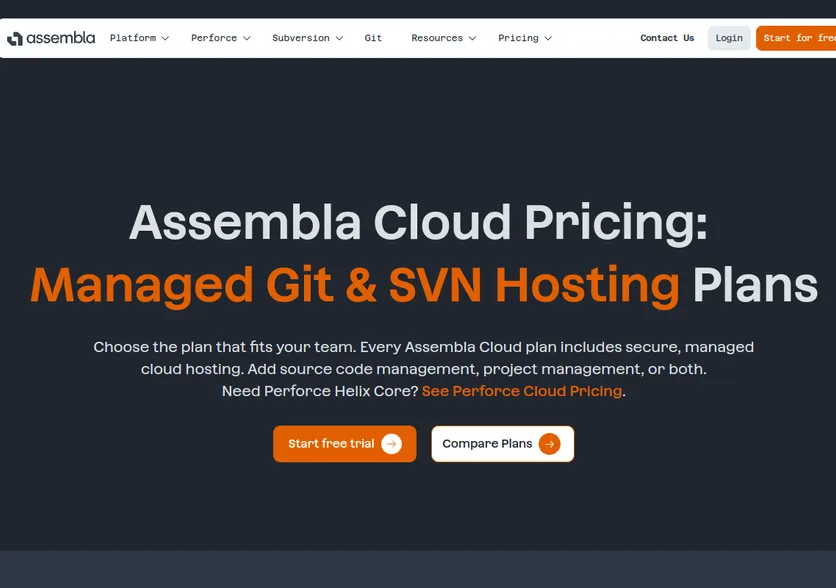
Paid tool Starting price: $11.50/user/month · Starter plan at $11.50 a user a month billed monthly, or $10.35 a user a month billed annually, for Git and SVN hosting
Free plan: Free trial
Assembla is the specialist here, hosting both Git and SVN repositories with per-repository permissions that suit teams under strict compliance rules. This Assembla Starter plan costs about eleven dollars fifty a user a month and covers Git hosting with private repositories. It is the pick when the team still runs SVN alongside Git and needs one host for both.
What we like
- Hosts Git and SVN together
- Fine-grained repository permissions
- Good fit for compliance-heavy teams
Watch out for
- No free plan, trial only
- Smaller ecosystem than GitHub
How to try it
- Open the Assembla pricing page and start the Starter plan
- Create a space and import the repositories
- Set per-repository permissions for the team
6. Perforce Helix Core
Best for: Game and media teams with huge binary files
Paid tool Starting price: $39/user/month · P4 Cloud plan at $39 a user a month; free for up to 5 users and 20 workspaces; Scale and Platform plans are custom priced
Free plan: Free up to 5 users
Perforce Helix Core is built for files that Git chokes on, handling multi-gigabyte game assets and media binaries with the same version control discipline as code. This Perforce Helix Core cloud plan costs thirty-nine dollars a user a month, and the first five users are free. It is the pick when the repository holds art, video and builds as well as source code.
What we like
- Handles huge binary files with ease
- Free for up to five users
- Proven in game studios
Watch out for
- Highest per-user price on this list
- Overkill for code-only teams
How to try it
- Open the Perforce site and start the cloud plan
- Create a depot and import the large files
- Set up workspaces for each team member
7. RhodeCode
Best for: Teams that want self-hosted Git with a low per-user price
Paid tool Starting price: $6.25/user/month · Enterprise plan at $6.25 a user a month billed annually, with a 10-seat minimum; Cloud is $8 a user a month
Free plan: Free Community edition
RhodeCode is the self-hosted pick for teams that want their code on their own servers, with Git, Mercurial and SVN support behind one permission system. This RhodeCode Enterprise plan costs about six dollars twenty-five a user a month on annual billing, with a ten-seat minimum, while the Community edition is free. It is the pick when the code must stay inside the company network and the budget is tight.

What we like
- Self-hosted for full control
- Supports Git, Mercurial and SVN
- Free Community edition available
Watch out for
- Ten-seat minimum on Enterprise
- Smaller community than GitHub
How to try it
- Open the RhodeCode pricing page and start the Enterprise plan
- Install it on your own server or use the cloud
- Import repositories and set the permissions
8. Unity Version Control
Best for: Game teams that want version control with no per-seat charge
Paid tool Starting price: $0/user/month · $0 per user a month in the cloud since March 2026; 25 GB of storage is free, then $0.14 per GB a month; on-premises seats are $38 a seat
Free plan: Free; $0 per user a month in the cloud
Unity Version Control charges nothing per user in the cloud, which makes it the cheapest way to version a game project when the team is large and the budget is not. This Unity Version Control cloud plan costs nothing per user, with twenty-five gigabytes of storage free and a small charge per gigabyte after that. It is the pick when the project is a Unity game and every seat should be free.

What we like
- No per-user charge in the cloud
- Built for Unity game projects
- Free storage up to twenty-five gigabytes
Watch out for
- Storage fees apply past the free allowance
- Best suited to Unity projects
How to try it
- Open the Unity Version Control page and create an account
- Connect it to the Unity project
- Invite the team and start committing
Prices above were checked on each vendor’s own website on Nov 26, 2026 and can change — the vendor’s page is the final word. Vendor links are editorial: nobody paid to be listed or ranked here. Vendors who want a featured listing can see how it works on our Get listed page.
How to pick a Git host without overpaying
Count the real team size first, because per-user pricing means a five-person team and a fifty-person team face very different bills on the same plan. Check the storage and pipeline minutes included, since the cheap plan gets expensive when large files or long builds push past the allowance. Try the free plan with a real repository before migrating, because moving history between hosts is the part nobody enjoys. And ask who owns the data: a self-hosted option costs more in admin time but keeps the code inside your own network.
Before you buy
- Count the real team size first, because per-user pricing punishes a team that grows fast.
- Check storage and pipeline minutes included before comparing the monthly price.
- Try the free plan with a real repository before moving the team over.
- Confirm the host supports the workflows you use, from pull requests to code review.
- Ask who owns the data and where it lives, especially for self-hosted options.
Official websites
Official websites of the products reviewed above. Features and prices were checked against these sites when this guide was written, and they can change, so confirm on the vendor site before you buy.
Frequently asked questions
What is the best Git alternative for source control?
GitHub is the best all-round pick, with the largest community, pull requests and Actions from $4 a user a month. GitLab is the best all-in-one option, bundling CI and security from $29 a user a month. Bitbucket is the cheapest paid plan at $3.65 a user a month, and the right choice depends on the tools your team already uses.
Is there a free Git hosting service?
Yes. GitHub, GitLab and Bitbucket all have free plans, Azure DevOps is free for the first five users, Perforce is free for up to five users, and Unity Version Control charges nothing per user in the cloud. RhodeCode has a free Community edition for self-hosting. Start on a free plan and upgrade only when the team outgrows the limits.
Which Git alternative is cheapest?
Unity Version Control is cheapest at $0 a user a month in the cloud, though storage costs apply past 25 GB free. Bitbucket Standard is the cheapest paid plan at $3.65 a user a month, followed by GitHub Team at $4 a user a month. GitLab Premium is the most expensive common plan at $29 a user a month, and Perforce is $39 a user a month.
Can I migrate my repositories from GitHub to another host?
Yes. Git repositories migrate cleanly because the history lives in the repository itself, and most hosts offer an import tool that copies the code, branches and pull requests. GitLab, Bitbucket and Azure DevOps all import from GitHub directly. Test the import on one small repository first, then move the rest once the workflow checks out.
Do I need a Git host if Git itself is free?
Git alone works on one machine, but a host adds the parts a team needs: shared repositories, pull requests, code review, access control and CI pipelines. The free plans on this list cover those basics for small teams. Pay only when the team needs branch protection, more storage, or the higher limits that come with a paid plan.
Still hosting code on one laptop? Try free developer tools on Toolsvine right in your browser.
Browse Developer Tools tools


