On this page
A website that streams video without buffering needs small files that still look sharp, and the wrong compressor leaves either a blurry clip or a file too big to load. The eight tools below cover that job for sites of every size, from desktop converters that chew through libraries to a browser converter with an API for automated pipelines. VideoProc Converter AI leads because it compresses fast with GPU acceleration for twenty-nine dollars and ninety-five cents a year, and the rest are ranked on speed, quality and how they fit a web workflow.
How we researched this
We checked every price on the vendor pricing page on November 29, 2026, and only included tools with a published US dollar list price. Freemake Video Converter publishes no verifiable price, so it is not in this list, and the tools that need a quote were left out too. Prices change, so confirm the current figure on the vendor site before you buy.
Compare the tools
| Name | Best for | Starting price | Free plan | |
|---|---|---|---|---|
 VideoProc Converter AI | Social managers who compress client footage daily | $29.95/year | Free trial available | Visit |
 Wondershare UniConverter | Teams that convert, compress and edit in one place | $49.99/year | Free plan (watermarked exports) | Visit |
 Movavi Video Converter | Beginners who want a converter with no learning curve | $54.95/year | 7-day free trial | Visit |
 Winxvideo AI | Windows users compressing large 4K libraries | $29.95/year | Free trial available | Visit |
 CloudConvert | Web teams converting files without installing software | $9/month | Free plan (free daily credits) | Visit |
 Convertio | Anyone who converts a file once in a while | $6.99/month | Free plan (10 conversions a day) | Visit |
 Vimeo | Businesses hosting clean embeds on their own site | $12/month | Free plan (10 videos) | Visit |
 Dacast | Businesses streaming paywalled video on their site | $39/month | No free plan; 14-day free trial | Visit |
The video compression software for web delivery, compared
1. VideoProc Converter AI
Best for: Social managers who compress client footage daily
Paid tool Starting price: $29.95/year · Twenty-nine dollars and ninety-five cents a year for the one-year plan covering three computers; a lifetime licence for one computer is thirty-nine dollars and ninety-five cents once
Free plan: Free trial available
A website that streams video without buffering needs small files that still look sharp, and this VideoProc Converter AI plan costs twenty-nine dollars and ninety-five cents a year for exactly that compression. GPU acceleration pushes big batches through fast, and AI upscaling rescues older footage before it goes live. It also records and trims, so the same desktop app prepares clips for the site and for social.
What we like
- GPU acceleration keeps big batches moving fast
- AI upscaling and stabilisation rescue shaky phone clips
- Converts, compresses, records and edits in one app
Watch out for
- The interface packs in a lot and takes a day to learn
- Lifetime licence covers one computer only
How to try it
- Import the clips and pick the target size or format
- Set the quality slider to balance size against sharpness
- Export the batch and check one file before uploading
2. Wondershare UniConverter
Best for: Teams that convert, compress and edit in one place
Paid tool Starting price: $49.99/year · Forty-nine dollars and ninety-nine cents a year on the annual plan; a Basic tier is listed at thirty-nine dollars and ninety-nine cents a year on some store pages, and the perpetual licence is seventy-nine dollars and ninety-nine cents once
Free plan: Free plan (watermarked exports)
For a web team that juggles formats from cameras, phones and clients, this Wondershare UniConverter plan costs forty-nine dollars and ninety-nine cents a year, and it converts more than a thousand formats with batch queues. The built-in editor trims and watermarks clips before they reach the site, and the download tool pulls reference video without a browser extension. One app covers conversion, compression and light editing, which keeps the delivery workflow short.
What we like
- Converts over a thousand formats with batch queues
- Built-in editor trims and watermarks before export
- Downloads and burns discs from the same window
Watch out for
- The full feature set can feel heavy for simple jobs
- Some export presets hide behind the higher tier
How to try it
- Add the videos to the converter queue
- Choose the social platform preset that matches the post
- Compress the batch and preview the output size
3. Movavi Video Converter
Best for: Beginners who want a converter with no learning curve
Paid tool Starting price: $54.95/year · Fifty-four dollars and ninety-five cents a year for the one-year licence; a one-month licence is nineteen dollars and ninety-five cents and the lifetime licence is sixty-nine dollars and ninety-five cents; an older forty-nine dollars and ninety-five cents offer ended on November 22, 2026
Free plan: 7-day free trial
A small site owner who compresses video once a week wants zero learning curve, and this Movavi Video Converter plan costs fifty-four dollars and ninety-five cents a year for a tool anyone can drive. Presets for every device and platform remove the format guesswork, and batch mode handles whole folders while the owner works on something else. The light interface runs well on older machines, which suits a site run from a single laptop.
What we like
- Device presets remove all guesswork about formats
- Batch conversion handles whole folders at once
- Light interface that runs well on older machines
Watch out for
- No timeline editing beyond basic trimming
- The free trial watermarks exported videos
How to try it
- Drop the files into the converter window
- Pick the device or platform preset for the post
- Start the conversion and check the finished file
4. Winxvideo AI
Best for: Windows users compressing large 4K libraries
Paid tool Starting price: $29.95/year · Twenty-nine dollars and ninety-five cents a year for the one-year subscription, which auto-renews at the same figure; lifetime licence prices vary between thirty-seven dollars and ninety-five cents and fifty-four dollars and ninety-five cents across the vendor pages
Free plan: Free trial available
Large 4K libraries punish slow converters, so this Winxvideo AI plan costs twenty-nine dollars and ninety-five cents a year, and it leans on hardware acceleration to shrink big files fast. AI enhancement sharpens low-light and older clips while the conversion runs, which lifts the quality of archived footage before it goes online. It also records the screen and downloads video, so it doubles as a capture tool for tutorials.
What we like
- Hardware acceleration speeds up 4K compression
- AI enhancement sharpens old or low-light clips
- Handles screen recording and downloading too
Watch out for
- Windows only, with no Mac version
- Lifetime pricing differs between vendor pages
How to try it
- Load the video files into the main window
- Choose the target format and quality level
- Run the conversion and compare the file size
5. CloudConvert
Best for: Web teams converting files without installing software
Paid tool Starting price: $9/month · Nine dollars a month for the subscription with one thousand credits a month; a one-time package of one thousand credits is seventeen dollars, and a free plan includes daily credits
Free plan: Free plan (free daily credits)
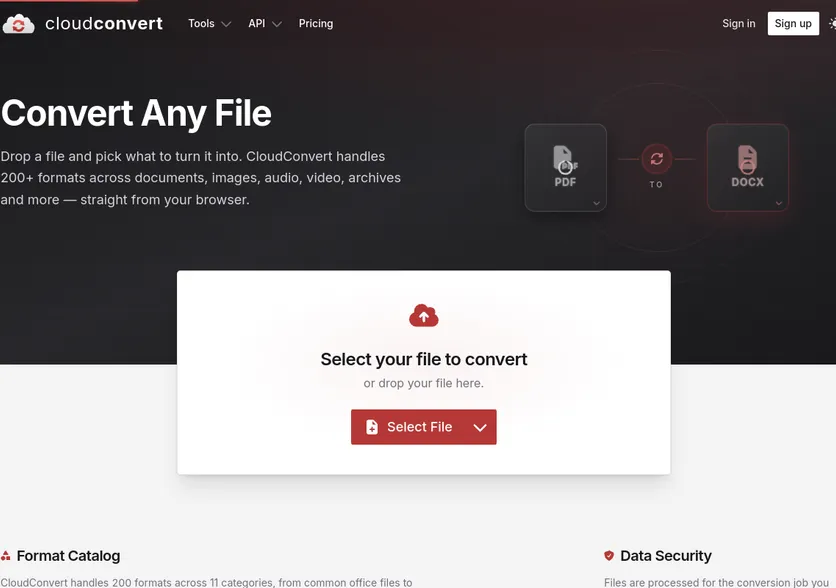
A web team that automates file handling needs a converter with an API, and this CloudConvert plan costs nine dollars a month for one thousand credits, with pay-as-you-go packages for lighter months. More than two hundred formats convert in the browser with no install, and integrations slot into automated delivery workflows. It is the best fit here for a site that converts files as part of a pipeline rather than by hand.
What we like
- Converts more than two hundred formats in the browser
- API and integrations fit automated workflows
- Pay-as-you-go credits suit occasional use
Watch out for
- Heavy use gets expensive against a flat subscription
- No editing tools beyond basic conversion
How to try it
- Upload the file to the CloudConvert page
- Pick the output format and quality settings
- Download the converted file when it finishes
6. Convertio
Best for: Anyone who converts a file once in a while
Paid tool Starting price: $6.99/month · Six dollars and ninety-nine cents a month billed annually on Lite, or eleven dollars and ninety-nine cents a month billed monthly; Basic is thirteen dollars and ninety-nine cents a month and Pro is twenty-five dollars and ninety-nine cents a month billed annually
Free plan: Free plan (10 conversions a day)
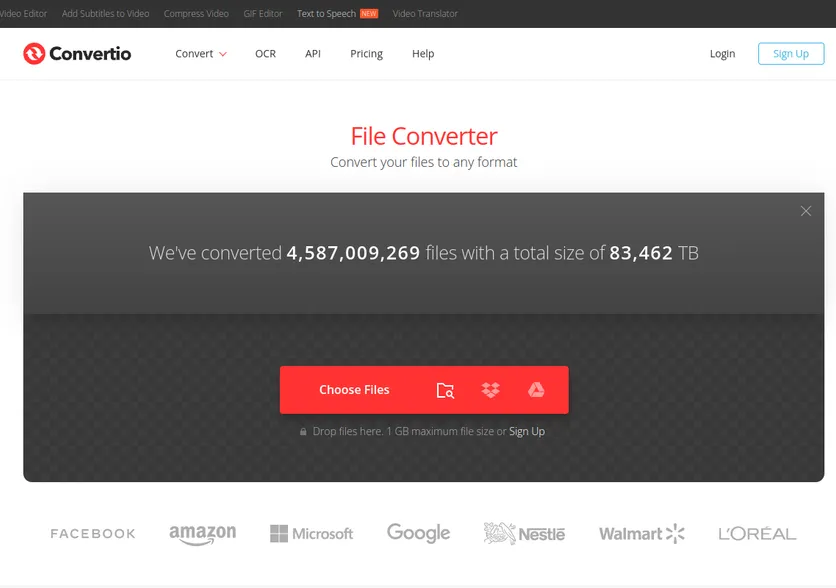
For the occasional file that arrives in the wrong format, this Convertio plan costs six dollars and ninety-nine cents a month billed annually, and the free plan already covers ten conversions a day. No install and no account stand between the file and the result, which suits a quick fix on a borrowed machine. It also reads scanned pages with OCR, so a PDF handout becomes editable text for the site.
What we like
- No install and no account needed for free use
- Handles video, audio, documents and images
- OCR converts scanned pages into editable text
Watch out for
- The free plan caps files at one hundred megabytes
- Video conversion is slower than desktop tools
How to try it
- Drop the file onto the Convertio page
- Choose the format the website needs
- Convert and download the finished file
7. Vimeo
Best for: Businesses hosting clean embeds on their own site
Paid tool Starting price: $12/month · Twelve dollars a month billed annually on Starter, or one hundred and forty-four dollars a year; monthly billing is twenty dollars a month, Standard is twenty-five dollars a month and Advanced is seventy-five dollars a month; Vimeo announced new Creator, Core and Professional plans on October 28, 2026, which may replace these at renewal
Free plan: Free plan (10 videos)
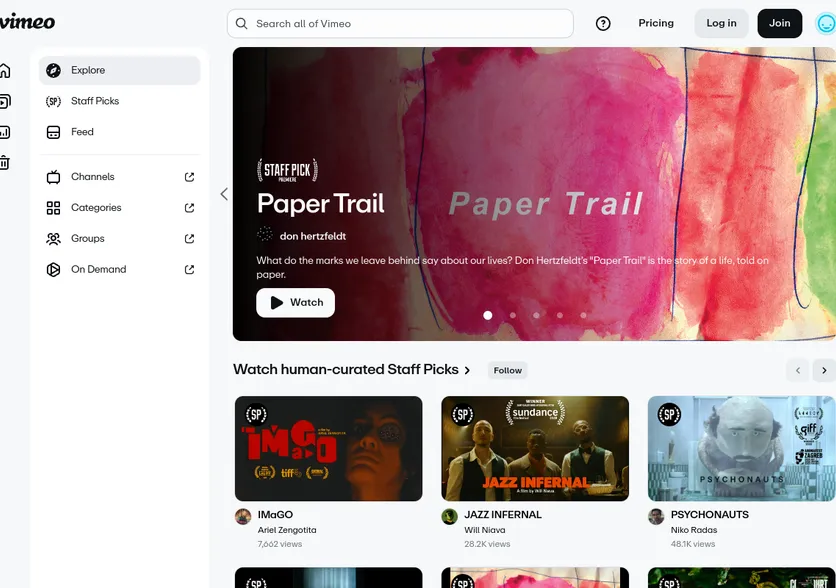
A business that hosts video on its own pages wants an ad-free player, and this Vimeo plan costs twelve dollars a month billed annually on Starter, with full branding control and privacy settings. Domain-level embedding keeps videos on the site, and analytics show how long visitors actually watch. It is the cleanest way here to serve video without handing viewers to a rival platform.
What we like
- Ad-free player with full branding control
- Privacy controls and domain-level embedding
- Analytics show who watched and for how long
Watch out for
- The free plan allows only ten videos
- New plan names may change pricing at renewal
How to try it
- Upload the video to the Vimeo library
- Set the privacy and embed options for the site
- Copy the embed code into the web page
8. Dacast
Best for: Businesses streaming paywalled video on their site
Paid tool Starting price: $39/month · Thirty-nine dollars a month billed annually on Starter, with two point four terabytes of yearly bandwidth and five hundred gigabytes of storage; Event is sixty-three dollars a month and Scale is one hundred and sixty-five dollars a month; one comparison page on the vendor site quotes sixteen dollars and sixty-seven cents a month billed annually, which does not match the main pricing page
Free plan: No free plan; 14-day free trial
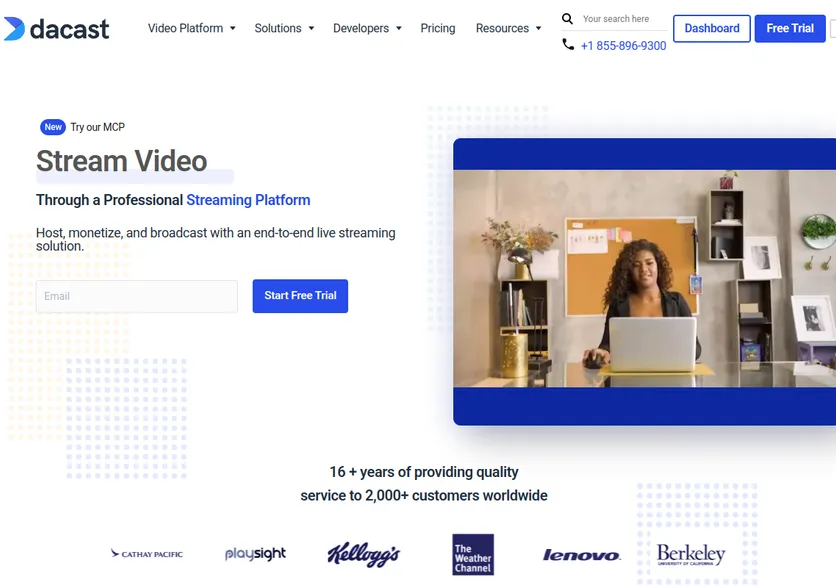
A site that charges for video needs a paywall, and this Dacast plan costs thirty-nine dollars a month billed annually on Starter, with monetisation built into the player. The white-label player carries no Dacast branding, and live streaming sits beside on-demand hosting in the same account. It suits courses, events and premium content that must earn its keep.
What we like
- White-label player with no Dacast branding
- Paywall and monetisation built into the platform
- Live streaming and on-demand hosting in one place
Watch out for
- No free plan, only a fourteen-day trial
- Bandwidth caps can surprise high-traffic sites
How to try it
- Create the account and start the free trial
- Upload the video and set the player branding
- Embed the player and set the paywall rules
Prices above were checked on each vendor’s own website on Nov 29, 2026 and can change — the vendor’s page is the final word. Vendor links are editorial: nobody paid to be listed or ranked here. Vendors who want a featured listing can see how it works on our Get listed page.
How to prepare video for a fast-loading website
Compress for the slowest visitor, not the fastest, because a file that loads instantly on office broadband can stall for minutes on a phone connection. Export in the format the browsers actually support, and keep a master copy at full quality so a re-export never starts from a compressed file. Test the page on a real phone over a mobile connection before launch, and watch the video load from the top of the page. Set the player to lazy-load below the fold, and check the file size against the hosting plan, since bandwidth overage can cost more than the compression tool itself.
Before you buy
- Confirm the export format plays in the browsers the audience actually uses
- Check the compressed file size against the hosting plan and its bandwidth limits
- Test the page on a real phone over a mobile connection before launch
- Keep a full-quality master copy so re-exports never start from a compressed file
- Compare the compressed clip against the original at full screen before publishing
Official websites
Official websites of the products reviewed above. Features and prices were checked against these sites when this guide was written, and they can change, so confirm on the vendor site before you buy.
Frequently asked questions
What is the best video compression software for web delivery?
VideoProc Converter AI is the best overall pick here, at twenty-nine dollars and ninety-five cents a year, because GPU acceleration compresses big batches fast without visible quality loss. CloudConvert is the better pick for automated pipelines, with an API and more than two hundred formats. Vimeo is the best choice for hosting, with an ad-free branded player.
How much does VideoProc Converter AI cost?
VideoProc Converter AI costs twenty-nine dollars and ninety-five cents a year for the one-year plan covering three computers. A lifetime licence for one computer is thirty-nine dollars and ninety-five cents once. The plan includes AI upscaling and stabilisation, screen recording and trimming, so one desktop app prepares clips for the site and for social.
Can I compress video for free?
Yes, with Convertio, whose free plan covers ten conversions a day, and CloudConvert, whose free plan includes daily credits. Any Video Converter also offers a free edition for the common formats. Free plans cap file size or volume, so a site publishing video every week will usually need a paid plan.
Does compression hurt video quality?
Some quality loss is unavoidable, because compression throws away data to shrink the file, but a good tool keeps the loss invisible at normal viewing sizes. Start from the master file rather than a copy that is already compressed, and compare the result at full screen before publishing. Pick the preset for the delivery target, since each platform re-encodes the video again.
Which tool is best for hosting video on my own site?
Vimeo is the best pick for hosting, at twelve dollars a month billed annually on Starter, because its ad-free player carries full branding control and privacy settings. Dacast is the better pick when the video must earn money, with a paywall built into the player. Both keep viewers on the site instead of sending them to a rival platform.
Compare the eight tools above, then test VideoProc on a real site clip or try the free Convertio plan before paying for a full year.
Browse Video Converters tools