On this page
A dental practice that sees patients on video needs a tool every patient can join without a download, and a system that keeps the visit tied to the patient record. The eight tools below cover that job for practices of every size, from simple video rooms to full practice software with telehealth built in. Zoom Workplace leads because every patient already knows it, at fourteen dollars and sixteen cents a user a month billed annually, and the rest are ranked on ease, compliance and how they fit a dental workflow.
How we researched this
We checked every price on the vendor pricing page on November 29, 2026, and only included tools with a published US dollar list price. Weave, Solutionreach, NexHealth, Lighthouse 360, YAPI, Dental Intel, Curve Dental, Dentrix and OperaDDS publish no prices, so they are not in this list. Prices change, so confirm the current figure on the vendor site before you buy.
Compare the tools
| Name | Best for | Starting price | Free plan | |
|---|---|---|---|---|
 Zoom Workplace | Teams that meet clients face to face every day | $14.16/user/month | Free plan (40-minute group meetings) | Visit |
 Google Meet | Practices already living in Gmail and Drive | $7/user/month | Free plan (60-minute meetings) | Visit |
 Microsoft Teams | Offices standardised on Microsoft 365 | $4/user/month | Free plan | Visit |
 Doxy.me | Clinics that need compliant video visits fast | $35/user/month | Free plan (one-to-one visits) | Visit |
 VSee | Small practices that want a free start | $29/provider/month | Free plan | Visit |
 RingCentral Video | Practices that want phone and video in one app | $10/user/month | Free plan (Video Pro) | Visit |
 SimplePractice | Therapists who want practice and video in one app | $49/month | No free plan; 7-day free trial | Visit |
 Noterro | Allied health clinics that bill by the session | $28.05/month | No free plan; 14-day free trial | Visit |
The video conferencing software for dental practices, compared
1. Zoom Workplace
Best for: Teams that meet clients face to face every day
Paid tool Starting price: $14.16/user/month · Fourteen dollars and sixteen cents a user a month billed annually on Pro, or one hundred and sixty-nine dollars and ninety-two cents a year; monthly billing is sixteen dollars and ninety-nine cents a user a month, and Business is eighteen dollars and thirty-three cents a user a month billed annually; the price changed in March 2026 and older fourteen dollars and ninety-nine cents listings are stale
Free plan: Free plan (40-minute group meetings)
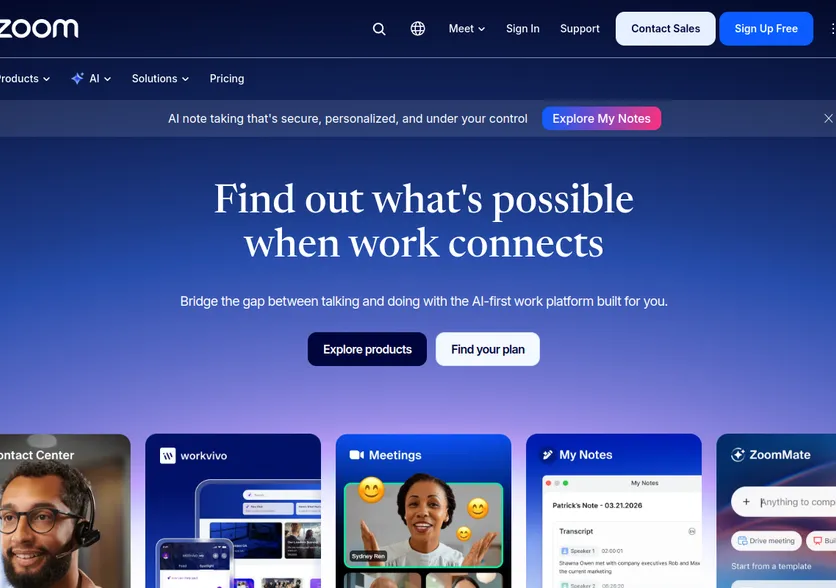
A dental practice that sees patients on video between chairside appointments needs a meeting tool every patient already knows, and this Zoom Workplace plan costs fourteen dollars and sixteen cents a user a month billed annually. Call quality holds up on clinic networks, and breakout rooms let the front desk brief a patient while the dentist finishes a procedure. Recording and whiteboard tools cover consent walkthroughs and treatment-plan chats without a second app.
What we like
- Rock-solid call quality on weak connections
- Breakout rooms, polls and whiteboard in every plan
- Nearly every client already knows how to join
Watch out for
- The free plan cuts group meetings at forty minutes
- Add-ons for webinars and phone raise the bill
How to try it
- Open Zoom and schedule the meeting with a link
- Send the link to the client or patient
- Start the call and record it if needed
2. Google Meet
Best for: Practices already living in Gmail and Drive
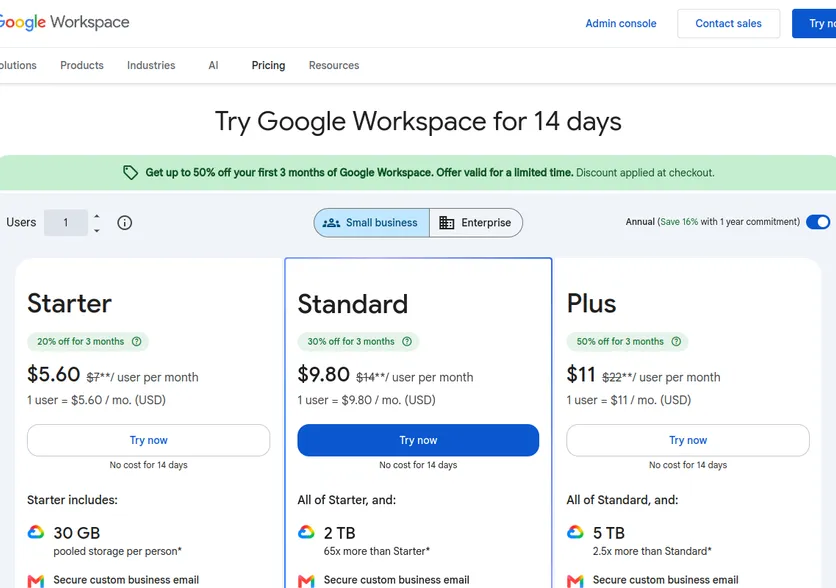
Paid tool Starting price: $7/user/month · Seven dollars a user a month billed annually on Google Workspace Business Starter, or eight dollars and forty cents a user a month on flexible billing; Business Standard is fourteen dollars and Business Plus is twenty-two dollars a user a month
Free plan: Free plan (60-minute meetings)
For a dental office that already runs on Gmail and Calendar, this Google Meet plan costs seven dollars a user a month billed annually, and the meeting link rides along with every calendar invite. Patients join from the browser with nothing to install, and live captions help when a patient is hard of hearing. It is the simplest video option here for a practice that lives inside Google Workspace.
What we like
- No download for guests, it runs in the browser
- Calendar invites carry the meeting link automatically
- Live captions and noise cancellation included
Watch out for
- Advanced controls need the higher Workspace tiers
- No built-in waiting room branding on Starter
How to try it
- Create the event in Google Calendar
- Add the Meet link and invite the attendees
- Join from the browser when the time comes
3. Microsoft Teams
Best for: Offices standardised on Microsoft 365
Paid tool Starting price: $4/user/month · Four dollars a user a month billed annually on Teams Essentials; Microsoft 365 Business Basic is seven dollars a user a month and Business Standard is fourteen dollars a user a month
Free plan: Free plan
A dental group standardised on Microsoft 365 gets video as part of the suite, since this Microsoft Teams plan costs four dollars a user a month billed annually. Chat, files and meetings live in one window, so treatment notes and the video call sit side by side. Strong admin controls suit a multi-chair practice that must keep patient data tidy.

What we like
- Chat, files and meetings live in one window
- Works inside the Microsoft 365 apps the office owns
- Strong admin controls for larger teams
Watch out for
- The interface can overwhelm a small practice
- Guest access needs a few clicks to set up
How to try it
- Open Teams and start a new meeting
- Invite attendees from the team or by email
- Share the screen and record the session
4. Doxy.me
Best for: Clinics that need compliant video visits fast
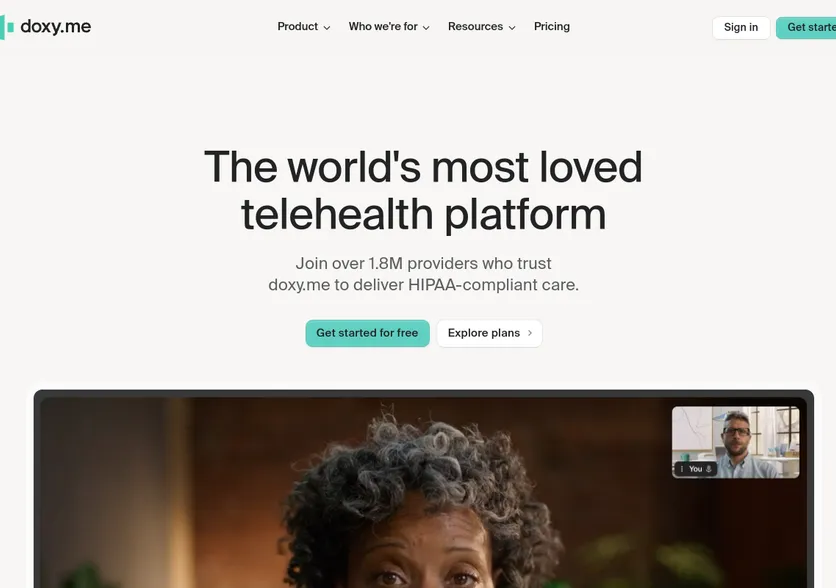
Paid tool Starting price: $35/user/month · Thirty-five dollars a user a month billed monthly on Premium, or twenty-nine dollars a user a month billed annually; Clinic is fifty dollars a provider a month and a Day Pass is ten dollars; the free plan covers basic one-to-one visits with a signed business associate agreement at no charge
Free plan: Free plan (one-to-one visits)
A dental practice that needs compliant video visits without setup will like this Doxy.me plan, which costs thirty-five dollars a user a month, and lets patients join from a link with no download or account. The virtual waiting room checks patients in one at a time, and the free plan already covers basic one-to-one visits with a signed business associate agreement. It is the fastest route here from signing up to a first video consultation.
What we like
- Patients join from a link, no download or account
- Signed business associate agreement on the free plan
- Waiting room and virtual check-in built in
Watch out for
- The free plan lacks group visits and branding
- Advanced features need the Clinic tier
How to try it
- Claim a personal virtual waiting room link
- Send the link to the patient before the visit
- Admit the patient from the waiting room
5. VSee
Best for: Small practices that want a free start
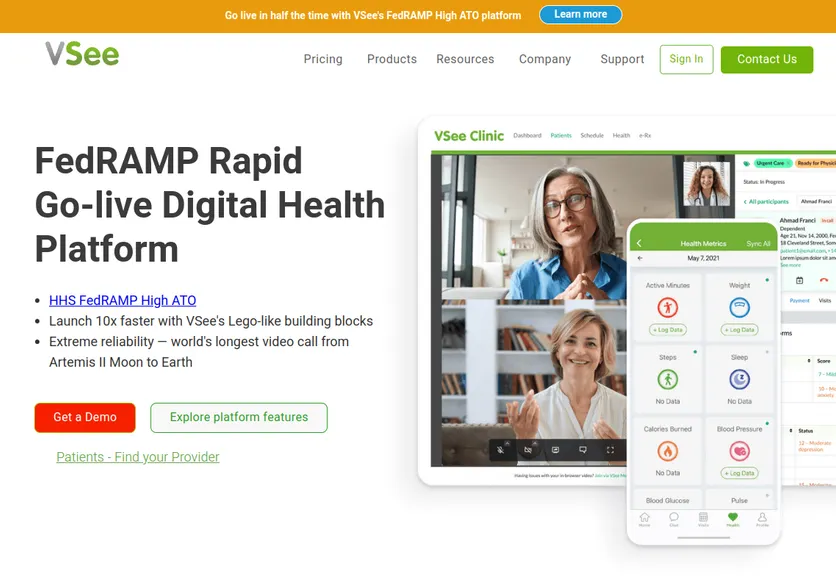
Paid tool Starting price: $29/provider/month · Twenty-nine dollars a provider a month on Plus; Premium is forty-nine dollars a provider a month plus a two hundred dollar one-time setup fee, and Enterprise is quoted; the free plan covers basic video visits
Free plan: Free plan
A small dental practice that wants to try video visits for free starts here, since this VSee plan costs twenty-nine dollars a provider a month on Plus, and the free plan covers real video visits. Screen sharing shows X-rays and treatment plans during the call, and group visits work on the paid tiers. It runs on phones, tablets and desktops, so patients join from whatever they own.
What we like
- Free plan covers real video visits
- Screen sharing and group visits on paid plans
- Works on phones, tablets and desktops
Watch out for
- Premium adds a two hundred dollar setup fee
- Fewer integrations than the big telehealth suites
How to try it
- Create a VSee clinic account
- Invite the patient with a secure link
- Start the video visit from the dashboard
6. RingCentral Video
Best for: Practices that want phone and video in one app
Paid tool Starting price: $10/user/month · Ten dollars a user a month billed annually on Video Pro Plus; Video Pro is free for up to one hundred participants and fifty minutes, and some listings quote eleven dollars and ninety-nine cents a month
Free plan: Free plan (Video Pro)
A dental practice that wants phone and video under one login gets it here, as this RingCentral Video plan costs ten dollars a user a month billed annually on Video Pro Plus. The free Video Pro tier covers short internal meetings, and the paid tier stretches to two hundred participants for a full day. Call quality holds up on mobile data, which suits a dentist checking in from another location.
What we like
- Phone, video and messaging share one login
- Free Video Pro covers short team meetings
- Call quality holds up on mobile data
Watch out for
- Video is one part of a much bigger suite
- Some listings quote a higher monthly figure
How to try it
- Open RingCentral Video and schedule the call
- Invite the team or the patient by link
- Join the meeting and share the screen
7. SimplePractice
Best for: Therapists who want practice and video in one app
Paid tool Starting price: $49/month · Forty-nine dollars a month on Starter; Essential is seventy-nine dollars a month and Plus is ninety-nine dollars a month, with fifty percent off the first three months; older twenty-nine dollar listings are stale from 2022; telehealth is included in Starter
Free plan: No free plan; 7-day free trial
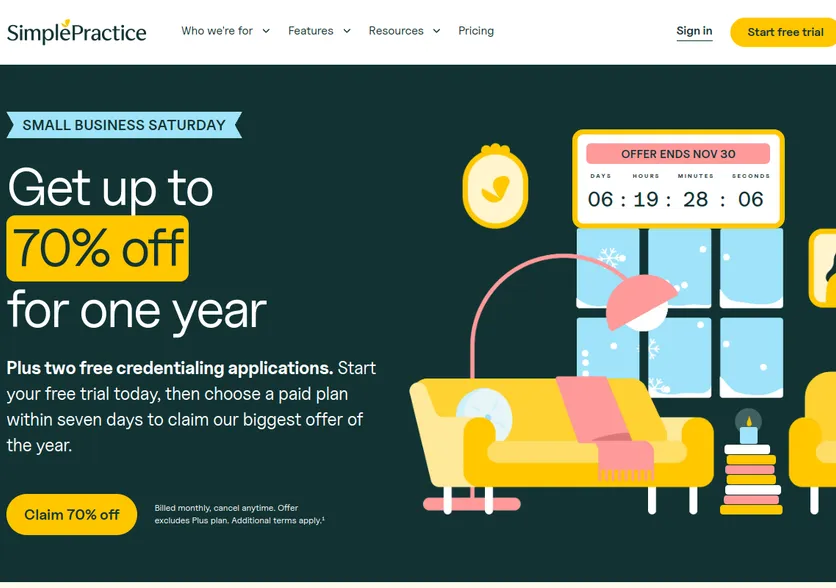
A dental practice that books, bills and charts in one place can add video the same way, because this SimplePractice plan costs forty-nine dollars a month on Starter, with telehealth included. The client portal handles intake forms and payments before the visit, so the video call starts with the paperwork done. Templates speed up notes, which matters when the diary is back to back.
What we like
- Scheduling, notes, billing and telehealth together
- Client portal handles intake and payments
- Templates speed up notes and forms
Watch out for
- No free plan, only a seven-day trial
- The price rises steeply between tiers
How to try it
- Set up the practice and add the team
- Invite clients through the portal
- Start the telehealth session from the calendar
8. Noterro
Best for: Allied health clinics that bill by the session
Paid tool Starting price: $28.05/month · Twenty-eight dollars and five cents a month billed annually on Core, or thirty-three dollars a month billed monthly; Plus is forty-six dollars and seventy-five cents a month billed annually and Max is sixty-five dollars and forty-five cents a month billed annually; the vendor blog itself lists twenty-eight dollars and five cents as the starting figure, though one directory calls it a third-party estimate
Free plan: No free plan; 14-day free trial
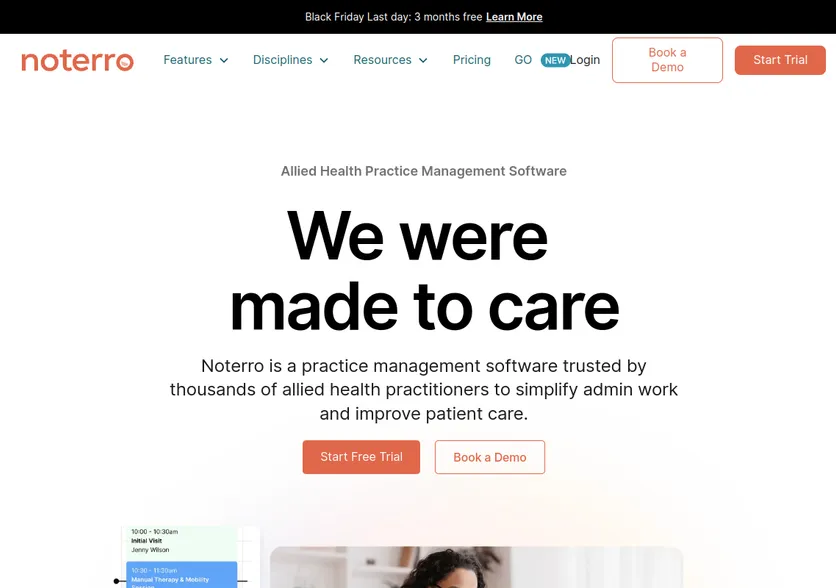
A dental clinic that bills by the session needs software built for that rhythm, and this Noterro plan costs twenty-eight dollars and five cents a month billed annually on Core. SOAP notes and billing fit rehab and dental workflows, and online booking with reminders cuts the no-show rate. Telehealth runs inside the same record, so the video visit and the chart stay together.
What we like
- SOAP notes and billing built for rehab clinics
- Online booking with reminders cuts no-shows
- Telehealth runs inside the same record
Watch out for
- No free plan, only a fourteen-day trial
- Pricing is not published on every vendor page
How to try it
- Create the clinic and add practitioners
- Set up online booking and reminders
- Run the video visit from the appointment
Prices above were checked on each vendor’s own website on Nov 29, 2026 and can change — the vendor’s page is the final word. Vendor links are editorial: nobody paid to be listed or ranked here. Vendors who want a featured listing can see how it works on our Get listed page.
How to run a video visit that patients actually join
Send the link the day before and again an hour before the visit, because most missed video appointments come from a patient who could not find the link. Keep the visit short and focused, since a video call suits a check-in or a treatment-plan chat far better than a full examination. Test the camera and microphone before the patient joins, and sit somewhere quiet with good light so the patient can see and hear clearly. Keep the notes in the patient record during the call, and confirm the next step before hanging up, so nothing gets lost after the visit ends.
Before you buy
- Confirm the tool offers a signed business associate agreement before any patient visit
- Check that patients can join from a phone browser with nothing to install
- Test the camera, microphone and connection before the first patient joins
- Make sure the video visit links back to the patient record and billing
- Send the meeting link twice, the day before and an hour before the visit
Official websites
Official websites of the products reviewed above. Features and prices were checked against these sites when this guide was written, and they can change, so confirm on the vendor site before you buy.
Frequently asked questions
What is the best video conferencing software for dental practices?
Zoom Workplace is the best overall pick here, at fourteen dollars and sixteen cents a user a month billed annually, because every patient already knows how to join. Doxy.me is the better pick for compliant visits, with a signed business associate agreement on every plan. SimplePractice is the best all-in-one, with scheduling, notes, billing and telehealth in one subscription.
How much does Zoom Workplace cost?
Zoom Workplace Pro costs fourteen dollars and sixteen cents a user a month billed annually, or one hundred and sixty-nine dollars and ninety-two cents a year. Monthly billing is sixteen dollars and ninety-nine cents a user a month, and Business is eighteen dollars and thirty-three cents a user a month billed annually. The price changed in March 2026, so older listings are stale.
Can I run video visits for free?
Yes, with Doxy.me, whose free plan covers basic one-to-one visits with a signed business associate agreement at no charge, and VSee, whose free plan covers basic video visits. Google Meet and Microsoft Teams also offer free plans with meeting limits. Free plans lack group visits and branding, so a busy practice will usually need a paid plan.
Is video conferencing safe for patient visits?
It can be, if the vendor signs a business associate agreement and encrypts the call, as Doxy.me does even on its free plan. Practices with stricter rules should check where the vendor stores data and whether the plan covers the features the clinic needs. Confirm the compliance terms on the vendor site before the first patient visit.
Which tool is best for a small dental practice?
Doxy.me is the best pick for a small practice, at thirty-five dollars a user a month, because patients join from a link with no download and the free plan already covers basic visits. VSee is the cheapest paid start at twenty-nine dollars a provider a month. Zoom is the safest default when patients must join without any help from the front desk.
Compare the eight tools above, then try the free Doxy.me plan or a Zoom trial on a real patient visit before paying for a full year.
Browse Video Tools tools