
On this page
Client meetings are a freelancer's office, and the video tool you pick decides whether the call starts in seconds or in ten minutes of troubleshooting. The seven tools below cover video meetings, screen sharing and recording, with entry prices from free to fourteen dollars sixteen cents a user a month. Every price was checked on the vendor site on November 26, 2026, and most tools offer a free plan. Zoom is our first pick — the video tool every client knows, from fourteen dollars sixteen cents a user a month.
How we researched this
We started with the video conferencing tools freelancers actually use, then read each price on the vendor pricing page on November 26, 2026 and noted the free plan or trial each one carries. We judged them for a freelancer who meets clients on video every day and needs reliable calls, recording and easy joining without an IT department. We kept only tools with a published price, and we dropped ClickMeeting and Zoho Meeting because their prices conflict across sources, and Livestorm because it prices in euros only.
Compare the tools
| Name | Best for | Starting price | Free plan | |
|---|---|---|---|---|
 Zoom | Freelancers who need the video tool every client already knows | $14.16/user/month | Free Basic plan, 100 participants, 40-minute group cap | Visit |
 Google Meet | Freelancers already on Google Workspace who want meetings included | $7/user/month | Free personal tier, 100 participants, 60-minute cap | Visit |
 Microsoft Teams | Freelancers who want meetings, chat and files in one Microsoft app | $4/user/month | Free plan with group meetings up to 60 minutes | Visit |
 Webex | Freelancers who need enterprise-grade meetings with strong security | $12/user/month | Free plan, 100 participants, 40-minute cap | Visit |
 GoTo Meeting | Freelancers who run regular client meetings with one organizer seat | $12/organizer/month | 14-day free trial, no free plan | Visit |
 Whereby | Freelancers who want browser meetings with no downloads | $10.99/host/month | Free plan, one room, 4 attendees, 30-minute cap | Visit |
 RingCentral Video | Freelancers who want video meetings with phone and messaging built in | $10/user/month | Video Pro free plan | Visit |
The video conferencing software tools, compared
1. Zoom
Best for: Freelancers who need the video tool every client already knows
Paid tool Starting price: $14.16/user/month · Pro plan, $14.16 a user a month billed annually or $16.99 month to month; Business $18.33; free Basic plan
Free plan: Free Basic plan, 100 participants, 40-minute group cap
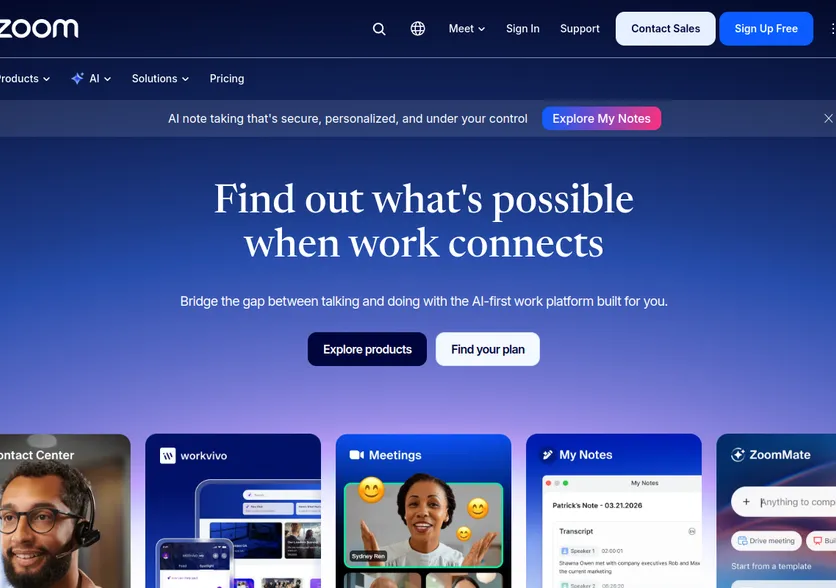
Zoom is the video meeting tool every client already has installed, with reliable calls, breakout rooms and recording in one place. This Zoom Pro plan covers meetings up to thirty hours with a hundred participants and cloud recording for fourteen dollars sixteen cents a user a month billed annually. A freelancer can send one link and join a call knowing it will just work.
What we like
- Every client already knows how to join
- Reliable calls with breakout rooms and recording
- Cloud recording on the Pro plan
Watch out for
- Pro costs $14.16 a user a month billed annually
- Group calls on the free plan cap at forty minutes
How to try it
- Open the Zoom pricing page and create an account
- Schedule a meeting and share the link with your client
- Start the call and record it for your notes
2. Google Meet
Best for: Freelancers already on Google Workspace who want meetings included
Paid tool Starting price: $7/user/month · Google Workspace Business Starter, $7 a user a month billed annually or $8.40 flexible; Business Standard $14, Plus $22; free personal tier
Free plan: Free personal tier, 100 participants, 60-minute cap
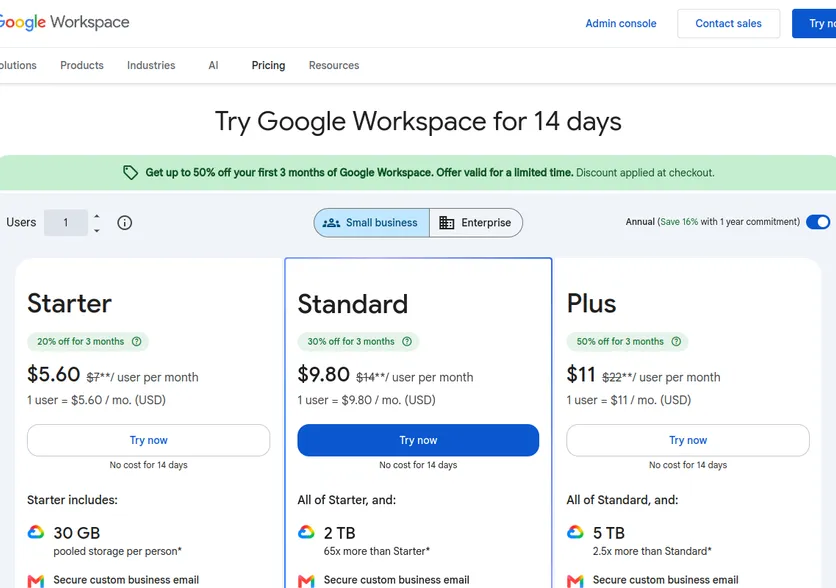
Google Meet is the video meeting tool inside Google Workspace, so a freelancer already paying for Gmail and Drive gets meetings as part of the deal. This Google Meet Business Starter plan covers video meetings, chat and shared files for seven dollars a user a month billed annually. A freelancer can join a call straight from a calendar invite without installing anything.
What we like
- Included with Google Workspace plans
- Joins straight from a calendar invite
- No install needed, runs in the browser
Watch out for
- Meet costs $7 a user a month through Workspace
- Recording needs a higher Workspace plan
How to try it
- Open the Google Workspace pricing page and choose a plan
- Create a meeting from your calendar invite
- Share the link and join from any browser
3. Microsoft Teams
Best for: Freelancers who want meetings, chat and files in one Microsoft app
Paid tool Starting price: $4/user/month · Teams Essentials, $4 a user a month billed annually; Microsoft 365 Business Basic $7, Standard $14
Free plan: Free plan with group meetings up to 60 minutes
Microsoft Teams is the meeting tool most freelancers already have, since it comes with Microsoft 365 and covers video, chat and file sharing in one app. This Microsoft Teams Essentials plan covers video meetings and chat for four dollars a user a month billed annually. A freelancer who lives in Word and Excel can run client calls without buying a separate meeting tool.

What we like
- Included with Microsoft 365 plans
- Meetings, chat and files in one app
- Free plan for small groups
Watch out for
- Essentials costs $4 a user a month billed annually
- Full features need a Microsoft 365 plan
How to try it
- Open the Microsoft Teams pricing page and create a team
- Schedule a meeting and share the link
- Start the call and share your screen
4. Webex
Best for: Freelancers who need enterprise-grade meetings with strong security
Paid tool Starting price: $12/user/month · Meet plan, $12 a user a month billed annually ($144 a year) or $14.50 month to month; free plan for up to 100 participants
Free plan: Free plan, 100 participants, 40-minute cap
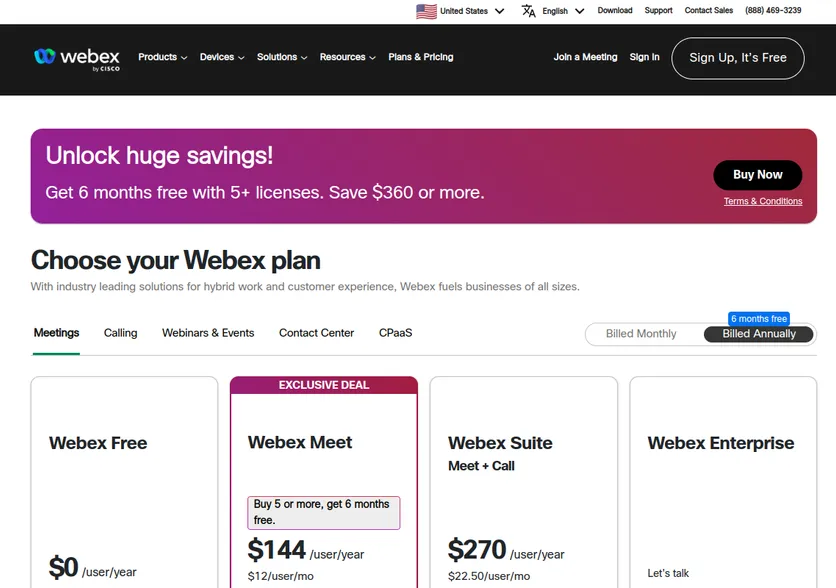
Webex is Cisco's video meeting platform, built for reliable calls with strong security and noise removal in every room. This Webex Meet plan covers video meetings, screen sharing and recording for twelve dollars a user a month billed annually. A freelancer working with large clients can join their meetings on the platform their IT teams already trust.
What we like
- Strong security and noise removal
- Reliable calls for large client meetings
- Recording and transcription included
Watch out for
- Meet costs $12 a user a month billed annually
- Heavier setup than simpler meeting tools
How to try it
- Open the Webex pricing page and create an account
- Schedule a meeting and share the link
- Start the call and turn on noise removal
5. GoTo Meeting
Best for: Freelancers who run regular client meetings with one organizer seat
Paid tool Starting price: $12/organizer/month · Professional plan, $12 an organizer a month billed annually or $14 month to month; 14-day trial, no free plan
Free plan: 14-day free trial, no free plan
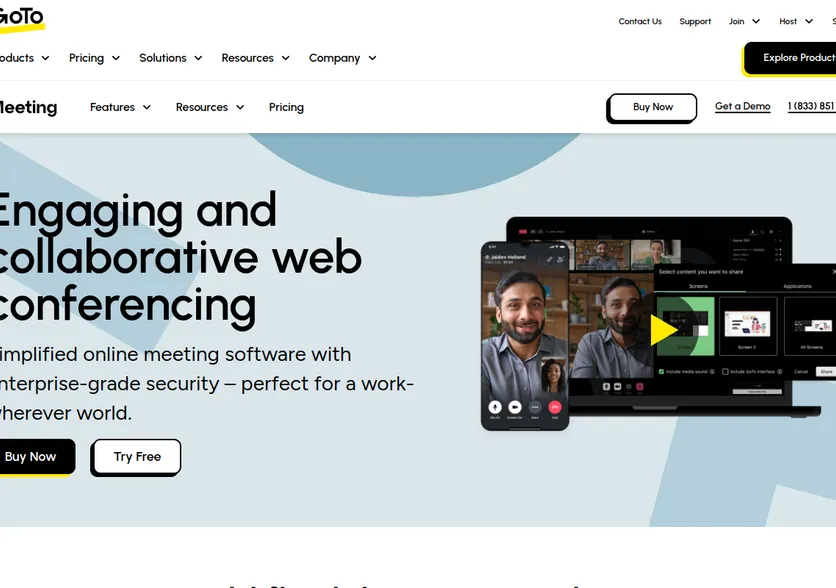
GoTo Meeting is a straightforward video meeting tool built for reliable calls with screen sharing and drawing tools. This GoTo Meeting Professional plan covers meetings with up to a hundred fifty participants for twelve dollars an organizer a month billed annually. A freelancer can run weekly client calls from one organizer seat without paying per attendee.
What we like
- Simple setup with reliable calls
- Drawing tools for live explanations
- One organizer seat covers many attendees
Watch out for
- Professional costs $12 an organizer a month billed annually
- No free plan, only a fourteen-day trial
How to try it
- Open the GoTo Meeting pricing page and start a trial
- Schedule a meeting and share the link
- Start the call and share your screen with clients
6. Whereby
Best for: Freelancers who want browser meetings with no downloads
Paid tool Starting price: $10.99/host/month · Pro plan, $10.99 a host a month billed annually; Business $13.99 a host a month with a 3-host minimum; free plan with one room
Free plan: Free plan, one room, 4 attendees, 30-minute cap
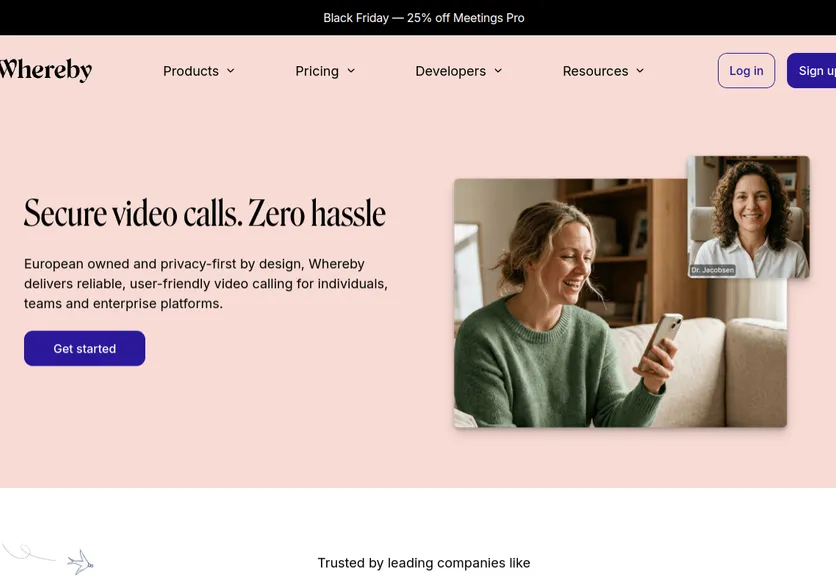
Whereby runs video meetings entirely in the browser, so clients join from a link with nothing to install and nothing to learn. This Whereby Pro plan covers custom rooms, recording and breakout groups for ten dollars ninety-nine cents a host a month billed annually. A freelancer can send a branded meeting link and have the client inside in seconds.
What we like
- No downloads, runs entirely in the browser
- Branded rooms look professional to clients
- Recording and breakout groups on Pro
Watch out for
- Pro costs $10.99 a host a month billed annually
- Free plan caps at four attendees and thirty minutes
How to try it
- Open the Whereby pricing page and create an account
- Set up a branded meeting room
- Share the link and start the call in your browser
7. RingCentral Video
Best for: Freelancers who want video meetings with phone and messaging built in
Paid tool Starting price: $10/user/month · Video Pro Plus plan, about $10 a user a month billed annually; Video Pro is free; some listings show $11.99
Free plan: Video Pro free plan
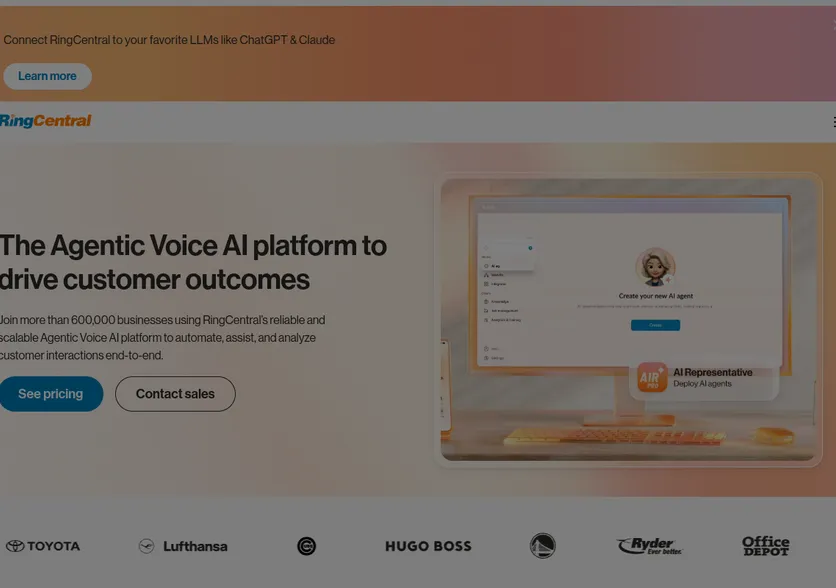
RingCentral Video is the meeting arm of a full communications platform, with video, phone and messaging sharing one account. This RingCentral Video Pro Plus plan covers video meetings with recording and advanced features for about ten dollars a user a month billed annually. A freelancer can run video calls, take phone calls and message clients without juggling three apps.
What we like
- Video, phone and messaging in one platform
- Free Video Pro plan to start
- Recording on the Pro Plus plan
Watch out for
- Pro Plus costs about $10 a user a month billed annually
- Full platform pricing is higher than video alone
How to try it
- Open the RingCentral pricing page and create an account
- Set up your video meeting room
- Share the link and start calls with clients
Prices above were checked on each vendor’s own website on Nov 26, 2026 and can change — the vendor’s page is the final word. Vendor links are editorial: nobody paid to be listed or ranked here. Vendors who want a featured listing can see how it works on our Get listed page.
What video conferencing software costs in 2026
Video tools charge per user or per host, and the cheapest one depends on how you meet. Per-user plans run from four dollars a user a month for Microsoft Teams to fourteen dollars sixteen cents a user a month for Zoom Pro, while per-host plans like Whereby and GoTo Meeting charge only for the people who run calls. The headline plan each vendor shows on its own pricing page is the number in the table above, checked on November 26, 2026.
Count your hosts and your participants, then compare the models at your real numbers. A freelancer who hosts every call pays one seat on any plan, while a team that shares hosting pays far less on per-host pricing. Trial two tools on real client calls for a week, and pick the one whose join link never fails.
Before you buy
- Count your participants first, because free plans cap at forty minutes and a hundred people.
- Check the meeting time limit, because a free plan that cuts calls short costs you client goodwill.
- Test the tool on a slow connection, because a video app that stutters on weak wifi loses the meeting.
- Ask whether recording is included, because a call you cannot replay is a note you will lose.
- Add up the cost per host, because some tools charge per host and others charge per user.
Official websites
Official websites of the products reviewed above. Features and prices were checked against these sites when this guide was written, and they can change, so confirm on the vendor site before you buy.
Frequently asked questions
Which video conferencing software is best for freelancers in 2026?
Zoom, at fourteen dollars sixteen cents a user a month, is the safest default because every client already knows how to join. Google Meet is better for a freelancer on Google Workspace, at seven dollars a user a month with meetings included. Whereby wins when clients hate downloads, since meetings run entirely in the browser.
What is the cheapest video conferencing software for freelancers?
Zoom, Google Meet, Microsoft Teams, Webex and Whereby all have free plans, so a freelancer can run client calls without paying. RingCentral Video Pro is free too. Microsoft Teams, at four dollars a user a month, is the cheapest paid plan here, followed by Google Meet at seven dollars a user a month.
Can I record video meetings on these tools?
Yes, on most of these tools. Zoom Pro, Webex Meet and Whereby Pro all include cloud recording, while Google Meet recording needs a higher Workspace plan. Record client calls with permission and keep the recordings for your notes, since a call you cannot replay is a note you will lose.
What should I look for in video conferencing software?
Check the meeting time limit first, since free plans cap group calls at forty or sixty minutes. Test the tool on a slow connection, because a video app that stutters on weak wifi loses the meeting. Ask whether recording is included, and count the cost per host, since some tools charge per host and others per user.
Should I use Zoom, Google Meet or Teams?
Use Zoom when your clients expect it, since it is the tool every client already has installed. Use Google Meet when you live in Google Workspace, and Microsoft Teams when you live in Microsoft 365. Use Whereby when your clients hate downloads, since meetings run entirely in the browser.
Need everyday video help too? Try Toolsvine's free video tools for small teams right in your browser.
Browse Video Tools tools


