On this page
A startup lives on video calls, from investor pitches to customer demos, and the wrong tool costs a deal when it fails at the wrong moment. The eight tools below cover that job for teams of every size, from free meeting rooms to webinar platforms that run product demos. Zoom Workplace leads because every client already has it, at fourteen dollars and sixteen cents a user a month billed annually, and the rest are ranked on reliability, price and how they fit a small team.
How we researched this
We checked every price on the vendor pricing page on November 29, 2026, and only included tools with a published US dollar list price. The enterprise platforms that sell video by quote were left out, since a startup needs a price it can budget against. Prices change, so confirm the current figure on the vendor site before you buy.
Compare the tools
| Name | Best for | Starting price | Free plan | |
|---|---|---|---|---|
 Zoom Workplace | Teams that meet clients face to face every day | $14.16/user/month | Free plan (40-minute group meetings) | Visit |
 Google Meet | Practices already living in Gmail and Drive | $7/user/month | Free plan (60-minute meetings) | Visit |
 Microsoft Teams | Offices standardised on Microsoft 365 | $4/user/month | Free plan | Visit |
 Webex | Practices that need strong security on every call | $12/user/month | Free plan (100 participants) | Visit |
 GoTo Meeting | Small teams that want a plain, reliable meeting | $12/organizer/month | No free plan; 14-day free trial | Visit |
 Zoho Meeting | Small teams already using Zoho apps | $3/host/month | Free plan (one meeting room) | Visit |
 Whereby | Clinics that want patients to join from a link | $10.99/host/month | Free plan (one room) | Visit |
 Livestorm | Startups running demos and live webinars | $79/month | Free plan (30 attendees) | Visit |
The video conferencing software for startups, compared
1. Zoom Workplace
Best for: Teams that meet clients face to face every day
Paid tool Starting price: $14.16/user/month · Fourteen dollars and sixteen cents a user a month billed annually on Pro, or one hundred and sixty-nine dollars and ninety-two cents a year; monthly billing is sixteen dollars and ninety-nine cents a user a month, and Business is eighteen dollars and thirty-three cents a user a month billed annually; the price changed in March 2026 and older fourteen dollars and ninety-nine cents listings are stale
Free plan: Free plan (40-minute group meetings)
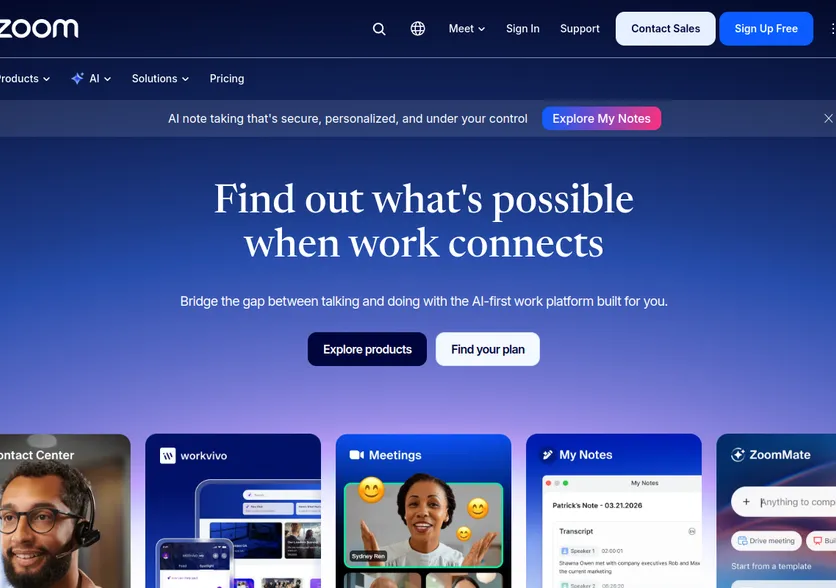
A startup that pitches investors and onboards staff over video needs one meeting tool that never fails, and this Zoom Workplace plan costs fourteen dollars and sixteen cents a user a month billed annually. Breakout rooms, polls and a whiteboard cover everything from a funding call to a team workshop. Almost every client already has the app, so the first meeting never starts with a setup problem.
What we like
- Rock-solid call quality on weak connections
- Breakout rooms, polls and whiteboard in every plan
- Nearly every client already knows how to join
Watch out for
- The free plan cuts group meetings at forty minutes
- Add-ons for webinars and phone raise the bill
How to try it
- Open Zoom and schedule the meeting with a link
- Send the link to the client or patient
- Start the call and record it if needed
2. Google Meet
Best for: Practices already living in Gmail and Drive
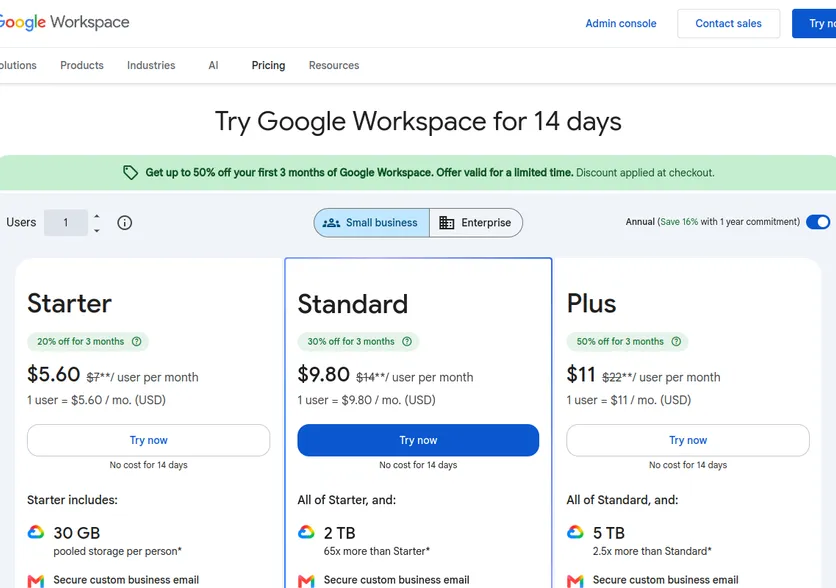
Paid tool Starting price: $7/user/month · Seven dollars a user a month billed annually on Google Workspace Business Starter, or eight dollars and forty cents a user a month on flexible billing; Business Standard is fourteen dollars and Business Plus is twenty-two dollars a user a month
Free plan: Free plan (60-minute meetings)
For a startup that already runs on Gmail and Google Calendar, this Google Meet plan costs seven dollars a user a month billed annually, and every invite carries its own meeting link. Guests join from the browser with no download, and live captions keep fast-moving calls clear. It is the cheapest way here to give a whole team proper video meetings.
What we like
- No download for guests, it runs in the browser
- Calendar invites carry the meeting link automatically
- Live captions and noise cancellation included
Watch out for
- Advanced controls need the higher Workspace tiers
- No built-in waiting room branding on Starter
How to try it
- Create the event in Google Calendar
- Add the Meet link and invite the attendees
- Join from the browser when the time comes
3. Microsoft Teams
Best for: Offices standardised on Microsoft 365
Paid tool Starting price: $4/user/month · Four dollars a user a month billed annually on Teams Essentials; Microsoft 365 Business Basic is seven dollars a user a month and Business Standard is fourteen dollars a user a month
Free plan: Free plan
A startup that chose Microsoft 365 for email and files gets meetings in the same subscription, since this Microsoft Teams plan costs four dollars a user a month billed annually on Teams Essentials. Chat, files and video share one window, so a project discussion never leaves the app. It scales cleanly as the team grows from five people to fifty.

What we like
- Chat, files and meetings live in one window
- Works inside the Microsoft 365 apps the office owns
- Strong admin controls for larger teams
Watch out for
- The interface can overwhelm a small practice
- Guest access needs a few clicks to set up
How to try it
- Open Teams and start a new meeting
- Invite attendees from the team or by email
- Share the screen and record the session
4. Webex
Best for: Practices that need strong security on every call
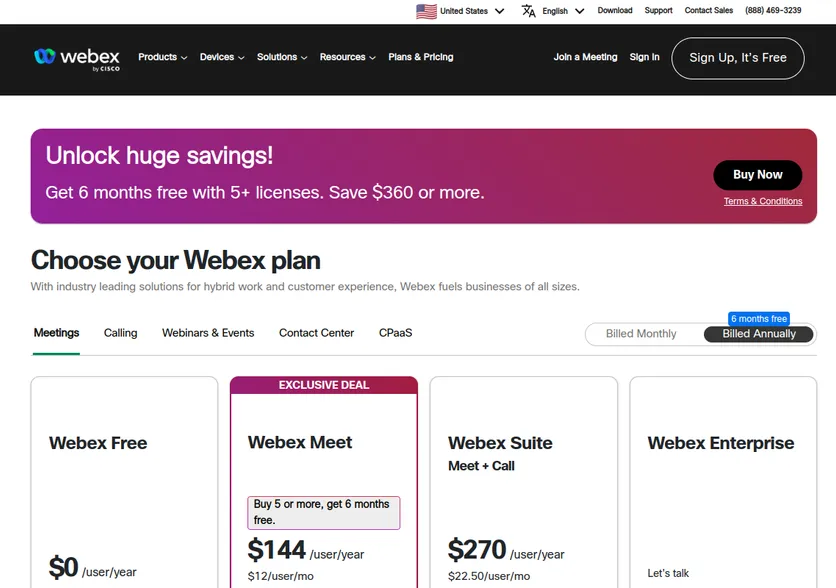
Paid tool Starting price: $12/user/month · Twelve dollars a user a month billed annually on the Meet plan, or one hundred and forty-four dollars a year; monthly billing is fourteen dollars and fifty cents a user a month; vendor-supplied listings quote thirteen dollars and fifty cents, and the official United States pricing page currently shows no dollar figure, so confirm at checkout
Free plan: Free plan (100 participants)
A startup that sells to large clients needs video that looks serious on security, and this Webex plan costs twelve dollars a user a month billed annually on the Meet plan. End-to-end encryption and noise removal come built in, and the audio stays steady on weak connections. Recording and transcription are included, which helps a small team keep accurate meeting records.
What we like
- End-to-end encryption and noise removal built in
- Stable audio on hospital and clinic networks
- Recording and transcription included
Watch out for
- The official pricing page shows no dollar figure
- Setup takes longer than simpler rivals
How to try it
- Sign in to Webex and schedule the meeting
- Share the link with the patient or client
- Join the call and use the whiteboard if needed
5. GoTo Meeting
Best for: Small teams that want a plain, reliable meeting
Paid tool Starting price: $12/organizer/month · Twelve dollars an organizer a month billed annually on Professional, or fourteen dollars an organizer a month billed monthly; Business is sixteen dollars an organizer a month billed annually; the advertised annual price applies to the first year only
Free plan: No free plan; 14-day free trial
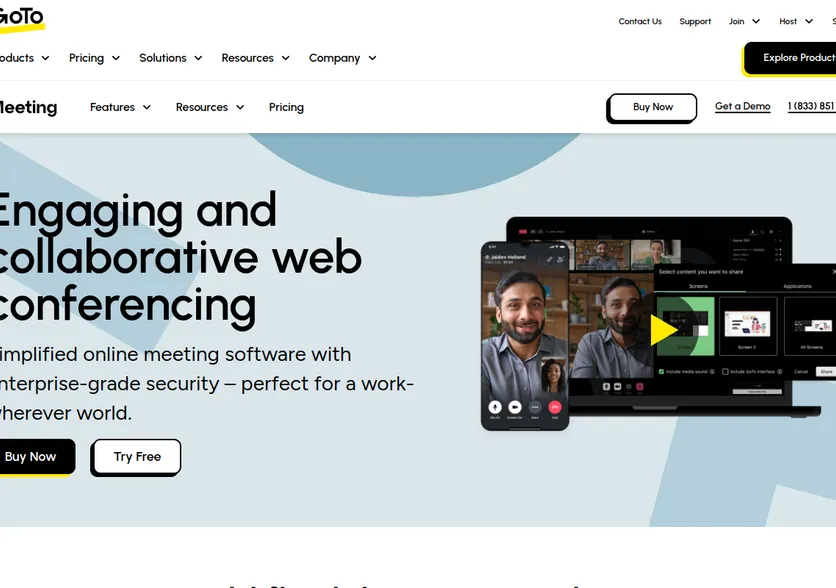
A small team that wants a plain, reliable meeting with no learning curve gets it here, since this GoTo Meeting plan costs twelve dollars an organizer a month billed annually on Professional. Guests join with one click and no download, and dial-in numbers cover anyone without internet. Drawing tools and screen sharing handle product walkthroughs without a second app.
What we like
- One-click join with no downloads for guests
- Drawing tools and screen sharing work well
- Dial-in numbers cover patients without internet
Watch out for
- No free plan, only a fourteen-day trial
- The annual price is first-year only
How to try it
- Schedule the meeting from the GoTo dashboard
- Send the join link and dial-in number
- Start the session and share the screen
6. Zoho Meeting
Best for: Small teams already using Zoho apps
Paid tool Starting price: $3/host/month · Three dollars a host a month billed annually on Professional for ten participants; Standard is one dollar a host a month, and the price rises with participant count to five, eight, ten, twelve, fourteen and fifteen dollars a host a month
Free plan: Free plan (one meeting room)
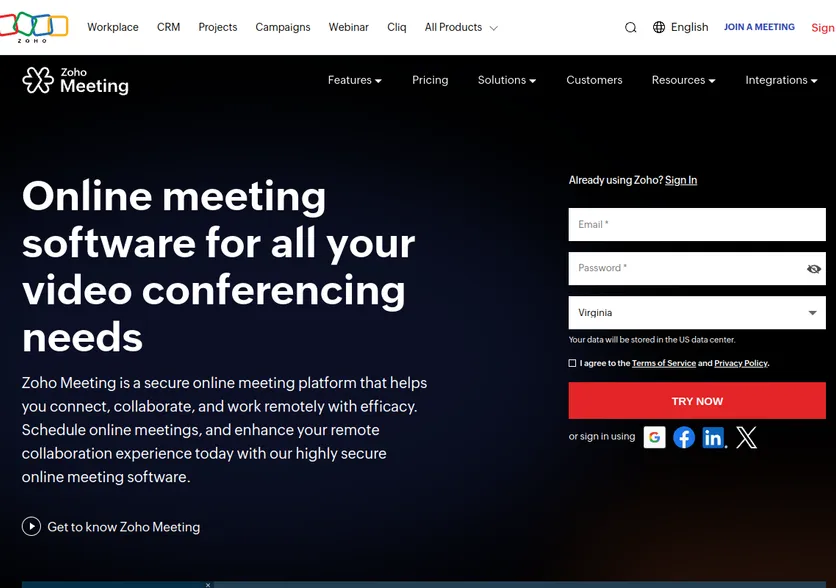
For a startup already using Zoho apps, this Zoho Meeting plan costs three dollars a host a month billed annually on Professional, which is the cheapest paid video in this list. The meeting room embeds on the company website, and recording and screen sharing come included. It suits a lean team that wants video meetings without paying for a big suite.
What we like
- Cheapest paid video meetings in this list
- Embeds the meeting room on a website
- Recording and screen sharing included
Watch out for
- Participant limits rise the price quickly
- Fewer integrations than the big rivals
How to try it
- Open Zoho Meeting and create a session
- Share the room link with attendees
- Start the meeting and record it if needed
7. Whereby
Best for: Clinics that want patients to join from a link
Paid tool Starting price: $10.99/host/month · Ten dollars and ninety-nine cents a host a month billed annually on Pro; Business is thirteen dollars and ninety-nine cents a host a month with a three-host minimum; older listings show six dollars and ninety-nine cents a month, which appears stale against the November 2026 vendor reads
Free plan: Free plan (one room)
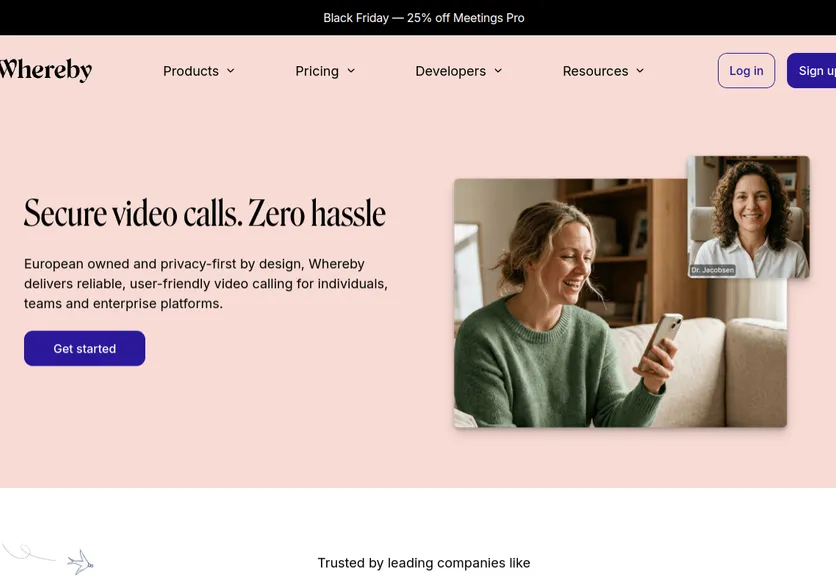
A startup that meets clients who hate installing software will like this Whereby plan, which costs ten dollars and ninety-nine cents a host a month billed annually on Pro. Clients join from a branded link with nothing to download, and breakout rooms split a workshop into small groups. It is the friendliest first impression in this list for an outside caller.
What we like
- Guests join from a link with nothing to install
- Custom room branding looks professional
- Breakout rooms and recording on paid plans
Watch out for
- The free plan allows only one room
- Business needs at least three hosts
How to try it
- Create a room and copy its link
- Send the link to the patient or client
- Open the room when the appointment starts
8. Livestorm
Best for: Startups running demos and live webinars
Paid tool Starting price: $79/month · Seventy-nine dollars a month billed annually on Starter, or nine hundred and forty-eight dollars a year; monthly billing is ninety-nine dollars a month, and other November 2026 reads quote eighty-eight dollars or ninety-nine dollars a month, so confirm the figure at checkout
Free plan: Free plan (30 attendees)
A startup that runs product demos and live webinars needs more than a meeting room, and this Livestorm plan costs seventy-nine dollars a month billed annually on Starter. Registration pages and email reminders are built in, and analytics show who attended and for how long. It runs entirely in the browser, so prospects never install anything to watch a demo.
What we like
- Browser-based, so guests never install anything
- Registration pages and email reminders built in
- Analytics show who attended and for how long
Watch out for
- Starter caps sessions at four hours
- Pricing rises with active contacts
How to try it
- Create the event and its registration page
- Share the link with the audience
- Go live and review the analytics after
Prices above were checked on each vendor’s own website on Nov 29, 2026 and can change — the vendor’s page is the final word. Vendor links are editorial: nobody paid to be listed or ranked here. Vendors who want a featured listing can see how it works on our Get listed page.
How to pick video software a startup will not outgrow
Start with the tool the team already pays for, because a startup wastes money fastest by buying a second meeting app on top of the suite it owns. Check the free plan limits before committing, since a forty-minute cap can cut a funding call short at the worst moment. Test the tool with a real client call, not just a team standup, and watch how it handles a weak connection. Keep the pricing per seat in mind, since a cheap monthly rate turns expensive when the team doubles. Pick the tool that still fits when the team is three times bigger.
Before you buy
- Confirm the free plan limits will not cut a funding call short at forty minutes
- Check the per-seat price against the team size a year from now, not today
- Test the tool on a real client call, including a weak connection
- Make sure guests can join from a browser link with nothing to install
- Pick the tool the team already pays for before buying a second meeting app
Official websites
Official websites of the products reviewed above. Features and prices were checked against these sites when this guide was written, and they can change, so confirm on the vendor site before you buy.
Frequently asked questions
What is the best video conferencing software for startups?
Zoom Workplace is the best overall pick here, at fourteen dollars and sixteen cents a user a month billed annually, because every client already has it and the call quality rarely fails. Google Meet is the best value, at seven dollars a user a month inside Google Workspace. Whereby is the best pick for client calls, with branded rooms guests join from a link.
How much does Google Meet cost?
Google Meet costs seven dollars a user a month billed annually on Google Workspace Business Starter, or eight dollars and forty cents a user a month on flexible billing. Business Standard is fourteen dollars and Business Plus is twenty-two dollars a user a month. The free plan covers meetings up to sixty minutes, which suits a very small team.
Can a startup use video conferencing for free?
Yes, with Google Meet, whose free plan covers meetings up to sixty minutes, and Microsoft Teams, which offers a free plan for small teams. Whereby also offers a free plan with one room, and Livestorm offers a free plan for small webinars. Free plans cap meeting length or participants, so a growing team will usually need a paid plan.
Which tool is best for product demos and webinars?
Livestorm is the best pick for demos and webinars, at seventy-nine dollars a month billed annually on Starter, because registration pages, email reminders and analytics are built in. ClickMeeting is the better pick for paid training, with tickets and certificates. Zoom covers webinars too, but only as a paid add-on to the meeting plan.
How much should a startup budget for video meetings?
A team of five pays about twenty to seventy dollars a month depending on the tool, with Microsoft Teams Essentials at four dollars a user a month the cheapest paid start here. Google Meet at seven dollars a user a month and Zoom at fourteen dollars and sixteen cents a user a month are the common choices. Webinar tools such as Livestorm add a flat monthly fee on top.
Compare the eight tools above, then start on the free Google Meet or Teams plan and upgrade when the team outgrows the limits.
Browse Video Tools tools