On this page
A listing video sells the home before the buyer ever visits, so an agent needs an editor that turns a walkthrough into a polished tour in minutes, not hours. The eight tools below cover that job for agents of every skill level, from a prompt-to-video app to the pro standard. CapCut Pro leads because it makes vertical listing clips fast for nineteen dollars and ninety-nine cents a month, and the rest are ranked on speed, templates and how little editing skill each one needs.
How we researched this
We checked every price on the vendor pricing page on November 29, 2026, and only included tools with a published US dollar list price. The agency tools that sell by quote were left out, since an agent needs a price to budget against. Prices change, so confirm the current figure on the vendor site before you buy.
Compare the tools
| Name | Best for | Starting price | Free plan | |
|---|---|---|---|---|
 Adobe Premiere Pro | Professional editors cutting client work | $22.99/month | No free plan; 7-day free trial | Visit |
 Filmora | Beginners who want a friendly editor that grows | $49.99/year | Free plan (watermarked exports) | Visit |
 CapCut Pro | Short-form creators who live on templates and AI | $19.99/month | Free plan | Visit |
 Descript | Podcasters and interviewers who edit by transcript | $16/person/month | Free plan (1 media hour) | Visit |
 InVideo | Marketers turning scripts into videos with AI | $20/month | Free plan (watermarked exports) | Visit |
 Biteable | Agents making polished marketing videos fast | $19/month | Free plan (watermarked exports) | Visit |
 Animoto | Agents turning photos into slideshow videos | $8/month | Free plan (watermarked exports) | Visit |
 Renderforest | Small teams that need logo intros and explainers | $14/month | Free plan (watermarked exports) | Visit |
The video editing software for real estate agents, compared
1. Adobe Premiere Pro
Best for: Professional editors cutting client work
Paid tool Starting price: $22.99/month · Twenty-two dollars and ninety-nine cents a month on the annual plan billed monthly, or two hundred and seventy-five dollars and eighty-eight cents a year; Adobe marks that figure first-year only for new subscribers, and month-to-month billing is about thirty-four dollars and forty-nine cents a month; Creative Cloud Pro is sixty-nine dollars and ninety-nine cents a month
Free plan: No free plan; 7-day free trial
An agent who shoots listing videos that must look expensive will want the pro standard, and this Adobe Premiere Pro plan costs twenty-two dollars and ninety-nine cents a month billed annually. Lumetri colour makes interiors look bright and clean, and auto captions cover the silent scrollers. Frame.io review lets the broker approve the cut before it goes live.
What we like
- Deepest toolset with the widest plugin library
- Frame.io review and cloud storage included
- Works with After Effects and Audition in one workflow
Watch out for
- Subscription only, with no one-time purchase
- First-year price may rise at renewal
How to try it
- Import the footage and build the sequence
- Cut on the timeline and add colour and audio
- Export the finished video for the client
2. Filmora
Best for: Beginners who want a friendly editor that grows
Paid tool Starting price: $49.99/year · Forty-nine dollars and ninety-nine cents a year on Basic; Advanced is fifty-nine dollars and ninety-nine cents a year with one thousand AI credits a month, Premium is ninety-nine dollars and ninety-nine cents a year, and a perpetual licence for Filmora 16 is seventy-nine dollars and ninety-nine cents once
Free plan: Free plan (watermarked exports)
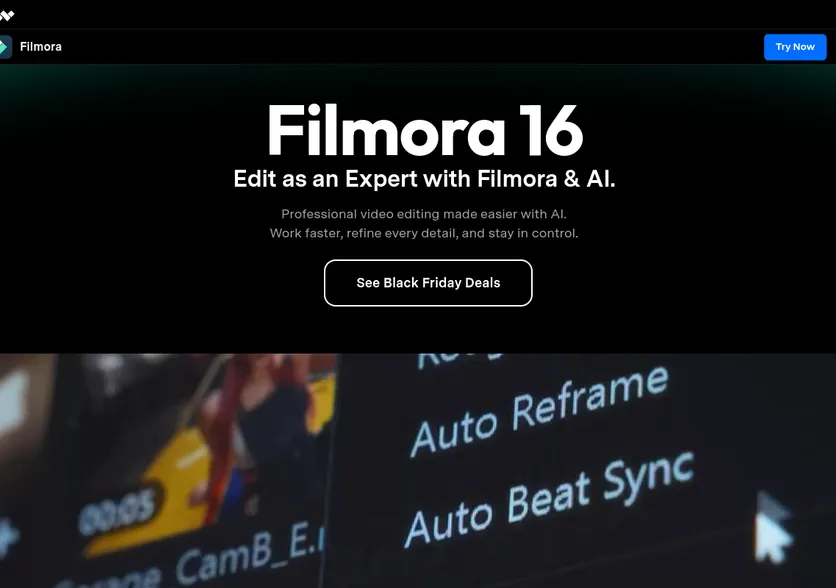
For an agent who edits listing videos between showings, this Filmora plan costs forty-nine dollars and ninety-nine cents a year on Basic, with watermark-free 4K export included. Templates turn a walkthrough into a polished video in minutes, and AI captions add the text buyers read with the sound off. It is the easiest desktop editor here for an agent who is not a video person.
What we like
- Templates and effects make first videos fast
- AI tools for captions, cutout and reframing
- Perpetual licence option for buyers who hate rent
Watch out for
- AI features run on credits on the Basic plan
- The perpetual licence covers Filmora 16 only
How to try it
- Import clips and drop them on the timeline
- Apply a template or add captions and effects
- Export without a watermark on a paid plan
3. CapCut Pro
Best for: Short-form creators who live on templates and AI
Paid tool Starting price: $19.99/month · Nineteen dollars and ninety-nine cents a month on Pro, or one hundred and seventy-nine dollars and ninety-nine cents a year; Ultra is seventy-nine dollars a month and Teams is twelve dollars and forty-nine cents a seat a month; the old nine dollars and ninety-nine cents Pro plan is now the mobile-only Standard tier
Free plan: Free plan
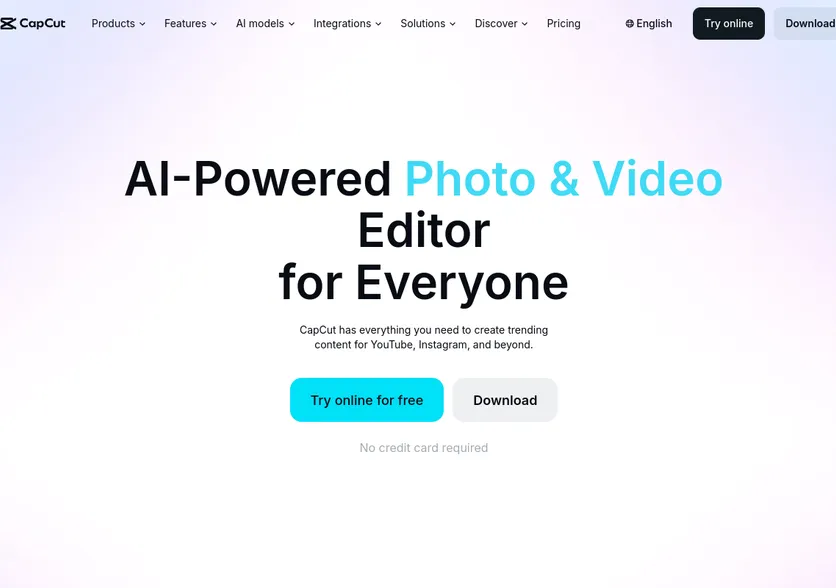
Listing videos live on social feeds, and this CapCut Pro plan costs nineteen dollars and ninety-nine cents a month, with templates made for vertical video. Auto captions, auto-reframe and background removal turn phone footage into a scroll-stopping tour fast. It exports in 4K, so the same clip works on the listing page and on every social app.
What we like
- Best template library for Reels and TikTok
- AI captions, background removal and auto-reframe
- Cloud storage keeps projects synced everywhere
Watch out for
- AI features burn monthly credits, not unlimited
- The 2026 repricing more than doubled the annual cost
How to try it
- Open CapCut and start from a template
- Drop in clips and add auto captions
- Export in 4K and post to the platform
4. Descript
Best for: Podcasters and interviewers who edit by transcript
Paid tool Starting price: $16/person/month · Sixteen dollars a person a month billed annually on Hobbyist, or twenty-four dollars a person a month billed monthly; Creator is twenty-four dollars a person a month billed annually with 4K export, and Business is fifty dollars a person a month billed annually
Free plan: Free plan (1 media hour)
An agent who records a voiceover for a tour can edit it like a document here, since this Descript plan costs sixteen dollars a person a month billed annually on Hobbyist. Deleting a sentence in the transcript removes it from the video, so fluffed lines vanish in seconds. Studio Sound cleans up echoey rooms, and the finished tour exports for the listing page.

What we like
- Edit video by deleting words in the transcript
- Studio Sound cleans up noisy recordings
- Exports timelines to Premiere, Final Cut and Resolve
Watch out for
- Pricing is per person, so teams pay per seat
- Media hours cap how much you can upload
How to try it
- Import the recording and let it transcribe
- Delete words in the transcript to cut the video
- Export the finished video in 4K
5. InVideo
Best for: Marketers turning scripts into videos with AI
Paid tool Starting price: $20/month · Twenty dollars a month billed annually on Plus, or twenty-five dollars a month billed monthly; Max is forty-eight dollars a month billed annually with two hundred AI generation minutes and 4K export
Free plan: Free plan (watermarked exports)
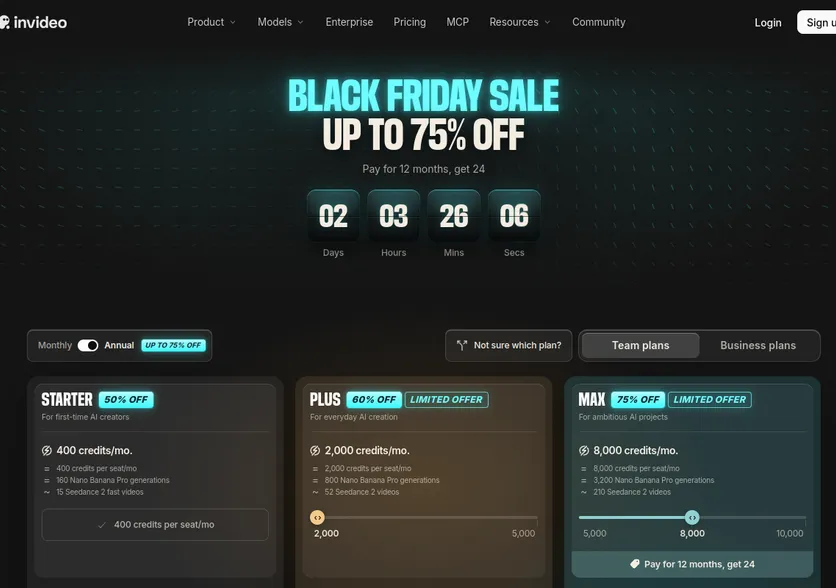
For an agent who wants a listing video without learning an editor, this InVideo plan costs twenty dollars a month billed annually on Plus, and a prompt drafts the video from a script. The stock library fills gaps where the agent has no footage, and the full timeline editor finishes the cut. It is the quickest route here from a listing sheet to a shareable video.
What we like
- Prompt-to-video drafts a whole video in minutes
- Stock library and voice cloning built in
- Full timeline editor for finishing touches
Watch out for
- AI generation is metered in minutes per month
- Plus exports top out at 1080p, not 4K
How to try it
- Type a prompt or paste a script
- Let the AI draft the video, then edit the timeline
- Export the finished video for the campaign
6. Biteable
Best for: Agents making polished marketing videos fast
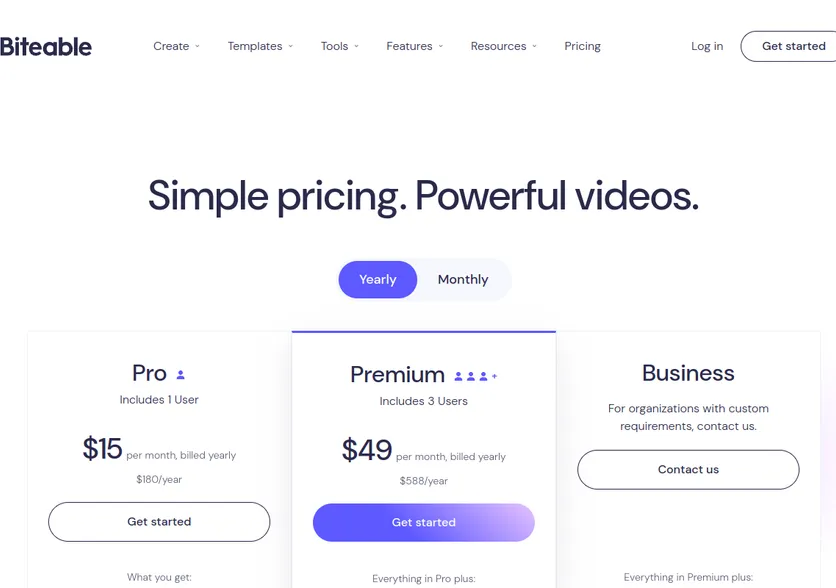
Paid tool Starting price: $19/month · Nineteen dollars a month billed annually on Plus, or twenty-nine dollars a month billed monthly; Team is forty-nine dollars a month billed annually for five seats, and Premium is ninety-nine dollars a month billed annually; the free plan exports with a watermark at 720p
Free plan: Free plan (watermarked exports)
A polished marketing-style video sells a home, and this Biteable plan costs nineteen dollars a month billed annually on Plus, with templates that turn a script into a finished video. Brand kits apply the brokerage fonts, colours and logo across every listing, and the stock library covers the shots the agent missed. It is the fastest way here to a video that looks like an agency made it.
What we like
- Templates turn a script into a finished video
- Brand kit applies fonts, colours and logo
- Stock footage library with millions of clips
Watch out for
- Plus allows only one user seat
- Templates skew to general marketing, not property tours
How to try it
- Pick a template that fits the listing
- Swap in photos and text for the property
- Export the video and share it on social media
7. Animoto
Best for: Agents turning photos into slideshow videos
Paid tool Starting price: $8/month · Eight dollars a month billed annually on Basic, or ninety-six dollars a year; monthly billing is sixteen dollars a month, Professional is fifteen dollars a month billed annually with the full stock library, and Professional Plus is thirty-nine dollars a month billed annually
Free plan: Free plan (watermarked exports)
An agent who only has photos of a property can still make a video here, since this Animoto plan costs eight dollars a month billed annually on Basic, and it turns photos into a slideshow video. Drag the photos in order, pick a style and add licensed music, and the result is ready to post. It is the simplest tool in this list for an agent who has never edited video.
What we like
- Drag photos in and get a finished slideshow
- Licensed music library included in every plan
- Easiest tool here for non-editors
Watch out for
- Templates feel dated next to newer tools
- No real timeline for precise cutting
How to try it
- Upload the property photos in order
- Pick a style and add the music track
- Export the slideshow video for the listing
8. Renderforest
Best for: Small teams that need logo intros and explainers
Paid tool Starting price: $14/month · Fourteen dollars a month on Lite, or about nine dollars a month billed annually; Pro is thirty-nine dollars a month, or about twenty-nine dollars a month billed annually, and Business is forty-nine dollars a month; other reads list Lite at nine dollars and ninety-nine cents a month billed annually, so confirm the exact figure on the vendor page
Free plan: Free plan (watermarked exports)
For a listing intro that needs a logo animation and a polished open, this Renderforest plan costs fourteen dollars a month on Lite, and its templates assemble the intro in minutes. The same subscription includes a logo maker and mockups, which covers the brokerage branding in one place. It suits an agent who wants a branded open without hiring a designer.

What we like
- Templates assemble intros in minutes
- Logo maker, mockups and website builder included
- Commercial licence on paid plans
Watch out for
- Lite exports stop at 720p, not 1080p
- No real timeline for cutting your own footage
How to try it
- Choose an intro or explainer template
- Add the logo and text for the brand
- Render and download the finished video
Prices above were checked on each vendor’s own website on Nov 29, 2026 and can change — the vendor’s page is the final word. Vendor links are editorial: nobody paid to be listed or ranked here. Vendors who want a featured listing can see how it works on our Get listed page.
How to make a listing video that books viewings
Shoot the home in daylight with the curtains open, because a bright room looks bigger on camera than a dark one, and no editor can fix bad light. Keep the tour under two minutes, since buyers decide in the first thirty seconds whether to keep watching. Add captions to every clip, because most buyers watch with the sound off, and captions carry the price and the key features. End with a clear call to book a viewing, and post the same clip on the listing page and on every social feed.
Before you buy
- Confirm the tool exports vertical video sized for Reels, Shorts and TikTok
- Check that captions are included, since most buyers watch with sound off
- Test the tool on one real listing before paying for a full year
- Make sure the brand kit applies the brokerage fonts and logo
- Keep the tour under two minutes so buyers watch to the end
Official websites
Official websites of the products reviewed above. Features and prices were checked against these sites when this guide was written, and they can change, so confirm on the vendor site before you buy.
Frequently asked questions
What is the best video editing software for real estate agents?
CapCut Pro is the best overall pick here, at nineteen dollars and ninety-nine cents a month, because templates and auto captions turn phone footage into a scroll-stopping tour fast. Filmora is the better pick for a desktop editor, at forty-nine dollars and ninety-nine cents a year. InVideo is the best pick for agents who want a video from a script, at twenty dollars a month billed annually.
How much does CapCut Pro cost?
CapCut Pro costs nineteen dollars and ninety-nine cents a month, or one hundred and seventy-nine dollars and ninety-nine cents a year. The plan includes twelve hundred monthly AI credits, 4K export and one terabyte of cloud storage. The old nine dollars and ninety-nine cents Pro plan is now the mobile-only Standard tier, so older guides quote a price that no longer exists.
Can I make listing videos for free?
Yes, with CapCut, whose free plan covers basic editing and 1080p export, and Animoto, whose free plan makes watermarked slideshow videos. Filmora also offers a free plan, though exports carry a watermark. Free plans suit an agent testing video, while an agent posting listings every week will usually need a paid plan.
Do I need a professional editor for listing videos?
No, since most listing videos need templates, captions and a clean export rather than pro colour grading. CapCut Pro, Filmora and Biteable all make polished listing videos without editing skill. Adobe Premiere Pro suits only an agent who already edits, or a brokerage with a dedicated media person.
Which tool is best for a first listing video?
Animoto is the best pick for a first video, at eight dollars a month billed annually, because it turns property photos into a slideshow video with music in minutes. Biteable is the better pick when the video must look like an agency made it, at nineteen dollars a month billed annually. Both need no editing skill at all.
Compare the eight tools above, then try the free CapCut plan on a real listing video before paying for any editor.
Browse Video Tools tools