On this page
A church media team juggles lyrics, sermon slides, cameras and a live stream every Sunday, so the right software has to handle all of it without a specialist on staff. The eight tools below cover that job for teams of every size, from a one-time purchase to a cheap monthly plan. ProPresenter leads because it runs multi-screen worship from one computer for three hundred and ninety-nine dollars once, and the rest are ranked on live production, ease and price.
How we researched this
We checked every price on the vendor pricing page on November 29, 2026, and only included tools with a published US dollar list price. The presentation tools that sell by quote were left out, since a church team needs a price it can budget against. Prices change, so confirm the current figure on the vendor site before you buy.
Compare the tools
| Name | Best for | Starting price | Free plan | |
|---|---|---|---|---|
 ProPresenter | Church media teams running lyrics and video live | $399 one-time | Free to download and edit; output needs a licence | Visit |
 vMix | Churches and venues switching cameras live | $60 one-time | Free plan (Basic edition) | Visit |
 Wirecast | Teams that want a broadcast desk on Mac or Windows | $34/month | No free plan; free trial (watermarked) | Visit |
 Ecamm Live | Mac hosts who stream a polished weekly show | $16/month | No free plan; 14-day free trial | Visit |
 Camtasia | Trainers recording tutorials and courses | $179.88/year | Free trial available | Visit |
 Descript | Podcasters and interviewers who edit by transcript | $16/person/month | Free plan (1 media hour) | Visit |
 Filmora | Beginners who want a friendly editor that grows | $49.99/year | Free plan (watermarked exports) | Visit |
 CapCut Pro | Short-form creators who live on templates and AI | $19.99/month | Free plan | Visit |
The video editing software for church media teams, compared
1. ProPresenter
Best for: Church media teams running lyrics and video live
Paid tool Starting price: $399 one-time · Three hundred and ninety-nine dollars once for a single-seat licence, including twelve months of ProPresenter+ support and updates; renewal is one hundred and fifty-nine dollars a year, and a campus licence covering twenty seats is nine hundred and ninety-nine dollars
Free plan: Free to download and edit; output needs a licence
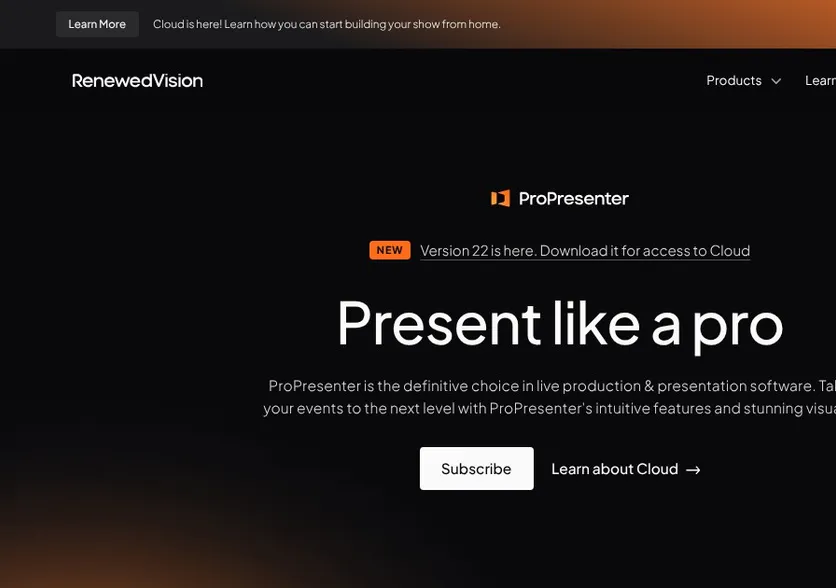
For a church that runs lyrics, sermon slides and video on several screens at once, this ProPresenter plan costs three hundred and ninety-nine dollars once for a single-seat licence. Unlimited outputs drive the projector, the stage display and the live stream from one computer, and Bible integration covers sixty-plus versions. It is the industry standard for houses of worship that run a full production every Sunday.
What we like
- Multi-screen output for lyrics, stage and stream
- Bible integration with sixty-plus versions
- Stage display and confidence monitor built in
Watch out for
- One licence covers one computer only
- Copyrighted Bibles cost extra per computer
How to try it
- Build the service order with songs and slides
- Assign outputs to the projector and stage display
- Run the service live from the presentation view
2. vMix
Best for: Churches and venues switching cameras live
Paid tool Starting price: $60 one-time · Sixty dollars once for the Basic HD perpetual licence; HD is three hundred and fifty dollars once, 4K is seven hundred dollars once and Pro is one thousand two hundred dollars once, each including twelve months of updates; MAX is fifty dollars a month as a subscription
Free plan: Free plan (Basic edition)
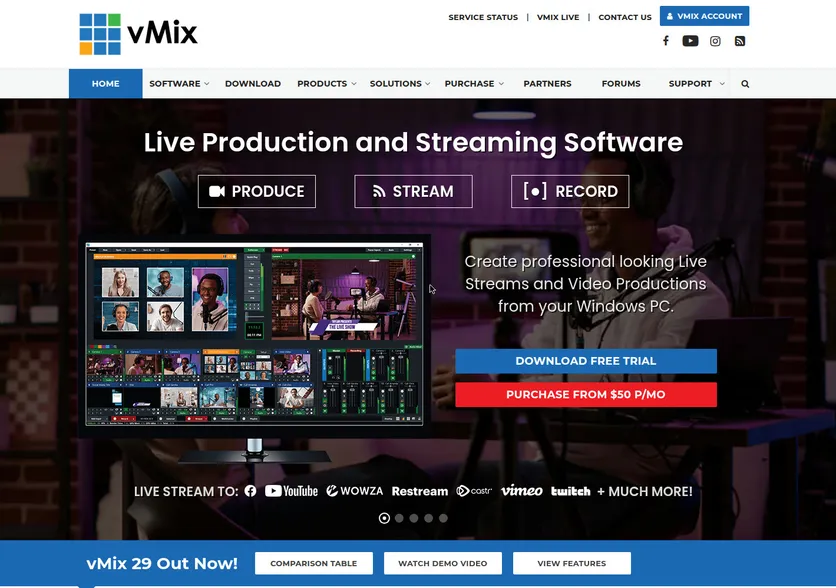
A church that switches cameras live on a Windows computer gets a broadcast desk here, since this vMix plan costs sixty dollars once for the Basic HD perpetual licence. Camera switching, overlays and NDI inputs run from one machine, and higher tiers add instant replay and virtual sets. Perpetual licences mean the cost stops after one payment, which suits a volunteer-run media budget.
What we like
- Perpetual licences, so the cost stops after one payment
- NDI, instant replay and virtual sets included
- Upgrade by paying only the price difference
Watch out for
- Windows only, with no Mac version
- Basic HD caps at four inputs and 1080p
How to try it
- Add cameras and sources to the inputs
- Build scenes with overlays and titles
- Switch live and stream to the platform
3. Wirecast
Best for: Teams that want a broadcast desk on Mac or Windows
Paid tool Starting price: $34/month · Thirty-four dollars a month billed annually on Studio, or four hundred and eight dollars a year; monthly billing is fifty-nine dollars a month, and Pro is forty-two dollars a month billed annually with cloud multistreaming and ISO recording; older twenty-eight and twenty-nine dollar reads are stale
Free plan: No free plan; free trial (watermarked)
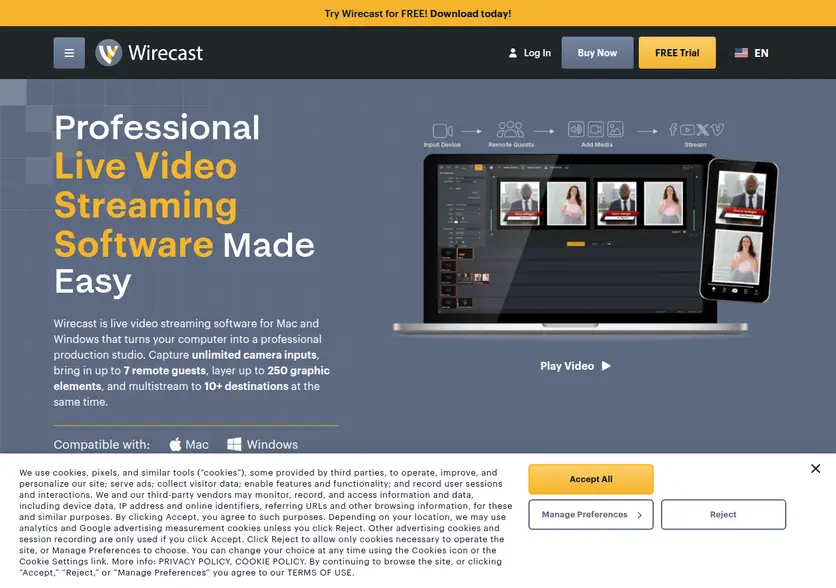
For a media team that streams the service to several platforms at once, this Wirecast plan costs thirty-four dollars a month billed annually on Studio, with unlimited camera sources. The Pro tier adds cloud multistreaming, ISO recording and PTZ camera control for bigger productions. Vendor support is included, which matters when the stream must work on Sunday morning.
What we like
- Unlimited camera sources on both plans
- Vendor support included when a show is live
- Pro adds multistreaming, replay and PTZ control
Watch out for
- Subscription only, with no perpetual licence
- Needs a capable computer for multi-camera shows
How to try it
- Add cameras and screen sources to the shot list
- Build layers with titles and lower thirds
- Start streaming to the chosen platforms
4. Ecamm Live
Best for: Mac hosts who stream a polished weekly show
Paid tool Starting price: $16/month · Sixteen dollars a month billed annually on Standard, or one hundred and ninety-two dollars a year; monthly billing is twenty dollars a month, and Pro is thirty-two dollars a month billed annually with 4K streaming and interview mode; a forty percent off annual sale ran November 24 to 30, 2026
Free plan: No free plan; 14-day free trial
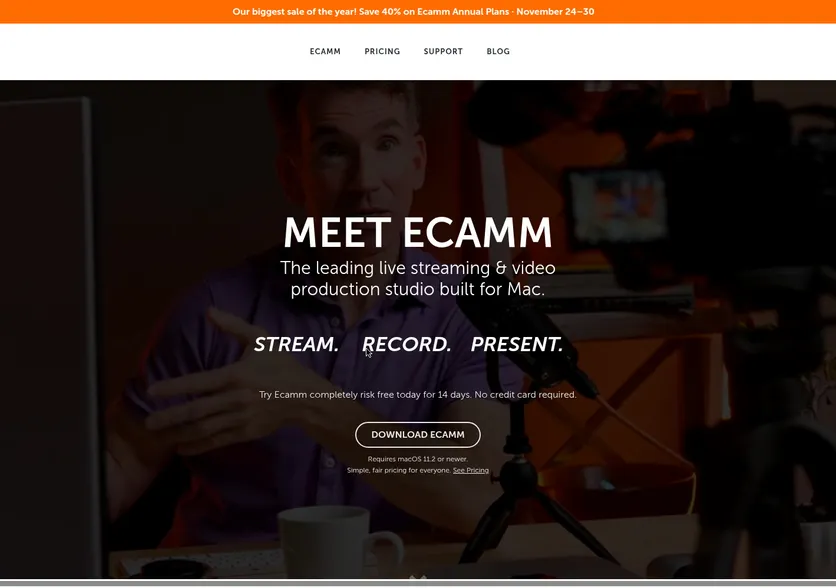
A Mac-based church media team that wants a polished weekly stream will like this Ecamm Live plan, which costs sixteen dollars a month billed annually on Standard. Scenes, overlays and guests sit in one window, and interview mode brings a remote speaker in cleanly. Multistreaming reaches ten destinations, so the service goes to the website, the social pages and the app at once.
What we like
- Scenes, overlays and guests in one window
- Interview mode brings guests in cleanly
- Multistreaming to ten destinations on Standard
Watch out for
- Mac only, with no Windows version
- ISO recording needs the Pro plan
How to try it
- Set up scenes with cameras and overlays
- Invite guests through interview mode
- Go live and record the show locally
5. Camtasia
Best for: Trainers recording tutorials and courses
Paid tool Starting price: $179.88/year · One hundred and seventy-nine dollars and eighty-eight cents a year on Essentials, billed yearly; Starter is thirty-nine dollars a year with watermarked exports, Create is two hundred and forty-nine dollars a year and Pro is five hundred and ninety-nine dollars a year; a perpetual licence is two hundred and ninety-nine dollars and ninety-nine cents once
Free plan: Free trial available
A church that records sermons and training videos for later viewing needs a screen recorder and editor in one app, and this Camtasia plan costs one hundred and seventy-nine dollars and eighty-eight cents a year on Essentials. Cursor smoothing and zoom-and-pan keyframes make teaching videos easy to follow, and quizzes export for courses. It is the simplest route here from a recorded service to a polished replay.
What we like
- Screen recording and editing in one app
- Cursor smoothing and zoom-and-pan keyframes
- Quizzes and SCORM export for courses
Watch out for
- Yearly subscription with no monthly option
- AI avatars and translation need the Pro plan
How to try it
- Record the screen and webcam together
- Cut the timeline and add callouts
- Export the tutorial for the course platform
6. Descript
Best for: Podcasters and interviewers who edit by transcript
Paid tool Starting price: $16/person/month · Sixteen dollars a person a month billed annually on Hobbyist, or twenty-four dollars a person a month billed monthly; Creator is twenty-four dollars a person a month billed annually with 4K export, and Business is fifty dollars a person a month billed annually
Free plan: Free plan (1 media hour)
A media team that turns sermons into clips and podcasts will save hours here, because this Descript plan costs sixteen dollars a person a month billed annually on Hobbyist. Cutting words in the transcript cuts the video, so a forty-minute sermon becomes five shareable clips without touching a timeline. Studio Sound cleans up room echo, and 4K export arrives on the Creator tier.

What we like
- Edit video by deleting words in the transcript
- Studio Sound cleans up noisy recordings
- Exports timelines to Premiere, Final Cut and Resolve
Watch out for
- Pricing is per person, so teams pay per seat
- Media hours cap how much you can upload
How to try it
- Import the recording and let it transcribe
- Delete words in the transcript to cut the video
- Export the finished video in 4K
7. Filmora
Best for: Beginners who want a friendly editor that grows
Paid tool Starting price: $49.99/year · Forty-nine dollars and ninety-nine cents a year on Basic; Advanced is fifty-nine dollars and ninety-nine cents a year with one thousand AI credits a month, Premium is ninety-nine dollars and ninety-nine cents a year, and a perpetual licence for Filmora 16 is seventy-nine dollars and ninety-nine cents once
Free plan: Free plan (watermarked exports)
For a volunteer team that edits the service recording on a modest laptop, this Filmora plan costs forty-nine dollars and ninety-nine cents a year on Basic, with watermark-free 4K export included. Templates and AI captions make a watchable replay fast, and the interface is gentle enough for a new volunteer to learn in an evening. It is the friendliest editor in this list for a rotating media team.
What we like
- Templates and effects make first videos fast
- AI tools for captions, cutout and reframing
- Perpetual licence option for buyers who hate rent
Watch out for
- AI features run on credits on the Basic plan
- The perpetual licence covers Filmora 16 only
How to try it
- Import clips and drop them on the timeline
- Apply a template or add captions and effects
- Export without a watermark on a paid plan
8. CapCut Pro
Best for: Short-form creators who live on templates and AI
Paid tool Starting price: $19.99/month · Nineteen dollars and ninety-nine cents a month on Pro, or one hundred and seventy-nine dollars and ninety-nine cents a year; Ultra is seventy-nine dollars a month and Teams is twelve dollars and forty-nine cents a seat a month; the old nine dollars and ninety-nine cents Pro plan is now the mobile-only Standard tier
Free plan: Free plan
A church social team that posts sermon clips all week needs speed, and this CapCut Pro plan costs nineteen dollars and ninety-nine cents a month, with auto captions and templates built in. One master recording becomes vertical clips for every platform, and cloud storage keeps projects shared between volunteers. It is the fastest way here from Sunday morning to a week of posts.
What we like
- Best template library for Reels and TikTok
- AI captions, background removal and auto-reframe
- Cloud storage keeps projects synced everywhere
Watch out for
- AI features burn monthly credits, not unlimited
- The 2026 repricing more than doubled the annual cost
How to try it
- Open CapCut and start from a template
- Drop in clips and add auto captions
- Export in 4K and post to the platform
Prices above were checked on each vendor’s own website on Nov 29, 2026 and can change — the vendor’s page is the final word. Vendor links are editorial: nobody paid to be listed or ranked here. Vendors who want a featured listing can see how it works on our Get listed page.
How to run a Sunday service without a production crew
Build the whole service order before Sunday, because a media team that assembles slides during worship will always fall behind the music. Rehearse the transitions once with the worship leader, and check every output on the projector, the stage display and the stream before the doors open. Keep a backup laptop ready with the same files, since a single computer failure should never stop the service. Record every service, and use the recording to make short clips for the week ahead. Keep the lyric slides in the same project as the video, so one operator runs the whole service without switching apps.
Before you buy
- Confirm the tool drives the projector, stage display and stream from one computer
- Check that a volunteer can learn the basics in one evening
- Test every output on the real projector before the doors open
- Keep a backup laptop ready with the same service files
- Record the service so clips can be shared during the week
Official websites
Official websites of the products reviewed above. Features and prices were checked against these sites when this guide was written, and they can change, so confirm on the vendor site before you buy.
Frequently asked questions
What is the best video editing software for church media teams?
ProPresenter is the best overall pick here, at three hundred and ninety-nine dollars once, because it runs lyrics, sermon slides and video on several screens from one computer. vMix is the better pick for live camera switching, at sixty dollars once. Ecamm Live is the best Mac option, at sixteen dollars a month billed annually, for a polished weekly stream.
How much does ProPresenter cost?
ProPresenter costs three hundred and ninety-nine dollars once for a single-seat licence, including twelve months of ProPresenter+ support and updates. Renewal is one hundred and fifty-nine dollars a year, and a campus licence covering twenty seats is nine hundred and ninety-nine dollars. The app is free to download and edit, but output needs a licence.
Can a church stream services for free?
Not with these tools, since live streaming needs a paid plan, though vMix offers a free Basic edition and ProPresenter is free to download and edit. Ecamm Live offers a fourteen-day free trial, and Wirecast offers a watermarked trial. A church should test the stream on a midweek rehearsal before the first Sunday service.
Which tool is best for a small church with volunteers?
Filmora is the best pick for a small church, at forty-nine dollars and ninety-nine cents a year, because a new volunteer can learn it in an evening and it exports 4K without a watermark. CapCut Pro is the best pick for social clips, at nineteen dollars and ninety-nine cents a month, with auto captions built in.
Do we need a separate tool for lyrics and video?
No, since ProPresenter handles lyrics, sermon slides, Bible text and video in one app, with outputs for the projector, the stage display and the stream. A church that already owns ProPresenter needs no second tool for Sunday. Video editing for replays and clips is the only job that needs a second app, such as Filmora or Descript.
Compare the eight tools above, then download the free ProPresenter editor and test it on a real service order before buying a licence.
Browse Video Tools tools