On this page
A design review lives or dies on whether everyone in the room can see the same detail at the same time, and whether the feedback lands on the work instead of getting lost in chat. The nine tools below cover that job, from a four-dollar seat to a full presentation stage. Zoom leads because its screen share stays sharp on detailed mockups and its annotation tools let reviewers mark the design live, at fourteen dollars and sixteen cents per user a month, and the rest are ranked on visual clarity and review workflow.
How we researched this
We checked every price on the vendor pricing page on November 29, 2026, and only included meeting tools with a published US dollar list price. Butter was left out because published figures conflict between fourteen and thirty dollars a month, and Livestorm was left out because it now bills in euros by attendee credit with no clean US dollar list price. Prices change, so confirm the current figure on the vendor site before you buy.
Compare the tools
| Name | Best for | Starting price | Free plan | |
|---|---|---|---|---|
 Zoom | Design reviews where screen detail matters | $14.16/user/month | Free plan (40-minute group meetings) | Visit |
 Microsoft Teams | Microsoft-based teams reviewing design together | $4/user/month | Free plan (limited meetings and chat) | Visit |
 Google Meet | Google-based teams that review from the calendar | $7/user/month | Free personal tier, 100 participants, 60-minute cap | Visit |
 Webex | Teams reviewing sensitive client work | $12/user/month | Free plan, 100 participants, 40-minute cap | Visit |
 GoTo Meeting | Teams that want reviews to start on time | $12/organizer/month | 14-day free trial, no free plan | Visit |
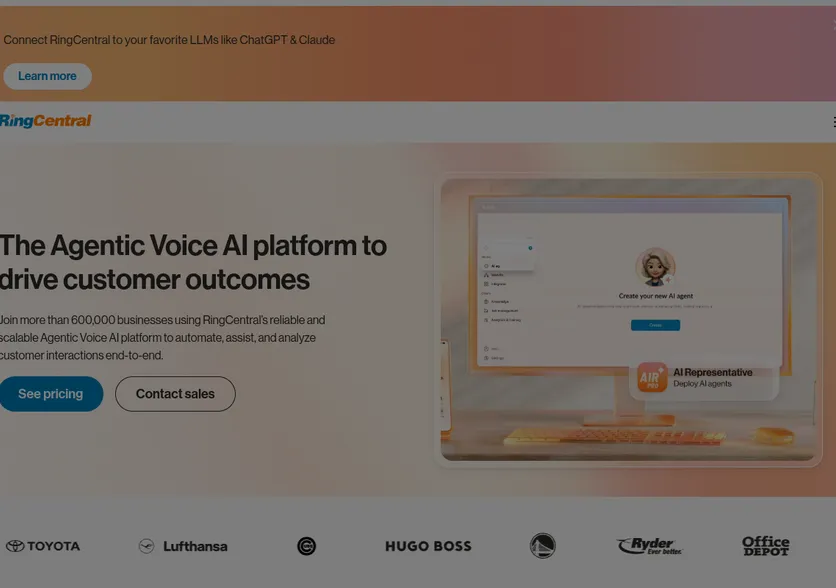
 RingCentral | Client-facing teams that also take phone calls | $20/user/month | 14-day free trial | Visit |
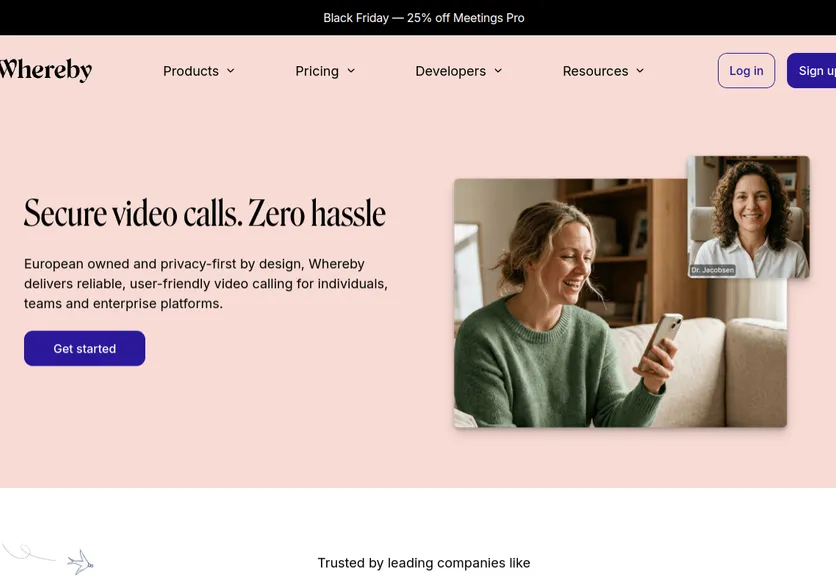
 Whereby | Design reviews with outside clients | $10.99/host/month | Free plan, one room, 4 attendees, 30-minute cap | Visit |
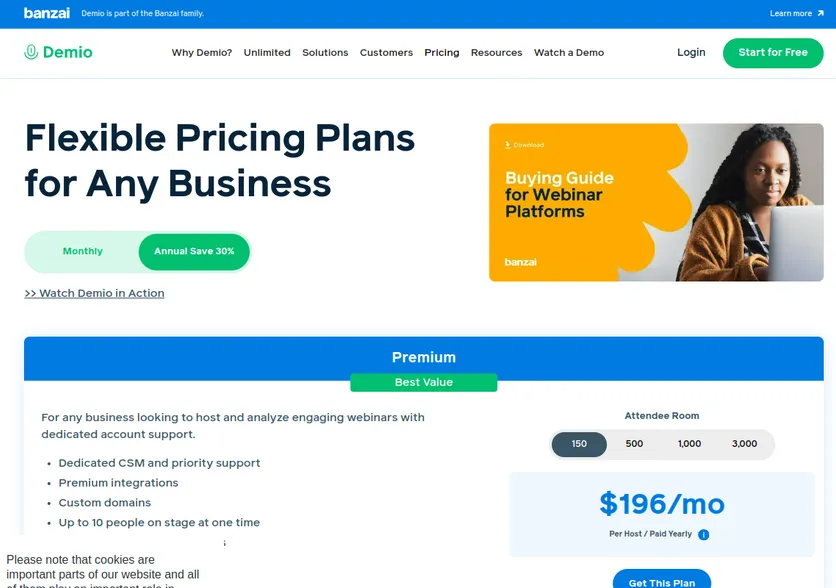
 Demio | Large design presentations to stakeholders | $45/month | No free plan; 14-day free trial | Visit |
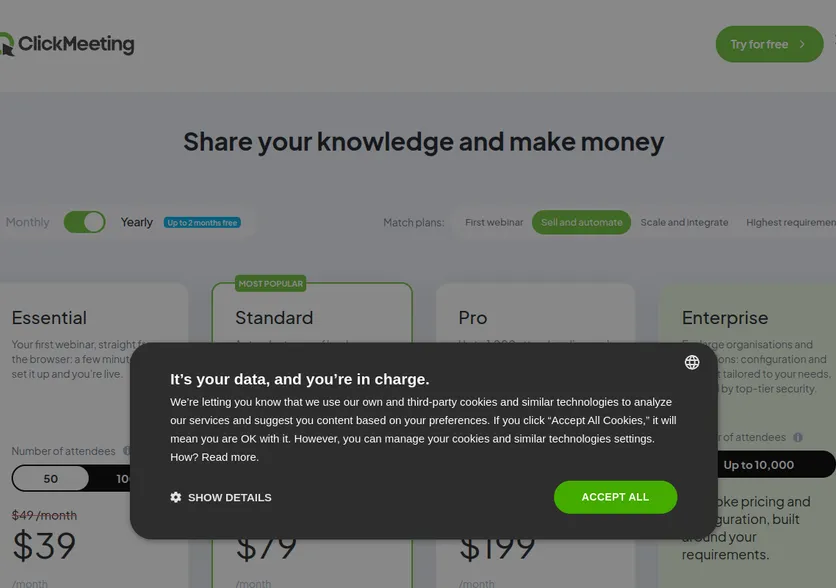
 ClickMeeting | Formal design reviews with a clear agenda | $39/month | No free plan; 30-day free trial | Visit |
The video meeting software for design reviews, compared
1. Zoom
Best for: Design reviews where screen detail matters
Paid tool Starting price: $14.16/user/month · Fourteen dollars and sixteen cents per user a month on the Workplace Pro plan billed annually; month-to-month billing is sixteen dollars and ninety-nine cents per user a month; Business is eighteen dollars and thirty-three cents per user a month billed annually
Free plan: Free plan (40-minute group meetings)
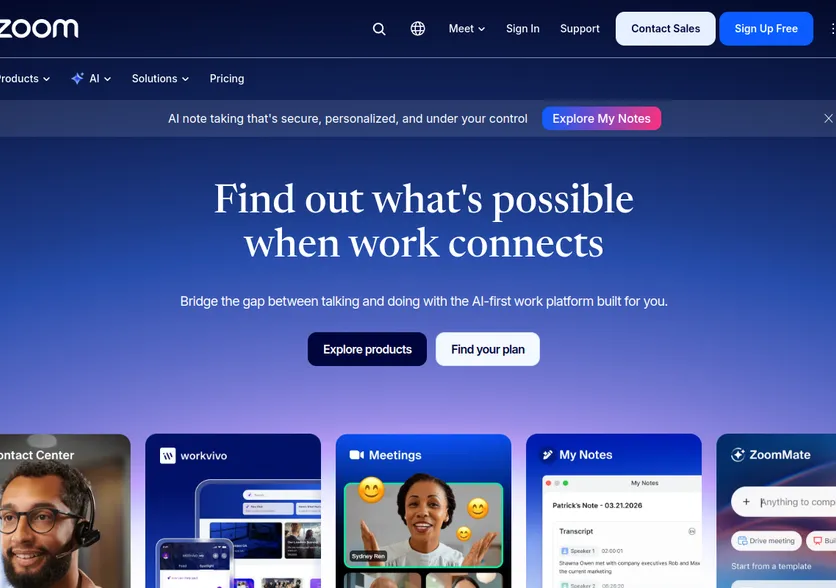
For a design review where the work is the meeting, this Zoom plan costs fourteen dollars and sixteen cents per user a month on the Workplace Pro plan billed annually. Its screen share stays sharp on detailed mockups, annotation lets reviewers mark the design live, and breakout rooms split the critique into small groups. It is the most reliable meeting room here for visual work.
What we like
- Sharp screen share for detailed visual work
- AI Companion adds captions, summaries and translations
- Breakout rooms split large meetings into small groups
Watch out for
- The free plan caps group meetings at forty minutes
- AI features vary by plan and region
How to try it
- Send the meeting link from the calendar invite
- Share the screen and annotate the work live
- Record the call and share the summary afterwards
2. Microsoft Teams
Best for: Microsoft-based teams reviewing design together
Paid tool Starting price: $4/user/month · Four dollars per user a month on the Teams Essentials plan billed annually; Teams Enterprise is eight dollars and fifty-five cents per user a month; Microsoft 365 plans add the full Office apps
Free plan: Free plan (limited meetings and chat)
A design team already on Microsoft tools will find the cheapest seat here, because this Microsoft Teams plan costs four dollars per user a month on the Teams Essentials plan billed annually. It shares Figma links and files in the same chat where the review happens, and the whiteboard keeps the markup beside the meeting. It is the best value pick here for a team that already pays for Microsoft.

What we like
- Cheapest paid seat in this list
- Whiteboard and file sharing beside the meeting
- Live captions and translated chat in many languages
Watch out for
- Essentials lacks the full Office apps
- Heavier than the browser-only tools on older machines
How to try it
- Create the meeting from the Teams calendar
- Share the design file in the meeting chat
- Mark up the whiteboard and save the notes
3. Google Meet
Best for: Google-based teams that review from the calendar
Paid tool Starting price: $7/user/month · Seven dollars per user a month on the Google Workspace Business Starter plan billed annually; flexible billing is eight dollars and forty cents per user a month; Business Standard is fourteen dollars and Business Plus is twenty-two dollars
Free plan: Free personal tier, 100 participants, 60-minute cap
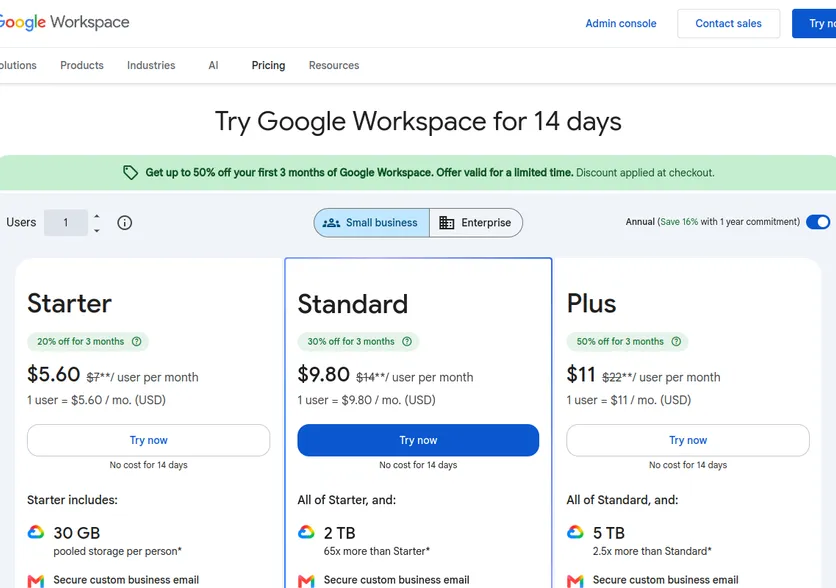
Design reviews that start from a calendar invite will run smoothest here, because this Google Meet plan costs seven dollars per user a month on the Google Workspace Business Starter plan billed annually. It joins from the browser with no install, shares the screen in one click, and the free personal tier covers a quick review with a freelancer. It is the simplest meeting tool here for a Google-based team.
What we like
- Joins from the browser with no install
- Live captions translate speech in real time
- Free tier covers a quick call with a freelancer
Watch out for
- Fewer meeting controls than the dedicated platforms
- Recording and advanced features need a paid plan
How to try it
- Create the meeting link from the calendar invite
- Share the screen and present the work
- Record the call to Drive for anyone who missed it
4. Webex
Best for: Teams reviewing sensitive client work
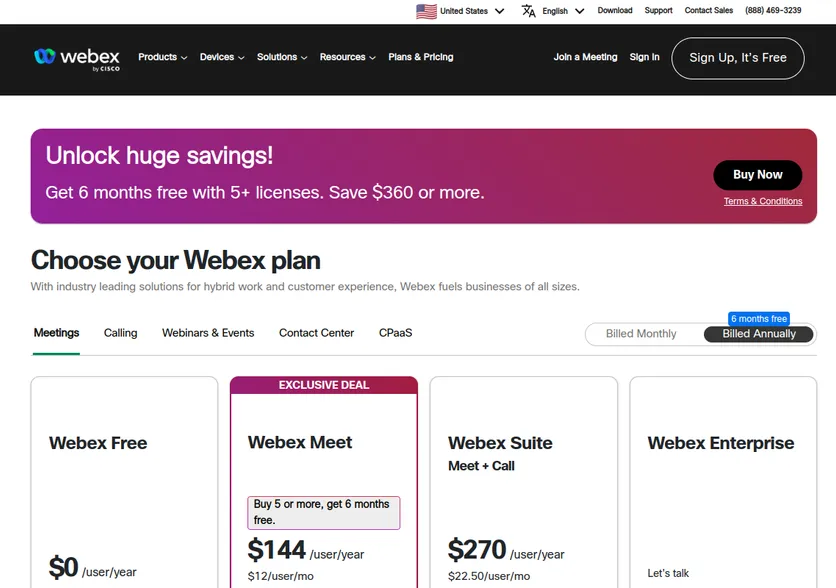
Paid tool Starting price: $12/user/month · Twelve dollars per user a month on the Meet plan billed annually, or one hundred and forty-four dollars a year; month-to-month billing is fourteen dollars and fifty cents per user a month; the free plan covers one hundred participants
Free plan: Free plan, 100 participants, 40-minute cap
A design team that reviews sensitive client work needs a meeting room with serious security, and this Webex plan costs twelve dollars per user a month on the Meet plan billed annually. Its screen share handles detailed artwork cleanly, and end-to-end encryption plus admin controls keep unreleased designs inside the room. It is the most secure meeting tool here for confidential reviews.
What we like
- End-to-end encryption and strong admin controls
- Live translation and captions in meetings
- Free plan covers one hundred participants
Watch out for
- The interface feels heavier than the simpler tools
- Some advanced features sit on higher plans
How to try it
- Schedule the meeting and set the security options
- Share the screen and present the work
- Record the session and share the transcript
5. GoTo Meeting
Best for: Teams that want reviews to start on time
Paid tool Starting price: $12/organizer/month · Twelve dollars per organiser a month on the Professional plan billed annually; month-to-month billing is fourteen dollars per organiser a month; a fourteen-day trial is available and there is no free plan
Free plan: 14-day free trial, no free plan
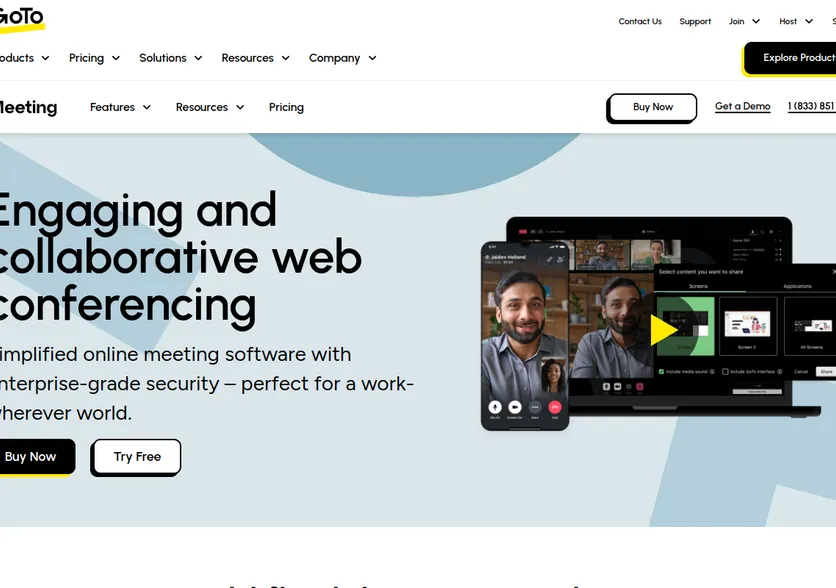
When a design review just needs to start on time with no fuss, this GoTo Meeting plan costs twelve dollars per organiser a month on the Professional plan billed annually. It joins from the browser, shares the screen in one click, and the drawing tools let reviewers sketch straight on the mockup. It is the simplest dedicated meeting tool here for a team that hates setup.
What we like
- Joins from the browser with no downloads
- Drawing tools let reviewers sketch on the work
- Organiser pricing suits teams with few hosts
Watch out for
- No free plan, only a fourteen-day trial
- Fewer integrations than the bigger platforms
How to try it
- Create the meeting link and send it to the team
- Share the screen and sketch on the design
- Record the review and share the notes
6. RingCentral
Best for: Client-facing teams that also take phone calls
Paid tool Starting price: $20/user/month · Twenty dollars per user a month on the RingEX Core plan billed annually; monthly billing is thirty dollars per user a month; Advanced is twenty-five dollars and Ultra is thirty-five dollars per user a month billed annually
Free plan: 14-day free trial
A design team that also takes client calls will get phone and video in one seat here, because this RingCentral plan costs twenty dollars per user a month on the RingEX Core plan billed annually. It runs the review on video, then the follow-up call on the same number, with AI notes on both. It is the best combined phone-and-video pick here for a client-facing team.
What we like
- Video meetings plus a full business phone system
- AI summaries on calls and meetings
- One app for calls, video and messaging
Watch out for
- Dearest per-user seat among the general meeting tools
- The full phone system is more than a video-only team needs
How to try it
- Schedule the video meeting from the app
- Share the screen and walk through the work
- Follow up on the same number after the call
7. Whereby
Best for: Design reviews with outside clients
Paid tool Starting price: $10.99/host/month · Ten dollars and ninety-nine cents per host a month on the Pro plan billed annually; Business is thirteen dollars and ninety-nine cents per host a month with a three-host minimum; the free plan covers one room with four attendees
Free plan: Free plan, one room, 4 attendees, 30-minute cap
Design reviews work best when the client joins in one click, and this Whereby plan costs ten dollars and ninety-nine cents per host a month on the Pro plan billed annually. It runs entirely in the browser, keeps the meeting room branded, and the whiteboard and screen share sit side by side. It is the friendliest meeting tool here for reviews with outside clients.
What we like
- Guests join from a browser link with no install
- Branded meeting rooms for the company
- Whiteboard and screen share side by side
Watch out for
- Host-based pricing adds up for large teams
- Fewer admin controls than the enterprise platforms
How to try it
- Create a branded room link for the review
- Share the link with the client or prospect
- Present the work and take notes in the room
8. Demio
Best for: Large design presentations to stakeholders
Paid tool Starting price: $45/month · Forty-five dollars a month on the Starter plan billed annually for fifty attendees; monthly billing is sixty-three dollars a month; higher plans add attendees and automation
Free plan: No free plan; 14-day free trial
A design team that presents finished work to a room full of stakeholders will like this Demio plan, which costs forty-five dollars a month on the Starter plan billed annually for fifty attendees. It runs polished presentations with polls, handouts and a branded room, and the replay keeps the review available afterwards. It is the best presentation-style meeting tool here for larger reviews.
What we like
- Polished presentation rooms with polls and handouts
- Replays keep the session available afterwards
- Runs in the browser with no downloads
Watch out for
- No free plan, only a fourteen-day trial
- Priced for presentations, not for everyday team calls
How to try it
- Set up the presentation room and the registration page
- Present the work with polls for the audience
- Share the replay link with everyone afterwards
9. ClickMeeting
Best for: Formal design reviews with a clear agenda
Paid tool Starting price: $39/month · Thirty-nine dollars a month on the Live plan billed annually for fifty attendees; monthly billing is forty-nine dollars a month; a thirty-day free trial is available and there is no free plan
Free plan: No free plan; 30-day free trial
A design team that runs structured review sessions with a clear agenda will find this ClickMeeting plan costs thirty-nine dollars a month on the Live plan billed annually for fifty attendees. It combines video, screen share and a whiteboard with polls and a waiting room, so a review stays organised. It is the best structured-session pick here for formal design reviews.
What we like
- Video, whiteboard, polls and breakout rooms together
- Live translation features for training sessions
- Thirty-day free trial is generous for a proper test
Watch out for
- No free plan beyond the trial
- The interface is busier than the simplest meeting tools
How to try it
- Schedule the session and set up the agenda
- Present the work and run a poll for feedback
- Share the recording and the notes afterwards
Prices above were checked on each vendor’s own website on Nov 29, 2026 and can change — the vendor’s page is the final word. Vendor links are editorial: nobody paid to be listed or ranked here. Vendors who want a featured listing can see how it works on our Get listed page.
How to run a design review that ends with decisions
Share the work before the meeting, because a review where everyone sees the design for the first time on screen wastes half the hour. Keep the review to one decision per screen, and write the decision down before moving on, so the meeting ends with a clear list rather than a vague feeling. Use annotation live and save the marked-up screen, since a comment in chat rarely survives the week. Check the screen share on the real file before the client joins, including zooming into the smallest detail.
Before you buy
- Confirm the screen share stays sharp on detailed mockups and small text
- Check whether annotation, whiteboard and recording sit on the plan being priced
- Test the tool with a real design file before the client joins the review
- Make sure outside clients can join from a browser with no install
- Ask whether the recording and marked-up screens are saved for the team afterwards
Official websites
Official websites of the products reviewed above. Features and prices were checked against these sites when this guide was written, and they can change, so confirm on the vendor site before you buy.
Frequently asked questions
What is the best video meeting software for design reviews?
Zoom is the best overall pick for design reviews, at fourteen dollars and sixteen cents per user a month, because its screen share stays sharp and its annotation tools let reviewers mark the design live. Whereby is the best choice for client reviews at ten dollars and ninety-nine cents a host a month, and Microsoft Teams is the best value at four dollars a user a month.
How much does video meeting software cost for design reviews?
Meeting tools in this list run from four dollars per user a month for Microsoft Teams and seven dollars for Google Meet to ten dollars and ninety-nine cents a host for Whereby, twelve dollars for Webex and GoTo Meeting, fourteen dollars and sixteen cents for Zoom, twenty dollars for RingCentral, thirty-nine dollars a month for ClickMeeting and forty-five dollars a month for Demio.
Can a design team review work for free?
Yes. Zoom, Microsoft Teams, Google Meet, Webex and Whereby all offer free plans, and GoTo Meeting, RingCentral, Demio and ClickMeeting offer free trials. The free plans cap meeting length, attendees or features, so they suit a small review with a freelancer, but a team running reviews daily will need a paid plan.
What should a design review tool do besides video?
A good design review tool needs sharp screen sharing, live annotation, a whiteboard, recording and an easy way for outside clients to join. Zoom and Whereby cover these best in this list, with Teams adding file sharing and a whiteboard beside the meeting. Test annotation and screen clarity on a real mockup before choosing, since those two features decide whether feedback lands.
Is Zoom or Whereby better for client design reviews?
Zoom is better for large internal reviews, with breakout rooms, AI summaries and the most familiar interface in this list. Whereby is better for client reviews, because guests join from a browser link with no install and the room carries the company brand. Many teams use both: Zoom for the team critique and Whereby for the client presentation.
Compare the nine meeting tools above, then run one real design review on a free plan or trial before committing the team to a tool.
Browse Business Tools tools