On this page
A remote sales team sells on video all day, so the meeting tool is the sales floor: it has to join fast, record the demo, summarise the call and hand the follow-up to the CRM without a rep typing it up. The nine tools below cover that job, from a four-dollar seat to a full phone-and-video system. Zoom leads because its AI Companion summarises each call on the standard plan, at fourteen dollars and sixteen cents per user a month, and the rest are ranked on how fast a rep can go from demo to follow-up.
How we researched this
We checked every price on the vendor pricing page on November 29, 2026, and only included meeting tools with a published US dollar list price. Butter was left out because published figures conflict between fourteen and thirty dollars a month, and Livestorm was left out because it now bills in euros by attendee credit with no clean US dollar list price. Prices change, so confirm the current figure on the vendor site before you buy.
Compare the tools
| Name | Best for | Starting price | Free plan | |
|---|---|---|---|---|
 Zoom | Remote sales teams that live on video calls | $14.16/user/month | Free plan (40-minute group meetings) | Visit |
 Microsoft Teams | Microsoft-based sales teams on a budget | $4/user/month | Free plan (limited meetings and chat) | Visit |
 Google Meet | Google-based sales teams booking demos from Gmail | $7/user/month | Free personal tier, 100 participants, 60-minute cap | Visit |
 Webex | Sales teams with strict security rules | $12/user/month | Free plan, 100 participants, 40-minute cap | Visit |
 GoTo Meeting | Solo reps who host their own demos | $12/organizer/month | 14-day free trial, no free plan | Visit |
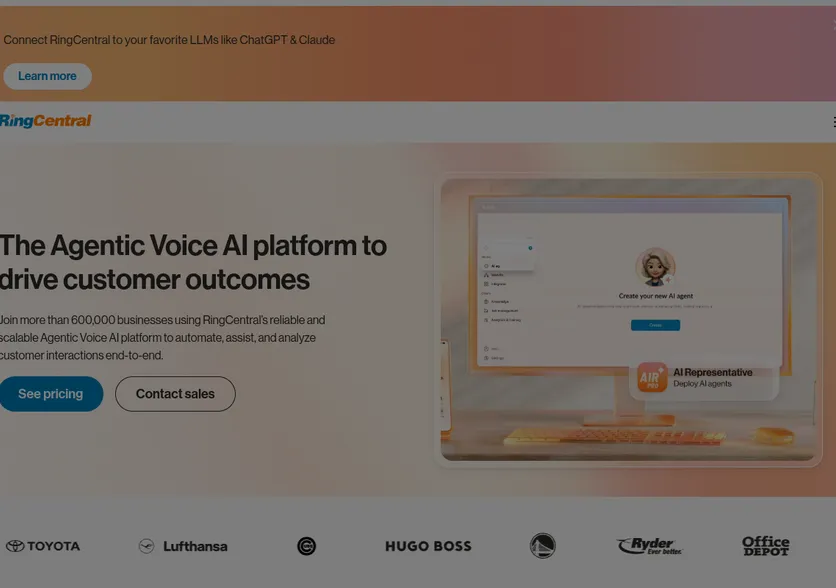
 RingCentral | Sales teams that call as much as they meet | $20/user/month | 14-day free trial | Visit |
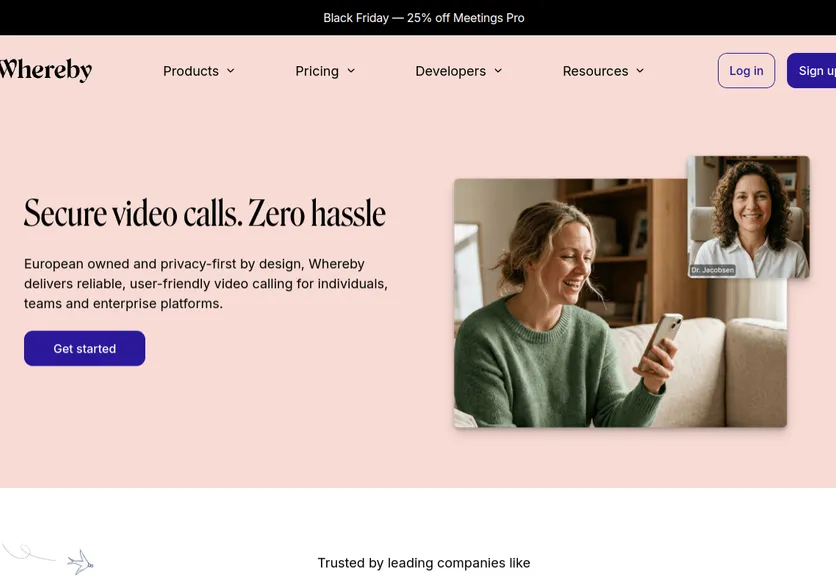
 Whereby | Sales reps sending links to prospects | $10.99/host/month | Free plan, one room, 4 attendees, 30-minute cap | Visit |
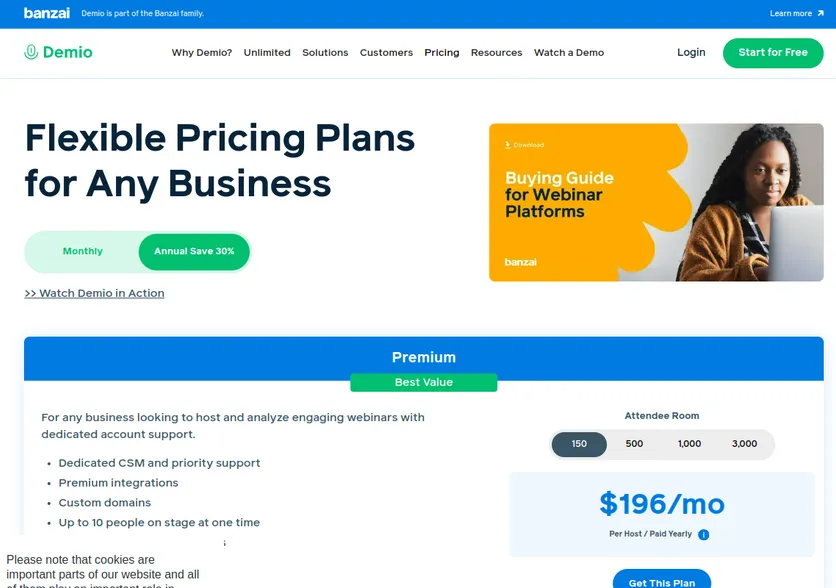
 Demio | Remote sales teams running group demos | $45/month | No free plan; 14-day free trial | Visit |
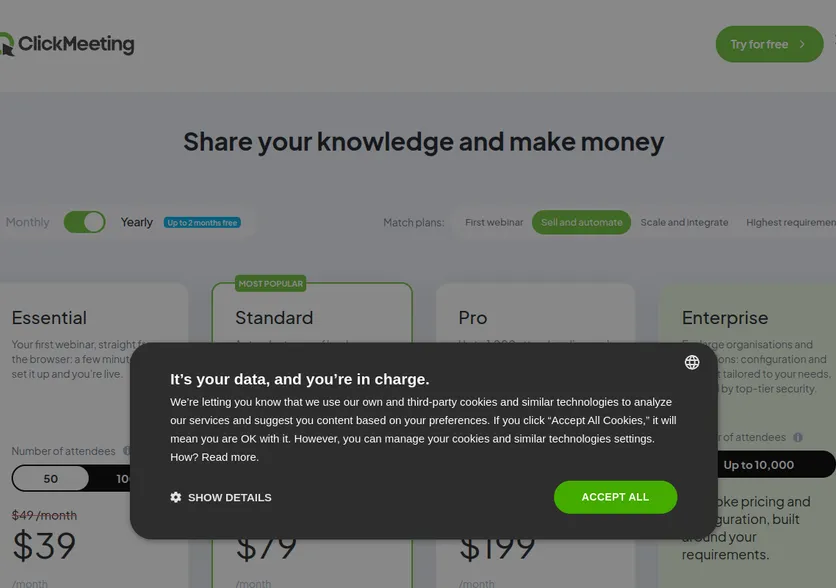
 ClickMeeting | Sales teams that run webinars and demos | $39/month | No free plan; 30-day free trial | Visit |
The video meeting software for remote sales teams, compared
1. Zoom
Best for: Remote sales teams that live on video calls
Paid tool Starting price: $14.16/user/month · Fourteen dollars and sixteen cents per user a month on the Workplace Pro plan billed annually; month-to-month billing is sixteen dollars and ninety-nine cents per user a month; Business is eighteen dollars and thirty-three cents per user a month billed annually
Free plan: Free plan (40-minute group meetings)
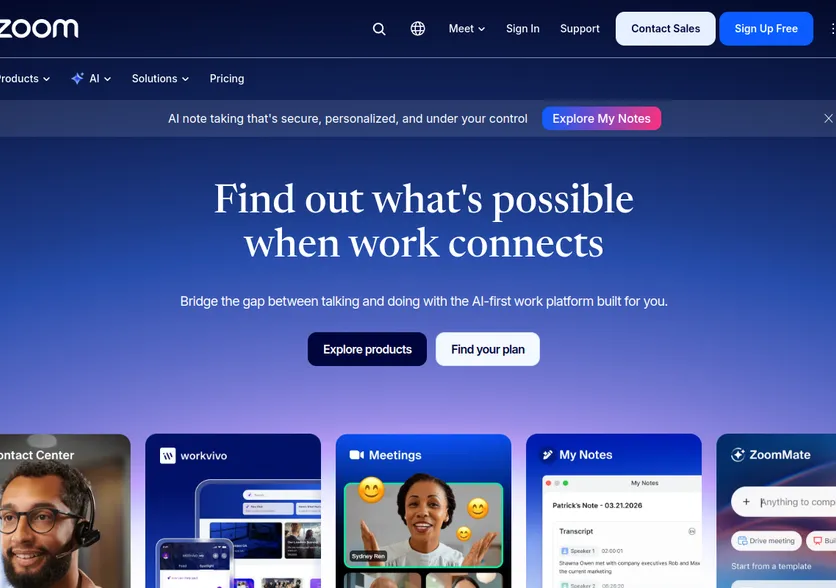
For a remote sales team that lives on video calls, this Zoom plan costs fourteen dollars and sixteen cents per user a month on the Workplace Pro plan billed annually. Its AI Companion summarises each call, records demos without extra software, and the same link works for a prospect on any device. It is the safest default meeting tool here for a team that sells on video.
What we like
- Sharp screen share for detailed visual work
- AI Companion adds captions, summaries and translations
- Breakout rooms split large meetings into small groups
Watch out for
- The free plan caps group meetings at forty minutes
- AI features vary by plan and region
How to try it
- Send the meeting link from the calendar invite
- Share the screen and annotate the work live
- Record the call and share the summary afterwards
2. Microsoft Teams
Best for: Microsoft-based sales teams on a budget
Paid tool Starting price: $4/user/month · Four dollars per user a month on the Teams Essentials plan billed annually; Teams Enterprise is eight dollars and fifty-five cents per user a month; Microsoft 365 plans add the full Office apps
Free plan: Free plan (limited meetings and chat)
A sales team that already runs on Microsoft will save the most here, because this Microsoft Teams plan costs four dollars per user a month on the Teams Essentials plan billed annually. It keeps call notes, files and follow-ups in the same place as the CRM data, and the price undercuts every other tool in this list. It is the best budget pick here for a Microsoft-based sales team.

What we like
- Cheapest paid seat in this list
- Whiteboard and file sharing beside the meeting
- Live captions and translated chat in many languages
Watch out for
- Essentials lacks the full Office apps
- Heavier than the browser-only tools on older machines
How to try it
- Create the meeting from the Teams calendar
- Share the design file in the meeting chat
- Mark up the whiteboard and save the notes
3. Google Meet
Best for: Google-based sales teams booking demos from Gmail
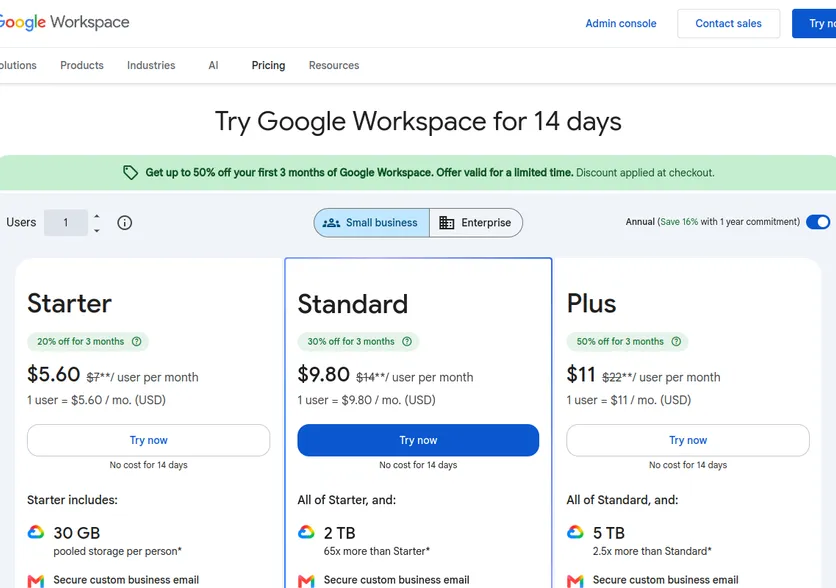
Paid tool Starting price: $7/user/month · Seven dollars per user a month on the Google Workspace Business Starter plan billed annually; flexible billing is eight dollars and forty cents per user a month; Business Standard is fourteen dollars and Business Plus is twenty-two dollars
Free plan: Free personal tier, 100 participants, 60-minute cap
A sales team that books demos from Gmail will move fastest here, because this Google Meet plan costs seven dollars per user a month on the Google Workspace Business Starter plan billed annually. It creates the meeting link inside the calendar invite, records the call to Drive, and the free tier covers a first call with a prospect. It is the simplest pick here for a Google-based sales team.
What we like
- Joins from the browser with no install
- Live captions translate speech in real time
- Free tier covers a quick call with a freelancer
Watch out for
- Fewer meeting controls than the dedicated platforms
- Recording and advanced features need a paid plan
How to try it
- Create the meeting link from the calendar invite
- Share the screen and present the work
- Record the call to Drive for anyone who missed it
4. Webex
Best for: Sales teams with strict security rules
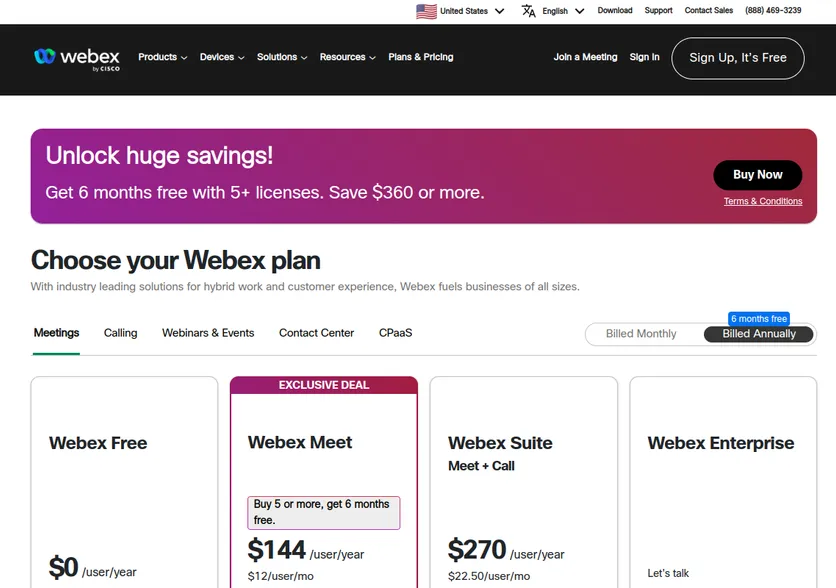
Paid tool Starting price: $12/user/month · Twelve dollars per user a month on the Meet plan billed annually, or one hundred and forty-four dollars a year; month-to-month billing is fourteen dollars and fifty cents per user a month; the free plan covers one hundred participants
Free plan: Free plan, 100 participants, 40-minute cap
A sales team that needs its calls to feel enterprise-grade will like this Webex plan, which costs twelve dollars per user a month on the Meet plan billed annually. It records demos, transcribes them, and the admin controls suit a team that answers to compliance. It is the most polished pick here for a sales team with security rules.
What we like
- End-to-end encryption and strong admin controls
- Live translation and captions in meetings
- Free plan covers one hundred participants
Watch out for
- The interface feels heavier than the simpler tools
- Some advanced features sit on higher plans
How to try it
- Schedule the meeting and set the security options
- Share the screen and present the work
- Record the session and share the transcript
5. GoTo Meeting
Best for: Solo reps who host their own demos
Paid tool Starting price: $12/organizer/month · Twelve dollars per organiser a month on the Professional plan billed annually; month-to-month billing is fourteen dollars per organiser a month; a fourteen-day trial is available and there is no free plan
Free plan: 14-day free trial, no free plan
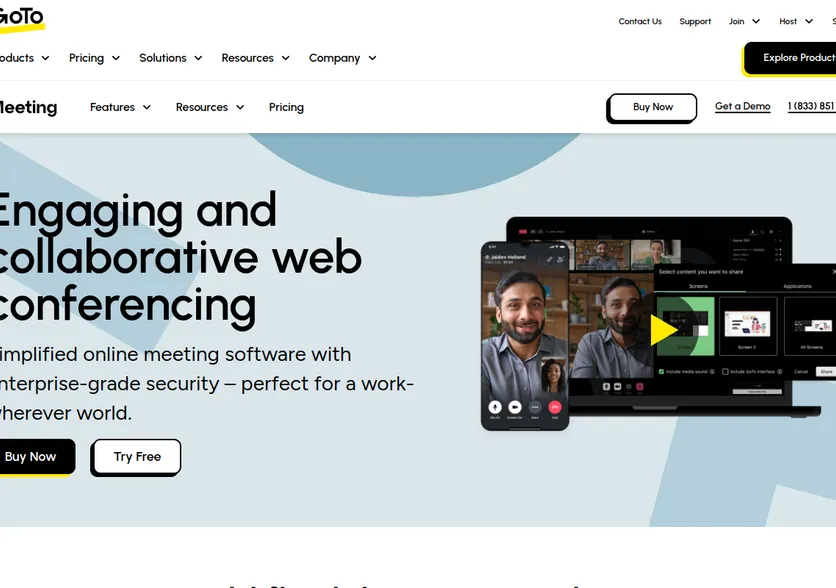
For a sales rep who needs a demo link in seconds, this GoTo Meeting plan costs twelve dollars per organiser a month on the Professional plan billed annually. It starts from the browser, records the call, and the organiser-based pricing suits a small team where only a few people host. It is the simplest pick here for a rep who sells alone.
What we like
- Joins from the browser with no downloads
- Drawing tools let reviewers sketch on the work
- Organiser pricing suits teams with few hosts
Watch out for
- No free plan, only a fourteen-day trial
- Fewer integrations than the bigger platforms
How to try it
- Create the meeting link and send it to the team
- Share the screen and sketch on the design
- Record the review and share the notes
6. RingCentral
Best for: Sales teams that call as much as they meet
Paid tool Starting price: $20/user/month · Twenty dollars per user a month on the RingEX Core plan billed annually; monthly billing is thirty dollars per user a month; Advanced is twenty-five dollars and Ultra is thirty-five dollars per user a month billed annually
Free plan: 14-day free trial
A remote sales team that calls as much as it meets will save a subscription here, because this RingCentral plan costs twenty dollars per user a month on the RingEX Core plan billed annually. It combines video meetings with a full business phone system, call recording and AI summaries, so the demo and the follow-up call live in one place. It is the best phone-plus-video pick here for sales.
What we like
- Video meetings plus a full business phone system
- AI summaries on calls and meetings
- One app for calls, video and messaging
Watch out for
- Dearest per-user seat among the general meeting tools
- The full phone system is more than a video-only team needs
How to try it
- Schedule the video meeting from the app
- Share the screen and walk through the work
- Follow up on the same number after the call
7. Whereby
Best for: Sales reps sending links to prospects
Paid tool Starting price: $10.99/host/month · Ten dollars and ninety-nine cents per host a month on the Pro plan billed annually; Business is thirteen dollars and ninety-nine cents per host a month with a three-host minimum; the free plan covers one room with four attendees
Free plan: Free plan, one room, 4 attendees, 30-minute cap
A sales rep who sends meeting links to prospects all day needs the guest to join in one click, and this Whereby plan costs ten dollars and ninety-nine cents per host a month on the Pro plan billed annually. It runs in the browser with no install, brands the room for the company, and the free plan covers a first call. It is the lowest-friction meeting tool here for prospect calls.
What we like
- Guests join from a browser link with no install
- Branded meeting rooms for the company
- Whiteboard and screen share side by side
Watch out for
- Host-based pricing adds up for large teams
- Fewer admin controls than the enterprise platforms
How to try it
- Create a branded room link for the review
- Share the link with the client or prospect
- Present the work and take notes in the room
8. Demio
Best for: Remote sales teams running group demos
Paid tool Starting price: $45/month · Forty-five dollars a month on the Starter plan billed annually for fifty attendees; monthly billing is sixty-three dollars a month; higher plans add attendees and automation
Free plan: No free plan; 14-day free trial
A remote sales team that runs group demos will get a polished stage here, because this Demio plan costs forty-five dollars a month on the Starter plan billed annually for fifty attendees. It runs the demo in the browser with polls, handouts and a branded room, and the replay link follows up automatically. It is the best group-demo tool here for sales.
What we like
- Polished presentation rooms with polls and handouts
- Replays keep the session available afterwards
- Runs in the browser with no downloads
Watch out for
- No free plan, only a fourteen-day trial
- Priced for presentations, not for everyday team calls
How to try it
- Set up the presentation room and the registration page
- Present the work with polls for the audience
- Share the replay link with everyone afterwards
9. ClickMeeting
Best for: Sales teams that run webinars and demos
Paid tool Starting price: $39/month · Thirty-nine dollars a month on the Live plan billed annually for fifty attendees; monthly billing is forty-nine dollars a month; a thirty-day free trial is available and there is no free plan
Free plan: No free plan; 30-day free trial
A sales team that runs webinars as well as demos will find this ClickMeeting plan costs thirty-nine dollars a month on the Live plan billed annually for fifty attendees. It covers live demos, automated webinars and paid events in one account, with polls and a call to action built in. It is the best webinar-plus-meeting pick here for sales.
What we like
- Video, whiteboard, polls and breakout rooms together
- Live translation features for training sessions
- Thirty-day free trial is generous for a proper test
Watch out for
- No free plan beyond the trial
- The interface is busier than the simplest meeting tools
How to try it
- Schedule the session and set up the agenda
- Present the work and run a poll for feedback
- Share the recording and the notes afterwards
Prices above were checked on each vendor’s own website on Nov 29, 2026 and can change — the vendor’s page is the final word. Vendor links are editorial: nobody paid to be listed or ranked here. Vendors who want a featured listing can see how it works on our Get listed page.
How to sell on video without losing the follow-up
Send the meeting link with one clear purpose in the invite, because a prospect who knows what the demo will show arrives ready to decide. Record every demo and share the recording the same day, since a prospect who replays the key minute is closer to signing than one who waits for notes. Use the AI summary to draft the follow-up, but read it before sending, because a summary that misstates the price will undo the whole call. Track which demos convert, and keep the tool that wins them.
Before you buy
- Confirm the tool records calls and produces a summary the rep can send the same day
- Check whether the price covers every rep who hosts demos, not just the team lead
- Test the tool on a real prospect call before rolling it out to the whole team
- Make sure prospects can join from a browser with no install or account
- Ask whether call notes and recordings flow into the CRM the team already uses
Official websites
Official websites of the products reviewed above. Features and prices were checked against these sites when this guide was written, and they can change, so confirm on the vendor site before you buy.
Frequently asked questions
What is the best video meeting software for remote sales teams?
Zoom is the best overall pick for remote sales teams, at fourteen dollars and sixteen cents per user a month, because its AI Companion summarises each call on the standard plan. RingCentral is the best choice for teams that also phone clients at twenty dollars a user a month, and GoTo Meeting is the simplest pick at twelve dollars an organiser a month.
How much does video meeting software cost for remote sales teams?
Meeting tools in this list run from four dollars per user a month for Microsoft Teams and seven dollars for Google Meet to ten dollars and ninety-nine cents a host for Whereby, twelve dollars for Webex and GoTo Meeting, fourteen dollars and sixteen cents for Zoom, twenty dollars for RingCentral, thirty-nine dollars a month for ClickMeeting and forty-five dollars a month for Demio.
Can a remote sales team meet prospects for free?
Yes, for a first call. Zoom, Microsoft Teams, Google Meet, Webex and Whereby all offer free plans, and GoTo Meeting, RingCentral, Demio and ClickMeeting offer free trials. The free plans cap meeting length or attendees and usually lack recording and AI summaries, so a team selling daily will need a paid plan.
Does video meeting software integrate with a CRM?
Zoom, RingCentral, Teams and Webex all connect to common CRMs, logging calls and notes against contacts so a rep can follow up without retyping. RingCentral goes furthest here, since the same seat covers the phone calls as well as the video meetings. Check the integration list on the plan being priced, since some CRM features sit on higher tiers.
Is Zoom or RingCentral better for remote sales teams?
Zoom is better for pure video selling, with AI call summaries and the most familiar meeting experience in this list. RingCentral is better for a team that phones as much as it meets, since the same twenty-dollar seat covers a full business phone system plus video. Choose Zoom for demos and RingCentral when the phone is half the job.
Compare the nine meeting tools above, then run one real prospect demo on a free plan or trial before rolling the winner out to the whole sales team.
Browse Business Tools tools