On this page
A startup does not need a Hollywood suite: it needs to record a demo, cut a social clip, host a video on the website and send a sales video, all without hiring an editor. The eight tools below cover those jobs for the price of a few coffees a month. Descript leads because it turns editing into writing for sixteen dollars a person a month, and the rest are ranked on how much video work a small team gets for the money.
How we researched this
We checked every price on the vendor pricing page on November 29, 2026, and only included tools with a published US dollar list price. Vidyard and InVideo carry disclosed conflicts where November reads disagree, and the price notes say so. Prices change, so confirm the current figure on the vendor site before you buy.
Compare the tools
| Name | Best for | Starting price | Free plan | |
|---|---|---|---|---|
 Descript | Startups that edit talking-head video by transcript | $16/person/month | Free plan (1 media hour a month, 720p watermarked) | Visit |
 Loom | Startups that replace status meetings with short video | $15/seat/month | Free plan (25 videos per person, 5-minute recordings) | Visit |
 Vimeo | Startups that need a professional video host | $9/month | Free plan (limited storage) | Visit |
 Wistia | Startups that use video to win customers | $19/month | Free plan (10 videos) | Visit |
 Vidyard | Startups whose sales team sends personal video daily | $59/seat/month | Free plan (5 recordings a month) | Visit |
 Riverside | Startups that record remote interviews and founder shows | $15/month | Free plan (720p, watermarked clips) | Visit |
 CapCut | Startups that publish short social video daily | $19.99/month | Free plan (core editing, 1080p export) | Visit |
 InVideo | Startups with no footage that still need video | $10/seat/month | Free plan (limited exports) | Visit |
The video software for startups, compared
1. Descript
Best for: Startups that edit talking-head video by transcript
Paid tool Starting price: $16/person/month · Sixteen dollars per person a month billed annually on Hobbyist ($24 a person a month month to month); Creator is twenty-four dollars a person a month billed annually and Business is fifty dollars
Free plan: Free plan (1 media hour a month, 720p watermarked)
A startup that records a lot of talking-head video will cut its editing time in half here, because this Descript plan costs sixteen dollars per person a month billed annually on Hobbyist, and it turns the recording into a transcript that the team edits like a document. Studio Sound cleans up rough audio in one click, and the AI co-editor handles filler words and retakes. The free plan covers one media hour a month, so a startup that publishes weekly needs the paid tier.

What we like
- Edit video by editing the transcript
- Studio Sound cleans up rough audio in one click
- AI co-editor handles filler words and retakes
Watch out for
- AI features run on credits that cap monthly
- Four-K export needs the Creator plan
How to try it
- Record or upload the video to Descript
- Edit the transcript to cut the video
- Export in 1080p and publish
2. Loom
Best for: Startups that replace status meetings with short video
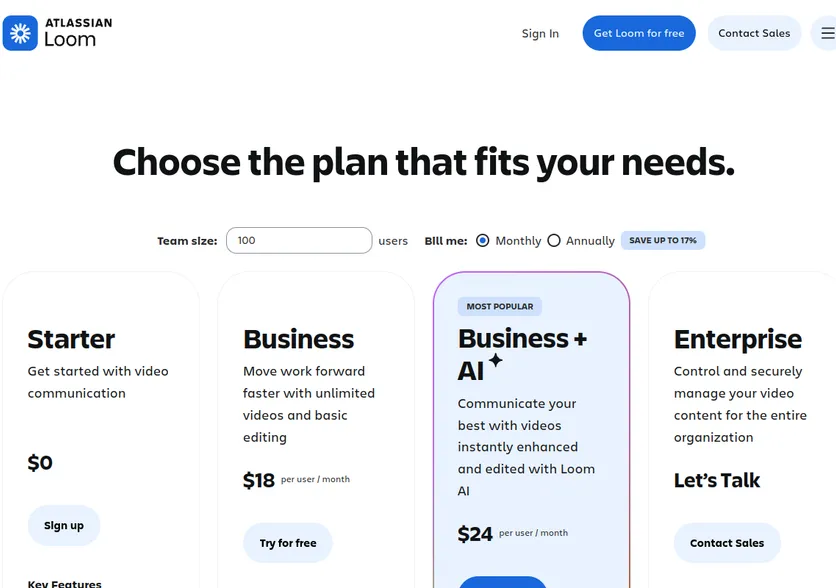
Paid tool Starting price: $15/seat/month · Fifteen dollars per seat a month billed annually on Business ($180 a year); $18 a seat a month month to month; Business plus AI is twenty dollars a seat a month billed annually; billing now runs through Atlassian
Free plan: Free plan (25 videos per person, 5-minute recordings)
A startup that wants to replace status meetings with short videos will move fastest here, because this Loom plan costs fifteen dollars a seat a month billed annually on Business, and it records the screen and camera, uploads the video and shares a link in under a minute. Teammates watch when they are ready and leave time-stamped comments, so the whole team stays in sync without another meeting. The free plan caps recordings at five minutes, which is enough for quick updates but not for demos.
What we like
- Record, upload and share a video in under a minute
- Time-stamped comments keep the team in sync
- Viewers do not need a paid seat
Watch out for
- Free plan caps recordings at five minutes
- Billing now runs through Atlassian, which changed the checkout
How to try it
- Record the screen and camera from the Loom app
- Trim the video and add a call to action
- Share the link in chat or email
3. Vimeo
Best for: Startups that need a professional video host
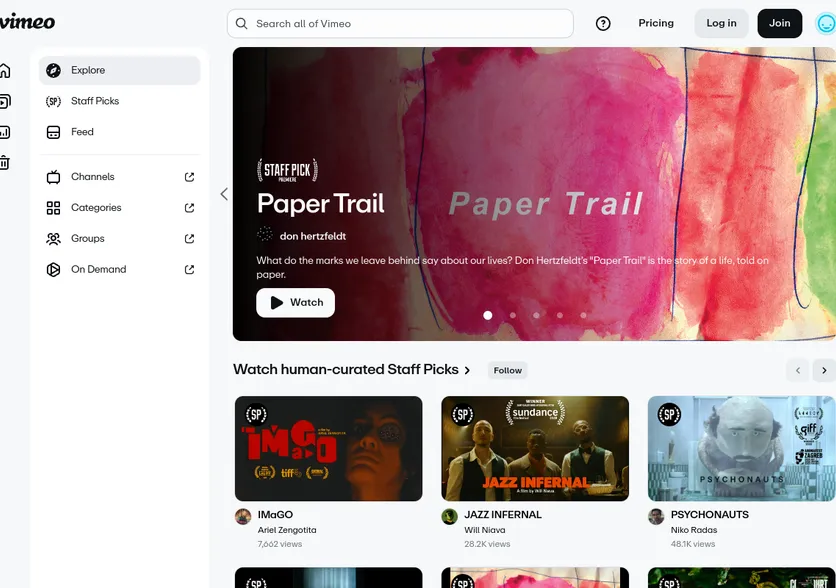
Paid tool Starting price: $9/month · Nine dollars a month billed annually on the new Creator plan ($16 a month month to month); Core is twenty-four dollars and fifty cents a month billed annually and Professional is seventy-one dollars; the old Starter, Standard and Advanced plans were retired on October 28, 2026
Free plan: Free plan (limited storage)
A startup that needs a professional place to host its videos will find the cheapest credible option here, because this Vimeo plan costs nine dollars a month billed annually on Creator, and it includes hosting, a customisable player and unlimited review links. The player carries no Vimeo branding on the paid plan, which matters when the video sits on the company website. The plans changed on October 28, 2026, so older comparisons quoting the Starter plan are out of date.
What we like
- Hosting, player and review links for nine dollars a month
- No Vimeo branding on the paid plan
- A player that clients already trust
Watch out for
- The old plans were retired in October 2026
- Advanced analytics need the dearer tiers
How to try it
- Upload the video to Vimeo
- Customise the player colours and branding
- Embed the video on the website
4. Wistia
Best for: Startups that use video to win customers
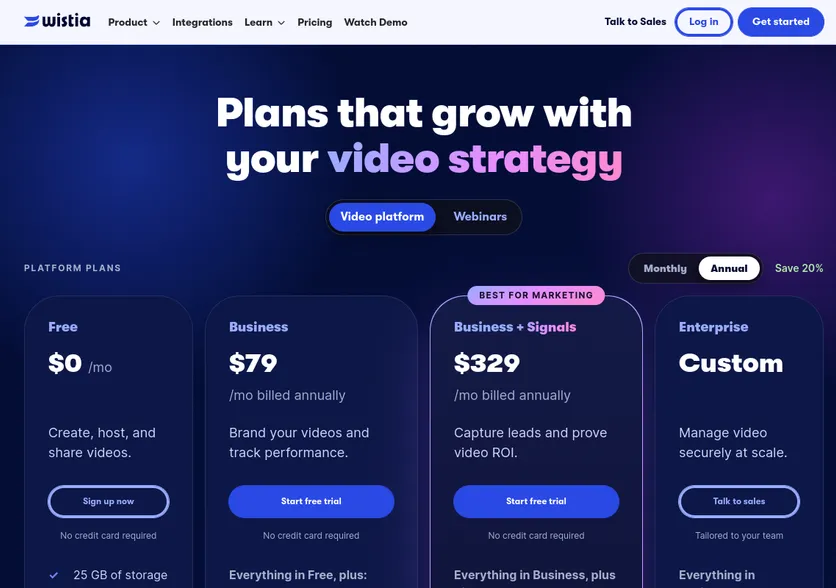
Paid tool Starting price: $19/month · Nineteen dollars a month on Plus for up to twenty videos; Pro is seventy-nine dollars a month and Advanced is three hundred and nineteen dollars a month; some listings show Pro at ninety-nine dollars, which conflicts with the vendor-supplied figure
Free plan: Free plan (10 videos)
A startup that uses video to win customers will get the marketing tools here, because this Wistia plan costs nineteen dollars a month on Plus, and it adds lead capture, calls to action and engagement heatmaps to the player. The analytics show exactly who watched and for how long, which is the data a marketing team needs. Plus caps at twenty videos, so a startup with a large library will need the Pro tier.
What we like
- Lead capture and calls to action in the player
- Heatmaps show exactly who watched and for how long
- A free plan with ten videos to start
Watch out for
- Plus caps at twenty videos
- Some listings show a different Pro price
How to try it
- Upload the video to Wistia
- Add a lead capture form and a call to action
- Embed the video and check the heatmaps
5. Vidyard
Best for: Startups whose sales team sends personal video daily
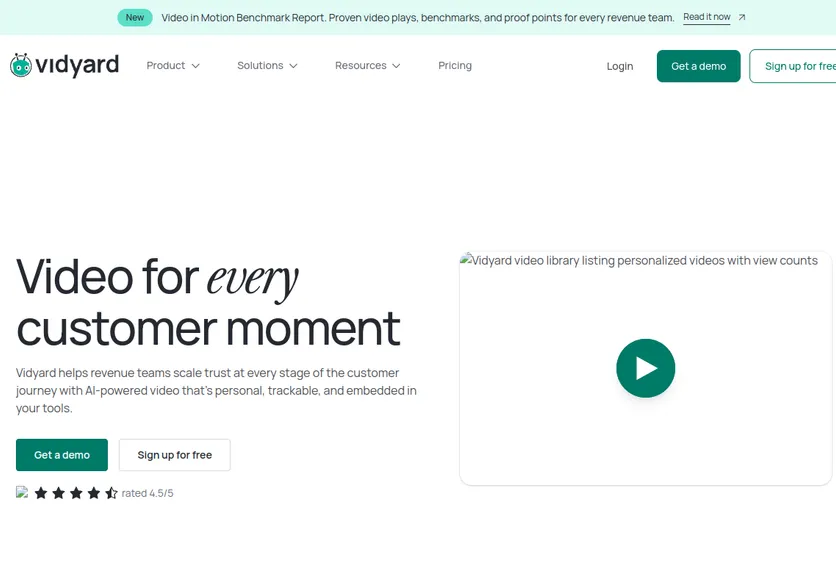
Paid tool Starting price: $59/seat/month · Fifty-nine dollars per seat a month billed annually on Starter ($89 a seat a month month to month); Teams and Enterprise are custom priced; the Video Agent add-on is twenty-four dollars per seat a month; an old nineteen dollar figure is stale and must not be used
Free plan: Free plan (5 recordings a month)
A startup whose sales team lives on personal video will find the sharpest tool here, because this Vidyard plan costs fifty-nine dollars a seat a month billed annually on Starter, and it tracks exactly who watched each video and for how long. Reps record a personal video, send it by email and see the moment a prospect watches it. It is the dearest tool in this list, so it only earns its price when video is a daily sales habit.
What we like
- Tracks exactly who watched and for how long
- Unlimited recording with full analytics
- Branded sharing pages and call-to-action templates
Watch out for
- The dearest tool in this list
- CRM sync needs the custom-priced Teams plan
How to try it
- Record a personal video from the browser
- Send it by email or LinkedIn
- Check who watched and follow up
6. Riverside
Best for: Startups that record remote interviews and founder shows
Paid tool Starting price: $15/month · Fifteen dollars a month billed annually on Standard ($19 a month month to month); Pro is twenty-four dollars a month billed annually and adds four-K recording; some mid-2026 listings show nineteen dollars as the annual rate, which conflicts with the November vendor-page read
Free plan: Free plan (720p, watermarked clips)
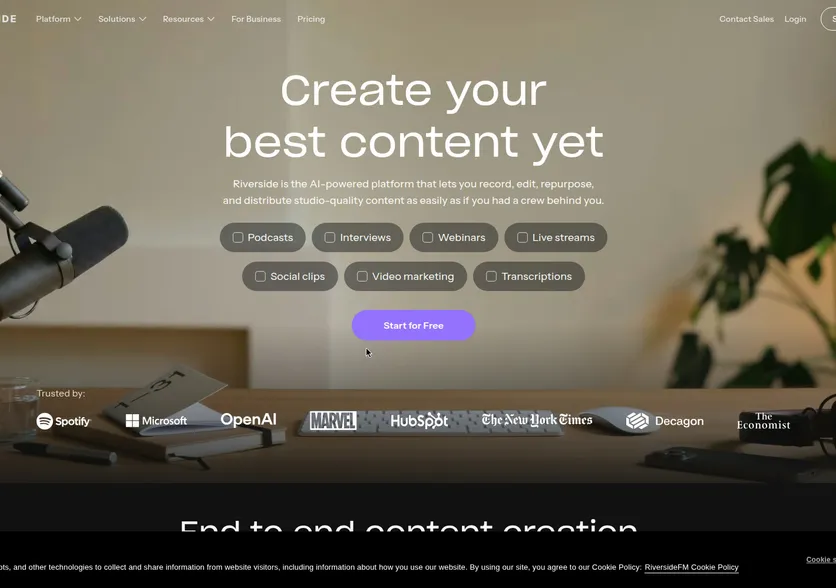
A startup that records remote interviews or a founder show will get studio quality here, because this Riverside plan costs fifteen dollars a month billed annually, and it records every guest on a separate track in high quality even when the connection drops. The magic clips feature turns each recording into shareable highlights automatically. Four-K recording needs the Pro tier, so a startup that publishes in four-K should budget for it.
What we like
- Separate-track recording that survives a bad connection
- Automatic highlight clips from every recording
- High-quality local recordings for every guest
Watch out for
- Four-K recording needs the Pro plan
- Built for recording, not for live streaming
How to try it
- Create a studio and invite the guests
- Record the session with separate tracks
- Export the recording and cut highlight clips
7. CapCut
Best for: Startups that publish short social video daily
Paid tool Starting price: $19.99/month · Nineteen dollars and ninety-nine cents a month on Pro, or one hundred and seventy-nine dollars and ninety-nine cents a year; Standard is nine dollars and ninety-nine cents a month in the mobile app; CapCut restructured its plans in early 2026, so older Pro prices are out of date
Free plan: Free plan (core editing, 1080p export)
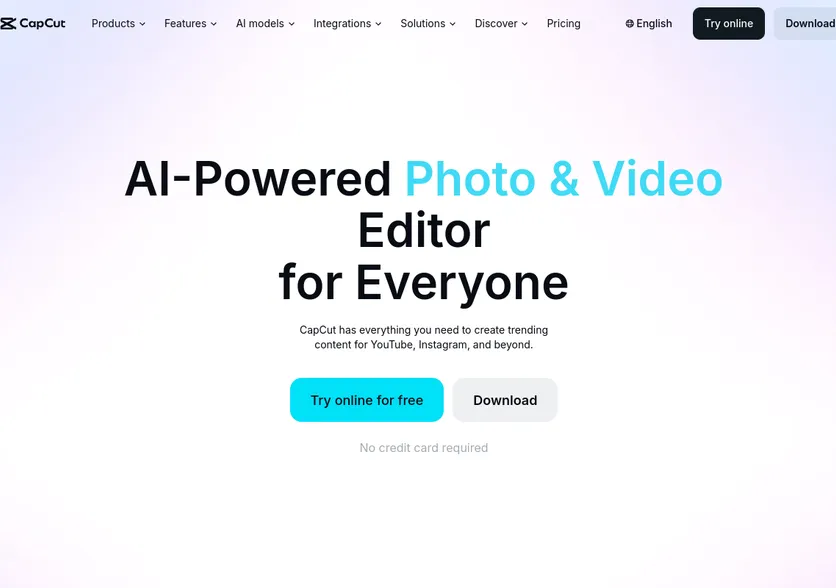
A startup that publishes short social video every day will move fastest here, because this CapCut plan costs nineteen dollars and ninety-nine cents a month on Pro, and it packs trend templates, auto-captions and four-K export into an editor a new hire learns in an afternoon. The free plan covers trimming, captions and 1080p export, so a startup can ship daily video before paying anything. The 2026 restructure moved features that were free behind the Pro paywall.
What we like
- Trend templates and auto-captions built in
- Four-K export on the Pro plan
- A generous free plan for daily shipping
Watch out for
- The 2026 restructure moved free features behind Pro
- Prices vary by region and platform
How to try it
- Open CapCut on mobile, web or desktop
- Cut the clip and add captions and effects
- Export and post to the social channels
8. InVideo
Best for: Startups with no footage that still need video
Paid tool Starting price: $10/seat/month · Ten dollars per seat a month billed annually on Starter ($20 a seat a month month to month); Plus is thirty-six dollars a seat a month billed annually and Max is seventy-five dollars; older listings show twenty dollars as the annual rate, which conflicts with the November read
Free plan: Free plan (limited exports)
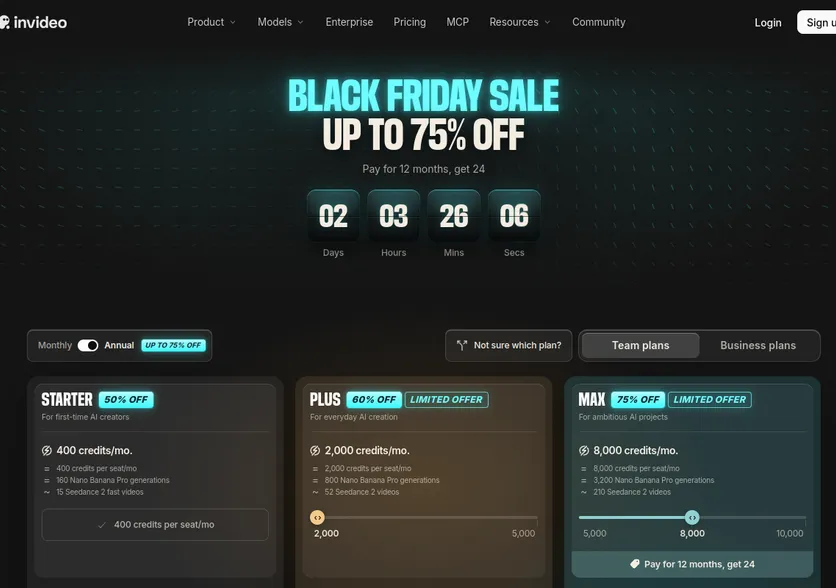
A startup with no footage and no editor will still ship video here, because this InVideo plan costs ten dollars a seat a month billed annually on Starter, and its AI turns a text prompt into a finished narrated video with stock footage and a voiceover. The Starter allowance is four hundred credits a month, which covers a handful of finished videos. It is a generator, not an editor, so a startup that wants frame-level control should pick a real editor instead.
What we like
- Turns a text prompt into a finished video
- Stock footage and AI voiceover included
- No editing skill needed to publish
Watch out for
- Four hundred credits a month covers only a handful of videos
- A generator, not a frame-level editor
How to try it
- Type a prompt describing the video
- Let the AI build the draft with stock footage
- Edit the script and export the finished video
Prices above were checked on each vendor’s own website on Nov 29, 2026 and can change — the vendor’s page is the final word. Vendor links are editorial: nobody paid to be listed or ranked here. Vendors who want a featured listing can see how it works on our Get listed page.
How a startup should spend its first video budget
Start with the job, not the tool: a demo needs a screen recorder, a social clip needs a fast editor, and a sales video needs tracking. Pick one tool per job and stop there, because five subscriptions cost more than one editor. Use the free plans hard for a month, since most of them cover a real workload. Pay only when the free plan actually blocks a video the startup needs to ship. Also keep the brand consistent across tools, since a viewer who sees the same colours and logo on every video will remember the startup, and check the export settings before the first publish.
Before you buy
- Match the tool to the job, not the other way round
- Pick one tool per job and stop at that
- Use the free plans hard for a month before paying
- Check whether reviewers and viewers need paid seats
- Confirm the export quality the startup actually publishes in
Official websites
Official websites of the products reviewed above. Features and prices were checked against these sites when this guide was written, and they can change, so confirm on the vendor site before you buy.
Frequently asked questions
What is the best video software for a startup?
Descript is the best overall pick for a startup that records talking-head video, because editing a transcript is faster than scrubbing a timeline, at sixteen dollars a person a month. Loom is the best choice for replacing status meetings with short videos. A startup that needs to host video on its website should add Vimeo at nine dollars a month, which also includes unlimited review links.
How much does Descript cost for a startup?
Descript Hobbyist costs sixteen dollars per person a month billed annually, or twenty-four dollars a person a month month to month. That plan includes ten media hours a month, four hundred AI credits and watermark-free 1080p export. The Creator plan costs twenty-four dollars a person a month billed annually and adds four-K export, thirty media hours and a stock media library.
Is Loom free for a small startup?
Yes, Loom Starter is free and covers twenty-five videos per person with five-minute screen recordings at up to 720p. The Business plan costs fifteen dollars a seat a month billed annually and removes the video and length caps while adding up to four-K quality. A startup that records daily should budget for Business, since the free caps run out fast.
Why is Vidyard so expensive?
Vidyard Starter costs fifty-nine dollars a seat a month billed annually because it is built for sales teams, not for general video. It tracks exactly who watched each video and for how long, which is the data a sales team pays for. A startup that only needs to record and share video should use Loom at fifteen dollars a seat a month instead.
Can a startup make video without filming anything?
Yes, InVideo turns a text prompt into a finished narrated video with stock footage and an AI voiceover, from ten dollars a seat a month billed annually on Starter. CapCut also covers the job with trend templates and auto-captions, and its free plan handles daily social clips. A startup with no footage should start with one of those two before hiring a videographer.
Compare the eight tools above, then start with a free plan or trial on the tool that matches the video job the startup actually does every week.
Browse Video Tools tools