On this page
A startup rarely has a full-time editor, so the editing tool has to be fast enough for a founder to cut a launch video between meetings and polished enough to put in front of investors. The eight editors below cover that range, from a free desktop workhorse to a text-based editor that cuts video like a document. Adobe Premiere Pro leads because it is the industry standard a new hire already knows, at twenty-two dollars and ninety-nine cents a month, and the rest are ranked on how quickly a small team can ship good video.
How we researched this
We checked every price on the vendor pricing page on November 29, 2026, and only included editors with a published US dollar list price. DaVinci Resolve appears here as its paid Studio edition, while the free edition of the same app is noted in its price details. Prices change, so confirm the current figure on the vendor site before you buy.
Compare the tools
| Name | Best for | Starting price | Free plan | |
|---|---|---|---|---|
 Adobe Premiere Pro | Startups that plan to hire professional editors | $22.99/month | 7-day free trial | Visit |
 Final Cut Pro | Mac-only startups that want a one-time purchase | $299.99 one-time | 90-day free trial | Visit |
 DaVinci Resolve Studio | Startups that need top-tier colour on a one-time budget | $295 one-time | Free plan | Visit |
 Filmora | Non-editors who need good-looking video fast | $49.99/year | Free plan | Visit |
 Camtasia | Startups making demos, tutorials and onboarding videos | $179.88/year | Free trial | Visit |
 Descript | Founders who want to edit video like a document | $24/person/month | Free plan | Visit |
 CapCut | Startups posting daily short-form social video | $19.99/month | Free plan with basic editing | Visit |
 VEED | Remote teams that edit video in the browser | $24/month | Free plan with watermarked exports | Visit |
The video editing software for startups, compared
1. Adobe Premiere Pro
Best for: Startups that plan to hire professional editors
Paid tool Starting price: $22.99/month · Twenty-two dollars and ninety-nine cents a month on the annual plan billed monthly; month-to-month billing is about thirty-four dollars and forty-nine cents; the listed annual rate is a first-year price for new subscribers
Free plan: 7-day free trial
For a startup that will hire editors sooner or later, this Adobe Premiere Pro plan costs twenty-two dollars and ninety-nine cents a month on the annual plan billed monthly, and it puts the team on the editor most professionals already know. Its timeline handles multi-camera shoots, captions and colour grading without a second app, and the shared Libraries keep brand assets consistent across a growing team. It is the safe default when hiring speed matters as much as editing speed.
What we like
- Industry-standard timeline most editors already know
- Multi-camera editing, captions and colour grading built in
- Shared Libraries keep brand assets consistent across the team
Watch out for
- The annual rate is a first-year price that rises on renewal
- Heavier than the simpler editors on an older laptop
How to try it
- Import the footage and drop it on the timeline in sequence order
- Cut the rough story first, then add titles and colour last
- Export a review copy and share it for comments before the final render
2. Final Cut Pro
Best for: Mac-only startups that want a one-time purchase
Paid tool Starting price: $299.99 one-time · Two hundred and ninety-nine dollars and ninety-nine cents as a one-time purchase on the Mac App Store; also included in Apple Creator Studio at twelve dollars and ninety-nine cents a month with Logic Pro and other apps
Free plan: 90-day free trial
A Mac-only startup that wants to pay once and never see another editing bill will like this Final Cut Pro licence, which costs two hundred and ninety-nine dollars and ninety-nine cents as a one-time purchase. Its magnetic timeline and background rendering make rough cuts unusually fast on Apple silicon, and the companion Motion app builds titles that drop straight into the edit. It is the best value for a team that already lives on Macs.
What we like
- One-time price with no monthly subscription to track
- Magnetic timeline and background rendering speed up rough cuts
- Ninety-day free trial is generous for a proper test
Watch out for
- Mac only, so Windows teammates cannot open the project
- Smaller plugin and template market than Premiere Pro
How to try it
- Import the clips and let the magnetic timeline snap them together
- Rough-cut the story with keyboard shortcuts before adding effects
- Share the finished edit with the team for a final watch-through
3. DaVinci Resolve Studio
Best for: Startups that need top-tier colour on a one-time budget
Paid tool Starting price: $295 one-time · Two hundred and ninety-five dollars once for the Studio edition; the free edition of DaVinci Resolve covers editing, colour and audio for no charge, while Studio adds noise reduction, stereoscopic tools and higher resolutions
Free plan: Free plan
When a startup needs cinema-grade colour without a cinema-sized budget, this DaVinci Resolve Studio licence costs two hundred and ninety-five dollars once and never bills again. Its colour page is the best in this list by a clear margin, and the Fusion page adds motion graphics inside the same app. It suits a team whose launch videos have to look expensive on a small budget.
What we like
- Best colour grading in this list, included in the price
- Fusion motion graphics and Fairlight audio in the same app
- Free edition lets the team learn before paying anything
Watch out for
- The interface takes longer to learn than the simpler editors
- Studio extras matter mostly to teams shooting high-end footage
How to try it
- Import the footage and organise it into bins by scene
- Cut the story on the edit page before touching colour
- Grade on the colour page, then export the finished master
4. Filmora
Best for: Non-editors who need good-looking video fast
Paid tool Starting price: $49.99/year · Forty-nine dollars and ninety-nine cents a year on the Basic plan; Advanced is fifty-nine dollars and ninety-nine cents a year with AI credits; a perpetual licence is seventy-nine dollars and ninety-nine cents one time
Free plan: Free plan
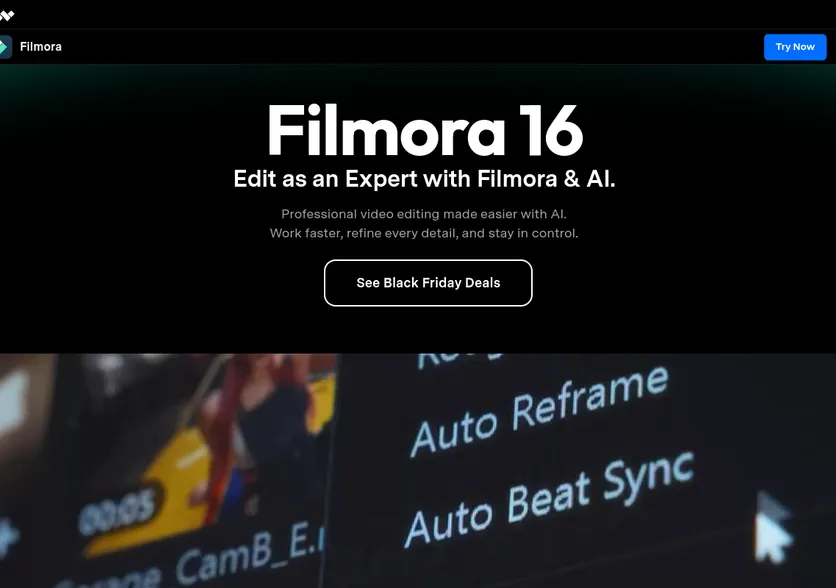
A founder who has never edited before can still ship a decent launch video with this Filmora plan, which costs forty-nine dollars and ninety-nine cents a year on the Basic plan. Its template library and drag-and-drop effects cover titles, transitions and social formats without a learning curve, and AI captions save hours on every talking-head clip. It is the cheapest friendly editor here for a team that edits weekly but not daily.
What we like
- Templates and effects make a first video look polished fast
- AI captions and text-based tools cut editing time sharply
- Perpetual licence option for teams that dislike subscriptions
Watch out for
- Less precise than a pro timeline for complex projects
- The cheapest plan gates some AI credits behind the Advanced tier
How to try it
- Pick a template that matches the video format you need
- Drop the clips on the timeline and trim the dead air
- Add captions and a title card, then export for the channel
5. Camtasia
Best for: Startups making demos, tutorials and onboarding videos
Paid tool Starting price: $179.88/year · One hundred and seventy-nine dollars and eighty-eight cents a year on the Essentials plan; Starter is thirty-nine dollars a year with a watermarked editor; Create is two hundred and forty-nine dollars a year and Pro is five hundred and ninety-nine dollars a year
Free plan: Free trial
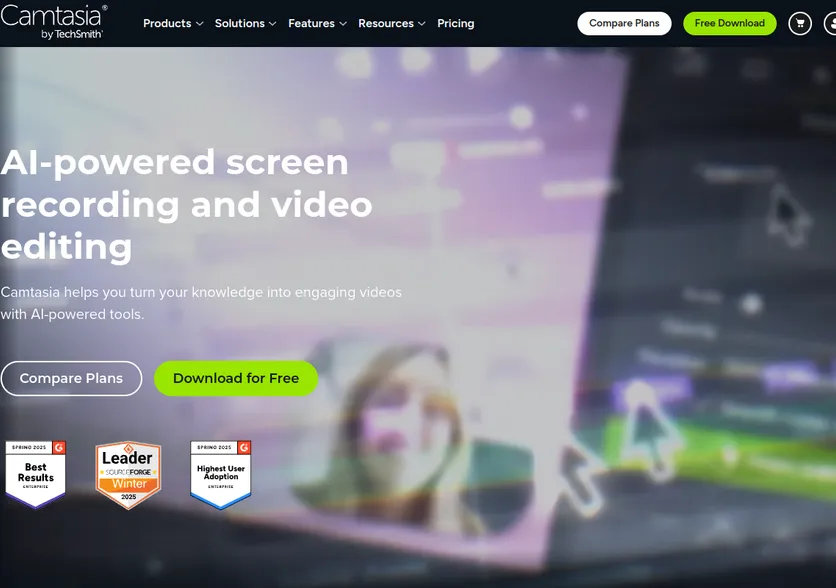
For a startup whose videos are mostly product demos and onboarding walkthroughs, this Camtasia plan costs one hundred and seventy-nine dollars and eighty-eight cents a year on the Essentials plan. It records screen, camera and audio as separate tracks, then edits them with annotations, quizzes and SCORM export for training. It is the best pick when the video is a lesson rather than a story.
What we like
- Records screen, camera and audio as separate tracks
- Annotations, quizzes and SCORM export for training videos
- Bundles Snagit and Audiate for capture and text-based audio edits
Watch out for
- Overkill if the team only cuts social clips
- AI avatars and translation sit on the Pro plan only
How to try it
- Record the screen and camera together for the demo
- Trim the mistakes and add callouts where the viewer should look
- Export with captions and share the lesson link with the team
6. Descript
Best for: Founders who want to edit video like a document
Paid tool Starting price: $24/person/month · Twenty-four dollars per person a month on the Creator plan billed annually; monthly billing is thirty-five dollars a person a month; Hobbyist is sixteen dollars a person a month billed annually
Free plan: Free plan
A startup founder who hates timelines will love editing here, because this Descript plan costs twenty-four dollars per person a month on the Creator plan billed annually, and it edits video by editing a transcript. Deleting a sentence deletes the matching footage, filler words vanish in one click, and the same project produces clips, captions and show notes. It is the fastest route from a recorded call to a publishable video.

What we like
- Edit video by editing the transcript, no timeline skills needed
- Filler-word removal and studio sound clean up rough audio fast
- One project yields clips, captions and show notes together
Watch out for
- Not built for multi-camera or effects-heavy projects
- Per-person pricing adds up quickly as the team grows
How to try it
- Upload the recording and let Descript transcribe it
- Delete the unwanted sentences to cut the video
- Polish the audio, add captions and export the final clip
7. CapCut
Best for: Startups posting daily short-form social video
Paid tool Starting price: $19.99/month · Nineteen dollars and ninety-nine cents a month for the Pro plan billed monthly, or one hundred and seventy-nine dollars and ninety-nine cents a year; the free plan covers basic editing with templates
Free plan: Free plan with basic editing
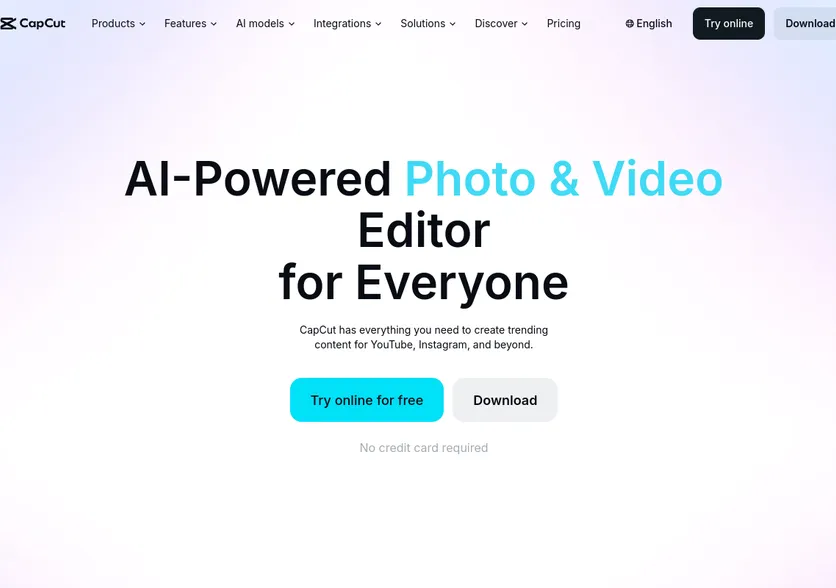
For a startup that lives on short social video, this CapCut plan costs nineteen dollars and ninety-nine cents a month for the Pro plan, and it turns a phone clip into a captioned vertical video in minutes. Its auto-captions, trending templates and one-click background removal are built for feeds, and the desktop app handles longer edits when a phone screen gets cramped. It is the quickest editor here for daily social posting.
What we like
- Auto-captions and trending templates built for social feeds
- Works on phone, desktop and the web from one account
- One-click background removal without a green screen
Watch out for
- Long-form and multi-camera work is not its strength
- Template-heavy edits can start to look alike
How to try it
- Import the clip and pick a vertical social format
- Apply auto-captions and trim the pauses
- Add a trending template effect and export for the feed
8. VEED
Best for: Remote teams that edit video in the browser
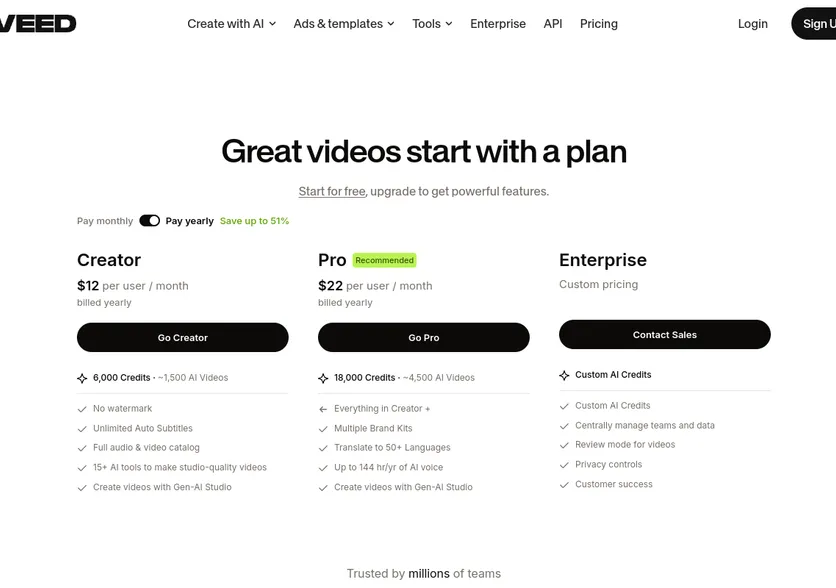
Paid tool Starting price: $24/month · Twenty-four dollars a month on the Lite plan billed monthly; annual billing is about twelve dollars a month; higher plans add more AI credits and brand kits
Free plan: Free plan with watermarked exports
A remote startup that edits in the browser will find this VEED plan costs twenty-four dollars a month on the Lite plan billed monthly, and it needs no install at all. Its subtitle engine, eye-contact correction and clip maker turn one long recording into a week of posts, and teammates can comment on the timeline from anywhere. It is the best browser editor here for distributed teams.
What we like
- Runs entirely in the browser with no install needed
- Subtitle engine and clip maker repurpose long recordings fast
- Timeline comments let a remote team review together
Watch out for
- Browser editing depends on a fast, stable connection
- The free plan watermarks exports
How to try it
- Upload the recording to the browser workspace
- Generate subtitles and cut the long video into clips
- Share the timeline link for comments, then export
Prices above were checked on each vendor’s own website on Nov 29, 2026 and can change — the vendor’s page is the final word. Vendor links are editorial: nobody paid to be listed or ranked here. Vendors who want a featured listing can see how it works on our Get listed page.
How to pick an editor a startup will actually use
Start with the video the startup makes most often, because an editor built for demos will frustrate a team that cuts social clips, and the reverse is just as true. Run one real project end to end before paying, including captions and export, since the trial is where slow rendering and awkward review tools show up. Check who else needs to touch the file: a freelancer who already knows the industry standard saves onboarding time, while a browser editor saves install time for a remote team. Price the seats the team will have in six months, not the seats it has today, so a per-person plan does not surprise the budget later.
Before you buy
- Confirm the editor exports the formats the startup publishes, including vertical video and captions
- Check whether the price covers every seat the team will need in six months, not just today
- Test a real project end to end before paying, including rendering speed and review comments
- Make sure the editor runs well on the laptops the team already owns
- Ask whether projects and brand assets can move to another editor later without rebuilding them
Official websites
Official websites of the products reviewed above. Features and prices were checked against these sites when this guide was written, and they can change, so confirm on the vendor site before you buy.
Frequently asked questions
What is the best video editing software for a startup?
Adobe Premiere Pro is the best overall pick for a startup, at twenty-two dollars and ninety-nine cents a month, because it is the editor most new hires already know. Descript is the fastest choice for founders who record talks and calls, at twenty-four dollars a person a month, since it edits video by editing a transcript. Filmora is the best budget pick at forty-nine dollars and ninety-nine cents a year.
How much does video editing software cost for a startup?
A startup can start free with DaVinci Resolve or the free plans from Descript, CapCut and VEED. Paid plans in this list run from forty-nine dollars and ninety-nine cents a year for Filmora to twenty-two dollars and ninety-nine cents a month for Premiere Pro, with one-time licences at two hundred and ninety-five dollars for DaVinci Resolve Studio and two hundred and ninety-nine dollars and ninety-nine cents for Final Cut Pro.
Can a startup edit video for free?
Yes. DaVinci Resolve has a genuinely free edition that covers editing, colour and audio, and Descript, CapCut, VEED and Filmora all offer free plans. The free tiers usually watermark exports or cap AI features, so a startup posting daily will outgrow them, but they are enough to test the workflow and publish the first few videos without spending anything.
Is Premiere Pro or Final Cut Pro better for a startup?
Premiere Pro is better for most startups because it runs on Mac and Windows, matches the skills of freelance editors, and integrates with the rest of the Adobe apps. Final Cut Pro is better for a Mac-only team that wants a one-time purchase of two hundred and ninety-nine dollars and ninety-nine cents and the fastest rough cuts on Apple silicon. Choose by the computers the team already owns.
Which editor is fastest for social media video?
CapCut is the fastest for short social video, at nineteen dollars and ninety-nine cents a month for Pro, with auto-captions and trending templates built for feeds. VEED is the fastest browser option for turning one long recording into many clips, and Descript is the fastest for turning a recorded talk into a captioned clip. All three beat a traditional timeline for daily posting speed.
Compare the eight editors above, then start with a free trial or the free plan on the tool that matches the video the startup makes most often before paying for a full year.
Browse Video Tools tools