
On this page
Visual planning turns a messy project into a board everyone can see, with sticky notes, diagrams and mind maps replacing long documents. The eight tools below cover whiteboards, mind maps and creative boards, with entry prices from three dollars a Collab seat a month to ten dollars an editor a month. Every price was checked on the vendor site on November 26, 2026, and most tools offer a free plan. Miro is our first pick — the default online whiteboard, from eight dollars a member a month.
How we researched this
We started with the visual planning tools teams actually buy, then read each price on the vendor pricing page on November 26, 2026 and noted the free plan each one carries. We judged them for a team that plans on a shared canvas and needs boards, templates and voting without a consultant. We kept only tools with a published US dollar price, and we dropped MindMeister because it prices in euros only, and Ayoa because its dollar price conflicts across sources.
Compare the tools
| Name | Best for | Starting price | Free plan | |
|---|---|---|---|---|
 Miro | Teams that need a full whiteboard with templates and integrations | $8/member/month | Free plan, 3 editable boards | Visit |
 Mural | Facilitators who run structured workshops and design sprints | $9.99/member/month | Free plan, 3 editable murals | Visit |
 Lucidspark | Teams already using Lucidchart that want brainstorming in the same suite | $9/user/month | Free plan, 3 editable documents | Visit |
 FigJam | Design teams already using Figma who want a light whiteboard | $3/collab seat/month | Free Starter plan, 3 FigJam files | Visit |
 Milanote | Creatives who plan with images, notes and references on one board | $9.99/person/month | Free plan, first 100 notes, images and links | Visit |
 XMind | Solo planners who want structured mind maps with many layouts | $4.92/user/month | Free tier, 10 online maps | Visit |
 Whimsical | Product teams that mix diagrams, docs and wireframes | $10/editor/month | Free plan with limits | Visit |
 Stormboard | Teams that want structured brainstorming with reports | $8.33/user/month | Free plan available | Visit |
The visual planning software tools, compared
1. Miro
Best for: Teams that need a full whiteboard with templates and integrations
Paid tool Starting price: $8/member/month · Starter plan, $8 a member a month billed annually or $10 month to month; Business $20; free plan with 3 editable boards; 2-licence minimum
Free plan: Free plan, 3 editable boards
Miro is the default online whiteboard, with an infinite canvas, sticky notes, templates and more integrations than any rival. This Miro Starter plan covers unlimited boards, private boards and voting for eight dollars a member a month billed annually. A team can run a workshop, plan a project and map a user journey on the same canvas.

What we like
- The widest template and integration library
- Unlimited boards on the Starter plan
- Voting and timers built in for workshops
Watch out for
- Starter costs $8 a member a month billed annually
- Two-licence minimum means solo users pay for two seats
How to try it
- Open the Miro pricing page and create an account
- Start a board from a template or a blank canvas
- Invite your team and add sticky notes together
2. Mural
Best for: Facilitators who run structured workshops and design sprints
Paid tool Starting price: $9.99/member/month · Team Plus plan, $9.99 a member a month billed annually or $12 month to month; Business $17.99; free plan with 3 editable murals
Free plan: Free plan, 3 editable murals
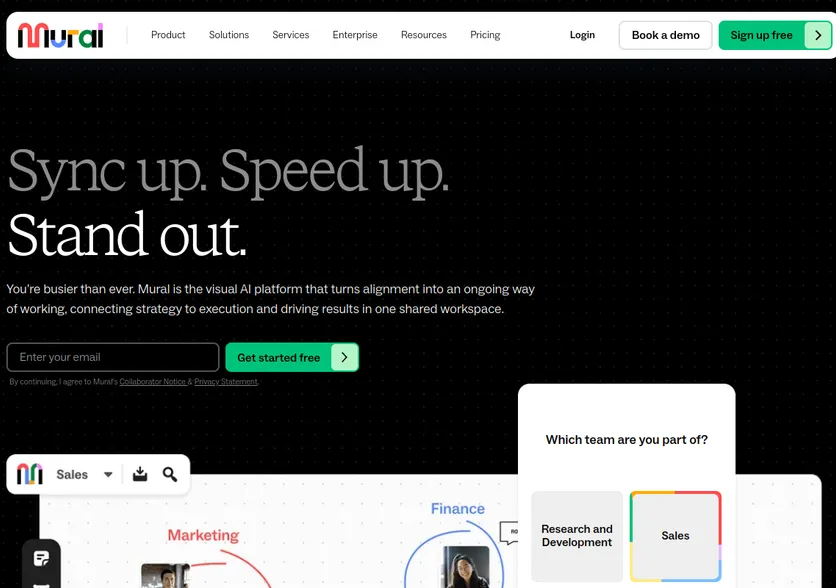
Mural is built for facilitated workshops, with timers, voting, private mode and design thinking frameworks guiding every session. This Mural Team Plus plan covers unlimited murals, private rooms and Mural AI for nine dollars ninety-nine cents a member a month billed annually. A facilitator can run a design sprint with a group that has never met and keep everyone on the same page.
What we like
- Facilitation controls on every plan, including Free
- Private rooms for focused group work
- Design thinking frameworks built in
Watch out for
- Team Plus costs $9.99 a member a month billed annually
- Per-member pricing charges for every workspace member
How to try it
- Open the Mural pricing page and create an account
- Start a mural from a workshop template
- Invite your group and run a timed session
3. Lucidspark
Best for: Teams already using Lucidchart that want brainstorming in the same suite
Paid tool Starting price: $9/user/month · Individual plan, $9 a user a month; Team $10 a user a month with a 3-user minimum; free plan with 3 editable documents
Free plan: Free plan, 3 editable documents
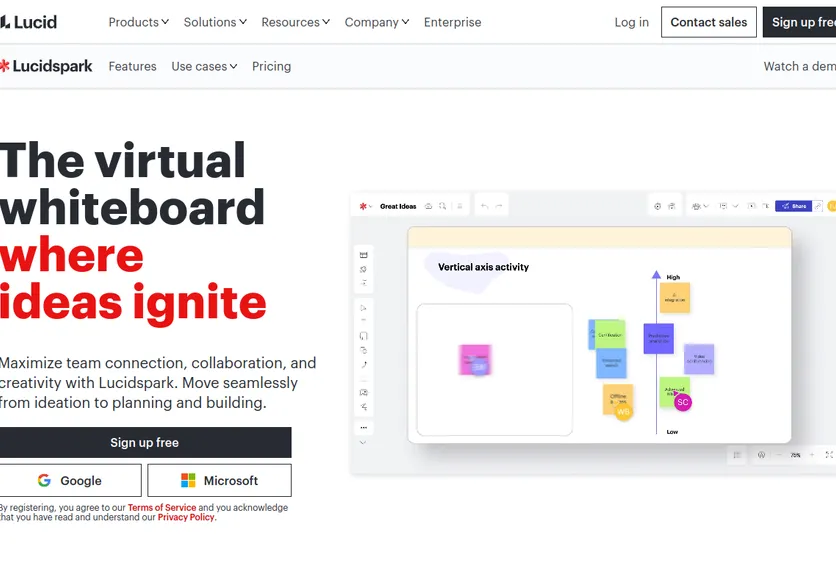
Lucidspark is the brainstorming canvas from Lucid Software, pairing sticky notes and diagrams with the Lucidchart suite. This Lucidspark Individual plan covers unlimited editable documents and premium Visual Activities for nine dollars a user a month. A team that diagrams in Lucidchart can brainstorm in the same place without switching tools.
What we like
- Pairs naturally with Lucidchart diagrams
- Premium Visual Activities for workshops
- Unlimited documents on the Individual plan
Watch out for
- Individual costs $9 a user a month
- Team plan needs at least three users
How to try it
- Open the Lucidspark pricing page and create an account
- Start a board and add sticky notes with your team
- Turn the best ideas into a Lucidchart diagram
4. FigJam
Best for: Design teams already using Figma who want a light whiteboard
Paid tool Starting price: $3/collab seat/month · Collab seat on Figma Professional, $3 a seat a month billed annually or $5 month to month; only sold inside a Figma plan, never standalone; free Starter plan
Free plan: Free Starter plan, 3 FigJam files
FigJam is Figma's whiteboard, sold as a seat inside a Figma plan rather than a standalone product. This FigJam Collab seat covers unlimited FigJam files, voting and open sessions for three dollars a seat a month billed annually on Figma Professional. A design team already in Figma can brainstorm next to its design files without buying a second tool.
What we like
- The cheapest entry price on this list
- Sits next to design files in Figma
- Unlimited files on the paid seat
Watch out for
- Collab seat costs $3 a month billed annually
- Cannot be bought without a Figma plan
How to try it
- Open the Figma pricing page and check your plan
- Add a Collab seat for each FigJam user
- Open a FigJam file and brainstorm with your team
5. Milanote
Best for: Creatives who plan with images, notes and references on one board
Paid tool Starting price: $9.99/person/month · Pro plan, $9.99 a person a month billed annually; free plan for the first 100 notes, images and links
Free plan: Free plan, first 100 notes, images and links
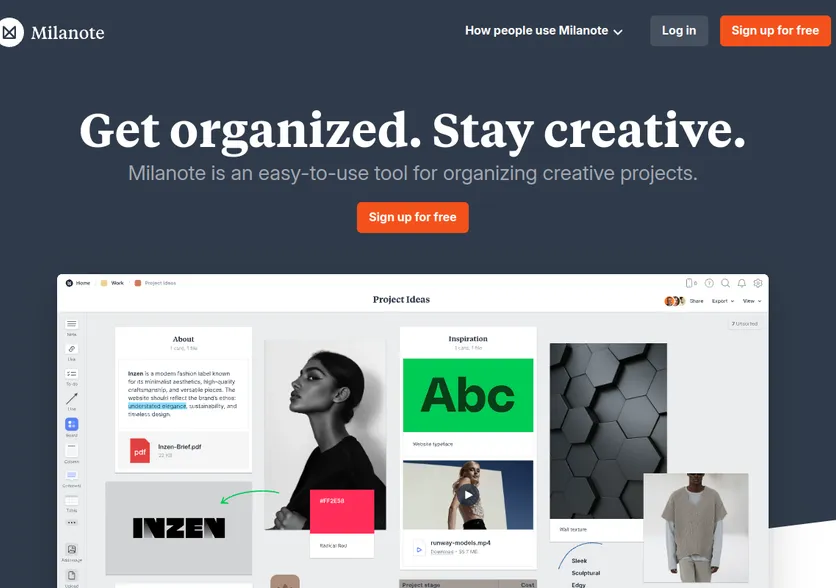
Milanote is a visual planning board for creative projects, mixing images, links, notes and to-dos on a board that feels like a wall of inspiration. This Milanote Pro plan covers unlimited boards and uploads for nine dollars ninety-nine cents a person a month billed annually. A designer can collect references, sketch ideas and plan a project on one board.
What we like
- Visual boards that mix images and notes
- Unlimited boards on the Pro plan
- Feels like a real inspiration wall
Watch out for
- Pro costs $9.99 a person a month billed annually
- Lighter on structured diagrams than Miro
How to try it
- Open the Milanote pricing page and create an account
- Start a board and add images and notes
- Invite collaborators and plan the project together
6. XMind
Best for: Solo planners who want structured mind maps with many layouts
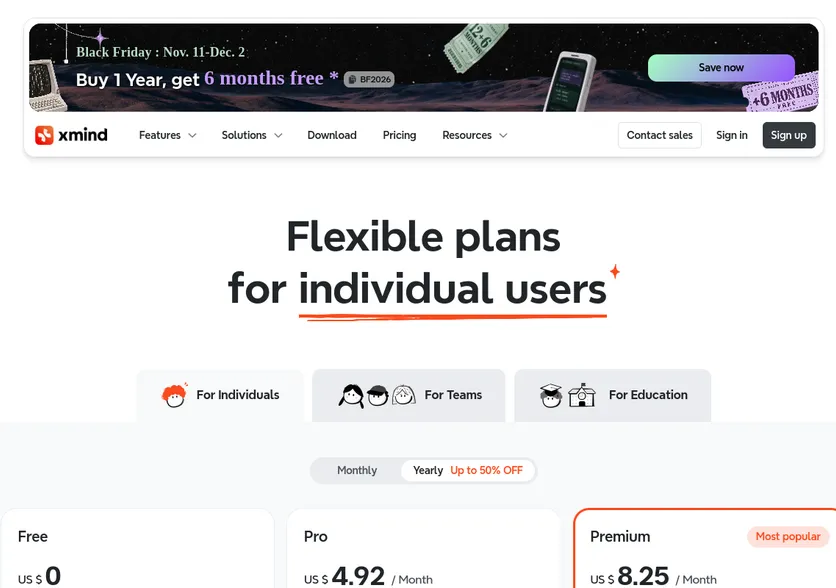
Paid tool Starting price: $4.92/user/month · Pro plan, $4.92 a user a month billed yearly or $10 month to month; Premium $8.25; free tier with 10 online maps
Free plan: Free tier, 10 online maps
XMind is the most complete dedicated mind mapping tool here, with desktop apps, timelines, fishbone diagrams and presentation mode. This XMind Pro plan covers all layouts, themes and exports for four dollars ninety-two cents a user a month billed yearly. A solo planner can map a project, present it as slides and export it as a PDF from one app.
What we like
- The most complete mind mapping layouts
- Desktop apps for Mac, Windows and Linux
- Presentation mode turns maps into slides
Watch out for
- Pro costs $4.92 a user a month billed yearly
- Real-time co-editing needs the Premium plan
How to try it
- Open the XMind pricing page and create an account
- Start a mind map from a template or a blank canvas
- Present the map as slides or export it as a PDF
7. Whimsical
Best for: Product teams that mix diagrams, docs and wireframes
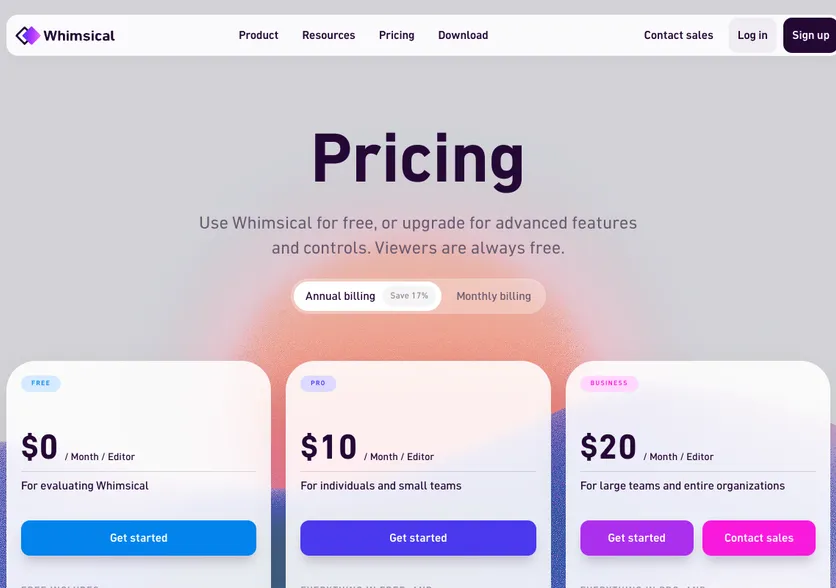
Paid tool Starting price: $10/editor/month · Pro plan, $10 an editor a month billed yearly or $12 month to month; Business $20; free plan with limits
Free plan: Free plan with limits
Whimsical is a fast, clean visual workspace for diagrams, wireframes, mind maps and docs, built for product teams that hate clutter. This Whimsical Pro plan covers unlimited boards and docs for ten dollars an editor a month billed yearly. A product team can map a flow, wireframe a screen and write the spec in one place.
What we like
- Fast, clean canvas with no clutter
- Diagrams, wireframes and docs in one tool
- Only editors pay, viewers are free
Watch out for
- Pro costs $10 an editor a month billed yearly
- Smaller template library than Miro
How to try it
- Open the Whimsical pricing page and create an account
- Start a board and pick a diagram or wireframe
- Invite your team and build the plan together
8. Stormboard
Best for: Teams that want structured brainstorming with reports
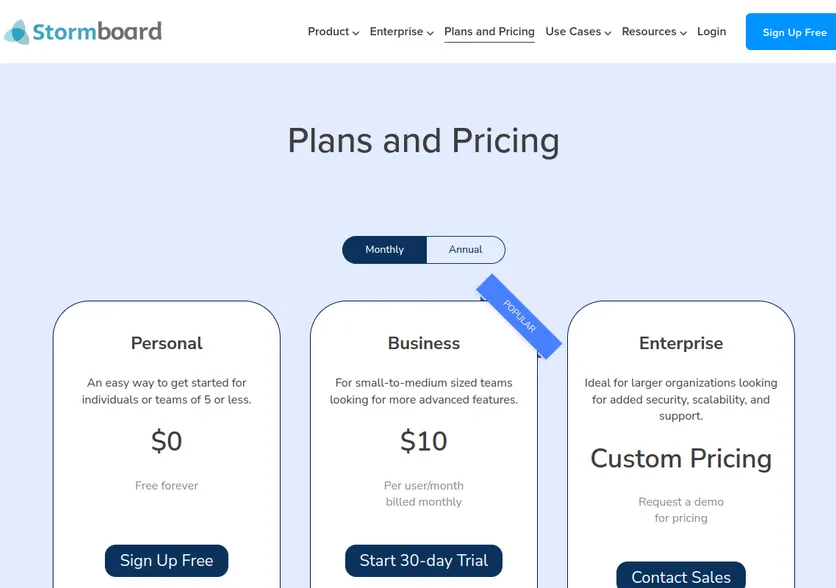
Paid tool Starting price: $8.33/user/month · Business plan, $8.33 a user a month billed annually or $10 month to month; free plan available
Free plan: Free plan available
Stormboard is a structured brainstorming board that turns sticky notes into reports, with templates for retrospectives, planning and research. This Stormboard Business plan covers unlimited boards and reports for eight dollars thirty-three cents a user a month billed annually. A team can run a brainstorm, vote on the best ideas and export a report for stakeholders.
What we like
- Structured templates for common sessions
- Reports turn sticky notes into decisions
- Unlimited boards on the Business plan
Watch out for
- Business costs $8.33 a user a month billed annually
- Smaller community than Miro or Mural
How to try it
- Open the Stormboard pricing page and create an account
- Start a board from a brainstorming template
- Invite your team, vote on ideas and export a report
Prices above were checked on each vendor’s own website on Nov 26, 2026 and can change — the vendor’s page is the final word. Vendor links are editorial: nobody paid to be listed or ranked here. Vendors who want a featured listing can see how it works on our Get listed page.
What visual planning software costs in 2026
Visual planning tools charge per member or per editor, so the bill is the price times the people who edit, while viewers are often free. This list runs from three dollars a Collab seat a month for FigJam to ten dollars an editor a month for Whimsical, with most tools landing between eight and ten dollars. The headline plan each vendor shows on its own pricing page is the number in the table above, checked on November 26, 2026.
Count your editors, not your viewers, and check whether clients can join free as guests. A team of ten editors pays very differently from a team of three editors with seven viewers. Trial two boards with your real team for a week, and pick the canvas people actually open when a project starts.
Before you buy
- Count your editors first, because most tools charge per editor while viewers are often free.
- Check the free plan board limit, because three editable boards fill up fast on a busy project.
- Test the tool with your real team, because a whiteboard that looks tidy alone gets messy with ten people.
- Ask whether templates and voting are included, because they save the most time in workshops.
- Add up the cost at twice your current team size, because per-member pricing adds up as the group grows.
Official websites
Official websites of the products reviewed above. Features and prices were checked against these sites when this guide was written, and they can change, so confirm on the vendor site before you buy.
Frequently asked questions
Which visual planning software is best in 2026?
Miro, at eight dollars a member a month, is the safest default because it covers workshops, planning and diagrams with the widest template library. FigJam is better for design teams already in Figma, at three dollars a Collab seat a month. XMind wins for solo mind mapping, at four dollars ninety-two cents a user a month with desktop apps and presentation mode.
What is the cheapest visual planning software?
FigJam, at three dollars a Collab seat a month inside a Figma plan, is the cheapest paid entry here. XMind, at four dollars ninety-two cents a user a month, is the cheapest standalone plan. Miro, Mural, Lucidspark and FigJam all have free plans capped at three editable boards, so a small team can start paying nothing.
Can I use visual planning software for free?
Yes, and the free plans are genuinely useful. Miro, Mural and Lucidspark each allow three editable boards free, FigJam allows three FigJam files, and XMind allows ten online maps free. Start on a free plan, run a real workshop on it and upgrade only when the three-board limit starts to bite.
Should I use Miro, Mural or Lucidspark?
Use Miro when you need the widest choice of templates and integrations for any kind of session. Use Mural when a facilitator runs structured workshops with timers, voting and private rooms. Use Lucidspark when your team already diagrams in Lucidchart and wants brainstorming in the same suite.
What should I look for in visual planning software?
Count your editors first, since most tools charge per editor while viewers are often free. Check the free plan board limit, because three editable boards fill up fast on a busy project. Test the tool with your real team, and check whether templates and voting are included before you pay.
Need everyday productivity help too? Try Toolsvine's free productivity tools for small teams right in your browser.
Browse Productivity Tools tools


