
On this page
A VPN is the simplest security tool a household can buy, yet the price spread between the big names is wide enough to confuse anyone. The eight tools below run from about three dollars a month on a long plan to about fifteen dollars a month with no commitment, and every price was checked on the vendor site on November 26, 2026. Most offer a money-back guarantee, so you can test speeds on your own connection before committing. NordVPN is our first pick — the strongest all-round VPN here, starting at about fifteen dollars a month with no commitment.
How we researched this
We started with the VPN services security reviewers recommend most, then read each price on the vendor pricing page on November 26, 2026 and noted the money-back guarantee each plan carries. We judged them for a household that wants strong encryption, a no-logs policy and enough device slots for every phone and laptop. We kept only tools with a published dollar price, and we dropped Mullvad because it bills in euros only.
Compare the tools
| Name | Best for | Starting price | Free plan | |
|---|---|---|---|---|
 NordVPN | Households that want the strongest all-round VPN with the most device slots | $14.99/month | No free tier; 30-day money-back guarantee | Visit |
 ExpressVPN | Travellers who want the fastest setup and the widest server choice | $14.99/month | No free tier; 30-day money-back guarantee | Visit |
 Surfshark | Households that want unlimited devices on a single subscription | $16.45/month | No free tier; 30-day money-back guarantee | Visit |
 Proton VPN | Privacy-minded users who want a free plan and audited open-source apps | $9.99/month | Free plan with no data cap; 1 device | Visit |
 CyberGhost | First-time VPN buyers who want servers sorted by purpose | $12.99/month | No free tier; 45-day money-back guarantee on longer plans | Visit |
 Private Internet Access | Power users who want open-source apps and deep settings | $11.95/month | No free tier; 30-day money-back guarantee | Visit |
 IPVanish | Families that need unlimited devices at a low long-term price | $14.99/month | No free tier; 30-day money-back guarantee on annual plans | Visit |
 TunnelBear | Casual users who want the simplest VPN with a free plan | $3.33/month | Free plan with 2GB of data a month | Visit |
The VPN security software, compared
1. NordVPN
Best for: Households that want the strongest all-round VPN with the most device slots
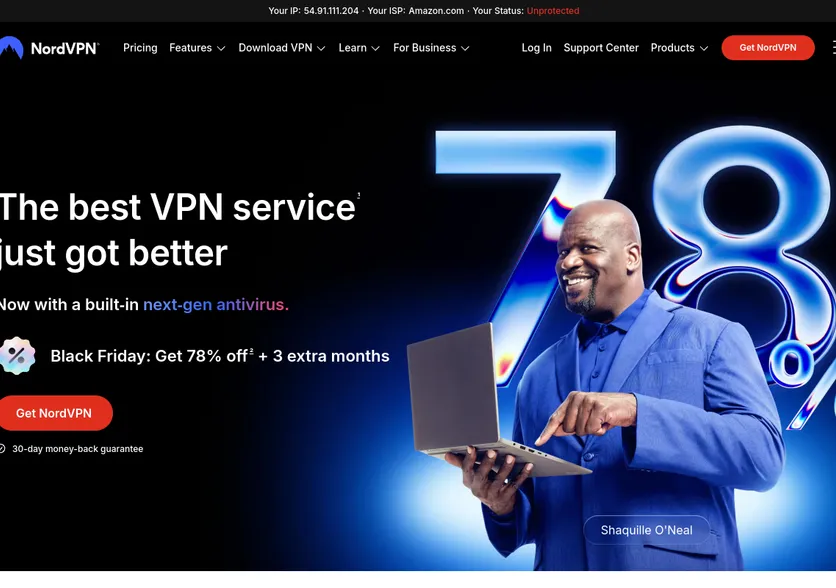
Paid tool Starting price: $14.99/month · Basic plan, $14.99 a month billed monthly; two-year Basic runs about $2.99 a month on the current Black Friday offer and renews at $139.08 a year
Free plan: No free tier; 30-day money-back guarantee
NordVPN is the most complete VPN on this list, pairing fast servers in more than a hundred countries with a no-logs policy that has passed independent audits. This NordVPN Basic plan covers ten devices at once, blocks ads and trackers, and includes specialty servers for streaming and double encryption. A household can protect every phone, laptop and tablet under one subscription and still have slots to spare.
What we like
- Covers ten devices on one subscription
- Audited no-logs policy with specialty servers
- Built-in ad and tracker blocking
Watch out for
- Monthly billing costs about fifteen dollars a month
- Long plans renew at a much higher yearly rate
How to try it
- Open the NordVPN pricing page and pick the Basic plan
- Install the app on your devices and sign in once
- Connect to the fastest nearby server and check your IP address
2. ExpressVPN
Best for: Travellers who want the fastest setup and the widest server choice
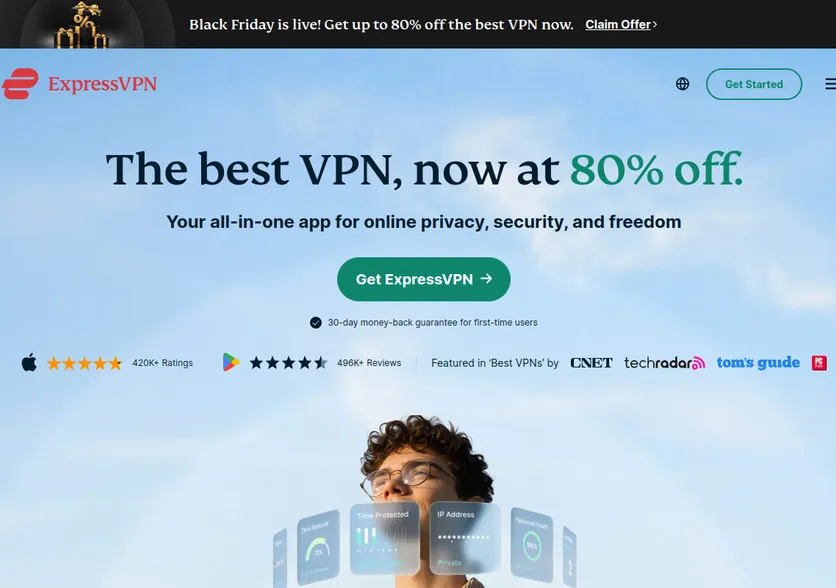
Paid tool Starting price: $14.99/month · Basic plan, $14.99 a month billed monthly; two-year Basic runs about $2.99 a month on the current offer and renews at $99.95 a year
Free plan: No free tier; 30-day money-back guarantee
ExpressVPN is the premium pick for people who want the fastest setup and the widest server choice without fiddling with settings. This ExpressVPN Basic plan runs on ten devices, uses the speedy Lightway protocol, and unblocks streaming libraries in more than a hundred countries. A traveller can install the app in minutes and connect to a nearby server with one tap.
What we like
- Lightway protocol is fast and reliable
- Works in more than a hundred countries
- Simple app that needs no setup knowledge
Watch out for
- Monthly billing costs about fifteen dollars a month
- Renewal jumps to about a hundred dollars a year
How to try it
- Open the ExpressVPN order page and pick the Basic plan
- Download the app and sign in with your new account
- Pick a server location and connect before you browse
3. Surfshark
Best for: Households that want unlimited devices on a single subscription
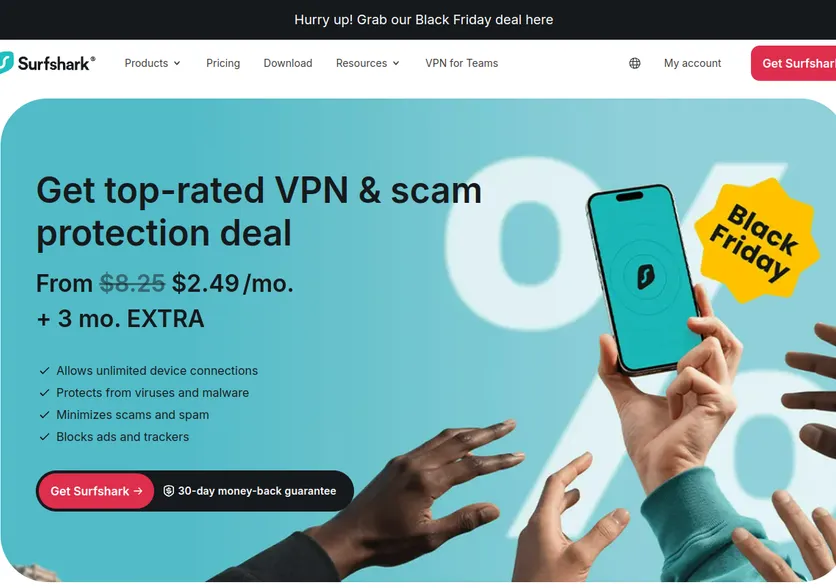
Paid tool Starting price: $16.45/month · Starter plan, $16.45 a month billed monthly; two-year Starter runs about $2.49 a month and renews at $79 a year
Free plan: No free tier; 30-day money-back guarantee
Surfshark is the value pick for a household, because one subscription covers an unlimited number of devices with no extra charge. This Surfshark Starter plan adds an ad blocker, a cookie pop-up blocker and a rotating IP address that changes your visible address on a schedule. A family can protect every device in the house, from phones to smart TVs, for the price of a single plan.
What we like
- Unlimited devices on one subscription
- Ad blocker and cookie pop-up blocker included
- Rotating IP address for extra privacy
Watch out for
- Monthly billing is the highest here at about sixteen dollars a month
- Renewal costs seventy-nine dollars a year after the first term
How to try it
- Open the Surfshark pricing page and pick the Starter plan
- Install the app on every device in the house
- Turn on CleanWeb and connect to the fastest server
4. Proton VPN
Best for: Privacy-minded users who want a free plan and audited open-source apps
Paid tool Starting price: $9.99/month · VPN Plus plan, $9.99 a month billed monthly; one-year Plus runs about $3.99 a month and two-year about $2.99 a month on the current offer
Free plan: Free plan with no data cap; 1 device
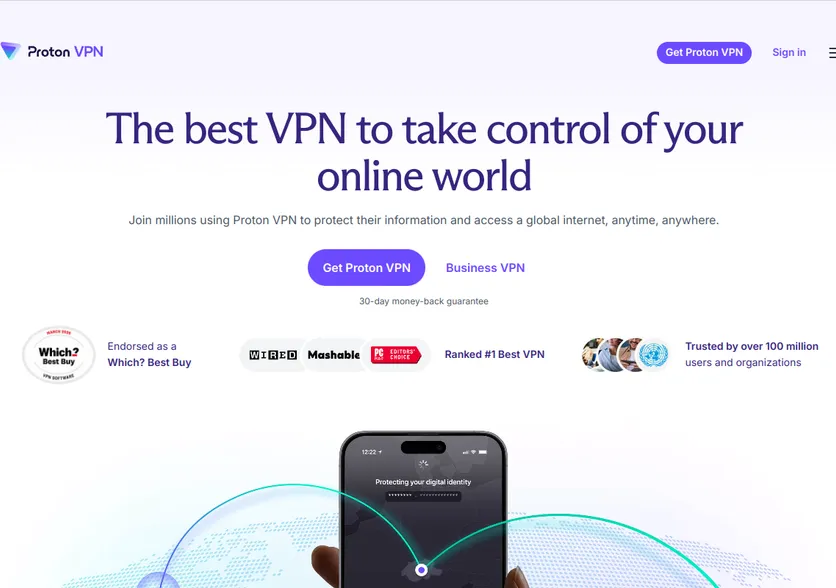
Proton VPN is the privacy-first choice, built by the team behind Proton Mail in Switzerland and backed by a free plan with no data cap. This Proton VPN Plus plan adds the full server network, streaming support and Secure Core servers that route traffic through privacy-friendly countries. A careful user gets audited open-source apps and a strict no-logs policy from a company based in Switzerland.
What we like
- Free plan with no data cap
- Audited open-source apps
- Secure Core servers in privacy-friendly countries
Watch out for
- Plus costs about ten dollars a month billed monthly
- Streaming and the fastest servers need the paid plan
How to try it
- Open the Proton VPN pricing page and compare Plus with the free plan
- Create a Proton account and install the app
- Connect through a Secure Core server for the strongest privacy
5. CyberGhost
Best for: First-time VPN buyers who want servers sorted by purpose
Paid tool Starting price: $12.99/month · Monthly plan, $12.99 a month; two-year plan runs about $2.19 a month on the current offer
Free plan: No free tier; 45-day money-back guarantee on longer plans
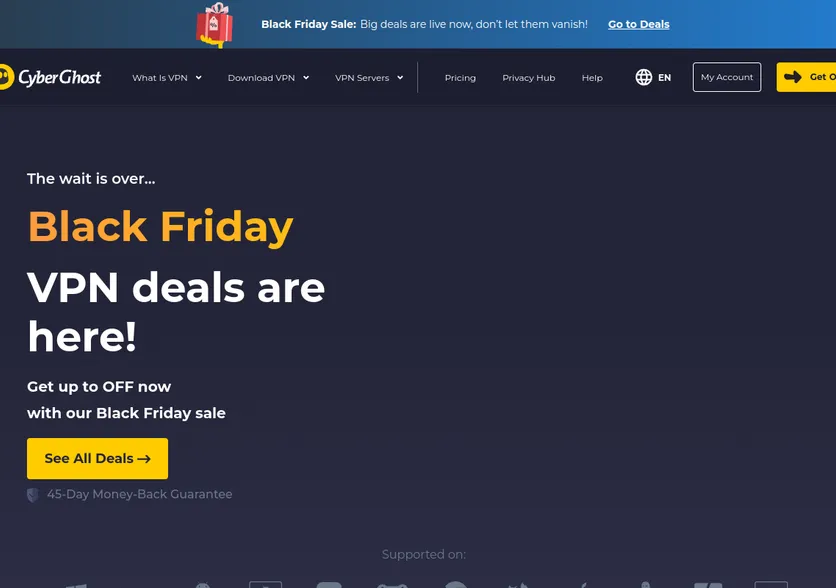
CyberGhost is the beginner-friendly VPN, with apps that sort servers by the job you want to do, from streaming to torrenting to gaming. This CyberGhost plan covers seven devices, offers servers tuned for popular streaming services, and includes an automatic kill switch that cuts the connection if the VPN drops. A first-time VPN buyer can pick a purpose from a menu instead of learning what a protocol is.
What we like
- Servers sorted by streaming, torrenting and gaming
- Automatic kill switch included
- Forty-five day refund on longer plans
Watch out for
- Monthly billing costs about thirteen dollars a month
- Only seven devices on one subscription
How to try it
- Open the CyberGhost site and pick a plan length
- Install the app and choose a server by purpose
- Turn on the kill switch before you connect
6. Private Internet Access
Best for: Power users who want open-source apps and deep settings
Paid tool Starting price: $11.95/month · Monthly plan, $11.95 a month; three-year plan runs about $2.03 a month and renews at the same rate
Free plan: No free tier; 30-day money-back guarantee
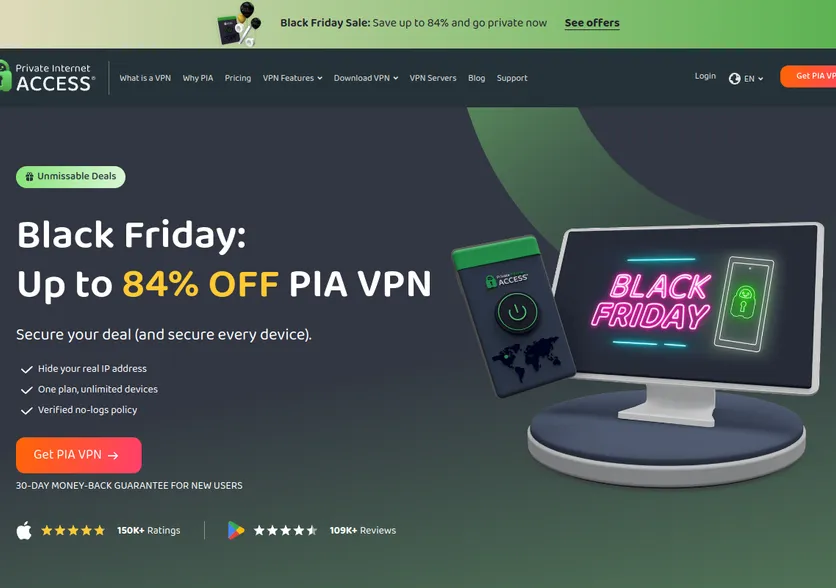
Private Internet Access is the tinkerer's VPN, with open-source apps and more settings than any rival at this price. This Private Internet Access plan covers unlimited devices, lets you tune encryption strength and connection rules, and has a no-logs policy tested in court. A power user can shape the VPN to fit an unusual setup, from a home server to a router that protects the whole network.
What we like
- Unlimited devices on one subscription
- Open-source apps with deep settings
- No-logs policy tested in court
Watch out for
- Monthly billing costs about twelve dollars a month
- Streaming support is weaker than the top picks
How to try it
- Open the Private Internet Access site and pick a plan length
- Install the open-source app on your main device
- Adjust the encryption and kill switch settings to taste
7. IPVanish
Best for: Families that need unlimited devices at a low long-term price
Paid tool Starting price: $14.99/month · Essential monthly plan, $14.99 a month; two-year Essential runs about $2.19 a month and renews at $99.99 a year
Free plan: No free tier; 30-day money-back guarantee on annual plans
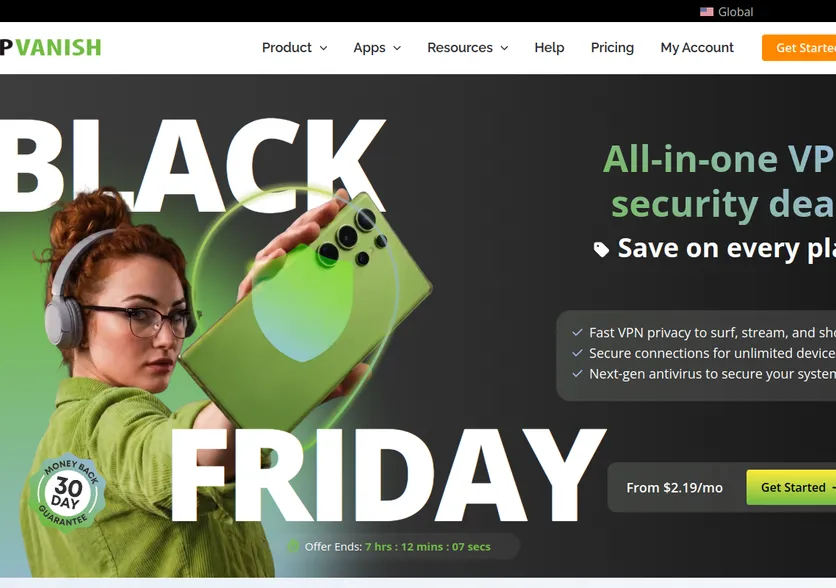
IPVanish is the household workhorse, with unlimited device connections and a straightforward app that stays out of the way. This IPVanish Essential plan adds threat protection, a secure browser and a small eSIM data allowance for travel. A family with many devices can cover every phone and laptop without counting seats or paying per device.
What we like
- Unlimited devices on one subscription
- Threat protection and secure browser included
- Small eSIM data allowance for travel
Watch out for
- Monthly billing costs about fifteen dollars a month
- Renewal jumps to about a hundred dollars a year
How to try it
- Open the IPVanish pricing page and pick the Essential plan
- Install the app on every family device
- Turn on threat protection and connect to the fastest server
8. TunnelBear
Best for: Casual users who want the simplest VPN with a free plan
Paid tool Starting price: $3.33/month · Unlimited plan, $3.33 a month billed annually; monthly billing is $9.99 a month
Free plan: Free plan with 2GB of data a month
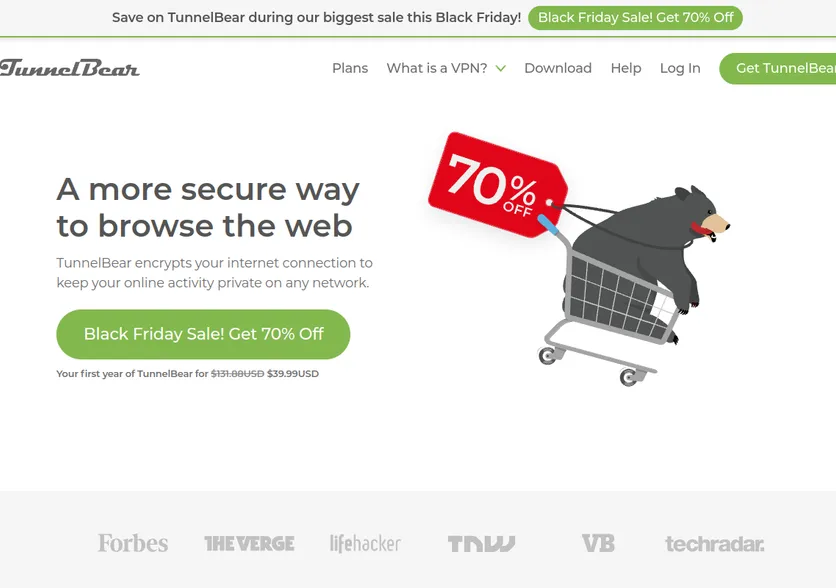
TunnelBear is the simplest VPN here, with a friendly app that makes connecting feel like flipping a switch. This TunnelBear Unlimited plan removes the data cap on the free plan, covers unlimited devices and adds priority support. A casual user who wants protection on public Wi-Fi without learning VPN jargon will feel at home in minutes.
What we like
- Friendliest app on this list
- Free plan with 2GB of data a month
- Yearly independent security audits
Watch out for
- Fewer servers and countries than the big names
- No streaming-focused servers on the plan
How to try it
- Open the TunnelBear pricing page and try the free plan first
- Upgrade to Unlimited when the free data runs out
- Connect with one tap before joining public Wi-Fi
Prices above were checked on each vendor’s own website on Nov 26, 2026 and can change — the vendor’s page is the final word. Vendor links are editorial: nobody paid to be listed or ranked here. Vendors who want a featured listing can see how it works on our Get listed page.
What VPN security software costs in 2026
Every VPN here sells the same service at two very different prices, and the gap is the commitment. Billed monthly, these tools run from about ten dollars a month for TunnelBear to about sixteen dollars a month for Surfshark, while yearly and two-year plans cut most of them to about two or three dollars a month. The catch is the renewal: NordVPN, ExpressVPN and IPVanish all renew at a much higher yearly rate once the first term ends, so check the renewal price before you pay. The headline plan each vendor shows on its own pricing page is the number in the table above, checked on November 26, 2026.
Start with the money-back guarantee on two tools and run your normal week through both. Compare speeds on your own Wi-Fi, test the streaming services you actually watch, and keep the one that never drops. A cheap VPN you never connect to protects nothing, so the best price is the one on the tool you leave switched on.
Before you buy
- Count your devices first, because Surfshark, Private Internet Access, IPVanish and TunnelBear cover unlimited devices while CyberGhost stops at seven.
- Check the renewal price, because a two-year deal that starts near three dollars a month can renew at three times that rate.
- Test the VPN on your own Wi-Fi first, because speeds vary by server, time of day and the network you connect from.
- Confirm the no-logs policy has an independent audit, because a promise on a marketing page is not the same as a published audit.
- Try the free plan or money-back guarantee before a long commitment, because Proton VPN and TunnelBear both let you test before you pay.
Official websites
Official websites of the products reviewed above. Features and prices were checked against these sites when this guide was written, and they can change, so confirm on the vendor site before you buy.
Frequently asked questions
Which VPN security software is best in 2026?
NordVPN is the safest default, with fast servers in more than a hundred countries, an audited no-logs policy and ten device slots for about fifteen dollars a month with no commitment. ExpressVPN is the premium alternative when setup speed matters most, and Surfshark wins for households because one subscription covers unlimited devices.
What is the cheapest VPN security software for a household?
TunnelBear Unlimited, at about three dollars a month billed annually, is the cheapest paid plan here and covers unlimited devices with a friendly app. Surfshark Starter runs about two and a half dollars a month on a two-year plan and also covers unlimited devices. Proton VPN costs nothing at all on its free plan, though it limits you to one device and fewer countries.
Can I use a VPN for free?
Yes, two tools here have real free plans. Proton VPN gives you unlimited data on one device with no time limit, which is the best free VPN on this list. TunnelBear gives you 2GB of data a month for free, which suits occasional use on public Wi-Fi. The other six tools have no free tier, but all offer a money-back guarantee of thirty days or more.
Do VPNs slow down my internet?
Every VPN adds some overhead, but the best ones keep the drop small on a fast connection. NordVPN and ExpressVPN are consistently the fastest in independent tests, usually losing less than a tenth of download speed on a nearby server. Pick a server close to you, use the fastest protocol the app offers, and test again at a quiet hour if speeds look slow.
Is a VPN enough to stay safe online?
A VPN hides your traffic from your internet provider and from snoops on public Wi-Fi, but it is only one layer. You still need strong unique passwords, two-factor authentication and up-to-date software on every device. Treat the VPN as the lock on the door, not the whole house alarm, and pair it with the ad and tracker blocking several of these tools include.
Need more everyday protection? Try Toolsvine's free security and privacy tools right in your browser.
Browse Security & Privacy tools


