On this page
A startup ships code every day, and the tools it picks in the first month shape how fast it can move for years. The wrong host, the wrong tracker or the wrong database will cost more to change later than to choose well now. The eight tools below cover code, hosting, tracking and the database, all priced for a small team. GitHub leads because it puts code, pull requests and automation in one place for four dollars per user a month, and the rest are ranked on how well they fit a startup that ships daily.
How we researched this
We checked every price on the vendor pricing page on November 29, 2026, and only included tools with a published US dollar list price. Netlify, Cursor and Windsurf were left out because their prices conflict between November 2026 reads, and Sentry's price is disputed by a tracker alert claiming a jump to eighty dollars. GitLab, Docker and Jira were considered as alternates and are not in this list, and prices change, so confirm the current figure on the vendor site before you buy.
Compare the tools
| Name | Best for | Starting price | Free plan | |
|---|---|---|---|---|
 Bitbucket | Startups building on Atlassian tools | $3.65/user/month | Free plan (5 users) | Visit |
 GitHub | Startups that want their code where developers already are | $4/user/month | Free plan | Visit |
 DigitalOcean | Startups that need a server without learning cloud infrastructure | $4/month | No free plan; trial credit for new accounts | Visit |
 Linear | Startups that want fast issue tracking without a heavy suite | $8/member/month | Free plan (250 issues) | Visit |
 Postman | Startups that build and test APIs | $9/user/month | Free plan (1 user) | Visit |
 GitHub Copilot | Startups whose developers want an AI pair programmer | $10/month | Free plan (2,000 completions a month) | Visit |
 Vercel | Startups that ship a frontend every day | $20/user/month | Free plan (Hobby, non-commercial) | Visit |
 Supabase | Startups that need a database, auth and storage without a backend | $25/month | Free plan | Visit |
The web developers software for startups, compared
1. Bitbucket
Best for: Startups building on Atlassian tools
Paid tool Starting price: $3.65/user/month · Three dollars and sixty-five cents per user a month on Standard; Premium is eight dollars a user a month; older listings show a three dollar figure, which is superseded
Free plan: Free plan (5 users)
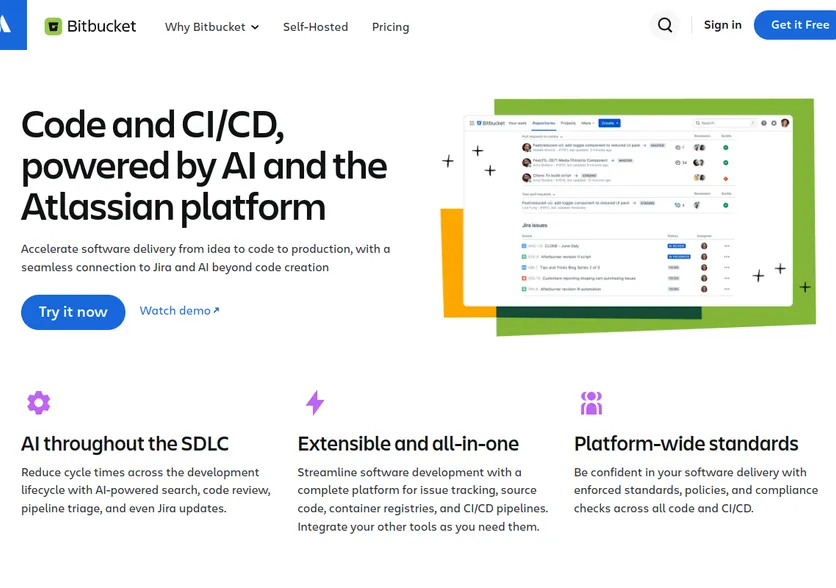
A startup that builds on Atlassian tools will like this Bitbucket plan, which costs three dollars and sixty-five cents per user a month. Its Git hosting and pull requests sit beside Jira, so the team tracks code and tickets in one place. The free plan covers five users, so a tiny team can start without paying.
What we like
- Git hosting and pull requests sit beside Jira
- Team tracks code and tickets in one place
- Free plan covers five users for a tiny team
Watch out for
- Smaller community than GitHub for public code
- Cheapest plan lacks the advanced CI features
How to try it
- Create the repository and invite the team
- Connect the repository to Jira for ticket tracking
- Open the first pull request and review it together
2. GitHub
Best for: Startups that want their code where developers already are
Paid tool Starting price: $4/user/month · Four dollars per user a month on Team; Enterprise is twenty-one dollars per user a month; Team includes three thousand Actions minutes a month
Free plan: Free plan
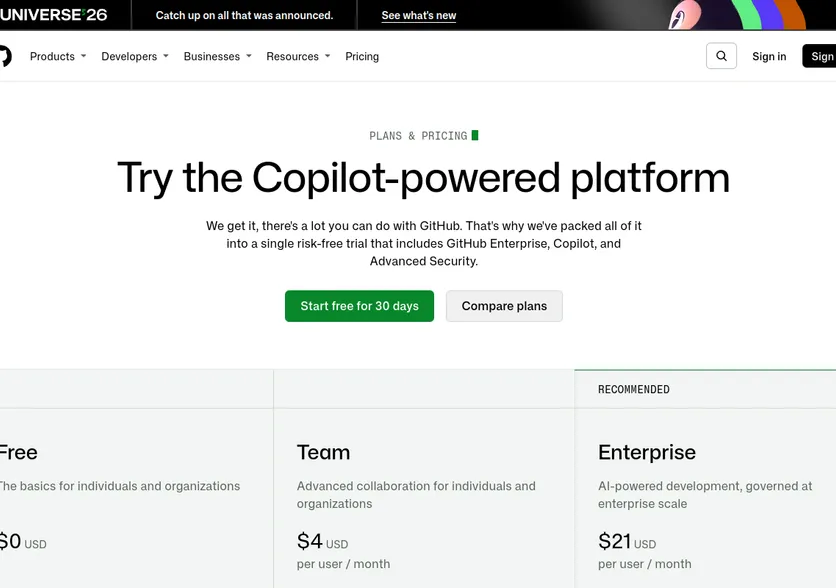
A startup that wants its code where the developers already are will like this GitHub plan, which costs four dollars per user a month. Its repositories, pull requests and Actions cover the whole workflow, and the free plan handles a small team. Three thousand Actions minutes a month come with the Team plan, which suits a startup shipping often.
What we like
- Repositories, pull requests and Actions cover the whole workflow
- Free plan handles a small team
- Three thousand Actions minutes a month on the Team plan
Watch out for
- Enterprise features cost twenty-one dollars a user a month
- Private repositories on the free plan lack some controls
How to try it
- Create the repository and invite the team
- Set up Actions to test every pull request
- Review and merge the first pull request together
3. DigitalOcean
Best for: Startups that need a server without learning cloud infrastructure
Paid tool Starting price: $4/month · Four dollars a month for the smallest Basic Droplet; managed databases, Kubernetes and App Platform are billed separately on usage
Free plan: No free plan; trial credit for new accounts
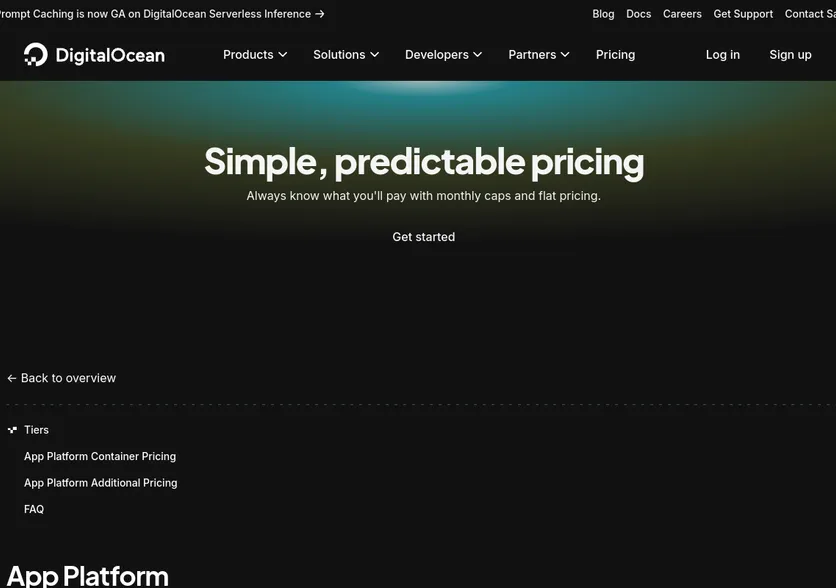
A startup that needs a server without learning cloud infrastructure will like this DigitalOcean plan, which costs four dollars a month for a Basic Droplet. Its simple pricing and one-click apps get a site or API live fast, and the managed services are billed separately. There is no free plan, so new accounts start with trial credit instead.
What we like
- Simple pricing and one-click apps get a site live fast
- Basic Droplet costs four dollars a month
- Managed services are billed separately, not bundled
Watch out for
- No free plan, so trial credit is the only way to test it
- Managed services are billed separately, so the bill can grow
How to try it
- Create a Basic Droplet from the dashboard
- Deploy the app with a one-click installer
- Point the domain at the Droplet and go live
4. Linear
Best for: Startups that want fast issue tracking without a heavy suite
Paid tool Starting price: $8/member/month · Eight dollars per member a month on Standard; Plus and Enterprise tiers are quoted; the free plan covers two hundred and fifty issues
Free plan: Free plan (250 issues)
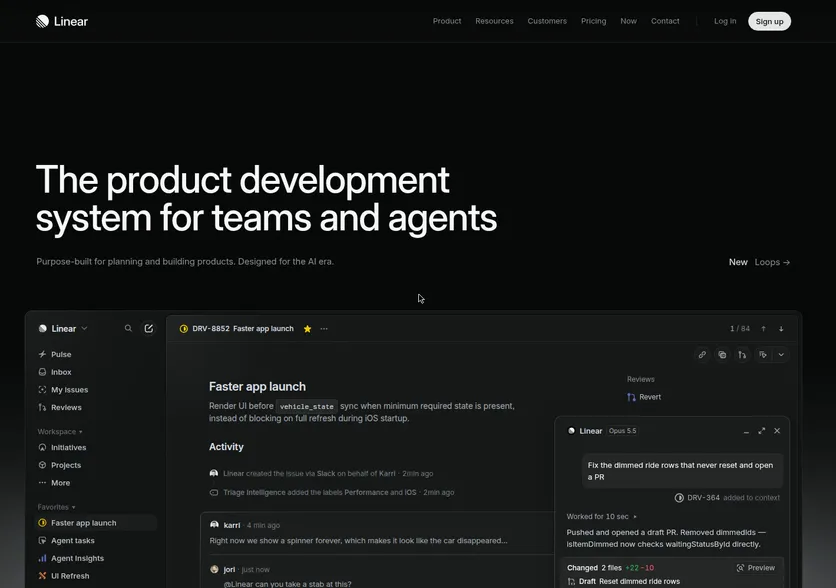
A startup that wants issue tracking without the weight of a big project tool will like this Linear plan, which costs eight dollars per member a month. Its fast, keyboard-first interface keeps the team in flow, and the free plan covers two hundred and fifty issues. It is an issue tracker, not a full project suite, so a team that needs roadmaps should look elsewhere.
What we like
- Fast, keyboard-first interface keeps the team in flow
- Free plan covers two hundred and fifty issues
- Simple pricing with no per-project charges
Watch out for
- An issue tracker, not a full project suite
- Roadmaps and wider planning need another tool
How to try it
- Create the team and invite the developers
- Add the first issues and assign them
- Run the cycle and review what shipped each week
5. Postman
Best for: Startups that build and test APIs
Paid tool Starting price: $9/user/month · Nine dollars per user a month billed annually on Solo; Team is nineteen dollars a user a month billed annually; the fourteen and twenty-nine dollar Basic and Professional tiers were retired on March 1, 2026
Free plan: Free plan (1 user)
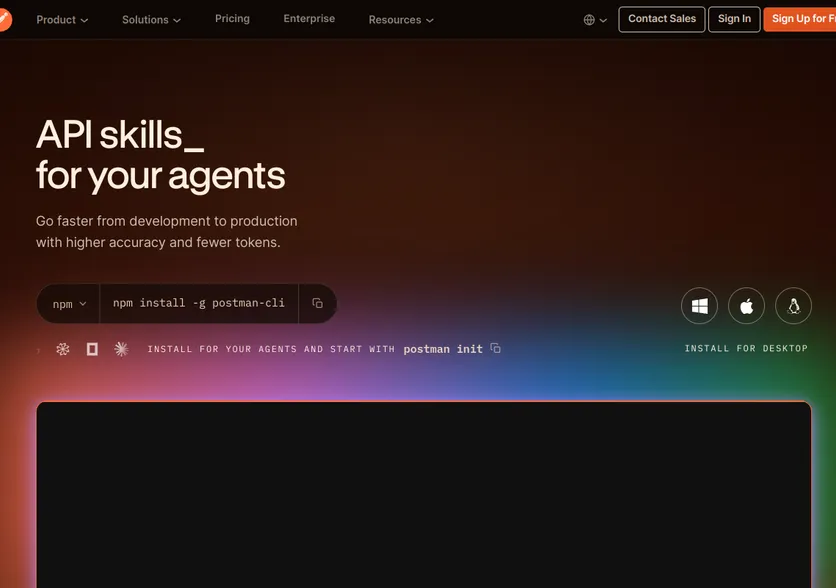
A startup that builds APIs will like this Postman plan, which costs nine dollars per user a month billed annually. Its collections, testing and documentation keep the API in one place, and the team can share requests without passing files around. The older Basic and Professional tiers retired in March 2026, so the Solo and Team plans are the current structure.
What we like
- Collections, testing and documentation keep the API in one place
- Team can share requests without passing files around
- Simple pricing with no per-request charges
Watch out for
- Solo plan is for one developer, so teams pay more
- Advanced testing features sit on the higher tiers
How to try it
- Create a collection for the API
- Add the requests and write the tests
- Share the collection with the team and run it together
6. GitHub Copilot
Best for: Startups whose developers want an AI pair programmer
Paid tool Starting price: $10/month · Ten dollars a month on Pro, or about eight dollars and thirty-three cents a month when paid annually at one hundred dollars a year; Copilot moved to usage-based billing with GitHub AI Credits on June 1, 2026, so the ten dollar price does not buy unlimited agent work
Free plan: Free plan (2,000 completions a month)
A startup whose developers want an AI pair programmer will like this GitHub Copilot plan, which costs ten dollars a month. Its code suggestions speed up the routine parts of writing code, and the free plan covers two thousand completions a month. Usage-based AI credits arrived in June 2026, so ten dollars does not buy unlimited agent work.
What we like
- Code suggestions speed up the routine parts of coding
- Free plan covers two thousand completions a month
- Works inside the editor the team already uses
Watch out for
- Ten dollars does not buy unlimited agent work
- Suggestions need review, since they can be wrong
How to try it
- Install the extension in the editor
- Accept the suggestions that fit the codebase
- Review every suggestion before committing it
7. Vercel
Best for: Startups that ship a frontend every day
Paid tool Starting price: $20/user/month · Twenty dollars per user a month on Pro, with twenty dollars of usage credit included; every collaborator with preview access counts as a paid seat
Free plan: Free plan (Hobby, non-commercial)
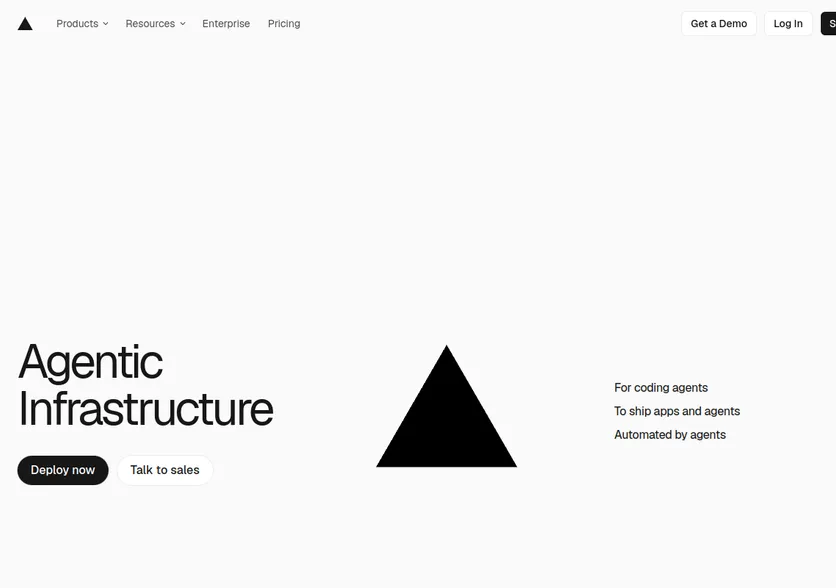
A startup that ships a frontend every day will like this Vercel plan, which costs twenty dollars per user a month. Its previews and deployments are instant, and every collaborator with preview access is a paid seat. The Hobby plan is free for non-commercial use, so a startup should budget for Pro from the first launch.
What we like
- Previews and deployments are instant
- Every pull request gets a live preview link
- Twenty dollars of usage credit comes with the plan
Watch out for
- Every collaborator with preview access is a paid seat
- Usage charges sit on top of the per-user price
How to try it
- Connect the repository to Vercel
- Deploy the first preview from a pull request
- Share the preview link with the team for review
8. Supabase
Best for: Startups that need a database, auth and storage without a backend
Paid tool Starting price: $25/month · Twenty-five dollars a month per organization on Pro, plus usage; Team is five hundred and ninety-nine dollars a month per organization; the free tier pauses after seven days of inactivity
Free plan: Free plan
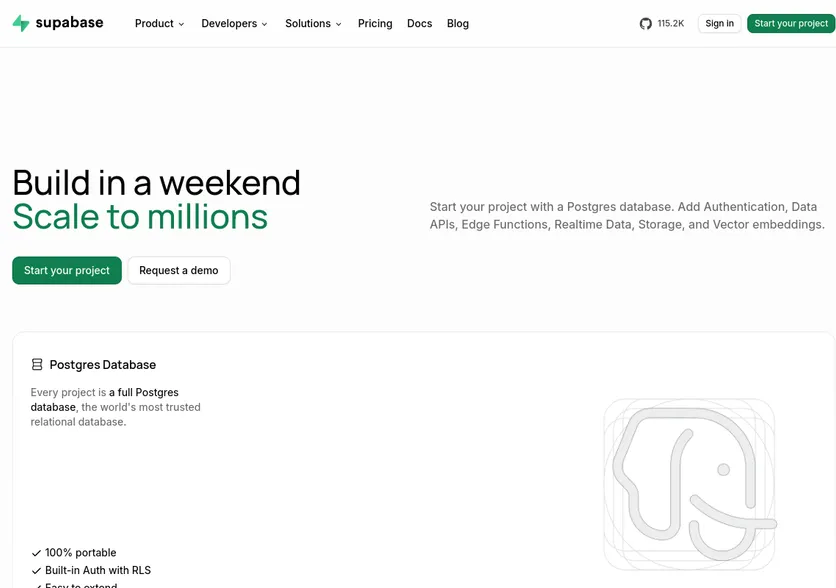
A startup that needs a database, auth and storage without running a backend will like this Supabase plan, which costs twenty-five dollars a month per organisation. Its Postgres database and built-in auth get an app live fast, and the free tier lets a startup prototype first. The free tier pauses after seven idle days, so a quiet project needs a wake-up before it works.
What we like
- Postgres database and built-in auth get an app live fast
- Free tier lets a startup prototype first
- Storage and realtime come in the same plan
Watch out for
- Free tier pauses after seven idle days
- Usage charges sit on top of the monthly price
How to try it
- Create the project and the first table
- Turn on auth and add the first users
- Connect the app and test the whole flow
Prices above were checked on each vendor’s own website on Nov 29, 2026 and can change — the vendor’s page is the final word. Vendor links are editorial: nobody paid to be listed or ranked here. Vendors who want a featured listing can see how it works on our Get listed page.
How a startup ships code every day without breaking it
Start with the repository, and protect the main branch from day one, because a direct push to production will break the site at the worst moment. Review every change in a pull request, even when the team is two people, since a second pair of eyes catches the bug the author cannot see. Deploy from the main branch automatically, so shipping is a merge rather than a manual step. Keep the database and the app in the same place where possible, because a backend that lives in three services is three things to break. Watch the usage bill every week, since a free tier that pauses or a metered plan that spikes will both stop the app.
Before you buy
- Check that the plan covers enough seats for the whole team
- Make sure the free tier is enough to launch on, not just to prototype
- Confirm whether usage charges sit on top of the monthly price
- Ask whether previews and deployments are included or cost extra
- Test the whole flow from code to live site before paying
Official websites
Official websites of the products reviewed above. Features and prices were checked against these sites when this guide was written, and they can change, so confirm on the vendor site before you buy.
Frequently asked questions
What is web developers software for startups?
It is software that helps a small team write, review, deploy and run a web app: code hosting, issue tracking, API tools, hosting and the database. It keeps the whole workflow in one place, so a startup can ship code every day without a big operations team. The best tools start free or cheap and grow with the team.
How much does GitHub cost?
GitHub costs four dollars per user a month on Team, with Enterprise at twenty-one dollars per user a month. The free plan handles a small team, and the Team plan includes three thousand Actions minutes a month. It leads this list because it puts code, pull requests and automation in one place for a price a startup can afford.
Can I build a web app for free?
Yes, with GitHub, which offers a free plan, Bitbucket, which offers a free plan for five users, Linear, which offers a free plan for two hundred and fifty issues, GitHub Copilot, which offers a free plan for two thousand completions a month, and Supabase, which offers a free tier. All five are genuine free tiers rather than trials, so a startup can launch without paying.
Which tool is best for hosting a startup frontend?
Vercel is the best fit for hosting a startup frontend, at twenty dollars per user a month, because its previews and deployments are instant and every pull request gets a live preview link. DigitalOcean is the cheapest way to run a server, at four dollars a month for a Basic Droplet, though it needs more setup.
What is GitHub Copilot, and is it worth ten dollars?
GitHub Copilot is an AI pair programmer that suggests code inside the editor, at ten dollars a month for Pro. The free plan covers two thousand completions a month, so a startup can test it first. Usage-based AI credits arrived in June 2026, so ten dollars does not buy unlimited agent work, and every suggestion still needs review.
Compare the eight tools above, then start with a free plan or trial on the one that matches how the startup ships code before paying for a full year.
Browse Developer Tools tools