On this page
How we researched this
We compared eight webinar tools that publish a real USD price and suit a coach selling programmes. We checked each vendor pricing page in November 2026, weighed selling tools, evergreen replays and room limits, and dropped quote-only platforms.
Compare the tools
| Name | Best for | Starting price | Free plan | |
|---|---|---|---|---|
 Zoom Webinars | Teams that already run meetings on Zoom | $83.33/host/month | No free plan; 30-day free trial | Visit |
 WebinarJam | Coaches and marketers that sell from live webinars | $39/month | No free plan; 14-day trial for $1 | Visit |
 GoTo Webinar | Teams that want a dedicated webinar tool with long recordings | $59/organizer/month | No free plan; 7-day free trial | Visit |
 Livestorm | Teams that run a steady calendar of live and on-demand events | $1,200/year | Free plan (30 attendees, 30-minute events) | Visit |
 EverWebinar | Coaches and consultants that want evergreen automated webinars | $99/month | No free plan; 14-day trial for $1 | Visit |
 Webex Webinars | Enterprises that need Cisco-grade security for webinars | $225/month | No free plan; demo available | Visit |
 ClickMeeting | Small teams that want live and automated webinars in one place | $37/month | No free plan; 14-day free trial | Visit |
 Zoho Webinar | Zoho users that want the cheapest serious webinar tool | $8/host/month | Free plan (20 attendees, 60-minute sessions) | Visit |
The 8 best webinar tools for coaches
1. Zoom Webinars
Best for: Teams that already run meetings on Zoom
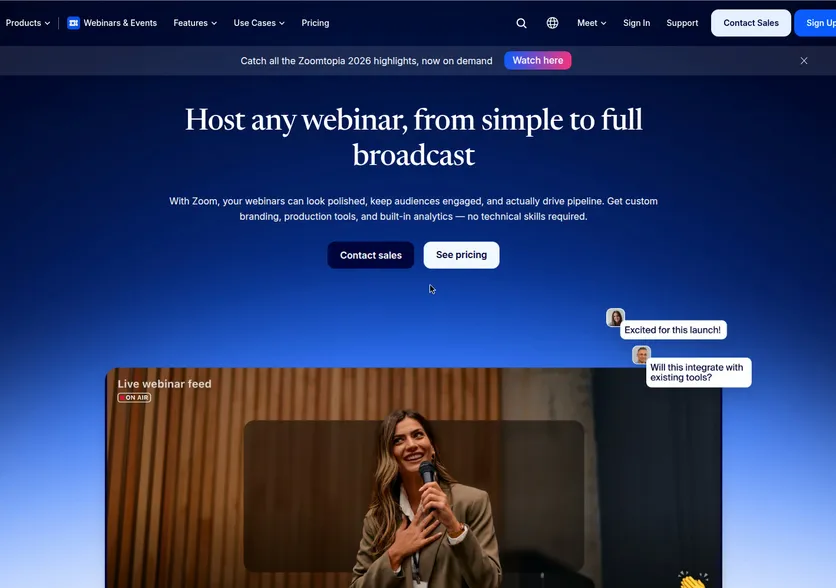
Paid tool Starting price: $83.33/host/month · $83.33 a host a month billed annually for webinars up to 500 attendees ($1,000 a year; $129 billed monthly); Webinars Plus is $290.83 and Events is $415.83 a host a month; a Zoom Workplace Pro seat is also required; the $66.67 figure in some listings is the smaller 300-attendee tier.
Free plan: No free plan; 30-day free trial
A coach who already meets clients on Zoom can run group teaching in the same app here, since this Zoom Webinars plan costs eighty-three dollars and thirty-three cents per host a month billed annually. Clients already trust the interface, so attendance stays high. Polls and Q and A keep group sessions interactive instead of one-way lectures.
What we like
- Familiar Zoom interface for hosts and guests
- Strong Q and A, polling and reporting
- Scales to ten thousand attendees on higher tiers
Watch out for
- Requires a separate Zoom Workplace Pro seat
- Per-host pricing adds up for large host teams
How to try it
- Buy a Webinars licence from your Zoom account
- Schedule a webinar and add your branding
- Send the registration link and open the practice session
2. WebinarJam
Best for: Coaches and marketers that sell from live webinars
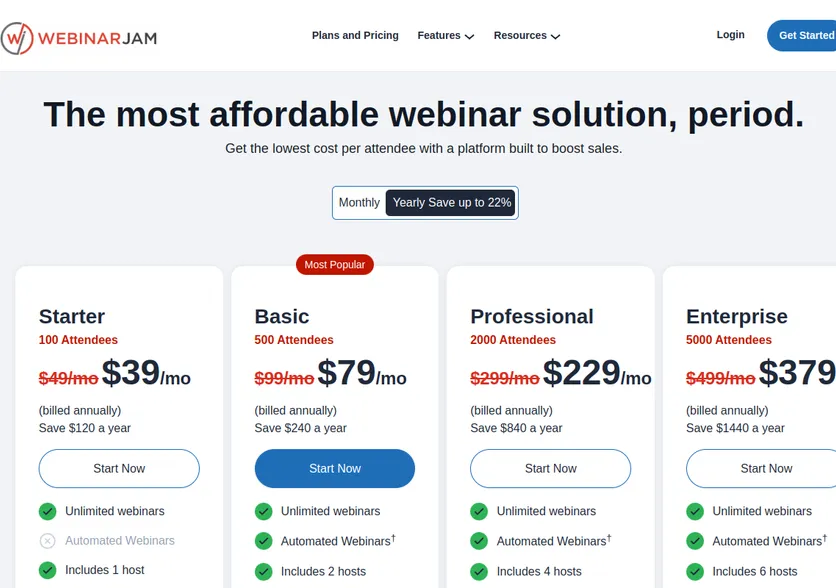
Paid tool Starting price: $39/month · $39 a month billed annually for Starter ($49 billed monthly), 100 attendees and one-hour sessions; Basic is $79 (500 attendees), Professional is $229 and Enterprise is $379 a month; 14-day trial for $1.
Free plan: No free plan; 14-day trial for $1
A coach who sells programmes from live sessions gets selling tools built in here, since this WebinarJam Starter plan costs thirty-nine dollars a month billed annually. Offers and urgency timers turn a teaching session into enrolments. The one-dollar trial makes it cheap to test with a real audience first.
What we like
- Built for live selling with offers and urgency tools
- Includes EverWebinar from the Basic plan up
- Panic button moves a live room to a backup
Watch out for
- Starter limits sessions to one hour
- The interface shows its age next to newer rivals
How to try it
- Start the WebinarJam trial and schedule a webinar
- Add your offer and set up the chat
- Go live and use the panic button if the room stalls
3. GoTo Webinar
Best for: Teams that want a dedicated webinar tool with long recordings
Paid tool Starting price: $59/organizer/month · $59 a month per organizer billed annually on Reach ($69 billed monthly); Elevate is $103 a month billed annually; Complete is quote-only; the old Lite, Standard and Pro ladder was retired in 2026.
Free plan: No free plan; 7-day free trial
A coach with a large mailing list needs a room that never drops, since this GoTo Webinar Reach plan costs fifty-nine dollars a month per organizer billed annually. Recordings stay up for a year, so late buyers can still catch the session. Handouts and surveys help turn attendees into coaching clients.
What we like
- Reliable delivery for large live audiences
- One-year cloud recording retention on Reach
- Polls, surveys and handouts built in
Watch out for
- Elevate costs nearly twice Reach for three organizers
- The older Lite and Standard tiers are gone, so old reviews mislead
How to try it
- Start a GoTo Webinar trial and create your first event
- Upload your slides and set up polls
- Share the registration link and rehearse the run of show
4. Livestorm
Best for: Teams that run a steady calendar of live and on-demand events
Paid tool Starting price: $1,200/year · $1,200 a year for 400 attendee credits on Pro (about $100 a month equivalent), billed annually only with no monthly option; credits cost about $3 each at entry and fall to $2.40 at 4,000 credits; older $79, $88 and $99 monthly figures are from the retired contacts model.
Free plan: Free plan (30 attendees, 30-minute events)
A coach running weekly live classes plus replays gets both in one place here, since this Livestorm Pro plan costs one thousand two hundred dollars a year for four hundred attendee credits. The browser studio needs no downloads, so students join from any device. Automated webinars let a recorded class run while the coach works with clients.
What we like
- Modern browser-based studio with no downloads
- Automated and on-demand webinars on one plan
- Strong analytics and CRM integrations
Watch out for
- No monthly billing, so the full year is paid upfront
- Credit pricing is confusing if attendance varies
How to try it
- Create a Livestorm workspace and buy a credit pack
- Build your event page and registration form
- Go live from the browser studio and check the analytics
5. EverWebinar
Best for: Coaches and consultants that want evergreen automated webinars
Paid tool Starting price: $99/month · $99 a month billed annually ($1,188 upfront) for the single feature set; month to month is $199 and the two-year term is $79 a month ($1,896 upfront); included free with WebinarJam Basic and above.
Free plan: No free plan; 14-day trial for $1
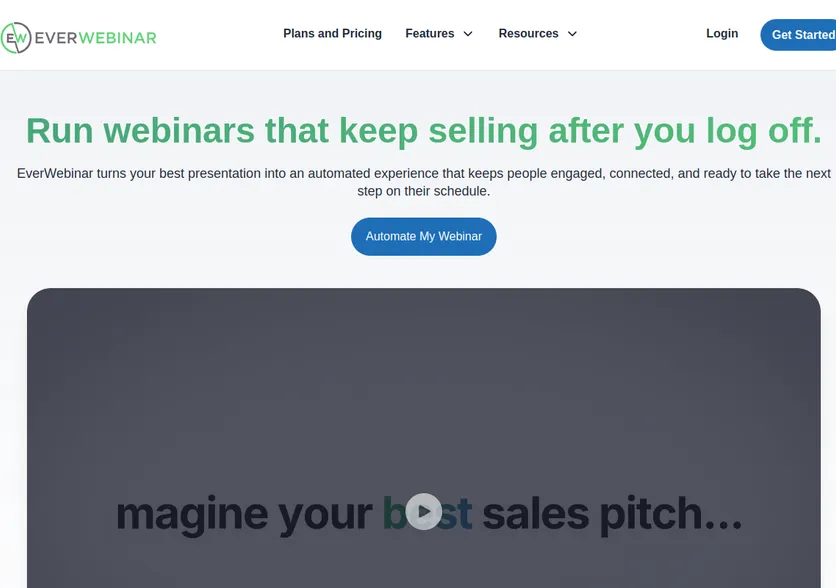
A coach who wants a recorded masterclass to sell while they sleep gets the classic evergreen tool here, since this EverWebinar plan costs ninety-nine dollars a month billed annually. Just-in-time replays make each viewer feel like the session just started. Live-chat simulation keeps replays interactive without the coach being present.
What we like
- Just-in-time and scheduled replays that feel live
- Live-chat simulation keeps replays interactive
- One feature set, so no tier guessing
Watch out for
- No live webinars, automated replays only
- The annual plan is paid upfront in full
How to try it
- Start the EverWebinar trial and upload a recording
- Set the replay schedule and chat simulation
- Connect your email tool and publish the funnel
6. Webex Webinars
Best for: Enterprises that need Cisco-grade security for webinars
Paid tool Starting price: $225/month · $225 a month list for the 1,000-attendee licence ($2,700 a year), currently shown at a 75% discount to $675 a year ($56.25 a month); larger capacities are quote-only; Webex Meet is $12 a user a month and Suite is $22.50, but webinars are a separate product.
Free plan: No free plan; demo available
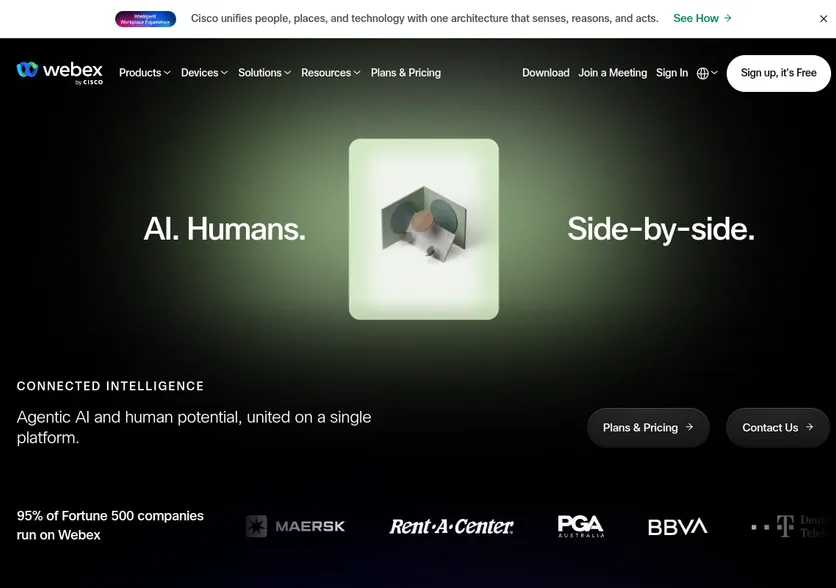
A coach working with corporate clients that demand strong security gets enterprise cover here, since this Webex Webinars licence costs two hundred and twenty-five dollars a month at list for one thousand attendees. Breakout rooms suit small-group coaching inside a larger event. The current promo price sits far below the list price, so verify it before buying.
What we like
- Strong enterprise security and compliance
- Supports up to one hundred thousand attendees
- Breakout sessions and simultaneous interpretation
Watch out for
- The list price is far above the current promo price
- Webinars are a separate product from Webex Meet
How to try it
- Request a Webex Webinars licence from Cisco
- Set up your webinar and add co-hosts
- Run a practice session and check the recording settings
7. ClickMeeting
Best for: Small teams that want live and automated webinars in one place
Paid tool Starting price: $37/month · $37 a month billed annually for Live with 50 attendees ($48 billed monthly); Automated is $48 a month billed annually; G2 lists a $32 flat rate, which conflicts with the vendor page, so confirm at checkout.
Free plan: No free plan; 14-day free trial
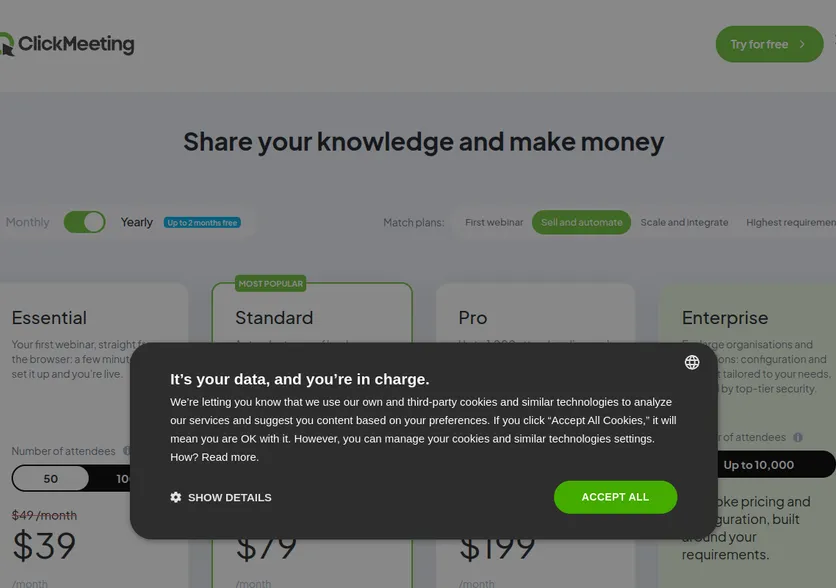
A coach who wants live and automated sessions without a big bill gets a fair price here, since this ClickMeeting Live plan costs thirty-seven dollars a month billed annually for fifty attendees. Paid webinars with ticket sales are built in, so a workshop can charge at the door. The fourteen-day free trial covers a full test cycle.
What we like
- Live and automated webinars on one account
- Paid webinars with ticket sales built in
- Simple pricing by room size
Watch out for
- The fifty-attendee Live plan is small for big launches
- A conflicting thirty-two-dollar flat rate appears on G2
How to try it
- Start a ClickMeeting trial and create a room
- Set up registration and your branding
- Invite attendees and test the screen share
8. Zoho Webinar
Best for: Zoho users that want the cheapest serious webinar tool
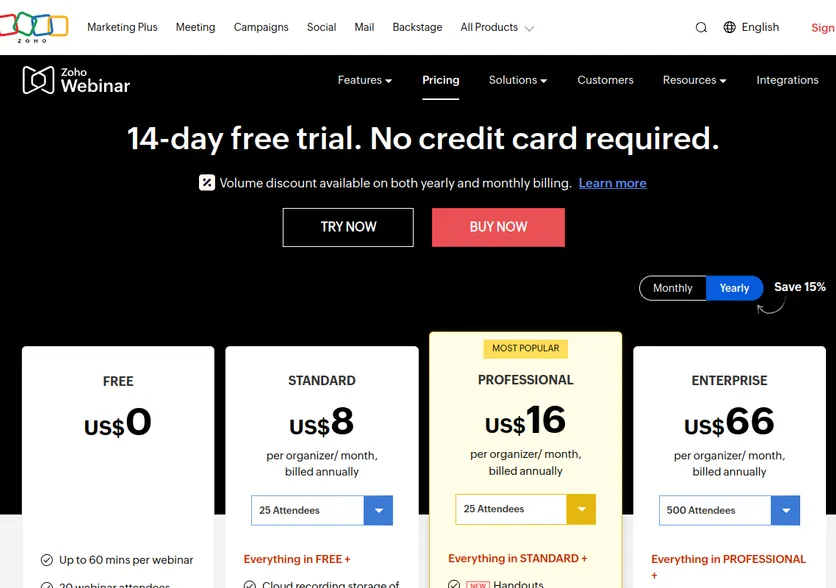
Paid tool Starting price: $8/host/month · $8 a host a month billed annually for Standard ($9 billed monthly), 25 attendees; Pro is $16 (100 attendees) and Plus is $40 (250); Enterprise starts at $66; the free plan covers 20 attendees in 60-minute sessions.
Free plan: Free plan (20 attendees, 60-minute sessions)
A coach on a tight budget gets the cheapest serious tool in this roundup here, since this Zoho Webinar Standard plan costs eight dollars a host a month billed annually. The free plan covers twenty attendees in hour-long sessions, which suits small group coaching. Tight Zoho CRM integration keeps leads in one place.
What we like
- Lowest headline price in this roundup
- Free plan for small teaching sessions
- Tight fit with Zoho CRM and Campaigns
Watch out for
- Room size grows the price quickly
- Fewer integrations outside the Zoho suite
How to try it
- Open Zoho Webinar from your Zoho account
- Create a webinar and set the registration form
- Send invites and open the live room
Prices above were checked on each vendor’s own website on Nov 29, 2026 and can change — the vendor’s page is the final word. Vendor links are editorial: nobody paid to be listed or ranked here. Vendors who want a featured listing can see how it works on our Get listed page.
How to pick webinar software for coaching
Start with the selling tools, because a coaching webinar exists to enroll students. Offers, urgency timers and a clear call to action matter more than a long feature list. Check the session length next: a one-hour cap can cut a masterclass short, so match the plan to your actual teaching time.
Then consider evergreen replays. A recorded class that runs on its own can sell while you coach clients, which is the closest thing to passive income a coach gets. Finally, test the join flow on a phone, because many students watch from one.
Before you buy
- Check the selling tools first, because a coaching webinar exists to enroll students
- Match the session length to your teaching time, since some plans cap at one hour
- Look for evergreen replays so a recorded class can sell while you coach
- Test the join flow on a phone, because many students watch from one
- Try the trial with a real audience before you pay for a year
Official websites
Official websites of the products reviewed above. Features and prices were checked against these sites when this guide was written, and they can change, so confirm on the vendor site before you buy.
Frequently asked questions
What is the best webinar software for coaches?
WebinarJam is the best pick for most coaches, because its selling tools turn a live session into enrolments and the Starter plan costs thirty-nine dollars a month billed annually. Zoho Webinar is the cheapest serious option at eight dollars a host a month, with a free plan for small sessions. EverWebinar suits coaches who want a recorded masterclass to sell on its own, at ninety-nine dollars a month billed annually.
How much does webinar software cost for a coach?
A coach can start free with Zoho Webinar, which covers twenty attendees in hour-long sessions, or with Livestorm, which offers a free plan for thirty attendees. Paid plans in this roundup start at eight dollars a host a month for Zoho Webinar and thirty-seven dollars a month for ClickMeeting. WebinarJam costs thirty-nine dollars a month billed annually, and EverWebinar costs ninety-nine dollars a month billed annually.
Can I sell a course from a live webinar?
Yes, and WebinarJam is built for exactly that, with offers, urgency timers and a checkout flow inside the live room. ClickMeeting also supports paid webinars with ticket sales, so a workshop can charge at registration. EverWebinar handles the evergreen side, replaying a recorded masterclass on a schedule so it keeps selling while you coach clients.
What is the difference between WebinarJam and EverWebinar?
WebinarJam runs live webinars with selling tools, while EverWebinar replays a recorded session on a schedule so it feels live. EverWebinar costs ninety-nine dollars a month billed annually, and it comes free with WebinarJam Basic and above. Most coaches start with WebinarJam for live sessions and add EverWebinar once they have a recording worth replaying.
How many attendees can a coaching webinar hold?
Room sizes in this roundup range from twenty attendees on the Zoho Webinar free plan to five hundred on Zoom Webinars. WebinarJam Starter holds one hundred attendees, ClickMeeting Live holds fifty, and GoTo Webinar Reach holds five hundred. Pick a plan with headroom above your largest expected audience, because a room that fills up mid-session turns away the people you most want to reach.
Start a trial, teach a live session and see which tool enrolls best.
Browse Business Tools tools