On this page
A restaurant webinar is usually a staff briefing, a supplier session or a cooking class, and the room must be cheap, simple and easy to join. Zoho Webinar leads this list because it costs eight dollars per host a month billed annually for twenty-five attendees, with a free plan for twenty people. StreamYard is the best choice for cooking demos streamed to social media, and Crowdcast is the friendliest room for ticketed tastings. The other tools cover paid classes, polished pages and dependable rooms, so the right choice depends on whether the session is internal, public or paid.
How we researched this
We checked every price on the vendor pricing page on November 29, 2026, and only included tools with a published US dollar list price. ON24, BigMarker and Accelevents publish no usable price, so they are not in this list, and WebinarGeek bills in euros rather than dollars. Prices change, so confirm the current figure on the vendor site before you buy.
Compare the tools
| Name | Best for | Starting price | Free plan | |
|---|---|---|---|---|
 Zoho Webinar | Small teams that want the cheapest paid room | $8/host/month | Free plan (20 attendees, 60 minutes) | Visit |
 Crowdcast | Community events and ticketed live sessions | $34.30/month | Free plan | Visit |
 StreamYard | Streaming webinars to social channels | $44.99/month | Free plan | Visit |
 ClickMeeting | Paid training and small live classes | $37/month | No free plan; 14-day free trial | Visit |
 EasyWebinar | Teams that want live and automated webinars in one place | $44/month | No free plan; 7-day free trial | Visit |
 Demio | Marketers who want pretty rooms and clear analytics | $45/month | No free plan; 14-day free trial | Visit |
 GoTo Webinar | Recurring webinar programmes that must not fail | $59/organizer/month | No free plan; 7-day free trial | Visit |
 Zoom Webinars | Teams already running meetings on Zoom | $83.33/host/month | No free plan; free trial available | Visit |
The webinar software for restaurants, compared
1. Zoho Webinar
Best for: Small teams that want the cheapest paid room
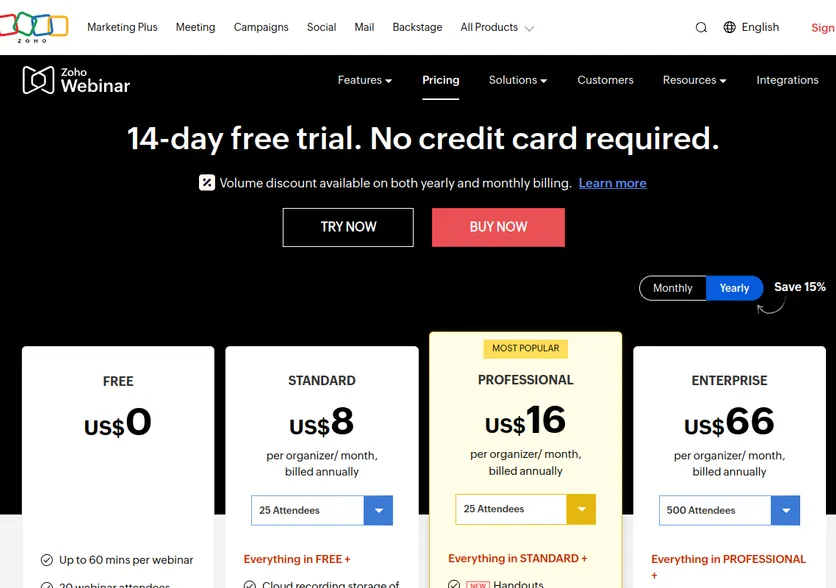
Paid tool Starting price: $8/host/month · Eight dollars per host a month billed annually on Standard for 25 attendees ($9 billed monthly); Pro is $16 and Plus is $40; the price rises with room size
Free plan: Free plan (20 attendees, 60 minutes)
A restaurant group that runs small staff briefings and wants to pay almost nothing for the room gets the cheapest room here, since this Zoho Webinar plan costs eight dollars per host a month billed annually on Standard for twenty-five attendees. It gives a small team a real webinar room for the price of a lunch, with registration, recording and follow-up emails included. It is the budget pick in this list, though the small room means growing teams move up the ladder quickly.
What we like
- The cheapest paid webinar room in this list
- A genuine free plan for 20 attendees
- Registration, recording, polls and follow-up emails included
Watch out for
- The entry room holds only 25 attendees
- Larger rooms cost much more per host than the headline suggests
How to try it
- Create the webinar and customise the registration page
- Run the session with polls and Q and A
- Send the recording and the automated follow-up emails
2. Crowdcast
Best for: Community events and ticketed live sessions
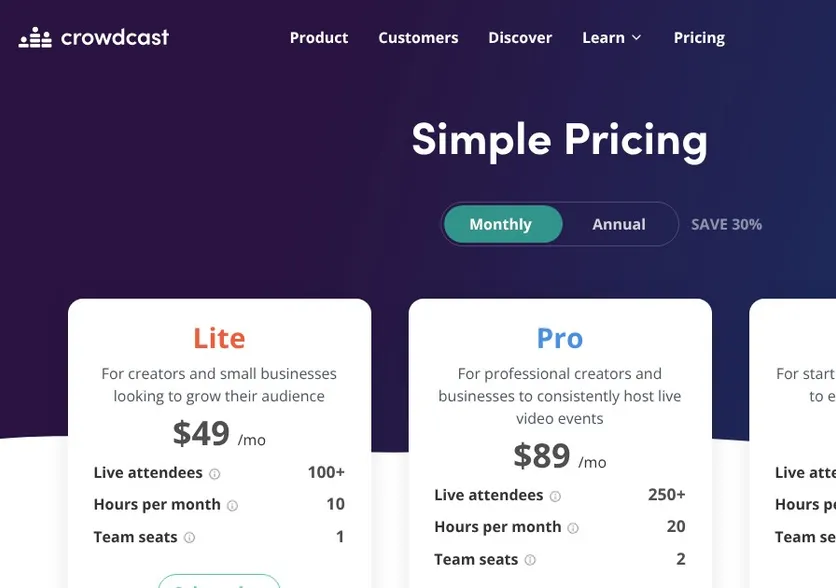
Paid tool Starting price: $34.30/month · Thirty-four dollars and thirty cents a month billed annually on Lite ($49 billed monthly); Pro is $62.30 a month billed annually and Business is $136.50; paid events carry a 5 percent transaction fee on Lite
Free plan: Free plan
A restaurant group that runs ticketed tastings and fan events and wants the payment handled inside the room gets the friendliest community room here, since this Crowdcast plan costs thirty-four dollars and thirty cents a month billed annually on Lite for one hundred live attendees. It is built for creators who run live events with their community, with chat, polls, ticket sales and multi-streaming in one place. It fits a team that treats webinars as community gatherings rather than broadcasts, though the monthly hour cap needs watching.
What we like
- Built-in ticketing with Stripe payments
- Chat, polls, Q and A and multi-streaming included
- Sessions up to 4 hours with replays and clips
Watch out for
- Lite caps at 10 live hours a month
- A 5 percent fee applies to paid events on Lite
How to try it
- Create the event page and set tickets if the session is paid
- Go live and run polls and Q and A with the audience
- Share the replay and the clips with everyone who registered
3. StreamYard
Best for: Streaming webinars to social channels
Paid tool Starting price: $44.99/month · Forty-four dollars and ninety-nine cents a month on Core; Advanced is $88.99 a month; older Basic listings at $25 or $39 a month appear stale after the 2026 plan rename to Core and Advanced
Free plan: Free plan
A restaurant group that wants cooking demos streamed live to its social followers gets the easiest stream here, since this StreamYard plan costs forty-four dollars and ninety-nine cents a month on Core. It turns a browser tab into a small TV studio, streaming to several social channels at once with guests and overlays. It suits a team that wants its webinar seen on social media, though it is a streaming studio, not a full webinar platform.
What we like
- Streams to YouTube, Facebook and LinkedIn at once
- Browser studio with guests, overlays and branding
- Local recordings and transcripts included
Watch out for
- No registration pages or attendee management of its own
- Webinar features such as polls are thinner than dedicated tools
How to try it
- Open the studio and invite guests from the browser
- Set the destinations and overlays, then go live
- Download the recording and share the clips
4. ClickMeeting
Best for: Paid training and small live classes
Paid tool Starting price: $37/month · Thirty-seven dollars a month billed annually on Live for 50 attendees ($48 billed monthly); Automated is $48 a month billed annually; the price rises with room size, so confirm the figure for larger rooms
Free plan: No free plan; 14-day free trial
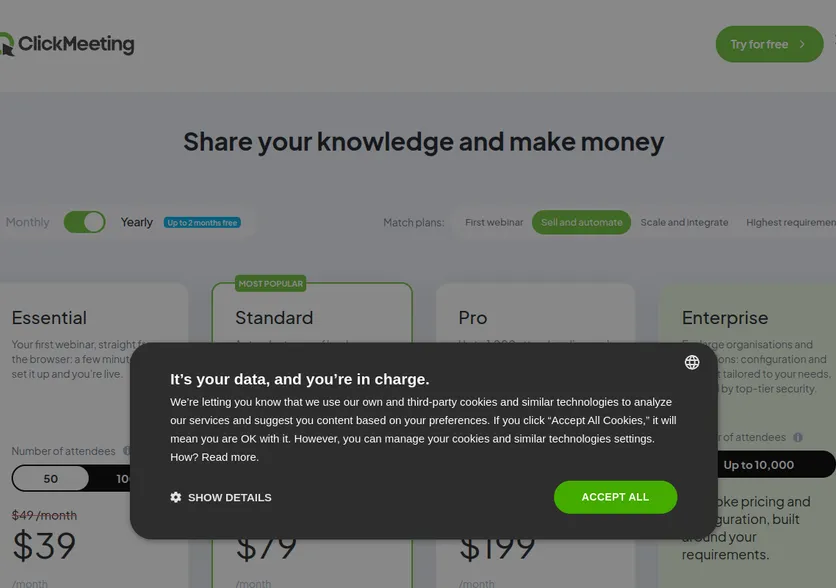
A restaurant group that runs paid cooking classes and supplier training and wants tickets built in gets the most practical room here, since this ClickMeeting plan costs thirty-seven dollars a month billed annually on Live for fifty attendees. It covers live and automated webinars, meetings and paid events from one account, with registration, polls and screen sharing included. It fits a team that charges for training and wants the payment handled in the same tool, though big rooms get expensive.
What we like
- Paid webinars with ticketing built in
- Automated webinars and on-demand replays on the higher plan
- Whiteboard, screen sharing and breakout rooms included
Watch out for
- The entry room holds only 50 attendees
- The price climbs steeply as the room grows
How to try it
- Create the event and set the price if it is a paid session
- Invite attendees and share the handouts before the start
- Run the live session and send the recording afterwards
5. EasyWebinar
Best for: Teams that want live and automated webinars in one place
Paid tool Starting price: $44/month · Forty-four dollars a month on Launch for 50 live attendees; Growth is $116 a month, Pro is $198 and Scale is $349; annual billing lowers each tier; older Standard plan figures no longer apply
Free plan: No free plan; 7-day free trial
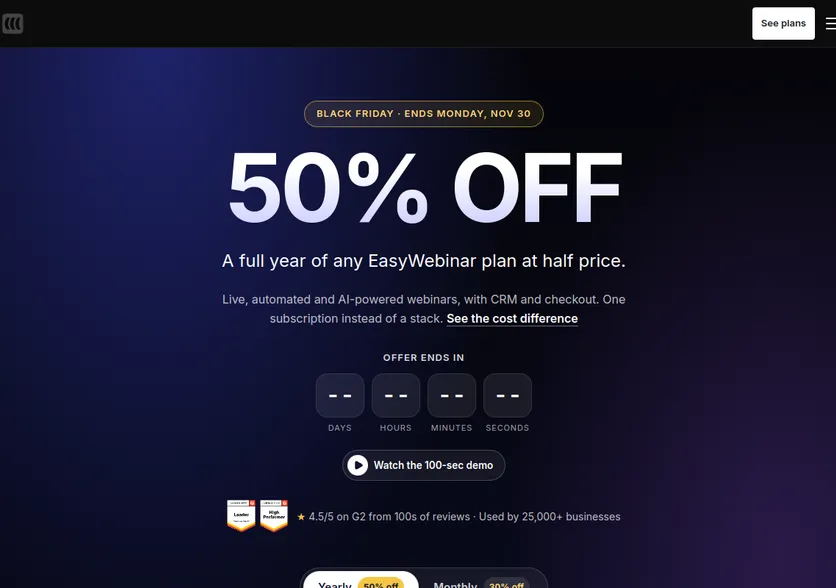
A restaurant group that wants one recorded menu launch to keep playing for new franchisees on schedule gets the fullest funnel here, since this EasyWebinar plan costs forty-four dollars a month on Launch for fifty live attendees. It runs live, simulive and evergreen sessions from one setup, then writes attendee actions into a built-in CRM on the higher plans. It suits a team that wants one subscription to carry a webinar from live launch to automated replay, though the cheap plan is deliberately limited.
What we like
- Live, simulated live and evergreen webinars in one account
- Built-in CRM and in-room checkout on higher plans
- AI builder drafts scripts, pages and emails
Watch out for
- Automation, checkout and the CRM start above Launch
- Launch caps at 5 webinars and 50 attendees
How to try it
- Build the webinar with the AI builder and set the registration page
- Run the live session and collect questions and offers
- Turn the recording into an evergreen funnel on a higher plan
6. Demio
Best for: Marketers who want pretty rooms and clear analytics
Paid tool Starting price: $45/month · Forty-five dollars a month billed annually on Starter for one host and 50 attendees ($63 billed monthly); Growth is $80 a month billed annually; Premium is $196 a month billed annually
Free plan: No free plan; 14-day free trial
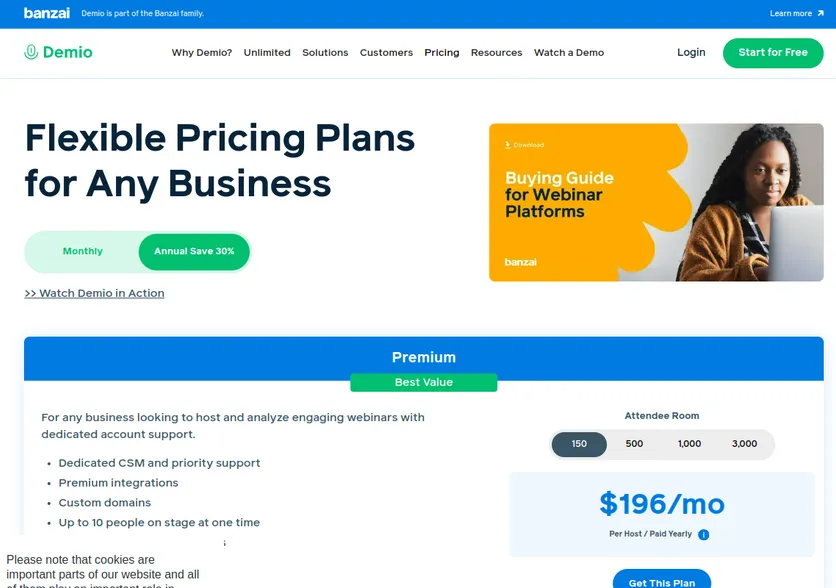
A restaurant group that wants attractive pages for franchise webinars and menu launch sessions gets the prettiest room here, since this Demio plan costs forty-five dollars a month billed annually for one host and fifty attendees. Everything runs in the browser, so attendees join with one click and the host gets polls, chat, handouts and a clear engagement report. It fits a team whose webinars exist to sell something and who want to see exactly who paid attention, though the small room fills fast.
What we like
- Runs entirely in the browser with nothing to install
- Clean registration pages with featured actions and handouts
- Engagement analytics show who watched and who dropped off
Watch out for
- Starter caps at 50 attendees and 3-hour sessions
- Automated webinars and custom branding need Growth or higher
How to try it
- Build the registration page and set the reminder emails
- Go live from the browser and run polls and featured actions
- Review the engagement report and follow up with attendees
7. GoTo Webinar
Best for: Recurring webinar programmes that must not fail
Paid tool Starting price: $59/organizer/month · Fifty-nine dollars per organizer a month billed annually on Reach for up to 500 participants ($69 billed monthly); Elevate is $103 a month billed annually for 1,000 participants; Complete is quoted
Free plan: No free plan; 7-day free trial
A restaurant group that runs regular supplier and franchise briefings and needs a room that never surprises them gets the most dependable room here, since this GoTo Webinar plan costs fifty-nine dollars per organizer a month billed annually for up to five hundred participants. It has run business webinars for years, and the workflow of scheduling, reminders, polls and reporting feels settled rather than experimental. It suits a team that runs the same session every week and values reliability over flash, though the entry plan keeps branding basic.
What we like
- Twenty years of dependable live delivery at scale
- Automated emails, polls, handouts and detailed reports
- One organizer seat covers a 500-person room on Reach
Watch out for
- Custom branding and cloud recording need the higher tiers
- No automated webinars on the entry Reach plan
How to try it
- Schedule the webinar and build the registration page
- Send the automated reminders and rehearse the presenters
- Go live, run polls, then share the recording and reports
8. Zoom Webinars
Best for: Teams already running meetings on Zoom
Paid tool Starting price: $83.33/host/month · Eighty-three dollars and thirty-three cents per host a month billed annually for webinars up to 500 attendees ($999.96 a year); the 300-attendee tier is $66.67 a month billed annually ($89 monthly); Webinars Plus is $290.83 a month billed annually; a paid Zoom Workplace plan is also required
Free plan: No free plan; free trial available
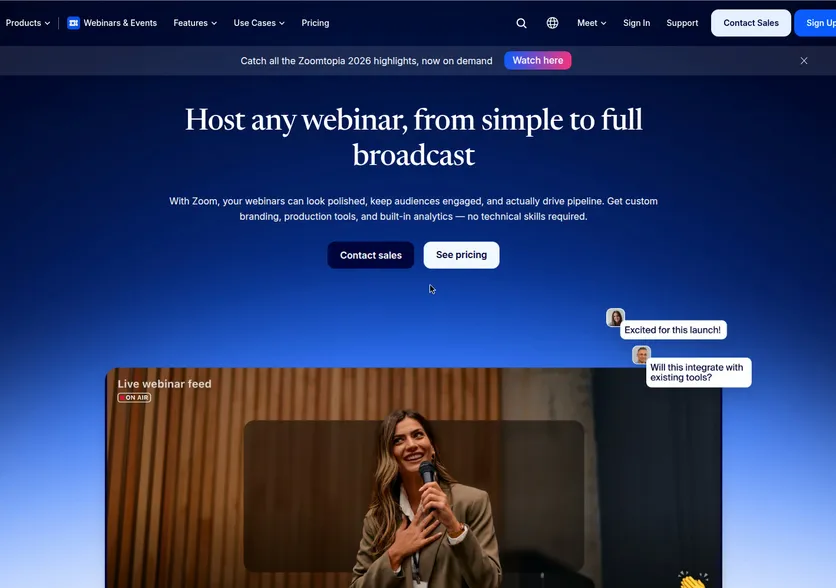
A restaurant group that already meets on Zoom and wants one familiar room for supplier briefings and staff sessions gets the simplest setup here, since this Zoom Webinars plan costs eighty-three dollars and thirty-three cents a host a month billed annually for a room of five hundred. Registration pages, reminder emails, polls and Q and A come with the plan, and the audience joins from the Zoom app most of them already have installed. It is the safe default when the audience is large and the session cannot afford a glitch, though the two-licence cost adds up.
What we like
- Registration pages, reminders and follow-up emails built in
- Up to 100,000 attendees on the largest rooms
- Polls, Q and A, breakout rooms and cloud recording included
Watch out for
- Needs a paid Zoom Workplace plan beside the webinar licence
- The cheapest room still costs more than most rivals once both licences are counted
How to try it
- Create the webinar and set the registration page and reminders
- Rehearse with panellists in the practice session before going live
- Run the session, then send the recording and the attendance report
Prices above were checked on each vendor’s own website on Nov 29, 2026 and can change — the vendor’s page is the final word. Vendor links are editorial: nobody paid to be listed or ranked here. Vendors who want a featured listing can see how it works on our Get listed page.
How to run a restaurant webinar that people actually join
A restaurant team should keep the room simple, because staff and suppliers join from phones in kitchens and cars. The link should go out in the same chat the team already uses, with a reminder an hour before the start. Cooking demos should be streamed to social media at the same time, since that is where the audience already is. Paid classes should take payment inside the tool, so no one chases invoices afterwards. Record every session, because a new hire will need the same briefing next month. Send the link again the morning of the session, because busy staff forget.
Before you buy
- Confirm the room works well on a phone, since staff join from kitchens
- Check whether the free plan covers the team size you actually have
- Test the recording quality before the first paid cooking class
- Confirm ticket sales and payments are handled inside the tool
- Check the price covers all locations, not just the first restaurant
Official websites
Official websites of the products reviewed above. Features and prices were checked against these sites when this guide was written, and they can change, so confirm on the vendor site before you buy.
Frequently asked questions
What is the best webinar software for restaurants?
Zoho Webinar is the best overall pick for restaurants, because it costs eight dollars per host a month billed annually and includes a free plan for twenty attendees. StreamYard is the best choice for cooking demos streamed to social media. Crowdcast is the friendliest option for ticketed tastings and fan events, with payment built in.
Which webinar tool is cheapest for a restaurant?
Zoho Webinar is the cheapest paid room in this list at eight dollars per host a month billed annually, and its free plan covers twenty attendees for sixty minutes. Crowdcast is close behind at thirty-four dollars and thirty cents a month, with a free plan for small events. Either way, confirm the room size first, because the price rises with the number of seats.
Can a restaurant stream a cooking class live?
Yes. StreamYard streams to YouTube, Facebook and LinkedIn at the same time from a browser tab, with guests and overlays included. Crowdcast also streams live with chat and ticketing built in. Keep the setup simple, because a kitchen camera and a phone are usually all a cooking class needs.
Can a restaurant charge for a webinar?
Yes. ClickMeeting and Crowdcast both handle paid tickets inside the tool, and StreamYard can take payments through a linked form. Set the price and the refund policy before the first registration, because a paid class that cannot take money cleanly creates more work than it earns. Confirm the transaction fee, since Crowdcast adds five percent on its Lite plan.
Is there a free webinar tool for restaurants?
Zoho Webinar offers a free plan for twenty attendees and sixty-minute sessions, which covers a small staff briefing. StreamYard and Crowdcast also offer free plans for small sessions. A free plan is enough for internal briefings, but a paid plan is worth the small cost for public classes, because it adds branding, larger rooms and proper recording.
Compare the webinar tools above, then start with the free plan that fits your restaurant's team.
Browse Business Tools tools