On this page
A training team needs the same session every week, with registration, attendance reports and a recording that new hires can watch later. GoTo Webinar leads this list because it runs that dependable weekly room for fifty-nine dollars per organizer a month billed annually, with reminders and reports included. Microsoft Teams is the cheapest route for companies already on Microsoft 365, and ClickMeeting is the best choice for paid courses. The other tools cover large rooms, cheap seats and automated onboarding, so the right choice depends on whether the training is live, paid or recorded.
How we researched this
We checked every price on the vendor pricing page on November 29, 2026, and only included tools with a published US dollar list price. ON24, BigMarker and Accelevents publish no usable price, so they are not in this list, and WebinarGeek bills in euros rather than dollars. Prices change, so confirm the current figure on the vendor site before you buy.
Compare the tools
| Name | Best for | Starting price | Free plan | |
|---|---|---|---|---|
 GoTo Webinar | Recurring webinar programmes that must not fail | $59/organizer/month | No free plan; 7-day free trial | Visit |
 Microsoft Teams Webinars | Companies already standardized on Microsoft 365 | $14/user/month | No free plan; free trial available | Visit |
 ClickMeeting | Paid training and small live classes | $37/month | No free plan; 14-day free trial | Visit |
 Zoom Webinars | Teams already running meetings on Zoom | $83.33/host/month | No free plan; free trial available | Visit |
 Demio | Marketers who want pretty rooms and clear analytics | $45/month | No free plan; 14-day free trial | Visit |
 Zoho Webinar | Small teams that want the cheapest paid room | $8/host/month | Free plan (20 attendees, 60 minutes) | Visit |
 Webex Webinars | Large live audiences on a single licence | $675/year | No free plan; Webex Free covers meetings only | Visit |
 eWebinar | Automated demos that run on a schedule | $84.17/month | No free plan; 14-day free trial | Visit |
The webinar software for training teams, compared
1. GoTo Webinar
Best for: Recurring webinar programmes that must not fail
Paid tool Starting price: $59/organizer/month · Fifty-nine dollars per organizer a month billed annually on Reach for up to 500 participants ($69 billed monthly); Elevate is $103 a month billed annually for 1,000 participants; Complete is quoted
Free plan: No free plan; 7-day free trial
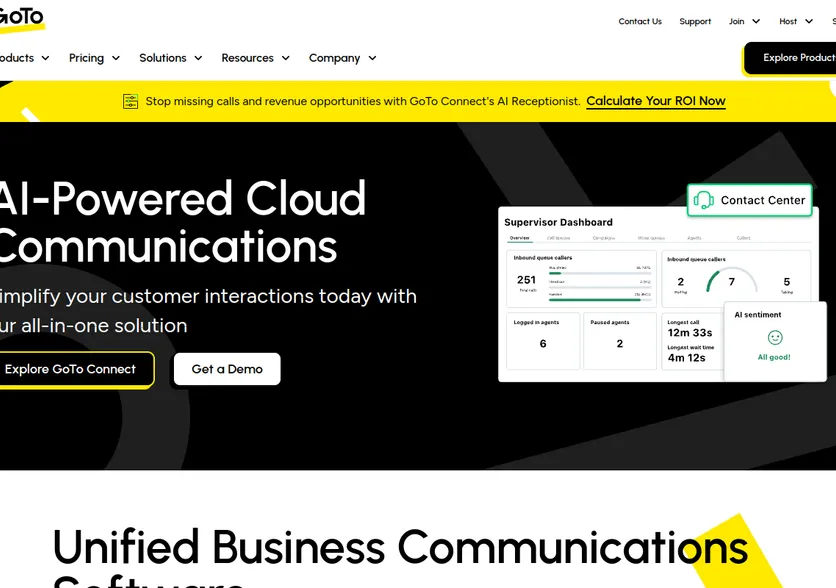
A training team that runs the same course every week and needs scheduling, reminders and certificates to run themselves gets the most dependable room here, since this GoTo Webinar plan costs fifty-nine dollars per organizer a month billed annually for up to five hundred participants. It has run business webinars for years, and the workflow of scheduling, reminders, polls and reporting feels settled rather than experimental. It suits a team that runs the same session every week and values reliability over flash, though the entry plan keeps branding basic.
What we like
- Twenty years of dependable live delivery at scale
- Automated emails, polls, handouts and detailed reports
- One organizer seat covers a 500-person room on Reach
Watch out for
- Custom branding and cloud recording need the higher tiers
- No automated webinars on the entry Reach plan
How to try it
- Schedule the webinar and build the registration page
- Send the automated reminders and rehearse the presenters
- Go live, run polls, then share the recording and reports
2. Microsoft Teams Webinars
Best for: Companies already standardized on Microsoft 365
Paid tool Starting price: $14/user/month · Fourteen dollars per user a month billed annually on Microsoft 365 Business Standard ($16.80 billed monthly), which includes webinar hosting for up to 1,000 attendees; Business Basic at $7 does not include webinars; Teams Premium is $10 a user a month extra
Free plan: No free plan; free trial available
A training team that already teaches in Teams and wants webinars inside the same licence gets the cheapest route here, since this Microsoft Teams Webinars plan costs fourteen dollars per user a month billed annually on Microsoft 365 Business Standard. It brings registration, co-organizer roles and reporting into the Teams account a company already pays for, with no second subscription. It is the cheapest choice for a Microsoft shop, though the webinar features are plainer than the dedicated tools.

What we like
- Webinars included in the Business Standard licence
- Registration, co-organizer roles and attendance reports
- Town halls up to 10,000 viewers on higher plans
Watch out for
- Webinars are not in Business Basic, only Standard and above
- Advanced branding needs the Teams Premium add-on
How to try it
- Schedule the webinar from Teams and set registration
- Add co-organizers and rehearse the presenters
- Run the session and download the attendance report
3. ClickMeeting
Best for: Paid training and small live classes
Paid tool Starting price: $37/month · Thirty-seven dollars a month billed annually on Live for 50 attendees ($48 billed monthly); Automated is $48 a month billed annually; the price rises with room size, so confirm the figure for larger rooms
Free plan: No free plan; 14-day free trial
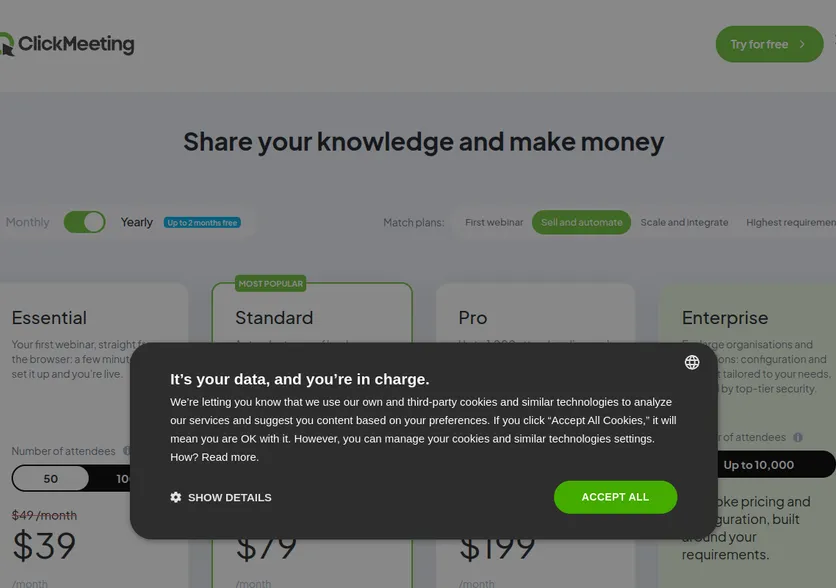
A training team that sells seats on live courses and wants the payment and the classroom in one place gets the most practical room here, since this ClickMeeting plan costs thirty-seven dollars a month billed annually on Live for fifty attendees. It covers live and automated webinars, meetings and paid events from one account, with registration, polls and screen sharing included. It fits a team that charges for training and wants the payment handled in the same tool, though big rooms get expensive.
What we like
- Paid webinars with ticketing built in
- Automated webinars and on-demand replays on the higher plan
- Whiteboard, screen sharing and breakout rooms included
Watch out for
- The entry room holds only 50 attendees
- The price climbs steeply as the room grows
How to try it
- Create the event and set the price if it is a paid session
- Invite attendees and share the handouts before the start
- Run the live session and send the recording afterwards
4. Zoom Webinars
Best for: Teams already running meetings on Zoom
Paid tool Starting price: $83.33/host/month · Eighty-three dollars and thirty-three cents per host a month billed annually for webinars up to 500 attendees ($999.96 a year); the 300-attendee tier is $66.67 a month billed annually ($89 monthly); Webinars Plus is $290.83 a month billed annually; a paid Zoom Workplace plan is also required
Free plan: No free plan; free trial available
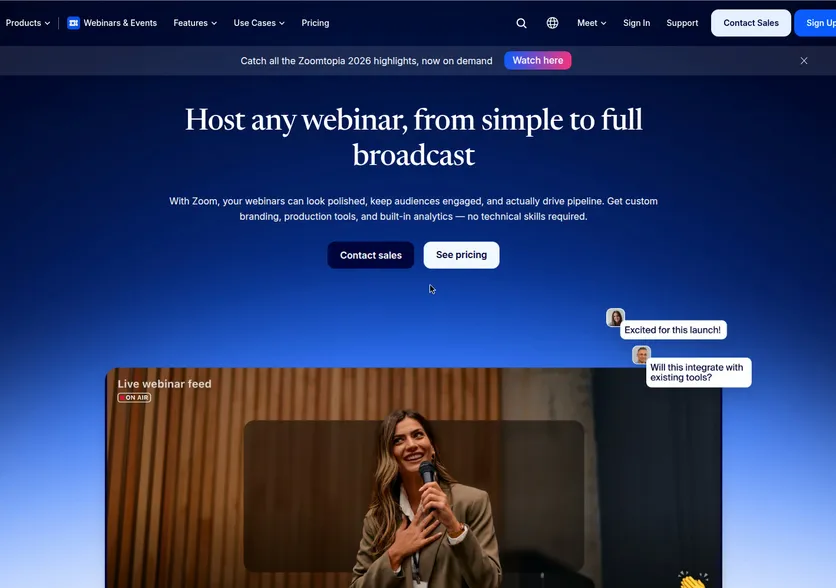
A training team that already runs classes on Zoom and wants registration plus attendance reports in the same account gets the simplest setup here, since this Zoom Webinars plan costs eighty-three dollars and thirty-three cents a host a month billed annually for a room of five hundred. Registration pages, reminder emails, polls and Q and A come with the plan, and the audience joins from the Zoom app most of them already have installed. It is the safe default when the audience is large and the session cannot afford a glitch, though the two-licence cost adds up.
What we like
- Registration pages, reminders and follow-up emails built in
- Up to 100,000 attendees on the largest rooms
- Polls, Q and A, breakout rooms and cloud recording included
Watch out for
- Needs a paid Zoom Workplace plan beside the webinar licence
- The cheapest room still costs more than most rivals once both licences are counted
How to try it
- Create the webinar and set the registration page and reminders
- Rehearse with panellists in the practice session before going live
- Run the session, then send the recording and the attendance report
5. Demio
Best for: Marketers who want pretty rooms and clear analytics
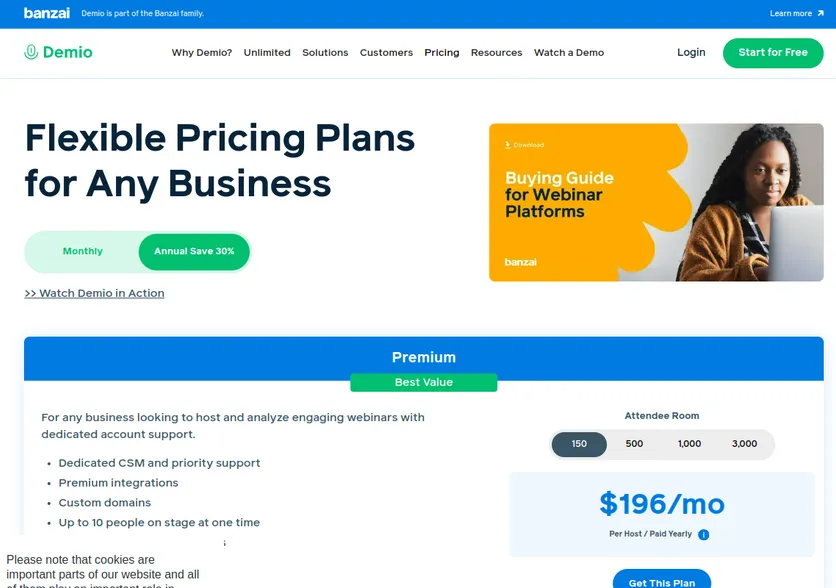
Paid tool Starting price: $45/month · Forty-five dollars a month billed annually on Starter for one host and 50 attendees ($63 billed monthly); Growth is $80 a month billed annually; Premium is $196 a month billed annually
Free plan: No free plan; 14-day free trial
A training team that wants simple browser-based sessions with polls and handouts for every learner gets the prettiest room here, since this Demio plan costs forty-five dollars a month billed annually for one host and fifty attendees. Everything runs in the browser, so attendees join with one click and the host gets polls, chat, handouts and a clear engagement report. It fits a team whose webinars exist to sell something and who want to see exactly who paid attention, though the small room fills fast.
What we like
- Runs entirely in the browser with nothing to install
- Clean registration pages with featured actions and handouts
- Engagement analytics show who watched and who dropped off
Watch out for
- Starter caps at 50 attendees and 3-hour sessions
- Automated webinars and custom branding need Growth or higher
How to try it
- Build the registration page and set the reminder emails
- Go live from the browser and run polls and featured actions
- Review the engagement report and follow up with attendees
6. Zoho Webinar
Best for: Small teams that want the cheapest paid room
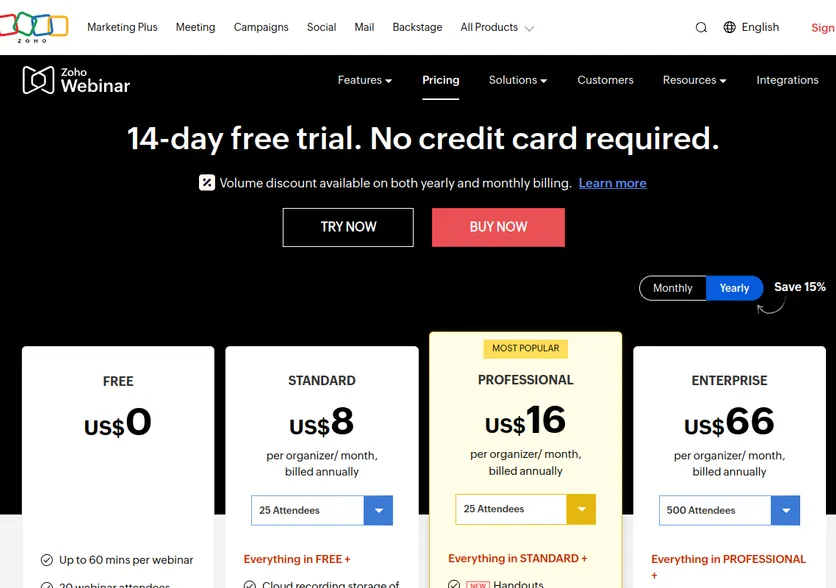
Paid tool Starting price: $8/host/month · Eight dollars per host a month billed annually on Standard for 25 attendees ($9 billed monthly); Pro is $16 and Plus is $40; the price rises with room size
Free plan: Free plan (20 attendees, 60 minutes)
A training team that runs short internal sessions and wants a free plan to start with gets the cheapest room here, since this Zoho Webinar plan costs eight dollars per host a month billed annually on Standard for twenty-five attendees. It gives a small team a real webinar room for the price of a lunch, with registration, recording and follow-up emails included. It is the budget pick in this list, though the small room means growing teams move up the ladder quickly.
What we like
- The cheapest paid webinar room in this list
- A genuine free plan for 20 attendees
- Registration, recording, polls and follow-up emails included
Watch out for
- The entry room holds only 25 attendees
- Larger rooms cost much more per host than the headline suggests
How to try it
- Create the webinar and customise the registration page
- Run the session with polls and Q and A
- Send the recording and the automated follow-up emails
7. Webex Webinars
Best for: Large live audiences on a single licence
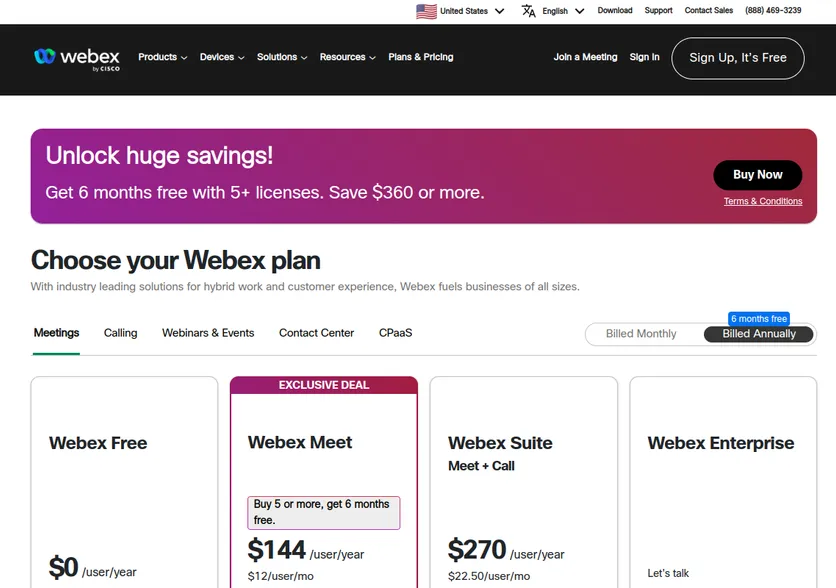
Paid tool Starting price: $675/year · Six hundred and seventy-five dollars per license a year for up to 1,000 attendees, shown as 75 percent off a $2,700 list price, or fifty-six dollars and twenty-five cents a month equivalent; larger rooms run to $47,400 a year for 10,000 attendees; confirm the renewal rate, since the discount may not last
Free plan: No free plan; Webex Free covers meetings only
A training team that runs company-wide sessions for a thousand staff on a single licence gets the biggest room here, since this Webex Webinars plan costs six hundred and seventy-five dollars a year per license for up to one thousand attendees. One licence covers a thousand attendees with unlimited webinars, branded registration, breakout rooms and simulive streaming. It is the cheapest route to a very large room, though the renewal price after the promotion is not published.
What we like
- One licence covers 1,000 attendees
- Unlimited webinars with branded registration and breakout rooms
- Simulive and on-demand streaming included
Watch out for
- The $675 figure is a promotion off a $2,700 list price
- Rooms above 1,000 attendees jump sharply in price
How to try it
- Buy the licence for the room size needed
- Build the branded registration page and practice session
- Go live and send the recording and analytics afterwards
8. eWebinar
Best for: Automated demos that run on a schedule
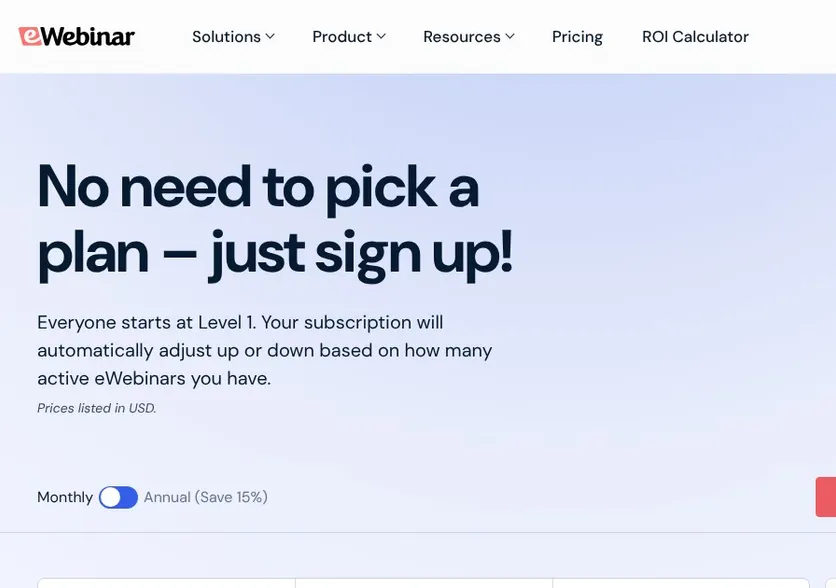
Paid tool Starting price: $84.17/month · Eighty-four dollars and seventeen cents a month billed annually on Level 1 for one active automated webinar ($99 billed monthly); Level 2 is $169.17 and Level 3 is $254.17 a month billed annually
Free plan: No free plan; 14-day free trial
A training team that wants one recorded onboarding session to play for every new hire on their first day gets the best autopilot here, since this eWebinar plan costs eighty-four dollars and seventeen cents a month billed annually on Level 1 for one active automated webinar. It turns a single recording into a webinar that plays on schedule all week, with live chat and polls layered over the replay. It suits a team whose best demo should run while they sleep, though it cannot host a live session at all.
What we like
- Turns one recording into unlimited scheduled sessions
- Chat, polls and offers inside the replay
- Unlimited team members on every plan
Watch out for
- Level 1 allows only one active webinar
- It runs pre-recorded sessions only, with no live room
How to try it
- Record the demo once and upload it
- Set the schedule and the chat, polls and offers
- Let it run on autopilot and check the registration report
Prices above were checked on each vendor’s own website on Nov 29, 2026 and can change — the vendor’s page is the final word. Vendor links are editorial: nobody paid to be listed or ranked here. Vendors who want a featured listing can see how it works on our Get listed page.
How to run training webinars that people finish
A training team should record every session and file the recording with the course materials, because a new hire will need it next month. Attendance reports should be checked after each session, since they are the proof that a course was completed. Quizzes and polls should run during the session, not after it, because live answers show who is actually learning. Paid courses should take payment inside the tool, so no one chases invoices. Test the whole flow once with a colleague as a learner before the first real class. Keep the slides and handouts in one shared folder, so every trainer teaches the same version.
Before you buy
- Confirm the attendance report shows who joined and how long they stayed
- Check whether certificates and handouts are included in the plan
- Test the recording quality and storage limit during the free trial
- Confirm the price covers all trainers, not just the first host
- Check that automated replays are included if onboarding runs on schedule
Official websites
Official websites of the products reviewed above. Features and prices were checked against these sites when this guide was written, and they can change, so confirm on the vendor site before you buy.
Frequently asked questions
What is the best webinar software for training teams?
GoTo Webinar is the best overall pick for training teams, because it runs a dependable weekly room with registration, reminders, polls and reports for fifty-nine dollars per organizer a month billed annually. Microsoft Teams is the cheapest route for companies already on Microsoft 365. ClickMeeting is the best choice for paid courses, with ticketing built in.
Which webinar tool is cheapest for training?
Zoho Webinar is the cheapest paid room in this list at eight dollars per host a month billed annually, with a free plan for twenty attendees. Microsoft Teams is effectively free for companies that already pay for Microsoft 365 Business Standard. Either way, confirm the room size first, because the price rises with the number of seats.
Can webinar software track who attended a training session?
Yes. GoTo Webinar, Zoom Webinars, Microsoft Teams and ClickMeeting all produce attendance reports showing who joined and how long they stayed. Those reports are the proof most companies need for compliance training. Check the report format before the first session, because some tools export only a simple list without the detail a regulator wants.
Can training webinars run automatically for new hires?
Yes. eWebinar turns one recording into unlimited scheduled sessions, so every new hire watches the same onboarding on their first day. EasyWebinar and ClickMeeting also offer automated replays on higher plans. Staff the chat during the session, because a question answered in the moment helps far more than a reply sent the next day.
Is there a free webinar tool for training teams?
Zoho Webinar offers a free plan for twenty attendees and sixty-minute sessions, which covers a small internal class. Microsoft Teams is free for companies that already hold a Microsoft 365 Business Standard licence. A free plan suits short internal sessions, but a paid plan is worth the small cost for a real course, because it adds larger rooms, certificates and proper reporting.
Compare the webinar tools above, then start a free trial with the room that fits your training schedule.
Browse Education & Learning tools