On this page
A classroom whiteboard used to be a wall; now it is a shared canvas where every student can add a note, a drawing or a question at the same time. The eight tools below cover that job for education teams, from a free plan a teacher can start today to a full collaboration suite. Miro leads because its templates and real-time collaboration suit group work for eight dollars per member a month billed annually, and the rest are ranked on how well they keep a class engaged.
How we researched this
We checked every price on the vendor pricing page on November 29, 2026, and only included tools with a published US dollar list price. Conceptboard is left out because its current page prices in euros only, with no verifiable US dollar price, and InVision Freehand is discontinued while Excalidraw and Ziteboard have no paid plan to price. Prices change, so confirm the current figure on the vendor site before you buy.
Compare the tools
| Name | Best for | Starting price | Free plan | |
|---|---|---|---|---|
 Miro | Teams that want the biggest whiteboard canvas | $8/member/month | Free plan (3 editable boards) | Visit |
 Mural | Teams that run structured workshops | $9.99/member/month | Free plan (3 murals) | Visit |
 Lucidspark | Teams already using Lucidchart | $10/user/month | Free plan | Visit |
 FigJam | Design teams that already use Figma | $3/editor/month | Free Starter plan | Visit |
 Whimsical | Teams that want boards, docs and mind maps together | $10/editor/month | Free plan | Visit |
 Stormboard | Teams that want AI help with brainstorming | $8.33/user/month | Free Personal plan | Visit |
 Canva Pro | Teams that already design in Canva | $120/year | Free plan; 30-day Pro trial | Visit |
 ClickUp | Teams that want boards tied to tasks | $9/user/month | Free plan | Visit |
The whiteboard software for education teams, compared
1. Miro
Best for: Teams that want the biggest whiteboard canvas
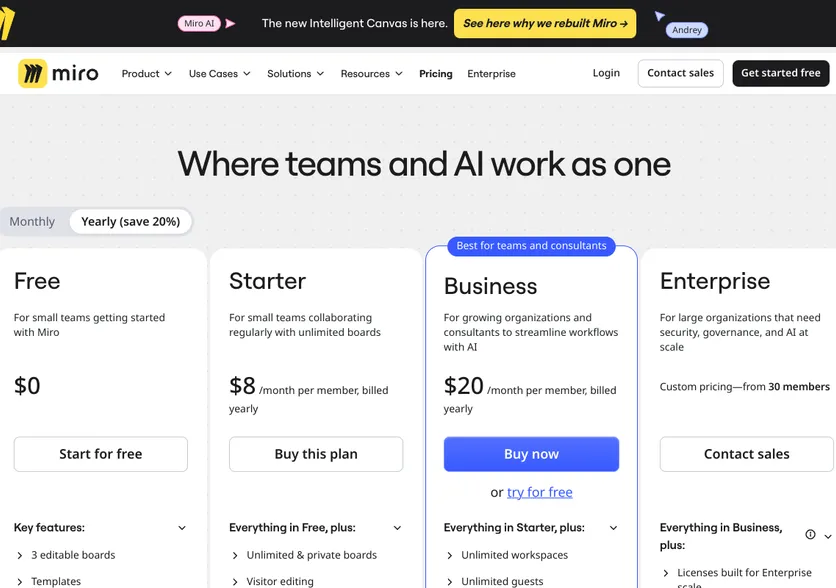
Paid tool Starting price: $8/member/month · $8 per member a month billed annually on Starter ($10 month to month); Business is $20 a month billed annually; free plan covers 3 editable boards
Free plan: Free plan (3 editable boards)
A classroom that plans lessons on a shared board needs space for every student idea, and this Miro plan costs eight dollars per member a month billed annually. Its templates, frames and voting tools turn a messy workshop into a map the whole team can read, and hundreds of integrations pull in the tools the team already uses. The free plan covers three editable boards, so a small team can run real sessions without a budget line.
What we like
- Infinite canvas with templates for almost any workshop
- Real-time collaboration with comments and voting
- Hundreds of integrations with the tools teams already use
Watch out for
- The free plan allows only three editable boards
- Business features need the $20 tier
How to try it
- Create a board from a template
- Invite the team and set the sharing permissions
- Add sticky notes, frames and votes to run the session
2. Mural
Best for: Teams that run structured workshops
Paid tool Starting price: $9.99/member/month · $9.99 per member a month billed annually on Team+ ($12 month to month); Business is $17.99 a month billed annually with no monthly option; free plan covers 3 murals
Free plan: Free plan (3 murals)
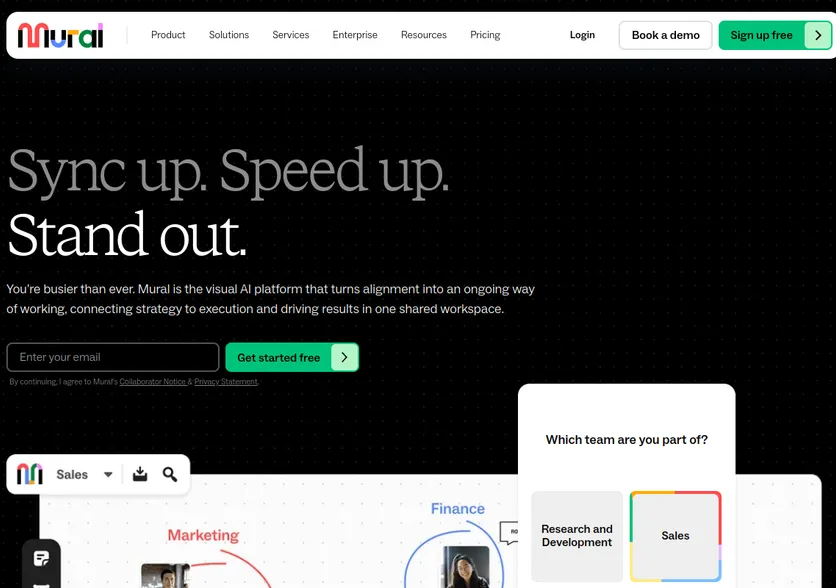
A teacher running a guided class activity needs a board that keeps students on track, and this Mural plan costs nine dollars and ninety-nine cents per member a month billed annually. Its design-thinking templates and private mode turn a workshop into decisions, and the built-in timer and voting keep big groups moving. The free plan covers three murals, so a team can run a real session before committing.
What we like
- Facilitation features built for guided workshops
- Templates for design thinking and agile ceremonies
- Anonymous voting and private mode for honest input
Watch out for
- Business has no monthly billing option
- Fewer integrations than the biggest rival
How to try it
- Start a mural from a workshop template
- Invite participants and set the facilitation mode
- Run the activities and export the outcomes
3. Lucidspark
Best for: Teams already using Lucidchart
Paid tool Starting price: $10/user/month · $10 per user a month billed annually on Team; Individual is $9 a month billed annually; free plan included
Free plan: Free plan
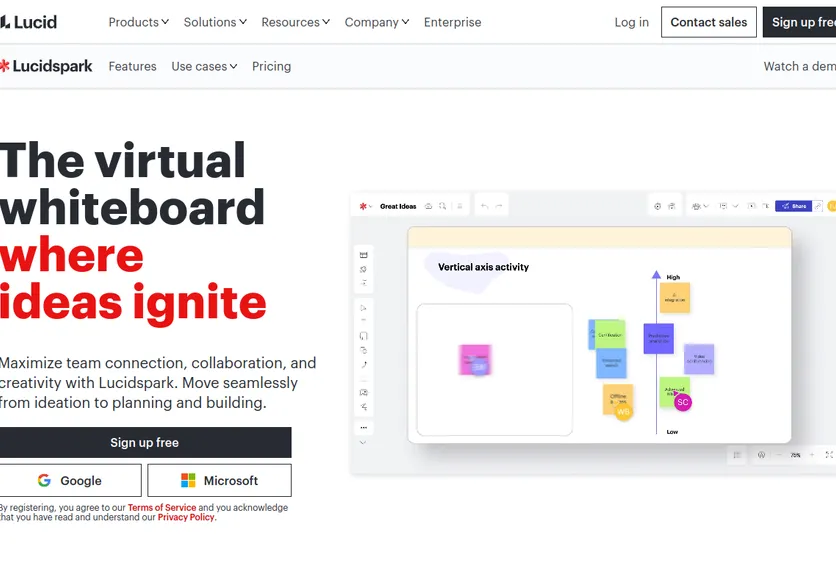
A teaching team that brainstorms lessons together needs breakout boards for small groups, and this Lucidspark plan costs ten dollars per user a month billed annually. Its timer, chat and voting keep live sessions moving, and sticky notes group into themes that turn a brainstorm into a plan. The free plan is enough for a small team to test the format.
What we like
- Breakout boards and grouping for big sessions
- Works beside Lucidchart diagrams in one account
- Voting, timer and chat keep sessions moving
Watch out for
- Priced per user, so big workshops add up
- Fewer templates than the market leader
How to try it
- Open a new board and pick a template
- Add sticky notes and group them into themes
- Share the board link and run the session live
4. FigJam
Best for: Design teams that already use Figma
Paid tool Starting price: $3/editor/month · $3 a month per editor billed annually on the Professional Collab seat ($5 month to month); a full Figma seat is $16 a month billed annually ($20 month to month); a dev seat is $12 a month billed annually; free Starter plan
Free plan: Free Starter plan
A teacher who already uses Figma for class materials gets the cheapest board here, because this FigJam plan costs three dollars per editor a month billed annually. Its simple tools and Figma integration keep the board close to the work, and the three-dollar editor seat is the cheapest paid seat in this list. The free Starter plan is enough for occasional sessions.
What we like
- Cheapest editor seat in this list at $3 a month
- Stickers, stamps and widgets make sessions playful
- Lives inside Figma beside the design files
Watch out for
- A full Figma seat costs $16 a month billed annually
- Best for Figma users, weaker as a standalone board
How to try it
- Open FigJam from Figma and start a board
- Add sticky notes, shapes and connectors
- Invite the team and run the session in real time
5. Whimsical
Best for: Teams that want boards, docs and mind maps together
Paid tool Starting price: $10/editor/month · $10 per editor a month billed annually on Pro ($12 month to month); Business is $20 a month billed annually ($24 month to month); one reseller lists $16 for Pro, which is wrong against the vendor page
Free plan: Free plan
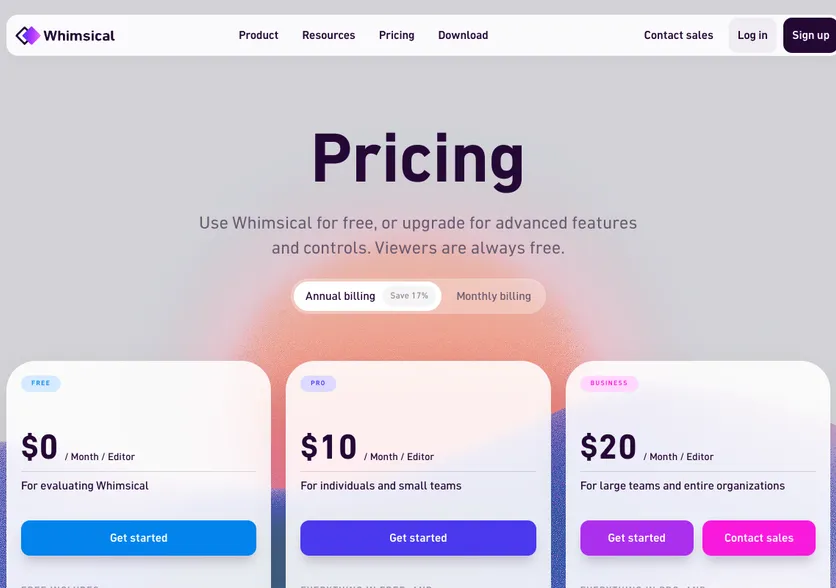
A teacher who wants boards, mind maps and docs in one place will like the simplicity here, because this Whimsical plan costs ten dollars per editor a month billed annually. Its clean canvas and gentle learning curve get a team mapping in minutes, and the same app holds the docs that explain the map. The free plan is enough for a small team to start.
What we like
- Whiteboards, flowcharts, mind maps and docs in one app
- Clean interface with almost no learning curve
- Free plan covers the basics for small teams
Watch out for
- One reseller lists a wrong $16 Pro price
- Fewer enterprise controls than the big rivals
How to try it
- Create a board and add sticky notes
- Connect the notes into a flow or mind map
- Share the link and collaborate in real time
6. Stormboard
Best for: Teams that want AI help with brainstorming
Paid tool Starting price: $8.33/user/month · $8.33 per user a month billed annually on Business ($100 a year; $10 month to month); Personal plan is free with 5 open Storms; StormAI on Business is a 30-day trial only
Free plan: Free Personal plan
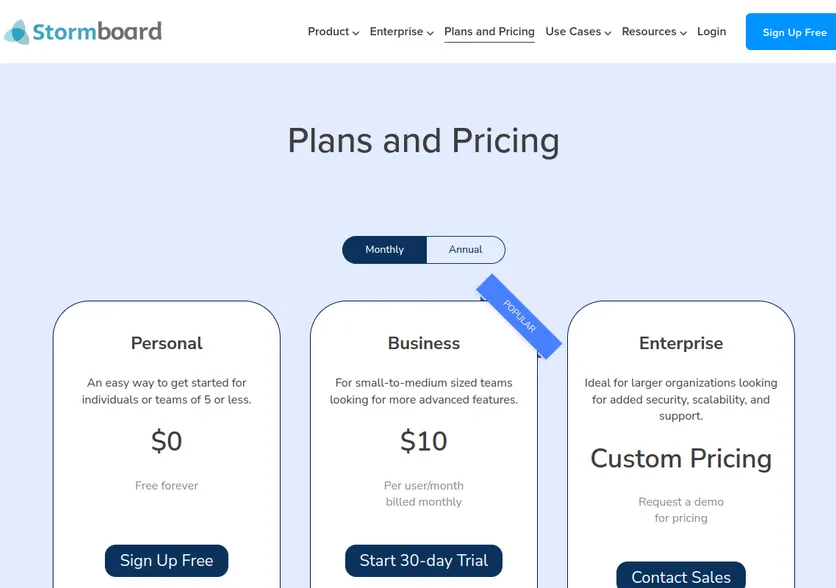
A class that brainstorms together needs a board that sparks ideas, and this Stormboard plan costs eight dollars and thirty-three cents per user a month billed annually. Its sticky notes, grouping and voting turn a brainstorm into a ranked list, and the templates keep retrospectives on track. The free Personal plan covers small teams getting started.
What we like
- StormAI suggests ideas during brainstorms
- Templates for retrospectives and planning
- Free Personal plan for small sessions
Watch out for
- StormAI on Business is a thirty-day trial only
- Smaller template library than the leaders
How to try it
- Start a Storm from a template
- Add ideas as sticky notes and group them
- Vote on the best ideas and export the results
7. Canva Pro
Best for: Teams that already design in Canva
Paid tool Starting price: $120/year · $120 a year for Pro ($10 a month effective); $15 a month month to month; Teams is $10 per person a month billed annually with a 2-seat minimum; free plan; 30-day Pro trial
Free plan: Free plan; 30-day Pro trial
A teacher who already makes class materials in Canva gets a board for free, because this Canva Pro plan costs one hundred and twenty dollars a year. Its whiteboard lives inside the Canva editor beside a huge template and asset library, and the Teams plan adds collaboration at ten dollars per person a month billed annually. The free plan covers basic boards for a small team.

What we like
- Whiteboard lives inside the Canva editor
- Huge template and asset library included
- Teams plan at $10 per person a month billed annually
Watch out for
- Whiteboard is a feature, not a dedicated board app
- Advanced collaboration needs the Teams plan
How to try it
- Open a whiteboard from the Canva home page
- Add sticky notes, shapes and images
- Share the link and present the board live
8. ClickUp
Best for: Teams that want boards tied to tasks
Paid tool Starting price: $9/user/month · $9 per user a month billed annually on Core ($12 month to month); Business is $17 a month billed annually; whiteboards are included on every plan
Free plan: Free plan
A teaching team that plans lessons and tracks them in one place saves a subscription here, because this ClickUp plan costs nine dollars per user a month billed annually. Its boards, docs and tasks share one workspace, and the Core plan includes whiteboards at the same nine-dollar rate. The free plan is enough for a small team to test the flow.

What we like
- Whiteboards link straight to ClickUp tasks
- Core plan includes whiteboards at $9 a month
- Docs, goals and chat sit beside the board
Watch out for
- Whiteboard features are lighter than dedicated boards
- The interface can overwhelm new users
How to try it
- Open a whiteboard from any ClickUp space
- Add sticky notes and link them to tasks
- Invite the team and work the board into the sprint
Prices above were checked on each vendor’s own website on Nov 29, 2026 and can change — the vendor’s page is the final word. Vendor links are editorial: nobody paid to be listed or ranked here. Vendors who want a featured listing can see how it works on our Get listed page.
How to run a class on a shared whiteboard without chaos
Give every student a named corner of the board before the lesson starts, so twenty cursors do not fight over the same space. Set one clear task per board and a timer everyone can see, because an open-ended canvas with no deadline fills with doodles. Lock the parts students should not move, such as the instructions and the example, and leave the working area open. End by saving the board as the lesson record, so absent students can catch up from the same canvas.
Before you buy
- Confirm the plan covers enough students and boards for the whole class, not just a small group
- Check whether the free plan is enough for a term of lessons before committing to a paid tier
- Ask if students can join as guests without a paid seat, since classes are bigger than teams
- Make sure the board works on the devices students actually use, including tablets and Chromebooks
- Test the tool on a real lesson before paying, including a group activity with live cursors
Official websites
Official websites of the products reviewed above. Features and prices were checked against these sites when this guide was written, and they can change, so confirm on the vendor site before you buy.
Frequently asked questions
What is whiteboard software for education teams?
It is software that gives teachers and students a shared digital canvas for lessons, group work and brainstorming. Good tools add templates, real-time cursors, voting and exports, so a class can work together whether it meets in a room or online. The tools in this list all publish a flat monthly price, and most of them start free.
How much does Miro cost for a school?
Miro costs eight dollars per member a month billed annually on Starter, or ten dollars month to month. The Business plan costs twenty dollars per member a month billed annually. The free plan covers three editable boards, so a teacher can run real lessons before paying, and schools should ask Miro about education pricing for larger rollouts.
Can teachers use whiteboard software for free?
Yes, with Miro, Mural, Lucidspark, FigJam, Whimsical, Stormboard and Canva, which all offer free plans for small teams and classes. The free tiers limit boards or members, so a teacher running many classes will hit the limits. The cheapest paid seat here is three dollars a month on FigJam, and Canva Pro costs one hundred and twenty dollars a year.
Which whiteboard is best for a classroom?
Miro is the best overall pick for a classroom, at eight dollars per member a month billed annually with templates and real-time collaboration. FigJam is the cheapest paid option at three dollars per editor a month and suits design classes. Canva Pro is the best pick for a teacher already making class materials in Canva.
Do students need paid accounts to join a board?
Usually not. Most tools in this list let students join as guests or viewers without a paid seat, though the exact rules vary by plan. Miro, Mural and FigJam all allow guests on their paid plans, and the free plans cover small groups. Check the vendor pricing page for the guest rules on the plan you are considering.
Compare the eight tools above, then start on a free plan and move to the paid tier that matches the class size once the board becomes part of every lesson.
Browse Productivity Tools tools