
On this page
A hacked WordPress site costs far more than a security plugin, so the choice is which layer of protection fits your site and budget. The eight tools below run from $69 a year to $69 a month, and every price was checked on the vendor site on November 26, 2026. Each one offers a free plan or a free trial, so you can test the protection on a real site before paying. Wordfence is our first pick — the most-installed plugin in the category, with a real-time firewall and scanner for $149 a year.
How we researched this
We started with the WordPress security plugins site owners actually buy, then read each price on the vendor pricing page on November 26, 2026 and noted the free plan or trial each one carries. We judged them for a site owner who wants real protection without a security team, weighing firewall strength, malware cleanup and login hardening. We kept the list to tools with a published price, and we dropped any tool whose price we could not verify.
Compare the tools
| Name | Best for | Starting price | Free plan | |
|---|---|---|---|---|
 Wordfence | Most WordPress sites that want the most-installed security plugin | $149/year | Free plan (firewall and scanner with 30-day delayed rules) | Visit |
 Sucuri | Sites that want a cloud firewall plus expert malware cleanup | $229/year | Free plugin (scanning only; paid plans add cleanup and firewall) | Visit |
 MalCare | Site owners who want one-click malware cleanup without hiring an expert | $99/year | Free plan (weekly scans, basic firewall, login protection) | Visit |
 Patchstack | Agencies and developers who manage many WordPress sites | $69/month | Free plan (vulnerability alerts for one site) | Visit |
 Jetpack | WordPress sites that want security plus backups and speed in one bundle | $29/month | Free plan (brute-force protection, downtime monitoring, image CDN) | Visit |
 Really Simple Security | Site owners who want strong hardening at the lowest paid price | $69/year | Free plugin (SSL setup, basic hardening, security headers) | Visit |
 All-In-One Security (AIOS) | Beginners who want a security score and guided hardening steps | $89/year | Free plugin (hardening, firewall, security score, login protection) | Visit |
 VistoShield | Site owners who want every core security feature free, with paid extras | $89/year | Free plan (5 modules active, up to 3 sites, cloud dashboard) | Visit |
The WordPress security plugins, compared
1. Wordfence
Best for: Most WordPress sites that want the most-installed security plugin
Paid tool Starting price: $149/year · Premium plan for one site, billed yearly; Care plans with hands-on incident response start at $490 a year
Free plan: Free plan (firewall and scanner with 30-day delayed rules)
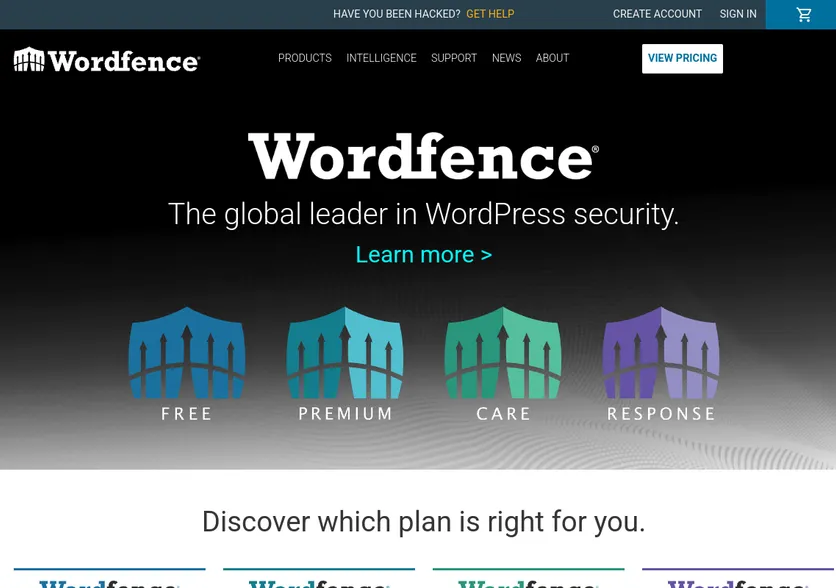
Wordfence is the default WordPress security plugin for a reason, because it puts a full endpoint firewall and malware scanner inside your dashboard for $149 a year. This Wordfence Premium plan covers real-time firewall rules, real-time malware signatures, a blocklist of known threat actors and country blocking, so new attacks are stopped the day they appear. The free version works well too, but its firewall rules arrive 30 days late, which is the main reason to pay.
What we like
- Largest user base in the category
- Real-time firewall rules on Premium
- Live traffic view shows attacks as they happen
Watch out for
- Premium price rises to $199 a year on December 3, 2026
- Endpoint firewall runs on your own server resources
How to try it
- Install Wordfence from the WordPress plugin directory and run the first scan
- Turn on the firewall in optimized mode and set up two-factor login
- Upgrade to Premium when you want real-time rules and country blocking
2. Sucuri
Best for: Sites that want a cloud firewall plus expert malware cleanup
Paid tool Starting price: $229/year · Basic Platform plan for one site, billed yearly; Pro is $339 a year and Business is $549 a year
Free plan: Free plugin (scanning only; paid plans add cleanup and firewall)
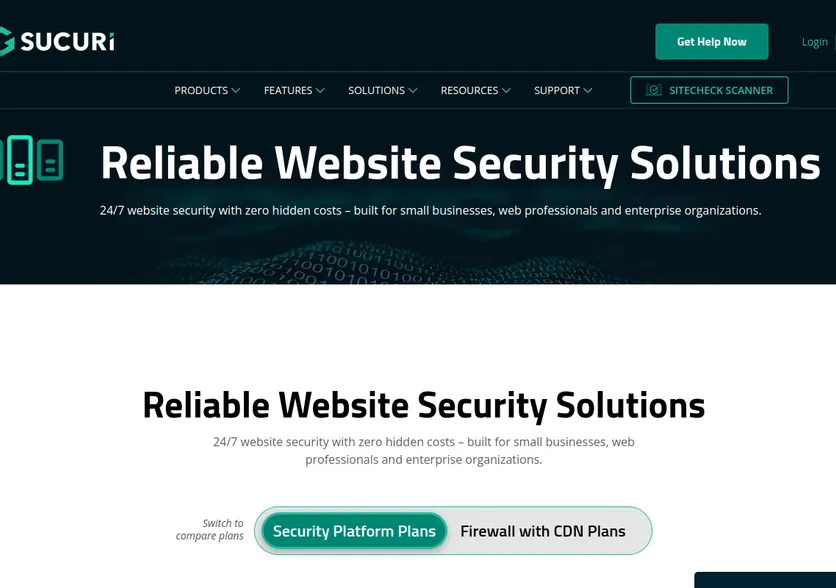
Sucuri protects your site from outside WordPress, because its cloud firewall filters attacks before they ever reach your server. This Sucuri Basic Platform plan covers unlimited malware cleanups by security experts, scans every 12 hours and blocklist monitoring, so a hacked site gets fixed by a human, not just a plugin. The firewall-only plans start lower, but the Platform plan is the one that cleans up a hack for you.
What we like
- Unlimited expert malware cleanups included
- Cloud firewall stops attacks before they reach WordPress
- 30-day money-back guarantee on every plan
Watch out for
- Basic plan scans only every 12 hours
- DNS change needed to route traffic through the firewall
How to try it
- Sign up for the Basic Platform plan and point your DNS at Sucuri
- Request a cleanup if your site is already hacked
- Turn on the firewall and blocklist monitoring for ongoing protection
3. MalCare
Best for: Site owners who want one-click malware cleanup without hiring an expert
Paid tool Starting price: $99/year · Protect plan for one site, billed yearly; Repair with malware cleanup is $299 a year
Free plan: Free plan (weekly scans, basic firewall, login protection)
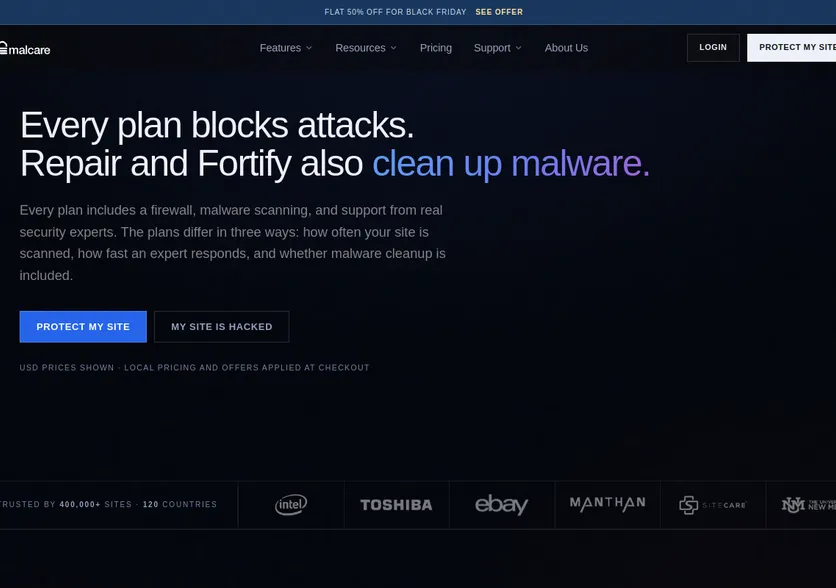
MalCare is built for the worst day in a site owner's life, because its one-click malware removal cleans a hacked site without touching code yourself. This MalCare Protect plan covers an advanced firewall, virtual patching, daily scans and bot protection for $99 a year, and the Repair plan adds instant cleanup with a post-cleanup report. Scans run on MalCare servers, so your site never slows down while it is being checked.
What we like
- One-click malware removal with no code edits
- Scans run off-site, so no slowdown
- Real security experts answer support on every plan
Watch out for
- Protect plan does not include malware cleanup
- Expert response takes up to 48 hours on Protect
How to try it
- Install MalCare and connect your site from the dashboard
- Run the first scan to see if anything is already infected
- Upgrade to Repair if the scan finds malware to remove
4. Patchstack
Best for: Agencies and developers who manage many WordPress sites
Paid tool Starting price: $69/month · Developer plan, billed annually at $828 a year; Enterprise and web host plans are custom priced
Free plan: Free plan (vulnerability alerts for one site)
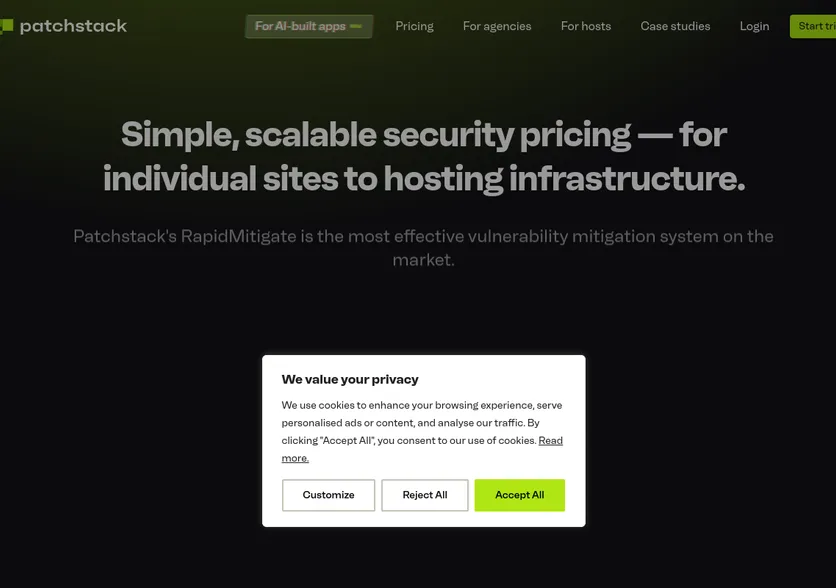
Patchstack stops vulnerabilities before they are exploited, because it applies targeted virtual patches the moment a flaw is disclosed. This Patchstack Developer plan covers vulnerability monitoring, automatic mitigation rules and a first month free for $69 a month billed annually. It does not scan for existing malware, so pair it with a scanner, but for prevention it blocks far more attacks than a generic firewall alone.
What we like
- Virtual patching blocks zero-day exploits fast
- Very light on server resources
- First month free on the Developer plan
Watch out for
- No malware scanning or cleanup included
- Monthly price is the highest per-site cost here
How to try it
- Create a Patchstack account and add your WordPress sites
- Install the plugin so mitigation rules reach each site
- Review new vulnerability alerts and let virtual patches apply automatically
5. Jetpack
Best for: WordPress sites that want security plus backups and speed in one bundle
Paid tool Starting price: $29/month · Pro plan, billed yearly at $348 a year; Complete with every Jetpack tool is $49 a month
Free plan: Free plan (brute-force protection, downtime monitoring, image CDN)
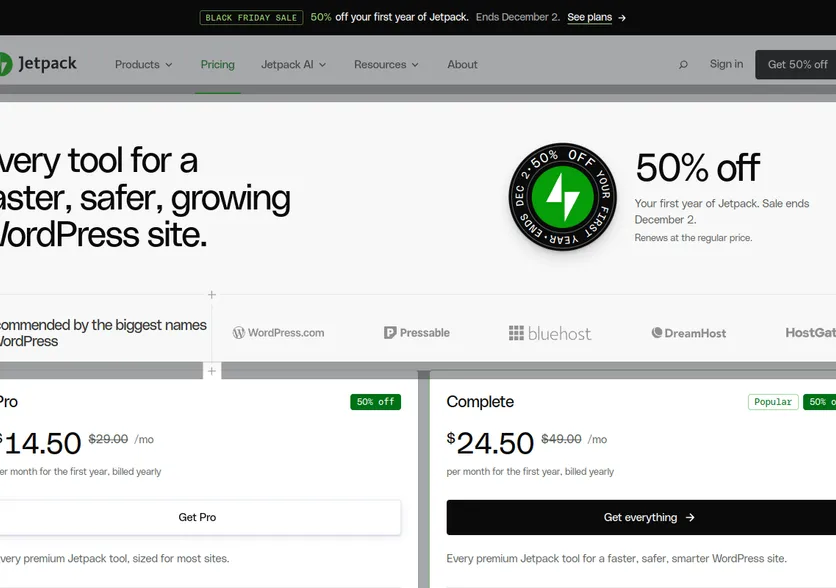
Jetpack is the all-in-one option, because one subscription covers security, backups, speed and growth tools together. This Jetpack Pro plan covers real-time backups, real-time malware scanning, an automatic firewall, spam protection and priority support for $29 a month. The free plan already includes brute-force protection and downtime monitoring, so you can start free and add the paid security layer when the site earns money.
What we like
- Real-time backups with one-click restore
- Security, speed and growth tools in one bill
- Priority support from Automattic engineers
Watch out for
- Black Friday pricing halves the first year only
- Each site needs its own paid subscription
How to try it
- Install Jetpack and connect a free WordPress.com account
- Turn on backups and malware scanning from the dashboard
- Upgrade to Pro for real-time backups and automatic firewall rules
6. Really Simple Security
Best for: Site owners who want strong hardening at the lowest paid price
Paid tool Starting price: $69/year · Personal plan for one site, billed yearly; Professional for 5 sites is $119 a year
Free plan: Free plugin (SSL setup, basic hardening, security headers)
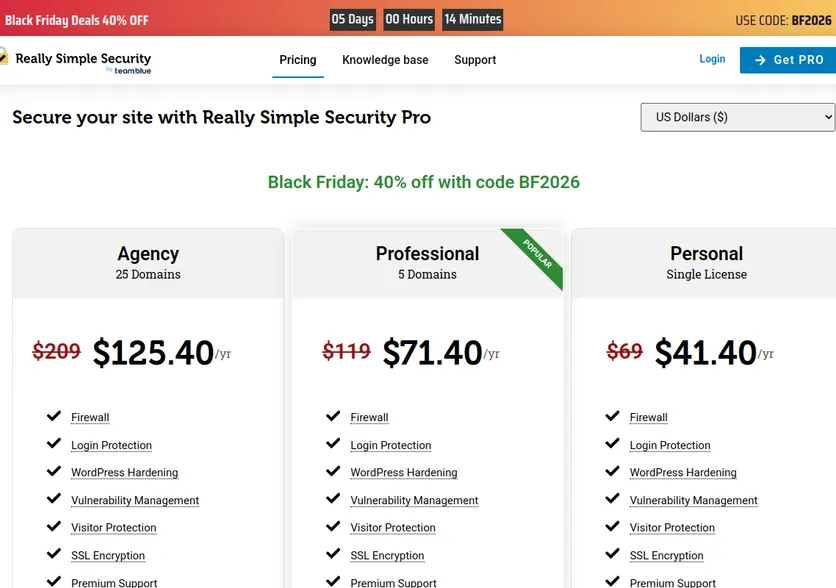
Really Simple Security is the cheapest paid plan on this list, and it still covers the essentials that stop most attacks. This Really Simple Security Personal plan covers a full firewall, login protection with two-factor authentication, 18 hardening features and vulnerability management for $69 a year. It grew out of the Really Simple SSL plugin, so SSL setup and HTTPS enforcement are handled properly too, which many security plugins leave to you.
What we like
- Lowest paid price on this list
- Excellent SSL and HTTPS handling
- Hardening checklist explains every setting
Watch out for
- No malware scanner for already-infected files
- Black Friday discount applies to the first year only
How to try it
- Install Really Simple Security and let it configure SSL and HTTPS
- Work through the hardening checklist it generates for your site
- Upgrade to Personal for the firewall and vulnerability scanning
7. All-In-One Security (AIOS)
Best for: Beginners who want a security score and guided hardening steps
Paid tool Starting price: $89/year · Premium Personal plan for up to 2 sites, renewing at $89 a year; first year is $44.50
Free plan: Free plugin (hardening, firewall, security score, login protection)
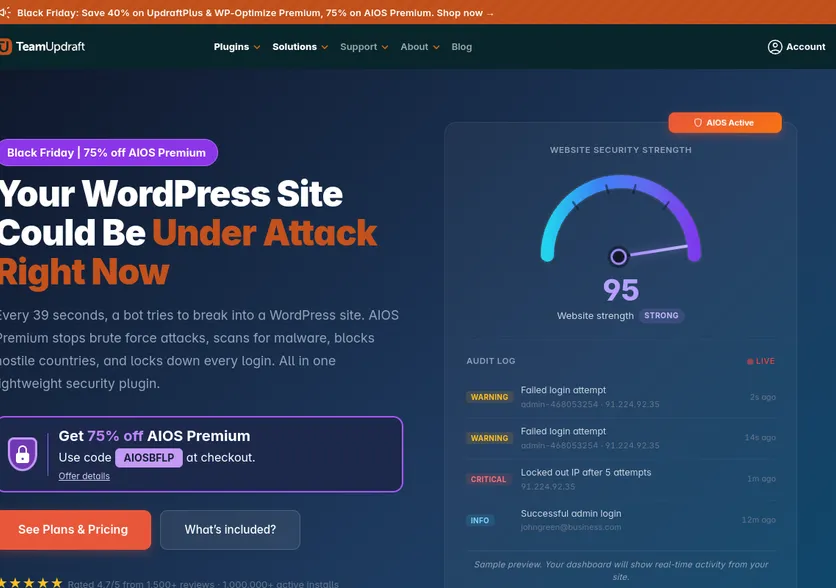
All-In-One Security teaches you as it protects you, because every hardening setting is graded basic, intermediate or advanced with a running security score. This All-In-One Security Premium plan covers malware scanning, country blocking, smart 404 blocking and advanced two-factor authentication for $89 a year at renewal. The free plugin alone covers most hardening, so the paid tier is really for the malware scanner and the peace of mind that comes with it.
What we like
- Security score makes hardening easy to follow
- Generous free version with most features
- Same features on every Premium plan
Watch out for
- Renewal price is double the first-year price
- No live threat feed like Wordfence has
How to try it
- Install All-In-One Security and check your starting security score
- Work down the hardening checklist from basic to advanced
- Add Premium when you want malware scanning and country blocking
8. VistoShield
Best for: Site owners who want every core security feature free, with paid extras
Paid tool Starting price: $89/year · Pro plan per site per year; Max with white-label branding is $169 per site per year
Free plan: Free plan (5 modules active, up to 3 sites, cloud dashboard)
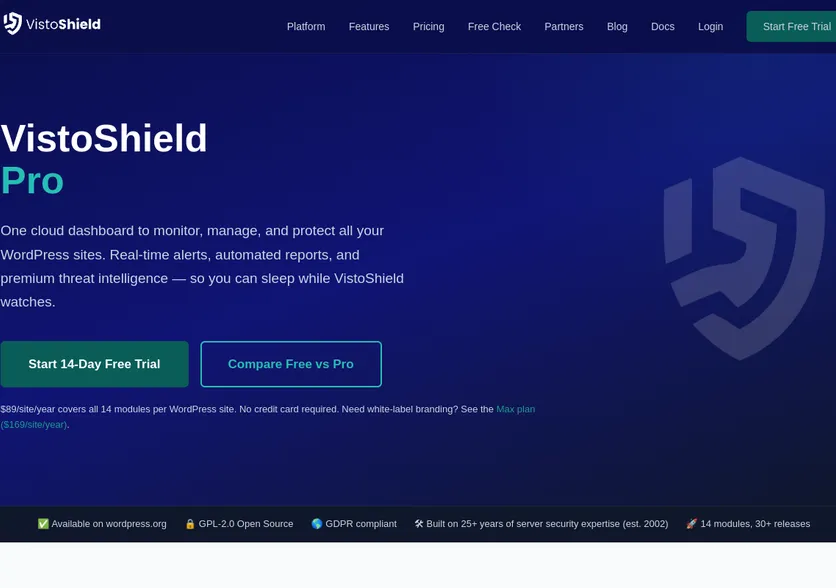
VistoShield is unusual because its free tier includes the full core protection, with the paid plan adding management extras rather than basic safety. This VistoShield Pro plan covers all 14 security modules, a cloud dashboard, 500-plus bot signatures, PDF reports and priority support for $89 per site per year. The free tier already protects up to three sites, so Pro is the choice when you manage client sites and need reports and longer history.
What we like
- Core protection is genuinely free
- 14 modules cover firewall, scanning and logins
- Volume discounts for agencies managing many sites
Watch out for
- Newer plugin with a smaller community
- Pro is priced per site, so costs grow with each site
How to try it
- Install VistoShield from WordPress.org and enable the core modules
- Connect the cloud dashboard to manage all your sites in one place
- Upgrade to Pro to unlock all 14 modules and PDF reporting
Prices above were checked on each vendor’s own website on Nov 26, 2026 and can change — the vendor’s page is the final word. Vendor links are editorial: nobody paid to be listed or ranked here. Vendors who want a featured listing can see how it works on our Get listed page.
What WordPress security plugins cost in 2026
The range on this list runs from $69 a year to $299 a month, and the cheapest plan is not always the cheapest deal, because per-site pricing and cleanup limits change what you really pay. A single-site blog can run on Really Simple Security or All-In-One Security for under $90 a year, while a store that cannot afford downtime should budget for Sucuri or MalCare Repair, where a human cleans up the hack. The table below uses the headline plan each vendor shows on its own pricing page, checked on November 26, 2026.
Start with the free version of two plugins and run a real scan through both. Compare what each one finds and how much it slows your site, then pay for the one whose alerts you actually act on. A $149 plugin you ignore is worth less than a $69 plugin you check every week.
Before you buy
- Check whether malware cleanup is included, because a firewall alone cannot fix a site that is already hacked.
- Count how many sites you protect, because most plans here charge per site and an agency feels every extra license.
- Ask whether the firewall runs in the cloud or on your server, because a cloud firewall stops attacks before they reach WordPress.
- Test the free version first, because every plugin here offers one and the scan results tell you what you really need.
- Read the renewal price, because first-year discounts can double the bill in year two on several plans here.
Official websites
Official websites of the products reviewed above. Features and prices were checked against these sites when this guide was written, and they can change, so confirm on the vendor site before you buy.
Frequently asked questions
Which WordPress security plugin is best in 2026?
Wordfence is the safest default for most sites, at $149 a year, because it combines the largest threat-intelligence network with a real-time firewall and scanner in one plugin. Sucuri is better when you want a cloud firewall plus expert malware cleanup, and MalCare is the best value when your site is already hacked and needs one-click removal.
What is the cheapest WordPress security plugin with a paid plan?
Really Simple Security, at $69 a year for one site, is the cheapest paid plan here, with a firewall, login protection and vulnerability management included. All-In-One Security Premium renews at $89 a year, and VistoShield Pro is also $89 a year per site. Every tool on this list also has a free version you can run first.
Do I need a paid WordPress security plugin if the free version works?
Not always. The free versions of Wordfence, All-In-One Security and VistoShield cover firewall and hardening well enough for a small blog. Pay when you need real-time threat updates, malware cleanup, or faster expert support, because those are the features the free tiers withhold, and they matter most for stores and business sites.
Can a security plugin clean up a hacked WordPress site?
Some can. Sucuri includes unlimited expert cleanups on every Platform plan, and MalCare Repair adds one-click malware removal with a report. Wordfence Premium and Jetpack Pro detect malware but do not fully clean an infected site on their own, so a hacked site is better served by Sucuri or MalCare Repair.
Is Wordfence or Sucuri better for WordPress security?
Wordfence is better as an all-round plugin because it runs inside WordPress with a deep scanner and live traffic view for $149 a year. Sucuri is better when you want attacks filtered in the cloud before they reach your server, plus human cleanup, for $229 a year. Many site owners run both, with Sucuri in front and Wordfence inside.
Want more ways to lock down your site? Try Toolsvine's free security tools for passwords and privacy right in your browser.
Browse Security & Privacy tools


