On this page
School offices run on forms, and every form spawns follow-up work: a permission slip needs a roster update, an absence note needs a parent call, and a new enrolment needs a dozen records created by hand. The eight tools below automate that busywork for schools of every size, from a single-building primary to a whole district. Zapier leads because it connects the apps schools already use for nineteen dollars and ninety-nine cents a month, and the rest are ranked on how much routine work they remove for the price.
How we researched this
We checked every price on the vendor pricing page on November 29, 2026, and only included tools with a published US dollar or euro list price. The enterprise platforms that sell automation by quote, including Workato, UiPath and Automation Anywhere, publish no prices, so they are not in this list. Prices change, so confirm the current figure on the vendor site before you buy.
Compare the tools
| Name | Best for | Starting price | Free plan | |
|---|---|---|---|---|
 Zapier | School offices automating forms and parent messages | $19.99/month | Free plan (100 tasks a month) | Visit |
 Make | District IT teams that want a visual automation map | $9/month | Free plan (1,000 credits a month) | Visit |
 n8n | Schools with technical staff and strict data rules | €20/month | Free self-hosted Community edition | Visit |
 Microsoft Power Automate | Schools already running on Microsoft 365 | $15/user/month | No free plan; 90-day free trial | Visit |
 Process Street | Schools standardising termly checklists and approvals | $25/user/month | No free plan; 14-day free trial | Visit |
 Integrately | Small schools with no IT staff | $19.99/month | Free plan (100 tasks a month) | Visit |
 Pabbly Connect | Budget-tight schools that need lots of tasks | $16/month | Free plan (100 tasks a month) | Visit |
 Zoho Flow | Schools already using Zoho apps | $25/month | Free plan (100 tasks a month) | Visit |
The workflow automation software for schools, compared
1. Zapier
Best for: School offices automating forms and parent messages
Paid tool Starting price: $19.99/month · Nineteen dollars and ninety-nine cents a month billed annually on Professional for 750 tasks a month ($29.99 month to month); Team is $69 a month billed annually; older listings show a $49 Professional tier, which is now the 2,000-task tier
Free plan: Free plan (100 tasks a month)
For a school office that still routes permission slips and absence notes by hand, this Zapier plan costs nineteen dollars and ninety-nine cents a month billed annually, and it connects the apps a school already uses without any code. Its Zaps move new form responses into spreadsheets, send reminders to parents, and file signed documents in the right folder automatically. The free plan covers a hundred tasks a month, so a small school can automate its busiest form before paying anything.

What we like
- Connects to more than 7,000 apps, the widest library in this list
- Multi-step Zaps with filters, paths and formatting built in
- No code needed, so a small team can ship its first flow in an afternoon
Watch out for
- Task counts grow fast when a flow runs on every new row or email
- The cheaper plan caps at 750 tasks a month, so busy months cost more
How to try it
- Pick the trigger app and event that starts the flow
- Add the action steps and test the Zap with real data
- Turn the Zap on and watch the first runs for errors
2. Make
Best for: District IT teams that want a visual automation map
Paid tool Starting price: $9/month · Nine dollars a month billed annually on Core for 10,000 credits ($10.59 month to month); Pro is $16 and Teams is $29; earlier reads listed $12, $21 and $38, so confirm the current ladder at checkout
Free plan: Free plan (1,000 credits a month)
A district IT team that wants a visual map of every automation will like this Make plan, which costs nine dollars a month billed annually and covers ten thousand credits a month. The canvas shows each step from a new enrolment form to a roster update, so staff can spot a broken step without opening a log file. Error handling reroutes failed runs automatically, which matters when a sync touches student records.

What we like
- Visual canvas shows every step of a scenario at a glance
- Ten thousand credits on Core covers far more runs than most rivals at this price
- Built-in error handling and data stores keep long flows running
Watch out for
- Credits expire at the end of each term and do not roll over
- The canvas can feel complex for a first-time builder
How to try it
- Choose a trigger module and connect the app
- Drag in the action modules and map the fields between them
- Run the scenario once, fix any mapping errors, then schedule it
3. n8n
Best for: Schools with technical staff and strict data rules
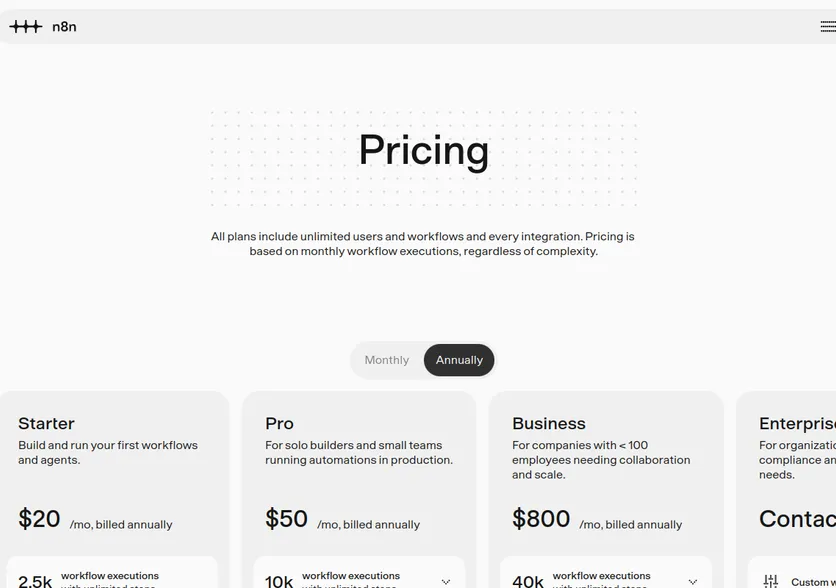
Paid tool Starting price: €20/month · Twenty euros a month billed annually on Starter for 2,500 executions (€24 month to month); Pro is €50 and Business is €667; self-hosting is free under the fair-code licence
Free plan: Free self-hosted Community edition
Schools with a technical volunteer or IT lead can self-host this n8n plan for free, while the cloud Starter plan costs twenty euros a month billed annually for two thousand five hundred executions. Its code nodes handle the odd cases that no-code tools miss, like reformatting exports from a student information system. The fair-code model keeps student data on the school's own servers, which many districts require.
What we like
- Fair-code model lets technical teams self-host for free
- More than 400 integrations plus custom HTTP and code nodes
- Visual workflows stay readable even with branching logic
Watch out for
- The cloud plans bill in euros, so US buyers see currency swings
- Self-hosting means owning updates, backups and uptime yourself
How to try it
- Start from a template or add a trigger node
- Connect the apps and set the data each node passes on
- Test the workflow, then activate it or deploy it self-hosted
4. Microsoft Power Automate
Best for: Schools already running on Microsoft 365
Paid tool Starting price: $15/user/month · Fifteen dollars per user a month billed annually on Premium; Process is $150 per bot a month and Hosted Process is $215 per bot a month
Free plan: No free plan; 90-day free trial
A school that already runs on Microsoft 365 gets the most from this Microsoft Power Automate plan, which costs fifteen dollars per user a month billed annually and plugs straight into Teams, SharePoint and Outlook. Its flows approve field trip forms, route IT tickets and update class lists without a second login. Desktop flows can even drive the older Windows apps that a district office still depends on.
What we like
- Deep integration with Microsoft 365, Teams and SharePoint
- AI Builder adds document and form processing without code
- Desktop flows automate legacy Windows apps that have no API
Watch out for
- Premium is per user, so costs multiply with every seat
- Attended desktop flows need a signed-in Windows session to run
How to try it
- Choose a cloud flow template or start from a trigger
- Add the Microsoft 365 actions the process needs
- Test the flow and share it with the team that will run it
5. Process Street
Best for: Schools standardising termly checklists and approvals
Paid tool Starting price: $25/user/month · Twenty-five dollars per user a month on Pro, cross-referenced from partner documentation and November 2026 reads because the vendor pricing page is quote-based; Startup is about $12.50 a member a month billed annually
Free plan: No free plan; 14-day free trial
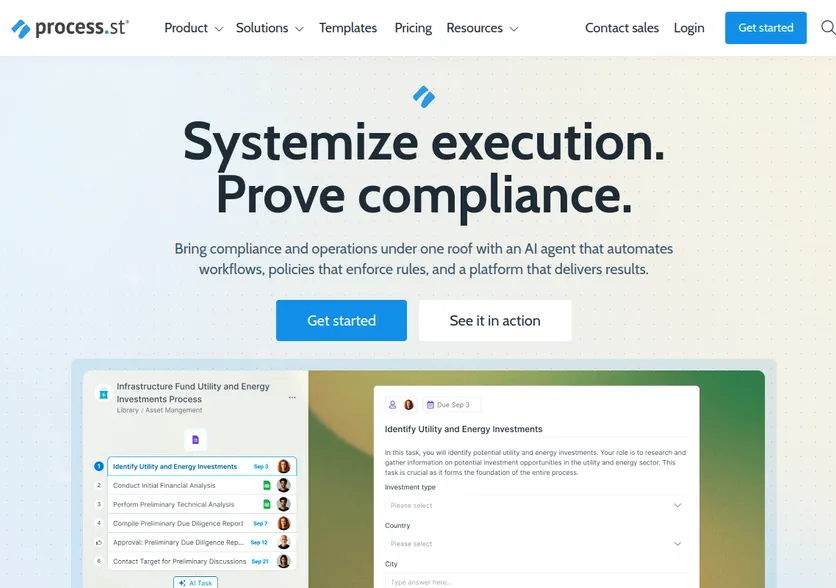
For the checklists a school repeats every term, from new student onboarding to end-of-year inventory, this Process Street plan costs twenty-five dollars per user a month and turns each one into a tracked run with approvals. Conditional logic skips steps that do not apply, so a kindergarten intake looks different from a senior enrolment. Every run leaves a record, which helps when an auditor asks who approved what.
What we like
- Checklists with conditional logic keep routine work consistent
- Approvals, form fields and due dates built into every run
- Templates and a library of process packs speed up setup
Watch out for
- The twenty-five dollar figure is not printed on the vendor pricing page, so confirm it before buying
- Reporting is lighter than a full project management suite
How to try it
- Build a workflow from a template or a blank checklist
- Add form fields, approvals and assignments to each step
- Run the checklist and track every task to completion
6. Integrately
Best for: Small schools with no IT staff
Paid tool Starting price: $19.99/month · Nineteen dollars and ninety-nine cents a month billed annually on Starter for 2,000 tasks ($29.99 month to month); Professional is $39, Growth is $99 and Business is $239
Free plan: Free plan (100 tasks a month)
A small school with no IT staff can connect its forms, email and spreadsheets in minutes with this Integrately plan, which costs nineteen dollars and ninety-nine cents a month billed annually for two thousand tasks. Its one-click automations cover the popular apps a front office actually uses, with no workflow builder to learn. Live chat support answers setup questions quickly, which matters when the person building the flow is also answering the phone.
What we like
- One-click automations connect popular apps in under a minute
- Two thousand tasks on Starter for under twenty dollars a month
- Live chat support answers setup questions quickly
Watch out for
- Fewer advanced features than Zapier or Make for complex logic
- Some apps need a higher tier for multi-step flows
How to try it
- Pick the two apps to connect and choose a ready automation
- Map the fields and test the connection once
- Activate the automation and check the first few runs
7. Pabbly Connect
Best for: Budget-tight schools that need lots of tasks
Paid tool Starting price: $16/month · Sixteen dollars a month billed annually on Standard for 10,000 tasks ($19 month to month); Unlimited is $69 a month billed annually; a November 26, 2026 read showed a $14 promo, so confirm the list price at checkout
Free plan: Free plan (100 tasks a month)
Budget-tight schools get the most tasks per dollar here, since this Pabbly Connect plan costs sixteen dollars a month billed annually and includes ten thousand tasks a month. It moves form responses into the student database, emails receipts to parents and updates attendance sheets without a per-seat charge. The lifetime plan option suits a school that would rather pay once than budget a subscription every year.
What we like
- Ten thousand tasks on Standard for sixteen dollars a month billed annually
- Unlimited premium apps included, with no per-app upgrade
- One-time lifetime plans exist for teams that hate subscriptions
Watch out for
- A November 2026 read showed a fourteen dollar promo, so confirm the list price at checkout
- The interface is functional rather than polished
How to try it
- Create a workflow and pick the trigger app and event
- Add the action steps and map the data fields
- Save the workflow, test it, then switch it on
8. Zoho Flow
Best for: Schools already using Zoho apps
Paid tool Starting price: $25/month · Twenty-five dollars a month billed annually on Standard for 5,000 tasks a month per organisation ($29 month to month); Professional is $41 a month billed annually
Free plan: Free plan (100 tasks a month)
A school already using Zoho apps will find this Zoho Flow plan a natural fit, since it costs twenty-five dollars a month billed annually for five thousand tasks and charges per organisation rather than per user. Adding every teacher costs nothing extra, which is rare among automation tools. Its flows sync enrolment data between Zoho CRM, Desk and the school's own forms without manual copying.
What we like
- Priced per organisation, not per user, so adding staff costs nothing
- Five thousand tasks on Standard for twenty-five dollars a month billed annually
- Works well alongside Zoho CRM, Desk and other Zoho apps
Watch out for
- Polling triggers check every fifteen minutes on Standard, not in real time
- Premium apps need the Professional plan
How to try it
- Choose a trigger app and connect it to Zoho Flow
- Add the action steps and set any conditions
- Test the flow and switch it on for the team
Prices above were checked on each vendor’s own website on Nov 29, 2026 and can change — the vendor’s page is the final word. Vendor links are editorial: nobody paid to be listed or ranked here. Vendors who want a featured listing can see how it works on our Get listed page.
How to automate a school office without losing the human touch
Start with the form that eats the most staff time, usually enrolment or absence reporting, and automate that one flow end to end before touching anything else. Keep a human in the loop for anything involving a child: approvals, parent messages and safeguarding notes should pause for a staff member rather than firing automatically. Test every flow with real data before the term starts, because a broken sync on the first day of school creates more work than it saves. Name each automation clearly, write down what it does, and review the list each term so dead flows do not keep running on old data.
Before you buy
- Check that the tool connects to the student information system the school already uses
- Confirm student data stays in the region and under the controls the district requires
- Count the monthly tasks or credits against real form volumes before choosing a tier
- Make sure approvals and parent messages can pause for a staff member to review
- Test the tool on one real enrolment flow during a quiet week before paying for a year
Official websites
Official websites of the products reviewed above. Features and prices were checked against these sites when this guide was written, and they can change, so confirm on the vendor site before you buy.
Frequently asked questions
What is workflow automation software for schools?
It is software that connects the apps a school already uses so routine work happens on its own. A new enrolment form can create the student record, email the welcome pack and notify the class teacher without anyone retyping the details. Good tools also log every run, so the office can see exactly what was automated and when.
How much does Zapier cost for a school?
Zapier Professional costs nineteen dollars and ninety-nine cents a month billed annually, or twenty-nine dollars and ninety-nine cents month to month, and covers 750 tasks a month. That is usually enough for a small school automating its busiest forms, and the free plan covers 100 tasks a month for a trial run. Larger schools should count their monthly form volume first, since task counts grow fast.
Can schools automate workflows for free?
Yes, with Zapier, Make, Integrately, Pabbly Connect, Activepieces and Zoho Flow all offering free plans, though each caps the monthly tasks or credits. A small school can automate one or two flows, such as absence notes or permission slips, without paying. Busy schools will outgrow the free tiers quickly and should compare the paid plans above.
Is student data safe in automation tools?
It can be, if the vendor stores data in the US, encrypts it and holds SOC 2 certification, as the larger tools here do. Schools with stricter rules should use a self-hosted option such as n8n, which keeps student data on the school's own servers. Check the vendor security page and the district's own data rules before connecting any system that holds student records.
Which tool is best for a small school?
Integrately is the easiest start for a small school, at nineteen dollars and ninety-nine cents a month with one-click automations and no builder to learn. Pabbly Connect is the best value for high volumes, at sixteen dollars a month for ten thousand tasks. Zapier is the better pick if the school needs the widest app library, since it connects to more than seven thousand apps.
Compare the eight tools above, then start with a free plan or trial on the tool that connects to the systems the school already uses before paying for a full year.
Browse Education & Learning tools