
On this page
Freelancers lose hours every week to admin that a machine could do, from copying form entries into invoices to chasing clients for files. The eight tools below run from about three dollars a month to about twenty euros a month, and every price was checked on the vendor site on November 26, 2026. Every one has a free plan, so you can automate a real chore before paying anything. Zapier is our first pick — the easiest way to connect the apps you already use.
How we researched this
We started with the automation tools freelancers actually buy, then read each price on the vendor pricing page on November 26, 2026 and noted the free plan and billing unit each plan uses. We judged them for a solo worker who repeats the same admin every week and needs apps to talk to each other without code. We kept only tools with a published dollar price, and we dropped Workato and UiPath because both sell by quote only.
Compare the tools
| Name | Best for | Starting price | Free plan | |
|---|---|---|---|---|
 Zapier | Freelancers who want the widest app coverage and the fastest setup | $19.99/month | Free plan with 100 tasks a month and two-step Zaps | Visit |
 Make | Freelancers who build branching workflows on a budget | $9/month | Free plan with 1,000 credits a month and 2 active scenarios | Visit |
 n8n | Technical freelancers who want code steps and self-hosting | €20/month | Free self-hosted Community Edition with unlimited executions | Visit |
 IFTTT | Freelancers who automate simple personal and smart-home tasks | $2.99/month | Free plan with 2 applets | Visit |
 Integrately | Freelancers who want one-click automations between popular apps | $19.99/month | Free plan with 100 tasks a month | Visit |
 Pabbly Connect | Freelancers who want unlimited workflows for a flat price | $19/month | Free plan with 100 tasks a month | Visit |
 Activepieces | Small teams that want open-source automation billed per run | $16/month | Free plan with 1,000 credits a month and up to 5 users | Visit |
 Bardeen | Freelancers who automate research and data gathering in the browser | $10/month | Free plan with 100 credits a month | Visit |
The workflow automation software, compared
1. Zapier
Best for: Freelancers who want the widest app coverage and the fastest setup
Paid tool Starting price: $19.99/month · Professional plan, $19.99 a month billed annually for 750 tasks, or $29.99 billed monthly
Free plan: Free plan with 100 tasks a month and two-step Zaps
Zapier is the automation tool most freelancers start with, because it connects more apps than any rival and needs no code at all. This Zapier Professional plan covers seven hundred and fifty tasks a month, with multi-step workflows, filters and premium apps included. A freelancer can link a form to an invoice tool, a calendar and an email list in an afternoon without writing a line of code.

What we like
- Largest app catalogue on this list
- No code needed to build a workflow
- Filters and paths on the Professional plan
Watch out for
- Charges per step, so long workflows cost more
- Seven hundred and fifty tasks go fast at scale
How to try it
- Open the Zapier pricing page and pick the Professional plan
- Pick a trigger app and the action that should follow
- Test the Zap with real data, then switch it on
2. Make
Best for: Freelancers who build branching workflows on a budget
Paid tool Starting price: $9/month · Core plan, $9 a month billed annually for 10,000 credits, or $10.59 billed monthly
Free plan: Free plan with 1,000 credits a month and 2 active scenarios
Make is the visual automation builder, with a canvas that shows every branch, filter and loop in one diagram. This Make Core plan covers ten thousand credits a month, with unlimited users, routers and iterators included. A freelancer can build a workflow that splits by client type, waits, retries and logs, and still see the whole flow on one screen.

What we like
- Visual canvas shows the whole workflow
- Ten thousand credits for nine dollars a month billed annually
- Unlimited users on every plan
Watch out for
- Steeper learning curve than Zapier
- A single run can use many credits on complex flows
How to try it
- Open the Make pricing page and pick the Core plan
- Drag modules onto the canvas and link them in order
- Run the scenario once with real data, then schedule it
3. n8n
Best for: Technical freelancers who want code steps and self-hosting
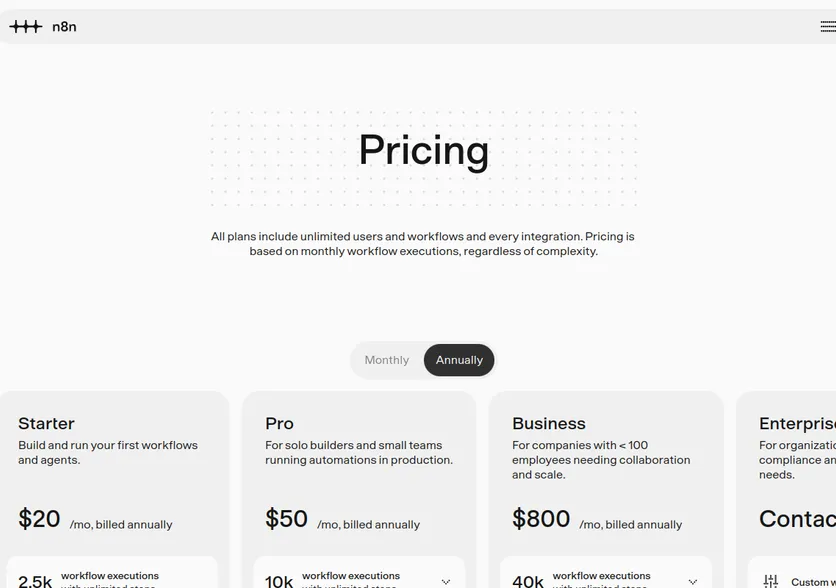
Paid tool Starting price: €20/month · Starter plan, €20 a month billed annually for 2,500 executions, or €24 billed monthly; vendor prices in euros only
Free plan: Free self-hosted Community Edition with unlimited executions
n8n is the open-source automation platform, and it charges per completed run rather than per step, which makes long workflows cheap. This n8n Starter plan covers two thousand five hundred executions a month, with code steps, AI agent nodes and four hundred integrations included. A technical freelancer can self-host the Community Edition for free or pay for cloud hosting and keep the same workflows.
What we like
- Charged per run, not per step
- Free self-hosted edition with no limits
- Code steps and AI agent nodes built in
Watch out for
- Needs more technical skill than Zapier
- Cloud Starter covers only two thousand five hundred runs
How to try it
- Open the n8n pricing page and pick the Starter plan
- Build a workflow with nodes and a code step
- Test one full run, then set the schedule and watch the executions
4. IFTTT
Best for: Freelancers who automate simple personal and smart-home tasks
Paid tool Starting price: $2.99/month · Pro plan, $2.99 a month billed annually, or $4.99 billed monthly; Starter is $2.09 a month billed annually
Free plan: Free plan with 2 applets
IFTTT is the simplest automation tool here, linking apps through small rules called Applets that anyone can set up in minutes. This IFTTT Pro plan covers twenty applets and multi-action applets, with faster polling and filter code included. A freelancer can connect a calendar to a to-do list, a form to a spreadsheet, or a smart speaker to a reminder without touching a workflow builder.
What we like
- Simplest setup on this list
- Works with smart-home devices too
- Multi-action applets on the Pro plan
Watch out for
- Only twenty applets on the Pro plan
- Not built for complex business workflows
How to try it
- Open the IFTTT plans page and pick the Pro plan
- Pick a trigger and the action that should follow
- Turn the Applet on and check it ran the next day
5. Integrately
Best for: Freelancers who want one-click automations between popular apps
Paid tool Starting price: $19.99/month · Starter plan, $19.99 a month billed annually
Free plan: Free plan with 100 tasks a month
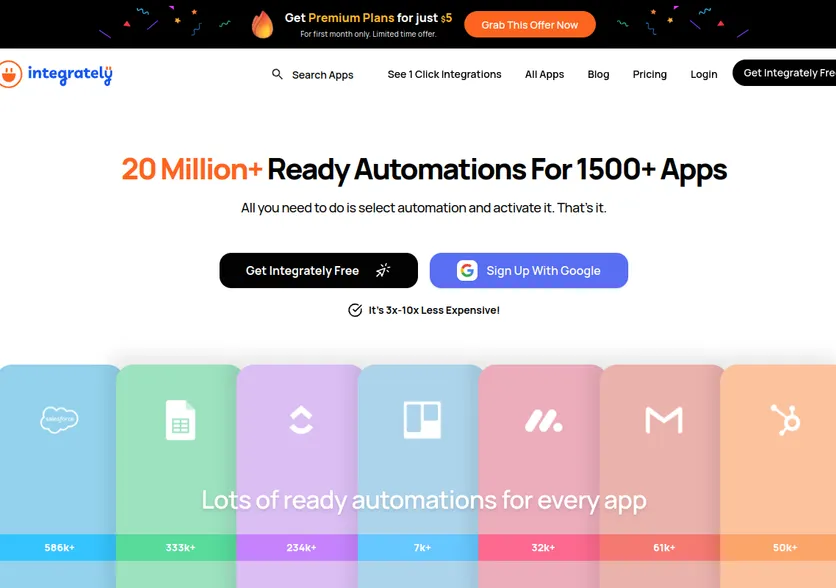
Integrately is the one-click automation tool, with ready-made workflows that connect two apps in a single tap. This Integrately Starter plan covers two thousand tasks a month, with multi-step workflows and premium apps included. A freelancer who hates building workflows from scratch can pick a ready recipe, connect both apps, and have it running in minutes.
What we like
- Ready-made recipes need no building
- Covers the most popular app pairs
- Multi-step workflows on the Starter plan
Watch out for
- Smaller app catalogue than Zapier
- Two thousand tasks a month is a low ceiling
How to try it
- Open the Integrately pricing page and pick the Starter plan
- Search for the two apps you want to connect
- Pick a ready recipe, connect both apps, and switch it on
6. Pabbly Connect
Best for: Freelancers who want unlimited workflows for a flat price
Paid tool Starting price: $19/month · Standard plan, $19 a month billed annually
Free plan: Free plan with 100 tasks a month
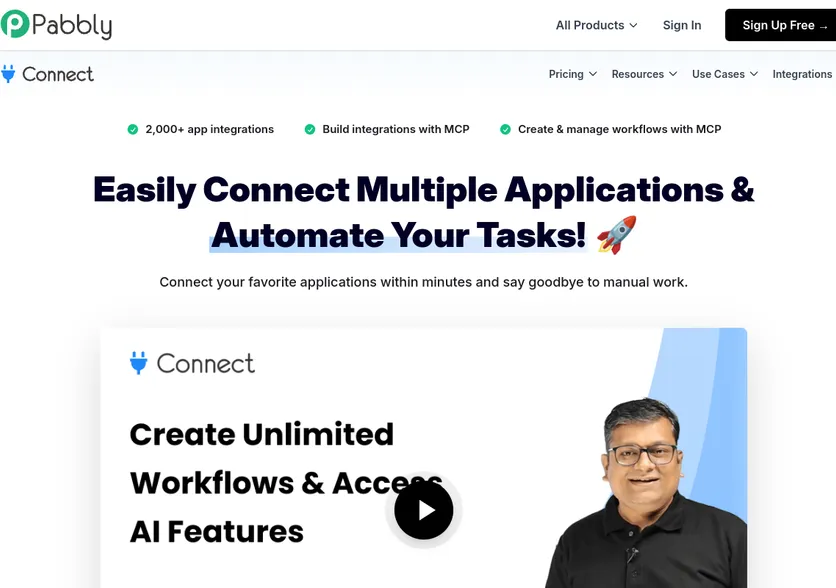
Pabbly Connect is the flat-price automation tool, charging by workflow count rather than by task, which suits a freelancer with many small automations. This Pabbly Connect Standard plan covers twelve thousand tasks a month, with unlimited workflows and multi-step automation included. A freelancer can build a separate workflow for every client and every repeating chore without watching a task meter.
What we like
- Unlimited workflows on the Standard plan
- Flat pricing that does not punish many workflows
- Multi-step automation included from the start
Watch out for
- Fewer integrations than Zapier or Make
- Interface feels dated next to the leaders
How to try it
- Open the Pabbly Connect pricing page and pick the Standard plan
- Create a workflow for your most repeated chore
- Add a second workflow for the next chore and repeat
7. Activepieces
Best for: Small teams that want open-source automation billed per run
Paid tool Starting price: $16/month · Plus plan, $16 a month billed annually for 10,000 credits, or $20 billed monthly
Free plan: Free plan with 1,000 credits a month and up to 5 users
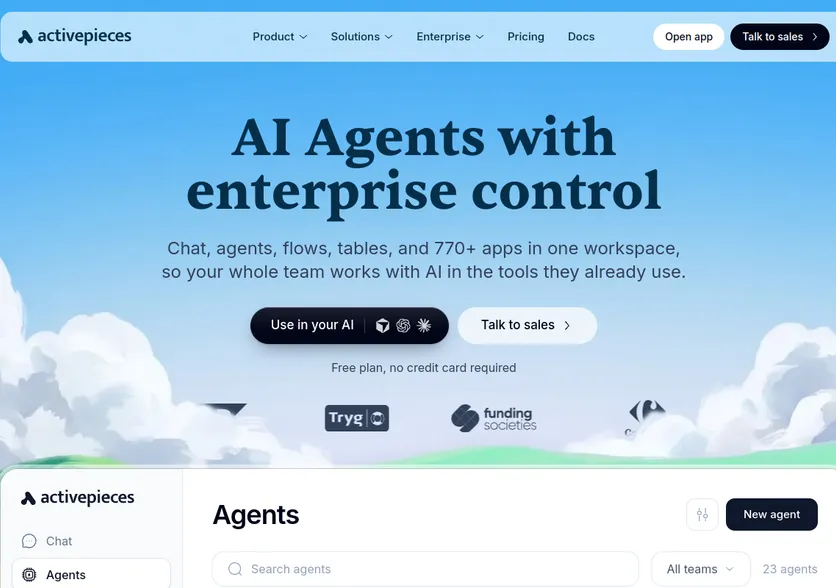
Activepieces is the open-source Zapier alternative, billing a whole run as one credit no matter how many steps it has. This Activepieces Plus plan covers ten thousand credits a month for up to five users, with unlimited flows and AI steps included. A small team can run long multi-step workflows without the per-step bill that makes Zapier expensive at scale.
What we like
- One credit per run, however many steps
- Open-source with a self-hosted edition
- Five users included on the Plus plan
Watch out for
- Smaller app catalogue than Zapier
- Newer tool with a shorter track record
How to try it
- Open the Activepieces pricing page and pick the Plus plan
- Build a flow with as many steps as the job needs
- Run it once, check the result, and schedule it to repeat
8. Bardeen
Best for: Freelancers who automate research and data gathering in the browser
Paid tool Starting price: $10/month · Basic plan, $10 a month; Premium is $50 a month
Free plan: Free plan with 100 credits a month
Bardeen runs in the browser, automating the copy-paste research work that other tools cannot reach. This Bardeen Basic plan adds credits each month for scraping web pages, enriching contact lists and filling forms automatically. A freelancer who spends mornings copying data from websites into spreadsheets can hand that whole job to a playbook that runs while they work.
What we like
- Automates browser work other tools cannot reach
- Ready playbooks for scraping and enrichment
- Runs inside Chrome with no setup
Watch out for
- Narrow focus on browser and sales tasks
- Credits run out fast on heavy scraping
How to try it
- Open the Bardeen pricing page and pick the Basic plan
- Install the browser extension and pick a playbook
- Run it on a real web page and check the results
Prices above were checked on each vendor’s own website on Nov 26, 2026 and can change — the vendor’s page is the final word. Vendor links are editorial: nobody paid to be listed or ranked here. Vendors who want a featured listing can see how it works on our Get listed page.
What workflow automation costs freelancers in 2026
The real cost of an automation tool is not the monthly price but the unit it counts. Zapier charges per action step, so a five-step workflow costs five tasks every time it runs, while n8n and Activepieces charge one execution or one credit per run no matter how many steps it has. Make charges credits per module action, which sits between the two. A freelancer running long workflows can pay three times as much on Zapier as on n8n for the same work, so the headline plan each vendor shows on its own pricing page is the number in the table above, checked on November 26, 2026.
Start with your most repeated chore and build it on two free plans. Time how long the chore took by hand, time it again with the automation, and keep the tool that saved the most minutes per dollar. An automation that runs every day pays for itself in a week, while one you forget to switch on is just another subscription.
Before you buy
- Count your monthly tasks first, because Zapier charges per step while Make, n8n and Activepieces charge per run or per credit.
- Check the app list before you pay, because the widest catalogue is useless if your invoicing tool is missing.
- Test a real workflow on the free plan, because a demo template never shows how your messy data behaves.
- Confirm multi-step workflows are included, because free and starter plans often limit you to two steps.
- Add up the per-seat cost, because a cheap plan that charges per user gets expensive the moment a client joins.
Official websites
Official websites of the products reviewed above. Features and prices were checked against these sites when this guide was written, and they can change, so confirm on the vendor site before you buy.
Frequently asked questions
Which workflow automation software is best for freelancers in 2026?
Zapier Professional, at about twenty dollars a month billed annually, is the best default for most freelancers because it connects the most apps and needs no code. Make Core costs about nine dollars a month billed annually and wins on value for branching workflows, while n8n Starter costs about twenty euros a month and wins for technical users who want code steps and self-hosting.
What is the cheapest workflow automation software for freelancers?
IFTTT Pro, at about three dollars a month billed annually, is the cheapest paid plan here, and it suits simple personal automations. Make Core follows at about nine dollars a month billed annually with ten thousand credits, and Bardeen Basic at ten dollars a month. All three have free plans, so you can automate a real workflow before spending anything.
Can I automate my freelance work for free?
Yes, every tool here has a free plan or a free edition. Zapier gives a hundred tasks a month, Make gives a thousand credits a month, and n8n and Activepieces both offer free self-hosted editions with no task limits. Start on the free plan with your most repeated chore, and pay only when the free allowance runs out every month.
Why do automation prices vary so much between tools?
It depends on how the tool counts. Zapier counts every action step, so a five-step workflow run a hundred times costs five hundred tasks. Make counts credits per module action, n8n counts one execution per run no matter how many steps, and Activepieces counts one credit per run. For long workflows, a per-run tool like n8n or Activepieces is usually far cheaper than a per-step tool.
Can I build multi-step workflows on a free plan?
Yes, with limits. Most free plans allow two-step workflows only, which covers a simple trigger and one action, such as saving an email attachment to cloud storage. Multi-step workflows with filters, branches and conditions need a paid plan on Zapier, Make and Integrately. Build the two-step version free first, then pay when you need the branch or the filter.
Automating your freelance work? Try Toolsvine's free productivity tools for timers, notes and planning right in your browser.
Browse Productivity Tools tools


