On this page
A remote team edits the same documents from different time zones, so the editor it embeds in its app has to handle formatting, comments and track changes without a meeting to explain it. The seven tools below cover that job, from free open-source frameworks to full commercial editors. TinyMCE leads because it is the mature, plugin-rich default, while the free tools below suit teams that want an editor without a monthly bill.
How we researched this
We checked every price on the vendor pricing page on November 29, 2026, and only included tools with a published US dollar list price. All seven tools in this list publish prices, so the comparison is on verified figures rather than quotes. Prices change, so confirm the current figure on the vendor site before you buy.
Compare the tools
| Name | Best for | Starting price | Free plan | |
|---|---|---|---|---|
 TinyMCE | Teams that want a full editor with plugins | $79/month | Free plan (Core, 1,000 loads/month) | Visit |
 CKEditor | Enterprise teams that need collaboration built in | $144/month | Free plan (1,000 loads/month) | Visit |
 Froala Editor | Teams that buy a flat yearly licence | $899/year | No free plan; free trial | Visit |
 Tiptap | Teams that build a custom editor UI | $49/month | Free plan (open-source core) | Visit |
 Quill | Teams that want a free editor with no bill | $0 | Free plan (open source) | Visit |
 Slate | Teams that build a fully custom editor | $0 | Free plan (open source) | Visit |
 ProseMirror | Teams that need a toolkit, not a finished editor | $0 | Free plan (open source) | Visit |
The WYSIWYG editors software for remote teams, compared
1. TinyMCE
Best for: Teams that want a full editor with plugins
Paid tool Starting price: $79/month · Seventy-nine dollars a month billed annually on Essential for five thousand editor loads a month; Professional is one hundred and forty-five dollars a month billed annually for twenty thousand loads; overage is forty dollars per extra one thousand loads; AI is one hundred and thirty-three dollars a month as an add-on; the open-source core is free under GPL
Free plan: Free plan (Core, 1,000 loads/month)
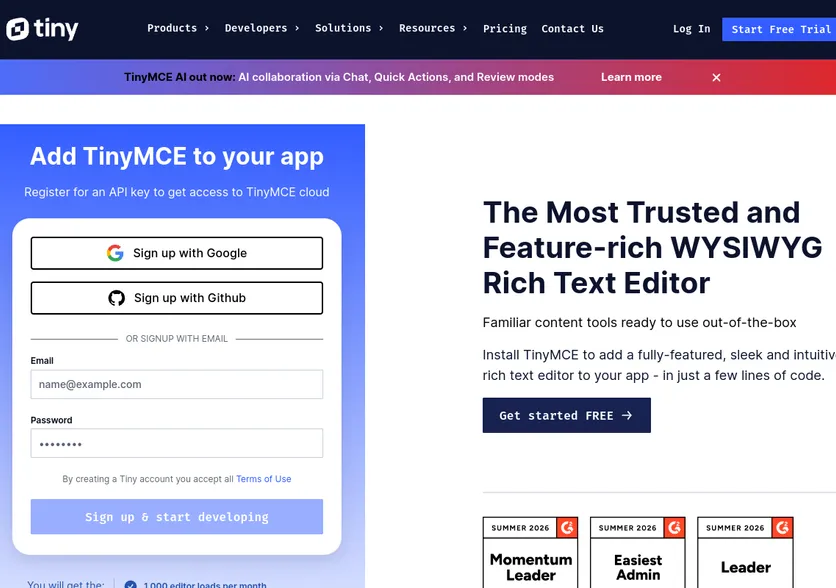
A team that wants a complete editor with a plugin for almost everything will start here, because this TinyMCE plan costs seventy-nine dollars a month billed annually on Essential for five thousand editor loads a month. It has powered editors in WordPress and countless apps for over a decade, and the free Core plan covers one thousand loads a month. AI, import and export tools cost extra, so the headline is only the start of the bill.
What we like
- Mature editor with plugins for almost everything
- Free Core plan for one thousand loads a month
- Powers WordPress and thousands of production apps
Watch out for
- Editor-load pricing makes the bill hard to predict
- AI and premium features cost extra as add-ons
How to try it
- Add the editor script to the page or app
- Configure the toolbar and plugins the team needs
- Test pasting from Word and check the output HTML
2. CKEditor
Best for: Enterprise teams that need collaboration built in
Paid tool Starting price: $144/month · One hundred and forty-four dollars a month billed annually on Essential for five thousand editor loads a month (one hundred and sixty dollars billed monthly); Professional is two hundred and eighty-nine dollars a month billed annually for twenty thousand loads; overage is forty-five dollars per extra one thousand loads; AI from one hundred and thirty-three dollars a month and Collaboration at two hundred and forty-nine dollars a month are paid add-ons
Free plan: Free plan (1,000 loads/month)
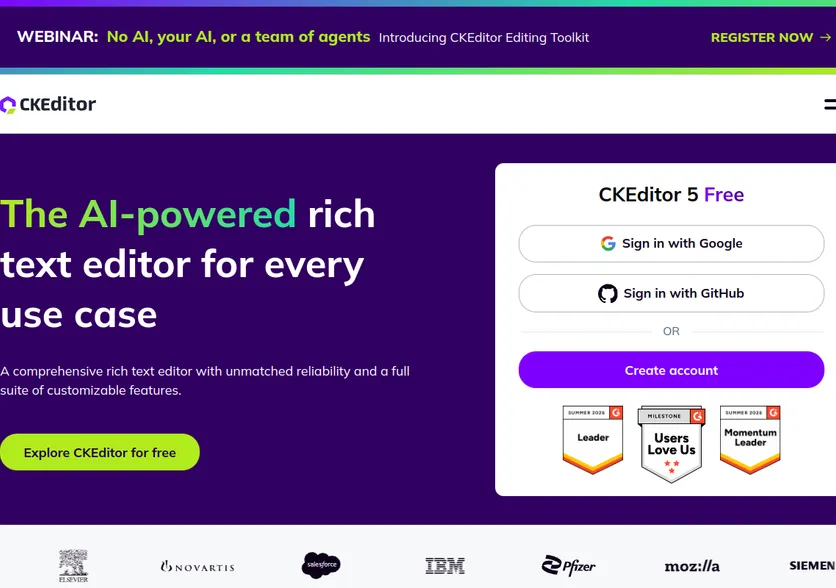
An enterprise team that needs comments, track changes and real-time collaboration inside the editor should look at this CKEditor plan, which costs one hundred and forty-four dollars a month billed annually on Essential for five thousand editor loads a month. It is the only editor in this list with vendor-built collaboration, and the free plan covers one thousand loads a month. AI and Collaboration are paid add-ons, so budget them separately.
What we like
- Vendor-built collaboration, comments and track changes
- Free plan for one thousand loads a month
- Strong accessibility and enterprise compliance options
Watch out for
- Collaboration and AI are paid add-ons, not included
- Priced per application, so each app needs its own plan
How to try it
- Add the editor build to the app and set the toolbar
- Enable comments and track changes for reviewers
- Test exports to Word and PDF before launch
3. Froala Editor
Best for: Teams that buy a flat yearly licence
Paid tool Starting price: $899/year · Eight hundred and ninety-nine dollars a year list on Professional for one product on up to three domains with unlimited users and loads; the vendor is currently showing seven hundred and nineteen dollars for the first year under a Black Week offer, and the plan renews at the list price; Enterprise is one thousand three hundred and ninety-nine dollars a year under the same offer (one thousand nine hundred and ninety-nine dollars list)
Free plan: No free plan; free trial
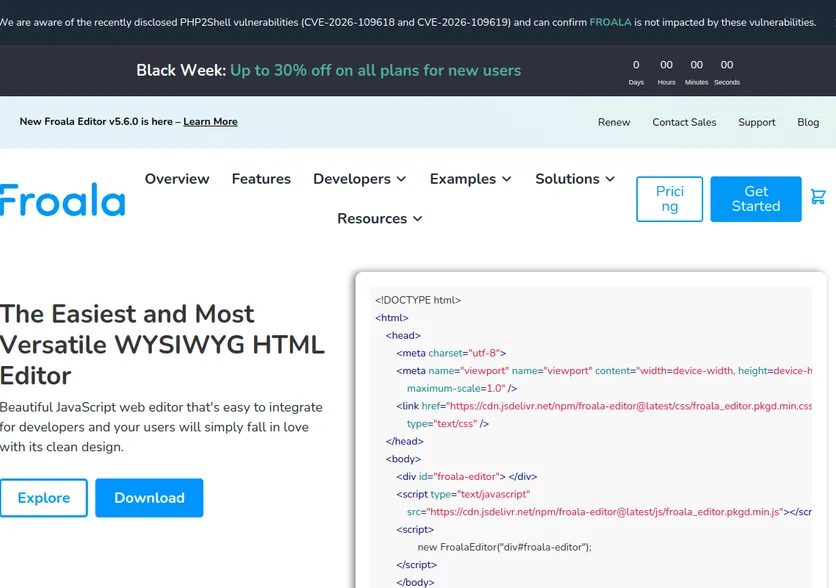
A team that wants a flat yearly licence with no usage meter will like this Froala Editor plan, which costs eight hundred and ninety-nine dollars a year list on Professional. One product runs on up to three domains with unlimited users and unlimited editor loads, self-hosted with a commercial licence. The vendor is currently showing seven hundred and nineteen dollars for the first year under a Black Week offer, and the plan renews at the list price.
What we like
- Flat yearly licence with unlimited loads and users
- Self-hosted with a commercial licence included
- AI Assist, comments and version history included
Watch out for
- Licence is tied to domains, which complicates new products
- No free plan, only a free trial
How to try it
- Buy the Professional licence for your product
- Self-host the editor files on your own servers
- Configure the toolbar and test on all three domains
4. Tiptap
Best for: Teams that build a custom editor UI
Paid tool Starting price: $49/month · Forty-nine dollars a month billed annually on Start (fifty-nine dollars billed monthly) for five hundred cloud documents, two environments and two developer licences; Team is one hundred and forty-nine dollars a month billed annually and Business is nine hundred and ninety-nine dollars; the editor core is free and MIT-licensed, and the free cloud plan was removed in June 2025, so cloud features need a paid plan with a thirty-day trial
Free plan: Free plan (open-source core)
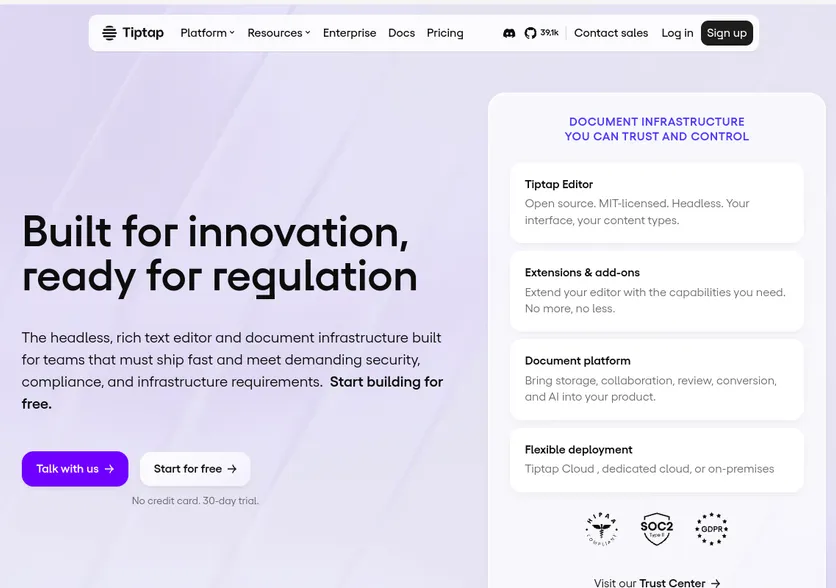
A team that wants to build its own toolbar and editing experience around a headless core will pick this Tiptap plan, which costs forty-nine dollars a month billed annually on Start for five hundred cloud documents. The editor core is free and MIT-licensed, while the paid cloud adds real-time collaboration, comments and document history. The free cloud plan was removed in June 2025, so collaboration now needs a paid plan with a thirty-day trial.
What we like
- Headless core that you style however you like
- Free MIT-licensed editor with a huge community
- Cloud adds collaboration, comments and history
Watch out for
- You build the toolbar and UI yourself
- Cloud pricing is per document, which scales unpredictably
How to try it
- Install the editor core and build the toolbar
- Connect the cloud for collaboration and history
- Test comments and version history with the team
5. Quill
Best for: Teams that want a free editor with no bill
Paid tool Starting price: $0 · Zero dollars, free and open source under the BSD licence; there is no paid tier and no vendor pricing page, so the cost is your own hosting and maintenance
Free plan: Free plan (open source)
A team that wants a solid editor for free with no subscription will start here, because this Quill plan costs zero dollars, free and open source under the BSD licence. It covers the common formatting, lists, images and embeds in a clean API, and thousands of apps run it in production. There is no paid tier and no vendor pricing page, so the cost is your own hosting and maintenance.
What we like
- Free and open source with no paid tier
- Clean API that developers learn quickly
- Runs in thousands of production apps
Watch out for
- No vendor support and no collaboration features
- Fewer built-in features than the paid editors here
How to try it
- Add Quill to the page and set the toolbar
- Style the editor to match the app
- Test the output HTML with real user content
6. Slate
Best for: Teams that build a fully custom editor
Paid tool Starting price: $0 · Zero dollars, free and open source under the MIT licence; there is no paid tier and no vendor pricing page, so the cost is your own hosting and maintenance
Free plan: Free plan (open source)
A team building a completely custom editor from framework pieces will choose this Slate plan, which costs zero dollars, free and open source under the MIT licence. It provides the editing primitives and lets the team build exactly the behaviour it needs, which is why many custom editors are built on it. There is no paid tier, no hosted plan and no vendor support, so the team owns everything.
What we like
- Fully customisable editing framework
- Free and open source under the MIT licence
- Powers many custom editors in production
Watch out for
- You build everything, including the toolbar
- No vendor support and no hosted option
How to try it
- Install Slate and build the editor component
- Add the plugins for the features you need
- Test the custom behaviour with real content
7. ProseMirror
Best for: Teams that need a toolkit, not a finished editor
Paid tool Starting price: $0 · Zero dollars, free and open source under the MIT licence; there is no paid tier and no vendor pricing page, so the cost is your own hosting and maintenance
Free plan: Free plan (open source)
A team that wants a toolkit for building exactly the editor it needs will pick this ProseMirror plan, which costs zero dollars, free and open source under the MIT licence. It is the toolkit underneath Tiptap and many other editors, with a modular design for schemas, history and collaboration. There is no paid tier and no finished editor to install, so the team builds the interface itself.
What we like
- Modular toolkit for exactly the editor you need
- Free and open source under the MIT licence
- Underpins Tiptap and many production editors
Watch out for
- Toolkit only, with no finished editor to install
- Steep learning curve for teams new to it
How to try it
- Pick the ProseMirror modules the editor needs
- Build the schema and the editing interface
- Add collaboration through the available extensions
Prices above were checked on each vendor’s own website on Nov 29, 2026 and can change — the vendor’s page is the final word. Vendor links are editorial: nobody paid to be listed or ranked here. Vendors who want a featured listing can see how it works on our Get listed page.
How to choose an editor your remote team will actually use
Start with the meter, because per-load, per-document and flat-licence pricing produce wildly different bills at the same team size, and the cheapest headline is rarely the cheapest year. Test with pasted Word documents, since real users paste from Word more than they type, and an editor that mangles pasted content will be hated within a week. Check the collaboration story early, because comments and track changes are the features a remote team notices first. Finally, confirm the licence fits where the editor runs, since a plan priced per application gets expensive when the same editor ships in two products.
Before you buy
- Check whether the price is per editor load, per document or per user, since the meter decides the real bill
- Ask if collaboration, comments and track changes come with the plan or cost extra as add-ons
- Make sure the editor fits your stack, such as React, Vue or plain JavaScript, without a rewrite
- Test the editor with your real content, including tables, images and pasted Word documents
- Confirm the licence covers your deployment, since self-hosting and cloud plans have different rules
Official websites
Official websites of the products reviewed above. Features and prices were checked against these sites when this guide was written, and they can change, so confirm on the vendor site before you buy.
Frequently asked questions
What are WYSIWYG editors for remote teams?
It is a rich text editor that a remote team embeds in its own web app, so users can format text, add links and images, and comment without knowing HTML. The best tools offer collaboration, track changes and exports, because a remote team edits the same document from different time zones and needs to see who changed what.
How much does TinyMCE cost?
TinyMCE Essential costs seventy-nine dollars a month billed annually for five thousand editor loads a month, with Professional at one hundred and forty-five dollars a month billed annually for twenty thousand loads. Overage is forty dollars per extra one thousand loads, and AI costs one hundred and thirty-three dollars a month as an add-on. A free Core plan covers one thousand loads a month.
Which WYSIWYG editor is cheapest for remote teams?
Quill, Slate and ProseMirror all cost zero dollars, free and open source with no paid tier. Tiptap is also free at the core, with paid cloud plans from forty-nine dollars a month billed annually for collaboration. TinyMCE and CKEditor offer free plans capped at one thousand editor loads a month, so a small team can run a real editor without paying.
Is there a free WYSIWYG editor for remote teams?
Quill, Slate and ProseMirror are free and open source with no paid tier, and Tiptap offers a free MIT-licensed core. TinyMCE and CKEditor both offer free plans capped at one thousand editor loads a month. These are genuine free tiers rather than trials, though collaboration and track changes on the paid editors need a paid plan.
How do WYSIWYG editors charge for usage?
TinyMCE and CKEditor both bill per editor load, which is each time the editor initialises for a user, so the bill grows with usage rather than with seats. Tiptap bills per cloud document stored for collaboration, comments and history. Froala is the exception, with a flat yearly licence and unlimited loads, which makes its cost the easiest to predict.
Compare the seven tools above, then trial the one that matches how the team builds editors, and check the real cost at your editor load before paying.
Browse Developer Tools tools