On this page
Encryption is the difference between losing a laptop and losing the business — locked files stay private when the device does not. The nine tools below range from free to about $10 a month, plus two yearly options, covering cloud vaults, file lockers and encrypted backup. NordLocker is our first pick — the easiest start, at $2.99 a month in year one, with a free 3 GB plan to try first. Every price was checked on the vendor site on November 25, 2026, and most tools offer a free plan or trial to test the protection before you pay.
How we researched this
We started with the encryption tools small businesses actually buy, then read each price on the vendor pricing page on November 25, 2026 and noted the storage limits, renewal prices and free plans each one carries. We judged them for a small business that needs client files protected without hiring a security team. We kept the list to tools with a published price, and we dropped any tool whose price we could not verify.
Compare the tools
| Name | Best for | Starting price | Free plan | |
|---|---|---|---|---|
 NordLocker | Beginners who want encrypted cloud storage that just works | $2.99/month | Free plan | Visit |
 AxCrypt | People who want to protect specific files on any device | $3.75/month | Free plan | Visit |
 Tresorit | Professionals who need an audited zero-knowledge vault | $5.59/month | Free plan | Visit |
 pCloud Crypto | pCloud users who want a zero-knowledge folder | $49.99/year | Free trial | Visit |
 Proton Drive | Privacy-first teams that want Swiss encrypted storage | $4.99/month | Free plan | Visit |
 Cryptomator | People who encrypt files stored in any cloud drive | $0/month | Free plan | Visit |
 Egnyte | Small teams that need governed file sharing with ransomware protection | $10/month | Free trial | Visit |
 SpiderOak One Backup | People who want zero-knowledge backup the provider cannot read | $6/month | Free trial | Visit |
 Sync.com | Small teams that want low-cost end-to-end encrypted storage | $6/month | Free plan | Visit |
The encryption tools, compared
1. NordLocker
Best for: Beginners who want encrypted cloud storage that just works
Paid tool Starting price: $2.99/month · 500 GB plan, per month in the first year; renews at $59.88 a year
Free plan: Free plan
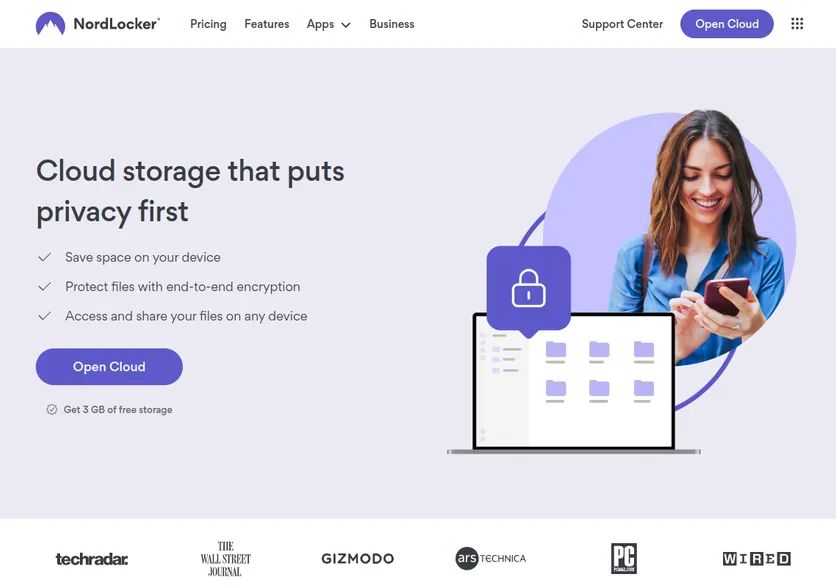
NordLocker is encrypted cloud storage from the company behind NordVPN, with files locked on your device before they sync. This NordLocker 500 GB plan costs about $3 a month in the first year and renews at about $60 a year, with a free plan that gives 3 GB to start. It suits a small business that wants storage and encryption in one bill, without managing keys or servers.
What we like
- Simple setup a beginner can finish in minutes
- Free 3 GB plan to start
- Same company as NordVPN and NordPass
Watch out for
- Price jumps to $59.88 a year on renewal
- No Linux app
How to try it
- Open the NordLocker pricing page and pick the 500 GB plan
- Create a locker and move your sensitive files into it
- Share a file with a colleague and check they can open it
2. AxCrypt
Best for: People who want to protect specific files on any device
Paid tool Starting price: $3.75/month · Premium plan, per month billed annually; some listings show $5 or $5.99 a month
Free plan: Free plan
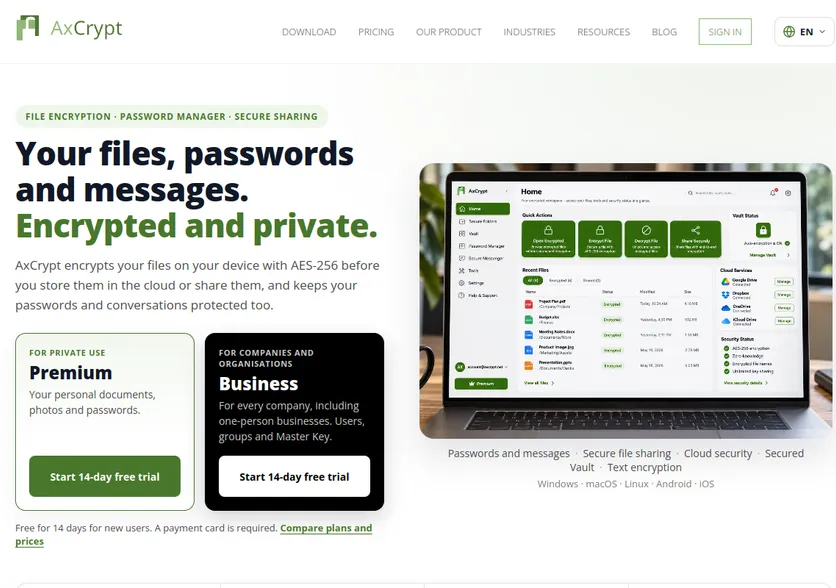
AxCrypt locks single files and folders with AES-256, and it works on Windows, macOS, Linux, Android and iOS, so the same file stays protected everywhere. This AxCrypt Premium plan costs $3.75 a month billed yearly and adds secured folders, key sharing and a password manager. It is the pick when the job is protecting specific files, not a whole drive or cloud account.
What we like
- Simple right-click encryption
- Works on every major platform
- Key sharing built in
Watch out for
- Prices vary across listings from $3.75 to $5.99
- Free version only opens files others encrypted
How to try it
- Open the AxCrypt pricing page and pick Premium
- Right-click a file and encrypt it with your passphrase
- Share the key with a colleague so they can open it
3. Tresorit
Best for: Professionals who need an audited zero-knowledge vault
Paid tool Starting price: $5.59/month · Personal Lite plan, per month billed annually for 50 GB; prices rose in November 2026
Free plan: Free plan
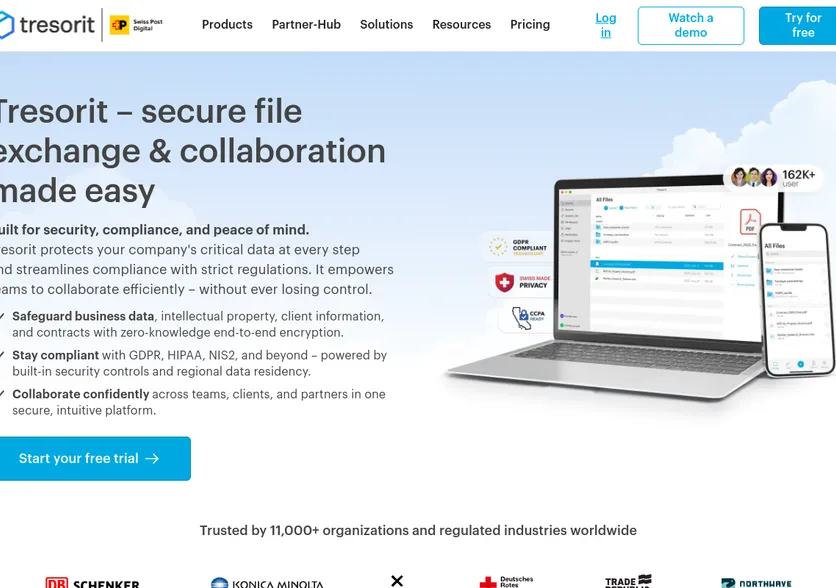
Tresorit is a zero-knowledge cloud vault that encrypts files on your device before upload, so even Tresorit cannot read them. This Tresorit Personal Lite plan costs $5.59 a month billed yearly for 50 GB, with the free Basic plan giving 3 GB. It suits a small business handling sensitive client files, because the audit trail and Swiss privacy law are part of the pitch.
What we like
- True zero-knowledge encryption
- Audited and built for regulated work
- Clean apps on every platform
Watch out for
- Lite holds only 50 GB for the price
- Prices rose in November 2026
How to try it
- Open the Tresorit pricing page and pick Personal Lite
- Create a tresor and move your client files into it
- Invite a colleague and set their access level
4. pCloud Crypto
Best for: pCloud users who want a zero-knowledge folder
Paid tool Starting price: $49.99/year · Crypto add-on, per year; $150 once for a lifetime licence; storage plan sold separately
Free plan: Free trial
pCloud Crypto adds a client-side encrypted folder to a pCloud account, locked with a passphrase that pCloud never holds. This pCloud Crypto add-on costs $49.99 a year, or $150 once for a lifetime licence, on top of a storage plan. It is the pick when the team already stores files in pCloud, because the encrypted folder slots into the same drive and apps.
What we like
- Lifetime licence available for $150
- Works inside the pCloud apps you know
- Zero-knowledge passphrase protection
Watch out for
- Encryption is an add-on, not included in storage
- Only files in the Crypto folder are protected
How to try it
- Open the pCloud encryption page and buy the Crypto add-on
- Set a Crypto passphrase you will not forget
- Move sensitive files into the Crypto folder
5. Proton Drive
Best for: Privacy-first teams that want Swiss encrypted storage
Paid tool Starting price: $4.99/month · Drive Plus plan, per month for 200 GB; about $3.99 a month on annual billing
Free plan: Free plan
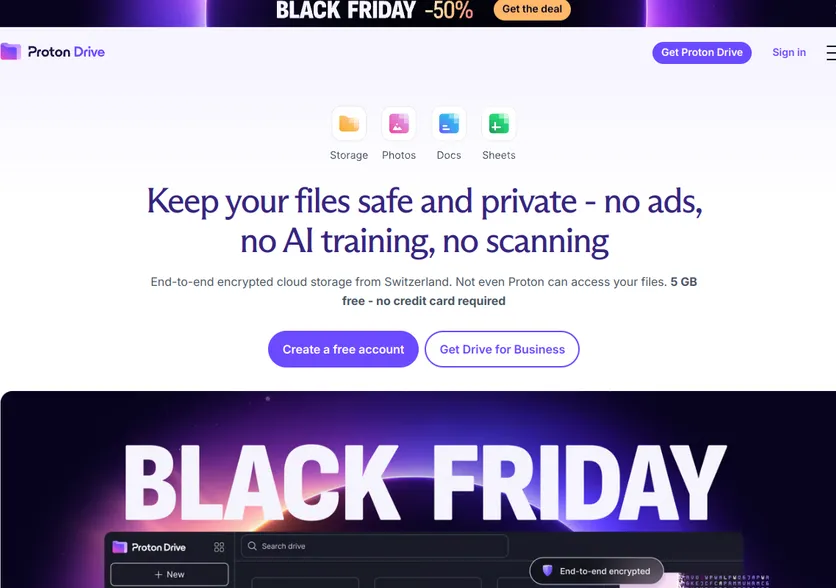
Proton Drive is end-to-end encrypted storage from the Swiss company behind Proton Mail, with files locked on your device before they leave it. This Proton Drive Plus plan costs about $5 a month for 200 GB, or about $4 a month on annual billing, with 5 GB free to start. It suits a small business that wants one privacy-first account for drive, mail and calendar, because the Proton suite shares a single login.
What we like
- Swiss privacy law and open-source apps
- Drive, Mail and VPN share one login
- Free 5 GB plan to start
Watch out for
- 200 GB is small for a full archive
- Business plan costs $7.99 per user a month
How to try it
- Open the Proton Drive pricing page and pick Drive Plus
- Upload your files and check the encryption badge
- Share a file with a password and an expiry date
6. Cryptomator
Best for: People who encrypt files stored in any cloud drive
Paid tool Starting price: $0/month · Desktop app free for personal use; full mobile access is a separate one-time purchase per platform
Free plan: Free plan
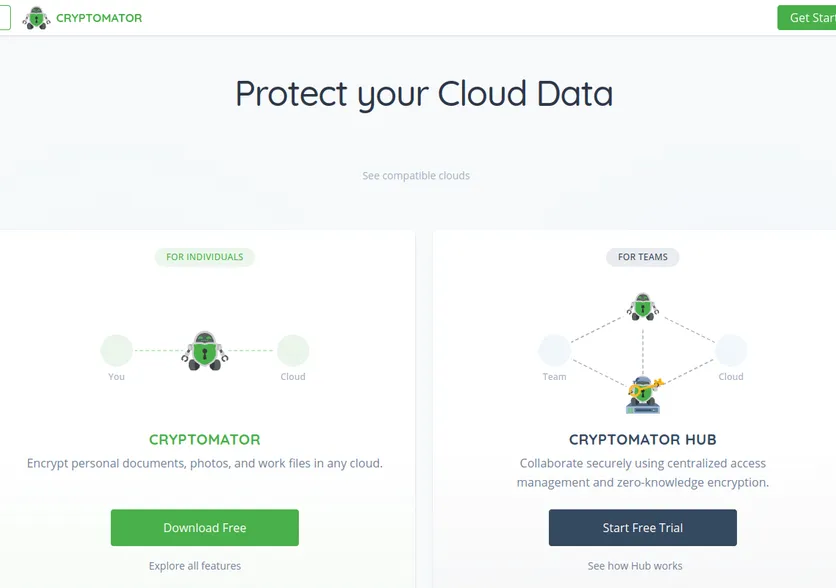
Cryptomator creates an encrypted vault inside Dropbox, Google Drive or any synced folder, so the cloud provider only ever sees scrambled files and filenames. This Cryptomator desktop app is free and open source for personal use, with unlimited vaults on Windows, macOS and Linux. It is the pick when the storage is already paid for and only the encryption layer is missing, because it adds privacy without moving a single file.
What we like
- Free and open source on desktop
- Encrypts filenames as well as contents
- Works with any cloud storage
Watch out for
- Full mobile access is a paid one-time purchase
- No built-in cloud storage of its own
How to try it
- Open the Cryptomator site and download the free desktop app
- Create a vault inside your cloud sync folder
- Move sensitive files into the vault and let them sync encrypted
7. Egnyte
Best for: Small teams that need governed file sharing with ransomware protection
Paid tool Starting price: $10/month · Team plan, per user per month; some listings show $20 a month for Business
Free plan: Free trial
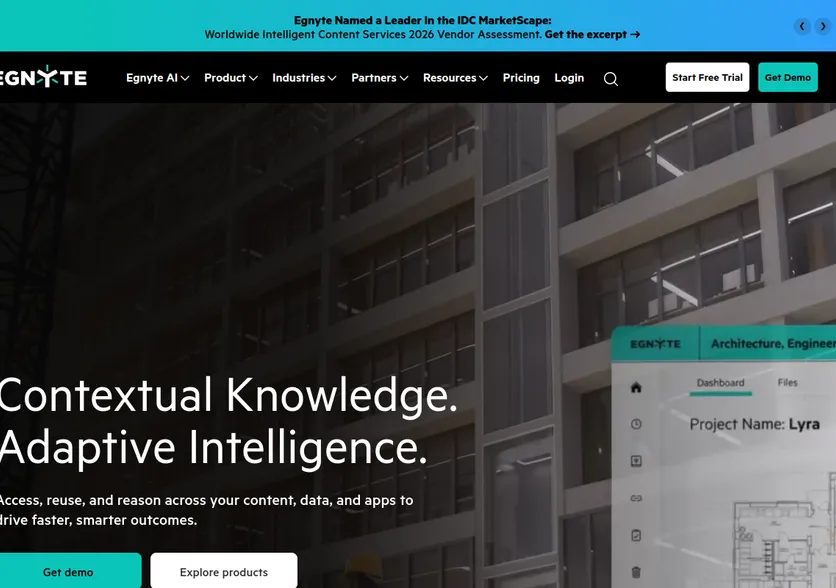
Egnyte is file sharing with governance built in: permissions, audit logs, ransomware detection and hybrid cloud plus on-premises storage. This Egnyte Team plan costs $10 a month per user and covers the core sharing and protection a small team needs. It suits a business that outgrew a plain cloud drive and needs to prove who touched every file.
What we like
- Governance and audit logs built in
- Ransomware protection included
- Hybrid cloud and on-premises options
Watch out for
- Some listings show $20 a month for Business
- Overkill for simple file storage
How to try it
- Open the Egnyte pricing page and pick Team
- Create a shared folder and set permissions for the team
- Turn on ransomware detection and check the audit log
8. SpiderOak One Backup
Best for: People who want zero-knowledge backup the provider cannot read
Paid tool Starting price: $6/month · 150 GB plan, per month; $69 a year on annual billing
Free plan: Free trial
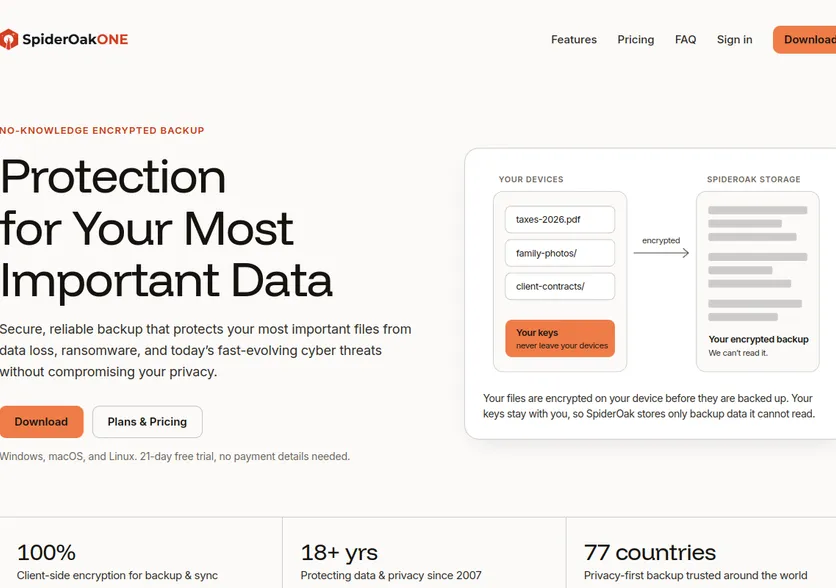
SpiderOak One Backup encrypts every file on your device before upload, so the company cannot read your files, filenames or metadata. This SpiderOak One Backup 150 GB plan costs $6 a month, or $69 a year, and covers unlimited devices with unlimited historic versions. It is the pick when backup and encryption must be one product, because the zero-knowledge design is the whole point.
What we like
- True zero-knowledge backup
- Unlimited devices on every plan
- Unlimited historic versions
Watch out for
- 150 GB rarely fits a full computer
- No free plan, only a 21-day trial
How to try it
- Open the SpiderOak pricing page and pick the 150 GB plan
- Install the app and select the folders to back up
- Check the first backup completes, then test a restore
9. Sync.com
Best for: Small teams that want low-cost end-to-end encrypted storage
Paid tool Starting price: $6/month · Teams 1TB plan, per user per month on annual billing; $8 a month on monthly billing; 3-user minimum
Free plan: Free plan
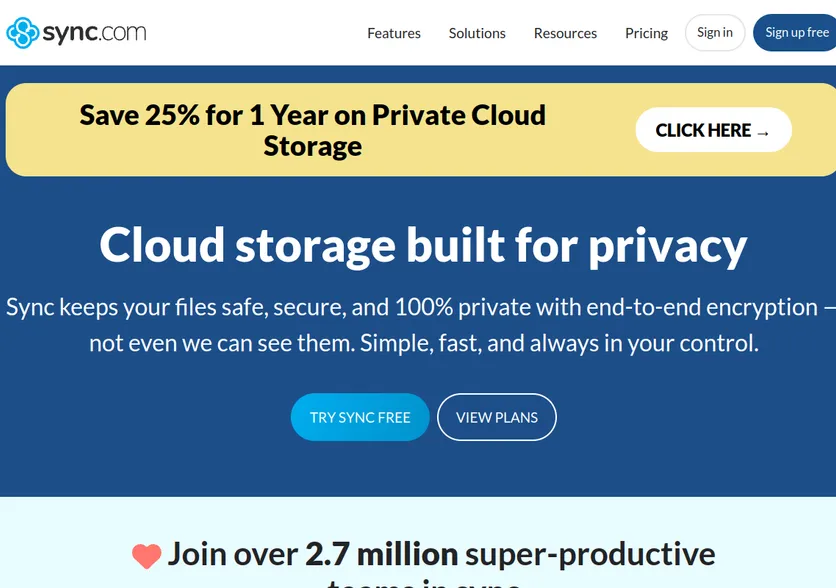
Sync encrypts every file with zero-knowledge, end-to-end encryption before it leaves the device, and the company does not hold the keys. This Sync Teams 1TB plan costs $6 a month per user on annual billing for 1 TB per user, with a 3-user minimum. It is the cheapest team encryption here per terabyte, and the pick when the whole team needs private storage without an enterprise bill.
What we like
- Cheapest team encryption per terabyte
- Zero-knowledge on every file
- 365-day file history on higher plans
Watch out for
- Teams plans need at least 3 users
- Collaboration is simpler than Egnyte
How to try it
- Open the Sync.com pricing page and pick Teams 1TB
- Create a team and invite at least two colleagues
- Move shared files into the encrypted team folders
Prices above were checked on each vendor’s own website on Nov 14, 2026 and can change — the vendor’s page is the final word. Vendor links are editorial: nobody paid to be listed or ranked here. Vendors who want a featured listing can see how it works on our Get listed page.
What encryption software costs in 2026
The range on this list runs from free to about $10 a month, and the price usually follows the storage: file lockers cost the least, while cloud vaults charge by the gigabyte. The prices in this guide use the headline plan each vendor shows on its own pricing page, checked on November 25, 2026. Cryptomator is free on desktop, while Egnyte is priciest at $10 a month per user, and pCloud Crypto is a $49.99 yearly add-on.
Before you buy
- Read the renewal price, because NordLocker costs $2.99 a month in year one but $59.88 a year after that.
- Check the storage size on the cheapest plan, since 50 GB or 150 GB may not fit a full archive.
- Keep your passphrase or recovery key somewhere safe, because zero-knowledge means nobody can restore it for you.
- Compare the free options first, because Cryptomator is free on desktop and NordLocker offers a free 3 GB plan.
- Check the team minimums before you pay, because Sync.com Teams needs 3 users at $6 a month per user.
Official websites
Official websites of the products reviewed above. Features and prices were checked against these sites when this guide was written, and they can change, so confirm on the vendor site before you buy.
Frequently asked questions
Which encryption software is best for a small business in 2026?
NordLocker, at $2.99 a month in the first year, is the easiest start for encrypted storage, though it renews at about $60 a year. Tresorit Personal Lite, at $5.59 a month, is the strongest vault for sensitive client files. Sync.com Teams, at $6 a month per user, is the cheapest way to give a whole team private storage.
What is the cheapest encryption software?
Cryptomator is free on desktop, so it costs nothing to start. AxCrypt Premium, at $3.75 a month billed yearly, is the cheapest paid file encryption here. NordLocker costs $2.99 a month in the first year but renews higher, and SpiderOak and Sync.com both start at $6 a month.
What does zero-knowledge encryption mean?
Zero-knowledge means the provider cannot read your files, because encryption happens on your device and only you hold the key. Tresorit, SpiderOak and Sync.com are zero-knowledge by design. NordLocker and Proton Drive also encrypt on the device. If a provider can reset your password and restore your files, it is not zero-knowledge.
Can I try encryption software before paying?
Mostly yes. NordLocker, AxCrypt, Tresorit, Proton Drive, Cryptomator and Sync.com all have free plans. pCloud Crypto, Egnyte and SpiderOak offer free trials instead. Start free with the files you actually need to protect, because a trial with a few files hides the cost of a full archive.
What should I check before buying encryption software?
Read the renewal price first, because NordLocker costs $2.99 a month in year one but $59.88 a year after that. Check the storage size too, since Tresorit Lite holds only 50 GB and SpiderOak starts at 150 GB. And keep your passphrase or recovery key somewhere safe, because zero-knowledge means nobody can restore it for you.
Pick the tool that matches your job, hash or encrypt it in your browser, and keep your private data off other people's servers.
Browse Hash & Checksum tools