On this page
Small businesses run on shared logins: email, social accounts, banking and suppliers. A password manager turns that mess into one vault per person, with strong passwords nobody has to remember. The eight tools below cost about $2 to about $9 a month per user, each suiting a team, from cheapest starter to most polished apps. 1Password Business is our first pick — the best overall, with the most polished apps and the smoothest team setup. Every price was checked on the vendor site on November 25, 2026, and most tools offer a free plan or trial to test first.
How we researched this
We started with the password managers small businesses actually buy, then read each price on the vendor pricing page on November 25, 2026 and noted the user limits, renewal prices and free plans each one carries. We judged them for a small business that needs shared logins without shared spreadsheets. We kept the list to tools with a published price, and we dropped any tool whose price we could not verify.
Compare the tools
| Name | Best for | Starting price | Free plan | |
|---|---|---|---|---|
 1Password Business | Small businesses that want the most polished password manager | $8.99/month | Free trial | Visit |
 Bitwarden | Teams that want open-source security at a low price | $4/month | Free plan | Visit |
 Dashlane | Teams that want a password manager with a built-in VPN | $8/month | Free trial | Visit |
 LastPass | Teams that want a familiar name with strong admin controls | $7/month | Free plan | Visit |
 Keeper Business Starter | Tiny teams that want the cheapest business password manager | $2/month | Free plan | Visit |
 NordPass | NordVPN users who want matching password security | $3.99/month | Free plan | Visit |
 RoboForm | Teams that want cheap form filling as well as passwords | $3.33/month | Free plan | Visit |
 Proton Pass | Privacy-first teams that want the cheapest business plan | $1.99/month | Free plan | Visit |
The password managers, compared
1. 1Password Business
Best for: Small businesses that want the most polished password manager
Paid tool Starting price: $8.99/month · Business plan, per user per month on annual billing; Teams Starter Pack is $2.49 a month
Free plan: Free trial
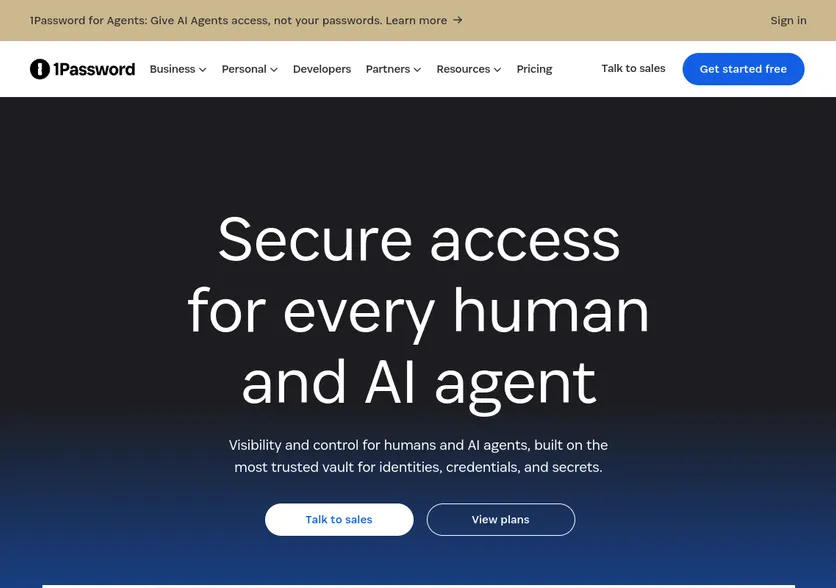
1Password Business is the password manager most teams pick first, because the apps are polished, the sharing is simple and the admin controls are clear. This 1Password Business plan costs $8.99 a month per user on annual billing, with 5 GB of document storage and guest accounts for contractors. It is the pick when the whole team needs to adopt the tool quickly, because the setup is the smoothest here.
What we like
- Polished apps on every platform
- Watchtower flags weak and reused passwords
- Guest accounts for contractors included
Watch out for
- No free plan, only a trial
- Priciest business plan on this list
How to try it
- Open the 1Password Business pricing page and start the trial
- Invite the team and import passwords from browsers
- Set up shared vaults for each team and turn on Watchtower
2. Bitwarden
Best for: Teams that want open-source security at a low price
Paid tool Starting price: $4/month · Teams plan, per user per month on annual billing; Enterprise is $6 a month
Free plan: Free plan
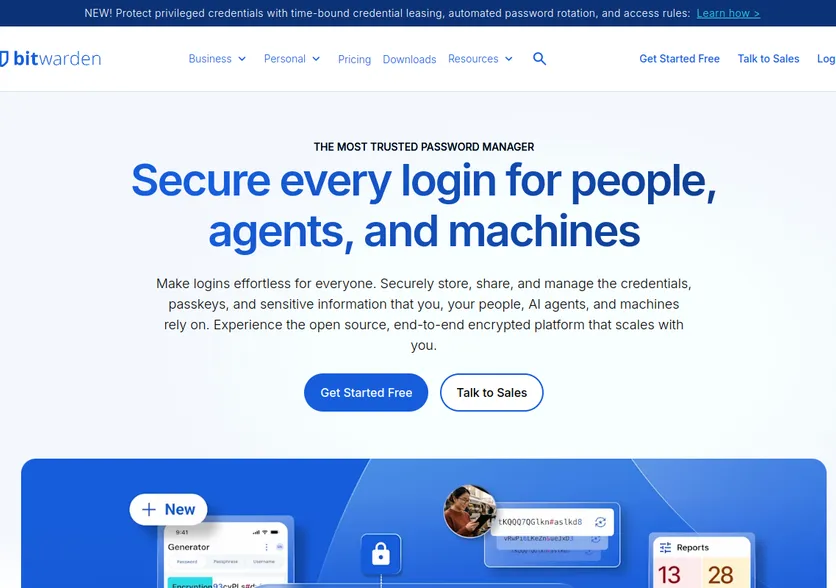
Bitwarden is the open-source password manager, and its code is public for anyone to audit, which is why security-minded teams trust it. This Bitwarden Teams plan costs $4 a month per user on annual billing and adds event logs, directory sync and priority support to the free plan. It is the best value here for a team that wants real security without a big bill.
What we like
- Open-source code anyone can audit
- Best value team plan here
- Self-hosting option for full control
Watch out for
- Interface is plainer than 1Password
- Setup takes more clicks
How to try it
- Open the Bitwarden pricing page and pick Teams
- Create an organization and invite the team
- Import passwords and set up collections for each department
3. Dashlane
Best for: Teams that want a password manager with a built-in VPN
Paid tool Starting price: $8/month · Omnix Password Management plan, per user per month on annual billing; the free plan ended in September 2025
Free plan: Free trial
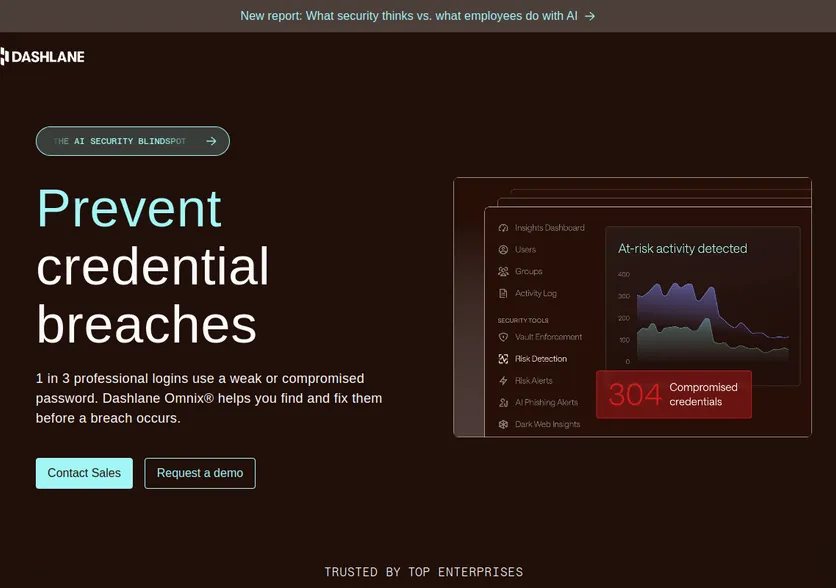
Dashlane pairs password management with dark web monitoring and a VPN, so one subscription covers the team's credentials and its public Wi-Fi safety. This Dashlane Omnix Password Management plan costs $8 a month per user on annual billing. It suits a team that travels or works from cafes, because the VPN and the password vault share one login.
What we like
- VPN included in the same subscription
- Dark web monitoring built in
- Clean apps and good autofill
Watch out for
- Free plan ended in September 2025
- Trial length varies across listings
How to try it
- Open the Dashlane pricing page and start the trial
- Import passwords and turn on dark web monitoring
- Share logins with the team through shared collections
4. LastPass
Best for: Teams that want a familiar name with strong admin controls
Paid tool Starting price: $7/month · Business plan, per user per month on annual billing; Teams is $4.25 a month
Free plan: Free plan
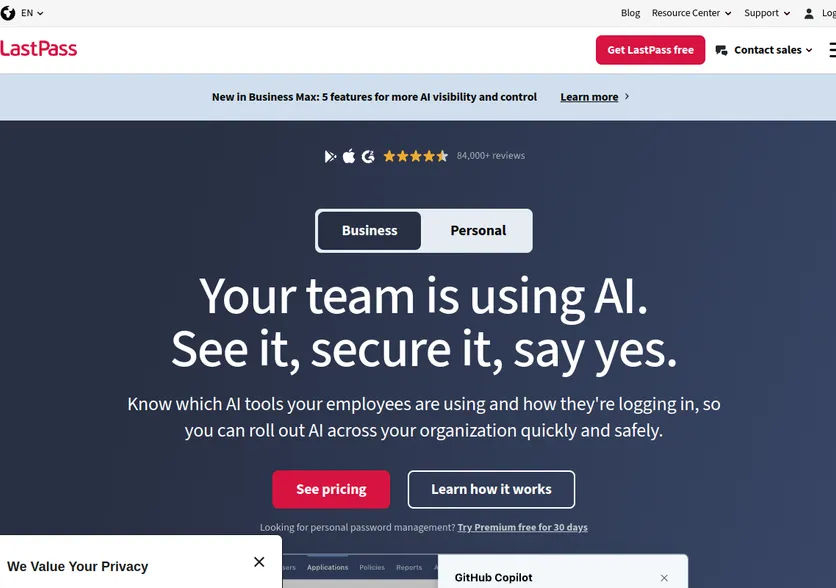
LastPass Business is the veteran team password manager, with shared folders, admin policies and single sign-on for the apps the team already uses. This LastPass Business plan costs $7 a month per user on annual billing, while the smaller Teams plan costs $4.25. It is the pick when the team needs SSO and directory sync without paying 1Password prices.
What we like
- Strong admin policies and SSO
- Teams plan is cheap at $4.25
- Works in every browser
Watch out for
- Past security incidents still worry some buyers
- Business plan is pricier than Bitwarden
How to try it
- Open the LastPass pricing page and pick Business
- Invite the team and set the master password policy
- Create shared folders for each department
5. Keeper Business Starter
Best for: Tiny teams that want the cheapest business password manager
Paid tool Starting price: $2/month · Business Starter plan, per user per month on annual billing for 5 to 10 users
Free plan: Free plan
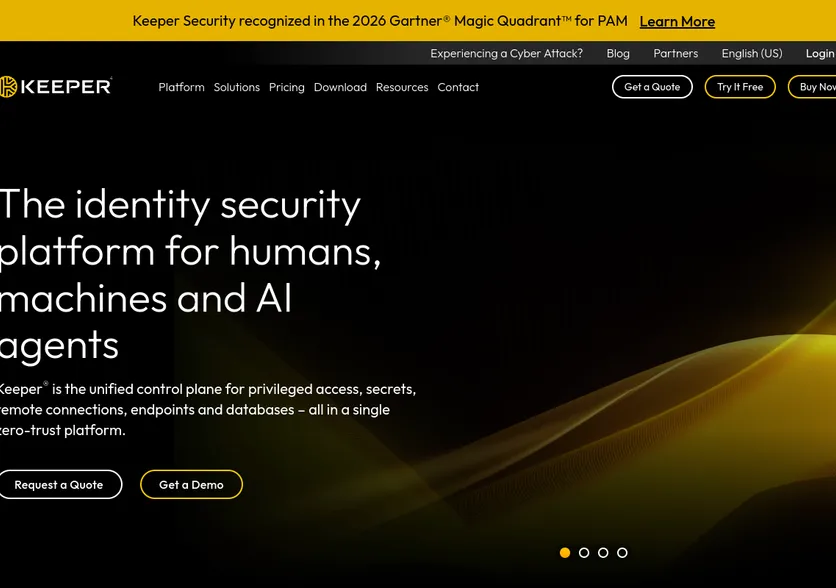
Keeper Business Starter is the cheapest team password manager here, built for a business with five to ten people that needs shared vaults and admin controls. This Keeper Business Starter plan costs $2 a month per user on annual billing, with encrypted file storage included. It is the pick when the budget is the deciding factor, because no other business plan here starts this low.
What we like
- Cheapest business plan on this list
- Encrypted file storage included
- Good admin controls for the price
Watch out for
- Starter covers only 5 to 10 users
- Interface feels dated next to 1Password
How to try it
- Open the Keeper pricing page and pick Business Starter
- Create a business account and invite up to ten users
- Set up shared folders and turn on breach alerts
6. NordPass
Best for: NordVPN users who want matching password security
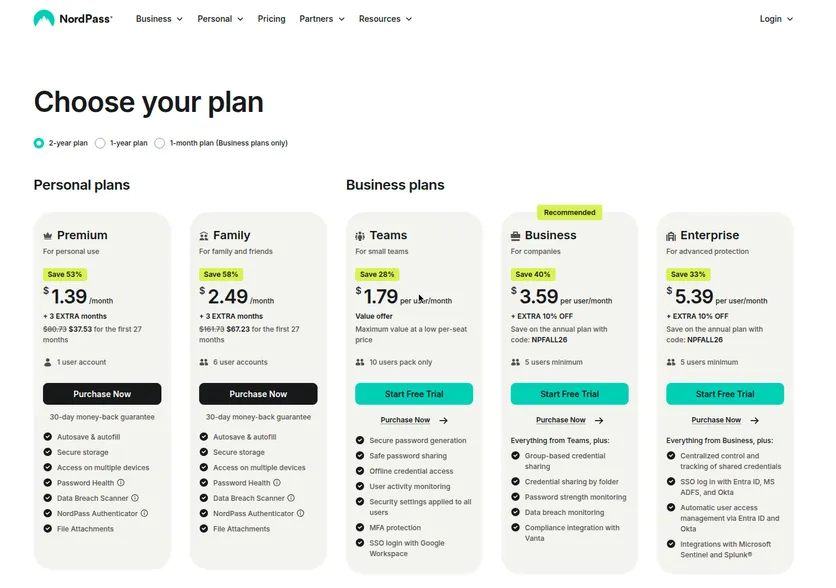
Paid tool Starting price: $3.99/month · Business plan, per user per month on a 1-year term; one source lists $3.59 on a 2-year term
Free plan: Free plan
NordPass is the password manager from the company behind NordVPN, with the same clean design and the same focus on simple, strong encryption. This NordPass Business plan costs $3.99 a month per user on a one-year term, with shared folders and admin controls included. It suits a team already paying for NordVPN, because the two tools share one account and one bill.
What we like
- Same account as NordVPN
- Clean and simple apps
- Password health score is useful
Watch out for
- Two-year term shows $3.59 in some listings
- Fewer admin features than 1Password
How to try it
- Open the NordPass business pricing page and pick Business
- Invite the team and import passwords
- Set up shared folders and check the password health score
7. RoboForm
Best for: Teams that want cheap form filling as well as passwords
Paid tool Starting price: $3.33/month · Business plan, per user per month
Free plan: Free plan
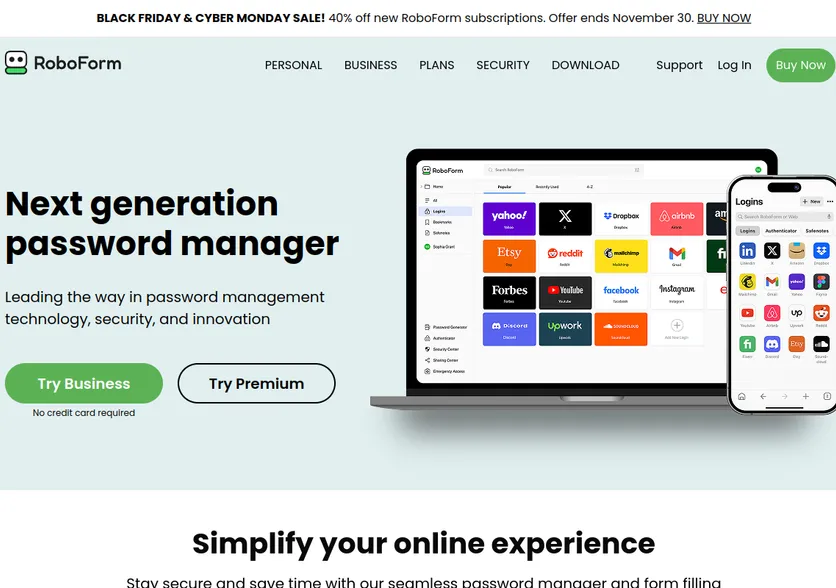
RoboForm has filled web forms since before password managers were a category, and it still does that job better than most rivals. This RoboForm Business plan costs $3.33 a month per user and adds shared logins, admin controls and priority support. It is the pick when the team fills the same forms every day, because the form filler saves more time than the password vault alone.
What we like
- Best form filling here
- Cheap business price
- Works on every major browser
Watch out for
- Interface looks older than rivals
- Fewer integrations than 1Password
How to try it
- Open the RoboForm pricing page and pick Business
- Install the browser extension and import passwords
- Save a few common forms and test the one-click fill
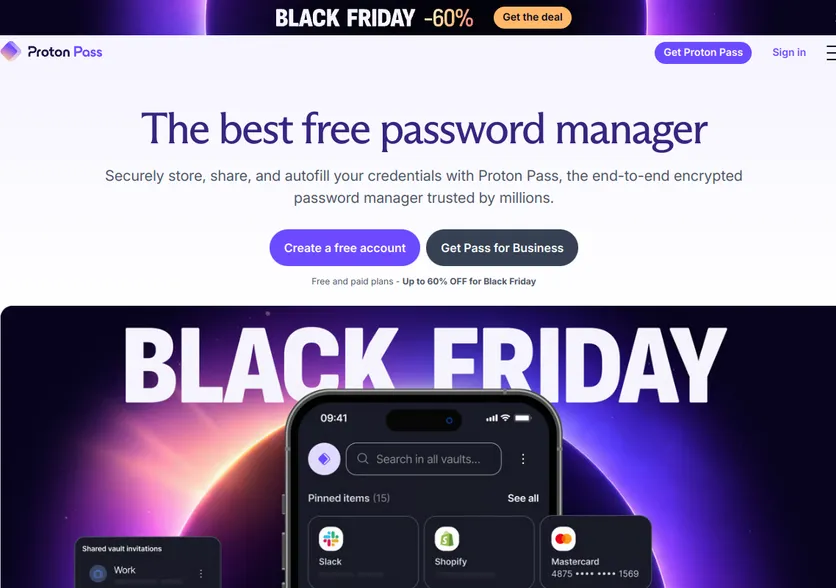
8. Proton Pass
Best for: Privacy-first teams that want the cheapest business plan
Paid tool Starting price: $1.99/month · Pass Essentials plan, per user per month on annual billing; $1.99 is a promotional rate and the standard price is $4.99 a month; 3-user minimum
Free plan: Free plan
Proton Pass is the password manager from the Swiss company behind Proton Mail, with end-to-end encryption and a clean, simple vault. This Proton Pass Essentials plan costs about $2 a month per user on annual billing, with a three-user minimum, though the standard monthly price is about $5. It is the cheapest business plan here on the promotional rate, and the pick for a small team that already trusts Proton.
What we like
- Cheapest business plan here
- Swiss privacy law and open source
- Works with the Proton suite
Watch out for
- $1.99 is a promotional rate
- Three-user minimum applies
How to try it
- Open the Proton Pass business pricing page and pick Essentials
- Invite at least three users to the plan
- Import passwords and turn on the breach alerts
Prices above were checked on each vendor’s own website on Nov 14, 2026 and can change — the vendor’s page is the final word. Vendor links are editorial: nobody paid to be listed or ranked here. Vendors who want a featured listing can see how it works on our Get listed page.
What password managers cost in 2026
The range on this list runs from about $2 a month to about $9 a month per user, and the price usually follows the polish: the cheapest plans cover the vault and sharing, while the priciest add admin controls, SSO and breach monitoring. The prices in this guide use the headline plan each vendor shows on its own pricing page, checked on November 25, 2026. Proton Pass is cheapest at $1.99 a month on promotion, while 1Password Business is priciest at $8.99 a month per user.
Before you buy
- Check the user minimum, because Keeper Starter covers only 5 to 10 users and Proton Pass needs at least three.
- Read the renewal price, since Proton Pass costs $1.99 on promotion but $4.99 at the standard rate.
- Start one person on a free plan, and pay only when the team needs shared vaults.
- Compare the per-user prices, because Keeper starts at $2 a month while 1Password Business is $8.99.
- Check what the top tier adds, because the priciest plans add admin controls, SSO and breach monitoring.
Official websites
Official websites of the products reviewed above. Features and prices were checked against these sites when this guide was written, and they can change, so confirm on the vendor site before you buy.
Frequently asked questions
Which password manager is best for a small business in 2026?
1Password Business, at $8.99 a month per user, is the best overall because the apps are polished and the team setup is the smoothest. Bitwarden Teams, at $4 a month, is the best value for a team that wants open-source security. Keeper Business Starter, at $2 a month, is the cheapest business plan here.
What is the cheapest password manager for a small business?
Proton Pass Essentials, at $1.99 a month per user, is the cheapest business plan here, though that is a promotional rate and the standard price is $4.99. Keeper Business Starter costs $2 a month for 5 to 10 users. Bitwarden Teams, at $4 a month, is the cheapest full-price plan with no promo or user cap.
Can I try password managers before paying?
Yes. Bitwarden, LastPass, Keeper, NordPass, RoboForm and Proton Pass all have free plans for personal use, so one person can test the vault before the team pays. 1Password and Dashlane offer free trials instead of free plans. Try the free plan with your own logins for a week before you invite the team.
What should I check before buying a team password manager?
Check the user minimum first, because Keeper Starter covers only 5 to 10 users and Proton Pass Essentials needs at least three. Check the renewal price too, since Proton Pass costs $1.99 on promotion but $4.99 at the standard rate. And confirm the plan includes shared vaults, because the cheapest personal plan never does.
Why does a small business need a password manager?
A password manager removes the two biggest risks: weak passwords and reused passwords. It generates a strong password for every account, fills it in for you and warns you when a password appears in a breach. For a small business, the team plans add shared vaults, so nobody emails a password or writes it on a sticky note again.
Start with one strong password today, then work through the rest of your accounts with these free security tools.
Browse Security & Privacy tools