On this page
Engineering calculations are where a wrong unit or a missed sign becomes a real failure, so checking units and documenting the working matters as much as the answer. The best calculation software covers the math your field uses, reads like a document a reviewer can follow, and charges a price teams can sustain. The eight tools below run from $14 a month to $2,585 a year, prices checked November 25, 2026, and every tool offers a free plan or a free trial. MATLAB is our first pick — the most powerful numerical computing platform every engineering team already knows.
How we researched this
We started with the engineering calculation tools engineers actually use, then read each price on the vendor site on November 25, 2026 and noted the free plan or trial each one carries. We judged them for an engineer who needs calculations that are correct, readable and ready to share with a reviewer. We kept the list to tools with a published price, and we dropped any tool whose price we could not verify.
Compare the tools
| Name | Best for | Starting price | Free plan | |
|---|---|---|---|---|
 MATLAB | Engineers who need the most powerful numerical computing platform | $1,050/year | Free trial | Visit |
 PTC Mathcad Prime | Engineers who want calculations that read like a document | $859/year | Free trial | Visit |
 SkyCiv | Structural engineers who need cloud-based analysis and design | $89/month | Free plan | Visit |
 ClearCalcs | Civil engineers who need code-checked calculations with reports | $79/month | 14-day free trial | Visit |
 SimScale | Engineers who need cloud CFD and FEA simulation without a workstation | See website | Free plan (Community) | Visit |
 Autodesk Inventor | Mechanical engineers who need professional 3D design and simulation | $2,585/year | Free trial | Visit |
 Blockpad | Engineers who want spreadsheet math that reads like a document | $199/year | Free plan (education) | Visit |
 CalcTree | Engineering teams who want shareable calculations in the browser | $14/month | Free plan | Visit |
The engineering tools, compared
1. MATLAB
Best for: Engineers who need the most powerful numerical computing platform
Paid tool Starting price: $1,050/year · Standard Individual annual licence; perpetual is $2,625; academic is $330 a year and Student Suite is $119 a year
Free plan: Free trial
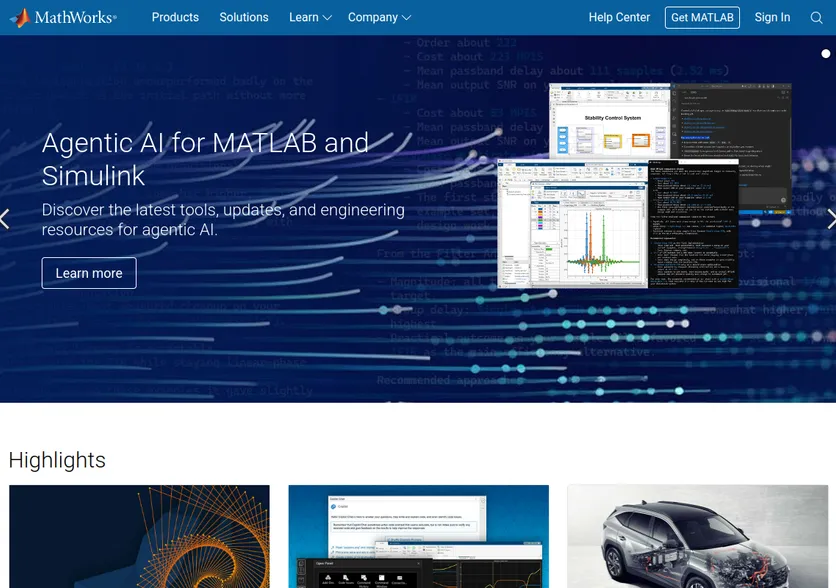
MATLAB is the numerical computing platform engineers reach for when the problem is too big for a spreadsheet and too serious for a script. This MATLAB Standard Individual annual licence covers the full language, toolboxes for signal processing and control, and the ability to deploy apps and code. It is the best pick when the work is serious engineering computation and the team already speaks MATLAB.
What we like
- Most powerful numerical computing
- Toolboxes for every discipline
- Deploy apps and code from the same platform
Watch out for
- Price listings differ across sources, verify at checkout
- Toolboxes cost extra on top of the base licence
How to try it
- Open the MathWorks pricing page and start the trial
- Write a script in the MATLAB editor
- Run it and plot the result
2. PTC Mathcad Prime
Best for: Engineers who want calculations that read like a document
Paid tool Starting price: $859/year · Subscription, locked licence per year; floating licence is $2,400 a year
Free plan: Free trial
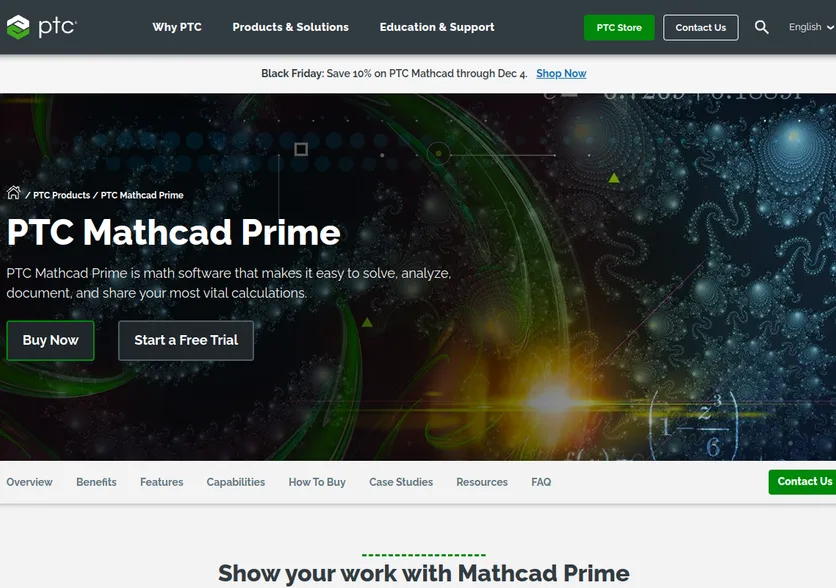
Mathcad Prime is the calculation tool that reads like a textbook, because the equations sit on the page in real math notation with the units attached. This PTC Mathcad Prime subscription covers the calculation engine, unit handling, plotting and the ability to share a worksheet anyone can read. It suits an engineer who needs the calculation and the documentation to be the same file, with every unit checked.
What we like
- Calculations read like a document
- Units checked automatically
- Worksheets anyone can read and verify
Watch out for
- Floating licence costs far more
- No free plan, only a trial
How to try it
- Open the PTC Mathcad page and start the trial
- Type an equation in real math notation
- Check the units and share the worksheet
3. SkyCiv
Best for: Structural engineers who need cloud-based analysis and design
Paid tool Starting price: $89/month · Basic plan, per month; Student is $14 a month and Professional is $249 a month
Free plan: Free plan
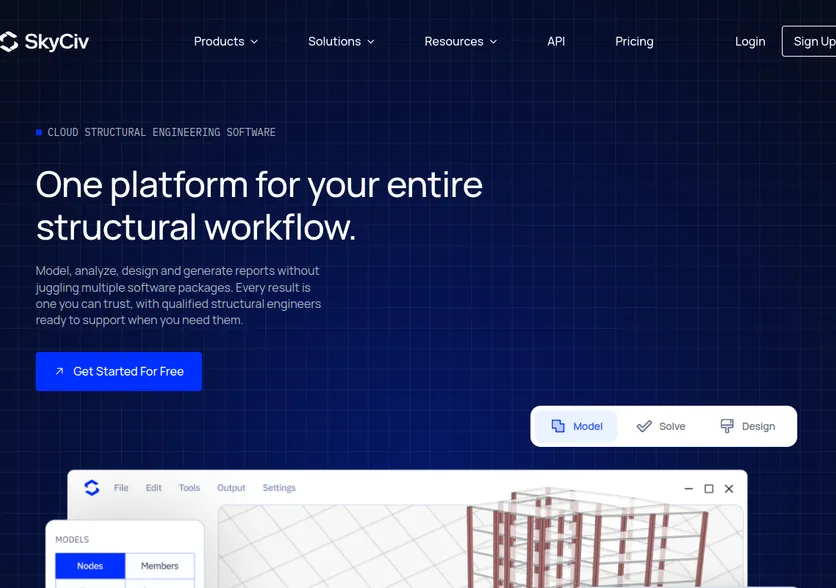
SkyCiv runs structural analysis in the browser, which means a beam or frame calculation is ready without installing software or owning a workstation. This SkyCiv Basic plan covers structural analysis, load combinations and design checks for steel, timber and concrete. It suits a structural engineer who needs a quick, code-checked answer from any computer, with the report to prove it.
What we like
- Runs entirely in the browser
- Code-checked design for steel and timber
- Reports ready to share with clients
Watch out for
- Advanced modules cost extra
- Best features need the Professional plan
How to try it
- Open the SkyCiv site and start the trial
- Model a beam or frame in the browser
- Run the analysis and download the report
4. ClearCalcs
Best for: Civil engineers who need code-checked calculations with reports
Paid tool Starting price: $79/month · Basic US plan, per month; $790 a year; Pro is $119 a month and Ultimate is $149 a month
Free plan: 14-day free trial
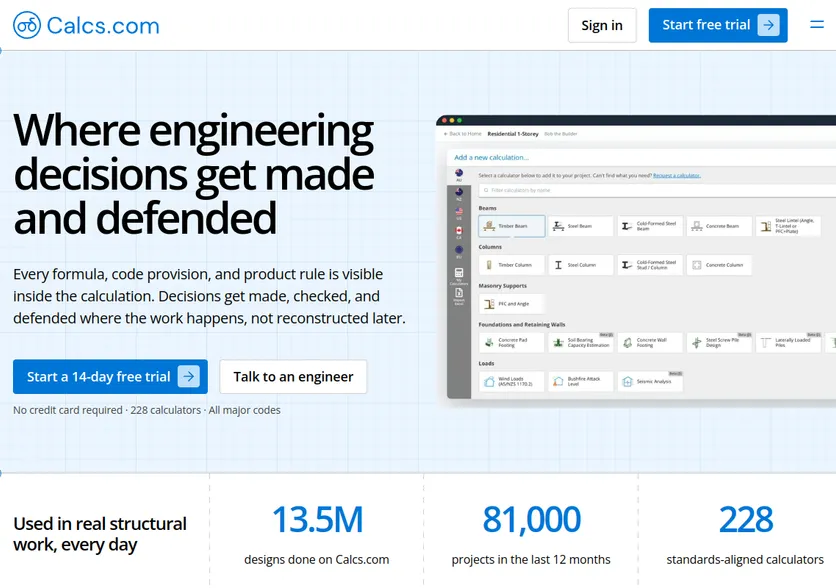
ClearCalcs is the calculation tool for civil engineers who need a report a reviewer will accept, because every calculation is checked against the code and printed cleanly. This ClearCalcs Basic US plan covers beam, column and footing calculations with PDF reports and a shared team workspace. It suits an engineer who designs the same structures every week and wants the calculation and the report done in one step.
What we like
- Code-checked calculations with reports
- Templates for the most common designs
- Team workspace for sharing work
Watch out for
- No free plan, only a trial
- US codes only on the Basic plan
How to try it
- Open the Calcs pricing page and start the trial
- Pick a calculation template and enter the loads
- Download the PDF report for the reviewer
5. SimScale
Best for: Engineers who need cloud CFD and FEA simulation without a workstation
Paid tool Starting price: See website · Mechanical, Professional and Enterprise plans are custom-priced by quote; Community plan is free
Free plan: Free plan (Community)
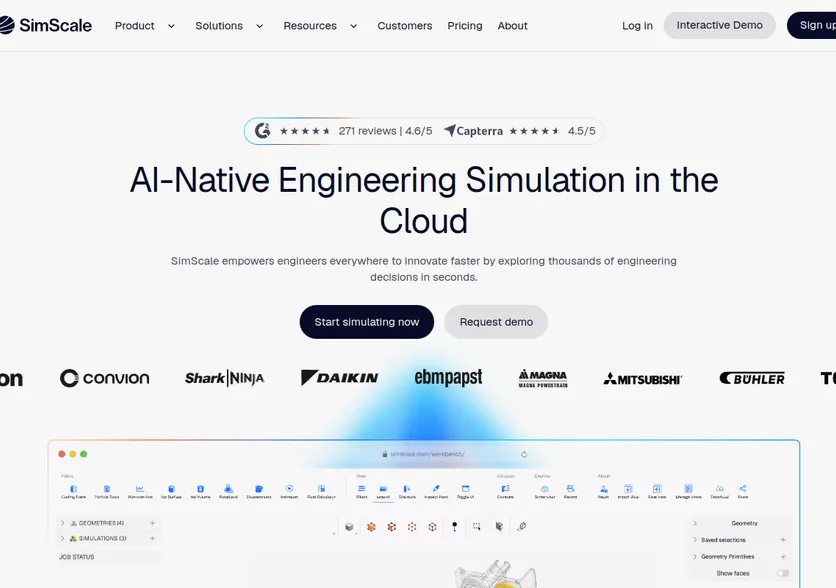
SimScale runs fluid dynamics and structural simulation in the cloud, which means a simulation that used to need a workstation now runs in a browser tab. This SimScale platform covers CFD, FEA and thermal simulation with a community library of public projects to learn from. It suits an engineer who needs a serious simulation occasionally and does not want to buy hardware for it.
What we like
- Cloud simulation, no workstation needed
- Community library of public projects
- CFD, FEA and thermal in one platform
Watch out for
- Paid plans are quote only, no published price
- Community plan is public by default
How to try it
- Open the SimScale pricing page and create an account
- Import a CAD model into a project
- Set up the simulation and run it in the cloud
6. Autodesk Inventor
Best for: Mechanical engineers who need professional 3D design and simulation
Paid tool Starting price: $2,585/year · Annual subscription; $320 a month billed monthly; 3-year is $7,755
Free plan: Free trial
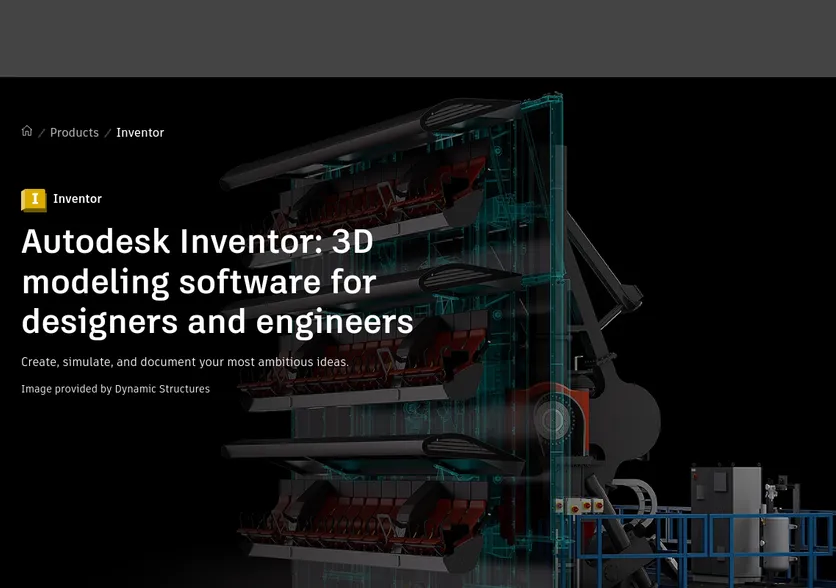
Autodesk Inventor is the 3D design tool for mechanical engineers who build real products, with parametric modeling, sheet metal and simulation in one package. This Autodesk Inventor annual subscription covers 3D design, stress analysis, frame generation and the ability to work with AutoCAD drawings. It is the best pick when the product is a machine and the design needs to survive real loads.
What we like
- Professional 3D design for machines
- Stress analysis built in
- Works with AutoCAD drawings
Watch out for
- Most expensive tool on this list
- Steep learning curve for new users
How to try it
- Open the Inventor page and start the trial
- Model a part in 3D and assemble it
- Run a stress analysis and check the result
7. Blockpad
Best for: Engineers who want spreadsheet math that reads like a document
Paid tool Starting price: $199/year · Single licence, per year; $18 a month; 5+ users is $180 per person a year; lifetime is $950; free for education
Free plan: Free plan (education)
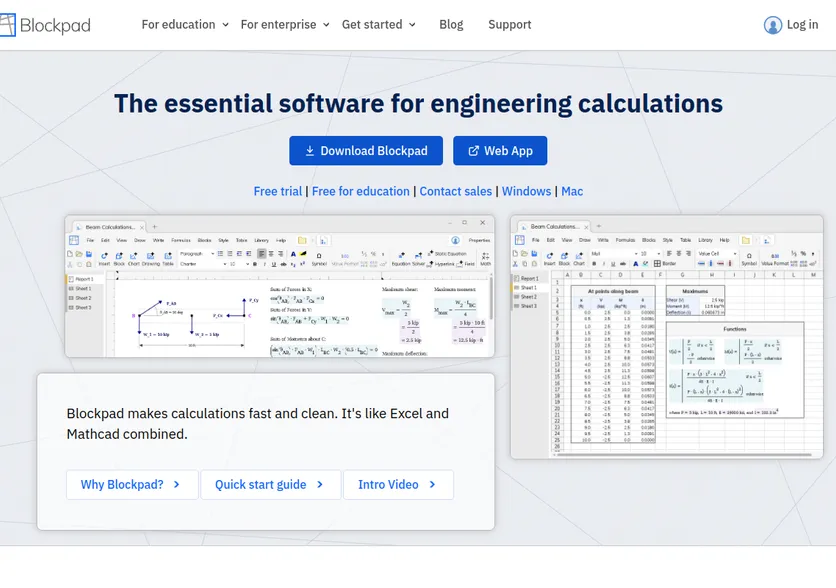
Blockpad is the calculation tool that mixes a spreadsheet with a document, so the math, the notes and the units all live on the same page. This Blockpad single licence covers the full calculation engine, unit handling and the ability to share a file anyone can read. It suits an engineer who likes spreadsheets but hates how unreadable they become, and wants the calculation to explain itself.
What we like
- Spreadsheet math that reads like a document
- Units checked automatically
- Cheapest serious engineering tool here
Watch out for
- Smaller community than the big tools
- No structural analysis modules
How to try it
- Open the Blockpad pricing page and pick a licence
- Write a calculation with units attached
- Share the file and let anyone read the working
8. CalcTree
Best for: Engineering teams who want shareable calculations in the browser
Paid tool Starting price: $14/month · Paid plans from $14 to $34 per user per month
Free plan: Free plan
CalcTree is the calculation tool built for teams, because every calculation lives in the browser and can be shared, reused and checked by anyone on the team. This CalcTree paid plan adds private calculations, team workspaces and the ability to publish a calculation as a web page. It suits an engineering team that repeats the same calculations and wants a shared library instead of a folder of spreadsheets.

What we like
- Calculations shared in the browser
- Team library for repeated work
- Publish a calculation as a web page
Watch out for
- Price from the vendor comparison blog, verify at checkout
- Young product, smaller feature set
How to try it
- Open the CalcTree site and create an account
- Write a calculation in the browser
- Share it with the team or publish it as a page
Prices above were checked on each vendor’s own website on Nov 14, 2026 and can change — the vendor’s page is the final word. Vendor links are editorial: nobody paid to be listed or ranked here. Vendors who want a featured listing can see how it works on our Get listed page.
What engineering calculation software costs in 2026
Price is the first filter, and the range on this list runs from $14 a month to $2,585 a year. One tool charges by quote only, while the rest publish a price, which changes how you budget for the team. The prices in the comparison above use the headline plan each vendor shows on its own site, checked on November 25, 2026. Autodesk Inventor is the most expensive at $2,585 a year, while CalcTree is the cheapest monthly plan at $14 a month and Blockpad is the cheapest serious tool at $199 a year.
Before you buy
- Check the licence type before comparing prices, because academic and student rates are far cheaper than commercial rates, and MATLAB's academic licence is $330 a year.
- Ask for a quote before budgeting for SimScale, because its Mechanical, Professional and Enterprise plans are custom-priced and it publishes no price.
- Start the trial when you have a real calculation to run, because the trial clock runs whether you use it or not, and the documentation format you enjoy is the one you will actually use.
- Start on the free plan where one exists, since SkyCiv, SimScale, Blockpad and CalcTree all have free plans while MATLAB, Mathcad, ClearCalcs and Inventor offer trials only.
- Match the tool to your deliverable, because Mathcad reads like a textbook with units checked automatically while ClearCalcs prints code-checked PDF reports a reviewer will accept.
Official websites
Official websites of the products reviewed above. Features and prices were checked against these sites when this guide was written, and they can change, so confirm on the vendor site before you buy.
Frequently asked questions
What is the cheapest engineering calculation software?
Blockpad at $199 a year is the cheapest serious engineering tool here, and CalcTree at $14 a month is the cheapest monthly plan. MATLAB at $1,050 a year and Inventor at $2,585 a year are the most powerful, but they cost far more. Pick Blockpad for readable calculations and MATLAB for heavy numerical work.
Which engineering tool is best for documentation?
Mathcad Prime is the best pick for documentation, because the equations sit on the page in real math notation with the units checked. Blockpad is the best pick for readable spreadsheet math, and ClearCalcs is the best pick for a report a reviewer will accept. MATLAB is the best pick for computation, but its output needs formatting.
Can I try engineering calculation software for free?
Yes, every tool here offers a free plan or a free trial. SkyCiv, SimScale, Blockpad and CalcTree all have free plans, while MATLAB, Mathcad, ClearCalcs and Inventor offer free trials. Start the trial when you have a real calculation to run, because the trial clock runs whether you use it or not.
Which tool is best for cloud simulation?
SimScale is the best pick for cloud simulation, because it runs CFD and FEA in the browser with no workstation needed. SkyCiv is the best pick for cloud structural analysis, because it runs in the browser with code-checked design. Both charge by quote or by plan, so check the price before you commit.
Which tool is best for civil and structural engineering?
ClearCalcs is the best pick for civil engineering, because its templates cover beams, columns and footings with code-checked reports. SkyCiv is the best pick for structural analysis, with load combinations and design checks for steel, timber and concrete. Mathcad and Blockpad are better for general calculations.
Do engineering tools charge per user or per licence?
It depends on the tool. MATLAB charges $1,050 a year per licence, Inventor charges $2,585 a year per user, and Mathcad charges $859 a year per locked licence. Blockpad charges $199 a year per licence with a discount for five or more users. SimScale charges by quote, so the price depends on the team.
Circuits, concrete, and kilowatts in one place — browse all the free science and engineering calculators.
Browse Science & Engineering tools