
On this page
AI writes code faster than any human can review it, and every dependency it pulls in is a door into your software. The seven tools below block malicious packages, scan dependencies and export signed bills of materials, and every price was checked on the vendor site on November 26, 2026. Several offer free tiers, so a small team can start scanning before paying. Snyk is our first pick — the developer-first scanner with fix pull requests built in.
How we researched this
We started with the supply chain security tools teams actually buy, then read each price on the vendor pricing page on November 26, 2026 and noted the free tier and billing unit each plan carries. We judged them for a team shipping AI-assisted code that needs to block malicious packages, scan dependencies and export an SBOM. We kept only tools with a published dollar price, and we dropped Anchore, Endor Labs, Mend and Sonatype because all four sell by quote only.
Compare the tools
| Name | Best for | Starting price | Free plan | |
|---|---|---|---|---|
 Snyk | Developers who want to find and fix vulnerable dependencies in their workflow | $25/month | Free plan for 1 developer with limited tests | Visit |
 JFrog | Enterprise teams already running JFrog Artifactory | $950/month | No free plan; free trial available | Visit |
 Socket | Teams that want to block malicious packages before they install | $25/dev/month | Free plan for 1 seat | Visit |
 FOSSA | Teams that need licence compliance plus SBOMs | $20/project/month | Free plan with limited projects | Visit |
 Chainguard | Teams that want hardened low-CVE container images | $500/month | Starter plan free for small projects | Visit |
 GitLab | DevSecOps teams that want dependency scanning inside their platform | $29/user/month | Free plan limited to 5 users in a private top-level group | Visit |
 GitHub Advanced Security | GitHub teams that want secret and code scanning as an add-on | $49/active committer/month | No free plan; included in Enterprise Cloud trials | Visit |
The AI software supply chain tools, compared
1. Snyk
Best for: Developers who want to find and fix vulnerable dependencies in their workflow
Paid tool Starting price: $25/month · Team plan, $25 a contributing developer a month
Free plan: Free plan for 1 developer with limited tests
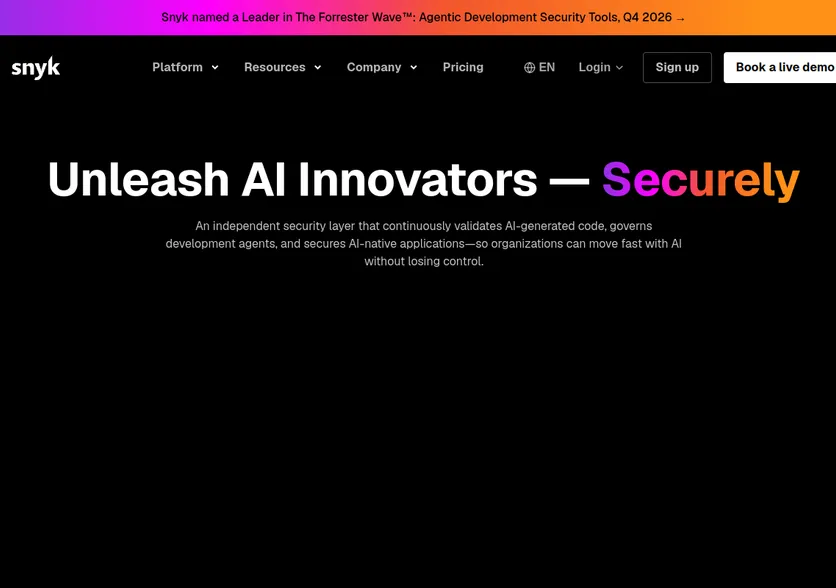
Snyk is the developer-first security platform, scanning open-source dependencies, containers and code for known vulnerabilities as you work. This Snyk Team plan covers dependency scanning with fix pull requests, plus AI help that suggests and tests the fix. A developer can see the vulnerability in the pull request, apply the suggested fix, and merge with confidence that the dependency is clean.
What we like
- Fix pull requests built into the workflow
- AI help that suggests and tests fixes
- Scans dependencies, containers and code together
Watch out for
- Team costs twenty-five dollars a contributing developer a month
- AI code scanning needs a higher tier
How to try it
- Open the Snyk plans page and pick the Team plan
- Connect your repositories and run the first scan
- Open the first fix pull request and merge it
2. JFrog
Best for: Enterprise teams already running JFrog Artifactory
Paid tool Starting price: $950/month · Enterprise X SaaS platform, from $950 a month; Curation is a paid add-on
Free plan: No free plan; free trial available
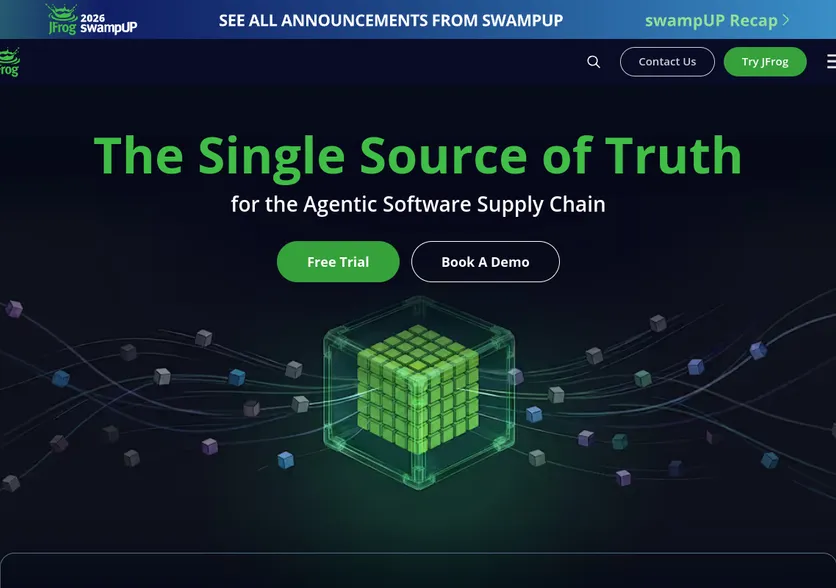
JFrog is the enterprise artifact platform, and its security layer scans the packages, images and binaries your teams already store. This JFrog Enterprise X platform covers artifact management with Xray security scanning, plus Curation that holds new package versions until they pass policy. A team on Artifactory can block a risky package at the repository gate instead of finding it in production.
What we like
- Security scanning inside the artifact platform
- Curation holds risky packages at the gate
- Scans packages, images and binaries together
Watch out for
- Enterprise X starts at nine hundred and fifty dollars a month
- Curation costs extra on top of the platform
How to try it
- Open the JFrog pricing page and pick the Enterprise X plan
- Connect your repositories and enable Xray scanning
- Set a Curation policy that holds new package versions
3. Socket
Best for: Teams that want to block malicious packages before they install
Paid tool Starting price: $25/dev/month · Team plan, $25 a developer seat a month billed monthly, or $20 billed annually
Free plan: Free plan for 1 seat
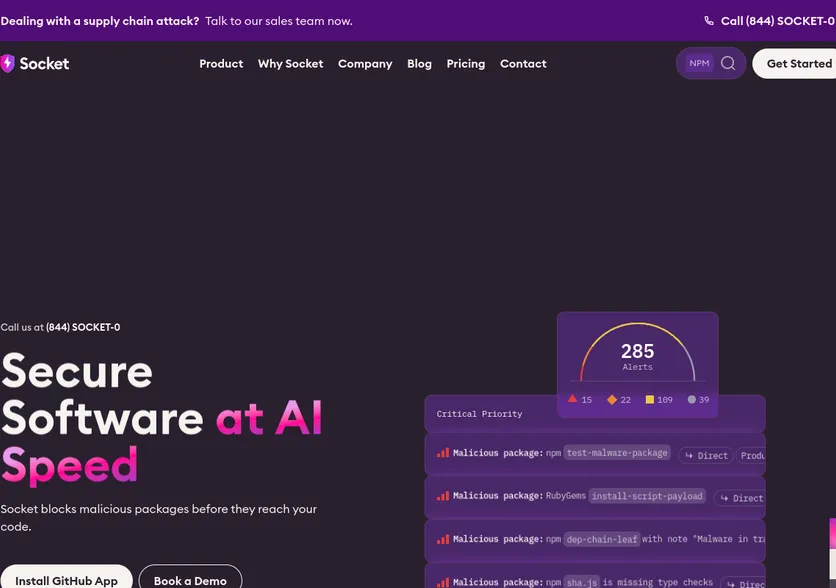
Socket is the package firewall, wrapping your install command and blocking known malware before it reaches your code. This Socket Team plan covers npm, PyPI and Go dependencies, with a firewall that stops typosquats, protestware and compromised packages at install time. A JavaScript or Python team can run the install command as normal and trust that a malicious package never lands in the project.
What we like
- Blocks malicious packages before install
- Covers npm, PyPI and Go in one plan
- Catches typosquats and protestware too
Watch out for
- Team needs at least five seats
- Business tier needed for larger teams
How to try it
- Open the Socket pricing page and pick the Team plan
- Install the Socket firewall in your project
- Run your next install and watch it block a bad package
4. FOSSA
Best for: Teams that need licence compliance plus SBOMs
Paid tool Starting price: $20/project/month · Business plan, $20 a project a month billed annually
Free plan: Free plan with limited projects
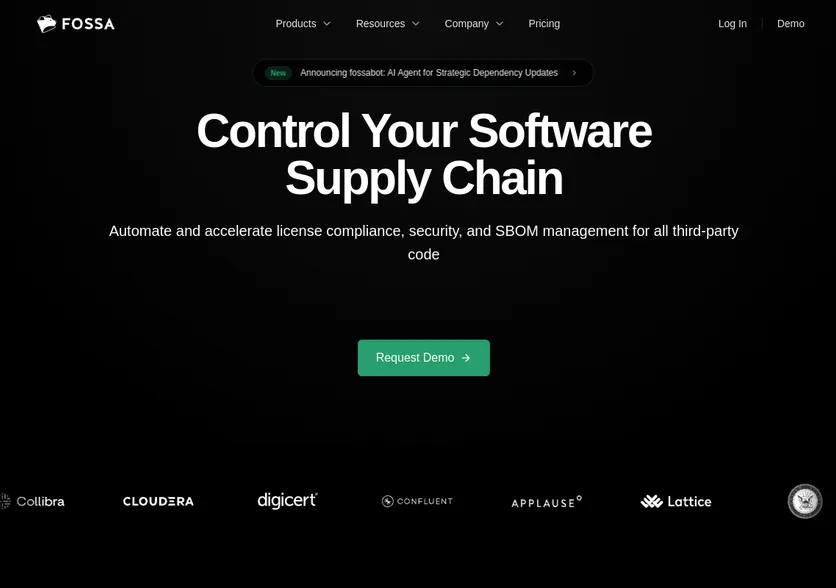
FOSSA is the licence compliance specialist, scanning dependencies for licence risks and exporting a signed bill of materials for every release. This FOSSA Business plan covers SBOM import and export, licence scanning and vulnerability checks, with policy rules that block a release when a forbidden licence appears. A team shipping to enterprise customers can hand over an SBOM with every release and prove the licences are clean.
What we like
- SBOM import and export with every release
- Licence scanning with policy enforcement
- Blocks a release on a forbidden licence
Watch out for
- Business costs twenty dollars a project a month
- Vulnerability depth trails Snyk and JFrog
How to try it
- Open the FOSSA pricing page and pick the Business plan
- Connect your repositories and run the first scan
- Export the SBOM and set the licence policy rules
5. Chainguard
Best for: Teams that want hardened low-CVE container images
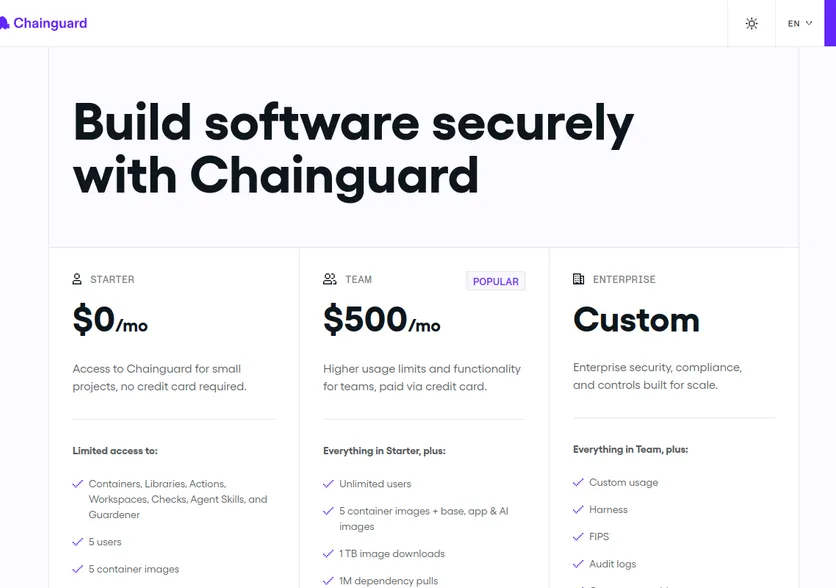
Paid tool Starting price: $500/month · Team plan, $500 a month; Starter is free for small projects
Free plan: Starter plan free for small projects
Chainguard rebuilds open-source software from source so your containers start with almost no known vulnerabilities. This Chainguard Team plan covers higher usage limits and more functionality, with zero-CVE images, signed SBOMs and Sigstore signatures on every artifact. A team can swap a base image for a Chainguard one and watch the vulnerability count in the next scan fall to nearly nothing.
What we like
- Zero-CVE images at publish time
- Signed SBOM and Sigstore signatures included
- Cuts the patch queue instead of triaging it
Watch out for
- Team costs five hundred dollars a month
- Not a full application security scanner on its own
How to try it
- Open the Chainguard pricing page and pick the Team plan
- Swap your base image for a Chainguard image
- Run the next scan and compare the vulnerability count
6. GitLab
Best for: DevSecOps teams that want dependency scanning inside their platform
Paid tool Starting price: $29/user/month · Premium plan, $29 a user a month billed annually, with dependency scanning and SBOM export; Ultimate is now custom priced
Free plan: Free plan limited to 5 users in a private top-level group
GitLab Premium is the DevSecOps platform with supply chain security built into the pipeline, from dependency scanning to SBOM export. This GitLab Premium plan adds dependency scanning and licence compliance to the CI pipeline, with findings shown in merge requests. A team can block a merge when a dependency fails policy, and ship an SBOM with every release without adding a separate scanner.

What we like
- Dependency scanning inside the CI pipeline
- Findings shown in merge requests
- SBOM export with every release
Watch out for
- Advanced security findings need Ultimate
- Premium costs twenty-nine dollars a user a month
How to try it
- Open the GitLab pricing page and pick the Premium plan
- Enable dependency scanning in your pipeline
- Review the findings in the merge request and export the SBOM
7. GitHub Advanced Security
Best for: GitHub teams that want secret and code scanning as an add-on
Paid tool Starting price: $49/active committer/month · Secret Protection at $19 plus Code Security at $30 per active committer a month, bought together
Free plan: No free plan; included in Enterprise Cloud trials
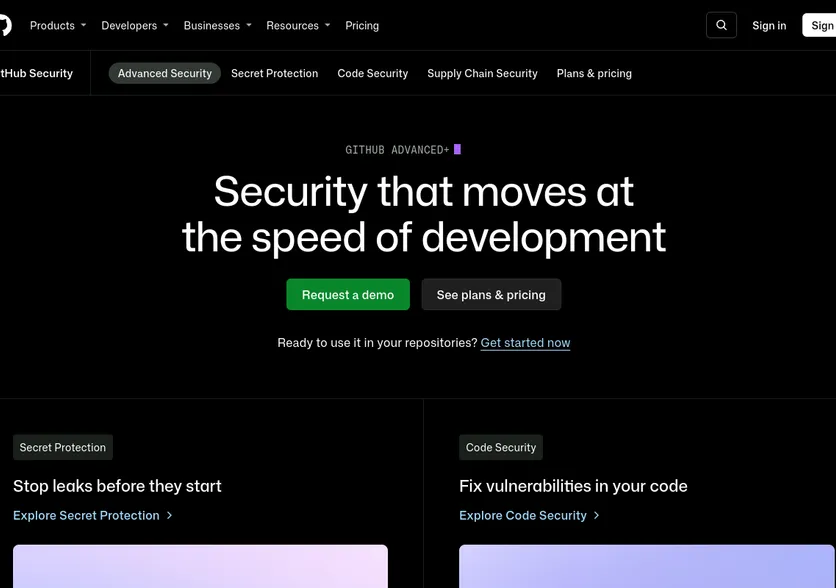
GitHub Advanced Security is the security add-on for GitHub, adding secret scanning, code scanning and dependency review to the repositories you already use. This GitHub Advanced Security bundle combines Secret Protection and Code Security, catching leaked credentials and vulnerable code in pull requests before they merge. A GitHub team can keep its workflow and add the scanning layer that stops a secret reaching production.
What we like
- Secret and code scanning in pull requests
- Works on the GitHub workflow you already use
- Dependency review blocks risky merges
Watch out for
- Costs forty-nine dollars per active committer a month
- Bought on top of a Team or Enterprise seat
How to try it
- Open the GitHub pricing page and add Advanced Security
- Enable secret scanning and code scanning on your repositories
- Review the first alerts in a pull request and fix them
Prices above were checked on each vendor’s own website on Nov 26, 2026 and can change — the vendor’s page is the final word. Vendor links are editorial: nobody paid to be listed or ranked here. Vendors who want a featured listing can see how it works on our Get listed page.
What AI software supply chain security costs in 2026
The price of a supply chain tool depends on what it counts, and every vendor counts something different. Snyk charges per contributing developer, Socket charges per developer seat, FOSSA charges per project, GitLab charges per user, and JFrog and Chainguard charge a flat monthly rate. A team with ten developers and five projects can pay a hundred dollars a month on FOSSA, two hundred and fifty dollars a month on Snyk or Socket, or five hundred dollars a month on Chainguard, so count your own developers and projects before comparing headline prices. The headline plan each vendor shows on its own pricing page is the number in the table above, checked on November 26, 2026.
Start with the free tier on two tools and scan your real dependencies through both. Compare how many alerts each one raises, how many are actually reachable, and how clear the fix advice is, then keep the tool your developers trust when an alert fires. A scanner earns its price when it blocks a real attack, not when it passes a clean demo.
Before you buy
- Count the billing unit first, because Snyk charges per developer, Socket per seat, FOSSA per project and JFrog a flat monthly rate.
- Check what the tool actually blocks, because scanning after install is not the same as blocking a malicious package before install.
- Confirm SBOM export is included, because an auditor will ask for a signed bill of materials in SPDX or CycloneDX format.
- Test the tool on your own dependencies, because a demo with clean packages never shows the alert noise on a real project.
- Compare the reachability analysis, because a scanner that flags every vulnerability wastes more time than one that flags only the reachable ones.
Official websites
Official websites of the products reviewed above. Features and prices were checked against these sites when this guide was written, and they can change, so confirm on the vendor site before you buy.
Frequently asked questions
Which tool is best for securing an AI software supply chain in 2026?
Snyk Team, at twenty-five dollars a contributing developer a month, is the best default because it scans dependencies, containers and code with fix pull requests built in. Socket Team costs the same per developer and wins when blocking malicious packages before install matters most, while Chainguard Team at five hundred dollars a month wins when hardened container images are the priority.
What is the cheapest supply chain security tool?
FOSSA Business, at twenty dollars a project a month billed annually, is the cheapest paid plan here. Snyk Team and Socket Team follow at twenty-five dollars a developer a month, and GitLab Premium at twenty-nine dollars a user a month. Chainguard Starter and Snyk both have free plans, so a small team can start scanning before paying anything.
What is an SBOM and why does it matter?
A software bill of materials is a list of every component in your software, from libraries to base images, in a standard format like SPDX or CycloneDX. FOSSA, Chainguard and GitLab all export signed SBOMs, and auditors and enterprise customers now ask for one with every release. Generate the SBOM in the pipeline so it always matches the code that shipped.
Can I secure my software supply chain for free?
Yes, several. Chainguard Starter is free for small projects, Snyk has a free plan for one developer, FOSSA has a free plan with limited projects, and Socket has a free plan for one seat. Use the free tier to scan your real dependencies, because a demo with clean packages never shows the alert noise on a real project, then pay when the free limits bite.
Does AI-generated code make supply chain security harder?
AI-generated code makes the problem worse, because an AI assistant can introduce a dependency you never reviewed. The fix is the same as for human-written code: scan every dependency, block malicious packages at install, and review the SBOM before release. Snyk and Socket both scan AI-generated code the same way they scan human code, so add the scan to the pipeline and let it catch what the assistant missed.
Securing your software supply chain too? Try Toolsvine's free security and privacy tools right in your browser.
Browse Security & Privacy tools


