
On this page
AI analysis software turns a spreadsheet or a database into answers, charts and predictions without writing code. The eight tools below run from fourteen dollars a user a month to three hundred dollars a month for a team, and every price was checked on the vendor site on November 26, 2026. Several offer free plans, so you can test the AI on your own data before paying. Tableau is our first pick — the deepest visual analysis with AI help.
How we researched this
We started with the AI analysis tools enterprise teams actually buy, then read each price on the vendor pricing page on November 26, 2026 and noted the free plan or trial each one offers. We judged them for a team that needs dashboards, natural language questions and predictions without hiring a data science department. We kept only tools with a published price, and we dropped DataRobot, Domo and ThoughtSpot because they publish no starting price and sell by quote only.
Compare the tools
| Name | Best for | Starting price | Free plan | |
|---|---|---|---|---|
 Tableau | Enterprise teams that want the deepest visual analysis with AI help | $75/user/month | No free plan; 14-day free trial | Visit |
 Microsoft Power BI | Teams already on Microsoft 365 that want AI analysis at the lowest seat price | $14/user/month | Free desktop app; Pro trial available | Visit |
 Qlik | Enterprises that want governed AI analysis across many data sources | $300/month | No free plan; 30-day free trial | Visit |
 Zoho Analytics | Small teams that want AI analytics without an enterprise budget | $24/month | Free plan for up to 2 users, 10,000 rows | Visit |
 Metabase | Teams that want an open-source analytics core with a hosted cloud option | $100/month | Open source edition free; 14-day cloud trial | Visit |
 Hex | Data teams that want AI to write and explain analysis code | $36/editor/month | Free plan for explorers | Visit |
 Akkio | Small teams that want AI to predict outcomes from their data | $49/month | Free plan with 500 credits | Visit |
 Julius AI | Individuals and small teams that want to chat with spreadsheets and files | $20/month | Free plan with limited prompts | Visit |
The AI analysis software, compared
1. Tableau
Best for: Enterprise teams that want the deepest visual analysis with AI help
Paid tool Starting price: $75/user/month · Creator plan, $75 per user a month billed annually; Explorer is $42 and Viewer is $15; Tableau AI available across plans
Free plan: No free plan; 14-day free trial
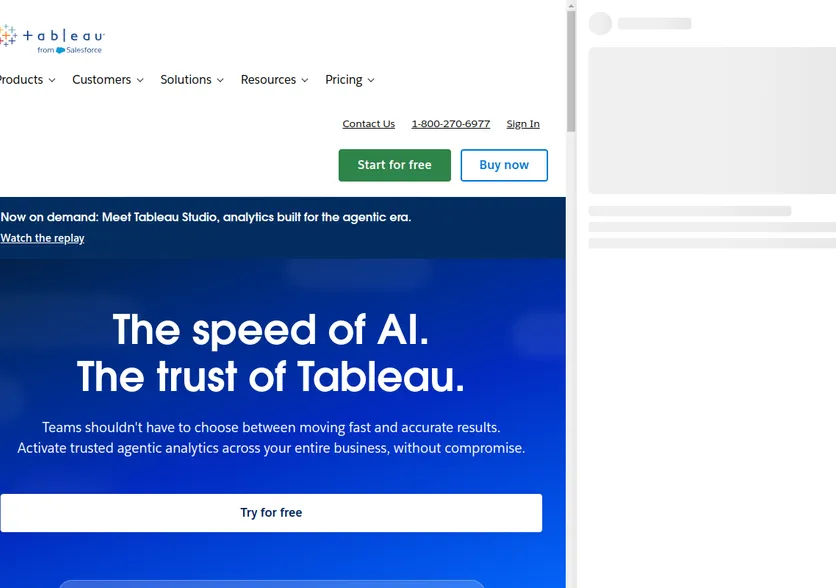
Tableau is the reference tool for visual analysis, and its AI assistant now sits on top of the strongest charting engine in the field. This Tableau Creator plan gives one analyst the full desktop and prep tools, with Tableau AI answering questions and suggesting visualizations. A team that lives in dashboards will find nothing deeper, though the per-user price adds up fast across a large team.
What we like
- Deepest visual analysis and charting on this list
- Tableau AI answers questions and suggests views
- Huge community with shared dashboards and templates
Watch out for
- Creator seats get expensive across a large team
- Learning curve is steeper than newer tools
How to try it
- Open the Tableau pricing page and compare Creator, Explorer and Viewer
- Start the trial and load a real dataset, not the sample data
- Ask the AI assistant a business question and check the answer
2. Microsoft Power BI
Best for: Teams already on Microsoft 365 that want AI analysis at the lowest seat price
Paid tool Starting price: $14/user/month · Pro plan, $14 per user a month billed annually, raised from $10; Premium Per User is $24; Copilot needs Fabric capacity on top
Free plan: Free desktop app; Pro trial available
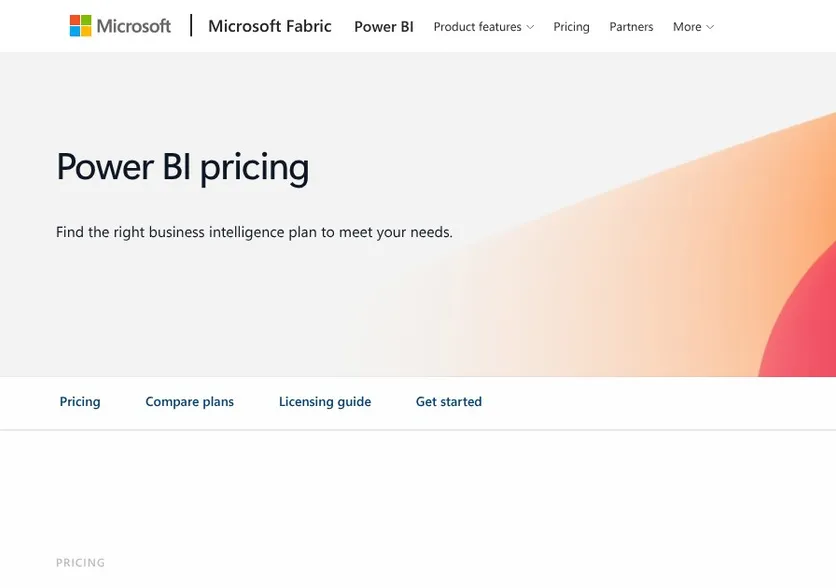
Power BI is the cheapest way into serious business intelligence, and its Copilot now answers questions in plain language inside the tools teams already use. This Microsoft Power BI Pro plan gives each user the full report builder with sharing, plus Copilot for summaries and natural language questions. A Microsoft shop gets analysis at a fraction of the Tableau price, though the AI features sit behind a Fabric capacity purchase.
What we like
- Lowest seat price on this list for real analysis
- Copilot answers questions in plain language
- Deep integration with Microsoft 365 and Teams
Watch out for
- Copilot needs a Fabric capacity purchase on top of Pro
- Report building feels heavier than newer tools
How to try it
- Open the Power BI pricing page and compare Pro with Premium Per User
- Start the trial and connect your Microsoft 365 data
- Ask Copilot a question about your own sales data
3. Qlik
Best for: Enterprises that want governed AI analysis across many data sources
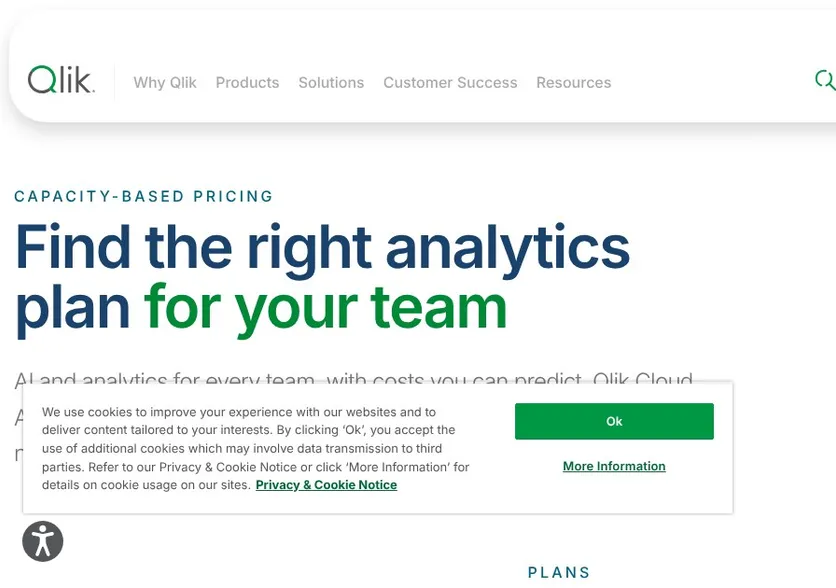
Paid tool Starting price: $300/month · Standard capacity plan, $300 a month for 10 full users billed annually; capacity pricing, not per-user; AI included
Free plan: No free plan; 30-day free trial
Qlik is the enterprise choice when analysis has to stay governed, with every number traceable to its source and every access controlled. This Qlik Standard capacity plan covers ten full users with AI analysis, natural language search and associative data exploration. A governed team gets insight without losing control of the data, though the capacity model makes small teams pay for seats they may not use.
What we like
- Associative engine finds relationships other tools miss
- AI insight and natural language search built in
- Governance and audit trails for regulated teams
Watch out for
- Capacity pricing means paying for ten users at once
- Interface takes longer to learn than Zoho or Hex
How to try it
- Open the Qlik pricing page and read the capacity model
- Count the full users your team actually needs
- Start the trial and test natural language search on your data
4. Zoho Analytics
Best for: Small teams that want AI analytics without an enterprise budget
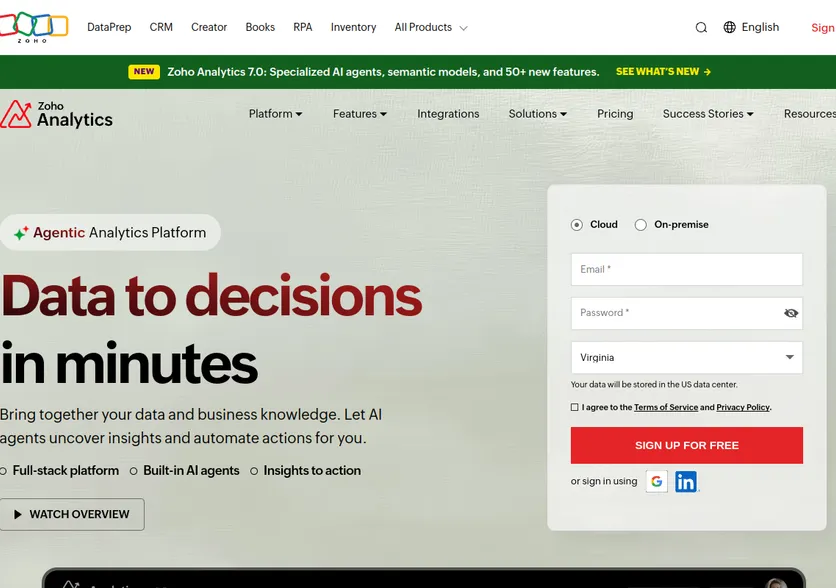
Paid tool Starting price: $24/month · Basic plan, $24 a month billed annually or $30 billed monthly; covers 2 users and 500,000 rows; Zia AI included
Free plan: Free plan for up to 2 users, 10,000 rows
Zoho Analytics is the value pick for a small team that wants dashboards, AI answers and a free tier that actually works. This Zoho Analytics Basic plan covers two users with dashboards, reports and the Zia AI assistant for natural language questions. A small business gets real analysis for less than a single Tableau seat, though the entry plan caps data rows and users tightly.
What we like
- Cheapest real analytics here after Power BI
- Zia AI assistant answers questions in plain language
- Free plan covers two users and ten thousand rows
Watch out for
- Basic caps rows at half a million, so growing data upgrades fast
- Advanced connectors sit on higher plans
How to try it
- Open the Zoho Analytics pricing page and read the Basic limits
- Start with the free plan and connect your spreadsheet or CRM
- Ask Zia a question about your own data
5. Metabase
Best for: Teams that want an open-source analytics core with a hosted cloud option
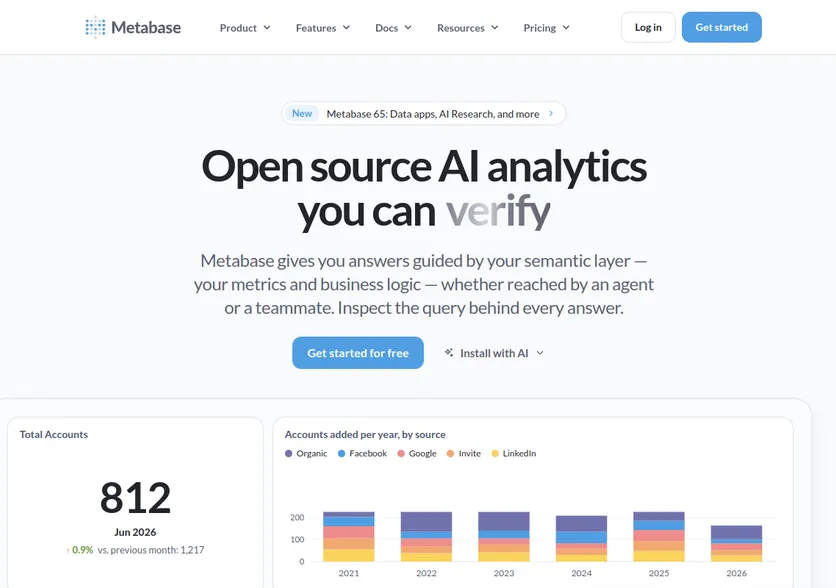
Paid tool Starting price: $100/month · Starter cloud plan, $100 a month billed monthly or $90 billed annually; covers up to 10 users; Pro is $575 a month
Free plan: Open source edition free; 14-day cloud trial
Metabase is the open choice for teams that want to own their analytics, with a free open-source edition and a hosted cloud that adds AI features. This Metabase Starter cloud plan gives a hosted instance with dashboards, alerts and AI-powered insights for up to ten users. A team that values openness gets a solid tool without vendor lock-in, though the Starter price is per month for the whole team, not per user.
What we like
- Open-source edition is free forever
- Hosted cloud adds AI insights and support
- Simple question builder that non-technical staff can use
Watch out for
- Starter price is per team, so per-user cost rises with a small team
- AI features are thinner than Tableau or Power BI
How to try it
- Open the Metabase pricing page and compare cloud with open source
- Start the cloud trial and connect your database
- Ask the AI for insights on a real table
6. Hex
Best for: Data teams that want AI to write and explain analysis code
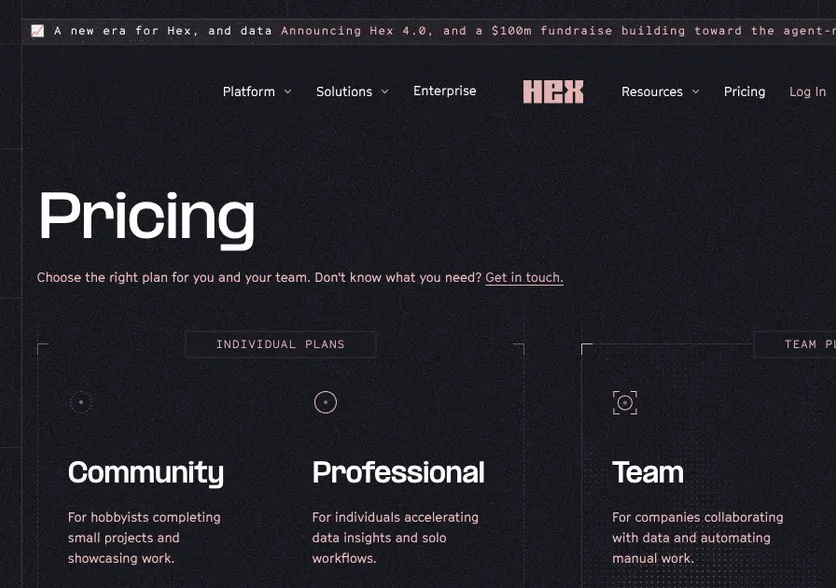
Paid tool Starting price: $36/editor/month · Professional plan, $36 per editor a month; Team plan is $75; viewers are free; AI assistance included from Professional
Free plan: Free plan for explorers
Hex is the notebook platform for data teams that want AI to write, explain and debug their analysis in the same workspace. This Hex Professional plan gives editors AI assistance, scheduled runs and shared projects, with notebooks that mix SQL, Python and charts. A data team gets collaborative analysis with AI help on every query, though the per-editor price climbs fast with a large team.
What we like
- AI writes and explains SQL and Python in notebooks
- Notebooks mix code, charts and narrative in one place
- Scheduled runs and shared projects for teams
Watch out for
- Per-editor pricing climbs fast with a large team
- Not a dashboard tool for non-technical viewers
How to try it
- Open the Hex pricing page and compare editor plans
- Start the free plan and load a real dataset
- Ask the AI to explain a query you already wrote
7. Akkio
Best for: Small teams that want AI to predict outcomes from their data
Paid tool Starting price: $49/month · Starter plan, $49 a month; covers 1 user with 100,000 credits a year; Business and Enterprise tiers are higher
Free plan: Free plan with 500 credits
Akkio is the no-code AI tool for teams that want predictions without hiring a data scientist, and it turns a spreadsheet into a forecast in minutes. This Akkio Starter plan lets a small team build models, chat with data and automate predictions on live business data. A team with a clear prediction problem gets answers fast, though the Starter plan caps the number of models and predictions.

What we like
- Builds prediction models without writing code
- Chat with your data in plain language
- Fastest path from spreadsheet to forecast here
Watch out for
- Starter caps models and prediction credits tightly
- Not a full dashboard or reporting tool
How to try it
- Open the Akkio pricing page and read the Starter limits
- Start the free plan and upload a spreadsheet
- Ask Akkio to predict the outcome you care about
8. Julius AI
Best for: Individuals and small teams that want to chat with spreadsheets and files
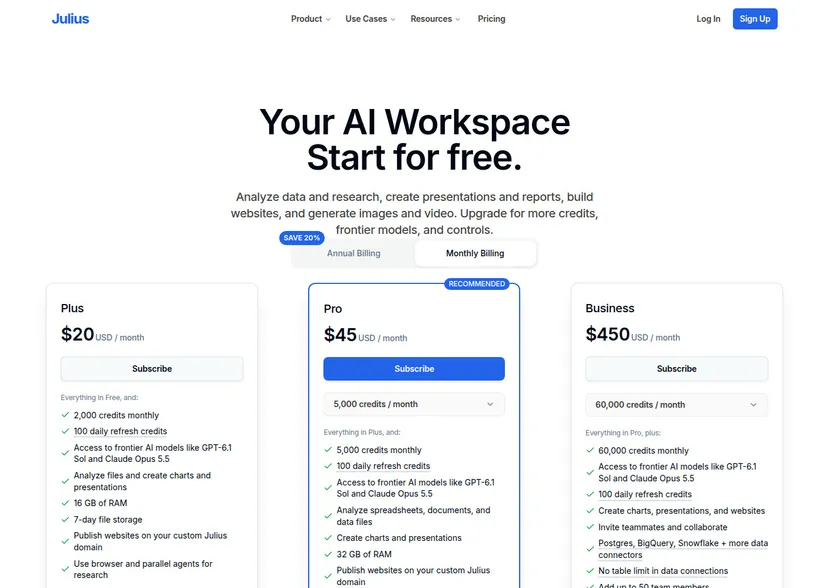
Paid tool Starting price: $20/month · Plus plan, $20 a month billed monthly or $16 billed annually; unlimited messages; file uploads up to 50 MB
Free plan: Free plan with limited prompts
Julius AI is the lightest AI analysis tool here, and it answers questions about a spreadsheet or document as if you were talking to an analyst. This Julius AI Plus plan gives one user unlimited messages, data cleaning and chart building on files up to fifty megabytes. A solo analyst gets instant answers without learning a BI tool, though it is a chat assistant rather than a governed enterprise platform.
What we like
- Chat with spreadsheets and documents in plain language
- Cleans data and builds charts automatically
- Cheapest paid plan on this list
Watch out for
- Not a governed enterprise BI platform
- File size and context limits on large datasets
How to try it
- Open the Julius AI pricing page and read the Plus limits
- Start the free plan and upload a spreadsheet
- Ask Julius to clean the data and chart the trend
Prices above were checked on each vendor’s own website on Nov 26, 2026 and can change — the vendor’s page is the final word. Vendor links are editorial: nobody paid to be listed or ranked here. Vendors who want a featured listing can see how it works on our Get listed page.
What AI analysis software costs in 2026
The price range here is wide because the tools charge in different ways. Power BI Pro costs fourteen dollars a user a month, yet its Copilot needs a Fabric capacity purchase on top. Tableau Creator costs seventy-five dollars a user a month with AI included, while Qlik charges three hundred dollars a month for ten users as capacity. Zoho Analytics Basic costs twenty-four dollars a month for two users, Metabase Starter costs a hundred dollars a month for a team of ten, and Julius AI costs twenty dollars a month for one user. The prices above are the list prices from each vendor pricing page, checked on November 26, 2026.
Pick two tools and run the same business question through both on your own data, then compare the answer, the chart and the time it took. A tool that answers your real question correctly is worth more than a twenty dollar saving on the seat price.
Before you buy
- Count the editors who will build dashboards, because creator and editor seats cost far more than viewer seats.
- Check which tiers include AI, because many tools put the assistant on a higher plan than the headline price.
- Ask what the data volume cap is, because a cheap seat price hides a row limit that forces an upgrade.
- Test the AI assistant on your own data with a real question, because a demo dataset never shows the hard queries.
- Confirm which connectors are included, because premium data sources are often a paid add-on.
Official websites
Official websites of the products reviewed above. Features and prices were checked against these sites when this guide was written, and they can change, so confirm on the vendor site before you buy.
Frequently asked questions
Which AI analysis software is best for an enterprise team in 2026?
Tableau, at seventy-five dollars a user a month for Creator, is the best default for an enterprise team that needs deep visual analysis with AI help. Power BI Pro, at fourteen dollars a user a month, is better for a Microsoft shop that wants the lowest seat price. Julius AI, at twenty dollars a month, suits a solo analyst who wants to chat with a spreadsheet. Match the tool to your team size and your data before you buy.
What is the cheapest AI analysis software?
Julius AI, at twenty dollars a month, is the cheapest paid plan here, and it answers questions about spreadsheets and documents in plain language. Zoho Analytics Basic, at twenty-four dollars a month, is the cheapest real analytics platform with dashboards and an AI assistant. Power BI Pro, at fourteen dollars a user a month, is cheaper per seat but needs a Fabric purchase for its Copilot.
Can I try AI analysis software for free?
Yes, several. Zoho Analytics has a free plan for two users, Metabase has a free open-source edition, Hex has a free plan for explorers, Akkio has a free plan with credits, and Julius AI has a free plan with limited prompts. Tableau, Power BI, Qlik and Metabase cloud all offer trials. Start with a free tier on your own data before you pay.
Do these tools publish their prices?
No, not all of them. Tableau, Power BI, Qlik, Zoho, Metabase, Hex, Akkio and Julius AI all publish starting prices, and every figure here comes from a vendor pricing page checked on November 26, 2026. DataRobot, Domo and ThoughtSpot publish no starting price and sell by quote, so they are not on this list. Always confirm the tier that includes the AI features.
Is AI included in the price, or does it cost extra?
Most of the AI features here are bundled into the tier price, but some sit behind a separate purchase. Power BI Copilot needs a Fabric capacity purchase on top of the Pro seat, and Tableau AI is available across plans without a separate charge. Hex and Akkio include AI assistance from their entry paid plans. Read the tier description, not just the headline price, before you budget.
Need everyday AI help too? Try Toolsvine's free AI tools for small teams right in your browser.
Browse AI Tools (In-Browser, No API) tools


