
On this page
Startups answer the same customer questions all day, and a good AI chatbot turns that repetitive work into instant replies around the clock. The seven tools below run from nine dollars a user a month to fifty-five dollars per agent, and every price was checked on the vendor site on November 27, 2026. Some are general chatbots you train on your own content, others are full support platforms with AI built in, so match the tool to the job. ChatGPT is our first pick — the most capable general chatbot for a startup at twenty dollars a month.
How we researched this
We started with the AI chatbots startups actually buy, then read each price on the vendor pricing page on November 27, 2026 and noted the free plans and trials each one carries. We judged them for a small team that needs fast customer answers, easy setup and a price that fits a startup budget, and we kept only tools with a published list price. We dropped Copy AI because its pricing page shows no prices and third-party sources conflict, and we replaced it with Claude, whose Pro plan lists clearly at twenty dollars a month.
Compare the tools
| Name | Best for | Starting price | Free plan | |
|---|---|---|---|---|
 ChatGPT | Startups that want one capable chatbot for customer replies, content drafting and internal questions | $20/month | Free plan included | Visit |
 Microsoft Copilot | Startups already on Microsoft 365 that want AI chat inside Word, Outlook and Teams | $21/user/month | No free plan; 30-day free trial | Visit |
 Gemini | Startups on Google Workspace that want AI chat, search and document help in one subscription | $19.99/month | Free plan included | Visit |
 Jasper | Startups that need on-brand marketing copy and customer replies at volume | $59/seat/month | No free plan; 7-day free trial | Visit |
| Chatbot.com | Startups that want a visual chatbot builder for their website without writing code | $52/month | No free plan; 14-day free trial | Visit |
| Zendesk AI | Startups that want AI answers and ticket routing inside a real support desk | $55/agent/month | No free plan; 14-day free trial | Visit |
 Claude | Startups that want careful long-form writing and reasoning from a general chatbot | $20/month | Free plan included | Visit |
The AI chatbots software for startups, compared
1. ChatGPT
Best for: Startups that want one capable chatbot for customer replies, content drafting and internal questions
Paid tool Starting price: $20/month · Plus costs twenty dollars a month; Go costs eight dollars a month; free tier costs nothing
Free plan: Free plan included
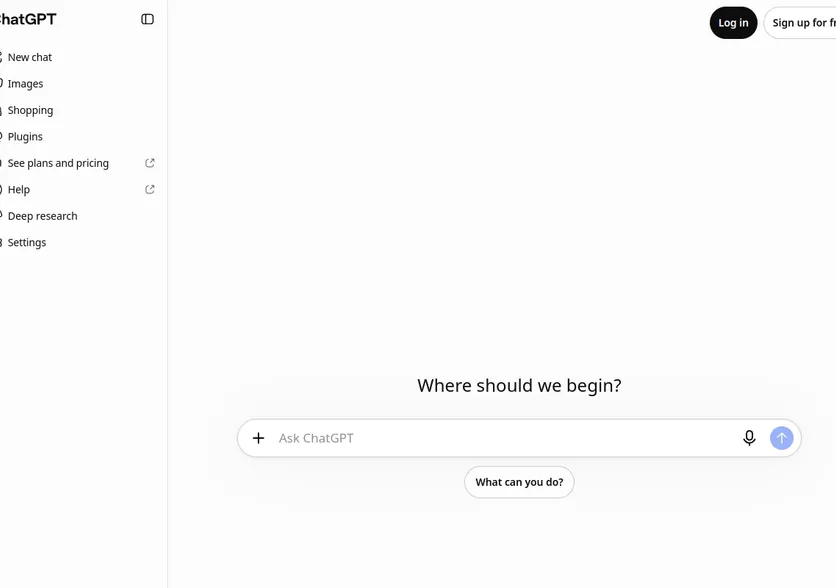
ChatGPT Plus answers customer questions, drafts replies and summarizes long threads in seconds, and a startup can train it on its own help pages with custom instructions. This ChatGPT Plus plan costs twenty dollars a month, with Go at eight dollars for lighter use and a free tier that costs nothing for occasional questions. The catch is structure: ChatGPT is a general chatbot, not a support desk, so a team that needs tickets and queues should pair it with a helpdesk tool.
What we like
- Most capable general chatbot in this list
- Custom instructions shape answers to your brand voice
- Free tier lets a team test before paying
Watch out for
- No ticketing or queue management built in
- Answers can drift without good training material
How to try it
- Open the ChatGPT pricing page and start with the free tier
- Feed it your help pages and write custom instructions for your tone
- Test it on your twenty most common customer questions
2. Microsoft Copilot
Best for: Startups already on Microsoft 365 that want AI chat inside Word, Outlook and Teams
Paid tool Starting price: $21/user/month · Copilot Business lists at twenty-one dollars per user a month, with an eighteen-dollar first-year promotional rate; the standard Microsoft 365 Copilot add-on costs thirty dollars per user a month billed annually
Free plan: No free plan; 30-day free trial
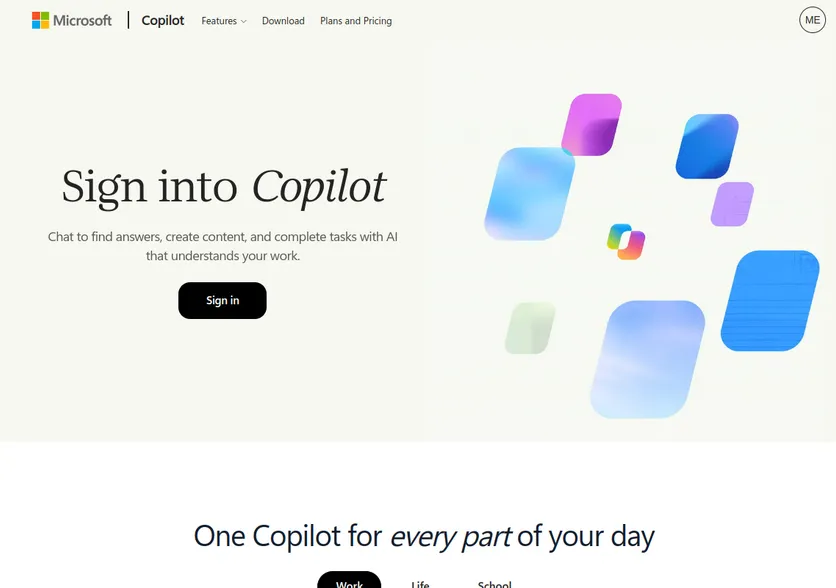
Microsoft Copilot sits inside Word, Outlook, Teams and Excel, drafting emails, summarizing meetings and answering questions from your own documents. This Microsoft Copilot Business plan lists at twenty-one dollars per user a month, with an eighteen-dollar first-year promotional rate, while the standard Microsoft 365 Copilot add-on costs thirty dollars per user a month billed annually. The price is only part of the story: the real value shows up when a whole team already lives in Microsoft 365 every day.
What we like
- Works inside Word, Outlook, Teams and Excel
- Answers from your own company documents
- One subscription covers the whole Microsoft 365 suite
Watch out for
- First-year promotional rate is not the list price
- Little value for teams that do not use Microsoft 365
How to try it
- Open the Microsoft Copilot pricing page and check the Business plan
- Start the trial and connect your Microsoft 365 documents
- Test it on meeting summaries and email drafts for one week
3. Gemini
Best for: Startups on Google Workspace that want AI chat, search and document help in one subscription
Paid tool Starting price: $19.99/month · Google AI Pro costs nineteen dollars and ninety-nine cents a month; AI Plus costs four dollars and ninety-nine cents; Ultra starts at ninety-nine dollars and ninety-nine cents
Free plan: Free plan included
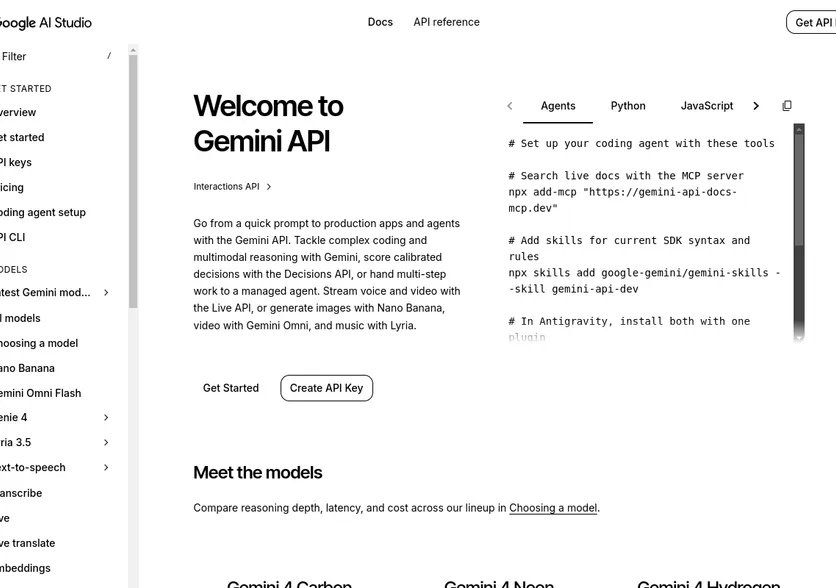
Gemini answers questions, drafts documents and searches across Gmail, Drive and Docs, so a startup on Google Workspace gets AI help without a second login. This Gemini Google AI Pro plan costs nineteen dollars and ninety-nine cents a month, with AI Plus at four dollars and ninety-nine cents and Ultra from ninety-nine dollars and ninety-nine cents for the heaviest users. The name changed in 2026, when Gemini Advanced became Google AI Pro, so older guides that quote the old name are describing the same product.
What we like
- Built into Gmail, Drive and Docs at no extra setup
- Cheapest full AI plan here at under twenty dollars
- Free tier covers casual questions
Watch out for
- Best features need the Google Workspace ecosystem
- Ultra tier costs five times the Pro price
How to try it
- Open the Gemini subscriptions page and compare the three tiers
- Try the free tier inside Gmail and Docs for a week
- Upgrade to Pro when you need deeper document work
4. Jasper
Best for: Startups that need on-brand marketing copy and customer replies at volume
Paid tool Starting price: $59/seat/month · Pro costs fifty-nine dollars per seat a month billed yearly, or sixty-nine dollars billed monthly; one seat only; Business is custom
Free plan: No free plan; 7-day free trial
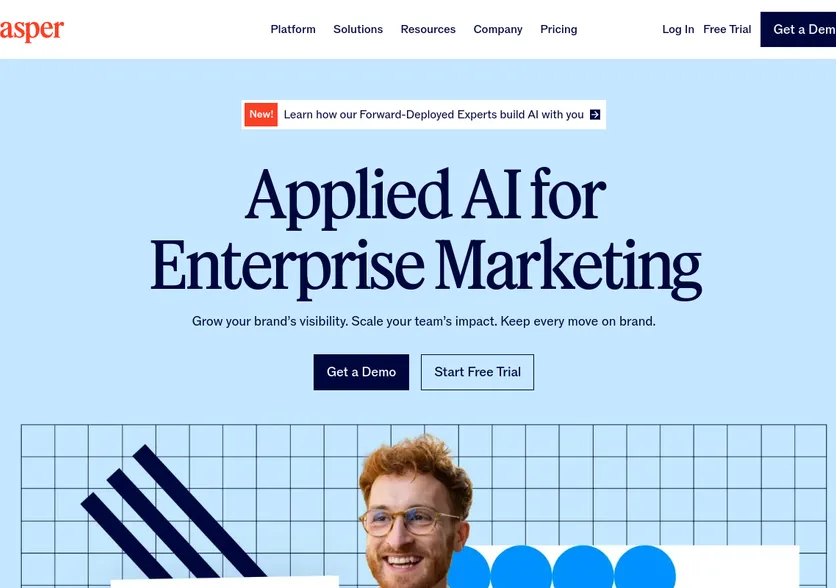
Jasper writes marketing copy, product descriptions and customer replies in a brand voice you define once, then reuses across every channel. This Jasper Pro plan costs fifty-nine dollars per seat a month billed yearly, or sixty-nine dollars billed monthly, and covers one seat only, with Business custom for larger teams. The Creator plan is retired, so new buyers start on Pro, and the price makes sense only when a team writes customer-facing copy every single day.
What we like
- Brand voice stays consistent across every reply
- Templates for marketing copy and support answers
- Fast drafts for teams that write daily
Watch out for
- One seat only on Pro, so teams pay per writer
- Priciest general chatbot here for what it does
How to try it
- Open the Jasper pricing page and start the seven-day trial
- Train the brand voice on your best existing copy
- Generate replies for your ten most common customer emails
5. Chatbot.com
Best for: Startups that want a visual chatbot builder for their website without writing code
Paid tool Starting price: $52/month · Starter costs fifty-two dollars a month billed annually, or sixty-five dollars billed monthly; Team costs one hundred forty-two dollars; Business costs four hundred twenty-four dollars
Free plan: No free plan; 14-day free trial
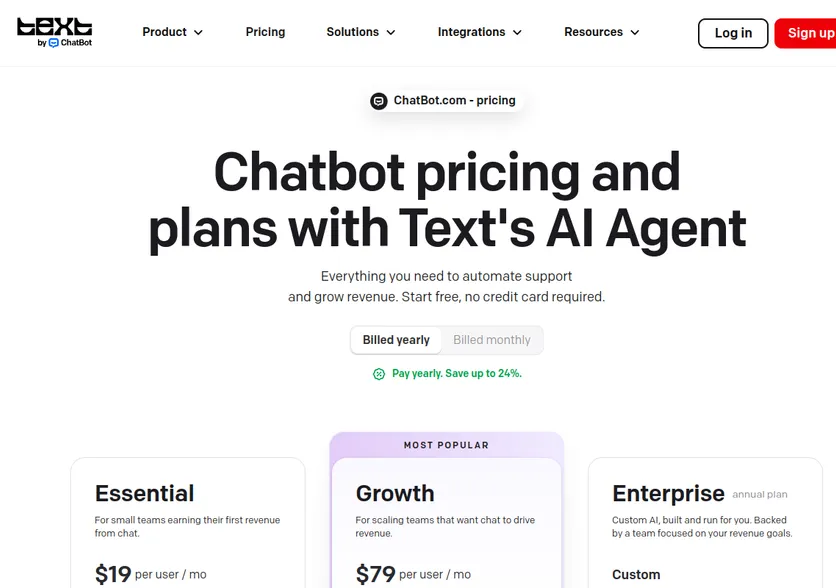
Chatbot lets a startup build a website chatbot by dragging blocks onto a canvas, with AI answers, lead capture and handoff to a human agent. This Chatbot Starter plan costs fifty-two dollars a month billed annually, or sixty-five dollars billed monthly, with Team at one hundred forty-two dollars and Business at four hundred twenty-four dollars. Third-party directories quote a lower forty-two-dollar figure, so we used the fifty-two-dollar rate from the vendor site and its own blog.
What we like
- Visual builder needs no code at all
- Lead capture and human handoff built in
- Fast to launch on a small business website
Watch out for
- No free plan, only a fourteen-day trial
- Starter price is higher than some directories claim
How to try it
- Open the Chatbot pricing page and start the fourteen-day trial
- Build one flow for your most common website question
- Connect the handoff to your email or live chat
6. Zendesk AI
Best for: Startups that want AI answers and ticket routing inside a real support desk
Paid tool Starting price: $55/agent/month · Suite Team costs fifty-five dollars per agent a month billed annually; Support Team costs nineteen dollars; automated AI resolutions cost one dollar and fifty cents each on a committed plan, or two dollars pay as you go; Copilot add-on costs fifty dollars per agent a month
Free plan: No free plan; 14-day free trial
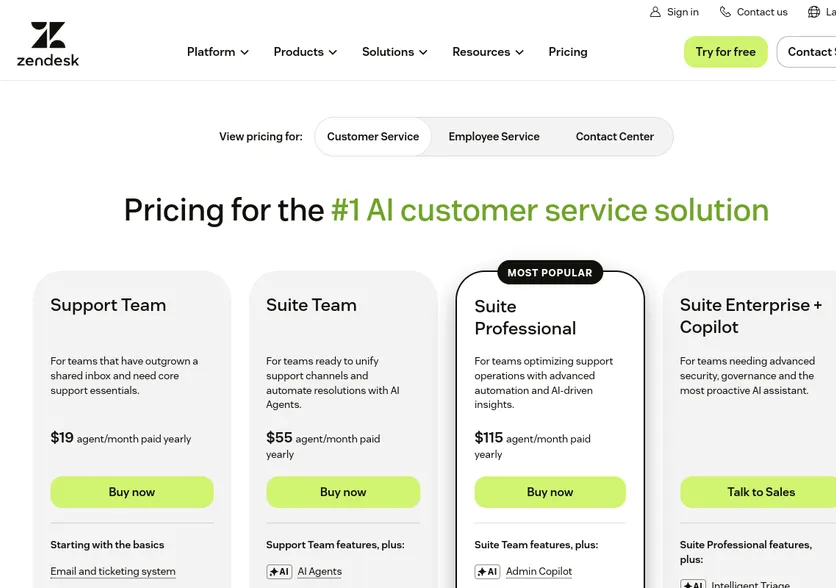
Zendesk AI answers routine tickets itself, routes the rest to the right agent, and drafts replies that agents approve in one click. This Zendesk AI Suite Team plan costs fifty-five dollars per agent a month billed annually, with Support Team at nineteen dollars for teams that only need tickets. Automated AI resolutions cost one dollar and fifty cents each on a committed plan, or two dollars pay as you go, and the Copilot add-on costs fifty dollars per agent a month for live agent assistance.
What we like
- AI resolves routine tickets without an agent
- Copilot drafts replies agents approve in one click
- Full support desk behind the AI, not just a chatbot
Watch out for
- AI resolutions are a per-use charge on top of seats
- Copilot add-on costs nearly as much as a seat
How to try it
- Open the Zendesk pricing page and compare Suite Team with Support Team
- Start the fourteen-day trial and connect your support inbox
- Turn on AI resolutions for your five most common ticket types
7. Claude
Best for: Startups that want careful long-form writing and reasoning from a general chatbot
Paid tool Starting price: $20/month · Pro costs twenty dollars a month, or seventeen dollars a month billed annually; Max costs one hundred dollars; Ultra costs two hundred dollars
Free plan: Free plan included
Claude writes long replies, summarizes dense documents and reasons through multi-step problems with fewer mistakes than most general chatbots. This Claude Pro plan costs twenty dollars a month, or seventeen dollars a month billed annually, with Max at one hundred dollars and Ultra at two hundred dollars for heavy professional use. The free tier covers casual questions, so a startup can test the writing quality before paying anything.
What we like
- Strongest long-form writing in this list
- Handles dense documents and multi-step questions well
- Free tier is genuinely useful for testing
Watch out for
- No built-in ticketing or website widget
- Pro limits still cap heavy daily use
How to try it
- Open the Claude pricing page and try the free tier
- Test it on a long document summary and a customer reply
- Upgrade to Pro when daily usage hits the free limits
Prices above were checked on each vendor’s own website on Nov 27, 2026 and can change — the vendor’s page is the final word. Vendor links are editorial: nobody paid to be listed or ranked here. Vendors who want a featured listing can see how it works on our Get listed page.
What AI chatbots cost startups in 2026
Startup chatbot pricing splits into two kinds: flat monthly plans like twenty dollars for ChatGPT Plus, and per-seat plans like twenty-one dollars per user for Microsoft Copilot or fifty-five dollars per agent for Zendesk Suite Team. A flat plan costs the same whether two people or twenty use it, while a per-seat plan multiplies with every hire. Free tiers on ChatGPT, Gemini and Claude cover casual use, so a team can test the quality before spending anything.
Start with the free tier of two general chatbots and run the same twenty customer questions through both. Compare which answers need the least editing, how the chatbot handles questions it cannot answer, and whether you need tickets and queues or just fast replies. Pick the chatbot whose answers your team trusts with the least review, because that trust is what saves the hours.
Before you buy
- Count seats before you buy, because Zendesk Suite Team costs fifty-five dollars per agent and Copilot costs twenty-one dollars per user.
- Check the free tier first, because ChatGPT, Gemini and Claude all answer casual questions at no cost.
- Confirm the promotional rate, because Copilot Business shows an eighteen-dollar first-year price against a twenty-one-dollar list price.
- Add up the per-use charges, because Zendesk AI resolutions cost one dollar and fifty cents each on top of the seat price.
- Test the chatbot on your own content, because generic answers need heavy editing without good training material.
Official websites
Official websites of the products reviewed above. Features and prices were checked against these sites when this guide was written, and they can change, so confirm on the vendor site before you buy.
Frequently asked questions
Which AI chatbot is best for startups in 2026?
ChatGPT is the best overall pick at twenty dollars a month, with the most capable general answers and custom instructions for your brand voice. Gemini is the best value at nineteen dollars and ninety-nine cents a month for teams already on Google Workspace. Zendesk AI is the best choice when a startup needs tickets and queues behind the chatbot, at fifty-five dollars per agent a month.
How much does an AI chatbot cost a startup?
General chatbots in this list cost between eight and twenty dollars a month on flat plans, with free tiers on ChatGPT, Gemini and Claude. Business chatbots cost more: Jasper Pro is fifty-nine dollars per seat a month, Chatbot is fifty-two dollars a month, and Zendesk Suite Team is fifty-five dollars per agent a month. Most startups spend twenty to sixty dollars a month for one tool.
Is there a free AI chatbot for startups?
Yes. ChatGPT, Gemini and Claude all offer free tiers that answer casual questions at no cost, which is enough to test quality before paying. Jasper, Chatbot and Zendesk offer free trials of seven to fourteen days instead of free plans. Microsoft Copilot has no free plan, though a thirty-day trial is available for new buyers.
Do AI chatbots replace a support team?
No, they handle the repetitive questions so a small team can focus on the hard ones. ChatGPT and Claude draft replies and summarize threads, while Zendesk AI resolves routine tickets and routes the rest to agents. A startup still needs a human for complaints, refunds and anything the chatbot cannot answer with confidence.
What should a startup look for in an AI chatbot?
Look for answers your team trusts with little editing, easy training on your own help pages, and a price that stays flat as the team grows. Check whether the tool includes tickets and queues or only chat, and whether per-seat or per-use charges apply. The best chatbot is the one that answers your most common questions correctly the first time.
Need everyday AI help too? Try Toolsvine's free AI tools right in your browser.
Browse AI Tools (In-Browser, No API) tools


