
On this page
Remote teams review code across time zones, and an AI reviewer catches the bugs, security holes and style slips that slip past tired eyes at midnight. The seven tools below run from ten dollars a month to thirty-four dollars a month, and every price was checked on the vendor site on November 27, 2026. Some charge per developer, others per line of code or per pull request, so count your team and your review volume before you compare. GitHub Copilot is our first pick — code review included at ten dollars a month with no per-review meter.
How we researched this
We started with the AI code review tools remote teams actually buy, then read each price on the vendor pricing page on November 27, 2026 and noted the free tiers and trial limits each one carries. We judged them for a distributed team that needs fast pull request reviews, security checks and a price that scales with developers rather than surprises, and we kept only tools with a published list price. We dropped Semgrep and Greptile because their public prices sit behind sales pages, and we kept DeepSource even though its pricing changed after the Harness acquisition, because its Team plan now lists at twenty-four dollars per user a month.
Compare the tools
| Name | Best for | Starting price | Free plan | |
|---|---|---|---|---|
 GitHub Copilot | Remote teams that already use GitHub and want AI code review without a second subscription | $10/month | Free plan included | Visit |
| CodeRabbit | Remote teams that want a dedicated AI reviewer on every pull request | $24/user/month | Free plan included | Visit |
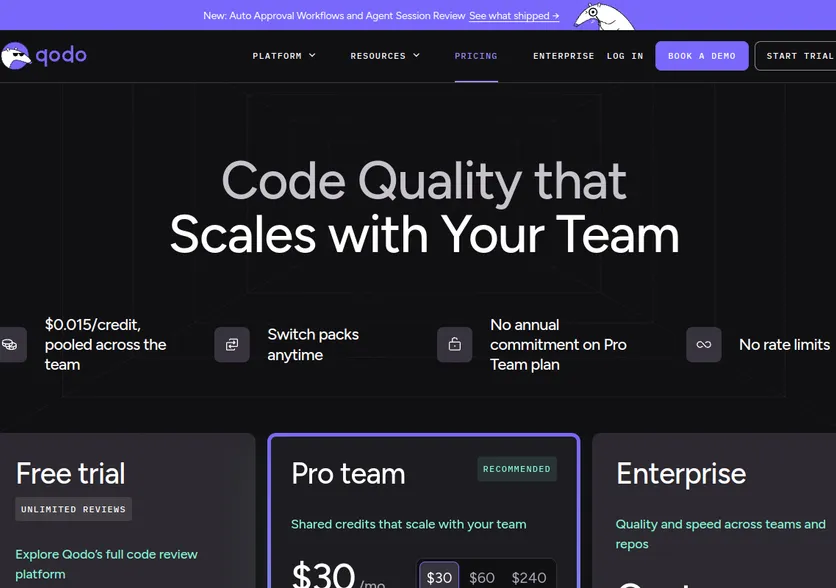
 Qodo | Remote teams that want AI review plus test generation on every pull request | $30/user/month | Free Developer tier, 30 PR reviews a month | Visit |
 Snyk | Remote teams that need security review on every pull request, not just style | $25/developer/month | Free plan included | Visit |
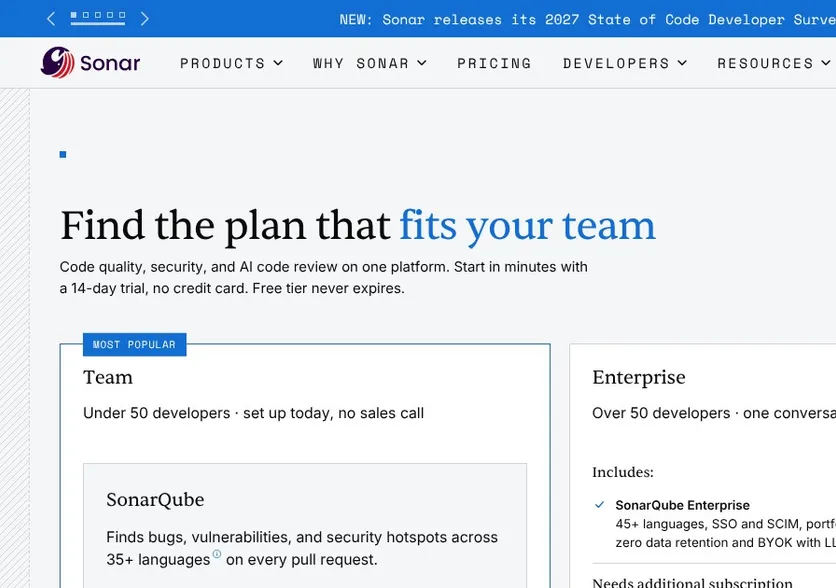
| SonarQube Cloud | Remote teams that want code quality and security graded by lines of code, not seats | $34/month | Free plan up to 50,000 lines of code | Visit |
| Codacy | Remote teams that want automated code quality checks at the lowest dedicated price here | $18/developer/month | Free tier for open source and solo use | Visit |
 DeepSource | Remote teams that want AI review with deep static analysis after the Harness acquisition | $24/user/month | Free tier for public repositories | Visit |
The AI code review software for remote teams, compared
1. GitHub Copilot
Best for: Remote teams that already use GitHub and want AI code review without a second subscription
Paid tool Starting price: $10/month · Pro costs ten dollars a month; Business costs nineteen dollars per user a month; Enterprise costs thirty-nine dollars; code review is included and chat and agent use is metered in AI credits at one cent each
Free plan: Free plan included
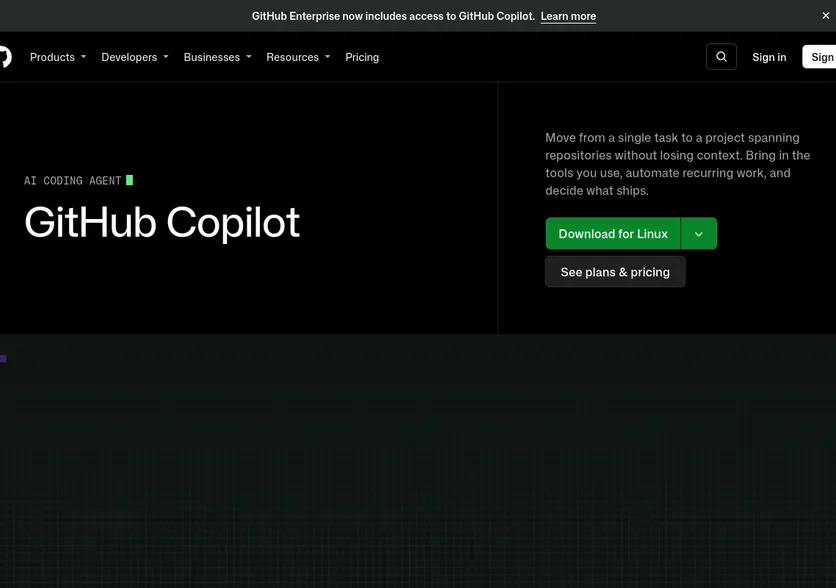
GitHub Copilot reviews pull requests inside the workflow remote developers already live in, flagging bugs and suggesting fixes before a teammate in another time zone wakes up. This GitHub Copilot Pro plan costs ten dollars a month, with Business at nineteen dollars per user a month and Enterprise at thirty-nine dollars for larger organizations. Code review is included in the plan, though chat and agent use is metered separately in AI credits at one cent each.
What we like
- Code review included at ten dollars a month
- Lives inside GitHub, so no new tool to learn
- Business tier adds team controls for nineteen dollars
Watch out for
- Chat and agent use is metered in AI credits
- Review quality depends on the repository context
How to try it
- Open the GitHub Copilot page and check the Pro plan
- Turn on code review for one repository your team shares
- Compare the AI comments against your next human review
2. CodeRabbit
Best for: Remote teams that want a dedicated AI reviewer on every pull request
Paid tool Starting price: $24/user/month · Pro costs twenty-four dollars per user a month billed annually, or thirty dollars billed monthly; Lite costs twelve dollars; Pro Plus costs forty-eight dollars
Free plan: Free plan included
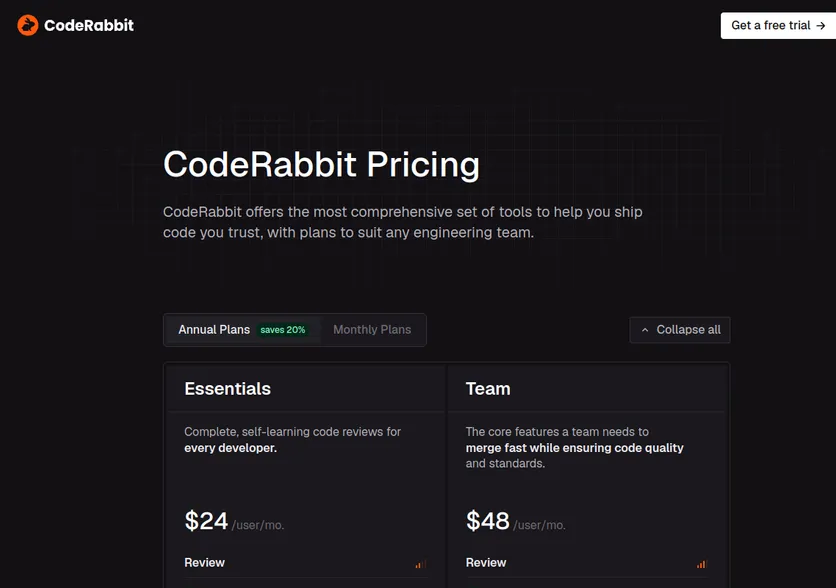
CodeRabbit posts line-by-line review comments on every pull request, catching logic errors, security issues and style problems while the author still remembers the code. This CodeRabbit Pro plan costs twenty-four dollars per user a month billed annually, or thirty dollars billed monthly, with Lite at twelve dollars and Pro Plus at forty-eight dollars. It works across GitHub and GitLab, so a team with repositories in both places reviews them in one flow.
What we like
- Dedicated reviewer on every pull request
- Line-by-line comments with suggested fixes
- Works across GitHub and GitLab
Watch out for
- Per-user pricing adds up on large teams
- AI comments still need a human to approve merges
How to try it
- Open the CodeRabbit pricing page and start with the free tier
- Connect one repository and review the first AI comments
- Tune the review rules to match your team style guide
3. Qodo
Best for: Remote teams that want AI review plus test generation on every pull request
Paid tool Starting price: $30/user/month · Teams costs thirty dollars per user a month billed annually, or thirty-eight dollars billed monthly; free Developer tier includes thirty pull request reviews a month
Free plan: Free Developer tier, 30 PR reviews a month
Qodo reviews pull requests and writes the tests to cover them, so a remote team ships code with checks that a reviewer in another time zone would otherwise have to write by hand. This Qodo Teams plan costs thirty dollars per user a month billed annually, or thirty-eight dollars billed monthly, with a free Developer tier that includes thirty pull request reviews a month. Unlimited pull request reviews are a limited-time promotion on the current page, with a standard allowance of twenty per user a month.
What we like
- Review plus test generation in one tool
- Free tier covers thirty pull request reviews a month
- Context-aware suggestions from your own codebase
Watch out for
- Unlimited reviews are a limited-time promotion
- Pricier per user than GitHub Copilot
How to try it
- Open the Qodo pricing page and claim the free Developer tier
- Connect your repository and review the first AI-generated tests
- Upgrade to Teams when the team passes thirty reviews a month
4. Snyk
Best for: Remote teams that need security review on every pull request, not just style
Paid tool Starting price: $25/developer/month · Team costs twenty-five dollars per contributing developer a month, with a five-developer minimum and a ten-developer maximum; one thousand three hundred seventy-five dollars a year for five developers on annual billing
Free plan: Free plan included
Snyk scans every pull request for vulnerable dependencies, insecure code and exposed secrets, then suggests the fix before the code reaches production. This Snyk Team plan costs twenty-five dollars per contributing developer a month, with a five-developer minimum and a ten-developer maximum, working out to one thousand three hundred seventy-five dollars a year for five developers on annual billing. The developer cap matters: a team of eleven developers cannot buy Team and must step up to a custom plan.
What we like
- Security scanning on every pull request
- Fix suggestions included with each finding
- Free tier covers small open projects
Watch out for
- Team plan caps at ten developers
- Per-developer price adds up fast on big teams
How to try it
- Open the Snyk plans page and check the Team limits
- Scan one repository and review the vulnerability report
- Fix the highest-severity issues before your next release
5. SonarQube Cloud
Best for: Remote teams that want code quality and security graded by lines of code, not seats
Paid tool Starting price: $34/month · Team starts at thirty-four dollars a month for up to one hundred thousand lines of code; free to fifty thousand lines; priced by code size, not seats
Free plan: Free plan up to 50,000 lines of code
SonarQube Cloud grades every pull request for bugs, vulnerabilities and code smells, and it prices by lines of code rather than by developer, so a large team with a small codebase pays very little. This SonarQube Cloud Team plan starts at thirty-four dollars a month for up to one hundred thousand lines of code, with a free tier up to fifty thousand lines. A team with a million-line monorepo should check the higher tiers first, because the price climbs with code size.
What we like
- Priced by code size, not by seats
- Quality gates block bad merges automatically
- Free tier covers fifty thousand lines
Watch out for
- Price climbs steeply on large codebases
- Setup takes longer than plug-and-play reviewers
How to try it
- Open the SonarQube Cloud plans page and count your lines of code
- Connect one repository and review the quality gate
- Set the quality gate to block merges on new bugs
6. Codacy
Best for: Remote teams that want automated code quality checks at the lowest dedicated price here
Paid tool Starting price: $18/developer/month · Pro costs eighteen dollars per developer a month billed annually, or twenty-one dollars billed monthly; free tier for open source and solo use
Free plan: Free tier for open source and solo use
Codacy checks every pull request for code quality, duplication and security issues, then posts the results where the team already reviews code. This Codacy Pro plan costs eighteen dollars per developer a month billed annually, or twenty-one dollars billed monthly, with a free tier for open source and solo use. It is the cheapest dedicated reviewer in this list, though its AI suggestions are lighter than the pricier tools above.
What we like
- Cheapest dedicated reviewer in this list
- Quality, duplication and security in one check
- Free tier for open source projects
Watch out for
- AI suggestions are lighter than pricier rivals
- Dashboard takes time to configure well
How to try it
- Open the Codacy pricing page and start with the free tier
- Connect your repository and review the first quality report
- Add the quality gate to your pull request workflow
7. DeepSource
Best for: Remote teams that want AI review with deep static analysis after the Harness acquisition
Paid tool Starting price: $24/user/month · Team costs about twenty-four dollars per user a month billed yearly after the Harness acquisition; AI Review is metered separately on top; free tier now covers public repositories only
Free plan: Free tier for public repositories
DeepSource combines static analysis with AI review, flagging bugs, security flaws and performance issues in pull requests before they merge. This DeepSource Team plan costs about twenty-four dollars per user a month billed yearly, after Harness acquired the company in September 2026 and reworked the pricing. AI Review is metered separately on top of the seat price, and the free tier now covers public repositories only, so private code needs a paid plan.
What we like
- Static analysis plus AI review in one tool
- Deep checks for bugs, security and performance
- Clear findings with suggested fixes
Watch out for
- Pricing changed after the Harness acquisition
- AI Review is metered separately from seats
How to try it
- Open the DeepSource pricing page and check the Team plan
- Connect a public repository to test the free tier
- Budget for metered AI Review on top of the seat price
Prices above were checked on each vendor’s own website on Nov 27, 2026 and can change — the vendor’s page is the final word. Vendor links are editorial: nobody paid to be listed or ranked here. Vendors who want a featured listing can see how it works on our Get listed page.
What AI code review costs remote teams in 2026
Remote team code review pricing comes in three shapes: per developer, per line of code and per pull request. Per-developer plans like GitHub Copilot at ten dollars a month are easy to budget, while SonarQube Cloud at thirty-four dollars a month for one hundred thousand lines of code suits teams with many developers and a small codebase. Qodo and CodeRabbit charge per user, so a team of twenty developers pays twenty times the headline rate.
Start with the free tier on two tools and run the same five pull requests through both. Compare which reviewer catches real bugs, how many false alarms each one raises, and whether the team trusts the comments enough to merge faster. Pick the reviewer whose comments your developers actually read, because a tool nobody trusts is just noise in the pull request.
Before you buy
- Count developers first, because CodeRabbit Pro costs twenty-four dollars per user and Qodo Teams costs thirty dollars per user a month.
- Check the plan caps, because Snyk Team allows five to ten developers and Qodo free covers thirty pull request reviews a month.
- Measure your codebase, because SonarQube Cloud Team starts at thirty-four dollars a month for one hundred thousand lines of code.
- Budget for metered extras, because GitHub Copilot charges AI credits and DeepSource meters AI Review separately.
- Test the reviewer on real pull requests, because false alarms cost more developer time than the subscription saves.
Official websites
Official websites of the products reviewed above. Features and prices were checked against these sites when this guide was written, and they can change, so confirm on the vendor site before you buy.
Frequently asked questions
Which AI code review software is best for remote teams in 2026?
GitHub Copilot is the best overall pick at ten dollars a month, with code review included in the plan most remote teams already pay for. CodeRabbit is the best dedicated reviewer at twenty-four dollars per user a month, with line-by-line comments on every pull request. Snyk is the best choice when security matters most, at twenty-five dollars per contributing developer a month.
How much does AI code review software cost?
Prices in this list run from ten dollars a month for GitHub Copilot Pro to thirty-four dollars a month for SonarQube Cloud Team. Most dedicated reviewers cost eighteen to thirty dollars per developer a month, and several meter extras on top: GitHub Copilot charges AI credits and DeepSource meters AI Review separately. A team of ten developers should budget roughly one hundred to three hundred dollars a month.
Is there a free AI code review tool?
Yes, several tools here offer free tiers. GitHub Copilot, Snyk and CodeRabbit all include free plans, Qodo gives thirty pull request reviews a month free, and SonarQube Cloud is free up to fifty thousand lines of code. Codacy is free for open source and solo use, and DeepSource is free for public repositories only.
Does AI code review replace human reviewers?
No, it catches the routine issues so human reviewers can focus on design and logic. AI reviewers flag bugs, security flaws and style problems in seconds, but they still raise false alarms and miss business-logic mistakes. Remote teams should keep a human approval step on every merge and treat the AI as a first pass, not a final decision.
What should a remote team look for in AI code review software?
Look for reviews that run automatically on every pull request, clear comments with suggested fixes, and pricing that matches how your team is counted. Check whether the price is per developer, per line of code or per pull request, and whether extras like AI credits are metered. The best reviewer is the one whose comments developers trust enough to act on.
Need everyday developer help too? Try Toolsvine's free developer tools right in your browser.
Browse Developer Tools tools


