
On this page
A small business does not have a bench of developers, so an AI coding assistant that writes boilerplate, fixes bugs and explains old code is worth real money. The seven assistants below cost from nine dollars a user a month to twenty dollars a month, and every price was checked on the vendor site on November 27, 2026. Some charge per user, others per credit, so heavy users pay differently from occasional users. GitHub Copilot is our first pick — ten dollars a month for an assistant that lives inside the editor your team already uses.
How we researched this
We started with the AI coding assistants small businesses actually buy, then read each price on the vendor pricing page on November 27, 2026 and noted the free tiers and credit limits each one carries. We judged them for a business with one to twenty developers that needs help writing code, fixing bugs and understanding old projects, with no enterprise sales call and no custom quote, and we kept only tools with a published list price. We dropped Amazon Q Developer because new signups closed and its IDE plugins reach end of support in April 2027, and we dropped Sourcegraph Cody because conflicting reports put it at nine dollars or fifty-nine dollars a user a month with an enterprise-only minimum.
Compare the tools
| Name | Best for | Starting price | Free plan | |
|---|---|---|---|---|
 GitHub Copilot | Small businesses that want the cheapest proven AI coding assistant in the editor | $10/month | Free plan included | Visit |
 Cursor | Small businesses that want an AI-first editor that edits whole files for them | $20/month | Free plan included | Visit |
 Claude Code | Small businesses that already use Claude and want its coding agent in the terminal | $20/month | Free plan included | Visit |
 JetBrains AI | Small businesses on JetBrains IDEs that want AI inside the tools they already use | $10/user/month | Free plan included, 3 AI credits | Visit |
 Replit | Small businesses that want to build and host small apps in the browser | $20/month | No free plan; free trial available | Visit |
 Kiro | Small businesses that want an AI IDE with spec-driven development from AWS | $20/user/month | Free plan included | Visit |
 Tabnine | Small businesses that want the cheapest AI coding assistant with privacy controls | $9/user/month | Free Basic tier included | Visit |
The AI coding assistants software for small business, compared
1. GitHub Copilot
Best for: Small businesses that want the cheapest proven AI coding assistant in the editor
Paid tool Starting price: $10/month · Pro costs ten dollars a month; Business costs nineteen dollars per user a month; Enterprise costs thirty-nine dollars; chat and agent use is metered separately in AI credits at one cent each
Free plan: Free plan included
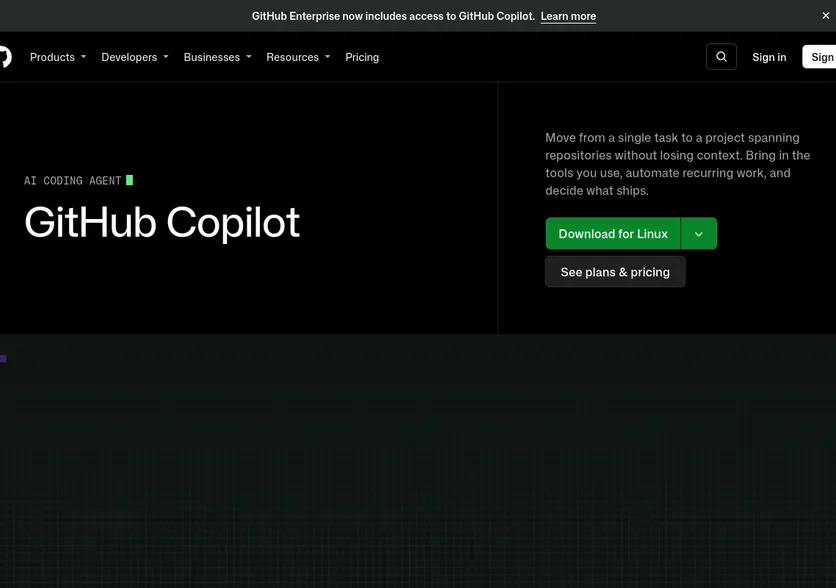
GitHub Copilot suggests whole lines and functions as your developers type, and it answers questions about the codebase without leaving the editor. This GitHub Copilot Pro plan costs ten dollars a month, with Business at nineteen dollars per user a month for team controls and Enterprise at thirty-nine dollars. Chat and agent use is metered separately in AI credits at one cent each, so a business that leans on the agent should watch the credit bill.
What we like
- Ten dollars a month, the cheapest proven assistant
- Suggestions appear inline as you type
- Business tier adds team controls for nineteen dollars
Watch out for
- Agent use is metered in AI credits
- Suggestions need a human check before merging
How to try it
- Open the GitHub Copilot page and check the Pro plan
- Install the extension in your editor and accept a suggestion
- Ask Copilot to explain one old function your team avoids
2. Cursor
Best for: Small businesses that want an AI-first editor that edits whole files for them
Paid tool Starting price: $20/month · Pro costs twenty dollars a month, or about sixteen dollars a month on annual billing; Pro Plus costs sixty dollars; Ultra costs two hundred dollars; Teams costs forty dollars per user a month
Free plan: Free plan included
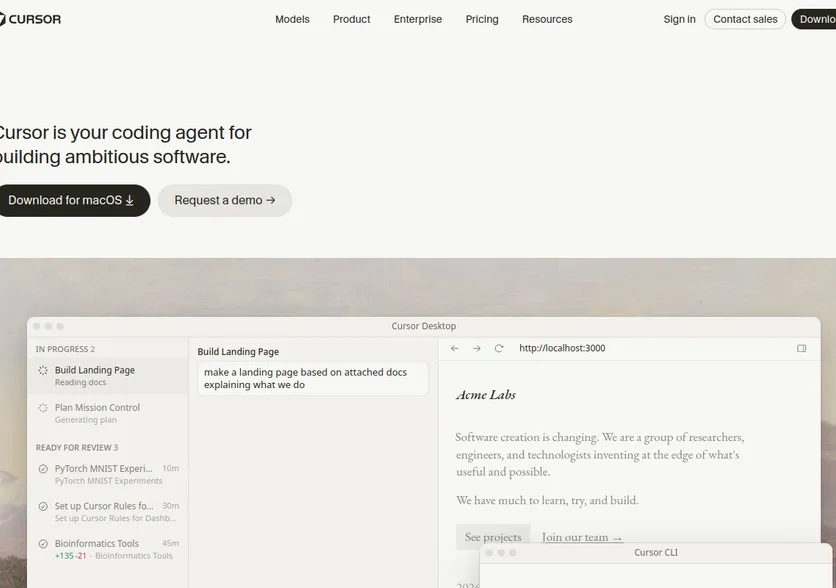
Cursor is an editor built around AI: it writes code, refactors whole files and fixes bugs from a plain-language instruction, instead of bolting suggestions onto an old editor. This Cursor Pro plan costs twenty dollars a month, or about sixteen dollars a month on annual billing, with Pro Plus at sixty dollars, Ultra at two hundred dollars and Teams at forty dollars per user a month. The old eight-dollar figure some lists still show is out of date, so budget on the current twenty-dollar price.
What we like
- AI-first editor that edits whole files
- Strong at multi-file refactoring
- Teams plan covers shared work at forty dollars
Watch out for
- Twenty dollars a month per user adds up
- Annual discount is modest at about sixteen dollars
How to try it
- Open the Cursor pricing page and check the Pro plan
- Open your project in Cursor and ask it to fix one bug
- Compare the edited code against your own fix before merging
3. Claude Code
Best for: Small businesses that already use Claude and want its coding agent in the terminal
Paid tool Starting price: $20/month · Included with Claude Pro at twenty dollars a month, or seventeen dollars a month billed annually; Max costs one hundred dollars; Ultra costs two hundred dollars
Free plan: Free plan included
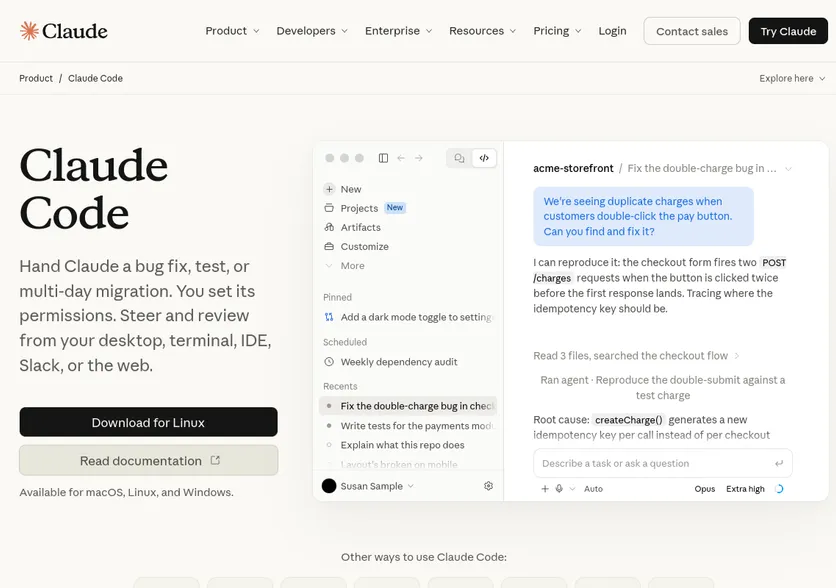
Claude Code brings the Claude model into the terminal, where it reads the codebase, plans changes and edits files with a developer watching each step. This Claude Code access comes with Claude Pro at twenty dollars a month, or seventeen dollars a month billed annually, with Max at one hundred dollars and Ultra at two hundred dollars. It is the same subscription as the Claude chat app, so a business that already pays for Pro gets the coding agent at no extra cost.
What we like
- Included with Claude Pro at twenty dollars a month
- Strong at reading and explaining large codebases
- Terminal workflow suits experienced developers
Watch out for
- Terminal-only workflow is not for everyone
- Usage limits apply on the Pro plan
How to try it
- Open the Claude pricing page and check the Pro plan
- Install Claude Code and point it at one project
- Ask it to fix a small bug and review every change
4. JetBrains AI
Best for: Small businesses on JetBrains IDEs that want AI inside the tools they already use
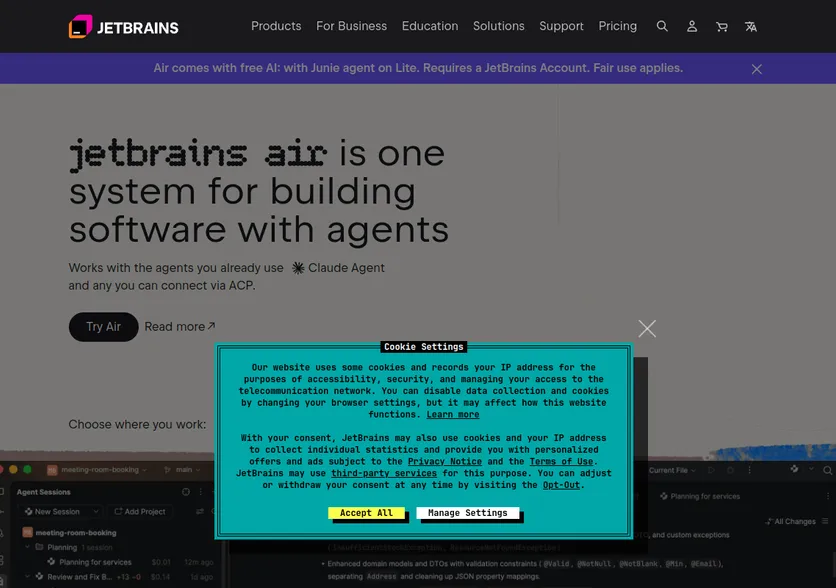
Paid tool Starting price: $10/user/month · AI Pro costs ten dollars per user a month, or one hundred dollars a year, with ten AI credits a month; AI Ultimate costs thirty dollars a month; AI Free includes three credits
Free plan: Free plan included, 3 AI credits
JetBrains AI adds code completion, chat and refactoring to IntelliJ, PyCharm and the other JetBrains IDEs a business already pays for. This JetBrains AI Pro plan costs ten dollars per user a month, or one hundred dollars a year, with ten AI credits a month included, while AI Ultimate costs thirty dollars a month. The pricing was restructured twice in 2026, so check the current page rather than an old blog post: organisation seats are now shared credits plus an Air Governance Business plan at twenty dollars per seat a month.
What we like
- Ten dollars a month inside your existing IDE
- Shared credits suit teams with uneven use
- Ultimate tier adds deeper agent features
Watch out for
- Pricing restructured twice in 2026
- Ten credits a month may run out on heavy use
How to try it
- Open the JetBrains AI page and check the Pro plan
- Turn on AI in your JetBrains IDE and accept a completion
- Track the ten monthly credits against your team usage
5. Replit
Best for: Small businesses that want to build and host small apps in the browser
Paid tool Starting price: $20/month · Core costs twenty dollars a month, or eighteen dollars a month on annual billing, with twenty dollars of monthly credits; Pro costs one hundred dollars a month, or ninety dollars on annual billing
Free plan: No free plan; free trial available
Replit is a browser-based workspace where a small team can write, run and host a small app without setting up servers or local tooling. This Replit Core plan costs twenty dollars a month, or eighteen dollars a month on annual billing, and includes twenty dollars of monthly credits, with Pro at one hundred dollars a month or ninety dollars on annual billing. The free Starter plan has closed to new builders, so a new business should budget for Core or the three-day Core trial.
What we like
- Build, run and host in the browser
- Core includes twenty dollars of monthly credits
- No local setup for a small team
Watch out for
- Free Starter closed to new builders
- Credits can run out on heavy agent use
How to try it
- Open the Replit pricing page and compare Core and Pro
- Start the three-day Core trial on a small project
- Deploy the app and check the credit usage after a week
6. Kiro
Best for: Small businesses that want an AI IDE with spec-driven development from AWS
Paid tool Starting price: $20/user/month · Pro costs twenty dollars per user a month with one thousand credits; Pro Plus costs forty dollars; Pro Max costs one hundred dollars; Power costs two hundred dollars; extra credits cost four cents each
Free plan: Free plan included
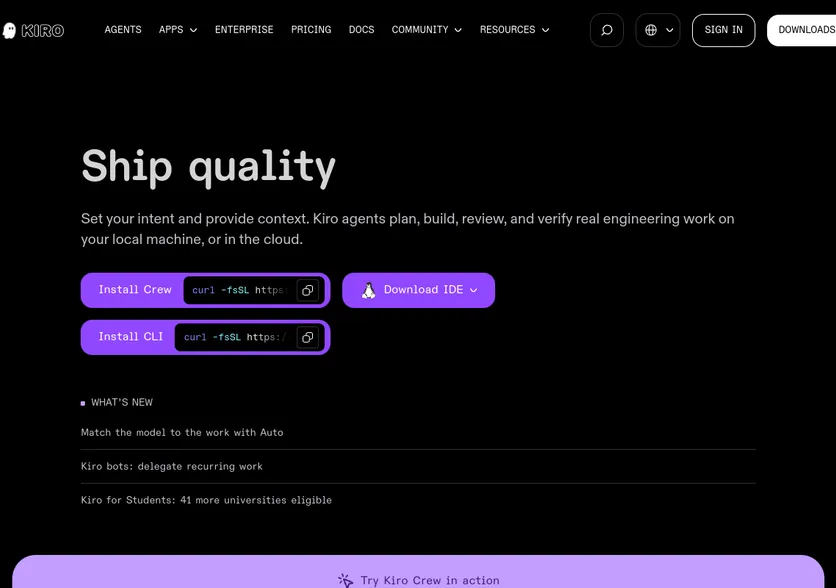
Kiro is the AI IDE from AWS that turns a written spec into working code, with agents that plan, build and test against the spec a business wrote. This Kiro Pro plan costs twenty dollars per user a month and includes one thousand credits, with Pro Plus at forty dollars, Pro Max at one hundred dollars and Power at two hundred dollars. It succeeds Amazon Q Developer, whose IDE plugins reach end of support in April 2027, and extra credits cost four cents each.
What we like
- Spec-driven development keeps code on track
- One thousand credits included in Pro
- Team pooling shares credits across seats
Watch out for
- New tool with a shorter track record
- Extra credits cost four cents each
How to try it
- Open the Kiro pricing page and check the Pro plan
- Write a short spec for one feature and let Kiro build it
- Review the generated code and tests before merging
7. Tabnine
Best for: Small businesses that want the cheapest AI coding assistant with privacy controls
Paid tool Starting price: $9/user/month · Dev costs nine dollars per user a month billed annually at one hundred eight dollars; Enterprise costs thirty-nine dollars per user a month; annual commitment required; free Basic tier
Free plan: Free Basic tier included
Tabnine completes code inline and answers questions about the codebase, with privacy controls that keep your code out of training data. This Tabnine Dev plan costs nine dollars per user a month billed annually at one hundred eight dollars, with Enterprise at thirty-nine dollars per user a month and a free Basic tier. An annual commitment is required, and some sources show twelve dollars for Dev, but nine dollars is the dominant read on the vendor page.
What we like
- Nine dollars a month, the cheapest here
- Privacy controls keep code out of training
- Free Basic tier for trying it out
Watch out for
- Annual commitment required
- Some sources show twelve dollars for Dev
How to try it
- Open the Tabnine pricing page and check the Dev plan
- Install the extension and accept completions for a week
- Check the privacy settings before the team shares code
Prices above were checked on each vendor’s own website on Nov 27, 2026 and can change — the vendor’s page is the final word. Vendor links are editorial: nobody paid to be listed or ranked here. Vendors who want a featured listing can see how it works on our Get listed page.
What AI coding assistants cost small businesses in 2026
Most AI coding assistants cost ten to twenty dollars a user a month, so a business with five developers pays fifty to one hundred dollars a month before any metered extras. Tabnine Dev at nine dollars a user a month and GitHub Copilot Pro at ten dollars a month are the cheapest, while Cursor Pro, Claude Code and Replit Core all sit at twenty dollars a month. Credit-based tools add a second bill: JetBrains AI Pro includes ten credits a month and Kiro Pro includes one thousand credits, with extra credits at four cents each.
Start with the free tier on two assistants and give each one the same real task, such as fixing a bug in your own codebase. Compare how much of the fix you keep, how many prompts it takes, and whether the assistant understands your project or just the file in front of it. Pick the assistant your developers reach for without thinking, because the one they ignore costs money and saves nothing.
Before you buy
- Count developers first, because Cursor Pro costs twenty dollars a month and Tabnine Dev costs nine dollars per user a month.
- Check the credit limits, because JetBrains AI Pro includes ten credits a month and Kiro Pro includes one thousand credits.
- Budget for metered extras, because GitHub Copilot charges AI credits and Kiro charges four cents per extra credit.
- Test the free tier first, because most assistants here offer one and Replit Core has a three-day trial instead.
- Pick the assistant that fits your editor, because JetBrains AI needs a JetBrains IDE and Cursor is its own editor.
Official websites
Official websites of the products reviewed above. Features and prices were checked against these sites when this guide was written, and they can change, so confirm on the vendor site before you buy.
Frequently asked questions
Which AI coding assistant is best for small businesses in 2026?
GitHub Copilot is the best overall pick at ten dollars a month, with inline suggestions and chat inside the editor most teams already use. Cursor is the best AI-first editor at twenty dollars a month, with whole-file edits from plain-language instructions. Claude Code is the best choice for teams that already pay for Claude Pro, since the coding agent is included at no extra cost.
How much does an AI coding assistant cost a small business?
Prices in this list run from nine dollars per user a month for Tabnine Dev to twenty dollars a month for Cursor Pro, Claude Code and Replit Core. A business with five developers should budget roughly forty-five to one hundred dollars a month, plus metered extras like AI credits on GitHub Copilot or extra Kiro credits at four cents each. Most tools offer a free tier to try first.
Is there a free AI coding assistant?
Yes, most assistants here offer free tiers. GitHub Copilot, Cursor, Claude Code, JetBrains AI, Kiro and Tabnine all include free plans, with JetBrains AI Free offering three credits and Tabnine Basic covering completions. Replit is the exception: its free Starter plan closed to new builders, so new users start with a three-day Core trial.
Do AI coding assistants replace developers?
No, they make developers faster by writing boilerplate, fixing routine bugs and explaining unfamiliar code. The assistant still needs a human to check its work, because it can invent APIs, miss edge cases and misunderstand the project. A small business should treat the assistant as a junior pair programmer that needs review, not as a replacement hire.
What should a small business look for in an AI coding assistant?
Look for an assistant that works inside the editor your team already uses, with a price that scales with headcount and a free tier to try first. Check whether the price is per user or per credit, and whether extras like AI credits or Kiro credits are metered. The best assistant is the one your developers reach for every day without being told to.
Need everyday code help too? Try Toolsvine's free code tools right in your browser.
Browse Code Generators tools


