
On this page
Model Context Protocol servers are the plumbing that lets AI agents call real tools, and the host you pick decides how much each call costs and how much babysitting the setup needs. We checked live prices on eight platforms that run MCP servers for production agents, from usage-priced tool hosts to enterprise integration hubs. Composio leads our list for the widest tool catalog at a flat monthly price, with Arcade and Zapier close behind for teams that want managed calling or an automation suite they already know.
How we researched this
We read each vendor's own pricing page on November 26 2026 and kept only platforms with a published dollar price and a self-serve way to start. Every tool here runs MCP servers for production agents rather than just a local demo. We ranked them on catalog breadth, per-call pricing transparency and how little setup a small team needs.
Compare the tools
| Name | Best for | Starting price | Free plan | |
|---|---|---|---|---|
 Composio | Teams that want the widest ready-made MCP tool catalog at a flat price | $29/month | Hobby plan is free with limited tool calls and a smaller integration set. | Visit |
 Toolhouse | Prototypes and spiky workloads that need pure pay-as-you-go MCP hosting | $5 per 1,000 requests | No free plan listed; billing starts from the first tool call at the pay-as-you-go rate. | Visit |
 Arcade | Teams whose agents act inside Gmail, Slack and other apps without storing credentials | $25/month | Free plan covers 2,000 tool calls a month with core managed tools. | Visit |
 Zapier MCP | Teams already running Zapier who want MCP access to thousands of apps | $19.99/month | Free plan includes 100 tasks a month with basic MCP access for testing. | Visit |
 Nango | Developer teams building their own agents across many SaaS APIs | $50/month | Free tier at $0 with limited connections and usage for small projects. | Visit |
 Mintlify | Teams whose agents mainly need to read and quote product documentation | $450/month | Starter plan is free and includes an MCP server with basic docs hosting. | Visit |
 Merge Agent Handler | Larger teams needing one MCP entry point into HR, accounting and CRM systems | $1,000/month | Free tier covers 2,000 credits a month for evaluation and small pilots. | Visit |
 FastMCP Gateway | Developers already building MCP servers with the FastMCP framework | $35/developer/month | Personal tier is free for individual developers with basic hosting. | Visit |
The MCP server infrastructure platforms, compared
1. Composio
Best for: Teams that want the widest ready-made MCP tool catalog at a flat price
Paid tool Starting price: $29/month · Pro plan, $29 a month billed monthly, with a $29 included usage credit; Hobby is free and Enterprise is quoted
Free plan: Hobby plan is free with limited tool calls and a smaller integration set.
Composio is a managed MCP platform that ships ready-made integrations for hundreds of apps, so agents can call tools without hand-writing a server for each one. Its catalog covers common business apps, developer tools and data sources, and every tool call is logged with usage you can audit. The Pro plan bundles a monthly usage credit, which makes bills predictable for teams running agents every day.

What we like
- Hundreds of ready-made integrations with no server code to write
- Included usage credit makes the monthly bill easy to predict
- Full call logs help you audit what agents actually did
Watch out for
- Heavy agent traffic can burn through the included credit fast
- Niche or internal apps may still need a custom integration
How to try it
- Create a Composio account and pick the apps your agents need from the catalog
- Connect each app with OAuth and copy the MCP server URL into your agent
- Watch the usage dashboard and set alerts before the included credit runs out
2. Toolhouse
Best for: Prototypes and spiky workloads that need pure pay-as-you-go MCP hosting
Paid tool Starting price: $5 per 1,000 requests · Go plan is pay-as-you-go at $5 per 1,000 tool calls; no monthly platform fee
Free plan: No free plan listed; billing starts from the first tool call at the pay-as-you-go rate.
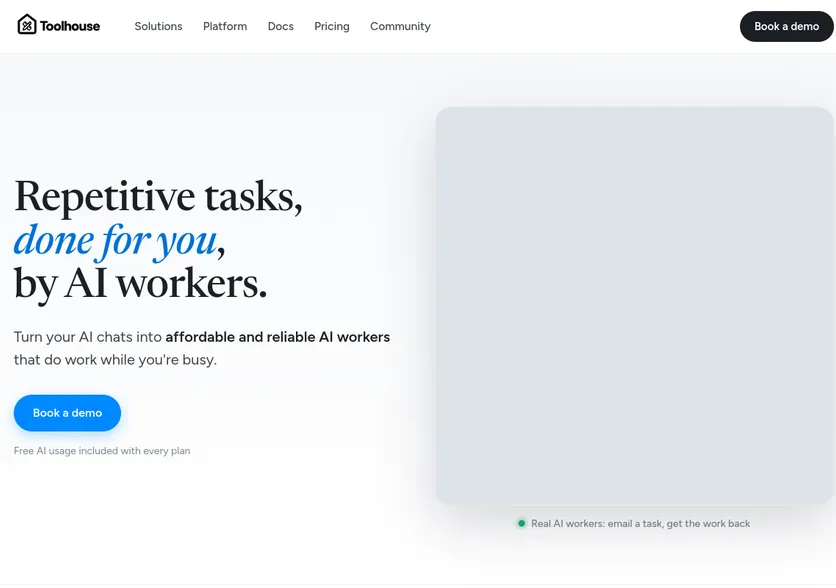
Toolhouse sells MCP hosting by the tool call, with no monthly platform fee to pay before your agents do anything. You point it at the tools your agents need, and it handles auth, retries and rate limits behind a single endpoint. The pay-as-you-go model suits prototypes and spiky workloads that would waste a flat subscription.
What we like
- No platform fee, so quiet months cost almost nothing
- Auth, retries and rate limits handled for you
- Simple per-call pricing that is easy to model
Watch out for
- Chatty agents can rack up calls faster than you expect
- Catalog is narrower than the big integration platforms
How to try it
- Sign up and choose the tools your agent should be able to call
- Connect app credentials once and let Toolhouse manage the auth
- Route agent calls through the single Toolhouse endpoint and pay per call
3. Arcade
Best for: Teams whose agents act inside Gmail, Slack and other apps without storing credentials
Paid tool Starting price: $25/month · Team platform fee of $25 a month plus $0.01 per tool call; Free tier covers 2,000 calls a month
Free plan: Free plan covers 2,000 tool calls a month with core managed tools.
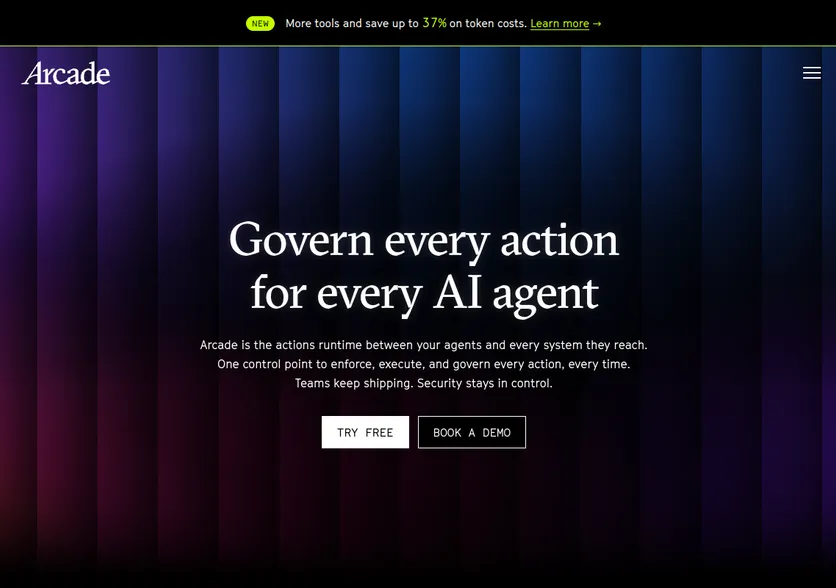
Arcade is a managed MCP platform built around secure tool calling, with OAuth handled for the apps your agents touch. Its catalog leans toward productivity and business tools, and each call is priced in cents on top of a small platform fee. Teams that need agents to act inside Gmail, Slack and similar apps without storing credentials themselves get the most from it.
What we like
- Secure OAuth flow means agents never hold raw credentials
- Per-call pricing stays cheap for moderate agent traffic
- Free tier gives 2,000 calls a month to test with
Watch out for
- Per-call fees add up for agents that loop many tool calls
- Catalog is strongest in productivity apps, thinner elsewhere
How to try it
- Create an Arcade project and enable the tools your agents need
- Let users authorize apps through Arcade instead of sharing credentials
- Connect the MCP endpoint to your agent and monitor calls per user
4. Zapier MCP
Best for: Teams already running Zapier who want MCP access to thousands of apps
Paid tool Starting price: $19.99/month · Professional plan billed annually, $29.99 a month on monthly billing; 750 tasks a month, and each successful MCP tool call uses 2 tasks
Free plan: Free plan includes 100 tasks a month with basic MCP access for testing.
Zapier brings MCP to the automation platform many teams already use, exposing thousands of apps as callable tools. The MCP server sits on top of existing Zaps and actions, so agents can trigger workflows your team has already built and tested. Pricing is per task rather than per call, and each successful MCP tool call consumes two tasks from the monthly allowance.

What we like
- Thousands of apps already connected through Zapier
- Reuses workflows your team has already tested
- No new vendor to learn if Zapier is already in place
Watch out for
- Two tasks per MCP call makes heavy agent use expensive
- Task allowance is shared with your other automations
How to try it
- Open Zapier MCP and pick the apps and actions your agent may call
- Add the MCP server to your agent with the key Zapier generates
- Track task usage so agent calls do not drain the monthly allowance
5. Nango
Best for: Developer teams building their own agents across many SaaS APIs
Paid tool Starting price: $50/month · Pay-as-you-go from $50 a month in credits; Free tier is $0 and the Growth add-on is $450 a month
Free plan: Free tier at $0 with limited connections and usage for small projects.
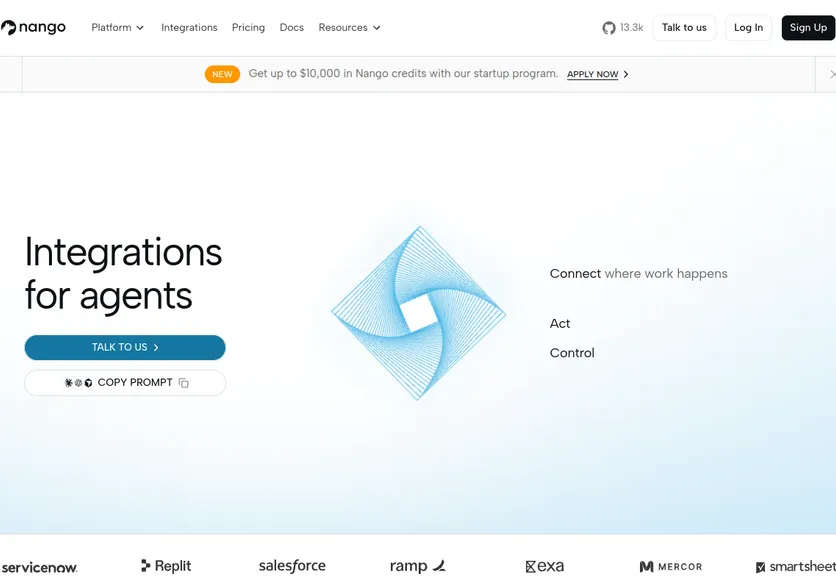
Nango focuses on the integration layer, offering managed OAuth and unified APIs that MCP servers can call. Its strength is breadth across SaaS APIs, with a pay-as-you-go model that starts from a monthly credit bundle. Developer teams that build their own agents and need reliable auth across many apps will find it a solid foundation.
What we like
- Managed OAuth across hundreds of SaaS APIs
- Unified API shapes reduce per-app mapping work
- Credit bundle gives a clear monthly floor
Watch out for
- You still build and host the agent logic yourself
- Growth add-on at $450 a month is a steep jump
How to try it
- Add the SaaS APIs your agents need from the Nango integration list
- Use Nango OAuth so users connect their own accounts securely
- Expose the unified APIs through your MCP server and track credit use
6. Mintlify
Best for: Teams whose agents mainly need to read and quote product documentation
Paid tool Starting price: $450/month · Pro plan billed annually, $540 a month on monthly billing; includes 10,000 AI credits a month, and the Starter tier includes an MCP server for free
Free plan: Starter plan is free and includes an MCP server with basic docs hosting.
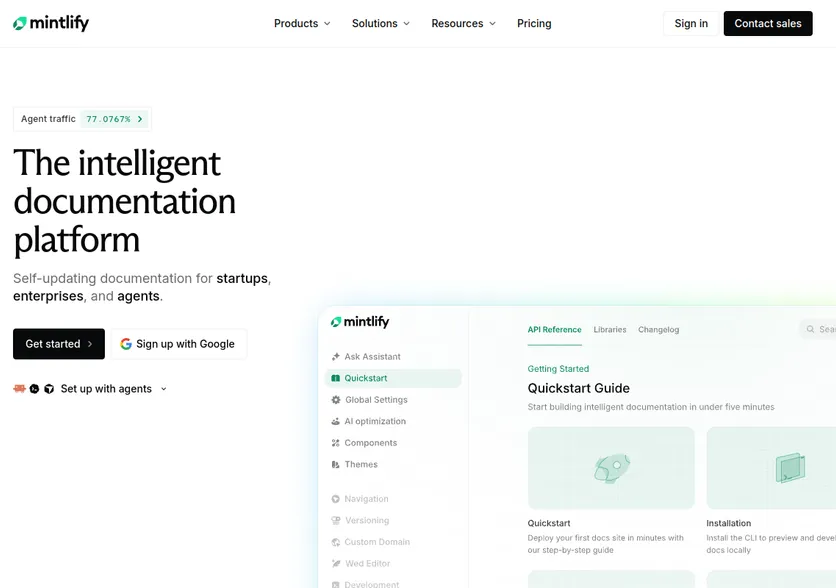
Mintlify is best known for documentation, and its Pro plan adds an MCP server plus a generous AI credit allowance. The server exposes your docs to AI agents, so support bots and coding assistants can answer from your own content. It fits teams whose agents mostly need to read and quote documentation rather than act inside other apps.
What we like
- Docs become agent-readable with almost no extra work
- Large AI credit allowance bundled into Pro
- Starter tier includes an MCP server at no cost
Watch out for
- Pro at $450 a month is steep if docs are your only use
- Not a general tool-calling platform for other apps
How to try it
- Publish your docs on Mintlify and enable the MCP server
- Connect your support bot or coding assistant to the server URL
- Track AI credit use against the 10,000 monthly allowance
7. Merge Agent Handler
Best for: Larger teams needing one MCP entry point into HR, accounting and CRM systems
Paid tool Starting price: $1,000/month · Pro plan at $1,000 a month with 25,000 credits a month; Free tier covers 2,000 credits
Free plan: Free tier covers 2,000 credits a month for evaluation and small pilots.
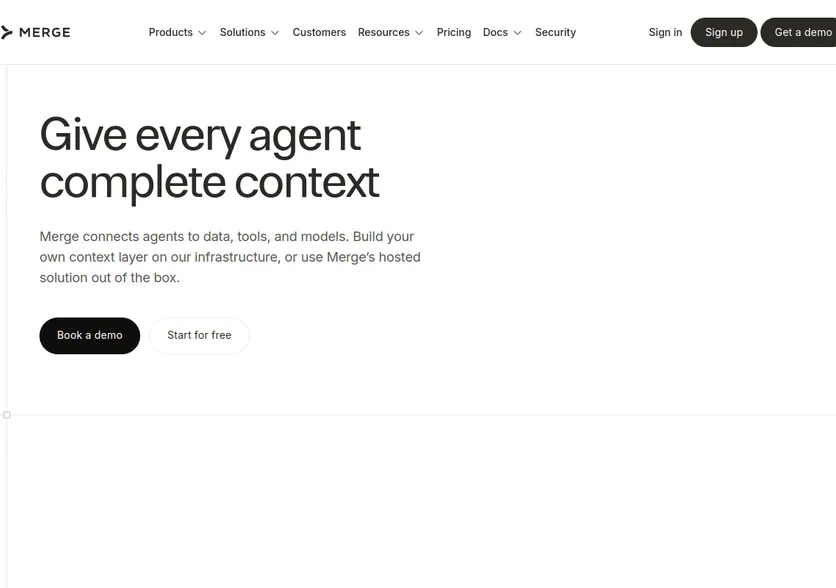
Merge Agent Handler turns the company's unified API platform into MCP tools for HR, accounting and CRM systems. One integration gives agents access to dozens of systems through a single normalized schema, which cuts the auth and mapping work sharply. The price is enterprise-grade, so it suits larger teams that need broad system coverage from one vendor.
What we like
- One schema covers dozens of HR, accounting and CRM systems
- Unified auth removes per-system credential work
- 25,000 credits a month suits serious agent traffic
Watch out for
- $1,000 a month is out of reach for small teams
- Credit overages can surprise teams with chatty agents
How to try it
- Pick the HR, accounting or CRM categories your agents need
- Connect customer accounts once through Merge unified auth
- Expose the normalized tools over MCP and budget the monthly credits
8. FastMCP Gateway
Best for: Developers already building MCP servers with the FastMCP framework
Paid tool Starting price: $35/developer/month · Developer plan at $35 per developer a month plus usage; Personal tier is free and Enterprise is quoted
Free plan: Personal tier is free for individual developers with basic hosting.
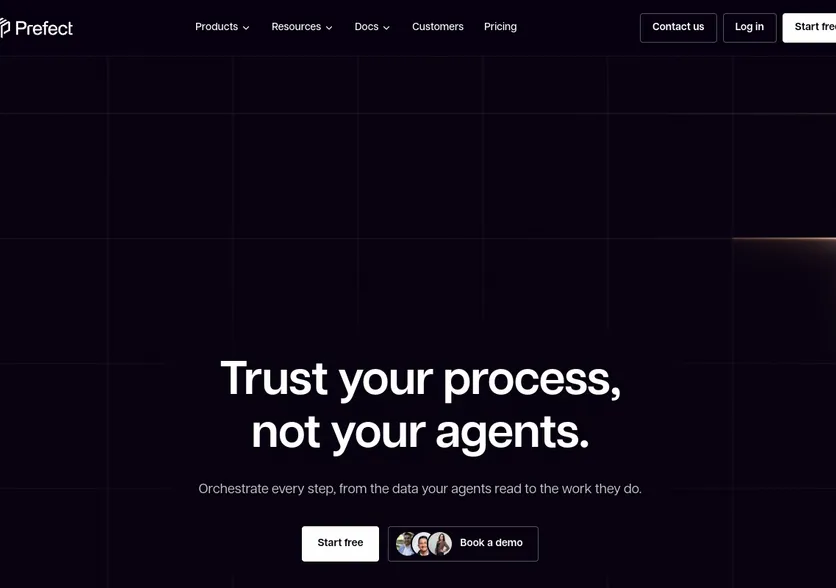
FastMCP Gateway is Prefect's hosted way to run MCP servers, built on the open-source FastMCP framework. It gives teams deployment, auth and observability around servers they would otherwise host themselves, with pricing per developer plus usage. Developers who already build with FastMCP get the shortest path from a local server to a shared production endpoint.
What we like
- Zero migration if you already use FastMCP locally
- Hosting, auth and observability in one place
- Per-developer pricing scales with the team, not traffic
Watch out for
- Usage charges sit on top of the per-developer fee
- Best value only if you already build on FastMCP
How to try it
- Build your MCP server with the open-source FastMCP framework
- Deploy it to the Gateway and configure auth for your team
- Monitor calls and errors from the Prefect dashboard
Prices above were checked on each vendor’s own website on Nov 26, 2026 and can change — the vendor’s page is the final word. Vendor links are editorial: nobody paid to be listed or ranked here. Vendors who want a featured listing can see how it works on our Get listed page.
How to pick an MCP server platform
Start from the tools your agents actually need to call, not the catalog size on the homepage. A platform with five hundred integrations is no help if your agent lives in three apps it does not cover, so list the must-have tools first and check each one. Then model the bill the way your agents behave: a chatty agent that loops ten calls per task will cost far more on per-call pricing than on a flat plan with a credit bundle.
Test auth early, because OAuth is where most MCP rollouts stall. Pick a platform that handles user authorization for you if your agents touch Gmail, Slack or a CRM, and confirm the audit logs show who authorized what. Finally, run a real task end to end on the free tier before you commit, and watch the usage meter while it runs.
Before you buy
- Confirm every must-have app is in the catalog before you sign up for a paid plan
- Model the monthly bill using your agent's real calls per task, not the marketing example
- Check that OAuth and user authorization are handled by the platform, not your code
- Make sure call logs show which agent, user and tool were involved in each action
- Test a full task on the free tier and watch the usage meter while it runs
Official websites
Official websites of the products reviewed above. Features and prices were checked against these sites when this guide was written, and they can change, so confirm on the vendor site before you buy.
Frequently asked questions
What is an MCP server infrastructure platform?
It is a hosted service that runs Model Context Protocol servers, which let AI agents call real tools and APIs. Instead of building and hosting a server for every app, you connect the platform once and your agents get a standard endpoint with auth, logging and billing built in.
How much does MCP server hosting cost in 2026?
Entry prices in this comparison run from $5 per 1,000 tool calls on Toolhouse to $1,000 a month for Merge Agent Handler. Most teams land between $19.99 and $50 a month, but chatty agents can multiply a per-call bill quickly, so always model the cost per completed task.
Do I need a paid plan to try MCP hosting?
No. Composio, Arcade, Nango, Zapier, Mintlify and Merge all offer a free tier or free credits, and FastMCP has a free Personal tier. Start on the free tier with one real task, measure the calls it uses, and only then pick the paid plan that fits that usage pattern.
Is per-call or flat pricing better for MCP servers?
Per-call pricing wins when traffic is spiky or you are still prototyping, because quiet months cost almost nothing. Flat plans with an included credit bundle win when agents run steadily every day, since the bill stays predictable. If your agents loop many calls per task, flat pricing is usually the safer bet.
Can MCP servers act inside Gmail and Slack safely?
Yes, when the platform handles OAuth per user, so the agent acts with that user's permission and never sees raw passwords. Check that the platform logs every call with the user and tool involved, and that you can revoke access for one user without breaking the whole deployment.
Building something with these servers? Try free developer tools on Toolsvine right in your browser.
Browse Developer Tools tools


