
On this page
Remote teams run on handoffs: one tool collects the data, another cleans it, a third sends the message. The seven AI orchestration tools below automate those handoffs, with prices from nine dollars a month to eighty dollars a month. Some need no code at all, while others give technical teams full control, so the right pick depends on who will build the workflows. Start with Make.
How we researched this
We kept only orchestration tools with a published price on the vendor site, which ruled out Relay, Stack AI and Bardeen because Relay reported a shutdown, Stack AI has no published paid price, and Bardeen prices conflict too widely across sources. Lindy repackaged its pricing in 2026, so the older Pro prices no longer apply. Every price below is the vendor list price checked on November 27, 2026.
Compare the tools
| Name | Best for | Starting price | Free plan | |
|---|---|---|---|---|
 Zapier | Remote teams that want the widest app library with no code | $19.99/month | Free plan with one hundred tasks a month | Visit |
 n8n | Technical teams that want code-level control over AI agent workflows | €20/month | Free self-hosted Community edition | Visit |
 LangSmith | Teams building LLM agents with LangChain that need tracing, testing and prompts | $39/seat/month | Free Developer plan for one seat with five thousand traces a month | Visit |
 Make | Remote teams that want visual automation at the lowest starting price | $9/month | Free plan with one thousand credits a month | Visit |
 Lindy | Remote teams that want AI agents to handle email, meetings and research | $29.99/user/month | Fifty dollars of free credits for seven days; no permanent free plan | Visit |
 Gumloop | Teams that want no-code AI agents with unlimited seats on one plan | $37/month | Fourteen-day free trial of Pro; card required | Visit |
 Parabola | Operations teams that want AI to clean, enrich and move spreadsheet data | $80/month | Free plan with one thousand rows per flow; fourteen-day trial of paid plans | Visit |
The best AI orchestration software for remote teams, compared
1. Zapier
Best for: Remote teams that want the widest app library with no code
Paid tool Starting price: $19.99/month · Professional starts at nineteen dollars and ninety-nine cents a month billed yearly for seven hundred fifty tasks, or twenty-nine dollars and ninety-nine cents a month on monthly billing; Team starts at sixty-nine dollars a month billed yearly
Free plan: Free plan with one hundred tasks a month
Zapier connects thousands of apps with no code, letting a remote team automate the handoffs between tools it already uses. This Zapier Professional plan starts at nineteen dollars and ninety-nine cents a month billed yearly for seven hundred fifty tasks, or twenty-nine dollars and ninety-nine cents a month on monthly billing. A team that wants the widest app library will find the most integrations here, though the per-task price means a busy team can outgrow the plan fast.

What we like
- Widest app library of any automation tool here
- No code needed to build a working automation
- Fourteen-day trial of the Professional plan
Watch out for
- Per-task pricing means a busy team outgrows the plan fast
- Team costs sixty-nine dollars a month when you need more seats
How to try it
- Open the Zapier pricing page and count your monthly tasks
- Start the free plan and build one automation between two apps
- Upgrade to Professional when the task count passes one hundred
2. n8n
Best for: Technical teams that want code-level control over AI agent workflows
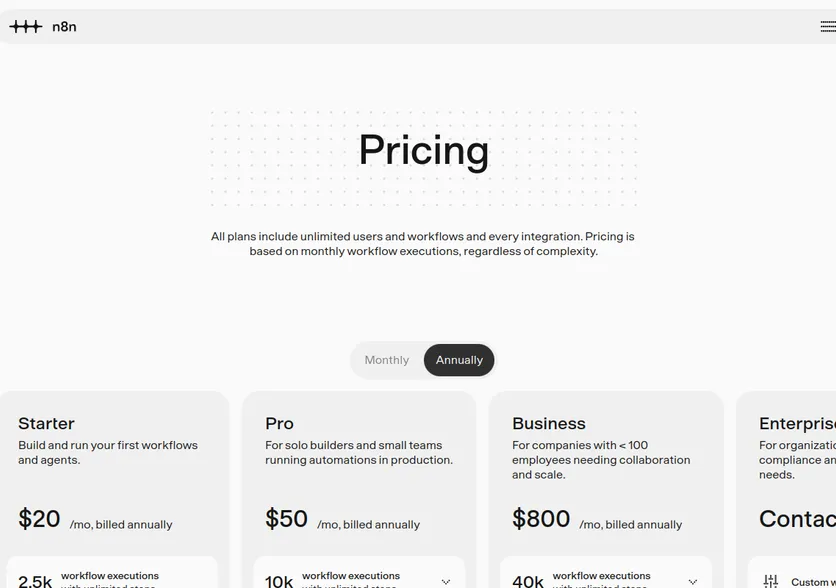
Paid tool Starting price: €20/month · Cloud Starter costs twenty euros a month billed yearly for two thousand five hundred executions, or twenty-four euros a month on monthly billing; Pro costs fifty euros a month billed yearly
Free plan: Free self-hosted Community edition
n8n lets a technical team build AI agent workflows with code when needed and a visual editor when not, running in the cloud or on your own server. This n8n Cloud Starter plan costs twenty euros a month billed yearly for two thousand five hundred executions, or twenty-four euros a month on monthly billing. A team that wants full control will like the free self-hosted edition, though the cloud price is in dollars on the US page and euros on the European page.
What we like
- Free self-hosted edition with no execution cap
- Code-level control over AI agent workflows
- Visual editor for the parts that do not need code
Watch out for
- The vendor page prices in euros only
- Self-hosting means you run the server yourself
How to try it
- Open the n8n pricing page and compare Cloud with self-hosted
- Try the free Community edition on your own server
- Move to Cloud Starter when the team needs hosted runs
3. LangSmith
Best for: Teams building LLM agents with LangChain that need tracing, testing and prompts
Paid tool Starting price: $39/seat/month · Plus costs thirty-nine dollars per seat a month; Developer is free for one seat with five thousand traces a month and Enterprise is custom, with usage billed in LangSmith Units
Free plan: Free Developer plan for one seat with five thousand traces a month
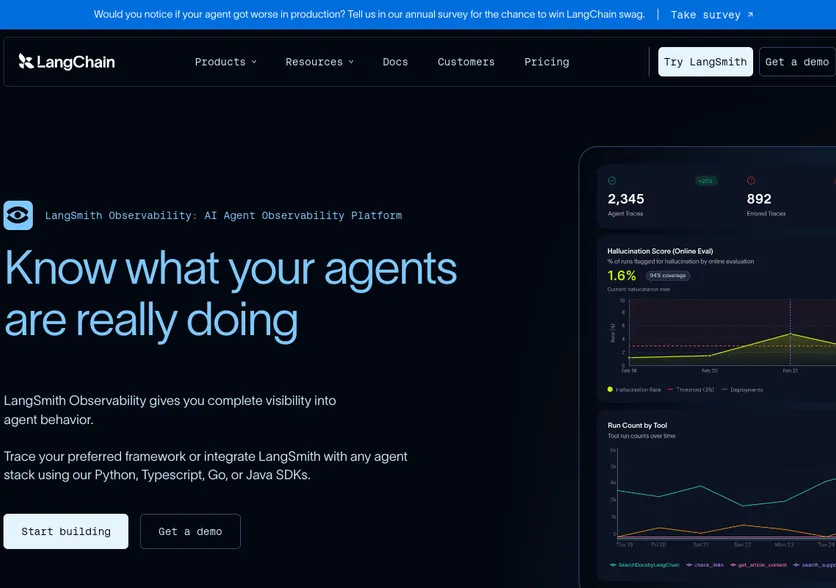
LangSmith traces every step your LLM agent takes, so a team can see where it went wrong, test a fix and ship a better prompt. This LangSmith Plus plan costs thirty-nine dollars per seat a month, with usage billed in LangSmith Units on top. A team building agents with LangChain will find the tracing essential, though the per-seat price plus usage means the bill grows with the team and the traffic.
What we like
- Traces every step your LLM agent takes
- Testing and prompt management in one place
- Free Developer plan for one seat
Watch out for
- Usage is billed on top of the per-seat price
- Plus is per seat, so a large team pays far more than the headline
How to try it
- Open the LangSmith pricing page and start the free Developer plan
- Connect your first agent and trace one real conversation
- Upgrade to Plus when the team needs more seats
4. Make
Best for: Remote teams that want visual automation at the lowest starting price
Paid tool Starting price: $9/month · Core costs nine dollars a month billed yearly for ten thousand credits, or ten dollars and fifty-nine cents a month on monthly billing; Pro costs sixteen dollars a month billed yearly
Free plan: Free plan with one thousand credits a month
Make is the visual automation tool for a remote team that wants to see its workflows as a diagram, with AI steps dropped in where needed. This Make Core plan costs nine dollars a month billed yearly for ten thousand credits, or ten dollars and fifty-nine cents a month on monthly billing. A team that wants the lowest starting price in this comparison will like the flat rate, and the free plan gives one thousand credits a month to test with.

What we like
- Lowest starting price in this comparison at nine dollars a month
- Visual editor shows the whole workflow as a diagram
- Free plan with one thousand credits a month
Watch out for
- Older twelve-dollar figures online are stale after the price cut
- Credits burn fast on workflows that run every minute
How to try it
- Open the Make pricing page and start the free plan
- Build one visual workflow between two apps
- Upgrade to Core when the credit count passes one thousand
5. Lindy
Best for: Remote teams that want AI agents to handle email, meetings and research
Paid tool Starting price: $29.99/user/month · Plus costs twenty-nine dollars and ninety-nine cents per user a month with three thousand credits; Pro costs ninety-nine dollars and ninety-nine cents a month with fifteen thousand credits
Free plan: Fifty dollars of free credits for seven days; no permanent free plan
Lindy gives each team member an AI agent that handles email, schedules meetings and researches topics on its own. This Lindy Plus plan costs twenty-nine dollars and ninety-nine cents per user a month with three thousand credits. A remote team that wants real agents rather than simple automations will like the depth, though the pricing was repackaged in 2026 and older Pro prices no longer apply.
What we like
- Real AI agents, not just simple automations
- Agents handle email, meetings and research
- Free credits to test for seven days
Watch out for
- Pricing was repackaged in 2026, so older Pro prices no longer apply
- No permanent free plan, only seven days of credits
How to try it
- Open the Lindy pricing page and claim the free credits
- Build one agent for email triage
- Upgrade to Plus when the seven-day credits run out
6. Gumloop
Best for: Teams that want no-code AI agents with unlimited seats on one plan
Paid tool Starting price: $37/month · Pro costs thirty-seven dollars a month with twenty thousand credits and unlimited seats; Enterprise is custom and there is no free plan, only a trial
Free plan: Fourteen-day free trial of Pro; card required
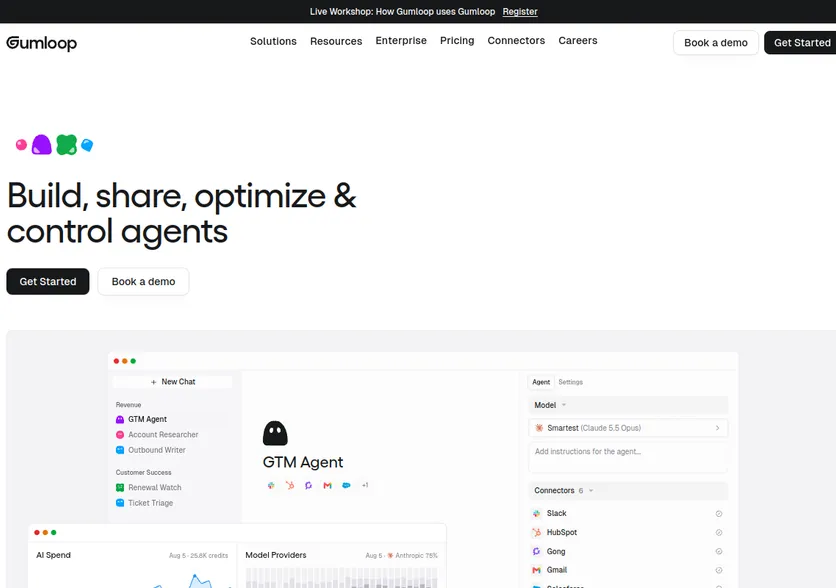
Gumloop lets a team build no-code AI agents that pull data from the web, clean it and push it where it needs to go, with unlimited seats on the Pro plan. This Gumloop Pro plan costs thirty-seven dollars a month with twenty thousand credits and unlimited seats. A team that hates per-seat pricing will like the flat rate, though there is no free plan, only a fourteen-day trial that needs a card.
What we like
- Unlimited seats on the Pro plan
- Twenty thousand credits a month included
- No-code builder for AI agents that fetch web data
Watch out for
- No free plan, only a fourteen-day trial that needs a card
- Some older sources list a free plan that no longer exists
How to try it
- Open the Gumloop pricing page and start the fourteen-day trial
- Build one agent that pulls data from the web
- Check the credit use after a week before you pay
7. Parabola
Best for: Operations teams that want AI to clean, enrich and move spreadsheet data
Paid tool Starting price: $80/month · Starter costs eighty dollars a month; Team costs three hundred twenty dollars a month and Enterprise is custom, with a free plan and a fourteen-day trial available
Free plan: Free plan with one thousand rows per flow; fourteen-day trial of paid plans
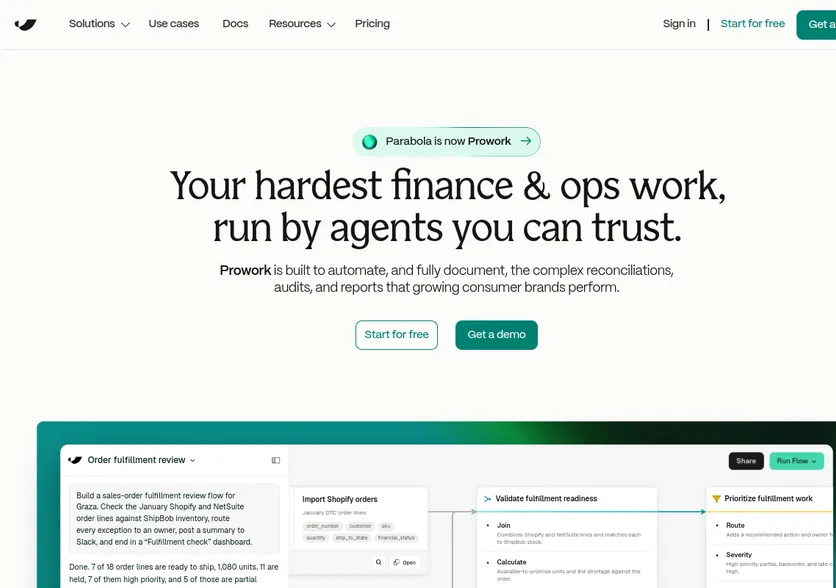
Parabola turns messy spreadsheets into clean, enriched data with AI steps that run on a schedule, no code required. This Parabola Starter plan costs eighty dollars a month, with Team at three hundred twenty dollars a month for larger operations. An operations team that lives in spreadsheets will save hours each week, and the free plan covers one thousand rows per flow to test with.
What we like
- AI steps clean and enrich spreadsheet data on a schedule
- Free plan with one thousand rows per flow
- No code needed to build a working flow
Watch out for
- The highest starting price in this comparison at eighty dollars a month
- Team costs three hundred twenty dollars a month when you outgrow Starter
How to try it
- Open the Parabola pricing page and start the free plan
- Build one flow that cleans a real spreadsheet
- Upgrade to Starter when the row count passes one thousand
Prices above were checked on each vendor’s own website on Nov 27, 2026 and can change — the vendor’s page is the final word. Vendor links are editorial: nobody paid to be listed or ranked here. Vendors who want a featured listing can see how it works on our Get listed page.
What AI orchestration really costs
Every tool here meters usage differently, and that is the first trap. Zapier charges per task, n8n charges per execution, and Lindy and Gumloop charge per credit, so a workflow that runs every minute can cost far more than the headline price suggests. Count how often each workflow will run in a month, then multiply before you compare.
The second trap is the seat count. LangSmith Plus is priced per seat and Lindy Plus is priced per user, while Make Core and Gumloop Pro are flat prices that cover the whole team. A flat plan can be the cheapest option for a large team even when its headline price looks higher than a per-seat rival.
Before you buy
- Count your tasks or executions first, because Zapier charges per task and n8n charges per execution.
- Check the free tier, because n8n has a free self-hosted edition while Lindy has no permanent free plan.
- Ask about the seat count, because LangSmith Plus is priced per seat and Make Core is a flat price.
- Confirm the credit cap, because Lindy Plus includes three thousand credits and Gumloop Pro includes twenty thousand.
- Confirm the yearly saving, because most tools here cost about twenty percent less on annual billing.
Official websites
Official websites of the products reviewed above. Features and prices were checked against these sites when this guide was written, and they can change, so confirm on the vendor site before you buy.
Frequently asked questions
What is AI orchestration software?
AI orchestration software connects AI agents, automations and data flows so they work together instead of in isolation. The tools in this list range from no-code automators such as Zapier and Make to agent builders such as Lindy and Gumloop, plus LangSmith for teams that build their own LLM agents. All of them let a remote team automate the handoffs between tools.
How much does AI orchestration software cost?
Prices in this comparison run from nine dollars a month for Make Core to eighty dollars a month for Parabola Starter. Zapier Professional starts at nineteen dollars and ninety-nine cents a month, n8n Cloud Starter costs twenty euros a month, and LangSmith Plus costs thirty-nine dollars per seat a month. Lindy Plus costs twenty-nine dollars and ninety-nine cents per user a month, while Gumloop Pro costs thirty-seven dollars a month with unlimited seats.
Which AI orchestration tool fits a remote team?
Start with the skill level of your team. A non-technical team should pick Zapier, Make or Gumloop, while a technical team that wants code control should pick n8n. A team building its own LLM agents needs LangSmith for tracing, while a team that wants ready-made agents should compare Lindy and Parabola on a trial.
Can I try AI orchestration software for free?
Yes, most of them offer a free plan or a free trial. Make gives one thousand credits a month free, Zapier gives one hundred tasks a month free, and n8n has a free self-hosted edition. Lindy gives fifty dollars of free credits for seven days, Gumloop offers a fourteen-day trial, and Parabola has a free plan with one thousand rows per flow.
How do I avoid a surprise bill from AI orchestration tools?
Count your tasks, executions or credits first, because every tool here meters usage differently. Zapier charges per task, n8n charges per execution, and Lindy and Gumloop charge per credit, so the cheapest headline price is not always the cheapest bill. Run a real workflow for a week, check the meter, and only then pick the plan.
Need everyday AI help too? Try Toolsvine's free AI tools right in your browser.
Browse AI Tools (In-Browser, No API) tools


