
On this page
A startup's search box is often the first thing a new user touches, and a slow or irrelevant result costs signups. The best AI search software pairs fast retrieval with ranking that learns from clicks, so a small team can offer the search people expect from a much larger company. The eight tools below cover hosted search, vector search and managed Elasticsearch, with prices checked on each vendor's site on November 26, 2026. Algolia is our first pick — the fastest way for a startup to ship search that feels instant and stays relevant as the catalog grows.
How we researched this
We started with the search tools startups actually buy, then read each price on the vendor pricing page on November 26, 2026 and noted the free plan or trial each one carries. We judged them for a small team that needs search live fast, without a dedicated search engineer. We kept only tools with a published price and dropped any tool whose price we could not verify on the vendor site.
Compare the tools
| Name | Best for | Starting price | Free plan | |
|---|---|---|---|---|
 Algolia | Startups that need instant, typo-tolerant site search on day one | $0.50 per 1,000 searches | Free plan | Visit |
 Meilisearch Cloud | Startups that want open-source search with a managed cloud option | $20/month | 14-day free trial | Visit |
 Pinecone | Startups building AI search on embeddings and semantic retrieval | $50/month | 3-week free trial ($300 credits) | Visit |
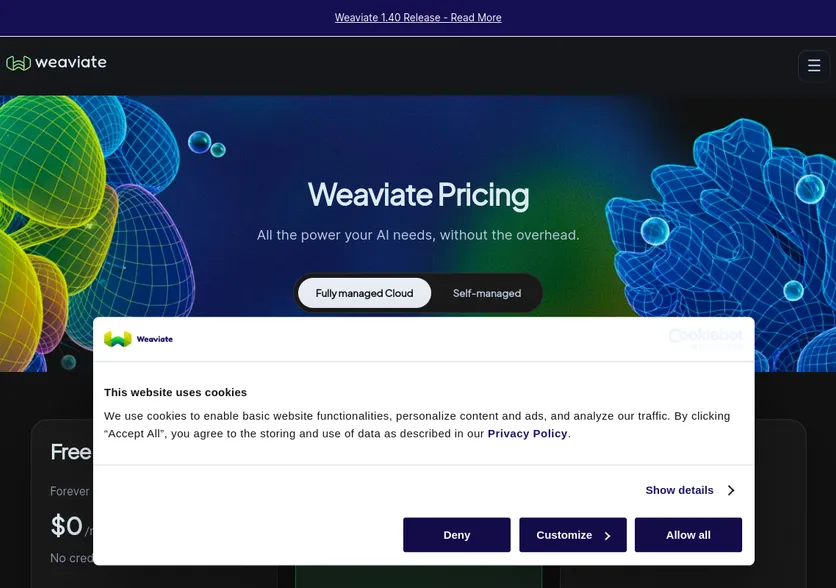
 Weaviate Cloud | Startups that want vector search with built-in AI modules | $45/month | Free Sandbox tier | Visit |
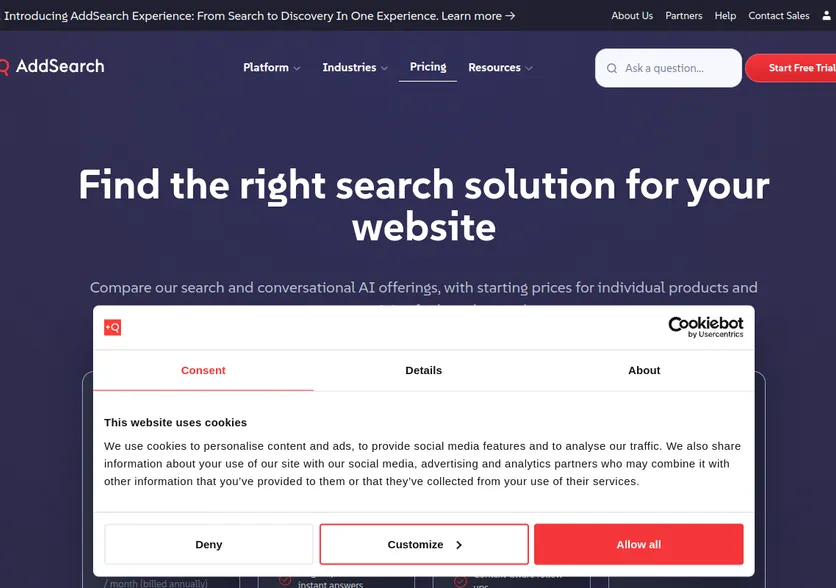
 AddSearch | Startups that want search plus AI answers on their site | $119/month | Free trial | Visit |
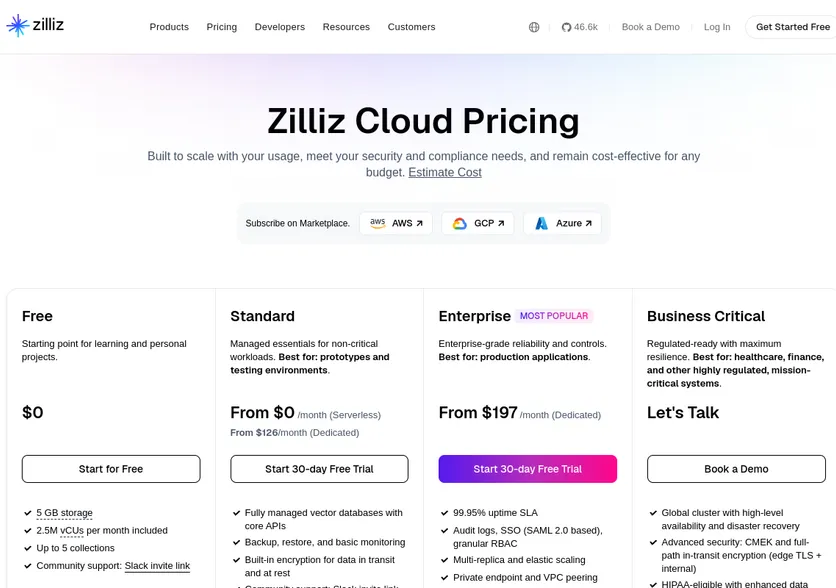
 Zilliz Cloud | Startups that need a managed Milvus vector database | $126/month | Free tier; 30-day free trial | Visit |
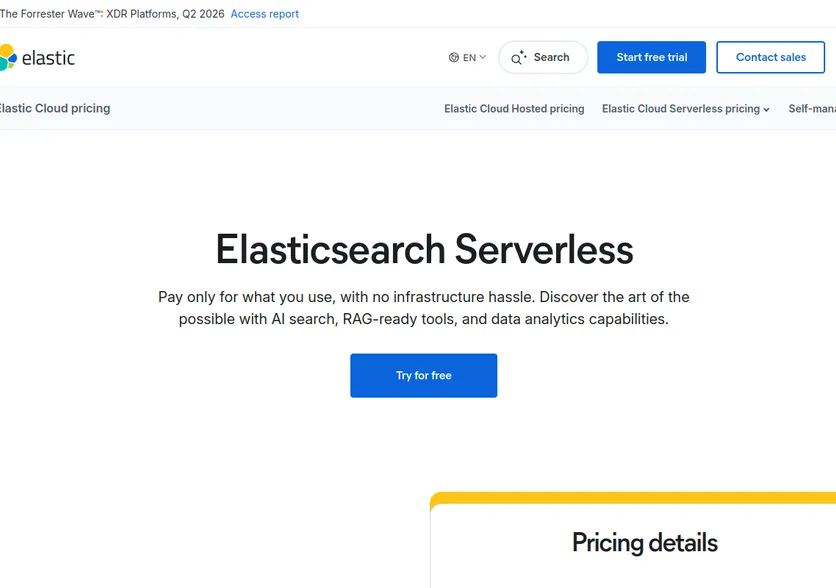
 Elastic Cloud | Startups already running on Elasticsearch that want serverless scale | $0.09 per VCU-hour | Free trial | Visit |
| Typesense Cloud | Startups that want fast typo-tolerant search at a low flat rate | $21.60/month | 720 free hours | Visit |
The AI search tools, compared
1. Algolia
Best for: Startups that need instant, typo-tolerant site search on day one
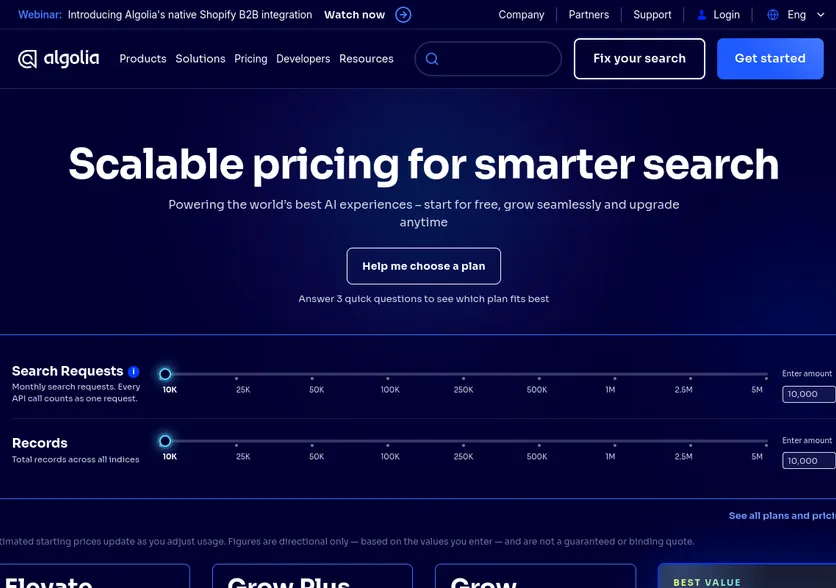
Paid tool Starting price: $0.50 per 1,000 searches · Grow plan from $0.50 per 1,000 searches; Grow Plus is $1.75 per 1,000 searches and records cost $0.40 per 1,000; free plan available
Free plan: Free plan
Algolia is the search engine behind thousands of storefronts and docs sites, and it earns that spot by returning relevant results in milliseconds. This Algolia plan charges by search volume, so a startup pays in step with traffic instead of buying a big platform up front. It adds typo tolerance, synonyms and merchandising rules that a small team can tune without hiring a search engineer.
What we like
- Results return in milliseconds, even on large catalogs
- Typo tolerance and synonyms work out of the box
- Merchandising rules let a small team tune ranking without code
Watch out for
- Costs grow with search volume, so a traffic spike raises the bill
- Record and search pricing is separate, so read both rates before buying
How to try it
- Open the Algolia pricing page and create a free account
- Upload a product catalog or connect a crawler to index the site
- Add the search box to the site and test a few misspelled queries
2. Meilisearch Cloud
Best for: Startups that want open-source search with a managed cloud option
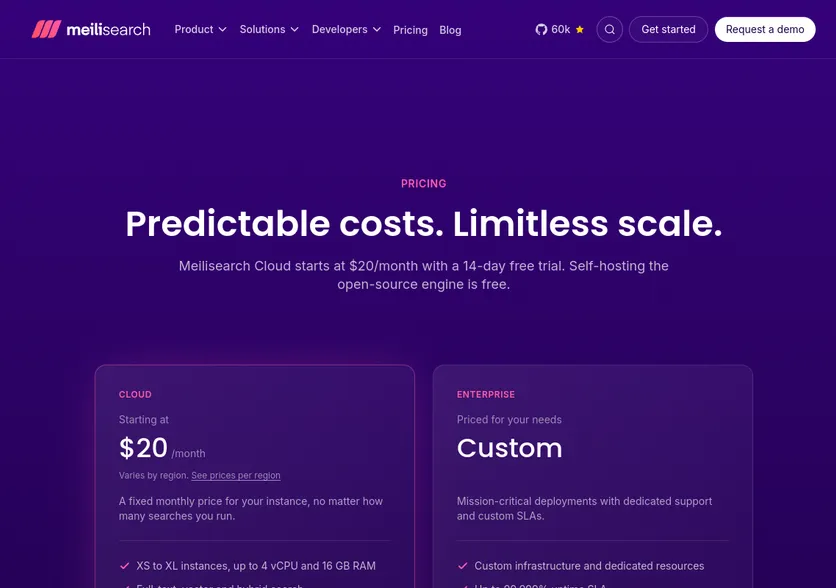
Paid tool Starting price: $20/month · $20/month for the smallest cloud instance with 0.5 vCPU and 1 GB RAM; 14-day free trial
Free plan: 14-day free trial
Meilisearch Cloud is the hosted version of the open-source Meilisearch engine, which is known for instant results and a simple setup. This Meilisearch Cloud plan starts at a flat monthly rate for a small instance, so a startup can budget search as a fixed cost. It keeps the open-source engine underneath, which means the team can self-host later without rebuilding the search layer.
What we like
- Flat monthly price makes budgeting simple
- Open-source engine means no lock-in to the cloud
- Setup takes minutes, not days
Watch out for
- Smallest instance caps RAM, so large catalogs need a bigger plan
- Fewer merchandising features than the premium hosted search tools
How to try it
- Open the Meilisearch Cloud pricing page and start the 14-day trial
- Create an index and push documents through the API or dashboard
- Wire the search box into the app and check typo tolerance
3. Pinecone
Best for: Startups building AI search on embeddings and semantic retrieval
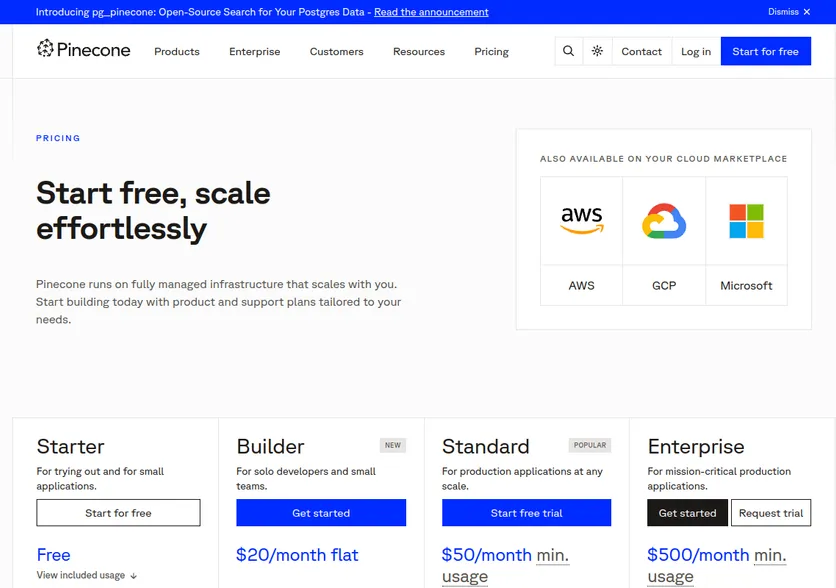
Paid tool Starting price: $50/month · Standard plan from $50/month minimum usage; 3-week trial includes $300 in credits
Free plan: 3-week free trial ($300 credits)
Pinecone is a managed vector database built for AI search, where queries match meaning instead of exact keywords. This Pinecone plan starts with a monthly minimum that covers a small production workload, and usage scales as the index grows. It handles the storage, indexing and scaling, so a two-person team can ship semantic search without running infrastructure.
What we like
- Purpose-built for semantic and AI search
- Managed scaling removes infrastructure work
- Generous trial credits cover real testing
Watch out for
- Vector search needs embeddings, so budget for an embedding model too
- Minimum monthly usage applies even in quiet months
How to try it
- Open the Pinecone pricing page and start the trial with $300 in credits
- Create an index and upload embeddings from the app
- Send a test query and compare semantic matches with keyword results
4. Weaviate Cloud
Best for: Startups that want vector search with built-in AI modules
Paid tool Starting price: $45/month · Flex plan from $45/month; free Sandbox tier available for testing
Free plan: Free Sandbox tier
Weaviate Cloud is a managed vector database that pairs semantic search with modules for generating answers and classifying content. This Weaviate Cloud plan starts at a flat monthly rate on the Flex tier, which suits a startup proving out an AI feature. The free Sandbox tier lets the team test the same engine before spending anything.
What we like
- Built-in AI modules add answers and classification
- Free Sandbox tier for real testing
- Flat Flex pricing is easy to forecast
Watch out for
- Module choice affects result quality, so test before committing
- Flex tier caps scale, so growth needs a plan change
How to try it
- Open the Weaviate Cloud pricing page and create a free Sandbox cluster
- Import documents and let the built-in vectorizer create embeddings
- Run a semantic query and check the ranked results
5. AddSearch
Best for: Startups that want search plus AI answers on their site
Paid tool Starting price: $119/month · Starting at $119/month billed annually; AI Answers starts from $700/month; free trial available
Free plan: Free trial
AddSearch is a hosted site search service with a newer AI Answers feature that replies to visitor questions in plain language. This AddSearch plan starts at a flat monthly rate on annual billing, which covers search across a whole site. It is a good fit when the site needs both search results and short AI-generated answers from the same index.
What we like
- AI Answers turns search into direct replies
- Flat annual rate is predictable
- Crawler setup needs no code changes
Watch out for
- AI Answers is a separate, higher-priced add-on
- Annual billing is required for the lowest rate
How to try it
- Open the AddSearch pricing page and start the free trial
- Add the crawler to index the site and its documents
- Enable AI Answers and test a few visitor questions
6. Zilliz Cloud
Best for: Startups that need a managed Milvus vector database
Paid tool Starting price: $126/month · Standard Dedicated from $126/month; free tier available with a 30-day trial; Enterprise from $197/month
Free plan: Free tier; 30-day free trial
Zilliz Cloud is the managed service behind Milvus, the open-source vector database, and it targets teams running retrieval for AI apps. This Zilliz Cloud plan starts on the Standard Dedicated tier, which gives a startup reserved capacity for a production workload. A free tier and a 30-day trial let the team validate retrieval quality before paying.
What we like
- Managed Milvus removes database operations
- Free tier covers real evaluation
- Reserved capacity keeps latency steady
Watch out for
- Dedicated pricing starts higher than serverless rivals
- Milvus concepts take a day to learn
How to try it
- Open the Zilliz Cloud pricing page and start the free tier
- Create a cluster and load embeddings through the console
- Run retrieval tests and watch latency at production volume
7. Elastic Cloud
Best for: Startups already running on Elasticsearch that want serverless scale
Paid tool Starting price: $0.09 per VCU-hour · Serverless Search from $0.09 per VCU-hour; ingest $0.14, machine learning $0.07, storage $0.047 per GB per month; free trial
Free plan: Free trial
Elastic Cloud is the hosted home of Elasticsearch, the search engine that powers search inside countless apps and sites. This Elastic Cloud plan bills serverless search by the hour, so a startup pays for the compute it actually uses. It suits a team that already knows Elasticsearch and wants the same engine without managing clusters.
What we like
- Pay-per-hour billing matches real usage
- Full Elasticsearch feature set included
- Strong docs and a large community
Watch out for
- Usage pricing is hard to forecast without load tests
- The full feature set has a learning curve
How to try it
- Open the Elastic Cloud serverless search pricing page and start a trial
- Create a search project and index documents
- Tune relevance with the built-in ranking controls
8. Typesense Cloud
Best for: Startups that want fast typo-tolerant search at a low flat rate
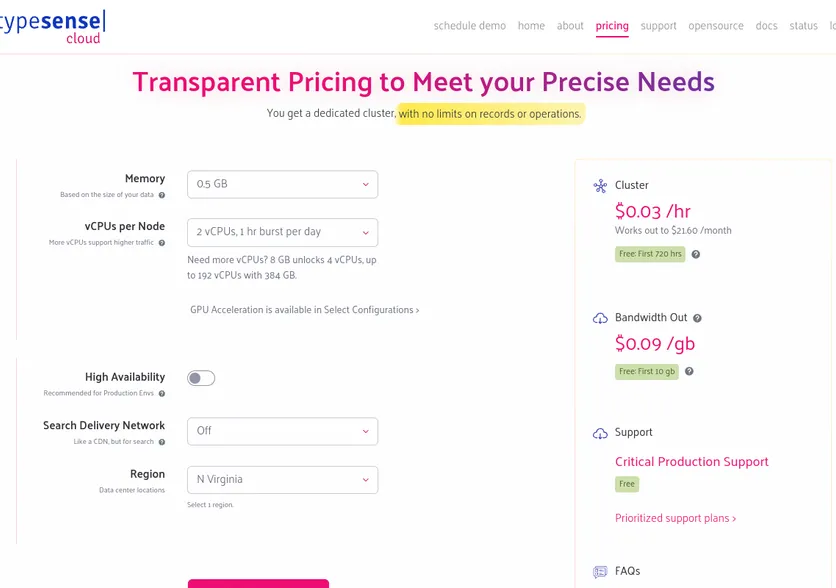
Paid tool Starting price: $21.60/month · $21.60/month for the 0.5 GB instance at $0.03 per hour; 720 free hours for new accounts
Free plan: 720 free hours
Typesense Cloud is the hosted version of the open-source Typesense engine, built for fast typo-tolerant search with a small footprint. This Typesense Cloud plan prices by the hour, and the smallest instance works out to about twenty-two dollars a month. It is the cheapest managed option on this list for a startup that wants search without a big bill.
What we like
- Lowest flat cost among the managed options here
- Typo tolerance is excellent out of the box
- Open-source engine avoids lock-in
Watch out for
- Smallest instance limits RAM for large catalogs
- Fewer enterprise features than the premium tools
How to try it
- Open the Typesense Cloud pricing page and claim the free hours
- Create a cluster and index a product catalog
- Add instant search to the site and test misspelled queries
Prices above were checked on each vendor’s own website on Nov 26, 2026 and can change — the vendor’s page is the final word. Vendor links are editorial: nobody paid to be listed or ranked here. Vendors who want a featured listing can see how it works on our Get listed page.
What AI search software costs in 2026
Search pricing splits into two models, and the model matters more than the headline number. Hosted keyword search like Algolia charges by searches and records, so the bill grows with traffic. Vector databases like Pinecone and Weaviate charge by capacity or minimum usage, so the bill stays steadier while the team builds. Serverless options like Elastic Cloud bill by the hour, which suits spiky traffic but needs load testing to forecast. The cheapest entry here is Typesense Cloud at about twenty-two dollars a month, while AddSearch starts at a flat monthly rate for a whole site. Before buying, map the pricing model to the traffic pattern, because a tool that looks cheap at launch can turn expensive at scale.
Before you buy
- Count monthly searches and records first, because Algolia charges by search volume and the bill grows with traffic.
- Check whether the tool needs embeddings, because vector search like Pinecone and Weaviate adds a model cost on top of storage.
- Test typo tolerance with real misspellings from support tickets, not just the demo queries on the vendor site.
- Ask what the free tier or trial actually covers, because some trials cap records or searches before the team can judge quality.
- Compare the pricing model with the traffic pattern, since hourly billing suits spiky traffic and flat rates suit steady growth.
Official websites
Official websites of the products reviewed above. Features and prices were checked against these sites when this guide was written, and they can change, so confirm on the vendor site before you buy.
Frequently asked questions
Which AI search software is best for a startup in 2026?
Algolia is the safest default, because it returns results in milliseconds, handles typos and synonyms, and needs no search engineer to run. Pinecone is the better pick when search must understand meaning, since it stores embeddings and ranks by similarity. Typesense Cloud is the best value, with the lowest flat monthly cost here and strong typo tolerance for a small catalog.
How much does AI search software cost for a startup?
Prices here run from about twenty-two dollars a month for Typesense Cloud to a few hundred dollars a month for larger vector databases. Algolia starts at fifty cents per thousand searches, so a quiet site pays very little and a busy one pays more. Most tools offer a free tier or trial, which covers a real evaluation before the first invoice.
What is the difference between keyword search and vector search?
Keyword search matches the exact words a visitor types, which is fast and predictable for product names and part numbers. Vector search turns text into embeddings and ranks by meaning, so a query for running shoes can match trainers even when the words differ. Startups usually start with keyword search and add vector search when shoppers ask questions in plain language.
Do I need a search engineer to run these tools?
No, every tool here is managed, so the vendor runs the servers and the team only manages the index and ranking. Algolia and AddSearch use crawlers or simple uploads, while Meilisearch and Typesense need a developer to push documents through an API. Vector tools add one more job, which is generating embeddings, but hosted vectorizers handle that step too.
Can I switch from one search tool to another later?
Yes, because the index is built from the same product data, so moving means re-indexing rather than rebuilding the site. Open-source engines like Meilisearch and Typesense make the move easier, since the team can self-host the same engine elsewhere. The harder part is re-tuning ranking and synonyms, so export those rules before cancelling the old plan.
Need free AI helpers too? Try Toolsvine's free AI tools right in your browser.
Browse AI Tools (In-Browser, No API) tools


