
On this page
How we researched this
We picked tools with published prices on the vendor's own site, checked on 2026-11-26, and we dropped the many AI testing vendors that only quote prices on request — including TestGrid, Ranorex and TestComplete, whose prices could not be verified cleanly. We favoured tools where the AI does real work — authoring, healing or analysis — rather than tools that bolt a chatbot onto a dashboard. Two tools here also appear in our general testing roundup, because their AI features are strong enough to earn a second look.
Compare the tools
| Name | Best for | Starting price | Free plan | |
|---|---|---|---|---|
 QA Wolf | Teams that want AI agents to run the whole QA cycle | $50/month | No free plan (plans start at $50/month) | Visit |
| Autify | Teams that want AI test execution without writing code | $99/month | Free plan ($0, 2,000 one-time credits) | Visit |
 BrowserStack | Teams that want AI agents inside a real-device cloud | $29/user/month | No free plan — paid plans start at $12.50/month | Visit |
 LambdaTest | Teams that want an AI agent to author and heal tests | $15/month | Free plan (limited live testing minutes, renewed monthly) | Visit |
| Sauce Labs | Teams that want AI failure analysis on every test run | $39/month | No free plan listed (paid plans start at $39/month) | Visit |
 Cypress | JavaScript teams that want AI test generation in the runner | $67/month | Free plan (Starter free for up to 10 users) | Visit |
 Katalon | Teams that want AI agents and self-healing in one IDE | $150/seat/month | Free plan (local authoring and execution) | Visit |
The 7 best AI software testing tools
1. QA Wolf
Best for: Teams that want AI agents to run the whole QA cycle
Paid tool Starting price: $50/month · Pup plan, $50/month billed yearly; $65 billed monthly; Pack is $150/month
Free plan: No free plan (plans start at $50/month)
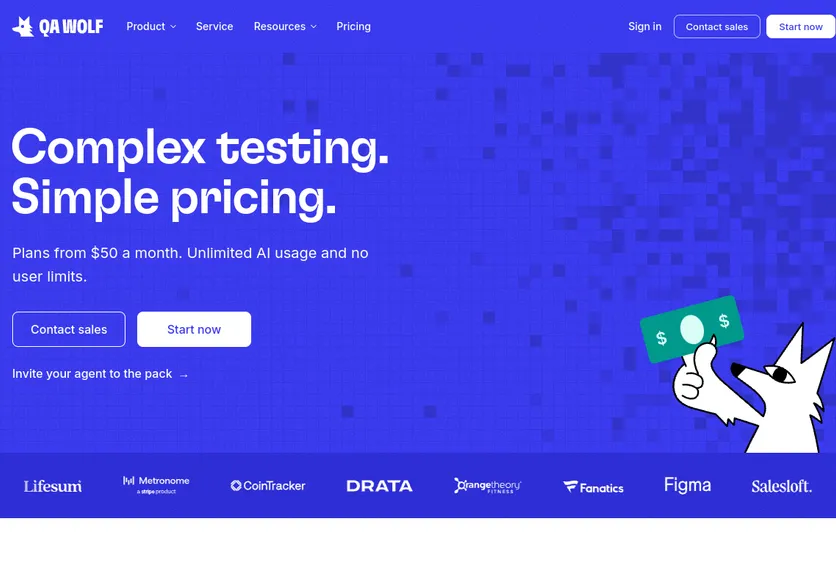
QA Wolf is the most AI-native tool in this roundup: agents plan your coverage, write tests in Playwright and Appium, run them, investigate failures and file bug reports in Linear or Jira — all with unlimited AI included in every plan. The Pup plan costs $50 a month billed yearly and covers 250 credits a month for web tests. A web run uses one credit, so the bill stays predictable even as the agents do more work.
What we like
- AI agents handle the full QA cycle end to end
- Tests are Playwright code you can export anytime
- Unlimited AI with no token bills
Watch out for
- Credit-based billing needs watching as suites grow
- Mobile and desktop testing need the $150 Pack plan
How to try it
- Connect your app and let agents map the coverage you need
- Review the tests the agents write in Playwright
- Run the suite and let agents fix flakes automatically
2. Autify
Best for: Teams that want AI test execution without writing code
Paid tool Starting price: $99/month · Core plan, $99/month billed annually; $120 month-to-month; Team is $450/month
Free plan: Free plan ($0, 2,000 one-time credits)
Autify runs AI test execution on web, mobile and desktop apps, with credits consumed per step depending on the model you choose — lighter models cost fewer credits. The Core plan costs $99 a month billed annually and includes 6,000 credits a month with 5 concurrent web executions. Its Aximo feature hands your test context to coding agents through MCP, so Claude, Cursor or Copilot can generate test scripts in Playwright, Selenium or Cypress that you own outright.
What we like
- AI execution across web, mobile and desktop
- MCP script generation in your own framework
- Free plan with 2,000 credits to start
Watch out for
- Credit pricing is complex — model choice changes the cost
- Desktop testing is Enterprise-only
How to try it
- Sign up free and record your first test in the browser
- Choose an AI model for execution to control credit use
- Export generated scripts to your own repo via MCP
3. BrowserStack
Best for: Teams that want AI agents inside a real-device cloud
Paid tool Starting price: $29/user/month · Live Desktop plan per user per month, billed annually; Freelancer plan from $12.50/month
Free plan: No free plan — paid plans start at $12.50/month
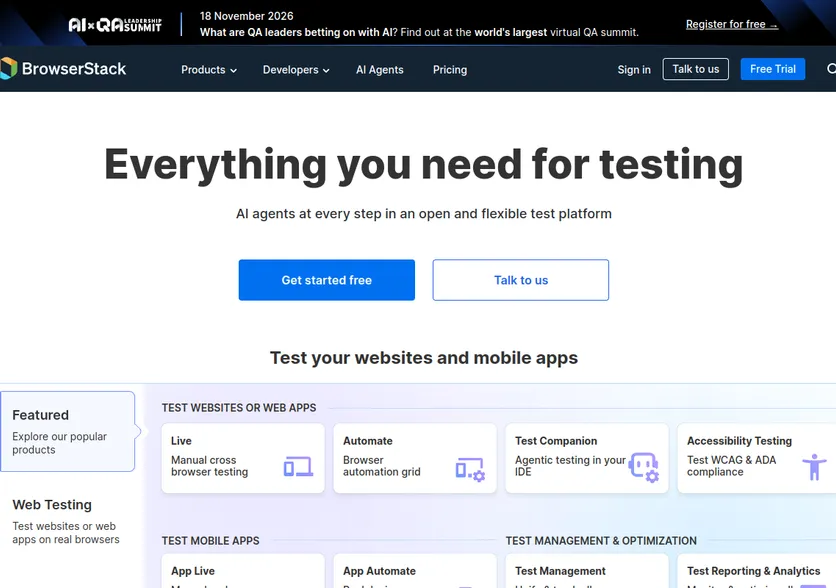
BrowserStack has layered AI across its testing cloud: a Test Case Generator agent turns product requirements into test cases, a Proofreader agent inspects pages for broken links and spelling errors, and a Form Filler agent generates realistic data for forms. The Live Desktop plan costs $29 per user per month billed annually and covers unlimited manual testing on desktop browsers. The AI agents are bundled into the Testing Toolkit pack at $375 a month for teams that want the full set.
What we like
- Largest real-device cloud with AI layered on top
- AI agents for test cases, proofreading and form filling
- Unlimited manual testing minutes on Live
Watch out for
- AI agents sit in the pricier Toolkit pack
- Each product is billed separately, so costs stack up
How to try it
- Open the Live dashboard and start a manual session
- Use the Test Case Generator to build cases from a PRD
- Run automated tests on Automate with AI failure analysis
4. LambdaTest
Best for: Teams that want an AI agent to author and heal tests
Paid tool Starting price: $15/month · Virtual Live plan per parallel session, billed annually; KaneAI from $19/agent/month
Free plan: Free plan (limited live testing minutes, renewed monthly)
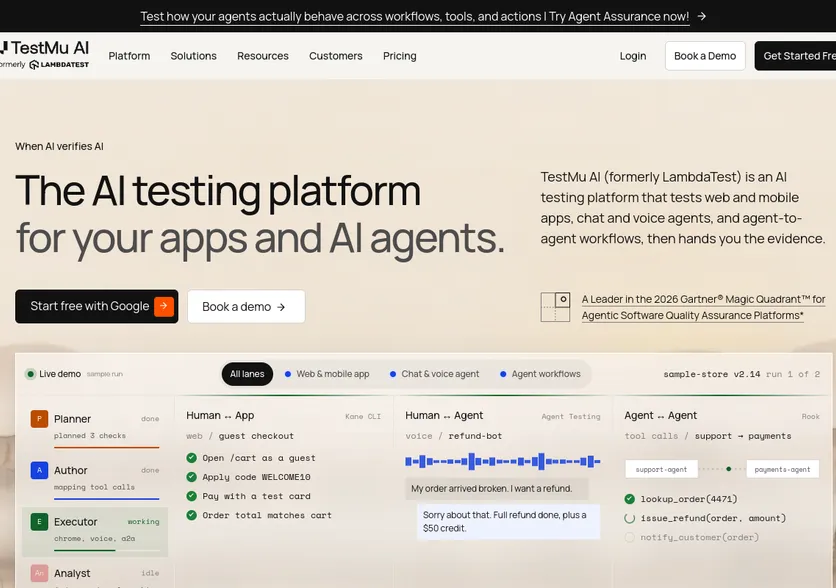
LambdaTest, now rebranded as TestMu AI, puts its AI agent KaneAI at the centre of the platform: it authors tests in natural language, self-heals them when the UI shifts and exports production-ready Selenium, Playwright and Appium scripts. KaneAI starts at $19 per agent per month, while the Virtual Live plan costs $15 a month billed annually for manual testing on virtual browsers. AI root-cause analysis is built in, so failures come with an explanation rather than just a stack trace.
What we like
- KaneAI authors tests in plain language
- Self-healing tests survive UI changes
- Exports real Selenium and Playwright code
Watch out for
- Brand is changing to TestMu AI, so docs and URLs are shifting
- Real-device live testing costs $39 a month, not $15
How to try it
- Open KaneAI and describe the flow to test in plain language
- Let the agent author the test and run it on the cloud
- Export the generated scripts to your own repo
5. Sauce Labs
Best for: Teams that want AI failure analysis on every test run
Paid tool Starting price: $39/month · Live Testing plan billed annually; $49 month-to-month
Free plan: No free plan listed (paid plans start at $39/month)
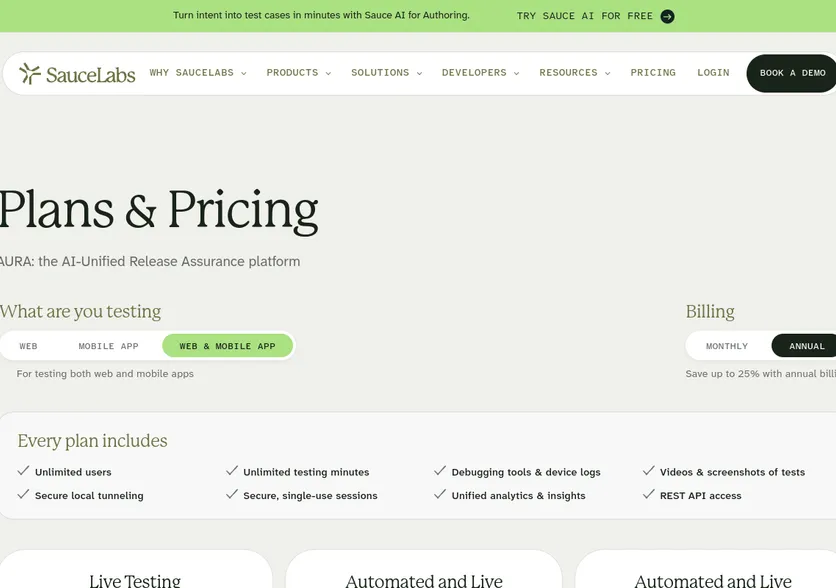
Sauce Labs rebuilt its platform around AURA, an AI layer that authors tests, analyses failures and reports errors across web and mobile. The Live Testing plan costs $39 a month billed annually and includes unlimited users and unlimited testing minutes, with the AI test authoring agent and AI insights available on the platform. Every plan includes debugging tools, device logs and videos of each test, which the AI uses to explain why a test failed.
What we like
- AI authoring, insights and failure analysis built in
- Unlimited users and unlimited testing minutes
- SOC 2 and ISO 27001 certified
Watch out for
- Visual testing and app distribution are separate products
- Enterprise features need a sales conversation
How to try it
- Create an account and open the Live Testing dashboard
- Run your Selenium or Appium suite on the cloud grid
- Read the AI failure analysis on any test that breaks
6. Cypress
Best for: JavaScript teams that want AI test generation in the runner
Paid tool Starting price: $67/month · Team plan billed annually at $799/year; Starter free for up to 10 users
Free plan: Free plan (Starter free for up to 10 users)
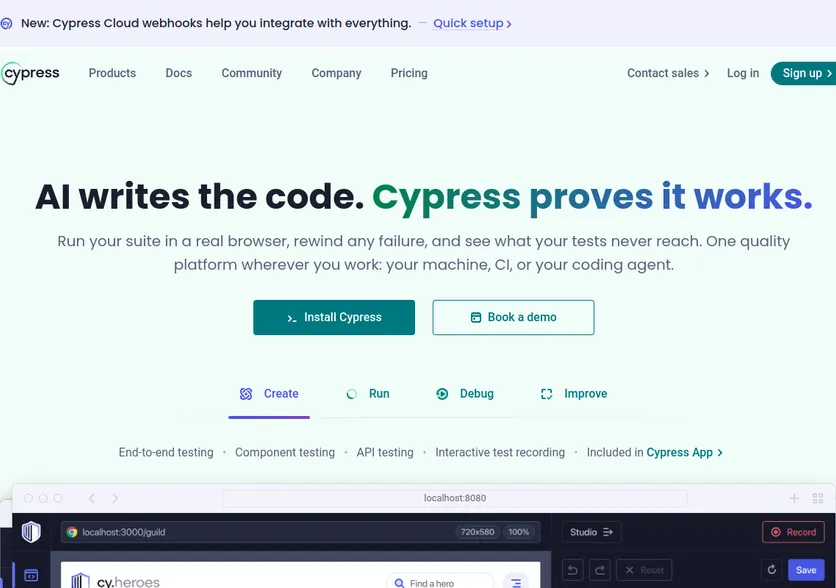
Cypress is adding AI where its developers already work: test generation is included on the Team plan, and the open-source runner shows exactly what happened at each step of a run. The Team plan costs $67 a month billed annually and covers 50 users with 120,000 test results a year. The app itself is free and open source, so you can try the runner and the AI generation on the free Starter tier before paying for the Cloud features that scale it.
What we like
- AI test generation included on the Team plan
- Best developer experience of any runner here
- Free open-source app with a generous free Cloud tier
Watch out for
- AI test generation is still in beta
- Cloud pricing is based on test results, so heavy suites cost more
How to try it
- Install Cypress and write your first test in JavaScript
- Generate new tests with the built-in AI while in beta
- Connect to Cypress Cloud to record and parallelise runs
7. Katalon
Best for: Teams that want AI agents and self-healing in one IDE
Paid tool Starting price: $150/seat/month · Studio Professional, $1,800/seat/year self-serve; $180/seat/month billed monthly
Free plan: Free plan (local authoring and execution)
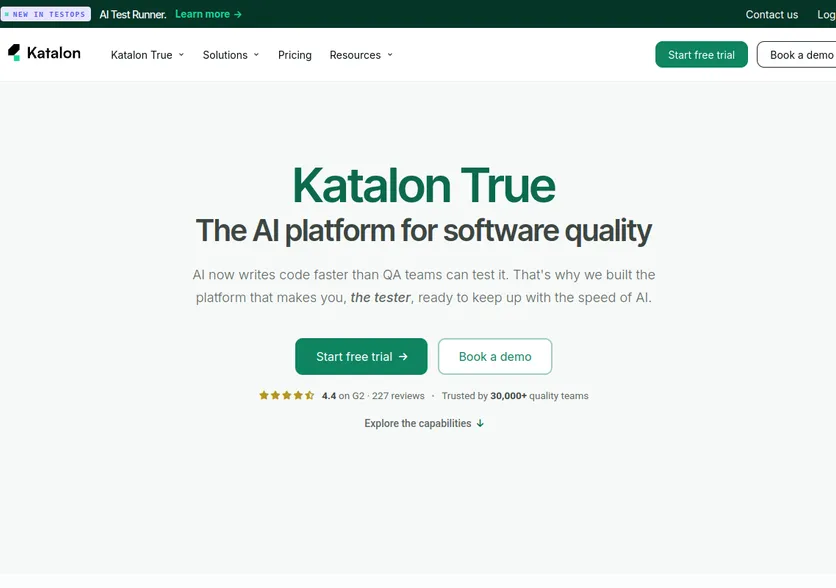
Katalon Studio puts AI agents inside its desktop IDE: they generate automation scripts from natural language, explain failures and self-heal broken locators when the UI changes. The Professional seat costs $150 per seat per month at the self-serve online price of $1,800 a year, and it includes unlimited AI sessions plus an MCP server that connects the Studio to your AI stack. A free plan covers local authoring and execution, so you can test the AI features before committing.
What we like
- AI agents for authoring, failure analysis and self-healing
- MCP server connects Studio to your AI stack
- Free plan for learning and local runs
Watch out for
- Most expensive per-seat price in this roundup
- Cloud execution needs TestCloud sessions on top
How to try it
- Download Katalon Studio and start the 30-day trial
- Ask the AI agent to generate a test from a description
- Run the suite and watch self-healing fix broken locators
Prices above were checked on each vendor’s own website on Nov 26, 2026 and can change — the vendor’s page is the final word. Vendor links are editorial: nobody paid to be listed or ranked here. Vendors who want a featured listing can see how it works on our Get listed page.
How to pick the right AI software testing tool
Start by naming the AI job you actually need: authoring tests from scratch, healing tests that break, or understanding why tests fail. A team with no suite yet should look at QA Wolf or Autify, where agents do the authoring; a team with a big suite should look at Katalon or LambdaTest, where self-healing saves the most time. Then check the billing model, because unlimited AI and credit-based AI behave very differently at scale. Finally, run a real trial on your own app — generate tests for one real flow, break the UI on purpose, and see whether the AI heals it or just reports the failure.
Before you buy
- Check what the AI actually does — authoring, healing, analysis or all three
- Ask whether AI usage is metered by credits, tokens or runs
- Confirm the AI can export tests as code you own
- Test the self-healing on your own app before you trust it
- Check data handling — some AI features send your UI to outside models
Official websites
Official websites of the products reviewed above. Features and prices were checked against these sites when this guide was written, and they can change, so confirm on the vendor site before you buy.
Frequently asked questions
Which AI software testing tool is best?
QA Wolf is the most AI-native option: agents plan coverage, write tests, run them, investigate failures and file bugs, with unlimited AI included from $50 a month. Autify is the best pick for teams that want AI execution across web, mobile and desktop with credit-based pricing from $99 a month. LambdaTest's KaneAI is the strongest choice if you want natural-language authoring with exportable Selenium and Playwright code.
Is AI included in the price or does it cost extra?
It depends on the tool. QA Wolf includes unlimited AI on every plan with no token bills, and Cypress includes test generation on its Team plan while it is in beta. Autify charges credits per AI execution step, so the model you choose changes the cost, and Katalon includes unlimited AI sessions on its Professional plan. Always check whether AI usage is metered before you commit to a plan.
Can AI testing tools export tests as code I own?
Most of them, yes. QA Wolf writes tests in Playwright and Appium that you can export anytime, and LambdaTest exports production-ready Selenium, Playwright and Appium scripts. Autify hands your test context to coding agents through MCP, so the generated scripts land in your own repo in the framework you already use. Katalon also exports scripts, though its AI-generated tests live inside Studio by default.
Does AI self-healing really work?
Self-healing works well for small UI changes — a renamed button, a moved element, a changed locator — and Katalon, LambdaTest and Cypress all include it. It does not fix broken test logic or a redesigned flow, and it can mask real changes if you never review what it healed. Treat self-healing as a safety net, not a replacement for maintaining your suite.
Is AI testing worth paying for?
Yes, for most teams. AI authoring cuts the time to write a first test suite from weeks to days, and AI failure analysis saves hours of debugging on every red build. The catch is cost: credit-based AI pricing can surprise you if your suite is large, so start on a free tier or a small plan and measure the real monthly cost before you scale up.
Want more AI helpers for everyday work? Try Toolsvine's free AI tools for writing, images and chat right in your browser.
Browse AI Tools (In-Browser, No API) tools


