

On this page
Software engineers now write code with an AI beside them, and the best AI tools for software engineers range from fast autocomplete to agents that refactor whole features. The seven tools below cover pair programming, agent editors and terminal agents, with prices checked on each vendor's site on November 26, 2026. GitHub Copilot is our first pick — the AI pair programmer that fits any codebase and any editor.
How we researched this
We started with the AI coding tools engineers actually use every day, then read each price on the vendor pricing page on November 26, 2026 and noted the free plan or trial each one carries. We judged them for real coding work, from autocomplete to agent-driven refactors, across editors and stacks. We kept only tools with a published price and dropped vendors whose pricing we could not verify on their own site.
Compare the tools
| Name | Best for | Starting price | Free plan | |
|---|---|---|---|---|
 GitHub Copilot | Engineers who want AI pair programming inside their editor | $10/user/month | Free plan ($0) | Visit |
 Cursor | Engineers who want an AI-first editor with agent mode | $20/month | Free plan | Visit |
 Claude Code | Engineers who want a terminal-first AI coding agent | $20/month | Free plan (does not include Claude Code) | Visit |
 Amazon Q Developer | Engineers building on AWS who want AI in the IDE and console | $19/user/month | Free Tier | Visit |
 JetBrains AI | Engineers in JetBrains IDEs who want AI built in | $10/user/month | AI Free plan ($0) | Visit |
 Augment Code | Engineers on large codebases who need deep context | $20/month | Free trial | Visit |
 Supermaven | Engineers who want fast AI autocomplete at a low price | $10/month | Free Tier ($0) | Visit |
The AI coding tools, compared
1. GitHub Copilot
Best for: Engineers who want AI pair programming inside their editor
Paid tool Starting price: $10/user/month · Pro $10 per user per month; Pro+ $39, Max $100; free $0 plan
Free plan: Free plan ($0)
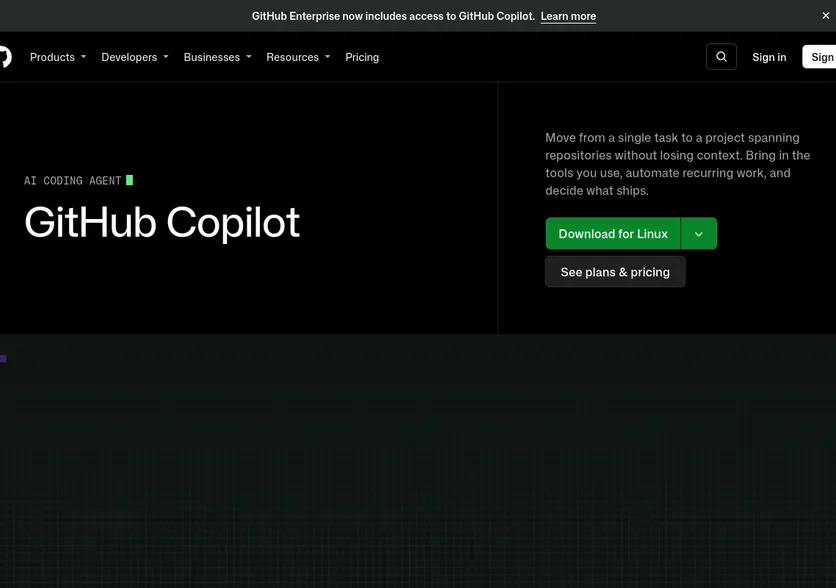
GitHub Copilot is the AI pair programmer that suggests whole lines and functions as engineers type. This GitHub Copilot plan costs ten dollars per user each month for Pro, which covers the full coding assistant. It learns the codebase and the team's style, so suggestions fit the project instead of generic snippets.
What we like
- Suggestions fit the codebase and team style
- Works in every major editor
- Free plan for individual use
Watch out for
- Pro+ and Max tiers jump sharply in price
- Suggestions still need a human review
How to try it
- Open the GitHub Copilot plans page and start the free plan
- Install the extension in the editor and sign in
- Accept a suggestion with Tab and review the generated code
2. Cursor
Best for: Engineers who want an AI-first editor with agent mode
Paid tool Starting price: $20/month · Pro $20 per month; Pro+ $60, Ultra $200, Teams $40 per user per month
Free plan: Free plan
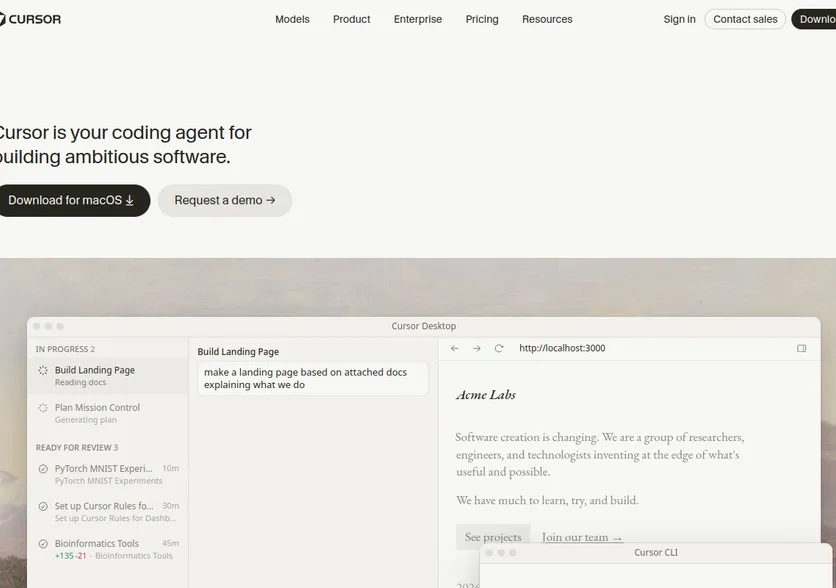
Cursor is the AI-first code editor that lets engineers describe a change and watch an agent make it across files. This Cursor plan costs twenty dollars a month for Pro, which unlocks the agent and the best models. It understands the whole codebase, so it can refactor, fix bugs and write tests without the engineer spelling out every step.
What we like
- Agent mode edits across files
- Understands the whole codebase
- Best models included on Pro
Watch out for
- Agent edits still need careful review
- Pro+ and Ultra tiers cost much more
How to try it
- Open the Cursor pricing page and start the free plan
- Open a project and ask the agent for a first change
- Review the diff and accept the edits file by file
3. Claude Code
Best for: Engineers who want a terminal-first AI coding agent
Paid tool Starting price: $20/month · Pro $20 per month ($17 per month on annual billing, $200 upfront); Max $100, Ultra $200; Claude Code included in all paid plans; free plan does not include Claude Code
Free plan: Free plan (does not include Claude Code)
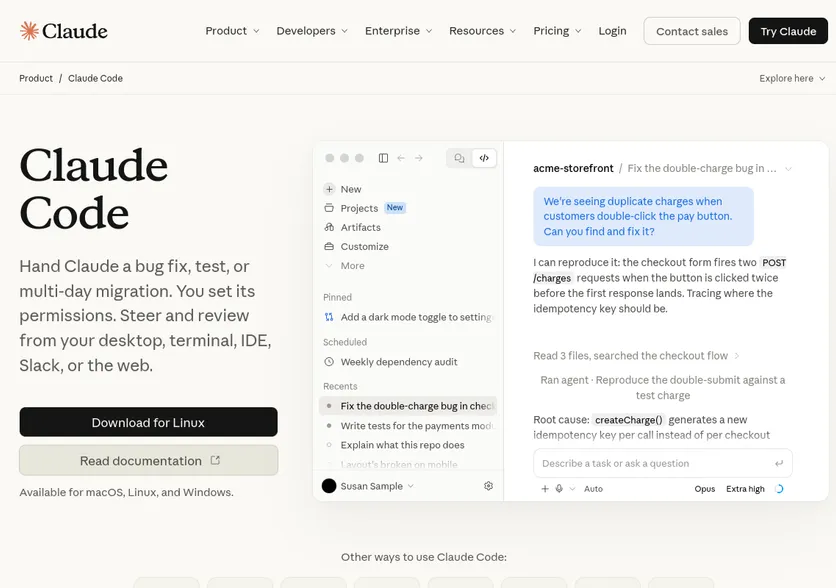
Claude Code is the terminal-first AI agent that works through the command line, editing code, running tests and fixing failures. This Claude Code plan costs twenty dollars a month for Pro, which includes the agent. It reads the whole project, plans the work and executes it, while the engineer reviews each step in the terminal.
What we like
- Terminal-first, fits existing workflows
- Plans and executes multi-step work
- Strong at debugging and refactoring
Watch out for
- Free plan does not include Claude Code
- Terminal-only interface is not for everyone
How to try it
- Open the Claude pricing page and start a Pro plan
- Install Claude Code and open a project in the terminal
- Describe the task and review each step it takes
4. Amazon Q Developer
Best for: Engineers building on AWS who want AI in the IDE and console
Paid tool Starting price: $19/user/month · $19 per user per month for Pro; perpetual free tier
Free plan: Free Tier
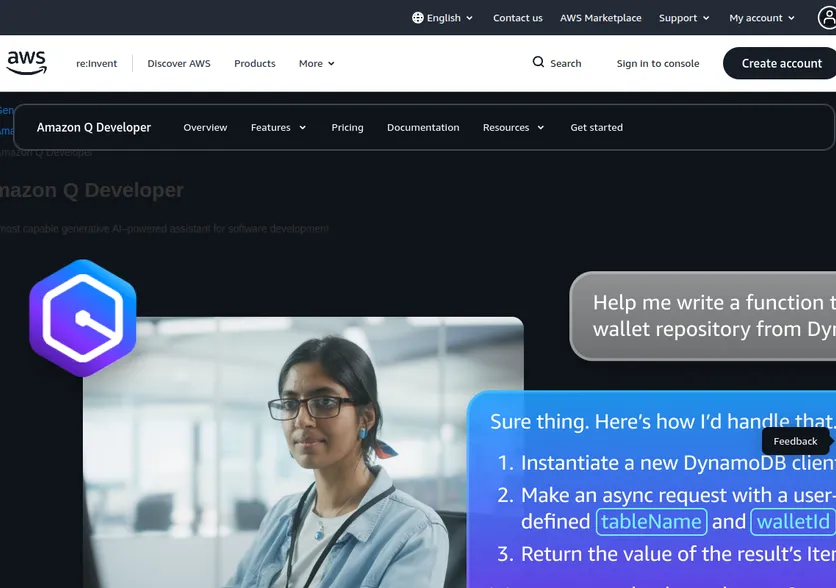
Amazon Q Developer is the AI assistant for engineers building on AWS, working inside the IDE, the console and the command line. This Amazon Q Developer plan costs nineteen dollars per user each month for Pro. It knows AWS services deeply, so it can generate infrastructure code and explain cloud errors in plain language.
What we like
- Deep AWS knowledge built in
- Works in IDE, console and terminal
- Free tier for evaluation
Watch out for
- Best value only for AWS-heavy teams
- Fewer general coding features than rivals
How to try it
- Open the Amazon Q Developer pricing page and start the free tier
- Install the extension in the IDE and sign in with AWS
- Ask it to generate code or explain a cloud error
5. JetBrains AI
Best for: Engineers in JetBrains IDEs who want AI built in
Paid tool Starting price: $10/user/month · AI Pro $10 per user per month; AI Ultimate $30; AI Free $0; free 30-day trial
Free plan: AI Free plan ($0)
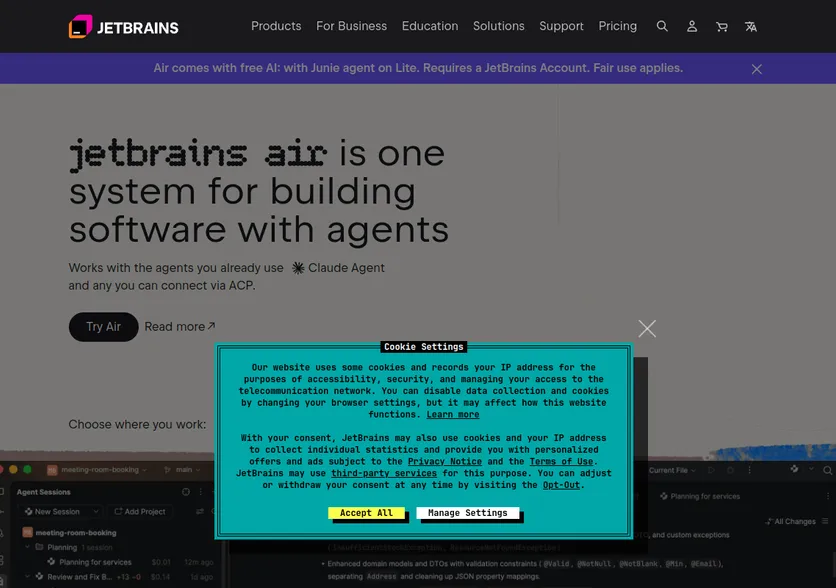
JetBrains AI is the coding assistant built into the JetBrains IDEs engineers already use every day. This JetBrains AI plan costs ten dollars per user each month for AI Pro, with a free tier to start on. It completes code, explains errors and generates tests without leaving the editor, and it understands the project structure deeply.
What we like
- Built into JetBrains IDEs, no plugin needed
- Understands project structure deeply
- Free tier to start on
Watch out for
- Best value only inside JetBrains IDEs
- Ultimate tier costs three times Pro
How to try it
- Open the JetBrains AI store page and start the free 30-day trial
- Enable AI in the IDE settings
- Use code completion and ask it to explain an error
6. Augment Code
Best for: Engineers on large codebases who need deep context
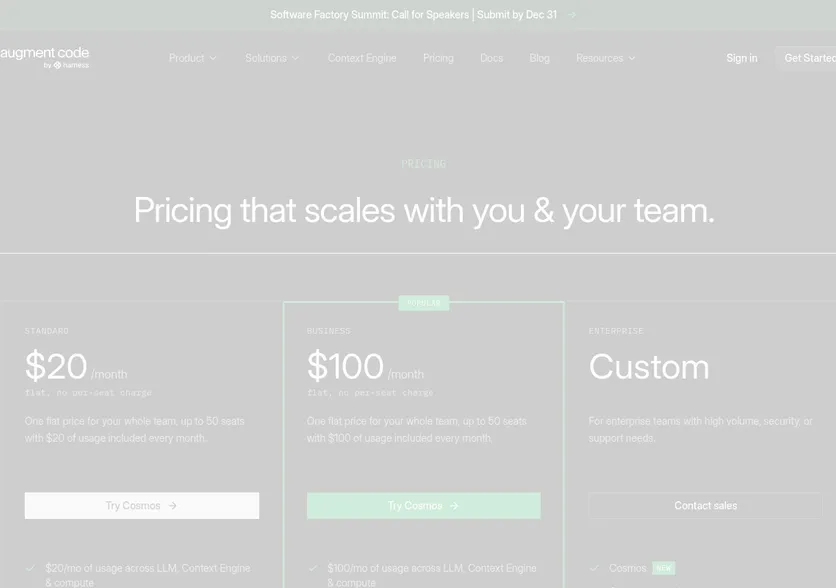
Paid tool Starting price: $20/month · $20 per month for Standard, flat up to 50 seats with $20 usage included; Business $100 per month; free trial
Free plan: Free trial
Augment Code is the AI coding assistant built for large codebases, where understanding the whole project matters more than completing one line. This Augment Code plan costs twenty dollars a month for Standard, flat for up to fifty seats. It indexes the entire repository, so its suggestions and refactors respect patterns across hundreds of files.
What we like
- Deep understanding of large codebases
- Flat price up to 50 seats
- Strong at cross-file refactoring
Watch out for
- No free plan, trial only
- Smaller community than the big names
How to try it
- Open the Augment Code pricing page and start a free trial
- Connect the repository and let it index the codebase
- Ask it to refactor a feature and review the changes
7. Supermaven
Best for: Engineers who want fast AI autocomplete at a low price
Paid tool Starting price: $10/month · $10 per month for Pro; Team $10 per user per month; free tier $0; 30-day free trial
Free plan: Free Tier ($0)
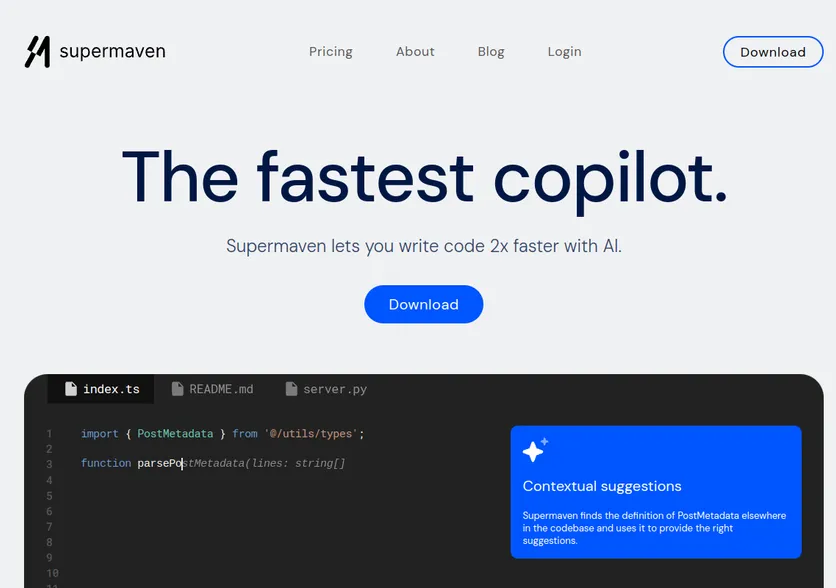
Supermaven is the fast AI autocomplete that suggests long blocks of code with almost no delay. This Supermaven plan costs ten dollars a month for Pro, with a free tier to start on. It is built for speed, so suggestions appear before the engineer finishes thinking, and it works across editors.
What we like
- Very fast suggestions, almost no delay
- Low price with a free tier
- Works across editors
Watch out for
- Autocomplete only, no agent mode
- Fewer features than full assistants
How to try it
- Open the Supermaven pricing page and start the free tier
- Install the extension in the editor
- Type normally and accept the long suggestions it offers
Prices above were checked on each vendor’s own website on Nov 26, 2026 and can change — the vendor’s page is the final word. Vendor links are editorial: nobody paid to be listed or ranked here. Vendors who want a featured listing can see how it works on our Get listed page.
What AI coding tools cost in 2026
AI coding tools price in two ways: per user each month, or per agent with usage on top. Most tools here charge ten to twenty dollars per user each month, which makes the choice about features, not price. Cursor and Claude Code add higher tiers for heavier agent use, while Augment Code charges a flat rate for up to fifty seats. The cheapest entry is a free tier from GitHub Copilot, JetBrains AI or Supermaven, which covers real work before paying. Before buying, try the free tier on a real task, then pay for the tool whose suggestions the team actually accepts.
Before you buy
- Try the free tier on a real coding task before paying, because a demo suggestion hides how the tool handles a real codebase.
- Check which editors the tool supports, since an assistant that only works in one editor will not fit every engineer.
- Test the agent on a multi-file refactor, because autocomplete and agent work are very different jobs.
- Confirm the price covers the models the team needs, since higher tiers often gate the best models.
- Ask how the tool handles private code, because a coding assistant must never train on the company's repository.
Official websites
Official websites of the products reviewed above. Features and prices were checked against these sites when this guide was written, and they can change, so confirm on the vendor site before you buy.
Frequently asked questions
Which AI tool is best for software engineers in 2026?
GitHub Copilot is the safest default, because it works in every major editor and fits any codebase at ten dollars per user each month. Cursor is the pick for engineers who want an AI-first editor with an agent that edits across files. Claude Code suits terminal-first engineers who want an agent that plans and executes multi-step work.
How much do AI coding tools cost?
Most tools here charge ten to twenty dollars per user each month, with free tiers from GitHub Copilot, JetBrains AI and Supermaven. Cursor Pro and Claude Code Pro both cost twenty dollars a month, while Amazon Q Developer Pro is nineteen dollars per user each month. Higher tiers for heavy agent use run up to two hundred dollars a month, which only large teams need.
Will AI coding tools replace software engineers?
No, because AI tools write code faster, but engineers still decide what to build, review every change and own the result. The tools handle boilerplate, refactors and bug fixes, while humans handle architecture, judgment and edge cases. The best engineers use AI to move faster, not to stop thinking.
What is the difference between autocomplete and an AI agent?
Autocomplete suggests the next lines as the engineer types, which is what GitHub Copilot and Supermaven do best. An agent takes a plain-language task, plans the work and edits multiple files, which is what Cursor and Claude Code do. Autocomplete suits daily coding, while agents suit larger refactors and bug fixes across the codebase.
Is it safe to let an AI tool read my private code?
It depends on the vendor, so read the privacy terms before connecting a repository. Most tools here promise not to train on private code, and enterprise tiers add stronger guarantees. Never connect a repository with secrets or customer data until the vendor's data policy is clear and the team agrees.
Need free AI helpers too? Try Toolsvine's free AI tools right in your browser.
Browse AI Tools (In-Browser, No API) tools


