On this page
Technical documentation has moved from static PDFs to living docs sites, and AI now drafts, summarizes and searches those pages. The eight tools below run from about seven dollars a month per user to four hundred fifty dollars a month, and every price was checked on the vendor site on November 27, 2026. Most include search and versioning, so compare editor limits and seat counts rather than the headline price alone. GitBook is our first pick — the cleanest docs platform for software teams in this list.
How we researched this
We started with the documentation platforms technical teams actually buy, then read each price on the vendor pricing page on November 27, 2026 and noted the free plan or trial each plan carries. We judged them for a team that publishes guides and API references and needs search, versioning and a clean reading experience. We dropped Document360 because it is quote-only with no public prices, and we dropped Madcap Flare and Paligo because their pricing is not published on the vendor site.
Compare the tools
| Name | Best for | Starting price | Free plan | |
|---|---|---|---|---|
 GitBook | Software teams that want a clean docs site with Git sync and a generous free plan | $65/site/month | Free plan for one user | Visit |
| ClickHelp | Technical writers who need a dedicated help-authoring tool with versioning and analytics | $194/month | No free plan; free trial available | Visit |
 Archbee | Small teams that want a simple docs site with AI writing help at a low price | $49/month | No free plan; 14-day free trial | Visit |
 Slab | Teams that want a modern internal wiki with a generous free plan | $6.67/user/month | Free plan for up to 10 users | Visit |
 Notion | Teams that want docs, wikis and project notes in one flexible workspace | $10/member/month | Free plan for individuals | Visit |
 Scribe | Support and product teams that want to turn screen recordings into step-by-step guides | $25/seat/month | Free Basic plan for browser capture | Visit |
 Mintlify | API teams that want beautiful reference docs with AI search and generous editor seats | $450/month | Free Starter plan with five editor seats | Visit |
 ReadMe | API teams that want a proven docs platform with a free trial and predictable per-admin pricing | $250/month | No free plan; free trial available | Visit |
The AI writing software for technical documentation, compared
1. GitBook
Best for: Software teams that want a clean docs site with Git sync and a generous free plan
Paid tool Starting price: $65/site/month · Essential plan, sixty-five dollars per site a month billed annually, seventy-nine dollars billed monthly, plus twelve dollars per user a month; Ultimate and Enterprise cost more
Free plan: Free plan for one user
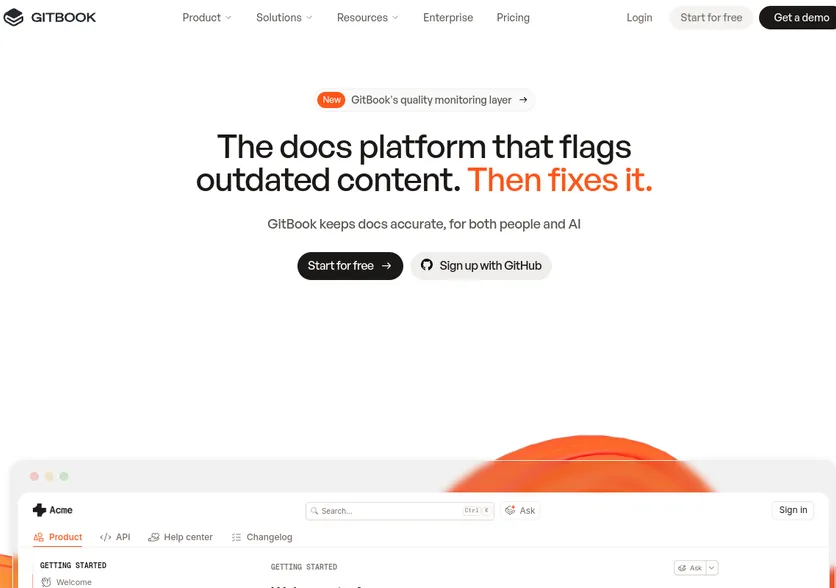
GitBook publishes clean documentation sites that sync with Git, so engineers and writers can work in the same repository. This GitBook Essential plan costs sixty-five dollars per site a month billed annually, plus twelve dollars per user a month. A software team that documents APIs and guides will like the Git workflow, though the per-site and per-user charges add up fast.
What we like
- Git sync that keeps docs with the code
- Clean reading experience for developers
- Free plan for a single user
Watch out for
- Per-site and per-user charges stack up quickly
- The plan was called Premium until recently, so older reviews use the old name
How to try it
- Open the GitBook pricing page and claim the free plan
- Connect one Git repository to a docs space
- Publish one guide and check the search and navigation
2. ClickHelp
Best for: Technical writers who need a dedicated help-authoring tool with versioning and analytics
Paid tool Starting price: $194/month · Starter plan, one hundred ninety-four dollars a month billed annually, about two hundred twenty-five dollars billed monthly, one documentation site and two contributors
Free plan: No free plan; free trial available
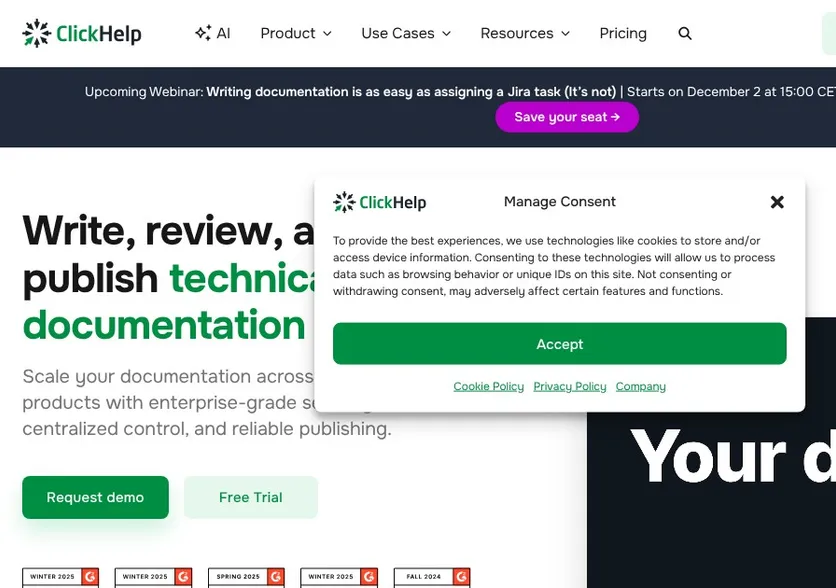
ClickHelp is a dedicated help-authoring platform with versioning, translation and analytics for large documentation sets. This ClickHelp Starter plan costs one hundred ninety-four dollars a month billed annually and covers one documentation site with two contributors. A technical writing team will like the versioning, though the entry price is high and there is no free plan.
What we like
- Versioning built for large document sets
- Translation workflow for multilingual docs
- Analytics that show which topics readers use
Watch out for
- High entry price with no free plan
- Only two contributors on the Starter plan
How to try it
- Open the ClickHelp pricing page and start a free trial
- Import one existing document set
- Publish a versioned help site and check the analytics
3. Archbee
Best for: Small teams that want a simple docs site with AI writing help at a low price
Paid tool Starting price: $49/month · Growing plan, forty-nine dollars a month billed annually, fifty-nine dollars billed monthly, one team member included; Scaling and Enterprise cost more
Free plan: No free plan; 14-day free trial
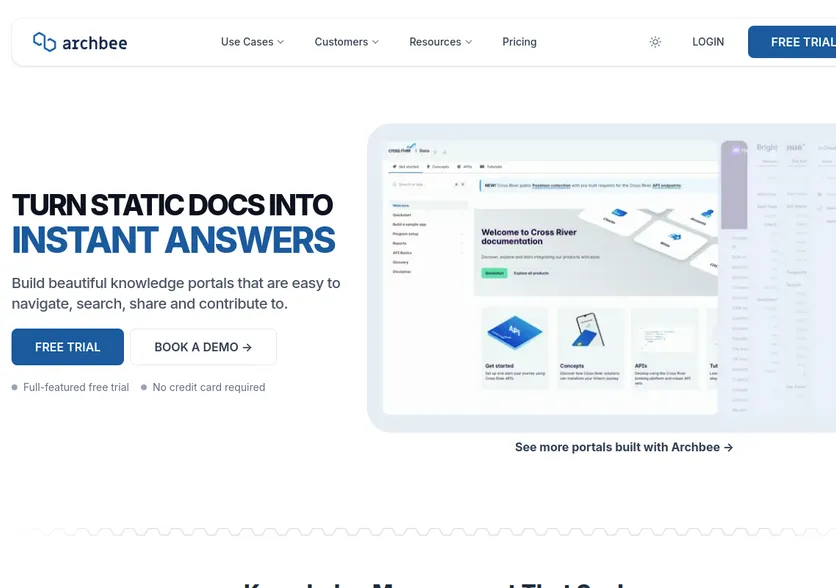
Archbee publishes clean documentation sites with an AI assistant that drafts and improves help articles. This Archbee Growing plan costs forty-nine dollars a month billed annually and includes one team member. A small team that needs docs fast will like the price, though some third-party sources cite higher rates, so confirm the price on the vendor page before buying.
What we like
- Low entry price for a full docs site
- AI assistant that drafts help articles
- Simple editor with no learning curve
Watch out for
- Some third-party sources cite higher rates, so confirm on the vendor page
- Only one team member included on the Growing plan
How to try it
- Open the Archbee pricing page and start the 14-day trial
- Create one docs space with a few articles
- Test the AI assistant on one draft and check the output
4. Slab
Best for: Teams that want a modern internal wiki with a generous free plan
Paid tool Starting price: $6.67/user/month · Startup plan, six dollars and sixty-seven cents per user a month billed annually, eight dollars billed monthly; Business and Enterprise cost more
Free plan: Free plan for up to 10 users
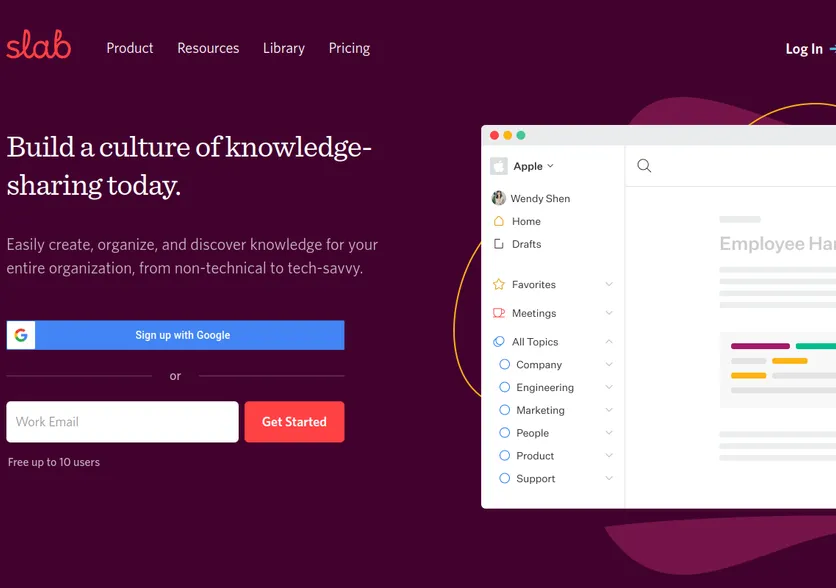
Slab is a modern wiki for internal docs, with a clean editor and search that teams actually use. This Slab Startup plan costs six dollars and sixty-seven cents per user a month billed annually. A team that documents processes and decisions will like the price, though it is built for internal wikis rather than public API docs.
What we like
- Clean editor that teams actually enjoy using
- Free plan for up to ten users
- Fast search across all pages
Watch out for
- Built for internal wikis, not public API docs
- Enterprise plan needs a one hundred user minimum
How to try it
- Open the Slab pricing page and claim the free plan
- Create one team wiki with a few pages
- Test search on a real question your team asks often
5. Notion
Best for: Teams that want docs, wikis and project notes in one flexible workspace
Paid tool Starting price: $10/member/month · Plus plan, ten dollars per member a month billed annually, twelve dollars billed monthly; Business and Enterprise cost more
Free plan: Free plan for individuals
Notion combines docs, wikis and databases in one workspace, so technical teams can keep guides next to their project plans. This Notion Plus plan costs ten dollars per member a month billed annually. A team that wants flexible docs will like the database features, though it is a general workspace rather than a dedicated docs platform.

What we like
- Docs, wikis and databases in one workspace
- Flexible templates for any document type
- Free plan for individuals
Watch out for
- General workspace, not a dedicated docs platform
- AI features are limited on the Plus plan
How to try it
- Open the Notion pricing page and claim the free plan
- Build one docs hub with a few linked pages
- Test the search and permissions on a real document
6. Scribe
Best for: Support and product teams that want to turn screen recordings into step-by-step guides
Paid tool Starting price: $25/seat/month · Pro Personal plan, twenty-five dollars per seat a month billed annually, thirty-five dollars billed monthly, one seat; Pro Team costs less per seat with a five-seat minimum
Free plan: Free Basic plan for browser capture
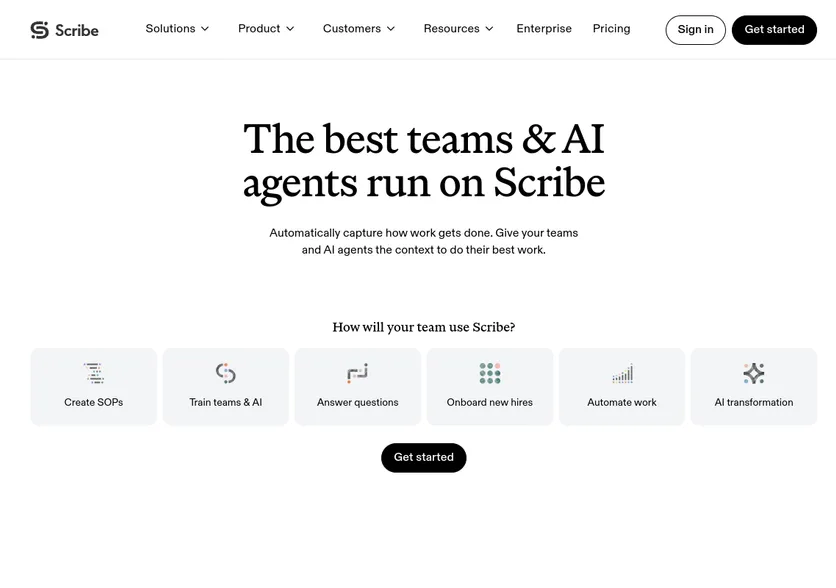
Scribe records a process on screen and turns it into a step-by-step guide automatically, which is ideal for how-to documentation. This Scribe Pro Personal plan costs twenty-five dollars per seat a month billed annually. A support team that writes many how-to guides will like the automatic capture, though the team plan has a five-seat minimum.
What we like
- Automatic guides from screen recordings
- Free Basic plan for browser capture
- Fast editing for step-by-step instructions
Watch out for
- Team plan needs a five-seat minimum
- Prices changed in October 2026, so older reviews show different rates
How to try it
- Open the Scribe pricing page and claim the free plan
- Record one process in your browser
- Edit the generated guide and share it with your team
7. Mintlify
Best for: API teams that want beautiful reference docs with AI search and generous editor seats
Paid tool Starting price: $450/month · Pro plan, four hundred fifty dollars a month billed annually, five hundred forty dollars billed monthly, unlimited editor seats; Enterprise is custom
Free plan: Free Starter plan with five editor seats
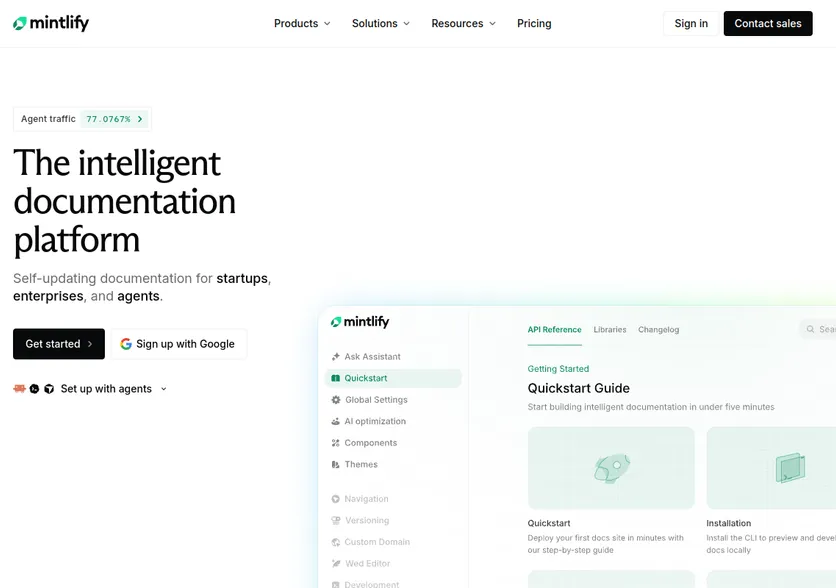
Mintlify publishes beautiful API reference docs with AI search, and its Pro plan includes unlimited editor seats. This Mintlify Pro plan costs four hundred fifty dollars a month billed annually. An API team that needs polished reference docs will like the unlimited editors, though the price is high for a small team.
What we like
- Beautiful API reference docs out of the box
- Unlimited editor seats on the Pro plan
- AI search that answers developer questions
Watch out for
- High price for a small team
- Pro is priced per deployment, not per team
How to try it
- Open the Mintlify pricing page and claim the free plan
- Connect one API specification to a docs site
- Test the AI search on a real developer question
8. ReadMe
Best for: API teams that want a proven docs platform with a free trial and predictable per-admin pricing
Paid tool Starting price: $250/month · Pro plan, two hundred fifty dollars a month billed annually, five admins included, twenty dollars a month per extra admin
Free plan: No free plan; free trial available
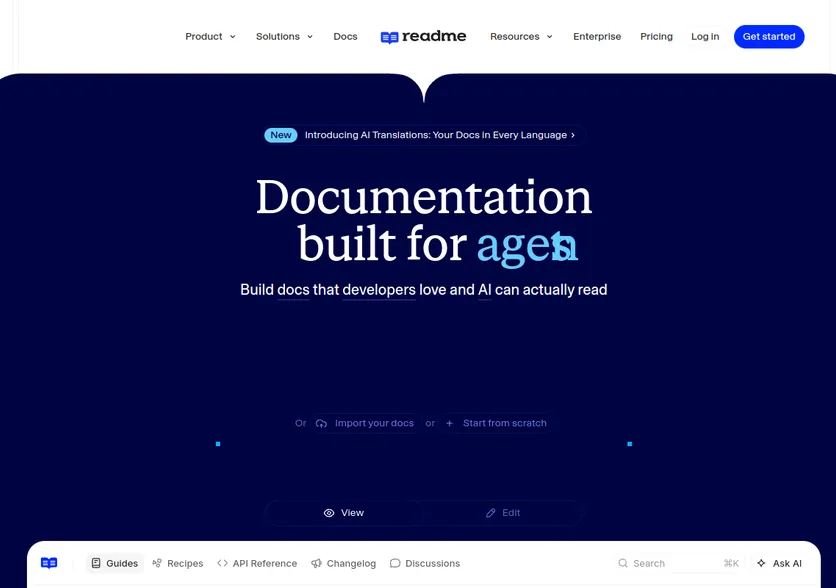
ReadMe is a long-standing API docs platform with interactive API references and a clear per-admin price. This ReadMe Pro plan costs two hundred fifty dollars a month billed annually and includes five admins. An API team that wants predictable pricing will like the per-admin model, though there is no free plan.
What we like
- Interactive API references with try-it-out examples
- Predictable per-admin pricing
- Long track record with API teams
Watch out for
- No free plan, only a trial
- Extra admins cost twenty dollars a month each
How to try it
- Open the ReadMe pricing page and start a free trial
- Publish one API reference with try-it-out examples
- Check the analytics to see which endpoints readers use
Prices above were checked on each vendor’s own website on Nov 27, 2026 and can change — the vendor’s page is the final word. Vendor links are editorial: nobody paid to be listed or ranked here. Vendors who want a featured listing can see how it works on our Get listed page.
What technical documentation software costs in 2026
Most documentation platforms charge per site, per user or per admin, so the headline price hides the real bill. A sixty-five-dollar site plan plus twelve dollars per user costs more than a flat two hundred fifty dollars a month once a team grows past a few writers. Storage and topic caps are the second bill to watch, because a capped topic count forces an upgrade mid-project.
Start with the free plan or trial on two tools and publish one real document on each. Compare the editor, the search results and the reading experience from a customer point of view. Pick the platform your writers actually enjoy using, because docs that are painful to write are the docs that never get updated.
Before you buy
- Count how many editors and sites need access, because per-site and per-user pricing multiplies fast.
- Check whether the plan includes AI search and versioning, because docs without search frustrate every reader.
- Confirm the storage and topic limits on the plan you buy, because capped topics force an upgrade mid-project.
- Test the editor on one real document during the trial, because a clumsy editor slows every writer on the team.
- Compare the annual and monthly rates side by side, because annual billing cuts the bill by about a fifth on most tools here.
Official websites
Official websites of the products reviewed above. Features and prices were checked against these sites when this guide was written, and they can change, so confirm on the vendor site before you buy.
Frequently asked questions
Which AI writing software is best for technical documentation in 2026?
GitBook is the best overall pick at sixty-five dollars per site a month billed annually, with Git sync and a clean reading experience for developers. Slab is the best value at six dollars and sixty-seven cents per user a month for internal wikis. Mintlify is the best pick for API teams that need beautiful reference docs with unlimited editor seats.
How much does AI writing software for technical documentation cost?
Entry prices in this list run from six dollars and sixty-seven cents per user a month for Slab to four hundred fifty dollars a month for Mintlify. Most teams land between ten and two hundred fifty dollars a month. Per-site and per-user charges stack up, so count both before comparing headlines.
Is there a free AI writing software for technical documentation?
Yes, GitBook has a free plan for one user, Slab has a free plan for up to ten users, Notion has a free plan for individuals, Mintlify has a free Starter plan with five editor seats, and Scribe has a free Basic plan for browser capture. The other tools here offer free trials instead of a permanent free plan.
What should teams look for in technical documentation software?
Check the editor and topic limits first, because capped topics force an upgrade mid-project. Then check whether AI search and versioning are included, because docs without search frustrate every reader. Finally, test the editor on one real document, because a clumsy editor slows every writer on the team.
Can AI write technical documentation on its own?
No, AI drafting still needs a technical writer to check accuracy, because invented API details and wrong steps can break a customer setup. Use AI for first drafts and summaries, then have an engineer review every code sample and procedure before publishing.
Need everyday document help too? Try Toolsvine's free document tools right in your browser.
Browse Document & File Converters tools