
On this page
Remote teams cannot gather around one workstation to train a model, so neural network software has to share workspaces, versions and results across time zones. The seven tools below run from nineteen dollars a month to three thousand dollars a month, and every price was checked on the vendor site on November 27, 2026. Some build networks without code while others are engineering platforms with deep toolboxes. Neural Designer is our first pick — guided neural network modeling that needs no coding.
How we researched this
We started with the neural network and machine learning tools remote teams actually use, then read each price on the vendor pricing page on November 27, 2026 and noted the free tier or trial each one carries. We judged them for a distributed team that must build, share and deploy models together, with collaboration, versioning and published prices a buyer can budget from. We dropped DataRobot, H2O Driverless AI and RapidMiner because all three sell by quote with no published price, and TensorFlow and PyTorch because both are free frameworks with no paid plan to compare.
Compare the tools
| Name | Best for | Starting price | Free plan | |
|---|---|---|---|---|
 Neural Designer | Analysts who want guided neural network modeling without writing code | $2,495/year | Free plan with 10,000 data rows | Visit |
 MATLAB | Engineering and research teams that build neural networks in MATLAB | $940/year | No free plan; free trial available | Visit |
 Alteryx One | Business analysts who want drag-and-drop data preparation and modeling | $250/user/month | No free plan | Visit |
 KNIME | Small data teams that want free visual workflows with cheap cloud sharing | $19/month | Free Analytics Platform desktop with no usage cap | Visit |
 IBM SPSS Modeler | Statistics-led teams that need a visual modeling workbench with IBM support | $529/month | No free plan | Visit |
 Hex | Data teams that want collaborative SQL and Python notebooks with AI agents | $36/editor/month | Free Community tier with 1 user and 5 notebooks | Visit |
 Dataiku | Enterprises that need analysts and data scientists building AI projects together | $3,000/month | Free Edition for up to 3 users; 14-day cloud trial | Visit |
The artificial neural network software for remote teams, compared
1. Neural Designer
Best for: Analysts who want guided neural network modeling without writing code
Paid tool Starting price: $2,495/year · Small annual license costs two thousand four hundred ninety-five dollars a year for one user; Medium annual license costs four thousand nine hundred ninety-five dollars a year
Free plan: Free plan with 10,000 data rows
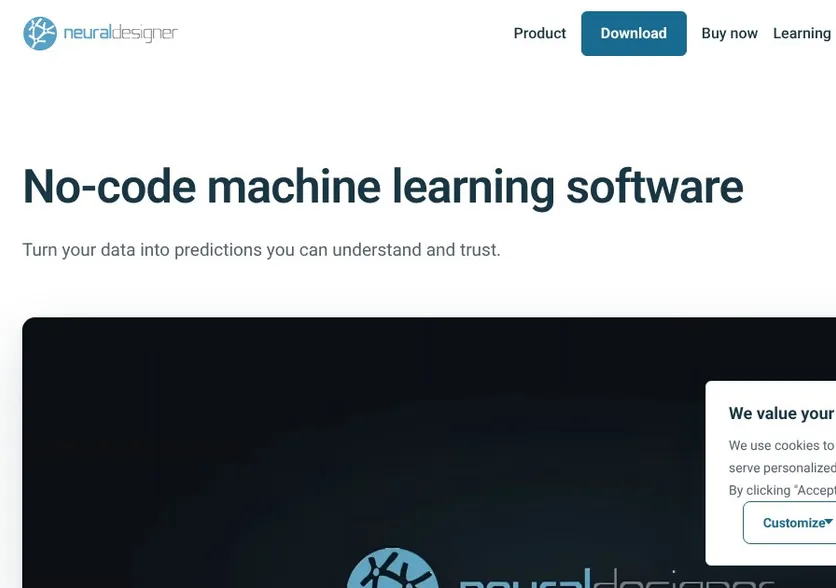
Neural Designer is a desktop tool for building, training and deploying neural network models through a guided interface, without writing code or assembling block diagrams. This Neural Designer Small annual license costs two thousand four hundred ninety-five dollars a year for one user, with one hundred thousand data rows and two CPU cores. A remote analyst can prepare data, build networks, test models and view reports from one desktop, then share the results with the team. It is the most focused neural network tool here, though the per-user price climbs fast when a whole team needs a seat.
What we like
- Guided neural network modeling with no coding needed
- Model selection and tuning help built into the workflow
- Free plan lets one analyst test with real data
Watch out for
- Per-user price climbs fast for a whole remote team
- Desktop tool, so collaboration needs the cloud add-on
How to try it
- Open the Neural Designer site and download the free plan
- Build a neural network on your own dataset with the guided interface
- Upgrade to the Small annual license when you pass ten thousand rows
2. MATLAB
Best for: Engineering and research teams that build neural networks in MATLAB
Paid tool Starting price: $940/year · Individual license costs nine hundred forty dollars a year including MATLAB, Simulink and the Online Training Suite; the Deep Learning Toolbox is an add-on product
Free plan: No free plan; free trial available
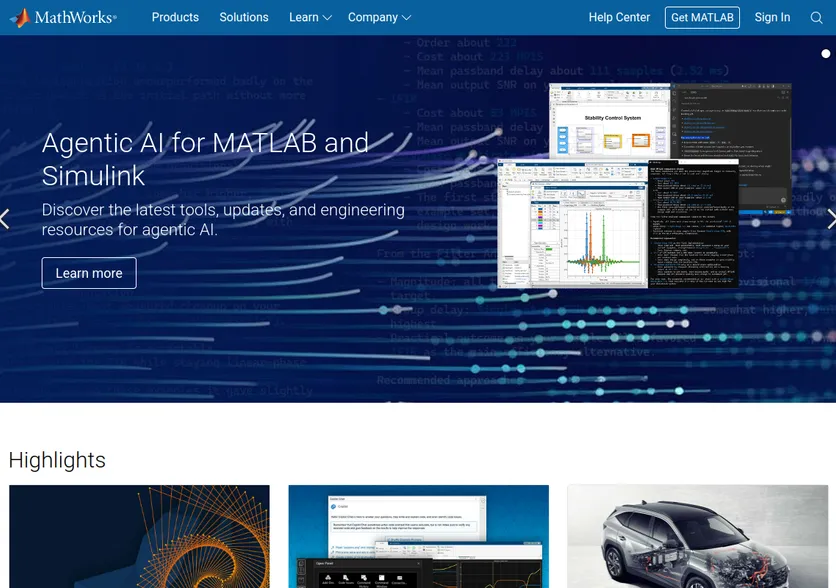
MATLAB is the engineering platform where many teams build and train neural networks, with the Deep Learning Toolbox adding network design, training and deployment. This MATLAB Individual license costs nine hundred forty dollars a year, including MATLAB, Simulink and the Online Training Suite. A remote engineering team can prototype a network, train it on real data, and deploy the model to hardware or the cloud from the same environment. The Deep Learning Toolbox is an add-on product, so the full neural network workflow costs more than the base license alone.
What we like
- Deep Learning Toolbox covers design, training and deployment
- Strong engineering workflows with Simulink beside it
- Online training included with the Individual license
Watch out for
- Deep Learning Toolbox is an add-on, not in the base price
- Per-user licensing gets expensive for a large remote team
How to try it
- Open the MathWorks pricing page and start a trial
- Add the Deep Learning Toolbox to your MATLAB license
- Train a network on your own data and test deployment
3. Alteryx One
Best for: Business analysts who want drag-and-drop data preparation and modeling
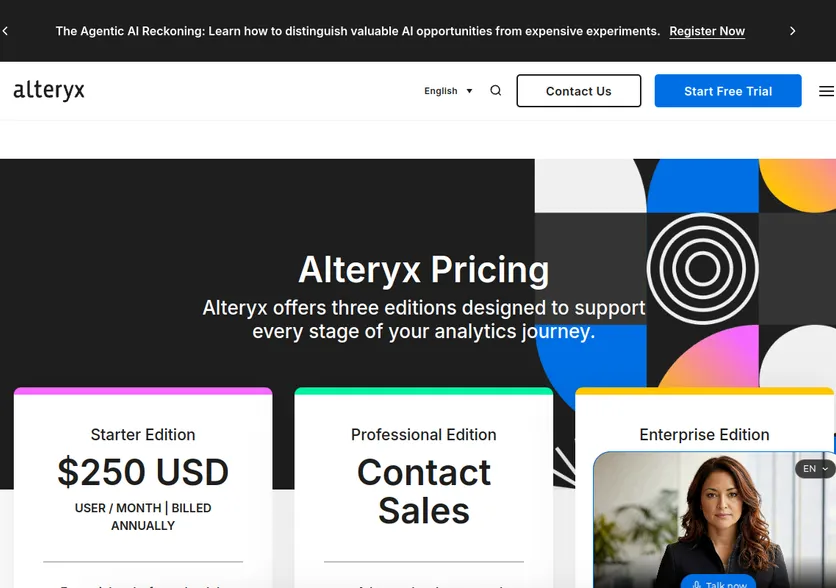
Paid tool Starting price: $250/user/month · Starter edition costs two hundred fifty dollars per user per month billed annually, for one to ten seats; Pro and Enterprise editions are custom priced
Free plan: No free plan
Alteryx One is the self-service analytics platform that lets business analysts prepare data, blend sources and build models without writing code. This Alteryx One Starter edition costs two hundred fifty dollars per user per month billed annually, for one to ten seats. A remote team can drag data preparation onto a canvas, automate workflows, and share results with colleagues who never open a notebook. It is the priciest per-seat tool here, and the Starter edition works with flat files only, so automation and database connections need a higher tier.
What we like
- Drag-and-drop canvas that analysts learn fast
- Workflow sharing built in for remote teams
- Mature data preparation with hundreds of connectors
Watch out for
- Highest per-seat price in this list
- Starter works with flat files only, no automation runs
How to try it
- Open the Alteryx pricing page and check the Starter edition
- Build a data preparation workflow on a flat file
- Share the workflow with a colleague to test collaboration
4. KNIME
Best for: Small data teams that want free visual workflows with cheap cloud sharing
Paid tool Starting price: $19/month · Hub Pro costs nineteen dollars a month with one hundred twenty workflow runtime credits; Team costs ninety-nine dollars a month for three members; the vendor page shows the figure in euros in some regions
Free plan: Free Analytics Platform desktop with no usage cap
KNIME Analytics Platform is a free open-source tool for building data workflows visually, connecting nodes that import, clean, join, model and report. This KNIME Hub Pro plan costs nineteen dollars a month, adding scheduling, data apps, REST services and one hundred twenty workflow runtime credits. A remote team can build a neural network workflow on the free desktop, then share it through the Hub with versioning and scheduled runs. It is the cheapest paid route into team modeling here, though the Business Hub for larger teams is quote-only.
What we like
- Free desktop with no usage cap for building workflows
- Hub Pro adds scheduling and sharing for nineteen dollars a month
- Three hundred plus connectors for data sources
Watch out for
- Business Hub for larger teams is quote-only
- Paid Hub plans are for sharing, not for building models
How to try it
- Open the KNIME pricing page and download the free desktop
- Build a visual workflow with a neural network node
- Upgrade to Hub Pro to schedule and share the workflow
5. IBM SPSS Modeler
Best for: Statistics-led teams that need a visual modeling workbench with IBM support
Paid tool Starting price: $529/month · Subscription starts at five hundred twenty-nine dollars a month for one authorized user on a one-year term; Professional, Premium and Gold are one-time purchases with no public price
Free plan: No free plan
IBM SPSS Modeler is the visual data mining workbench for teams that build models from nodes for cleaning, modeling and evaluation. This IBM SPSS Modeler subscription starts at five hundred twenty-nine dollars a month for one authorized user on a one-year term, including updates and support. A remote statistics team can build mining streams with a deep library of classic methods, then add text analytics on the Premium edition. It has no AutoML layer, so a team that wants automated model building will find it slower than the newer platforms here.
What we like
- Deep library of classic statistical modeling methods
- Visual node streams that statistics teams trust
- IBM support included with the subscription
Watch out for
- No AutoML layer, so model building is manual
- One-time purchase editions have no public price
How to try it
- Open the IBM SPSS Modeler page and check the subscription terms
- Build a mining stream on your own data with the node library
- Compare the Premium edition if text analytics matter
6. Hex
Best for: Data teams that want collaborative SQL and Python notebooks with AI agents
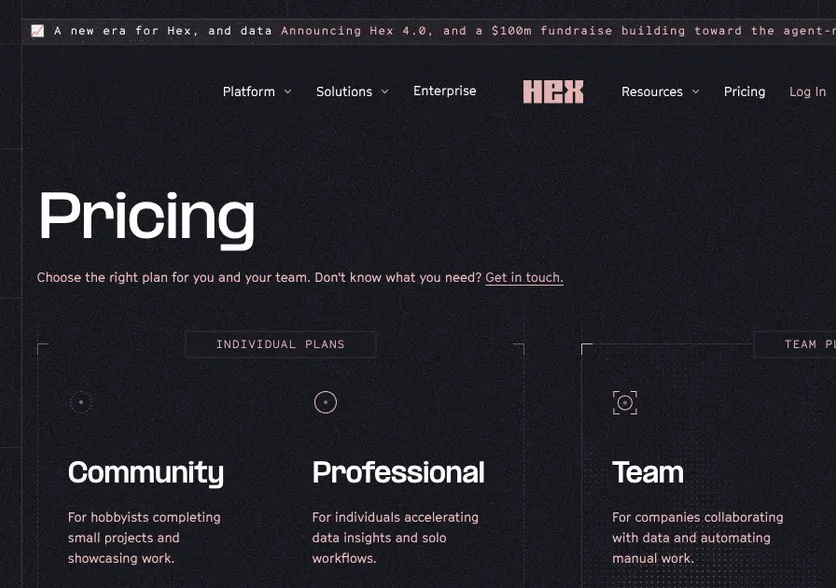
Paid tool Starting price: $36/editor/month · Professional costs thirty-six dollars per editor per month; Team costs seventy-five dollars per editor per month; compute is metered separately
Free plan: Free Community tier with 1 user and 5 notebooks
Hex is a collaborative data workspace where data teams build SQL and Python notebooks, share them as data apps, and work together in real time. This Hex Professional plan costs thirty-six dollars per editor per month, with a free Community tier for one user and five notebooks. A remote team can write a notebook, review it with cell-level comments, publish it as an app for stakeholders, and let the AI agent draft queries beside them. Compute is metered separately for heavier workloads, so a team that runs big models should watch the credit usage.
What we like
- Collaborative notebooks with SQL, Python and AI agents
- Publish notebooks as data apps for stakeholders
- Free Community tier for testing with real data
Watch out for
- Per-editor pricing compounds fast for larger teams
- Compute is metered separately for heavier workloads
How to try it
- Open the Hex pricing page and start on the free Community tier
- Build a notebook with SQL and Python on your own data
- Upgrade to Professional to publish apps and share with the team
7. Dataiku
Best for: Enterprises that need analysts and data scientists building AI projects together
Paid tool Starting price: $3,000/month · Lite starts at three thousand dollars a month; some guides report Dataiku paid editions as quote-only, so confirm the figure in a written quote before budgeting
Free plan: Free Edition for up to 3 users; 14-day cloud trial
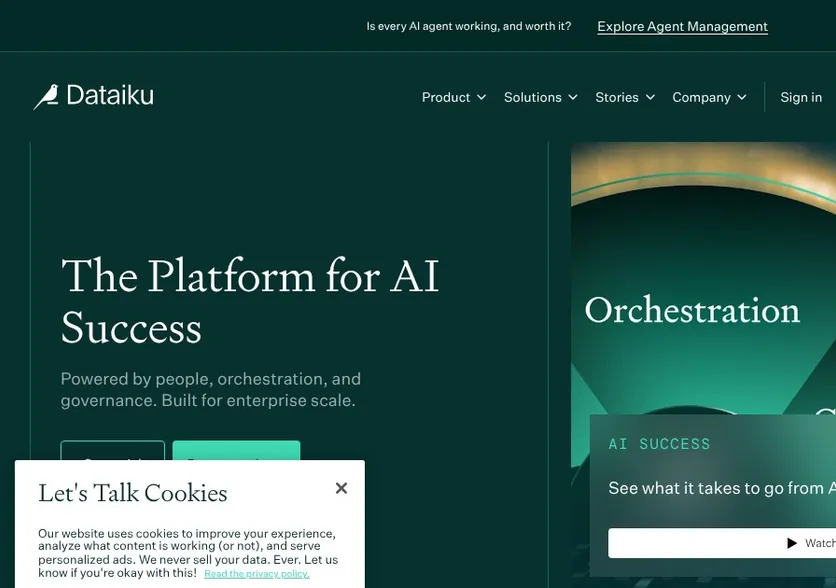
Dataiku is the enterprise AI platform where analysts and data scientists build, deploy and govern machine learning projects in one place. This Dataiku Lite edition starts at three thousand dollars a month, with a Free Edition for up to three users and a fourteen-day cloud trial. A remote team gets visual pipelines, code notebooks, governance and model deployment in one governed workspace, with hosting by Dataiku or on its own infrastructure. Some guides report Dataiku paid editions as quote-only, so confirm the Lite figure in writing before budgeting, and note that the Free Edition covers only three users.
What we like
- Analysts and data scientists share one governed workspace
- Visual pipelines beside code notebooks
- Governance and deployment built in, not bolted on
Watch out for
- Paid edition pricing is disputed, so confirm in writing
- Free Edition covers only three users
How to try it
- Open the Dataiku site and install the Free Edition
- Build a small AI project with one analyst and one data scientist
- Request a written quote for Lite before you commit
Prices above were checked on each vendor’s own website on Nov 27, 2026 and can change — the vendor’s page is the final word. Vendor links are editorial: nobody paid to be listed or ranked here. Vendors who want a featured listing can see how it works on our Get listed page.
What neural network software costs for a remote team in 2026
Neural network pricing for a remote team is decided by who pays and how the work is shared. Per-user licenses like Neural Designer at two thousand four hundred ninety-five dollars a year suit one analyst, but the bill multiplies with every seat. Per-editor plans like Hex at thirty-six dollars a month suit a team that shares notebooks, because viewers cost less than editors. Free desktops like KNIME suit a team that builds locally and only pays nineteen dollars a month to share and schedule through the Hub.
Start with the free tier and build a model on your own data, not a sample dataset. Check whether remote colleagues can share and version the work, whether the network types your team builds are supported, and whether deployment fits your data rules. Pick the tool whose sharing model matches how your team actually works, because a desktop that cannot share is a solo tool with a team price.
Before you buy
- Check whether the price follows users or seats, because a remote team with ten analysts pays very differently under each model.
- Confirm the tool supports the model types your team builds, because a drag-and-drop platform will not fit a team that needs custom neural networks.
- Test the free tier or trial with your own data before paying, because a model that works on a sample dataset may fail on yours.
- Count the collaboration features before you buy, because a remote team needs shared workspaces, versioning and scheduled runs.
- Confirm the deployment options fit your data rules, because a cloud-only platform will not suit a team with on-premises data.
Official websites
Official websites of the products reviewed above. Features and prices were checked against these sites when this guide was written, and they can change, so confirm on the vendor site before you buy.
Frequently asked questions
Which artificial neural network software is best for remote teams in 2026?
Neural Designer is the best overall pick for neural network software at two thousand four hundred ninety-five dollars a year, with guided modeling that needs no coding. MATLAB is the best pick for engineering teams at nine hundred forty dollars a year with the Deep Learning Toolbox as an add-on. KNIME is the best budget pick, free on the desktop with Hub Pro at nineteen dollars a month for sharing.
How much does neural network software cost?
Prices in this list run from nineteen dollars a month for KNIME Hub Pro to three thousand dollars a month for Dataiku Lite. Neural Designer costs two thousand four hundred ninety-five dollars a year, MATLAB nine hundred forty dollars a year, and SPSS Modeler five hundred twenty-nine dollars a month. Alteryx One Starter costs two hundred fifty dollars per user per month, so a remote team should compare the total for its headcount.
Is there free neural network software for remote teams?
Yes, and the free options here are genuinely useful. KNIME Analytics Platform is free and open source with no usage cap, Neural Designer has a free plan with ten thousand data rows, and Hex has a free Community tier for one user. Dataiku has a Free Edition for up to three users. Free tiers usually cap rows, users or sharing, so a growing team will need a paid plan.
Why do so many machine learning platforms hide their prices?
DataRobot, Dataiku paid editions and H2O Driverless AI all sell by quote with no published price, so a buyer cannot budget from the website alone. RapidMiner, now Altair AI Studio, also publishes no list price after the Siemens takeover. A remote team that needs a published price should shortlist Neural Designer, MATLAB, KNIME and SPSS Modeler, all of which show real figures.
How should a remote team test neural network software before buying?
Start with the free tier or trial and build a model on your own data, not a sample dataset. Check whether the tool supports the network types your team builds, whether remote colleagues can share and version the work, and whether deployment fits your data rules. A platform that works on a demo dataset but fails on yours is a costly mistake.
Need everyday AI help too? Try Toolsvine's free AI tools right in your browser.
Browse AI Tools (In-Browser, No API) tools


