On this page
Linux servers run the web, the database and the file store, so a backup tool that only understands Windows is a liability. The eight tools below cover bare-metal images, file-level backup and cloud storage, from ninety-five dollars a workload a year to a few dollars a month per terabyte. Every price was checked on the vendor site on November 27, 2026. Veeam Data Platform Essentials is our first pick — the most complete Linux server backup with fast bare-metal recovery and immutable backup copies.
How we researched this
We started with the backup tools server teams actually run on Linux, then read each price on the vendor pricing page on November 27, 2026 and noted the trial each plan carries. We judged them for a Linux server that needs scheduled backups, offsite copies and a restore that works when the disk is dead. We dropped quote-only enterprise suites and tools that back up Linux only as an afterthought through a Windows agent.
Compare the tools
| Name | Best for | Starting price | Free plan | |
|---|---|---|---|---|
 Veeam Data Platform Essentials | Linux server teams that want bare-metal recovery and immutable backups | $95/workload/year | Free Community Edition; 30-day free trial | Visit |
| Acronis Cyber Protect Standard | Server owners who want backup plus anti-malware in one agent | $85/workload/year | No free plan; 30-day free trial | Visit |
 Nakivo Backup and Replication | Virtualized Linux servers that need fast VM recovery | $229/socket one-time | Free edition for small environments; 15-day free trial | Visit |
 MSP360 Backup | Small Linux servers that need cheap backup to cloud storage | $19.99/year | No free plan; 15-day free trial | Visit |
 CrashPlan Servers | Linux servers that need continuous backup with unlimited versions | $189/server/year | No free plan; 30-day free trial | Visit |
 IDrive Business | Small teams backing up Linux servers and desktops together | $19.99/month | No free plan; 30-day free trial | Visit |
 Backblaze B2 | Linux admins who want cheap object storage behind their own backup tool | $6.95/TB/month | 10 GB free storage; pay as you go | Visit |
 Duplicacy Commercial | Linux admins who want lock-free deduplication to any storage | $50/computer/year | Command-line version free for personal use; 30-day free trial | Visit |
The backup software for linux servers, compared
1. Veeam Data Platform Essentials
Best for: Linux server teams that want bare-metal recovery and immutable backups
Paid tool Starting price: $95/workload/year · Essentials edition lists from ninety-five dollars per workload per year, sold in packs of five workloads; some resellers list ninety-nine dollars and seventy-five cents
Free plan: Free Community Edition; 30-day free trial
Veeam Data Platform Essentials is the backup suite most Linux server teams reach for first, with agent-based backup for physical and virtual Linux machines, bare-metal recovery and immutable backup copies that ransomware cannot rewrite. This Veeam Data Platform Essentials covers file, volume and whole-machine backup from one console, and it can send copies to disk, tape or object storage. The Essentials edition keeps the price in reach for small teams while keeping the recovery tools that matter when a server will not boot.
What we like
- Bare-metal recovery for Linux machines that will not boot
- Immutable backup copies that ransomware cannot rewrite
- One console for physical and virtual Linux servers
Watch out for
- Sold in packs of five workloads, so a single server still buys five
- The full feature set needs the paid edition, not the free community tier
How to try it
- Open the Veeam pricing page and pick the Essentials edition
- Install the Linux agent on each server and point it at a backup repository
- Run a test restore to a spare machine before you trust the schedule
2. Acronis Cyber Protect Standard
Best for: Server owners who want backup plus anti-malware in one agent
Paid tool Starting price: $85/workload/year · Standard edition lists from eighty-five dollars per workload per year; server licenses list from five hundred ninety-five dollars per server per year
Free plan: No free plan; 30-day free trial
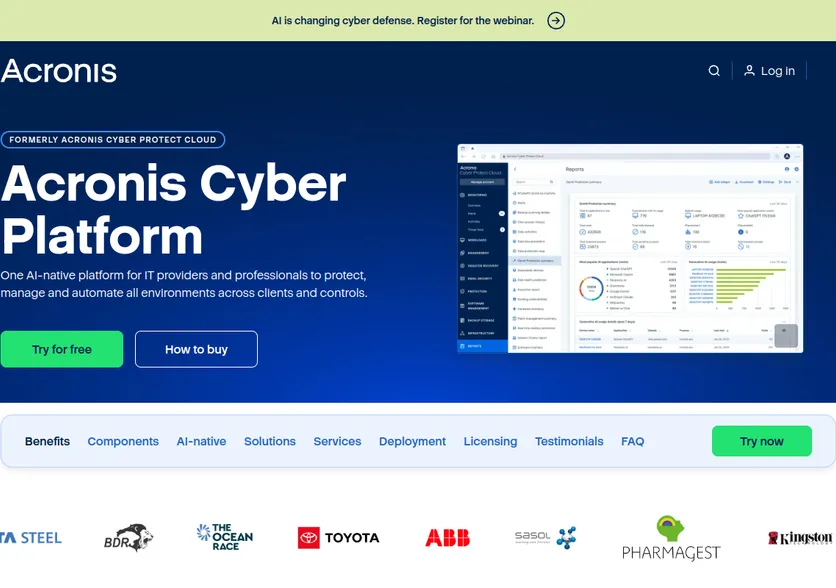
Acronis Cyber Protect Standard pairs backup with anti-malware in a single Linux agent, so one install covers imaging, file backup and ransomware protection together. This Acronis Cyber Protect Standard backs up whole Linux servers and restores them to different hardware, and its cloud storage option keeps an offsite copy without a second vendor. The per-workload price makes it easy to budget as servers are added.
What we like
- Backup and anti-malware in one Linux agent
- Restore a whole server to different hardware
- Cloud storage option for an offsite copy
Watch out for
- Server licenses cost far more than the per-workload headline
- The console has more menus than a backup-only tool
How to try it
- Open the Acronis purchasing page and pick the Standard edition
- Install the Linux agent and enable both backup and protection
- Schedule a full image plus daily incremental backups
3. Nakivo Backup and Replication
Best for: Virtualized Linux servers that need fast VM recovery
Paid tool Starting price: $229/socket one-time · Perpetual socket license lists from two hundred twenty-nine dollars per socket; a subscription option lists from twenty-five dollars per workload per year
Free plan: Free edition for small environments; 15-day free trial
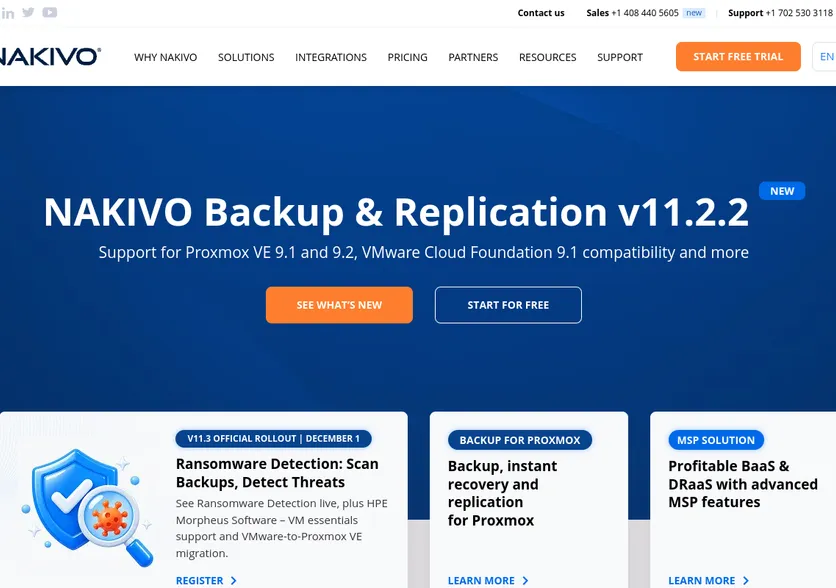
Nakivo Backup and Replication focuses on virtual machines, backing up Linux guests on VMware, Hyper-V and Nutanix with instant recovery and granular file restore. This Nakivo Backup and Replication can run its backup copy offsite, replicate a VM to a second host and verify backups automatically so a corrupt image is caught before it is needed. The perpetual socket license suits teams that would rather pay once than rent forever.
What we like
- Instant VM recovery for virtualized Linux servers
- Perpetual socket license with no yearly rent
- Automatic backup verification catches corrupt images
Watch out for
- Built for virtual machines, not bare-metal physical servers
- The vendor pricing page was unreachable when checked, so confirm the price at checkout
How to try it
- Open the Nakivo pricing page and choose perpetual or subscription
- Deploy the transporter on the Linux host or a VM
- Back up a test VM and try an instant recovery
4. MSP360 Backup
Best for: Small Linux servers that need cheap backup to cloud storage
Paid tool Starting price: $19.99/year · Backup for macOS and Linux lists from nineteen dollars and ninety-nine cents per year; Windows Server edition lists from one hundred nine dollars and ninety-nine cents per year
Free plan: No free plan; 15-day free trial
MSP360 Backup is a lightweight agent that backs up Linux servers to the cloud storage you already pay for, including Amazon S3, Backblaze B2 and Wasabi. This MSP360 Backup charges per machine rather than per gigabyte, so a server full of data costs the same as an empty one. It is the cheapest way onto this list for a single Linux box that just needs a reliable nightly copy.
What we like
- Per-machine price with no charge per gigabyte
- Works with the cloud storage you already use
- Lightweight agent that stays out of the way
Watch out for
- No central console on the cheapest Linux edition
- Restore features are simpler than the big suites
How to try it
- Open the MSP360 licensing page and pick the Linux edition
- Install the agent and connect your cloud storage bucket
- Set a nightly schedule and test a file restore
5. CrashPlan Servers
Best for: Linux servers that need continuous backup with unlimited versions
Paid tool Starting price: $189/server/year · Servers plan lists from one hundred eighty-nine dollars per server per year with two hundred fifty gigabytes of pooled storage; endpoint plans list from eighty-eight dollars per user per year
Free plan: No free plan; 30-day free trial
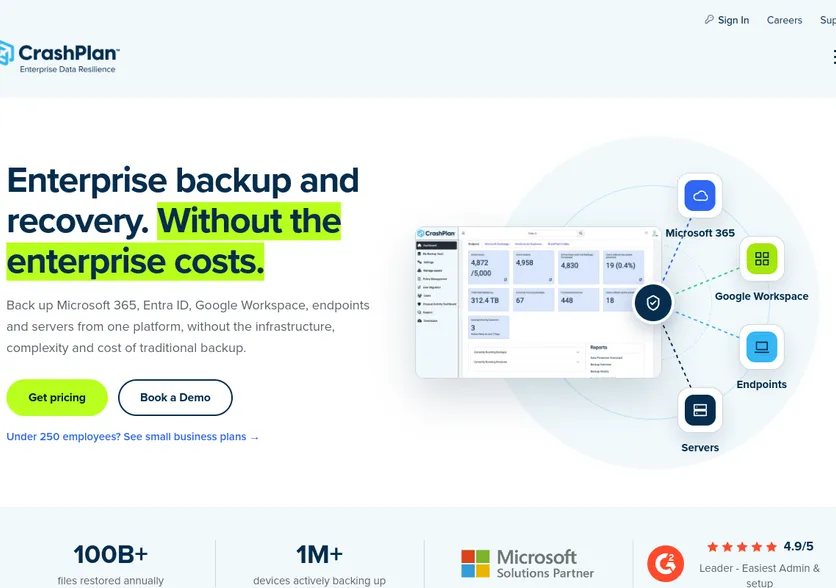
CrashPlan Servers keeps a continuous backup of Linux servers with unlimited file versions, so a file changed last week can be pulled back exactly as it was. This CrashPlan Servers encrypts data before it leaves the machine and stores it in the CrashPlan cloud, with no extra charge for the storage up to the pooled limit. It is a set-and-forget choice for teams that want backup running in the background without babysitting a schedule.
What we like
- Continuous backup with unlimited file versions
- Data encrypted before it leaves the server
- Set-and-forget operation with no schedule to manage
Watch out for
- Pooled storage is capped, so large servers need more
- Restore speeds depend on your download bandwidth
How to try it
- Open the CrashPlan pricing page and pick the Servers plan
- Install the Linux agent and choose the folders to protect
- Check the first backup completes, then leave it running
6. IDrive Business
Best for: Small teams backing up Linux servers and desktops together
Paid tool Starting price: $19.99/month · Business plan lists from nineteen dollars and ninety-nine cents per month billed yearly for five hundred gigabytes; the first year is discounted and is not the list price
Free plan: No free plan; 30-day free trial
IDrive Business backs up Linux servers, desktops and laptops under one account, with server backup, disk cloning and a snapshot view of older file versions. This IDrive Business includes five hundred gigabytes on the entry plan and lets an admin manage every machine from one dashboard. It is a practical fit for a small team whose servers and workstations need the same backup tool.
What we like
- One account covers servers, desktops and laptops
- Disk cloning plus file backup in the same plan
- Admin dashboard manages every machine at once
Watch out for
- Entry storage is modest for a data-heavy server
- The first-year discount makes the list price easy to miss
How to try it
- Open the IDrive Business page and pick the storage size
- Install the Linux agent on the server and add it to the account
- Turn on server backup and set the retention period
7. Backblaze B2
Best for: Linux admins who want cheap object storage behind their own backup tool
Paid tool Starting price: $6.95/TB/month · Cloud storage lists from six dollars and ninety-five cents per terabyte per month since May 2026, when the rate rose from six dollars; no charge for uploads and free egress up to three times stored data
Free plan: 10 GB free storage; pay as you go
Backblaze B2 is not a backup program but the cloud storage that sits behind one, giving Linux admins cheap object storage for any backup tool that speaks the S3 API. This Backblaze B2 charges by the gigabyte with no upload fees, so a nightly backup costs the same whether it runs once or ten times. Pair it with a free backup tool and a Linux server gets enterprise-grade offsite storage for a few dollars a month.
What we like
- Pay by the gigabyte with no upload fees
- Works with any backup tool that speaks the S3 API
- Cheapest offsite storage on this list
Watch out for
- It is storage only, so you still need a backup program
- Download fees apply once you pass the free daily allowance
How to try it
- Open the Backblaze B2 pricing page and create an account
- Create a bucket and an application key for your backup tool
- Point the backup tool at the bucket and run a test backup
8. Duplicacy Commercial
Best for: Linux admins who want lock-free deduplication to any storage
Paid tool Starting price: $50/computer/year · Commercial license lists from fifty dollars per computer per year; the command-line version is free for personal use
Free plan: Command-line version free for personal use; 30-day free trial
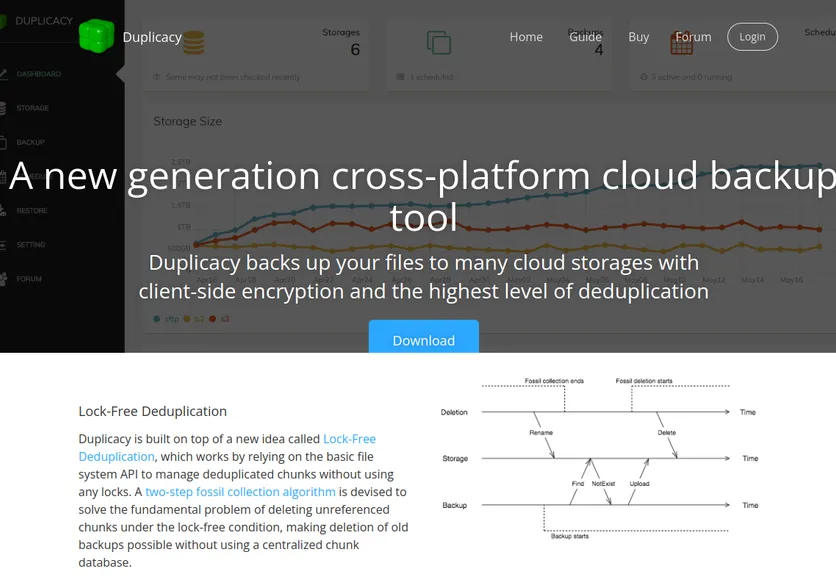
Duplicacy Commercial is a backup engine built for Linux admins who like control, with lock-free deduplication, encryption and support for almost any storage backend. This Duplicacy Commercial stores backups in a format any copy of Duplicacy can read, so the backup is never locked to one machine or one vendor. It is the pick for teams that want a fast, scriptable backup they can run exactly how they like.
What we like
- Lock-free deduplication keeps backups small and fast
- Encrypted backups readable by any copy of Duplicacy
- Works with almost any storage backend
Watch out for
- The interface is plain and technical, not polished
- No central dashboard for managing many machines
How to try it
- Open the Duplicacy buy page and pick the Commercial license
- Install the command-line tool or web interface on the server
- Set a schedule to your storage and test a restore
Prices above were checked on each vendor’s own website on Nov 27, 2026 and can change — the vendor’s page is the final word. Vendor links are editorial: nobody paid to be listed or ranked here. Vendors who want a featured listing can see how it works on our Get listed page.
What Linux server backup costs in 2026
Linux server backup is priced three ways: per workload, per server or per gigabyte, and the cheapest headline is not always the cheapest bill. A per-workload price looks small until you count every virtual machine, and a per-gigabyte price looks small until the first full backup lands. Count the machines, the data and the restore time before you compare prices. Bare-metal recovery matters more than any feature list, because a file-level backup cannot rebuild a server whose disk has died. Test the restore on a spare machine while everything still works, not during an outage. Keep one copy offsite and one copy immutable, so ransomware that reaches the server cannot reach the backup. Check whether the license covers the Linux distribution you run, because some agents support only the major releases. Finally, watch the storage bill: a backup that grows forever will cost more in a year than the license ever did.
Before you buy
- Count every workload the license covers, because per-workload pricing multiplies fast across virtual machines.
- Test a bare-metal restore on a spare machine, because a backup you cannot restore is just a disk full of files.
- Keep one backup copy offsite and one copy immutable, so ransomware cannot destroy the only way back.
- Confirm the agent supports your Linux distribution, because some tools cover only the major releases.
- Watch the storage bill over a year, because a backup that grows forever can cost more than the license.
Official websites
Official websites of the products reviewed above. Features and prices were checked against these sites when this guide was written, and they can change, so confirm on the vendor site before you buy.
Frequently asked questions
Which backup software is best for Linux servers in 2026?
Veeam Data Platform Essentials is the best overall pick at ninety-five dollars per workload per year, with bare-metal recovery and immutable backups for Linux machines. Nakivo is the best choice for virtualized Linux servers with instant VM recovery. MSP360 Backup is the best budget pick at about twenty dollars a year per Linux machine.
How much does Linux server backup cost?
Linux server backup on this list runs from about twenty dollars a year per machine with MSP360 Backup to one hundred eighty-nine dollars per server per year with CrashPlan. Veeam and Acronis charge per workload at ninety-five and eighty-five dollars a year. Cloud storage like Backblaze B2 adds about seven dollars per terabyte per month.
Do I need bare-metal recovery for a Linux server?
Yes, if the server must come back after a disk failure. File-level backup restores files, but bare-metal recovery rebuilds the whole machine including the operating system and configuration. Veeam, Acronis and Nakivo all offer it. Test it on a spare machine before you need it for real.
What is immutable backup and why does it matter?
An immutable backup cannot be changed or deleted for a set period, even by an attacker who has taken over the server. That stops ransomware from encrypting or wiping the backup before asking for payment. Veeam offers immutable copies, and keeping one backup offsite gives the same protection another way.
Can I back up a Linux server to cloud storage?
Yes. MSP360 Backup, Duplicacy and IDrive Business all send Linux server backups to cloud storage, and Backblaze B2 provides cheap object storage for any tool that speaks the S3 API. Cloud storage adds a small monthly bill per terabyte but keeps a copy far from the server it protects.
Need everyday help too? Try Toolsvine's free tools right in your browser.
Browse Security & Privacy tools