
On this page
ChatGPT is the default AI chatbot, but it is far from the only good one, and the best alternative depends on whether you write, research or code. Claude Pro leads this list for long-form writing and careful reasoning, and every chatbot here publishes a real monthly price. This guide compares eight ChatGPT alternatives with live 2026 prices, from $14.99 to $69 a month, plus free plans and trials, so you can pick by writing quality, research depth and value.
How we researched this
We checked the pricing page of every chatbot on this list on November 26, 2026, and kept only tools that publish a real dollar price for a monthly plan. Each chatbot had to answer questions, draft text and handle follow-up conversation, and we compared monthly prices, free plans, model quality and research features; the You chatbot was dropped because its pricing page now sells only API access, with no consumer plan.
Compare the tools
| Name | Best for | Starting price | Free plan | |
|---|---|---|---|---|
 Claude Pro | Long writing and coding with careful reasoning | $20/month | Free plan with daily limits | Visit |
 Google Gemini | Google Workspace users who want AI inside Gmail and Docs | $19.99/month | Free plan with basic model access | Visit |
 Microsoft Copilot Pro | Microsoft 365 users who want AI in Word, Excel and Outlook | $20/user/month | Free Copilot chat in Edge and Windows | Visit |
 Perplexity Pro | Research with cited sources instead of plain chat answers | $20/month | Free plan with limited Pro searches | Visit |
 Mistral Le Chat Pro | European users who want a fast chat with strong privacy | $14.99/month | Free plan with daily message limits | Visit |
 Jasper | Marketing teams that need on-brand copy at scale | $69/month | 7-day free trial | Visit |
 Writesonic | Small teams that want chat, writing and SEO tools in one | $16/month | Free plan with 25 credits a month | Visit |
 Poe | Users who want many AI models under one subscription | $19.99/month | Free plan with daily message limits | Visit |
The ChatGPT alternatives, compared
1. Claude Pro
Best for: Long writing and coding with careful reasoning
Paid tool Starting price: $20/month · Pro plan; $17 a month billed annually at $200 a year
Free plan: Free plan with daily limits
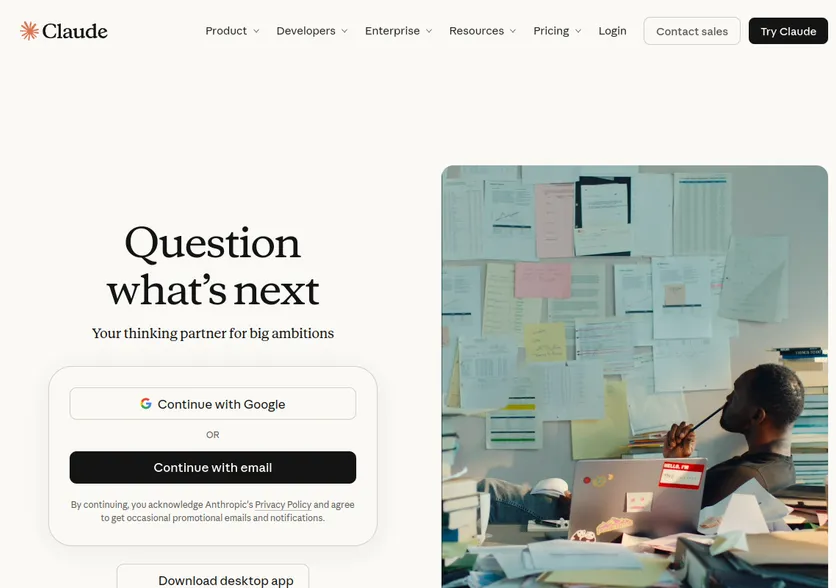
Claude Pro is the careful writer of this list, with long-context reasoning that holds up across documents that run to hundreds of pages. This Claude Pro subscription covers the Projects feature for organizing files, extended thinking on hard problems and access to the latest Claude models. It is the pick for writers and coders who want depth and accuracy over raw speed.
What we like
- Best long-form writing on this list
- Holds context across very long documents
- Projects keep files organized
Watch out for
- Daily limits even on the paid plan
- No real-time web search by default
How to try it
- Open the Claude pricing page and pick the Pro plan
- Start a new chat or set up a Project with your files
- Ask a long writing or coding question and compare the depth
2. Google Gemini
Best for: Google Workspace users who want AI inside Gmail and Docs
Paid tool Starting price: $19.99/month · Google AI Pro; AI Plus is $4.99 a month and Ultra is $99.99 a month
Free plan: Free plan with basic model access
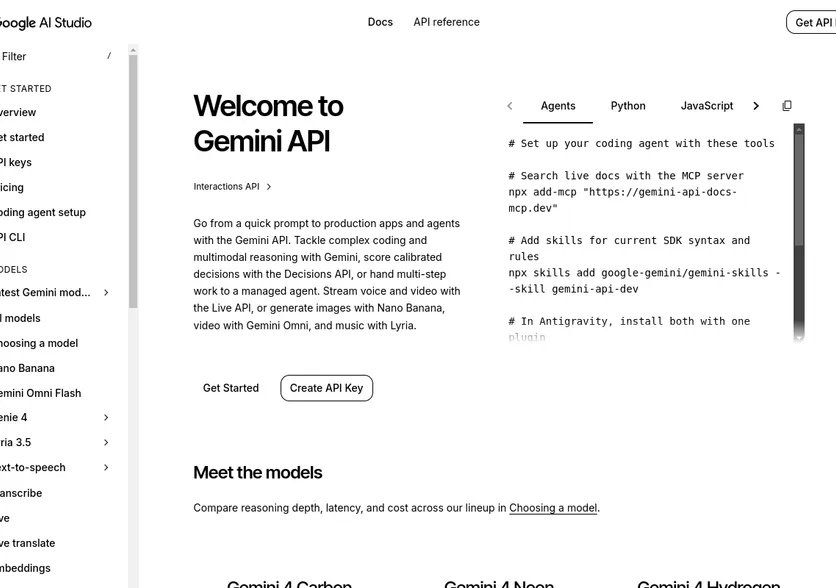
Google Gemini is the AI assistant for people already living in Google Workspace, with deep links into Gmail, Docs and Drive. This Google Gemini subscription covers the Pro model, two terabytes of cloud storage and Gemini inside the Workspace apps. It is the natural pick if your work already happens in Google apps.
What we like
- Built into Gmail, Docs and Drive
- Two terabytes of storage included
- Strong multimodal answers
Watch out for
- Best features need a Google account
- Storage is the main perk over rivals
How to try it
- Open the Gemini subscriptions page and pick Google AI Pro
- Sign in with your Google account
- Open Gmail or Docs and try Gemini inside the app
3. Microsoft Copilot Pro
Best for: Microsoft 365 users who want AI in Word, Excel and Outlook
Paid tool Starting price: $20/user/month · Copilot Pro; requires a Microsoft 365 Personal or Family subscription
Free plan: Free Copilot chat in Edge and Windows
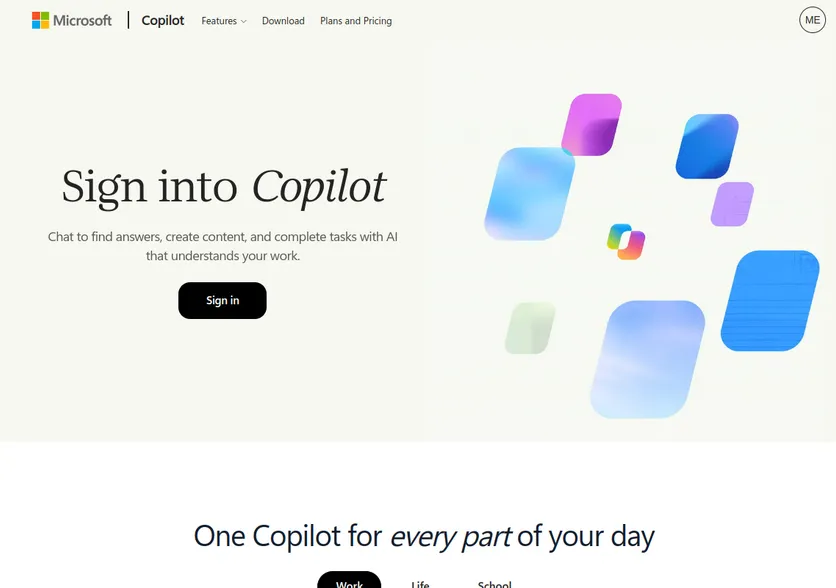
Microsoft Copilot Pro brings AI into Word, Excel, PowerPoint and Outlook, drafting and summarizing inside the apps you already use. This Microsoft Copilot Pro subscription covers priority access to the latest models, faster image generation and Copilot inside the Microsoft 365 desktop apps. It is the pick for offices that run on Microsoft 365.
What we like
- Works inside Word, Excel and Outlook
- Priority access to the latest models
- Faster image generation included
Watch out for
- Needs a Microsoft 365 subscription too
- Weaker for long creative writing
How to try it
- Open the Copilot page and pick the Pro plan
- Sign in with your Microsoft account
- Open Word or Outlook and try Copilot on a real document
4. Perplexity Pro
Best for: Research with cited sources instead of plain chat answers
Paid tool Starting price: $20/month · Pro plan; $17 a month billed annually at $200 a year
Free plan: Free plan with limited Pro searches
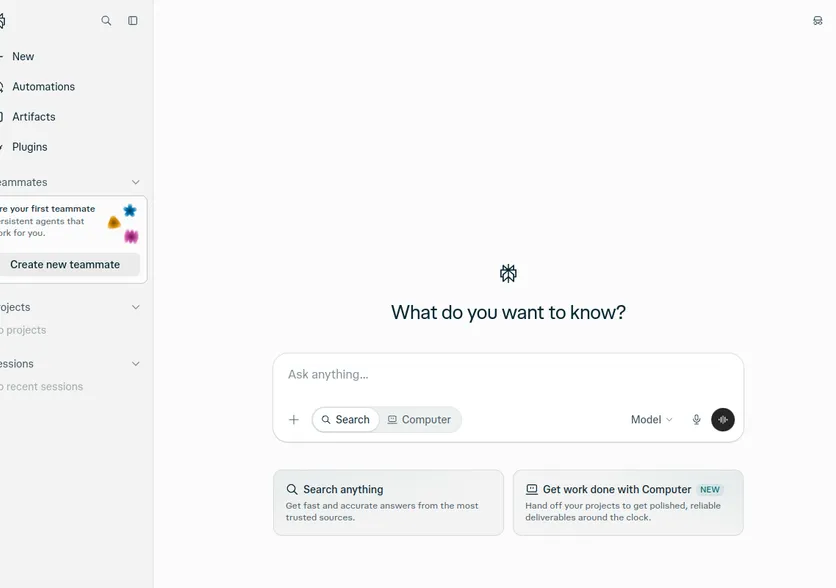
Perplexity Pro is a research engine first and a chatbot second, answering with cited sources you can actually check. This Perplexity Pro subscription covers unlimited Pro searches, a choice of underlying models and file uploads for analyzing documents. It is the pick for anyone who needs answers they can trust and cite.
What we like
- Every answer carries cited sources
- Switch between underlying models
- File uploads for document analysis
Watch out for
- Less good at long creative writing
- Pro searches are capped per day
How to try it
- Open the Perplexity Pro page and pick the monthly plan
- Ask a research question and open the cited sources
- Upload a document and ask Perplexity to summarize it
5. Mistral Le Chat Pro
Best for: European users who want a fast chat with strong privacy
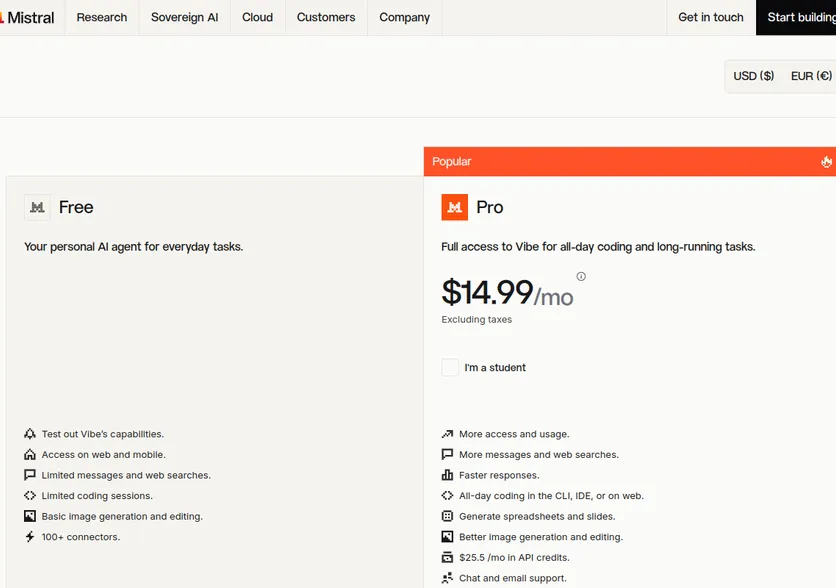
Paid tool Starting price: $14.99/month · Pro plan; Team is $24.99 per user a month and student pricing is $5.99 a month
Free plan: Free plan with daily message limits
Mistral Le Chat is the fast European alternative, with quick answers, strong privacy rules and models built in France. This Mistral Le Chat subscription covers the Pro model, unlimited messages and web search with sources. It suits users who want a capable chat without sending data to US servers.
What we like
- Cheapest Pro plan on this list
- Very fast answers
- Strong European privacy rules
Watch out for
- Smaller ecosystem than US rivals
- Fewer integrations with other apps
How to try it
- Open Mistral Le Chat and create a free account
- Pick the Pro plan from the pricing page
- Try web search and ask a question with sources
6. Jasper
Best for: Marketing teams that need on-brand copy at scale
Paid tool Starting price: $69/month · Pro plan, per seat, billed monthly; the plan table on the same page shows $59
Free plan: 7-day free trial
Jasper is built for marketing teams, with brand voice controls that keep every draft sounding like your company wrote it. This Jasper subscription covers the Pro plan with brand voice memory, Canvas, core marketing agents and integrations with the tools marketers already use. It is the pick for teams that publish a lot of on-brand copy.
What we like
- Brand voice keeps copy on-brand
- Unlimited words on the Pro plan
- Built for marketing teams
Watch out for
- Most expensive on this list
- Overkill for a single user
How to try it
- Open the Jasper pricing page and start the free trial
- Set up your brand voice with a sample of your writing
- Generate a blog draft and check it against your brand voice
7. Writesonic
Best for: Small teams that want chat, writing and SEO tools in one
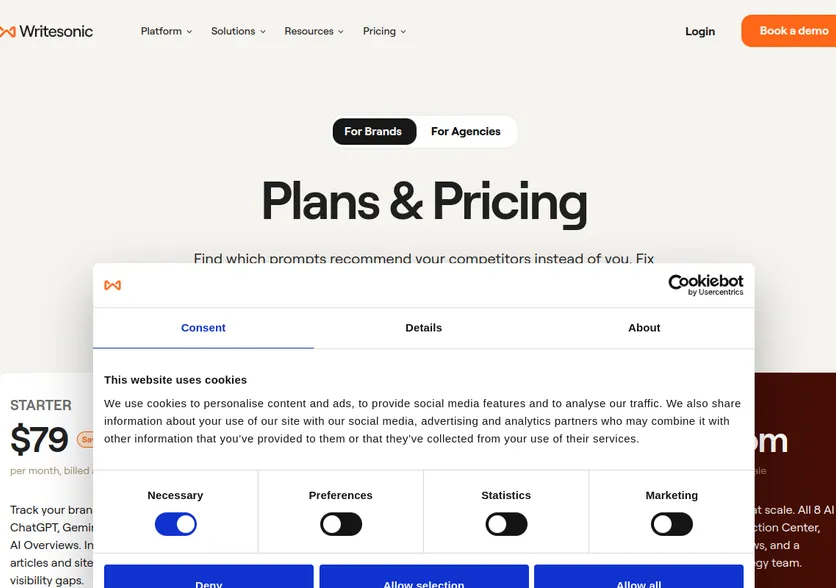
Paid tool Starting price: $16/month · Chatsonic Individual plan billed annually; $20 a month billed month-to-month
Free plan: Free plan with 25 credits a month
Writesonic mixes chat, writing and SEO tools in one subscription, so a small team can research, draft and optimize without three separate apps. This Writesonic subscription covers the Chatsonic assistant, an article writer and SEO tools for keyword research. It is the pick for small teams that want one AI tool for the whole content workflow.
What we like
- Chat, writing and SEO in one tool
- Cheaper than Jasper for small teams
- Good article writer for blogs
Watch out for
- Credit limits can run out fast
- Article quality varies by topic
How to try it
- Open the Writesonic pricing page and pick Individual
- Try the Chatsonic assistant on a research question
- Generate an article draft and check the SEO score
8. Poe
Best for: Users who want many AI models under one subscription
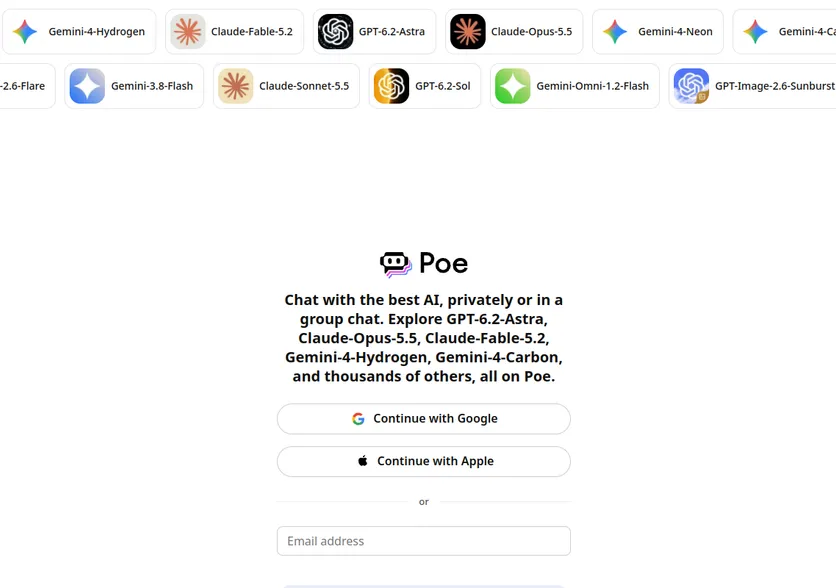
Paid tool Starting price: $19.99/month · Pro plan with 660,000 compute points a month; tiers run from $4.99 to $249.99 a month
Free plan: Free plan with daily message limits
Poe is a subscription to many AI models at once, letting you switch between Claude, GPT, Gemini and others inside one app. This Poe subscription covers 660,000 compute points a month, access to the newest models on release day and the ability to build your own bots. It is the pick for curious users who want to compare models side by side.
What we like
- Many models under one subscription
- New models on release day
- Build your own bots
Watch out for
- Points system is confusing at first
- Heavy model use burns points fast
How to try it
- Open Poe and create a free account
- Pick the Pro plan from the subscriptions page
- Try the same prompt on three different models
Prices above were checked on each vendor’s own website on Nov 26, 2026 and can change — the vendor’s page is the final word. Vendor links are editorial: nobody paid to be listed or ranked here. Vendors who want a featured listing can see how it works on our Get listed page.
How to pick an AI chatbot before you pay
The monthly price hides the real difference, which is what each chatbot is good at. Claude leads on long writing, Perplexity leads on cited research, and Poe leads on model choice, so the right pick follows your main job. Before paying, run the same three prompts through the free plans: a long rewrite, a research question with sources, and a coding task, then compare the answers side by side.
Watch the limits. Free plans cap messages per day, and paid plans cap usage by points or credits, so a heavy user can hit the ceiling fast. Check what happens at the limit, whether the chatbot slows down or stops, and whether the annual plan is worth it for a tool you will use every day.
Before you buy
- Run the same three prompts through each free plan before paying, covering writing, research and coding.
- Check the daily message limit on the free plan and what the paid plan actually unlocks.
- Confirm the chatbot cites sources if you need answers you can trust and verify.
- Ask whether the annual plan saves enough to be worth paying for a full year up front.
- Make sure the chatbot works in the apps you already use, such as Docs, Word or your browser.
Official websites
Official websites of the products reviewed above. Features and prices were checked against these sites when this guide was written, and they can change, so confirm on the vendor site before you buy.
Frequently asked questions
What is the best free ChatGPT alternative?
Claude, Google Gemini, Perplexity and Mistral Le Chat all offer free plans with daily limits, and each is genuinely useful. Claude gives you the best free writing, Gemini is best if you live in Google apps, and Perplexity is best for research with sources. Try all three free plans before paying for any of them.
Which ChatGPT alternative is best for research?
Perplexity Pro is the best researcher here, because every answer carries cited sources you can open and check. Claude and Gemini can research too, but their answers are less consistent about showing sources. Pick Perplexity if citations matter to your work.
Which ChatGPT alternative is cheapest?
Mistral Le Chat Pro is the cheapest paid plan here at $14.99 a month, with WriteSonic next at $16 a month. Claude, Copilot and Perplexity all cost $20 a month. Jasper is the most expensive at $69 a month, but it targets marketing teams rather than individual users.
Can I use several AI models with one subscription?
Yes, Poe is built for exactly that, giving you Claude, GPT, Gemini and other models under one $19.99 a month subscription. Perplexity Pro also lets you switch between models. If you want to compare models side by side, Poe is the only tool here that makes it simple.
Do these chatbots work with Microsoft 365 or Google Workspace?
Microsoft Copilot Pro works inside Word, Excel, PowerPoint and Outlook, but it needs a Microsoft 365 Personal or Family subscription on top. Google Gemini works inside Gmail, Docs and Drive, and the Pro plan includes two terabytes of storage. Pick Copilot for Microsoft offices and Gemini for Google ones.
Want to try AI tools without paying? Explore free AI tools on Toolsvine, from chat helpers to image tools, right in your browser.
Browse AI Tools (In-Browser, No API) tools


