
On this page
IT service providers run support for many clients at once, so their chatbot has to know which client is asking, which contract applies and when to open a ticket. The eight tools below run from nineteen dollars a user a month to one hundred fifty dollars a month, and every price was checked on the vendor site on November 27, 2026. The right pick keeps client inboxes separate, triages by urgency and never mixes one client's data with another's. Intercom is our first pick — a premium inbox with Fin AI triage and automation that scales across client accounts.
How we researched this
We started with chatbot platforms that can keep multiple client accounts separate in one workspace, then read each price on the vendor pricing page on November 27, 2026 and noted the free plan or trial each one carries. We judged them for a provider that must triage tickets across clients, answer routine questions fast and escalate with the client context attached. We dropped quote-only enterprise platforms and tools with no published dollar price, because a provider needs a per-client cost it can pass on.
Compare the tools
| Name | Best for | Starting price | Free plan | |
|---|---|---|---|---|
 Intercom | Providers that want premium AI triage across client accounts | $29/seat/month | No free plan; 14-day free trial | Visit |
 Zendesk | Providers that need a full suite with SLAs and multibrand support | $55/agent/month | No free plan; free trial available | Visit |
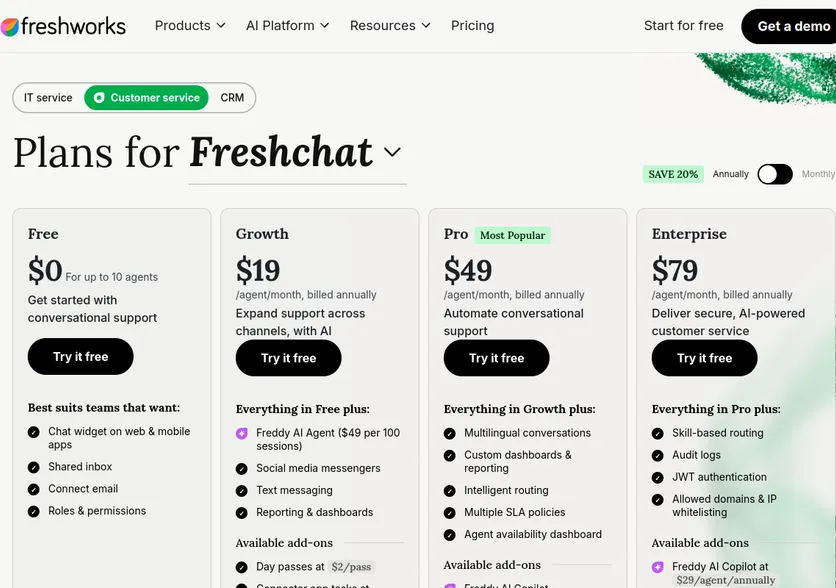
 Freshchat | Providers that want a free start with Freddy AI on paid plans | $19/agent/month | Free plan for up to 10 agents | Visit |
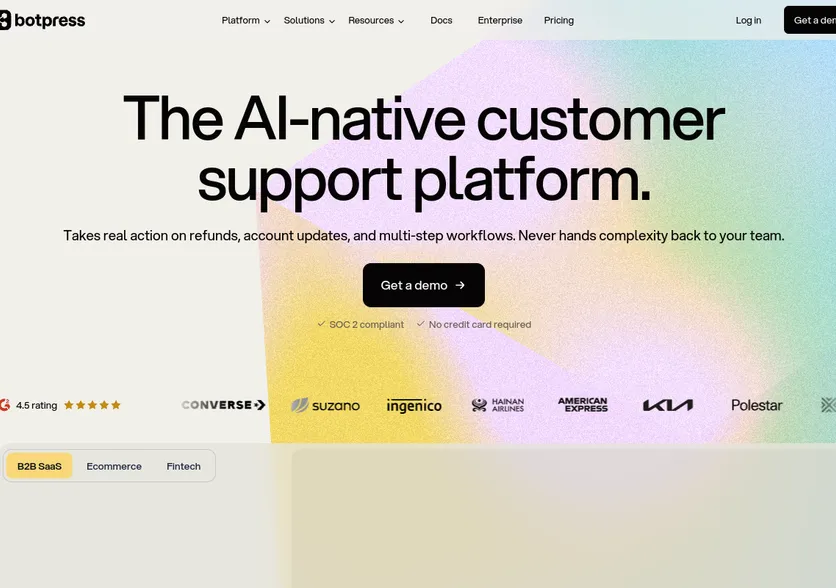
 Botpress | Providers that build custom agents for each client | $150/month | Free plan with 100 conversations a month | Visit |
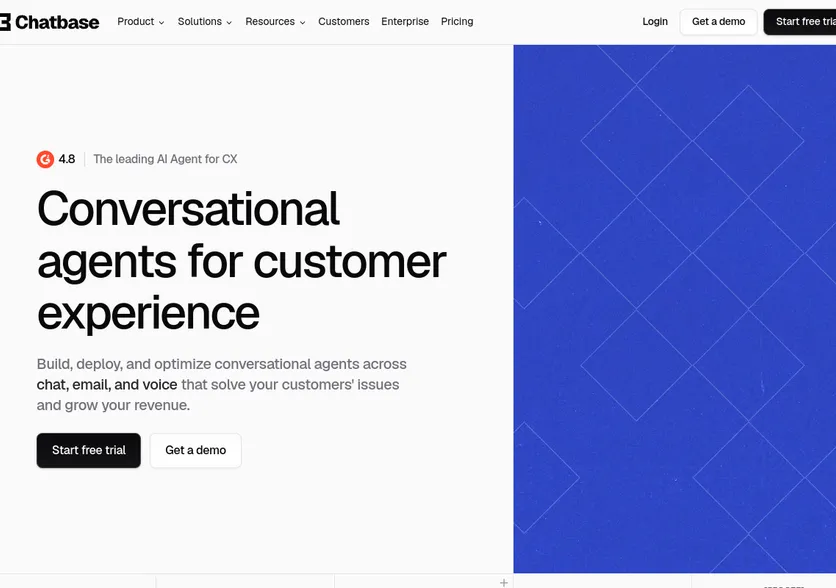
 Chatbase | Providers that want a content-trained agent per client site | $32/month | Free plan with 50 message credits a month | Visit |
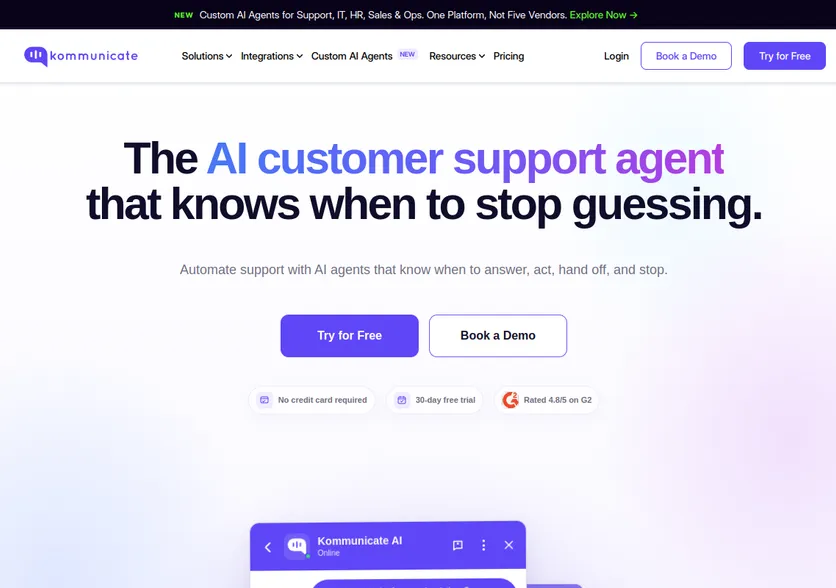
 Kommunicate | Providers piloting bot-first support across web and email | $34/month | No free plan; 30-day free trial | Visit |
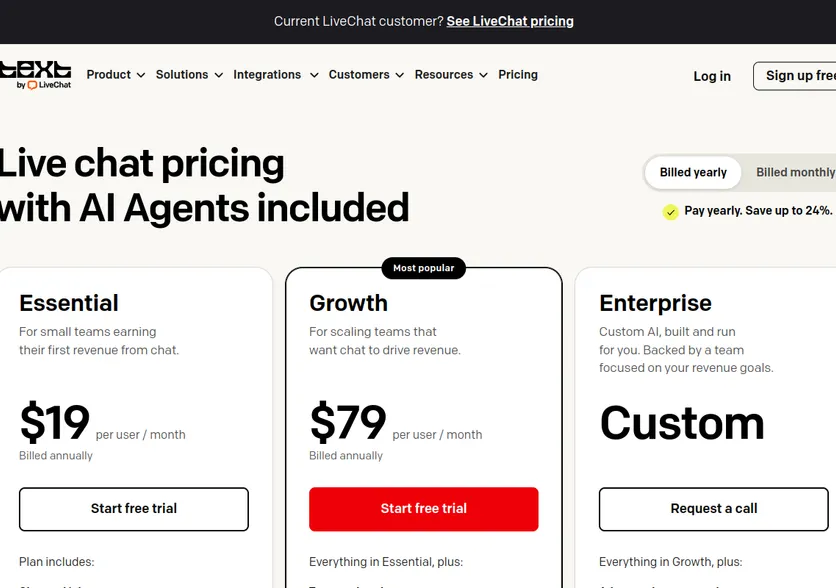
 LiveChat | Providers that want a fast inbox with an AI agent built in | $19/user/month | No free plan; 14-day free trial | Visit |
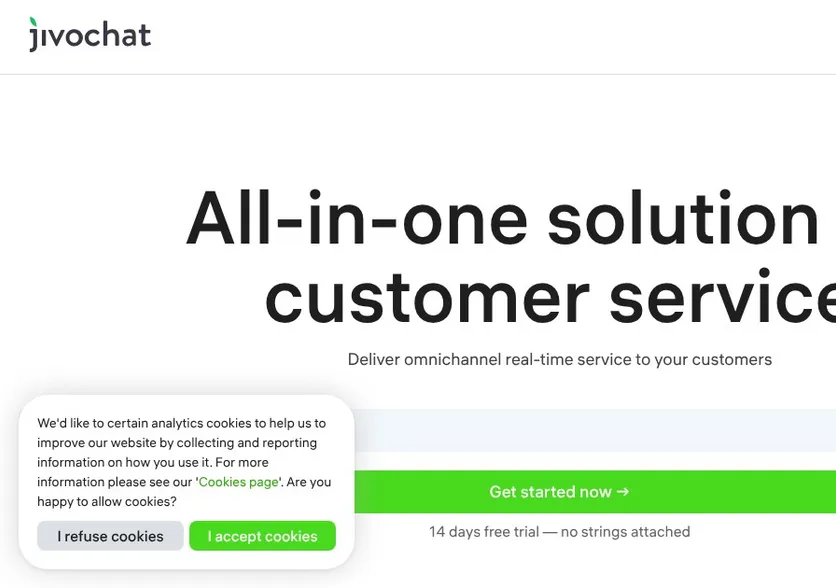
| JivoChat | Providers that want phone, chat and messengers in one app | $28/agent/month | Free plan for up to 5 agents | Visit |
The best chatbot software for IT service providers, compared
1. Intercom
Best for: Providers that want premium AI triage across client accounts
Paid tool Starting price: $29/seat/month · Essential plan, twenty-nine dollars a seat a month on annual billing, or thirty-nine dollars a seat a month billed monthly; Fin AI costs ninety-nine cents per resolved conversation on top
Free plan: No free plan; 14-day free trial
IT service providers choose Intercom for operations that need automation plus a staffed inbox in one place. The Essential plan lists at twenty-nine dollars a seat a month on annual billing, with Fin AI charged at ninety-nine cents per resolved conversation on top of seats. It fits teams that can staff a shared inbox every day, though the per-seat bill climbs fast as headcount grows.

What we like
- Fin AI resolves routine questions before a human steps in
- One inbox covers live chat, email and in-app messages
- Strong automation and reporting for growing teams
Watch out for
- No free plan, so every seat is paid from day one
- Fin outcomes add a separate usage bill on top of seats
How to try it
- Open the Intercom pricing page and start the 14-day trial
- Connect your website chat and train Fin on your help articles
- Set handoff rules so tricky chats reach a human fast
2. Zendesk
Best for: Providers that need a full suite with SLAs and multibrand support
Paid tool Starting price: $55/agent/month · Suite Team plan, fifty-five dollars an agent a month on annual billing, or sixty-nine dollars an agent a month billed monthly; AI Copilot is a separate fifty dollar add-on per agent
Free plan: No free plan; free trial available
IT service providers choose Zendesk for enterprises that need AI agents with human oversight at scale. The Suite Team plan lists at fifty-five dollars an agent a month on annual billing and bundles messaging, ticketing, voice and a help center. It fits organizations that need one governed support platform, though AI Copilot costs fifty dollars more per agent a month.

What we like
- Full omnichannel suite with chat, email, voice and help center
- Strong reporting, SLAs and admin controls
- AI agents included with an allowance on every Suite plan
Watch out for
- No free plan and the per-agent bill grows with the team
- AI Copilot is a separate fifty dollar add-on per agent
How to try it
- Open the Zendesk pricing page and start a free trial
- Set up messaging and connect your help center articles
- Turn on AI agents for routine questions and route the rest
3. Freshchat
Best for: Providers that want a free start with Freddy AI on paid plans
Paid tool Starting price: $19/agent/month · Growth plan, nineteen dollars an agent a month on annual billing, or twenty-three dollars an agent a month billed monthly; Freddy AI Agent costs forty-nine dollars per one hundred sessions after five hundred free sessions
Free plan: Free plan for up to 10 agents
IT service providers choose Freshchat for support teams that already use Freshdesk and want one suite. The Growth plan lists at nineteen dollars an agent a month on annual billing and adds Freddy AI Agent plus WhatsApp, Instagram and text messaging. It fits small teams that want a real AI agent without enterprise pricing, though Freddy sessions are billed separately once the free allowance ends.
What we like
- Free plan covers up to ten agents with live chat and email
- Freddy AI Agent answers customers on paid plans
- WhatsApp and social messengers sit in the same inbox
Watch out for
- Freddy AI sessions cost extra after the free allowance
- Advanced routing and multilingual chat need the Pro plan
How to try it
- Open the Freshchat pricing page and start with the free plan
- Add your website widget and connect WhatsApp or Instagram
- Turn on Freddy AI Agent and train it on your help articles
4. Botpress
Best for: Providers that build custom agents for each client
Paid tool Starting price: $150/month · Plus plan, one hundred fifty dollars a month billed annually, or one hundred eighty-nine dollars a month billed monthly, with two hundred fifty conversations and twenty-five dollars of AI usage included
Free plan: Free plan with 100 conversations a month
IT service providers choose Botpress for teams building a serious AI agent rather than a FAQ widget. The Plus plan lists at one hundred fifty dollars a month billed annually, with two hundred fifty conversations and twenty-five dollars of AI usage included. It fits builders who want full control over the agent, though the conversation cap means busy bots buy extra packs at sixty-five dollars per hundred.
What we like
- Open platform with a visual studio and real integrations
- Works across webchat, WhatsApp and voice channels
- Free plan covers one hundred conversations to build with
Watch out for
- Plus costs one hundred fifty dollars a month for only two hundred fifty conversations
- Extra conversation packs add up fast on a busy bot
How to try it
- Open the Botpress pricing page and start on the free plan
- Build your agent in the studio and connect your channels
- Watch conversation usage and upgrade before the cap hits
5. Chatbase
Best for: Providers that want a content-trained agent per client site
Paid tool Starting price: $32/month · Hobby plan, thirty-two dollars a month billed annually, or forty dollars a month billed monthly, with seven hundred message credits a month
Free plan: Free plan with 50 message credits a month
IT service providers choose Chatbase for small teams that need AI answers without building a platform. The Hobby plan lists at thirty-two dollars a month billed annually, with seven hundred message credits a month. It fits teams that want a content-trained agent fast, though seven hundred credits a month is a small allowance for a busy site.
What we like
- Trains on your website, files and help articles in minutes
- No-code setup with a free plan to test on
- Integrations and analytics come with the Hobby plan
Watch out for
- Seven hundred credits a month runs out fast on a busy site
- Only one AI agent and two seats on the Hobby plan
How to try it
- Open the Chatbase pricing page and start with the free plan
- Train your agent on your website and help articles
- Embed the widget and watch which questions it misses
6. Kommunicate
Best for: Providers piloting bot-first support across web and email
Paid tool Starting price: $34/month · Starter plan, thirty-four dollars a month billed annually, or forty dollars a month billed monthly, with one AI agent, one seat and two hundred fifty conversations
Free plan: No free plan; 30-day free trial
IT service providers choose Kommunicate for teams that want to pilot AI support without a big contract. The Starter plan lists at thirty-four dollars a month billed annually, with one AI agent, one seat and two hundred fifty conversations. It fits small teams piloting bot-first support, though two hundred fifty conversations a month is a small allowance and extra seats cost twenty dollars each.
What we like
- AI agent plus human inbox in one flat plan
- Helpdesk integrations with Zendesk and Freshdesk on Pro
- Model-agnostic AI with a visual bot builder
Watch out for
- Starter covers only one seat and two hundred fifty conversations
- No free plan, only a thirty-day trial
How to try it
- Open the Kommunicate pricing page and start the thirty-day trial
- Build your bot in Kompose and connect your channels
- Turn on AI summaries and handoff rules for your agents
7. LiveChat
Best for: Providers that want a fast inbox with an AI agent built in
Paid tool Starting price: $19/user/month · Essential plan, nineteen dollars a user a month on annual billing, or twenty-five dollars a user a month billed monthly; new trials use the Text plans, while legacy LiveChat plans stay in place for existing customers
Free plan: No free plan; 14-day free trial
IT service providers choose LiveChat for stores that sell through chat and need order details in the sidebar. The Essential plan lists at nineteen dollars a user a month on annual billing and includes one AI agent with ten AI resolutions a month. It fits teams that answer chats all day and want AI to take the easy ones, though extra AI resolutions are billed in packs of fifty.
What we like
- Fast live chat widget with ticketing and a shared inbox
- AI agent included on every plan with human takeover
- Shopify and CRM integrations show order details in chat
Watch out for
- No free plan, only a fourteen-day trial
- AI resolutions beyond the allowance are billed in packs
How to try it
- Open the LiveChat pricing page and start the 14-day trial
- Install the widget and connect your store or CRM
- Set the AI agent loose on FAQs and keep humans for the rest
8. JivoChat
Best for: Providers that want phone, chat and messengers in one app
Paid tool Starting price: $28/agent/month · Basic plan, twenty-eight dollars an agent a month billed annually, or forty dollars an agent a month billed monthly; the AI Agent is a separate module at sixty-nine dollars an agent a month
Free plan: Free plan for up to 5 agents
IT service providers choose JivoChat for businesses that answer customers on Telegram, Viber and Facebook too. The Basic plan lists at twenty-eight dollars an agent a month billed annually and adds the CRM, proactive invitations and visitor monitoring. It fits teams that juggle chat and calls together, though the AI Agent is a separate module at sixty-nine dollars an agent a month.
What we like
- Free plan covers up to five agents
- Phone calls, chat and messengers share one app
- Licences cover concurrent agents, not named people
Watch out for
- AI Agent costs sixty-nine dollars extra per agent a month
- WhatsApp is a separate paid module on top of the plan
How to try it
- Open the JivoChat pricing page and start with the free plan
- Install the widget and connect your messengers
- Add the AI Agent module once chat volume justifies it
Prices above were checked on each vendor’s own website on Nov 27, 2026 and can change — the vendor’s page is the final word. Vendor links are editorial: nobody paid to be listed or ranked here. Vendors who want a featured listing can see how it works on our Get listed page.
What IT service providers should pay for a chatbot
A provider chatbot is really several chatbots wearing one coat, so multi-client separation is the feature that matters most. Each client needs its own branding, its own knowledge base and its own routing rules, and a leak between them is a contract problem, not a cosmetic one. Check how the platform handles multiple brands or workspaces before you fall for a low per-seat price, because the cheapest tool often charges per workspace.
Price per client, not per seat. A twenty-nine dollar seat looks fine until five clients each need their own workspace, and a one hundred fifty dollar platform looks dear until it replaces five separate bots. Pilot with one friendly client, measure ticket deflection and resolution time, then roll out with a template you can clone for the next client in an afternoon.
Before you buy
- Confirm each client gets separate branding, knowledge and routing in the same account.
- Check whether the plan price covers all your client workspaces or charges per workspace.
- Test AI triage on real tickets to see if it routes by client and urgency correctly.
- Make sure escalations carry the client, contract and ticket history to the agent.
- Compare the per-seat price against your billable headcount, not your total headcount.
Official websites
Official websites of the products reviewed above. Features and prices were checked against these sites when this guide was written, and they can change, so confirm on the vendor site before you buy.
Frequently asked questions
Which chatbot software is best for IT service providers in 2026?
Intercom is the best overall pick at twenty-nine dollars a seat a month on Essential, with Fin AI triage and automation that scales across client accounts. Freshchat is the best value pick at nineteen dollars an agent a month with a free plan for ten agents. Botpress is the best builder pick for providers that build custom agents with real logic for each client.
How much does chatbot software for IT service providers cost?
The eight tools here run from nineteen dollars a user a month for LiveChat Essential to one hundred fifty dollars a month for Botpress Plus. Most providers land between nineteen and fifty-five dollars a seat on Freshchat, Intercom or Zendesk, with AI usage sometimes billed on top. Work out the cost per client, since multi-workspace pricing can double the bill.
Can one chatbot serve multiple clients safely?
Yes, if the platform supports separate workspaces, brands or inboxes per client with strict data separation. Zendesk offers multibrand support on higher plans, Intercom supports multiple team inboxes on Advanced, and Botpress lets you run separate agents per client. Always test with two pilot clients and confirm that neither can see the other's conversations, articles or data.
What should a provider chatbot triage first?
It should triage by client and urgency, then by issue type, so an outage for a premium client jumps the queue while a password reset waits its turn. Train it on each client's common issues and escalation rules, and give it a clear path to a human for anything involving security, data loss or downtime. Review the triage decisions weekly until the accuracy holds.
Is there a free chatbot for IT service providers?
Yes, for pilots. Freshchat is free for up to ten agents with live chat and email, Botpress is free for one hundred conversations a month, and JivoChat is free for up to five agents. Free plans suit a single-client pilot, but multi-client separation, AI triage at volume and SLAs start on paid plans, so budget for the upgrade before you roll out to every client.
Need everyday AI help too? Try Toolsvine's free AI tools right in your browser.
Browse AI Tools (In-Browser, No API) tools


