On this page
Analytics engineers spend half their week answering the same question: what does this column mean, and can I trust it? The seven tools below document data models, metrics and pipelines in one place, so the answer is written down before the question is asked. Every price was checked on the vendor site on November 27, 2026, and the list runs from six dollars a user a month to one hundred dollars a developer seat a month. Notion is our first pick — the flexible docs workspace that teams actually open, at ten dollars a user a month.
How we researched this
We started with the documentation tools analytics engineers actually use, then read each price on the vendor pricing page on November 27, 2026 and noted the trial each plan carries. We judged them for a team that documents data models and metrics, with search, version history and templates that make docs a habit instead of a chore. We dropped Document360 because it has been quote-only since late 2024, and GitBook because its new per-site pricing is awkward for a docs team.
Compare the tools
| Name | Best for | Starting price | Free plan | |
|---|---|---|---|---|
| dbt Cloud | Analytics engineers who want docs that update with the code | $100/developer seat/month | Free Developer plan for 1 seat | Visit |
 Confluence | Engineering teams that already live in Atlassian and want one wiki for everything | $7.15/user/month | Free plan for up to 10 users | Visit |
 Notion | Analytics teams that want a docs workspace people actually open | $10/user/month | Free plan for individuals and small teams | Visit |
 Slite | Remote teams that want a simple wiki without the complexity | $10/user/month | Free plan for up to 50 docs | Visit |
 Slab | Data teams that want docs organised by topic instead of by folder | $6.67/user/month | Free plan for up to 10 users | Visit |
 Nuclino | Small teams that want a fast wiki they can set up in minutes | $6/user/month | Free plan for up to 50 items | Visit |
| Superhuman Docs | Analytics teams that want docs that are also living tools with formulas and automations | $12/Doc Maker/month | Free plan for individuals | Visit |
The data documentation software for analytics engineers, compared
1. dbt Cloud
Best for: Analytics engineers who want docs that update with the code
Paid tool Starting price: $100/developer seat/month · One hundred dollars per developer seat a month for the Starter plan, up to five seats and fifteen thousand models a month; the Developer plan is free for one seat
Free plan: Free Developer plan for 1 seat
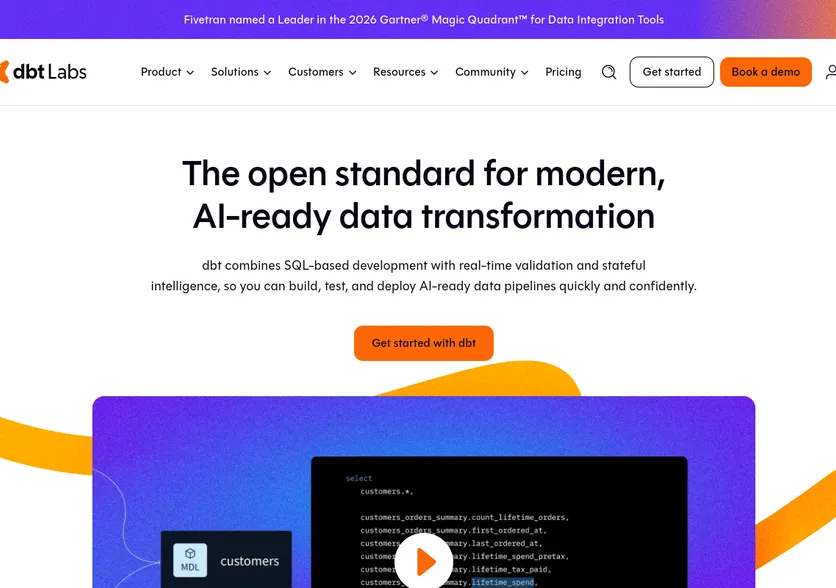
dbt Cloud is the analytics engineering platform where documentation lives beside the code, so the docs update every time a model changes. This dbt Cloud Starter plan costs one hundred dollars per developer seat a month for up to five seats and fifteen thousand models a month. An analytics engineer gets version-controlled transformations, tests and auto-generated docs in one workflow.
What we like
- Docs that update with every model change
- Version-controlled transformations with tests
- Free Developer plan for one seat
Watch out for
- Starter caps at five seats
- Docs are tied to the dbt workflow
How to try it
- Open the dbt Cloud pricing page and start the free Developer plan
- Connect your warehouse and build a first model
- Publish the auto-generated documentation
2. Confluence
Best for: Engineering teams that already live in Atlassian and want one wiki for everything
Paid tool Starting price: $7.15/user/month · Standard plan, $7.15 per user a month on monthly billing for 1 to 100 users (after the October 13, 2026 rise); annual plans are sold in fixed tiers ($720 a year for up to 10 users); free plan for up to 10 users
Free plan: Free plan for up to 10 users
Confluence is the Atlassian wiki that many engineering teams already use, and it works well for data documentation when the team wants one place for all of it. This Confluence Standard plan costs seven dollars and fifteen cents per user a month on monthly billing for 1 to 100 users, with unlimited spaces and pages. An analytics team gets templates, version history and Jira integration for the price of a coffee per user.

What we like
- Cheapest paid plan in this comparison bar one
- Free plan for up to ten users
- Deep Jira and Bitbucket integration
Watch out for
- Search is weaker than a dedicated docs tool
- The editor feels dated next to modern rivals
How to try it
- Open the Confluence pricing page and start the free plan
- Create a space for your data documentation
- Add a template for model and metric docs
3. Notion
Best for: Analytics teams that want a docs workspace people actually open
Paid tool Starting price: $10/user/month · Ten dollars per user a month billed annually for the Plus plan, or twelve dollars month to month; Business costs twenty dollars per user a month and Enterprise is quoted
Free plan: Free plan for individuals and small teams
Notion is the flexible docs workspace that teams actually open, because it combines notes, databases and wikis in one tool that feels good to use. This Notion Plus plan costs ten dollars per user a month billed annually with unlimited blocks, file uploads and a thirty-day version history. An analytics team gets a data dictionary, runbooks and metric definitions in a workspace people enjoy.

What we like
- The most pleasant editor in this comparison
- Databases that turn a data dictionary into a table
- Free plan that covers small teams
Watch out for
- Plus caps version history at thirty days
- Permissions are weaker than enterprise wikis
How to try it
- Open the Notion pricing page and start the free plan
- Create a database for your data dictionary
- Add a template for model documentation
4. Slite
Best for: Remote teams that want a simple wiki without the complexity
Paid tool Starting price: $10/user/month · Ten dollars per user a month billed annually for the Basic plan; Pro costs twenty dollars per user a month and Enterprise is quoted
Free plan: Free plan for up to 50 docs
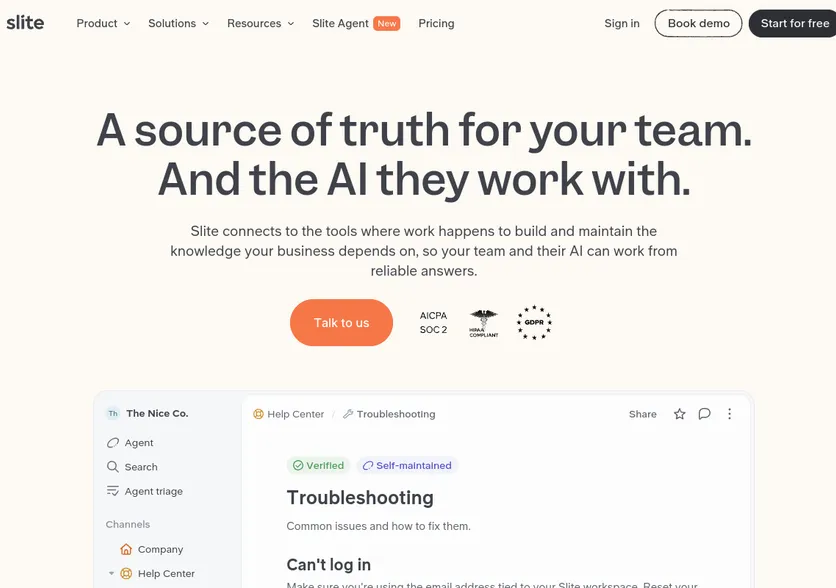
Slite is the team docs tool built for remote teams, with a clean editor and a knowledge base that stays organised without effort. This Slite Basic plan costs ten dollars per user a month billed annually with unlimited docs and a thirty-day version history. An analytics team gets a simple wiki for data docs, runbooks and onboarding guides.
What we like
- Clean editor that remote teams love
- Free plan for up to fifty docs
- Simple permissions that anyone understands
Watch out for
- Basic caps version history at thirty days
- Fewer integrations than Notion or Confluence
How to try it
- Open the Slite pricing page and start the free plan
- Create a collection for your data docs
- Add a template for model documentation
5. Slab
Best for: Data teams that want docs organised by topic instead of by folder
Paid tool Starting price: $6.67/user/month · Six dollars and sixty-seven cents per user a month billed annually for the Startup plan; Business costs twelve dollars and fifty cents per user a month and Enterprise is quoted
Free plan: Free plan for up to 10 users
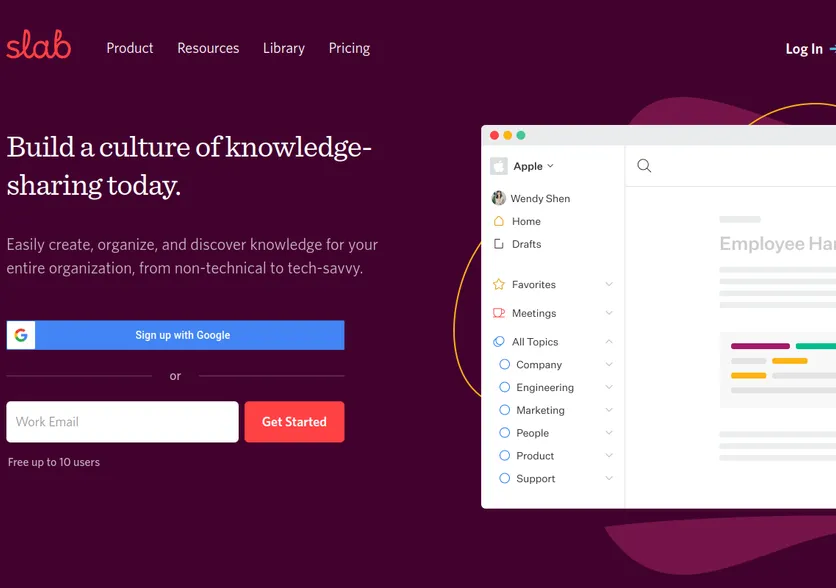
Slab is the knowledge base that organises docs by topic instead of by folder, so an analytics engineer finds the metric definition without hunting. This Slab Startup plan costs six dollars and sixty-seven cents per user a month billed annually with unlimited topics and docs. A data team gets a clean wiki with search, version history and Slack integration.
What we like
- Topic-based organisation that scales well
- Free plan for up to ten users
- Search that surfaces the right doc fast
Watch out for
- Startup has no SAML or advanced permissions
- Fewer templates than Notion
How to try it
- Open the Slab pricing page and start the free plan
- Create topics for your models and metrics
- Add a template for data documentation
6. Nuclino
Best for: Small teams that want a fast wiki they can set up in minutes
Paid tool Starting price: $6/user/month · Six dollars per user a month billed annually for the Starter plan, or eight dollars month to month; Business costs ten dollars per user a month and Enterprise is quoted
Free plan: Free plan for up to 50 items
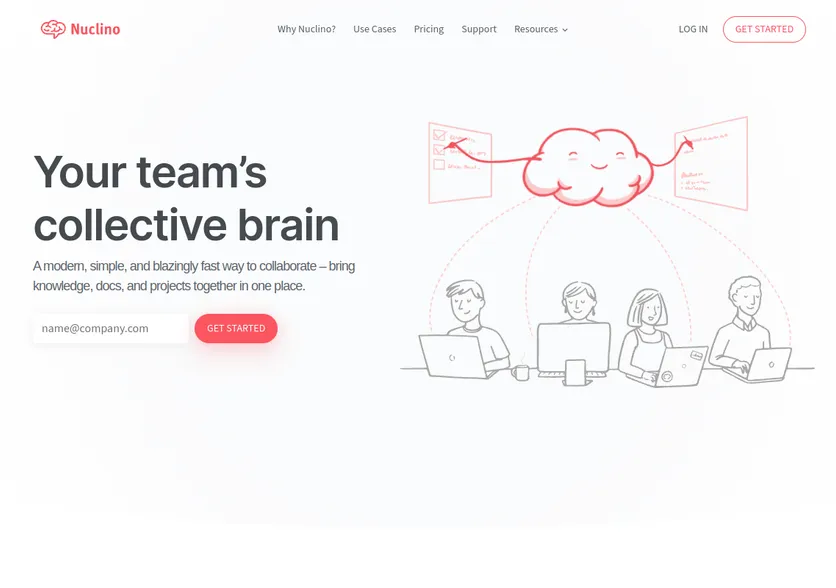
Nuclino is the lightweight wiki that a team can set up in minutes, with a visual graph that shows how docs connect. This Nuclino Starter plan costs six dollars per user a month billed annually with unlimited items and version history. An analytics team gets a fast wiki for data docs, runbooks and onboarding without the weight of an enterprise tool.
What we like
- The fastest setup in this comparison
- Visual graph that shows how docs connect
- Free plan for up to fifty items
Watch out for
- Starter has no advanced permissions
- Fewer integrations than larger wikis
How to try it
- Open the Nuclino pricing page and start the free plan
- Create a workspace for your data docs
- Add a template for model documentation
7. Superhuman Docs
Best for: Analytics teams that want docs that are also living tools with formulas and automations
Paid tool Starting price: $12/Doc Maker/month · Twelve dollars per Doc Maker a month billed annually for the Pro plan; the tool was renamed from Coda on July 8, 2026 and editors are free
Free plan: Free plan for individuals
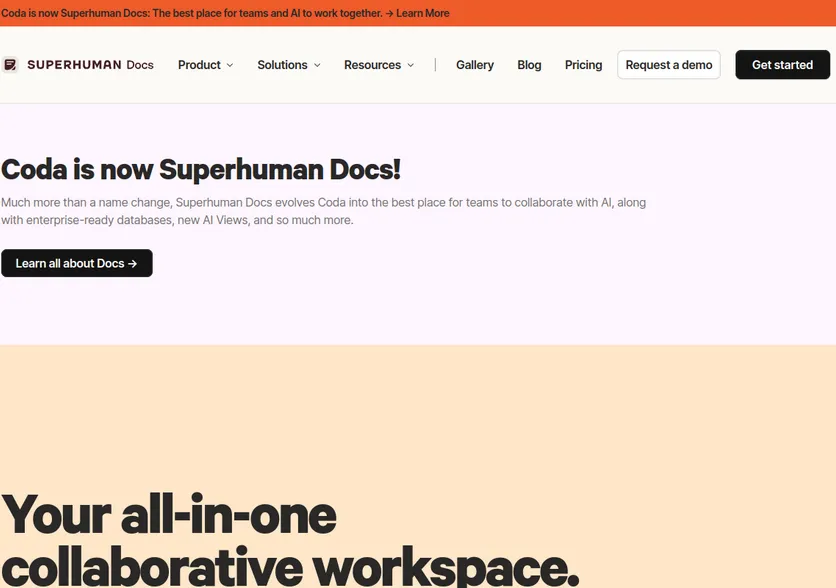
Superhuman Docs is the docs platform formerly known as Coda, renamed in July 2026, and it turns documents into apps with tables, buttons and automations. This Superhuman Docs Pro plan costs twelve dollars per Doc Maker a month billed annually, with editors free. An analytics team gets a data dictionary that is also a living tool, with formulas and automations built in.
What we like
- Docs that work like apps, with tables and buttons
- Editors are free, only Doc Makers pay
- Automations that keep docs fresh
Watch out for
- The rename from Coda may confuse some users
- The learning curve is steeper than a plain wiki
How to try it
- Open the Superhuman Docs pricing page and start the free plan
- Create a doc for your data dictionary
- Add a table and a formula for your metrics
Prices above were checked on each vendor’s own website on Nov 27, 2026 and can change — the vendor’s page is the final word. Vendor links are editorial: nobody paid to be listed or ranked here. Vendors who want a featured listing can see how it works on our Get listed page.
What data documentation software costs in 2026
Data documentation tools charge per user a month, and the difference between the cheapest and the most expensive is small. The cheapest plan here costs six dollars a user a month, while the most expensive costs one hundred dollars a developer seat a month. The real cost is not the subscription, it is the time the team spends writing and maintaining the docs.
Start a trial on two tools and document the same five models in each one: name, owner, description, freshness and tests. Check how fast a new hire finds the definition they need, whether the search surfaces it, and whether the version history shows who changed it. Pick the tool whose docs the team actually opens, because a wiki nobody reads is just a prettier folder.
Before you buy
- Check the version history length, because a wiki that forgets who changed a definition cannot be trusted.
- Test the search on a real question, because a docs tool with weak search is a filing cabinet with no index.
- Confirm the free plan covers your team size, because a ten-user cap forces a paid upgrade fast.
- Ask whether docs can link to live data, because a definition that never updates goes stale in a month.
- Check the export terms before you sign, because docs you cannot export lock your knowledge inside.
Official websites
Official websites of the products reviewed above. Features and prices were checked against these sites when this guide was written, and they can change, so confirm on the vendor site before you buy.
Frequently asked questions
Which data documentation software is best for analytics engineers in 2026?
Notion is the best overall pick at ten dollars per user a month billed annually, with a flexible workspace that teams actually open. dbt Cloud is the best pick for docs that update with the code at one hundred dollars per developer seat a month. Slab is the best budget pick at six dollars and sixty-seven cents per user a month.
How much does data documentation software cost?
Prices in this list run from six dollars per user a month for Nuclino to one hundred dollars per developer seat a month for dbt Cloud, with most tools landing between six and twelve dollars per user a month. The subscription is the small cost; the real cost is the time the team spends writing and maintaining the docs. Add extra users and higher plans before you compare totals.
What should data documentation include?
Data documentation should include the definition of each table and column, the owner, the freshness, the tests that run on it, and the lineage that shows where it came from. It should also record the business meaning, not just the technical type, so a new hire understands why the data exists. A good doc answers the question before it is asked.
Should documentation live in the data tool or in a wiki?
Documentation that lives beside the code, like dbt Cloud, stays fresh because it updates with every model change. A wiki like Notion or Slab is better for business context, runbooks and onboarding that the code cannot capture. Most teams need both: auto-generated docs in the data tool, and human-written context in the wiki that links back to it.
Can a small analytics team use data documentation software?
Yes, and Notion with a free plan and Slab with a free plan for up to ten users are built for exactly that buyer. The enterprise suites in this market charge by quote and need a data team, but the tools here start with a free plan and a doc you write yourself. A team with a warehouse and a few models already has enough data to justify one searchable wiki.
Need everyday business help too? Try Toolsvine's free business tools right in your browser.
Browse Business Tools tools