On this page
Big data tools earn their keep when the dataset outgrows the spreadsheet: millions of rows, streaming events, and queries that run for hours on a laptop. The seven tools below manage and analyze data at that scale, with prices checked on the vendor site on November 27, 2026. Databricks is our first pick — the lakehouse platform that runs jobs, SQL and models on one system from fifteen cents per unit of compute.
How we researched this
We started with the big data tools teams actually buy, then read each price on the vendor pricing page on November 27, 2026 and noted the free tier or trial each one carries. We judged them for a team whose data has outgrown the spreadsheet and needs to manage and analyze it at scale without hiring a data engineering team. We dropped Dremio, Starburst and Dataiku because none of them publishes a list price, and we did not pursue Google BigQuery or Amazon Redshift because the pool already held seven verified tools.
Compare the tools
| Name | Best for | Starting price | Free plan | |
|---|---|---|---|---|
 Databricks | Teams that want jobs, SQL and machine learning on one lakehouse platform | $0.15/DBU | Free Edition available | Visit |
 Alteryx Designer | Analysts that prepare and blend big datasets in a visual workflow without code | $5,195/user/year | No free plan; 14-day free trial | Visit |
 KNIME | Teams that want visual data work on a budget with a free desktop tool | $99/month | Free Analytics Platform desktop | Visit |
| Tinybird | Teams that need real-time analytics APIs on streaming data | $25/month | Free plan with 10 GB and 1,000 requests a day | Visit |
 MotherDuck | Teams that like DuckDB and want it in the cloud without managing a cluster | $250/month | Free Lite plan with 10 GB and 10 hours of compute a month | Visit |
 Snowflake | Teams that need a cloud warehouse at scale with compute and storage billed separately | $2.00/credit | 30-day free trial with $400 free credits | Visit |
| Confluent Cloud | Teams that need real-time data movement with managed Kafka | $0.75/eCKU-hour | $400 free credits to start | Visit |
The data management software for big data, compared
1. Databricks
Best for: Teams that want jobs, SQL and machine learning on one lakehouse platform
Paid tool Starting price: $0.15/DBU · Fifteen cents per Databricks Unit for Jobs Compute on the classic plan, Premium tier, in US East; All-Purpose classic costs fifty-five cents per unit, SQL Serverless costs seventy cents per unit, and classic compute adds the cloud virtual machine bill on top
Free plan: Free Edition available
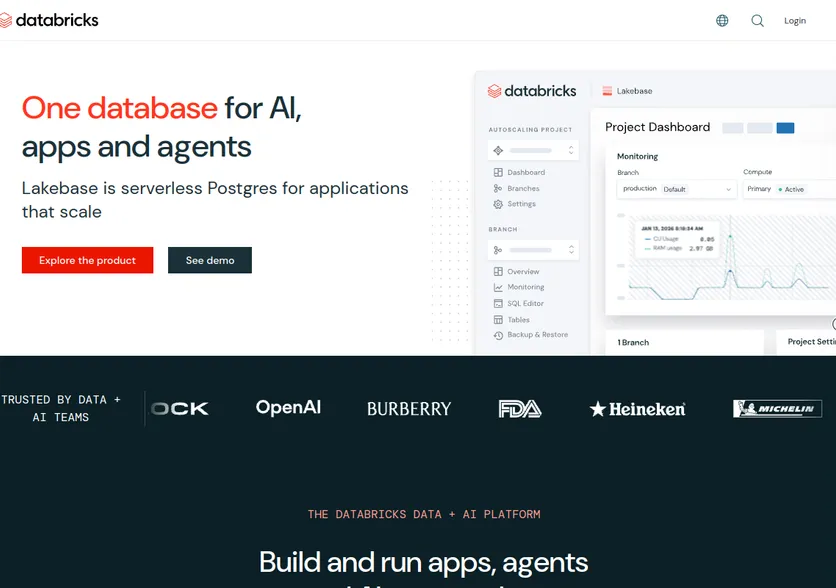
Databricks runs jobs, SQL and machine learning on one lakehouse platform, so a team stops moving data between systems for every task. This Databricks Jobs Compute plan starts at fifteen cents per Databricks Unit on the Premium tier in US East, with classic compute adding the cloud virtual machine bill on top. A team that already runs on a cloud lakehouse gets one platform for every workload.
What we like
- Jobs, SQL and machine learning on one platform
- Free Edition that covers a real test
- Scales from a single notebook to a full lakehouse
Watch out for
- The cloud virtual machine bill comes on top of the unit price
- Unit pricing makes the total bill hard to predict before you run a job
How to try it
- Open the Databricks site and start the Free Edition
- Load a sample dataset and run one job on it
- Check the compute bill for the job and compare it with your current cost
2. Alteryx Designer
Best for: Analysts that prepare and blend big datasets in a visual workflow without code
Paid tool Starting price: $5,195/user/year · Five thousand one hundred and ninety-five dollars per user a year for Designer Desktop; Designer Cloud costs seven thousand one hundred and ninety-five dollars per user a year and Server starts at about sixty-five thousand dollars a year quoted
Free plan: No free plan; 14-day free trial
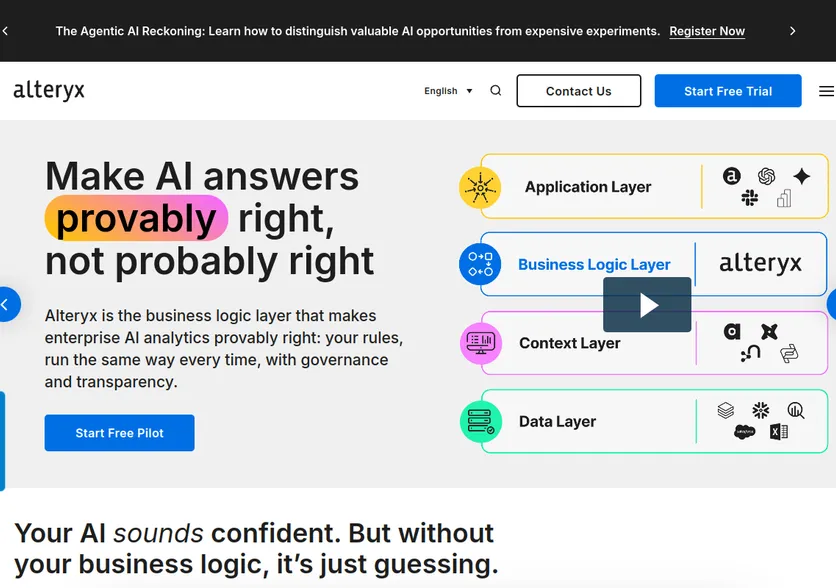
Alteryx Designer prepares and blends big datasets in a visual workflow, so an analyst can build a pipeline without writing code. This Alteryx Designer Desktop plan costs five thousand one hundred and ninety-five dollars per user a year, with Designer Cloud at seven thousand one hundred and ninety-five dollars per user a year and a fourteen-day free trial. A team that prepares data by hand gets a visual tool that turns the work into a repeatable workflow.
What we like
- Visual workflows that need no code
- Repeatable pipelines that replace manual data prep
- Strong fit for analysts, not just engineers
Watch out for
- The highest price in this comparison by a wide margin
- Server pricing is quoted, so larger teams cannot compare upfront
How to try it
- Open the Alteryx site and start the 14-day free trial
- Build a workflow that blends two of your datasets
- Run the workflow and check the output against your manual work
3. KNIME
Best for: Teams that want visual data work on a budget with a free desktop tool
Paid tool Starting price: $99/month · Ninety-nine dollars a month for the Community Hub Team plan with three users, and forty-nine dollars per additional user up to ten; the Analytics Platform desktop is free and Business Hub is quoted
Free plan: Free Analytics Platform desktop
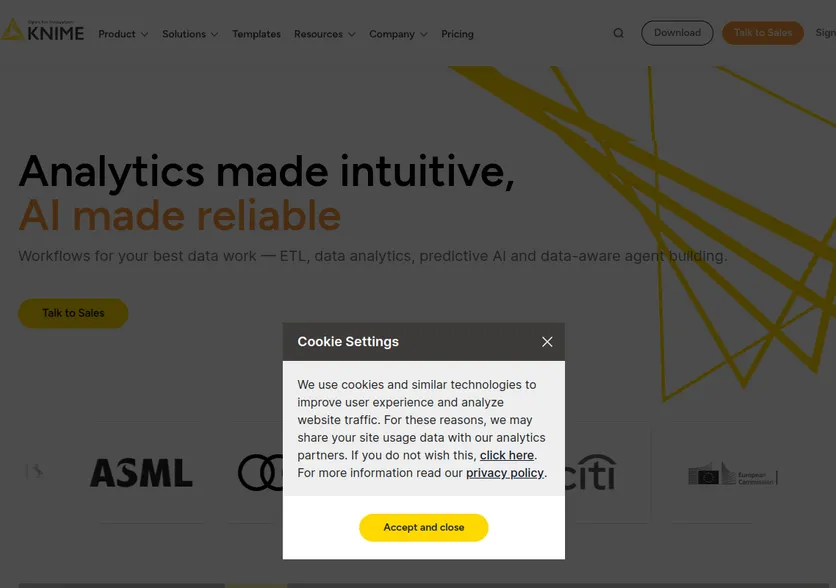
KNIME builds data workflows in a visual editor, with a free desktop platform and a team hub for sharing them. This KNIME Community Hub Team plan costs ninety-nine dollars a month for three users, with forty-nine dollars per additional user up to ten, and the Analytics Platform desktop is free. A team that wants visual data work on a budget gets a free desktop tool and a cheap team hub.
What we like
- Free desktop platform for building workflows
- Cheap team hub at ninety-nine dollars a month
- Visual editor that needs no code
Watch out for
- The team hub covers only up to ten users on the listed plan
- Business Hub pricing is quoted, not published
How to try it
- Open the KNIME site and download the free Analytics Platform
- Build a workflow that cleans one of your datasets
- Share the workflow on the Community Hub Team plan
4. Tinybird
Best for: Teams that need real-time analytics APIs on streaming data
Paid tool Starting price: $25/month · Twenty-five dollars a month for the Developer plan starting at a quarter of a virtual CPU, sliding to seven hundred and ninety-nine dollars a month for eight virtual CPUs; the default half virtual CPU costs forty-nine dollars a month and storage costs five cents and eight hundredths of a cent per gigabyte above twenty-five gigabytes included
Free plan: Free plan with 10 GB and 1,000 requests a day
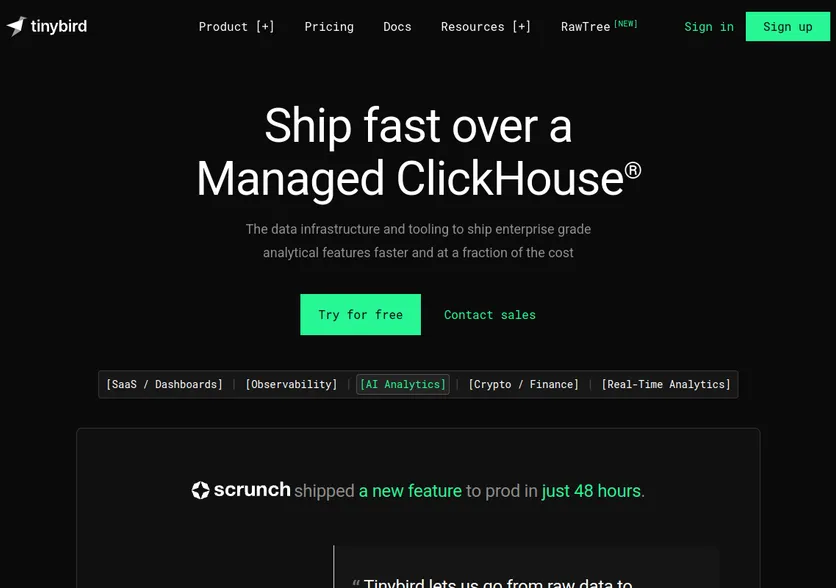
Tinybird turns streaming data into real-time analytics APIs, so a team can query events as they arrive. This Tinybird Developer plan starts from twenty-five dollars a month for a quarter of a virtual CPU, sliding to seven hundred and ninety-nine dollars a month for eight virtual CPUs, with a free plan covering ten gigabytes and one thousand requests a day. A team that needs live analytics on streaming data gets a platform priced by compute, not by seats.
What we like
- Real-time analytics APIs on streaming data
- Pricing by compute, not by seats
- Free plan that covers a real test
Watch out for
- Compute-based pricing makes the bill hard to predict before you run a workload
- It is built for streaming analytics, not for general data prep
How to try it
- Open the Tinybird site and start the free plan
- Connect a streaming source and load a sample of events
- Build one analytics API and query it in real time
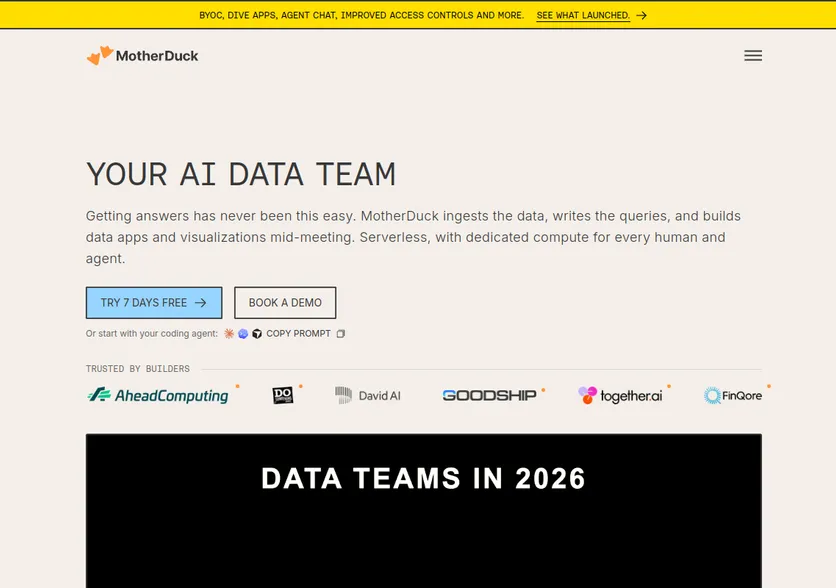
5. MotherDuck
Best for: Teams that like DuckDB and want it in the cloud without managing a cluster
Paid tool Starting price: $250/month · Two hundred and fifty dollars a month per organization for the Business plan plus usage, with compute from sixty cents to twenty-four dollars an hour by instance and storage at four cents per gigabyte a month; the price rose from one hundred dollars on November 25, 2026 and the Lite plan is free
Free plan: Free Lite plan with 10 GB and 10 hours of compute a month
MotherDuck runs DuckDB in the cloud with a simple per-organization price, so a team can query big data without managing a cluster. This MotherDuck Business plan costs two hundred and fifty dollars a month per organization plus usage, with a free Lite plan covering ten gigabytes and ten hours of compute a month for up to three users. A team that likes DuckDB gets a cloud version with no cluster to run.
What we like
- DuckDB in the cloud with no cluster to manage
- Simple per-organization price plus usage
- Free Lite plan that covers a real test
Watch out for
- The price rose from one hundred dollars to two hundred and fifty dollars on November 25, 2026
- Usage costs come on top of the monthly fee, so the total bill varies
How to try it
- Open the MotherDuck site and start the free Lite plan
- Load a sample dataset and run one query on it
- Check the usage bill and compare it with your current cost
6. Snowflake
Best for: Teams that need a cloud warehouse at scale with compute and storage billed separately
Paid tool Starting price: $2.00/credit · Two dollars per Platform Credit on the Standard tier on demand in US East, with Enterprise at three dollars, Business Critical at four dollars and storage at twenty-three dollars per terabyte a month; Gen2 warehouses burn one point three five credits an hour in US East against one for Gen1
Free plan: 30-day free trial with $400 free credits
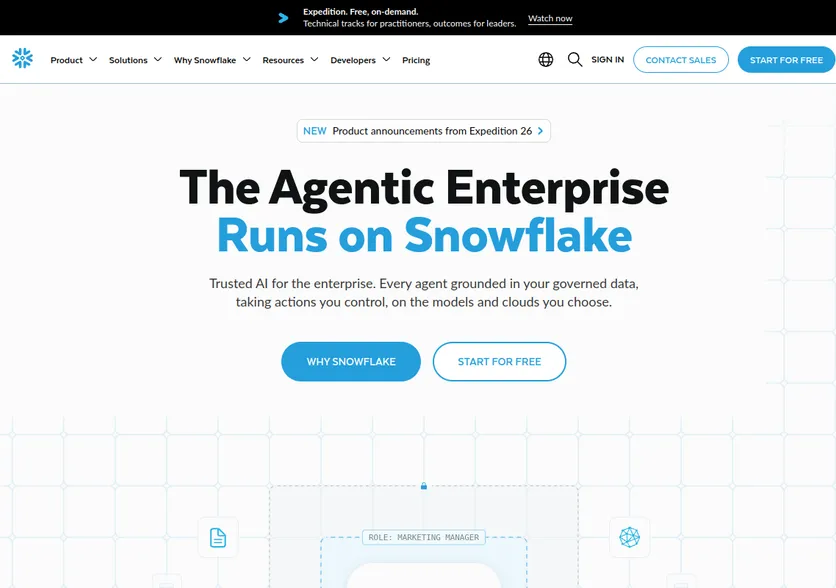
Snowflake stores and queries big data in the cloud with separate billing for compute and storage, so a team pays for what it runs. This Snowflake Platform Credit costs two dollars on the Standard tier in US East, with Enterprise at three dollars and Business Critical at four dollars, and storage at twenty-three dollars per terabyte a month. A team that needs a cloud warehouse at scale gets a platform that separates compute from storage.
What we like
- Separate billing for compute and storage
- Scales from a small warehouse to an enterprise estate
- Free trial with four hundred dollars of credits
Watch out for
- Credit pricing makes the total bill hard to predict before you run a query
- Gen2 warehouses burn credits faster than Gen1 in the same region
How to try it
- Open the Snowflake site and start the free trial
- Load a sample dataset into a warehouse
- Run one query and check the credit usage for it
7. Confluent Cloud
Best for: Teams that need real-time data movement with managed Kafka
Paid tool Starting price: $0.75/eCKU-hour · Seventy-five cents per eCKU hour for the Standard plan, or about three hundred and eighty-five dollars a month at seventy percent utilization; Basic starts free for the first eCKU then costs fourteen cents per hour, and Enterprise costs one dollar and seventy-five cents to two dollars and twenty-five cents per hour
Free plan: $400 free credits to start
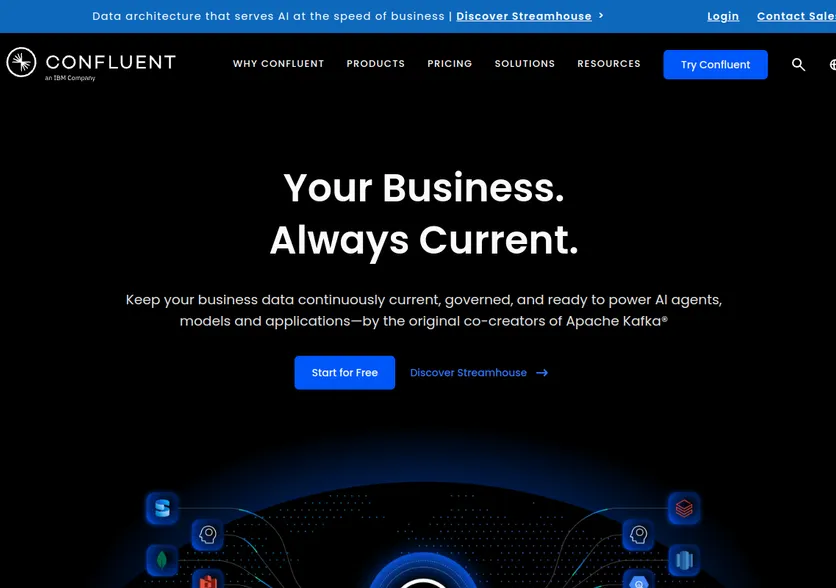
Confluent Cloud streams data between systems with Kafka at its core, so a team can move events in real time instead of batch loads. This Confluent Cloud Standard plan costs seventy-five cents per eCKU hour, or about three hundred and eighty-five dollars a month at seventy percent utilization, with four hundred dollars of free credits to start. A team that needs real-time data movement gets managed Kafka without running its own brokers.
What we like
- Managed Kafka with no brokers to run
- Real-time streaming instead of batch loads
- Free credits that cover a real test
Watch out for
- The per-hour meter makes the monthly bill hard to predict
- IBM completed its acquisition of Confluent on March 17, 2026, so the roadmap may change
How to try it
- Open the Confluent site and start with the free credits
- Create a cluster and connect one streaming source
- Send a test event through and check it arrives at the destination
Prices above were checked on each vendor’s own website on Nov 27, 2026 and can change — the vendor’s page is the final word. Vendor links are editorial: nobody paid to be listed or ranked here. Vendors who want a featured listing can see how it works on our Get listed page.
What big data software costs a team
Big data pricing follows the compute, so a team should count the work it runs before it compares plans. Usage tools charge by the unit of compute or the hour, per-user tools charge by the analyst, and per-organization tools charge a flat monthly fee plus usage. The cheapest entry here costs fifteen cents per unit of compute, while the most expensive costs five thousand one hundred and ninety-five dollars per user a year, and the right choice depends on whether the team runs heavy jobs every day or light queries once a week.
Start with a free tier on two tools and run one real workload, not a demo query. Check how long the job takes, what the bill shows, and whether the export drops cleanly into your reporting tools. Pick the tool whose cost per job is lowest on your own data, because a cheap headline price means nothing if your workload burns through the meter.
Before you buy
- Run one real workload before you buy, because a demo query hides what your data costs to process.
- Check whether the price includes the cloud machine bill, because some tools add it on top of the unit price.
- Ask how the meter counts, because compute units, hours and credits all price the same job differently.
- Confirm the free tier covers a real test, because a tiny free tier cannot prove the tool handles your data.
- Test the export to your reporting tools first, because a platform that cannot feed your dashboards is a dead end.
Official websites
Official websites of the products reviewed above. Features and prices were checked against these sites when this guide was written, and they can change, so confirm on the vendor site before you buy.
Frequently asked questions
Which data management software is best for big data in 2026?
Databricks is the best overall pick from fifteen cents per Databricks Unit, running jobs, SQL and machine learning on one lakehouse platform. Alteryx Designer is the best pick for analysts at five thousand one hundred and ninety-five dollars per user a year, preparing big datasets in a visual workflow without code. Tinybird is the best pick for real-time analytics from twenty-five dollars a month, turning streaming data into live APIs.
How much does data management software for big data cost?
Prices in this list run from fifteen cents per Databricks Unit to five thousand one hundred and ninety-five dollars per user a year for Alteryx Designer, with most tools landing between twenty-five and two hundred and fifty dollars a month. Usage-based plans charge by the work you run, so a team should count its jobs and queries before comparing headline prices. Add the cloud machine bill where the vendor charges it separately before you compare totals.
What is the difference between a data warehouse and a data lakehouse?
A data warehouse stores structured data for fast queries, while a data lakehouse adds open file storage and machine learning on the same platform. A warehouse suits teams that query clean tables, while a lakehouse suits teams that also train models on raw data. Databricks is the lakehouse in this list, while Snowflake is the warehouse, and the right choice depends on whether the team trains models.
Can a small team use big data tools without a data engineering team?
Yes, and most of the tools here are built for that buyer. KNIME and MotherDuck both carry free plans, Databricks offers a Free Edition, and Tinybird and Snowflake both offer free trials with credits. A small team should start on a free tier, run one real workload, and only pay once the cost per job on its own data proves the tool is worth it.
Do I need big data tools if my data fits in a spreadsheet?
No, and buying big data tools for a spreadsheet-sized dataset wastes money. A dataset that fits in a spreadsheet runs faster in one, and the tools here charge by compute or by user, so a small dataset still costs real money. A team should move to big data tools only when queries slow down or the data no longer fits in a spreadsheet.
Need everyday business help too? Try Toolsvine's free business tools right in your browser.
Browse Business Tools tools