On this page
USB drives fail at the worst moments, and the files on them are worth far more than the drive itself. The eight tools below recover deleted files, formatted drives and corrupted partitions from flash storage, with prices checked on each vendor site on November 27, 2026. The list runs from twenty dollars a year to about one hundred and twenty dollars a year, and every tool here offers a free scan or a free recovery allowance. Disk Drill is our first pick — the recovery tool with the widest format support and the clearest preview before you pay.
How we researched this
We started with the recovery tools USB drive owners actually buy, then read each price on the vendor site on November 27, 2026 and noted the free recovery allowance each plan carries. We judged them for a person with a dead or formatted flash drive who needs files back without a lab bill, weighing scan quality, preview before payment and the range of file systems supported. We dropped Ontrack EasyRecovery and MiniTool Power Data Recovery because their current prices could not be verified on the vendor sites, so a buyer could not compare them with confidence.
Compare the tools
| Name | Best for | Starting price | Free plan | |
|---|---|---|---|---|
| Disk Drill | Home users who want to preview recoverable files before paying anything | $89/year | Free Basic plan: scan and preview, 100 MB recovery on Windows | Visit |
| EaseUS Data Recovery Wizard | First-time recovery users who want a guided scan with no disk jargon | $99.95/year | Free plan: up to 2 GB recovery | Visit |
| Recuva | Windows users who want the cheapest paid recovery plan in this list | $24.95/year | Free version: unlimited recovery without the Pro extras | Visit |
| R-Studio | Technicians and power users recovering data from damaged partitions and RAID arrays | $79.99 one-time | Free demo: recovers files up to 1,024 KB | Visit |
| Stellar Data Recovery | Home users who want a polished recovery tool for photos, documents and videos | $69.99/year | Free plan: up to 1 GB recovery | Visit |
| DiskGenius | Windows users who want recovery plus partition repair in one tool | $99.90/year | Free edition available | Visit |
| Wondershare Recoverit | Creators recovering deleted video and photos from a USB drive | $119.99/year | Free plan: 500 MB recovery on Windows | Visit |
| DMDE | Technical users who want powerful recovery at the lowest price after Recuva | $20/year | Free edition: up to 4,000 files per directory request | Visit |
The data recovery software for usb drives, compared
1. Disk Drill
Best for: Home users who want to preview recoverable files before paying anything
Paid tool Starting price: $89/year · Eighty-nine dollars a year for the PRO plan covering one user on up to three devices, or one hundred and forty-nine dollars for a lifetime license; the free Basic plan scans and previews files and recovers up to one hundred megabytes on Windows
Free plan: Free Basic plan: scan and preview, 100 MB recovery on Windows
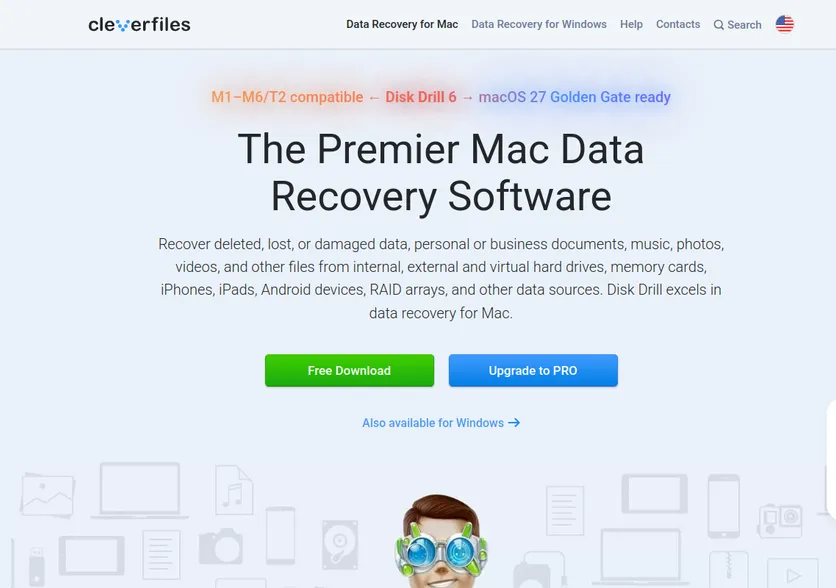
Disk Drill is the recovery tool for people who want to see what can be saved before they spend anything, with a preview that shows recoverable files from formatted and corrupted flash drives. This Disk Drill PRO plan costs eighty-nine dollars a year and covers one user on up to three devices across Mac and Windows. A home user with a dead USB stick gets deep scanning, partition recovery and a byte-level backup of the failing drive in the same tool.
What we like
- Preview shows recoverable files before you pay
- Covers Mac and Windows on one license
- Byte-level drive backup protects a failing stick
Watch out for
- The free plan recovers only one hundred megabytes on Windows
- The lifetime license costs nearly seventy percent more than a year
How to try it
- Open the Disk Drill site and download the free Basic plan
- Plug in the USB drive and run a deep scan on it
- Preview the found files, then upgrade to PRO to recover them
2. EaseUS Data Recovery Wizard
Best for: First-time recovery users who want a guided scan with no disk jargon
Paid tool Starting price: $99.95/year · Ninety-nine dollars and ninety-five cents a year for the Windows PRO plan covering one computer, or one hundred and forty-nine dollars and ninety-five cents for a lifetime license; the free plan recovers up to two gigabytes
Free plan: Free plan: up to 2 GB recovery
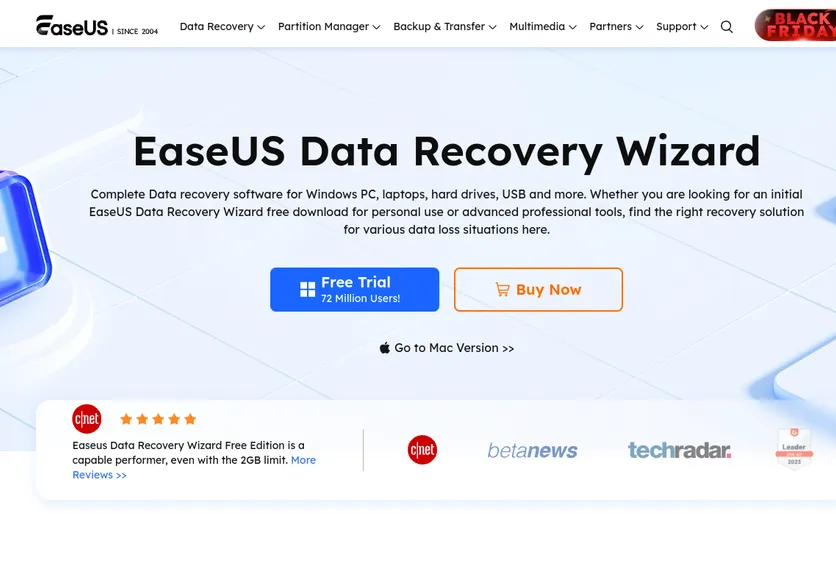
EaseUS Data Recovery Wizard is the straightforward choice for a first-time recovery, with a guided scan that sorts found files by type and a preview that confirms them before recovery. This EaseUS Data Recovery Wizard PRO plan costs ninety-nine dollars and ninety-five cents a year for one Windows computer. A user who deleted files from a USB drive gets a simple workflow, deep scan mode and recovery from formatted, lost and RAW partitions.
What we like
- Guided scan sorts found files by type
- Two gigabytes of free recovery before paying
- Deep scan finds files from formatted drives
Watch out for
- The PRO license covers only one computer
- Mac pricing differs from the Windows plan shown here
How to try it
- Open the EaseUS site and download Data Recovery Wizard
- Select the USB drive and run a quick scan, then a deep scan
- Preview the files and recover up to two gigabytes free
3. Recuva
Best for: Windows users who want the cheapest paid recovery plan in this list
Paid tool Starting price: $24.95/year · Twenty-four dollars and ninety-five cents a year for the Professional plan; the free version recovers unlimited files and the paid plan adds virtual hard drive support, automatic updates and priority support
Free plan: Free version: unlimited recovery without the Pro extras
Recuva is the cheapest paid recovery tool in this comparison, and its free version already recovers unlimited files, which makes the paid plan an upgrade rather than a necessity. This Recuva Professional plan costs twenty-four dollars and ninety-five cents a year and adds virtual hard drive support, automatic updates and priority support. A Windows user with a formatted USB drive gets a small fast tool that finds deleted files without a long scan.
What we like
- Free version recovers unlimited files
- Cheapest paid plan in this comparison
- Small download with a fast scan
Watch out for
- Windows only, so Mac users need another tool
- The paid plan adds little for a one-off recovery
How to try it
- Open the Recuva page and download the free version
- Run the wizard on the USB drive and pick the file types to find
- Recover the files, or upgrade to Professional for virtual drive support
4. R-Studio
Best for: Technicians and power users recovering data from damaged partitions and RAID arrays
Paid tool Starting price: $79.99 one-time · Seventy-nine dollars and ninety-nine cents as a one-time payment for the full edition, with the FAT edition at forty-nine dollars and ninety-nine cents and the NTFS edition at fifty-nine dollars and ninety-nine cents; the free demo recovers files up to one thousand and twenty-four kilobytes
Free plan: Free demo: recovers files up to 1,024 KB
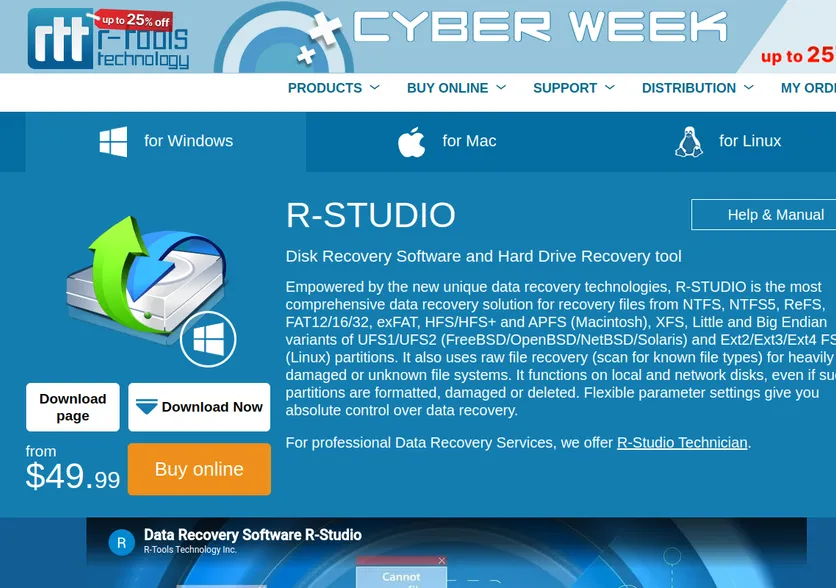
R-Studio is the technician-grade recovery tool in this list, built for people who recover data from damaged partitions and RAID arrays rather than a single deleted file. This R-Studio full edition costs seventy-nine dollars and ninety-nine cents as a one-time payment with a separate license for each operating system. A power user gets raw file recovery, disk imaging and support for Windows, Mac and Linux in one purchase.
What we like
- One-time payment with no yearly renewal
- Disk imaging protects the failing drive during recovery
- Runs on Windows, Mac and Linux
Watch out for
- Each operating system needs its own license
- The interface assumes more skill than the guided tools here
How to try it
- Open the R-Studio site and download the free demo
- Create a disk image of the USB drive before scanning it
- Scan the image and recover the files you need
5. Stellar Data Recovery
Best for: Home users who want a polished recovery tool for photos, documents and videos
Paid tool Starting price: $69.99/year · Sixty-nine dollars and ninety-nine cents a year at list price for the Standard plan, currently shown at fifty-nine dollars and ninety-nine cents as a special offer, or one hundred and twenty-nine dollars for a lifetime license; the free plan recovers up to one gigabyte
Free plan: Free plan: up to 1 GB recovery
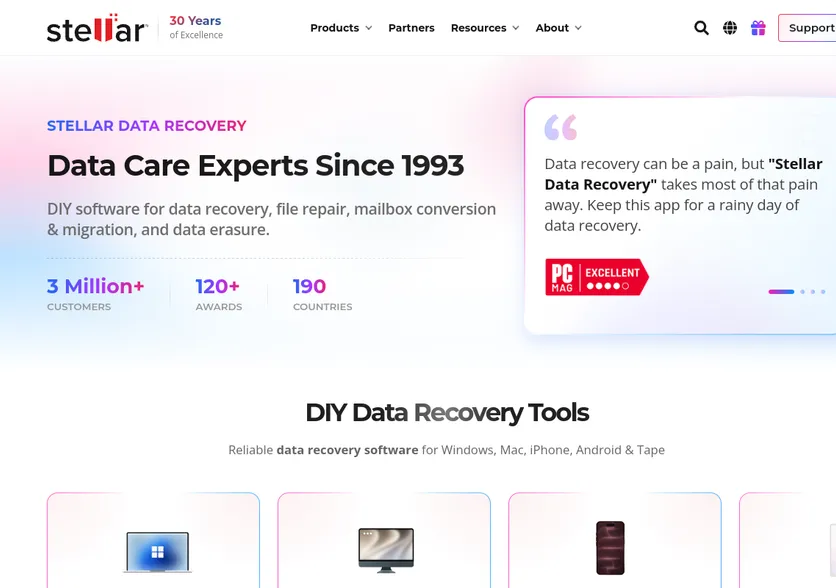
Stellar Data Recovery is the polished all-rounder for home users, with a clean interface that walks through recovery from a USB drive in a few clicks. This Stellar Data Recovery Standard plan costs sixty-nine dollars and ninety-nine cents a year at list price and recovers photos, documents and videos from formatted drives. A family user gets recovery from lost partitions, crashed systems and unbootable drives without learning disk terminology.
What we like
- Clean interface with no disk jargon
- Recovers photos, documents and videos in one scan
- Handles crashed systems and lost partitions
Watch out for
- The list price is higher than the current special offer shown
- Advanced features need the Professional plan above Standard
How to try it
- Open the Stellar site and download the free plan
- Select the USB drive and the file types to recover
- Preview the found files, then upgrade to recover them
6. DiskGenius
Best for: Windows users who want recovery plus partition repair in one tool
Paid tool Starting price: $99.90/year · Ninety-nine dollars and ninety cents a year for the Professional plan, or one hundred and twenty-nine dollars and ninety cents for a lifetime personal license; a free edition is available
Free plan: Free edition available
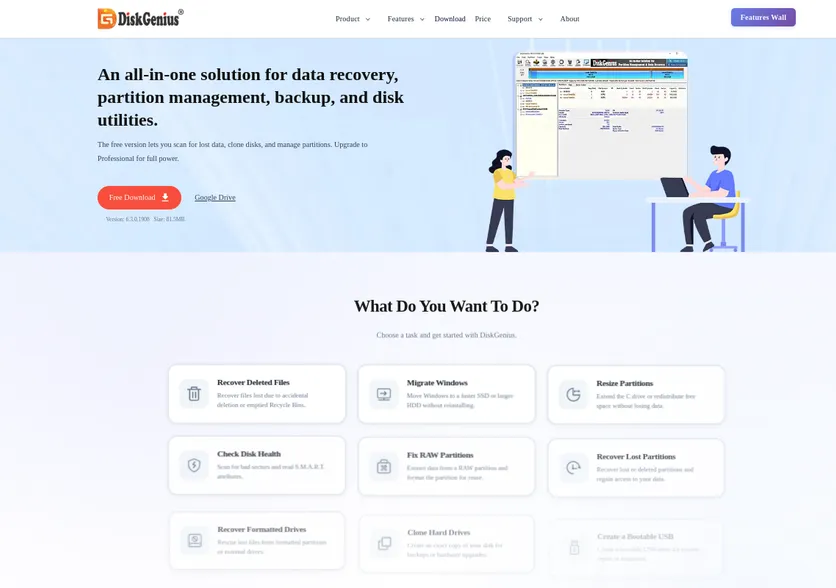
DiskGenius is the recovery and partition manager for Windows users who want one tool that also fixes the drive after the files are safe. This DiskGenius Professional plan costs ninety-nine dollars and ninety cents a year and adds partition recovery, disk cloning and file preview to the free edition. A Windows user with a corrupted USB stick gets recovery, partition repair and backup in a single install.
What we like
- Recovery and partition repair in one tool
- Disk cloning backs up the drive before repair
- File preview confirms files before recovery
Watch out for
- Windows only, so Mac users need another tool
- The interface packs in more features than a first-time user needs
How to try it
- Open the DiskGenius site and download the free edition
- Scan the USB drive and preview the recoverable files
- Upgrade to Professional to recover files and repair the partition
7. Wondershare Recoverit
Best for: Creators recovering deleted video and photos from a USB drive
Paid tool Starting price: $119.99/year · One hundred and nineteen dollars and ninety-nine cents a year at list price for the annual plan, currently shown at seventy-four dollars and ninety-nine cents on sale; the monthly plan lists at one hundred and five dollars and ninety-nine cents and the perpetual license at one hundred and sixty-nine dollars and ninety-nine cents; the free plan recovers up to five hundred megabytes on Windows
Free plan: Free plan: 500 MB recovery on Windows
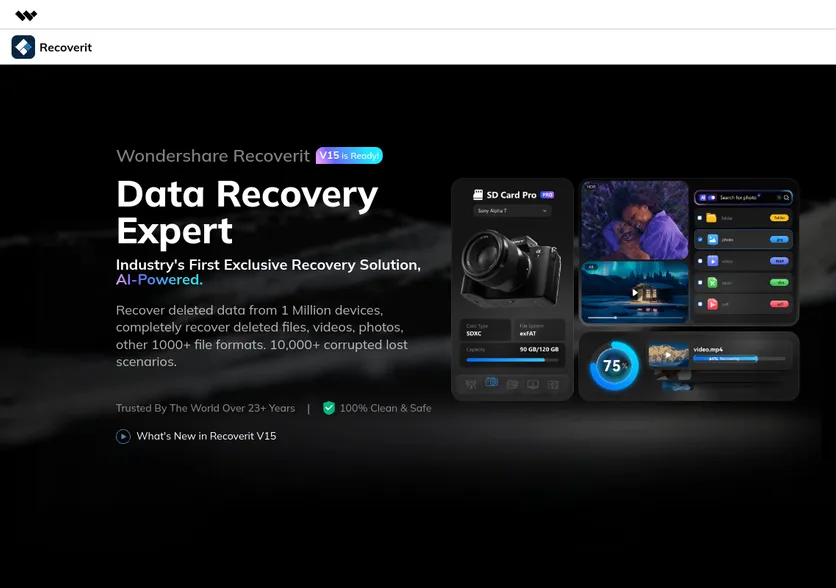
Wondershare Recoverit is the recovery tool for people who deleted video and photos from a USB drive, with a preview that plays recovered clips before you pay. This Wondershare Recoverit plan costs one hundred and nineteen dollars and ninety-nine cents a year at list price and covers crashed systems and formatted drives. A creator with a dead flash drive gets video repair, deep scanning and recovery across more than one thousand file formats.
What we like
- Preview plays recovered video before payment
- Video repair fixes clips that recover damaged
- Deep scan covers more than one thousand file formats
Watch out for
- The most expensive annual plan in this comparison
- The sale price is lower than the list price shown here
How to try it
- Open the Recoverit site and download the free plan
- Select the USB drive and run a deep scan on it
- Preview the recovered videos, then upgrade to restore them
8. DMDE
Best for: Technical users who want powerful recovery at the lowest price after Recuva
Paid tool Starting price: $20/year · Twenty dollars a year for the Express license, or forty-eight dollars for the Standard perpetual license and ninety-five dollars for the Professional single operating system license; the free edition recovers up to four thousand files from one directory per request with unlimited requests
Free plan: Free edition: up to 4,000 files per directory request
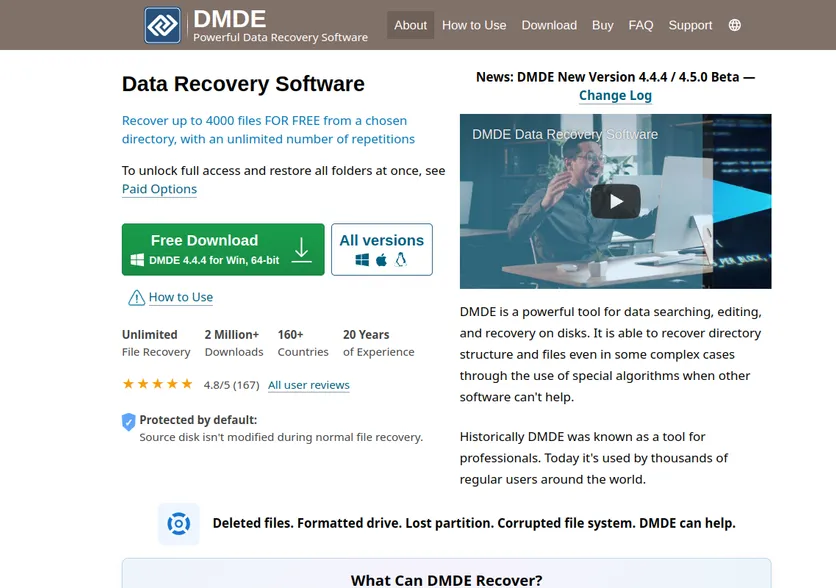
DMDE is the no-frills recovery tool for people who know their way around a disk editor, with the cheapest paid plan in this comparison after Recuva. This DMDE Express license costs twenty dollars a year and unlocks full recovery from the free edition, which already recovers up to four thousand files per request. A technical user gets partition search, disk imaging and RAID reconstruction at a price far below the polished suites.
What we like
- Twenty dollars a year for full recovery
- Free edition already recovers thousands of files
- Partition search and RAID reconstruction included
Watch out for
- The interface assumes comfort with disk editing
- Express is a yearly license, so renewal costs repeat
How to try it
- Open the DMDE site and download the free edition
- Run a full scan on the USB drive and check the found files
- Buy the Express license to recover everything the scan found
Prices above were checked on each vendor’s own website on Nov 27, 2026 and can change — the vendor’s page is the final word. Vendor links are editorial: nobody paid to be listed or ranked here. Vendors who want a featured listing can see how it works on our Get listed page.
What USB data recovery costs in 2026
A USB recovery tool charges once a year or once for life, and the difference decides what a second accident costs. Yearly plans here run from twenty dollars to about one hundred and twenty dollars, while R-Studio charges seventy-nine dollars and ninety-nine cents once and never asks again. The cheapest plan is not always the cheapest recovery, because a free scan that finds nothing still costs you the afternoon.
Start with the free scan on two tools and compare what each one finds on the same drive. Preview a photo, a document and a video, then recover a small test file to a different drive before you buy. Pick the tool that finds the files you actually lost, because a recovery tool is judged by the files it restores, not by the files it lists.
Before you buy
- Check the free recovery allowance first, because a tool that previews files but charges to restore them is not really free.
- Confirm the tool reads your file system, because a Windows-only recovery tool cannot help a Mac-formatted drive.
- Test the preview on your own files, because a scan that finds filenames without recoverable content wastes the license fee.
- Ask whether the license covers one computer or several, because a single-device license costs more across a household.
- Check that the tool can image the failing drive, because scanning a dying USB stick directly can destroy the files you need.
Official websites
Official websites of the products reviewed above. Features and prices were checked against these sites when this guide was written, and they can change, so confirm on the vendor site before you buy.
Frequently asked questions
Which data recovery software is best for USB drives in 2026?
Disk Drill is the best overall pick at eighty-nine dollars a year, pairing a clear preview with recovery across Mac and Windows. Recuva is the best budget pick at twenty-four dollars and ninety-five cents a year, and its free version already recovers unlimited files. R-Studio is the best pick for technicians at seventy-nine dollars and ninety-nine cents as a one-time payment.
How much does USB data recovery software cost?
Prices in this list run from twenty dollars a year for DMDE to one hundred and nineteen dollars and ninety-nine cents a year for Wondershare Recoverit, with most tools landing between twenty-five and one hundred dollars a year. R-Studio is the only one-time purchase here at seventy-nine dollars and ninety-nine cents. Every tool offers a free scan or a free recovery allowance, so test before you pay.
Can I recover files from a formatted USB drive for free?
Yes, in many cases, because formatting usually removes the file index rather than the files themselves. EaseUS recovers up to two gigabytes free, Stellar recovers up to one gigabyte, and Recuva recovers unlimited files free. Stop using the drive first, because new writes can overwrite the files you want back, then scan and recover to a different drive.
Is it safe to keep using a USB drive after files are deleted?
Stop using the drive as soon as files go missing, because every new write risks overwriting the deleted data. Do not save recovered files back onto the same USB drive, and do not run a repair tool on it before recovery. Image the drive first if the tool offers it, then recover from the image so the original stays untouched.
What is the difference between a free scan and a paid recovery?
A free scan finds and previews the files that can be recovered, while a paid license unlocks restoring them to another drive. Most tools here let you preview everything free and charge only for the recovery step, which is why the preview matters. Check the free recovery cap too, because a five hundred megabyte limit may not cover a folder of videos.
Need to check a device or browser too? Try Toolsvine's free device and browser tools right in your browser.
Browse Device & Browser Tests tools