On this page
A remote team has no office server room to walk into when a laptop dies, so the backup plan has to work from anywhere. The seven tools below protect laptops, servers and cloud apps, with restores a team member can run from home. Every price was checked on the vendor site on November 27, 2026, and the list runs from two dollars and fifty cents a workload a month to one hundred fifty-five dollars a workload a year. Veeam Data Platform is our first pick — the backup standard that restores fast from one console.
How we researched this
We started with the backup and recovery tools remote teams actually buy, then read each price on the vendor pricing page on November 27, 2026 and noted the trial or free plan each one carries. We judged them for a team spread across homes and time zones, where a lost laptop must not mean a lost week of work. We dropped the quote-only vendors because a remote team needs a number it can budget before the disaster, not after it.
Compare the tools
| Name | Best for | Starting price | Free plan | |
|---|---|---|---|---|
 Veeam Data Platform | Remote teams that want enterprise-grade backup and recovery | $155/workload/year | Community Edition free for up to 10 workloads | Visit |
 Backblaze Computer Backup | Remote teams that want simple unlimited backup for every computer | $99/computer/year | No free plan | Visit |
 CrashPlan | Remote teams that need backup for endpoints, servers and cloud apps | $88/user/year | No free plan; 14-day free trial | Visit |
 MSP360 Managed Backup | Remote teams that want to bring their own cloud storage | $2.50/workload/month | No free plan; 15-day free trial | Visit |
| Comet Backup | Remote teams that want backup with a low console fee | $19/month | No free plan; 30-day free trial | Visit |
 Carbonite Safe | Remote teams that want simple backup for one computer each | $95.99/year | No free plan; 15-day free trial | Visit |
| Acronis Cyber Protect | Remote teams that want backup plus security in one agent | $85/workstation/year | No free plan | Visit |
The disaster recovery software for remote teams, compared
1. Veeam Data Platform
Best for: Remote teams that want enterprise-grade backup and recovery
Paid tool Starting price: $155/workload/year · Foundation costs one hundred fifty-five dollars per workload a year, or one thousand five hundred fifty dollars per ten-pack; Advanced costs one hundred eighty-nine dollars and Premium two hundred twenty-seven dollars and fifty cents per workload a year, and Essentials costs ninety-five dollars per workload a year
Free plan: Community Edition free for up to 10 workloads
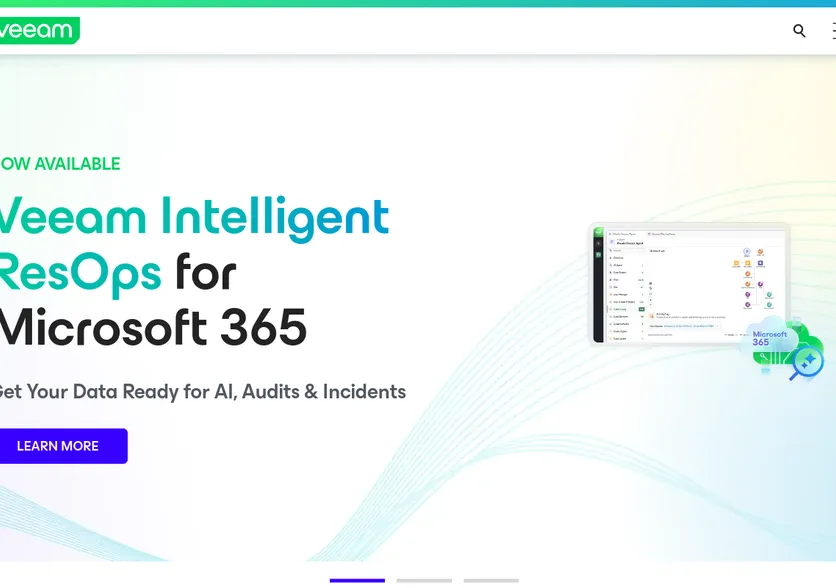
Veeam Data Platform is the backup standard that remote teams use to protect servers, laptops and cloud workloads from one console. This Veeam Data Platform Foundation plan costs one hundred fifty-five dollars per workload a year. A remote team gets fast restores, ransomware protection and a free edition for the smallest setups.
What we like
- Fast restores across servers and laptops
- Ransomware protection built in
- Free edition for up to ten workloads
Watch out for
- Per-workload pricing adds up across many devices
- Essentials caps at fifty workloads
How to try it
- Open the Veeam site and download the Community Edition
- Add your workloads and set a backup schedule
- Test a restore and check the recovery time
2. Backblaze Computer Backup
Best for: Remote teams that want simple unlimited backup for every computer
Paid tool Starting price: $99/computer/year · Ninety-nine dollars per computer a year, or eight dollars and twenty-five cents a month billed annually; nine dollars billed monthly and one hundred eighty-nine dollars for two years, with unlimited data, and the Business plan adds an admin console, groups and one-year version history
Free plan: No free plan
Backblaze Computer Backup is the simplest backup in this list, with unlimited data for one flat price per computer. This Backblaze Computer Backup plan costs ninety-nine dollars per computer a year. A remote team gets every file backed up without counting gigabytes, and a lost laptop is restored from any browser.
What we like
- Unlimited data for one flat price
- Simple enough for any team member to use
- Restore from any browser, anywhere
Watch out for
- One licence covers one computer only
- Business features need the Business plan
How to try it
- Open the Backblaze site and start the 15-day trial
- Install the app on each team computer
- Check the backup from any browser and test a restore
3. CrashPlan
Best for: Remote teams that need backup for endpoints, servers and cloud apps
Paid tool Starting price: $88/user/year · Endpoints cost eighty-eight dollars per user a year; Servers cost one hundred eighty-nine dollars per server a year and Microsoft 365 and Google Workspace cost thirty dollars per user a year, with no monthly billing, and Enterprise for two hundred fifty users or more is quote-only
Free plan: No free plan; 14-day free trial
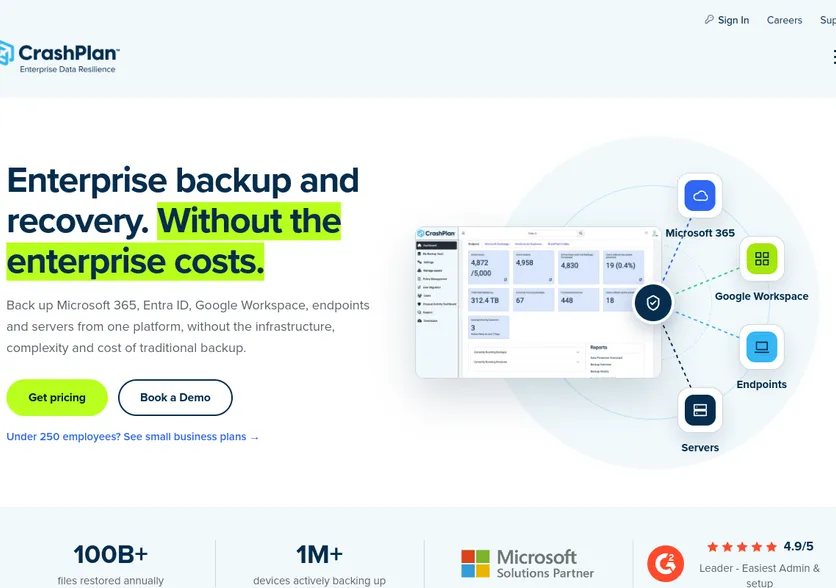
CrashPlan is the backup service built for distributed teams, covering laptops, servers and cloud apps like Microsoft 365 and Google Workspace. This CrashPlan Endpoints plan costs eighty-eight dollars per user a year. A remote team gets continuous backup with a console that shows every device at a glance.
What we like
- Covers endpoints, servers and cloud apps
- Continuous backup with no action needed
- Admin console shows every device at a glance
Watch out for
- No monthly billing, so you pay by the year
- Enterprise pricing needs a sales quote
How to try it
- Open the CrashPlan site and start the 14-day trial
- Install the agent on team laptops and servers
- Set retention rules and test a file restore
4. MSP360 Managed Backup
Best for: Remote teams that want to bring their own cloud storage
Paid tool Starting price: $2.50/workload/month · From two dollars and fifty cents per workload a month on pay-as-you-go managed backup pricing, with a twenty-five dollar monthly minimum; storage is billed separately through your own cloud account
Free plan: No free plan; 15-day free trial
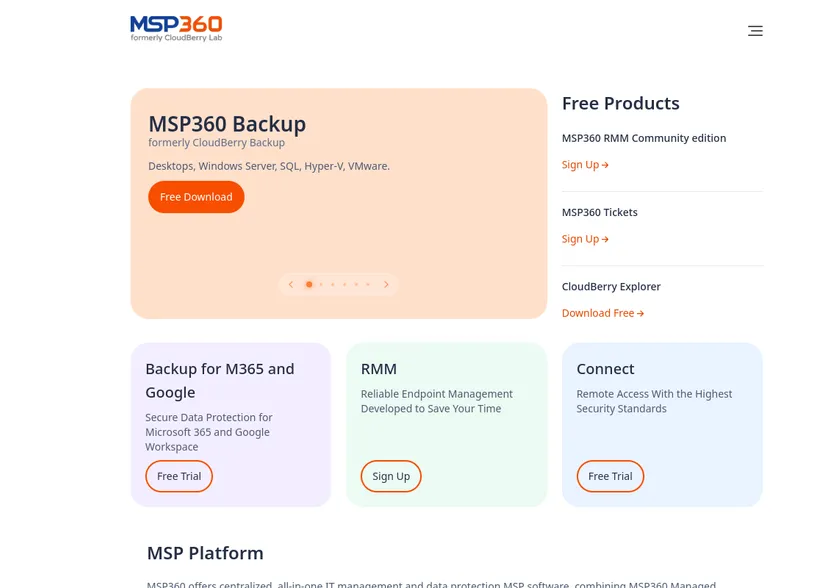
MSP360 Managed Backup is the backup platform for teams that already pay for cloud storage and want the backup software separate from the storage bill. This MSP360 plan starts at two dollars and fifty cents per workload a month on pay-as-you-go pricing. A remote team keeps its own storage account and pays MSP360 only for the backup software.
What we like
- Bring your own storage and control the bill
- Pay-as-you-go pricing with a low monthly minimum
- Covers servers, laptops and cloud apps
Watch out for
- Storage is a separate bill on top of the software
- Setup takes more steps than an all-in-one tool
How to try it
- Open the MSP360 site and start the 15-day trial
- Connect your own cloud storage account
- Set backup schedules and test a restore
5. Comet Backup
Best for: Remote teams that want backup with a low console fee
Paid tool Starting price: $19/month · Starter costs nineteen dollars a month for the console plus three dollars per endpoint a month, or two dollars on higher tiers; Growth and Professional cost forty-nine dollars a month and Advanced ninety-nine dollars a month, and storage is billed separately
Free plan: No free plan; 30-day free trial
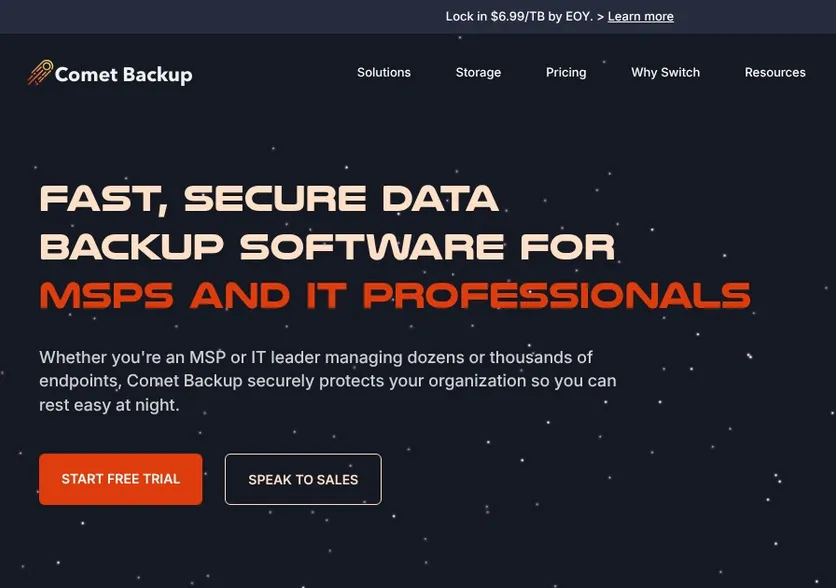
Comet Backup is the backup platform with a small monthly console fee and per-endpoint pricing, built for teams that manage many devices. This Comet Backup Starter plan costs nineteen dollars a month for the console, plus three dollars per endpoint a month. A remote team gets backup for servers, laptops and cloud apps without a large upfront cost.
What we like
- Low console fee with per-endpoint pricing
- Covers servers, laptops and cloud apps
- Thirty-day trial to test properly
Watch out for
- Storage is billed separately from the console fee
- Per-endpoint fees add up across many devices
How to try it
- Open the Comet Backup site and start the 30-day trial
- Set up the console and connect your storage
- Add endpoints and schedule the first backups
6. Carbonite Safe
Best for: Remote teams that want simple backup for one computer each
Paid tool Starting price: $95.99/year · Basic list price is ninety-five dollars and ninety-nine cents a year; Plus costs one hundred thirty-one dollars and ninety-nine cents and Prime one hundred sixty-one dollars and ninety-nine cents a year, with one computer per plan
Free plan: No free plan; 15-day free trial
Carbonite Safe is the straightforward backup service for teams that want each computer protected with no setup fuss. This Carbonite Safe Basic plan costs ninety-five dollars and ninety-nine cents a year at list price. A remote team member installs the app once and every file is backed up automatically.
What we like
- Install once and it backs up automatically
- Simple plans with no jargon
- Restore files from any browser
Watch out for
- One computer per plan, so the team buys one each
- The first-year promo price is lower than the list price
How to try it
- Open the Carbonite site and start the 15-day trial
- Install the app on the computer and pick what to back up
- Check the backup status and test a file restore
7. Acronis Cyber Protect
Best for: Remote teams that want backup plus security in one agent
Paid tool Starting price: $85/workstation/year · From around eighty-five dollars per workstation a year for the business edition, with pricing set through the configurator by workload type
Free plan: No free plan
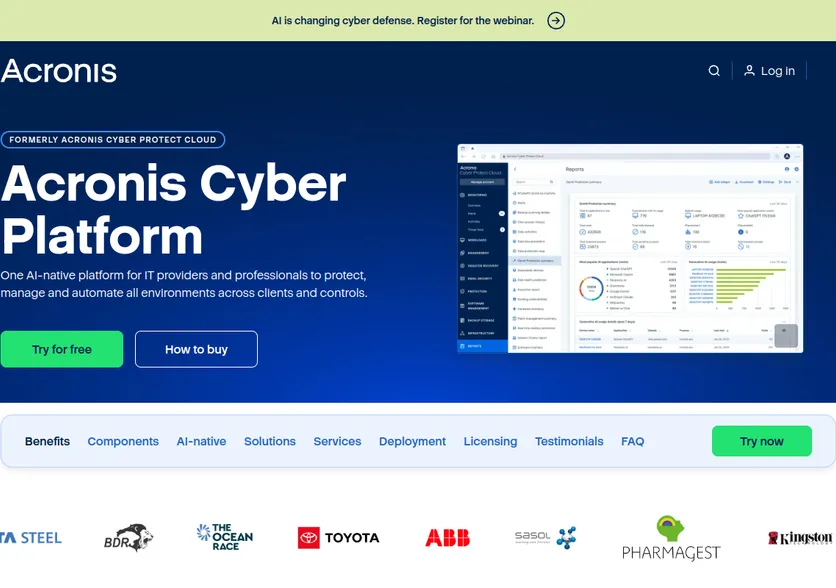
Acronis Cyber Protect is the backup platform that pairs cyber protection with backup, so one agent guards a laptop against both loss and attack. This Acronis Cyber Protect business edition starts at around eighty-five dollars per workstation a year. A remote team gets backup, anti-malware and recovery in a single install.
What we like
- Backup and anti-malware in one agent
- Covers workstations, servers and cloud apps
- Central console for the whole remote team
Watch out for
- Pricing runs through a configurator, not a simple list
- The headline price is a starting figure, not a fixed tier
How to try it
- Open the Acronis site and start a trial
- Install the agent on team workstations
- Set backup schedules and check the security dashboard
Prices above were checked on each vendor’s own website on Nov 27, 2026 and can change — the vendor’s page is the final word. Vendor links are editorial: nobody paid to be listed or ranked here. Vendors who want a featured listing can see how it works on our Get listed page.
What disaster recovery costs a remote team in 2026
Disaster recovery for a remote team is priced per device, per workload or per user, and the cheapest headline is not always the cheapest bill. The lowest price here is two dollars and fifty cents per workload a month, while the highest is one hundred fifty-five dollars per workload a year, and the storage question decides the rest. Tools that bill storage separately look cheap until the storage invoice arrives, while tools that include unlimited data cost more upfront and nothing later.
Test a restore on two tools before you buy, using a real laptop and a real deadline. Restore a folder, time it, and check whether the files open cleanly on another machine. Pick the tool whose restore a non-technical team member can finish alone, because the person doing the restore at midnight will not be the person who bought the software.
Before you buy
- Check what a restore actually costs in time, because a backup that takes a week to restore is a backup in name only.
- Confirm the storage is included, because some tools bill storage separately and the second bill is the bigger one.
- Test a restore on a real laptop before you buy, because a backup you have never restored is a guess, not a plan.
- Ask how long deleted files are kept, because a thirty-day window misses the file you notice is gone in month two.
- Check the per-workload price against your real count, because a cheap per-device rate adds up fast across a whole remote team.
Official websites
Official websites of the products reviewed above. Features and prices were checked against these sites when this guide was written, and they can change, so confirm on the vendor site before you buy.
Frequently asked questions
Which disaster recovery software is best for remote teams in 2026?
Veeam Data Platform is the best overall pick at one hundred fifty-five dollars per workload a year, with fast restores and ransomware protection from one console. Backblaze is the best budget pick at ninety-nine dollars per computer a year, with unlimited data for one flat price. MSP360 is the best pick for teams with their own storage at two dollars and fifty cents per workload a month.
How much does disaster recovery software cost?
Prices in this list run from two dollars and fifty cents per workload a month for MSP360 to one hundred fifty-five dollars per workload a year for Veeam, with most tools landing between eighty-five and ninety-nine dollars per device a year. Watch for storage: MSP360 and Comet Backup bill storage separately, while Backblaze and Carbonite include it in the price.
What is the difference between backup and disaster recovery?
A backup copies your files, while disaster recovery restores the whole system, including the operating system, the apps and the settings, so work resumes fast after a failure. Backblaze and Carbonite focus on file backup, while Veeam and Acronis cover full system recovery. A remote team needs both: file backup for everyday losses and system recovery for a dead laptop.
Should a remote team test a restore before buying?
Yes, and you should, before you ever need it for real. Restore one file to a spare laptop, then restore a whole folder and time how long it takes. A backup that restores in minutes is a plan, while a backup that takes a week is a hope. Every tool here lets you test a restore during the trial.
Can a small remote team get disaster recovery for free?
Start with the free options and the trials. Veeam gives a free Community Edition for up to ten workloads, and CrashPlan, MSP360, Comet Backup and Carbonite all offer free trials. A small team can protect its first laptops without paying, then buy the plan that fits when the team grows.
Protecting a remote team takes planning — try Toolsvine's free business tools right in your browser.
Browse Business Tools tools